
A feature-packed, yet intuitive software solution that can be used whenever you want to quickly find specific files within your folders #File searcher #Search text #Find file #Searcher #Search #Finder

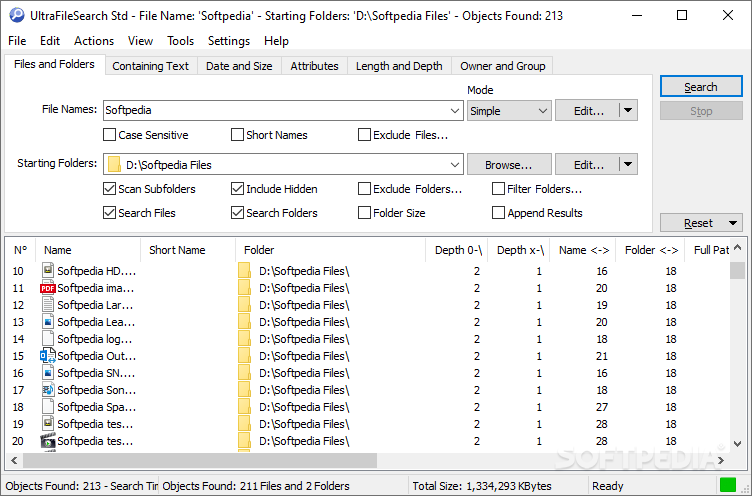
UltraFileSearch Std is a utility tool that enables you to perform a quick and extensive search on your files and folders. In case the search function provided by Windows doesn't do the trick for you anymore, then you can take a look at this tool.
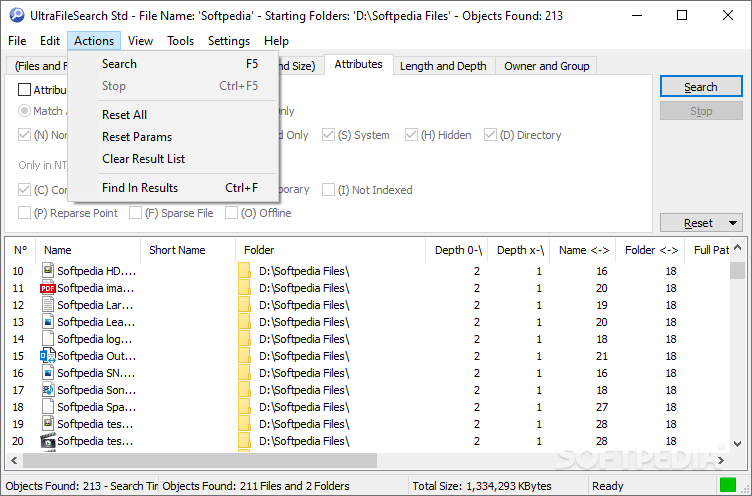
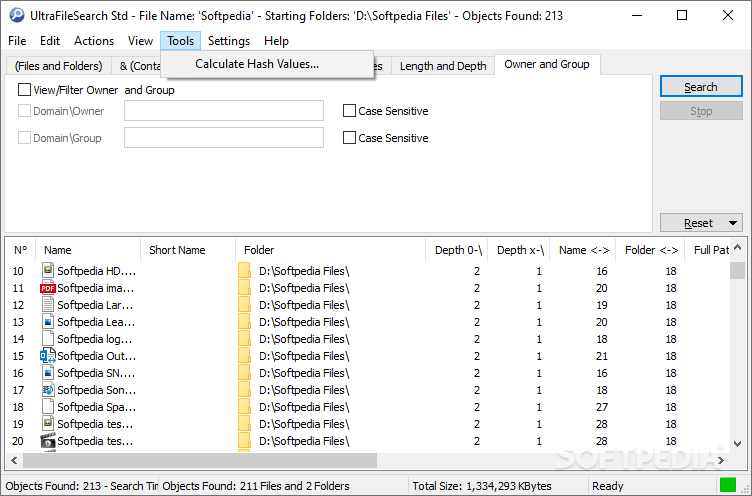
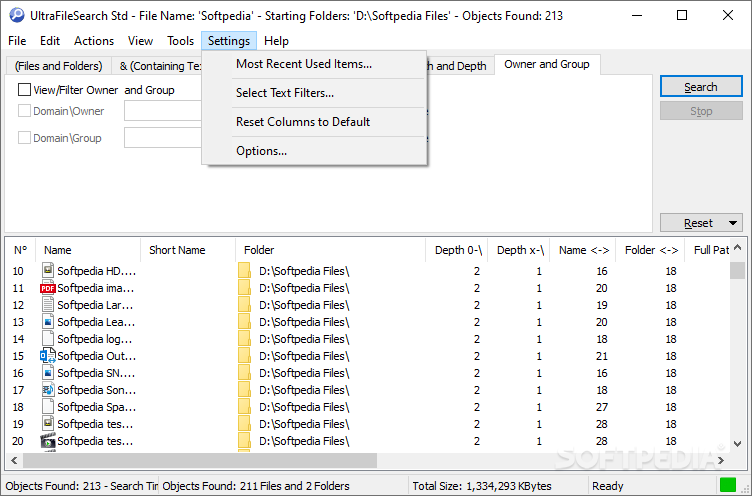
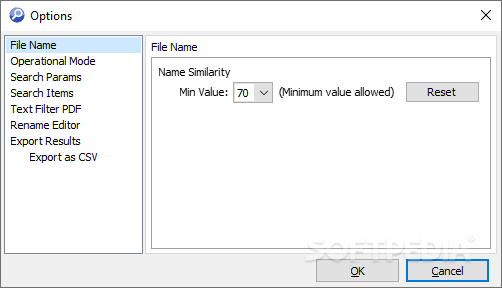
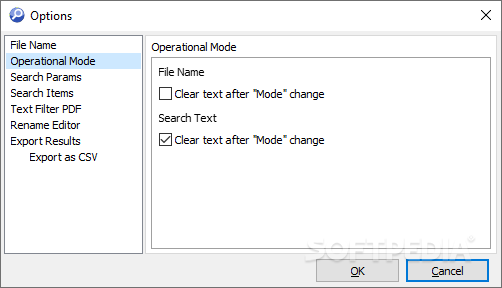
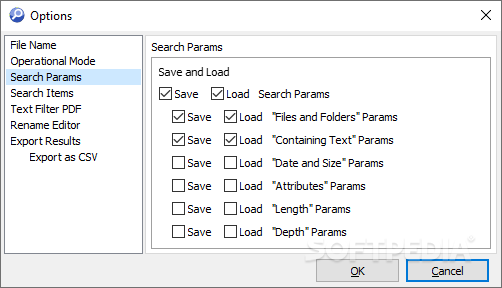
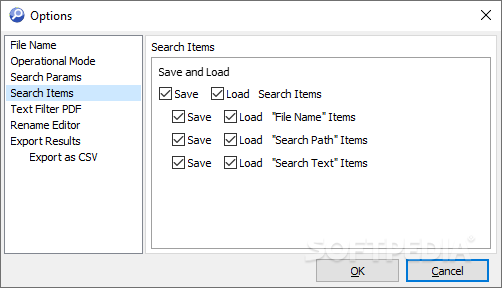
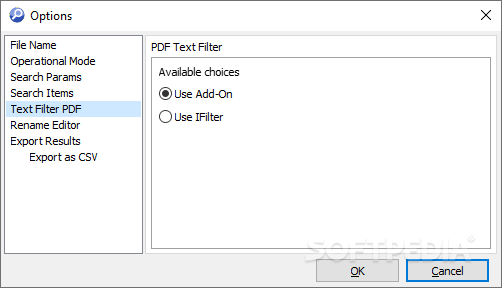
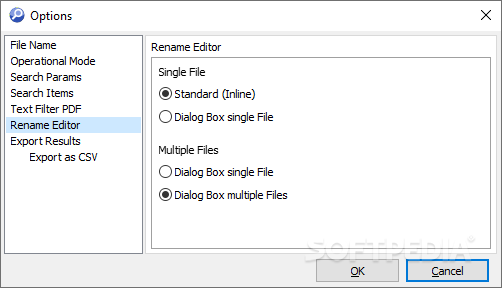
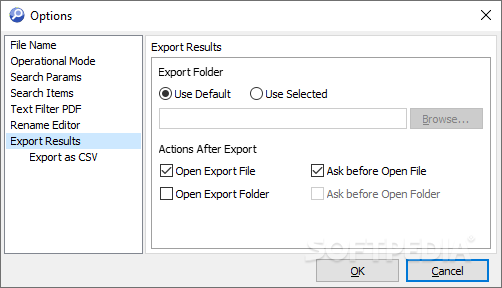
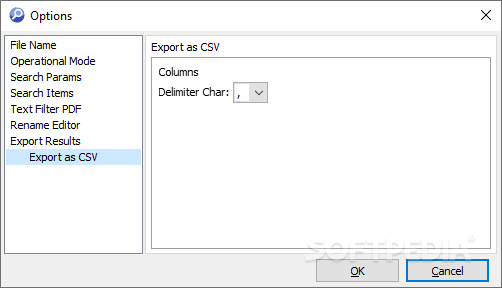
UltraFileSearch Std has a regular interface containing all the search criteria you can use to look for a specific file on your PC.
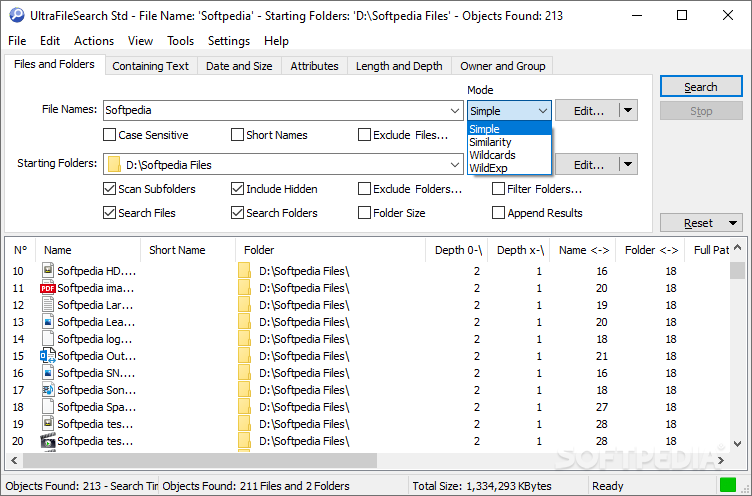
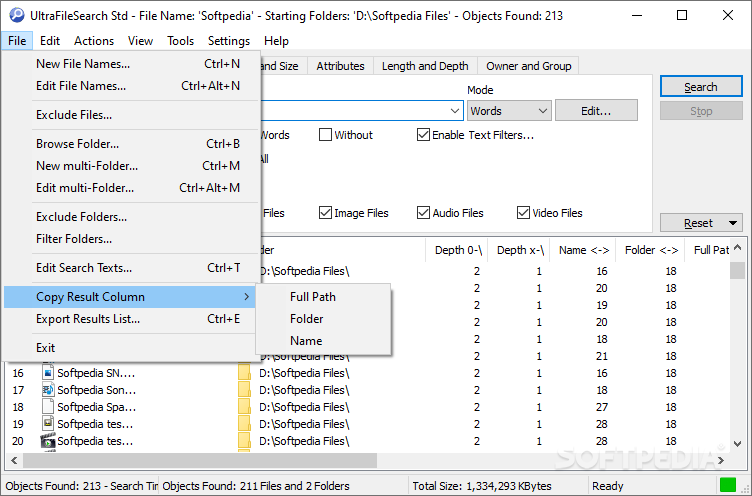
You can toggle between the simple and wildcard modes, set the starting folders, search in subfolders, include hidden folders, exclude and filter folders, as well as append results, view file and folder names. You can search for words or phrases (e.g. match any or all, whole words, case sensitive, without, use text filters), as well as skip hidden, system, image, audio and video files.
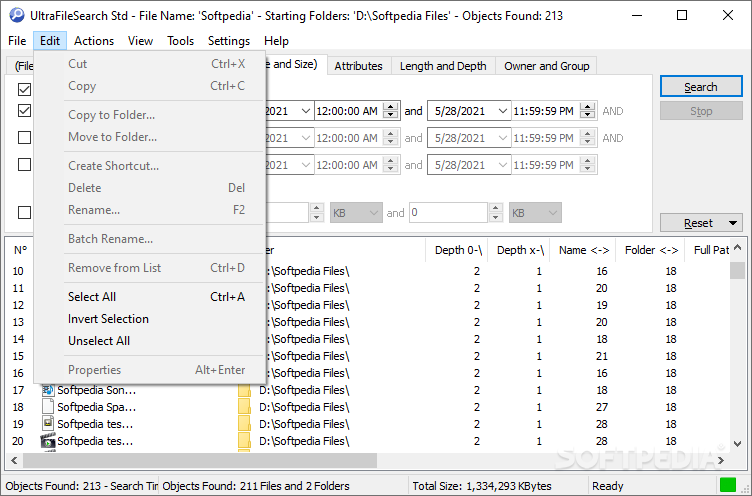
You can set date and time intervals when it comes to the creation, modification or last access of the respective item (optionally set margins for the size as well). Expert users would be happy to know they can configure advanced settings when it comes to attributes (e.g. normal, archive, read only, system, compressed).
The program uses a pretty low amount of system resources, considering the fact that it performs a thorough search. Results are quickly displayed and UltraFileSearch Std has a very good response time. Plus, you can check out a help file filled with technical terms.
To conclude, UltraFileSearch Std can look for files containing the specified string, created at a specific date, having a certain size, or matching a series of attributes, your choice. It can also be used for finding files with a long path or a large name. It is a very good application for refining your search regarding lost files and folders, and we strongly recommend it to all users.
What's new in UltraFileSearch Std 6.8.0.23327:
- You can set the File Size Unit to be used by choosing from various combinations of: Byte/KB/MB/GB, Thousands Separator, Decimal Portion and more.
- The Status Bar displays the number of Items selected in the Results List and their Total Size based on the chosen File Size Unit.
- By pressing the keyboard shortcut Shift+Delete you can delete the selected item without moving it to the Recycle Bin. (Requires double confirmation).
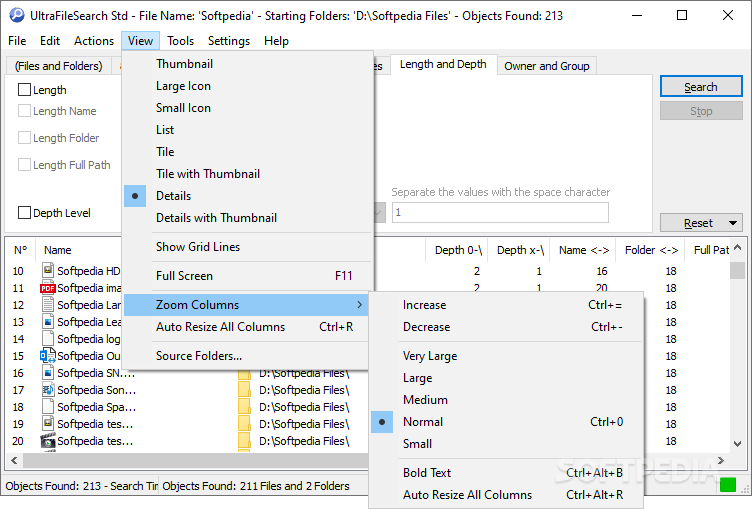
- From the View Menu, you can display a window Magnifier from 2x to 5x, Crosshairs from 1px to 3px, Inverted Colors and Smooth effect.
UltraFileSearch Std 6.8.0.23327
add to watchlist add to download basket send us an update REPORT- portable version
- UltraFileSearch Std Portable
- runs on:
-
Windows 11
Windows 10 32/64 bit
Windows 8 32/64 bit
Windows 7 32/64 bit
Windows Vista 32/64 bit
Windows XP 32/64 bit - file size:
- 4.2 MB
- filename:
- UltraFileSearchStd_680_Setup.exe
- main category:
- File managers
- developer:
- visit homepage
7-Zip

Bitdefender Antivirus Free

Zoom Client

Windows Sandbox Launcher

Context Menu Manager

IrfanView

ShareX

calibre

4k Video Downloader

Microsoft Teams

- calibre
- 4k Video Downloader
- Microsoft Teams
- 7-Zip
- Bitdefender Antivirus Free
- Zoom Client
- Windows Sandbox Launcher
- Context Menu Manager
- IrfanView
- ShareX