
Tabbed file manager with advanced features like file merging, splitting and shredding, wrapped up in a user-friendly graphical interface. #File manager #Manage file #File browser #Manager #Manager #Browser

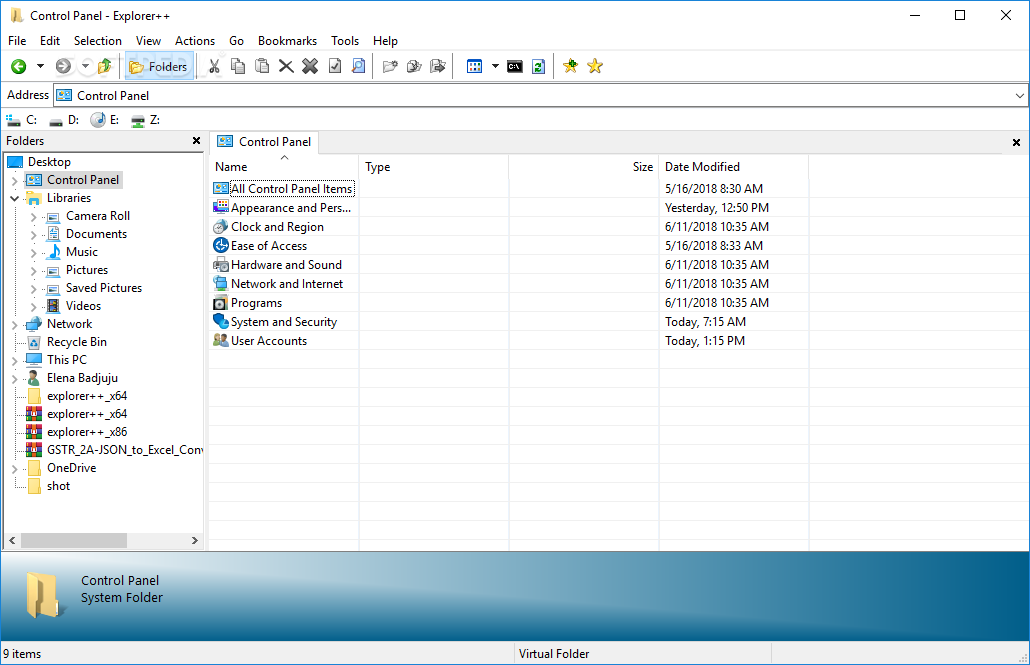
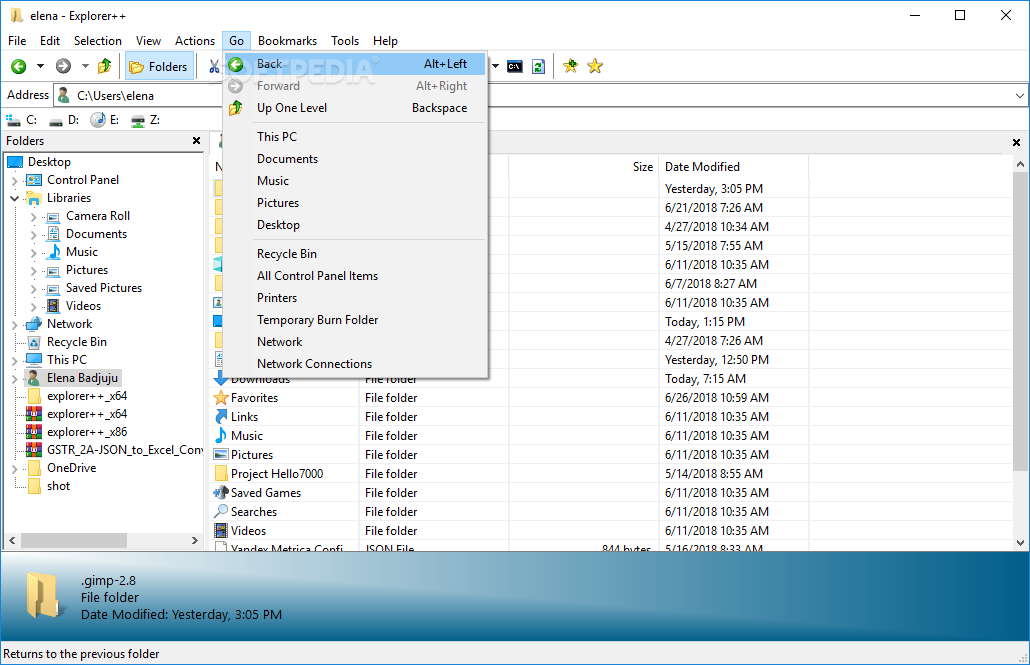
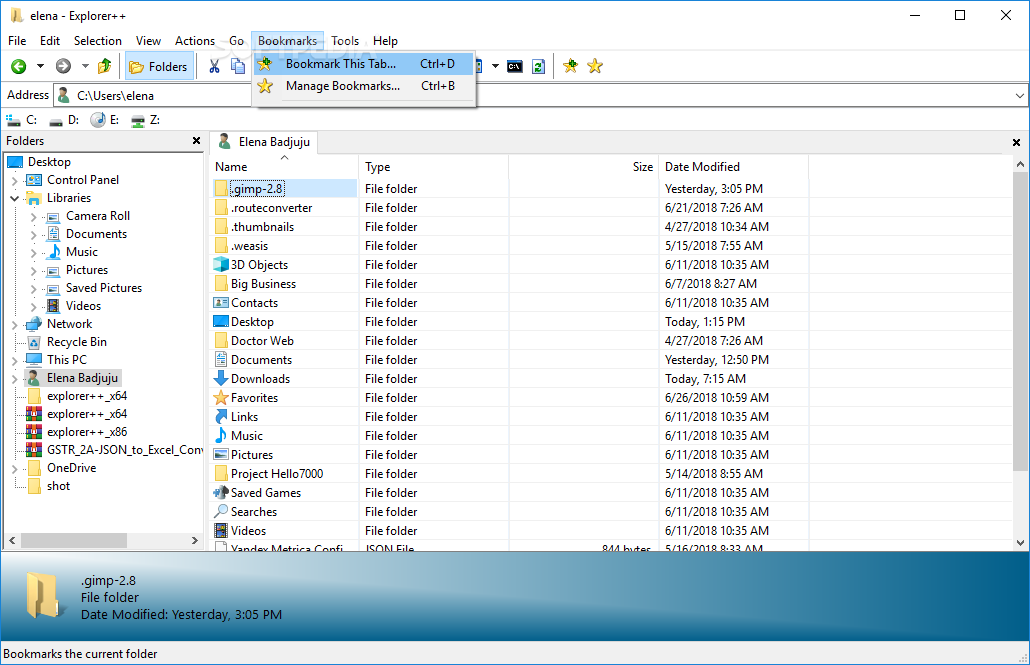
Explorer++ is a file managing system that supports multiple tabs, making it easy for you to navigate through your files and folders.
This is a portable software, so installing Explorer++ is not necessary. It means that you can place the tool on a removable drive and directly run its executable file on any computer. More importantly, there will be no changes made to your Windows registry keys.
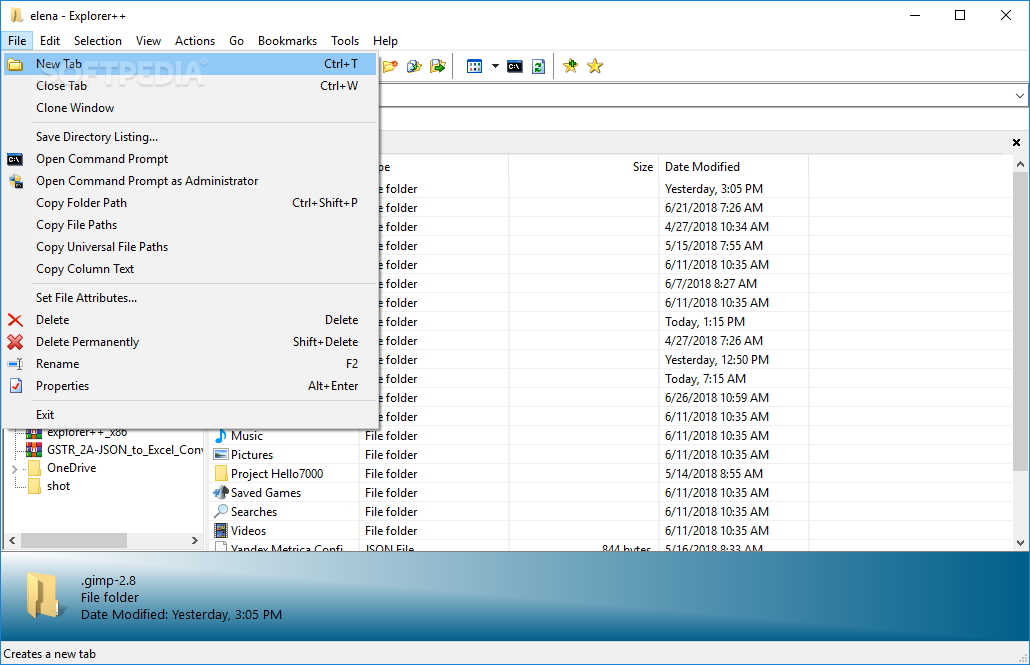
The interface of the file manager is familiar and intuitive. You can quickly open a new tab by using the Ctrl+T keyboard shortcuts (which is common for web browsers).
You can copy folder, file or universal file paths, change file attributes, save the file slack and resolve links.
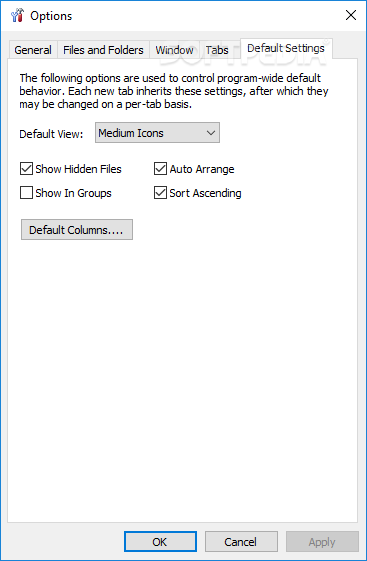
But you can also use the undo function, select items in wildcard mode, change the viewing mode (e.g. extra large icons, details), save the column layout as default and change the display window colors (center and surrounding colors).
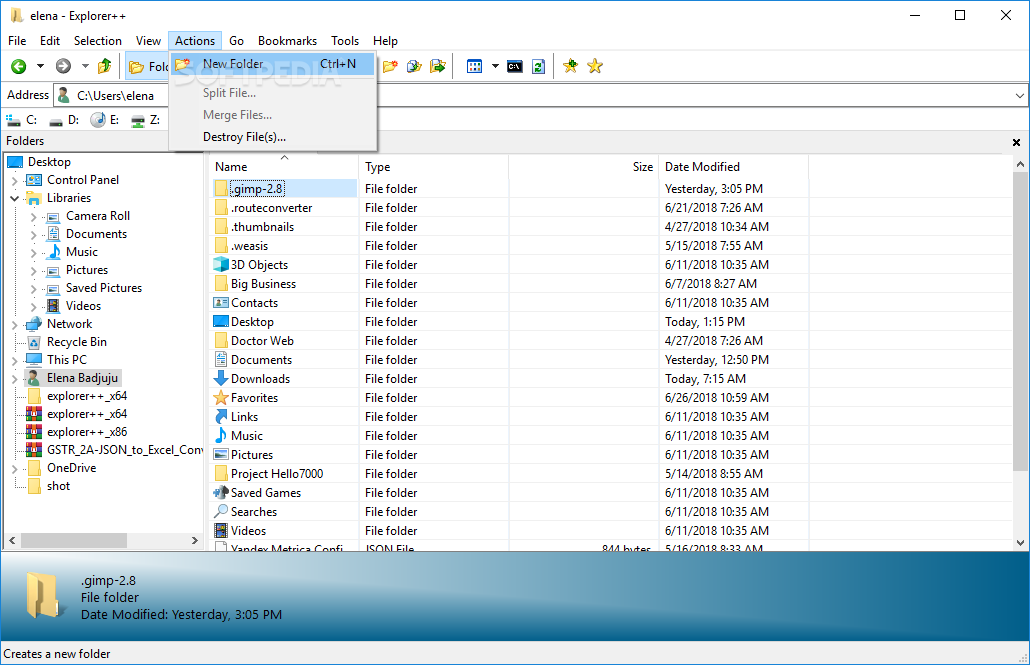
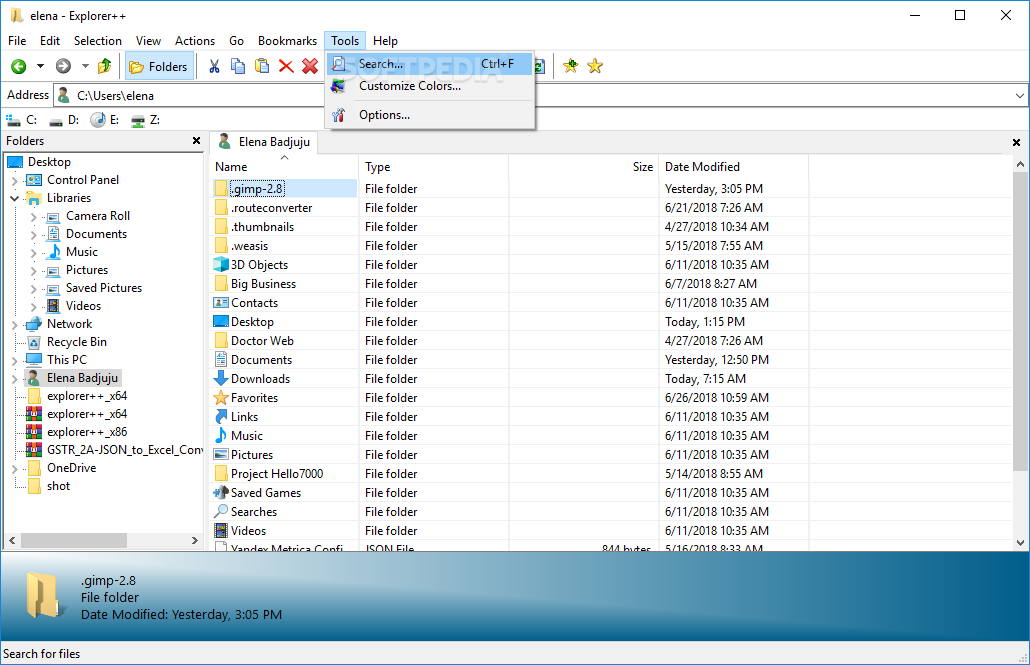
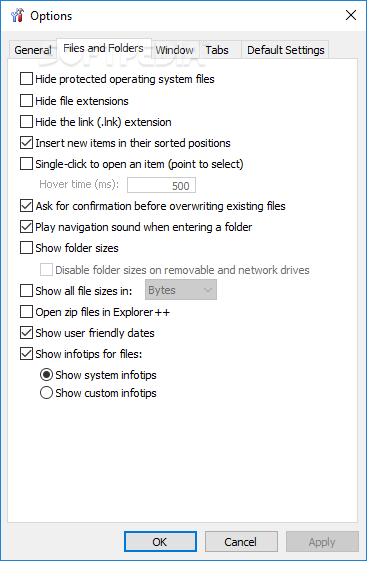
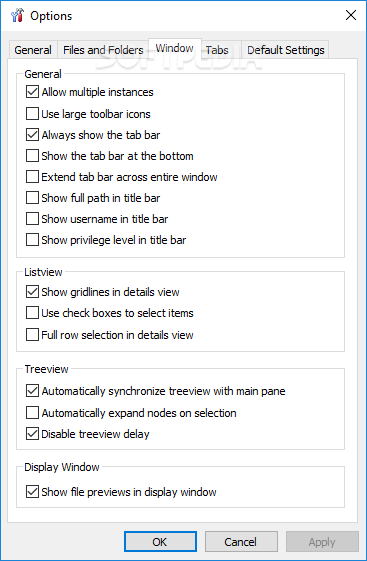
You can set filters, split, merge and shred files, create and organize bookmarks, use a search tool (e.g. by attributes, case insensitive, search subfolders, use regular expressions), customize colors, enable Explorer++ to replace Windows Explorer, hide file extensions, disable multiple instances, enable the tool to ask for confirmation before closing all tabs, and more.
Explorer++ uses a low-to-moderate amount of system resources and has a very good response time. No errors have popped up during our tests and the software didn't freeze or crash. Unfortunately, there is no help file available. Even so, we highly recommend Explorer++ to all user levels.
Explorer++ 1.4.0 / 1.5.0 Development
add to watchlist add to download basket send us an update REPORT- runs on:
-
Windows 11
Windows 10 32/64 bit
Windows 8 32/64 bit
Windows 7 32/64 bit
Windows Vista 32/64 bit
Windows XP 32/64 bit - file size:
- 613 KB
- filename:
- explorerpp_x64.zip




- main category:
- File managers
- developer:
- visit homepage
IrfanView

calibre

Context Menu Manager

Windows Sandbox Launcher

Zoom Client

Bitdefender Antivirus Free

4k Video Downloader

Microsoft Teams

7-Zip

ShareX

- Microsoft Teams
- 7-Zip
- ShareX
- IrfanView
- calibre
- Context Menu Manager
- Windows Sandbox Launcher
- Zoom Client
- Bitdefender Antivirus Free
- 4k Video Downloader