
Backup your discs, be they DVDs or Blu-ray discs, convert videos in batch mode without compromising on quality, create and rip DVDs with this application. #DVD to DVD #DVD to Mobile #Blu-ray to Blu-ray #DVD2DVD #DVD2Mobile #Blu-ray2Blu-ray

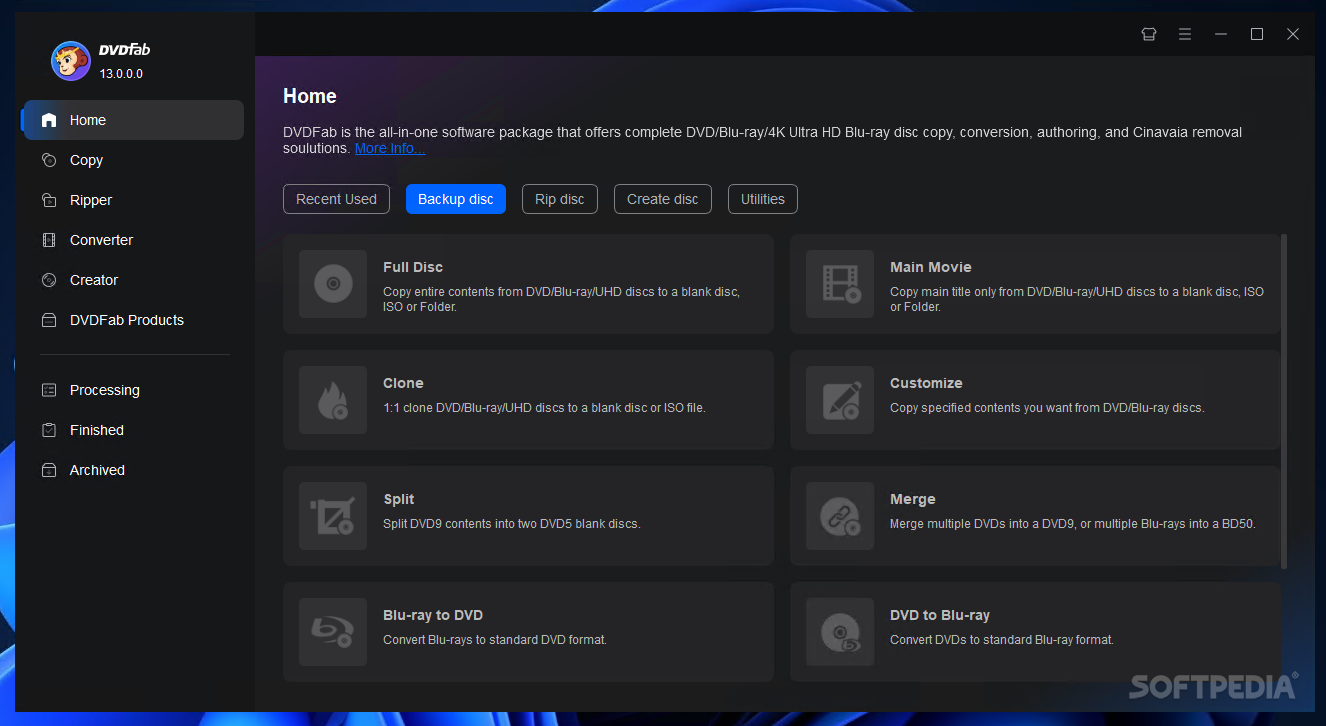
Packed with an impressive feature set, DVDFab is one of the top DVD copy and backup software applications available on the market. Highlights include DVD and video conversion, Blu-Ray decryption and DVD data recovery abilities. All of these, together with the DVD/Blu-Ray creation features make it one of the most versatile DVD management suites ever to meet its category.
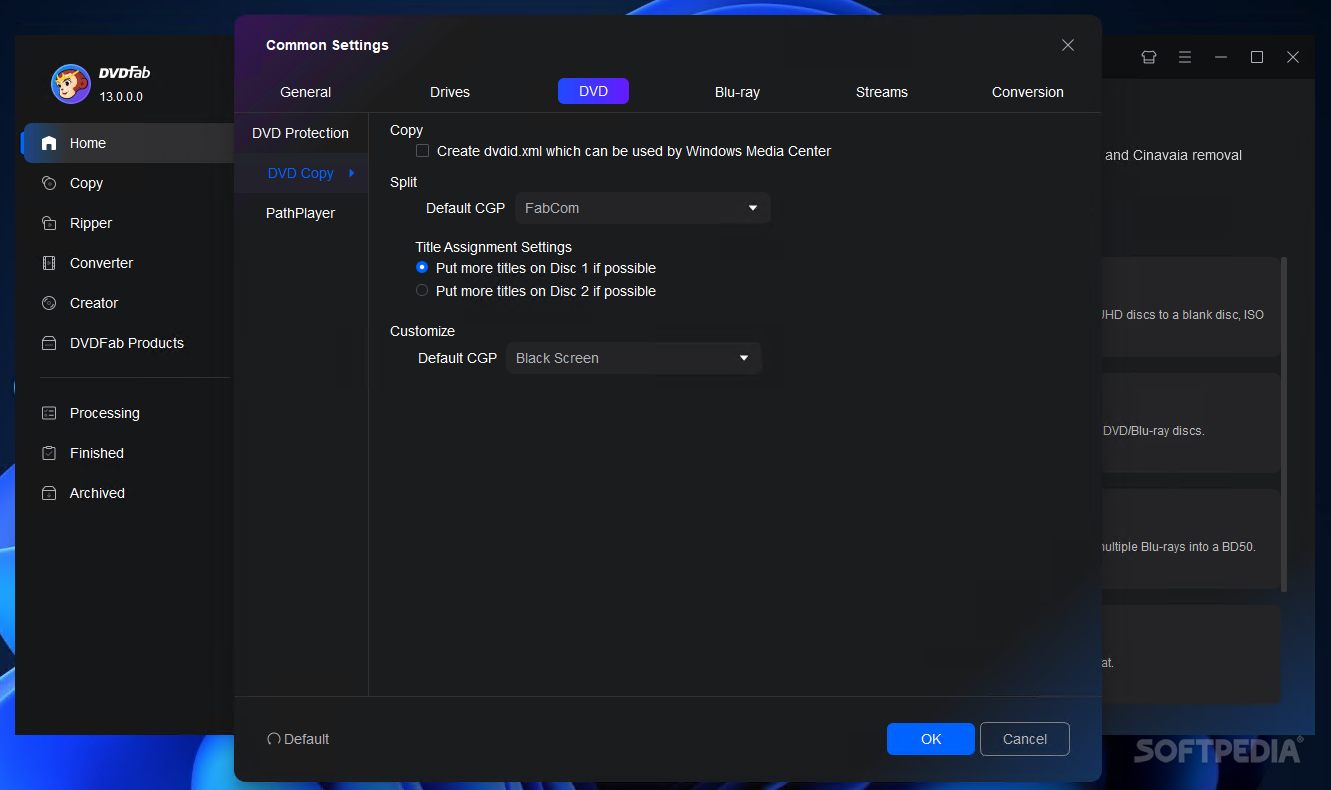
DVDFab also has the ability to compress dual-layer discs to single-layer; it splits titles belonging to a dual-layer disc or to two single-layer DVDs and allows to burn the images to recordable discs.
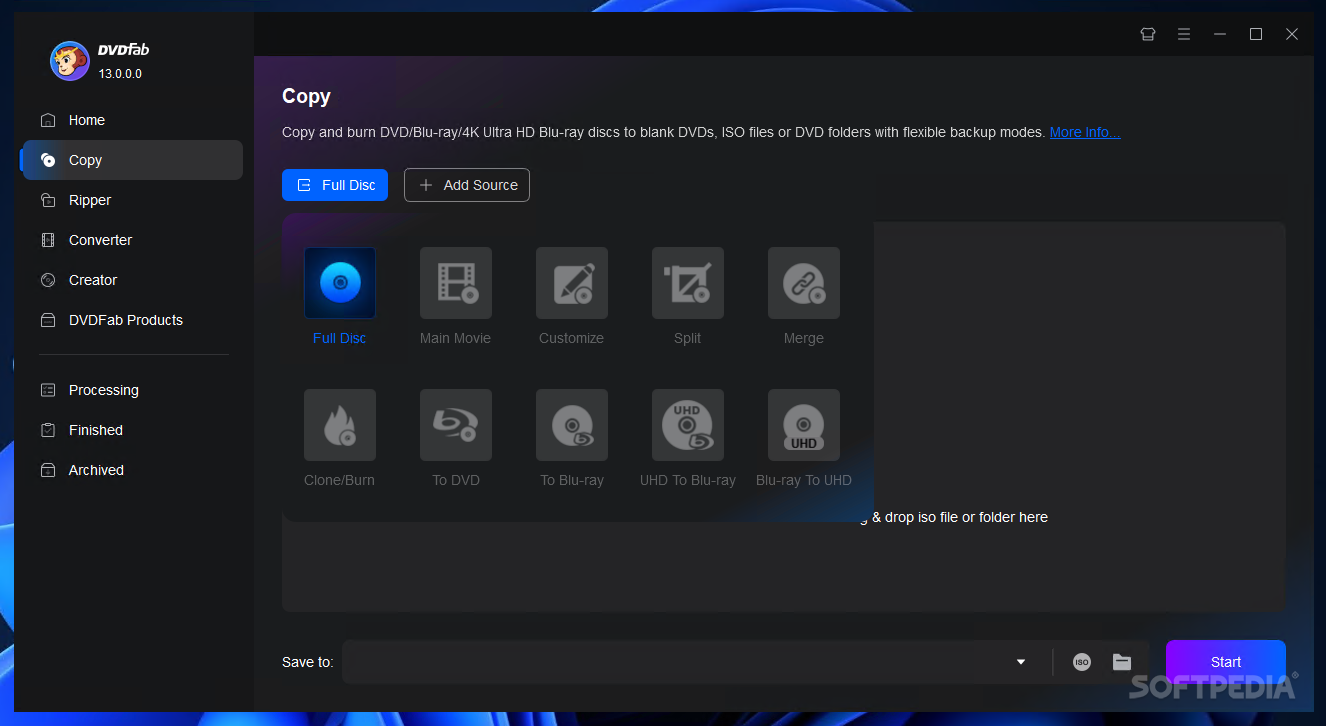
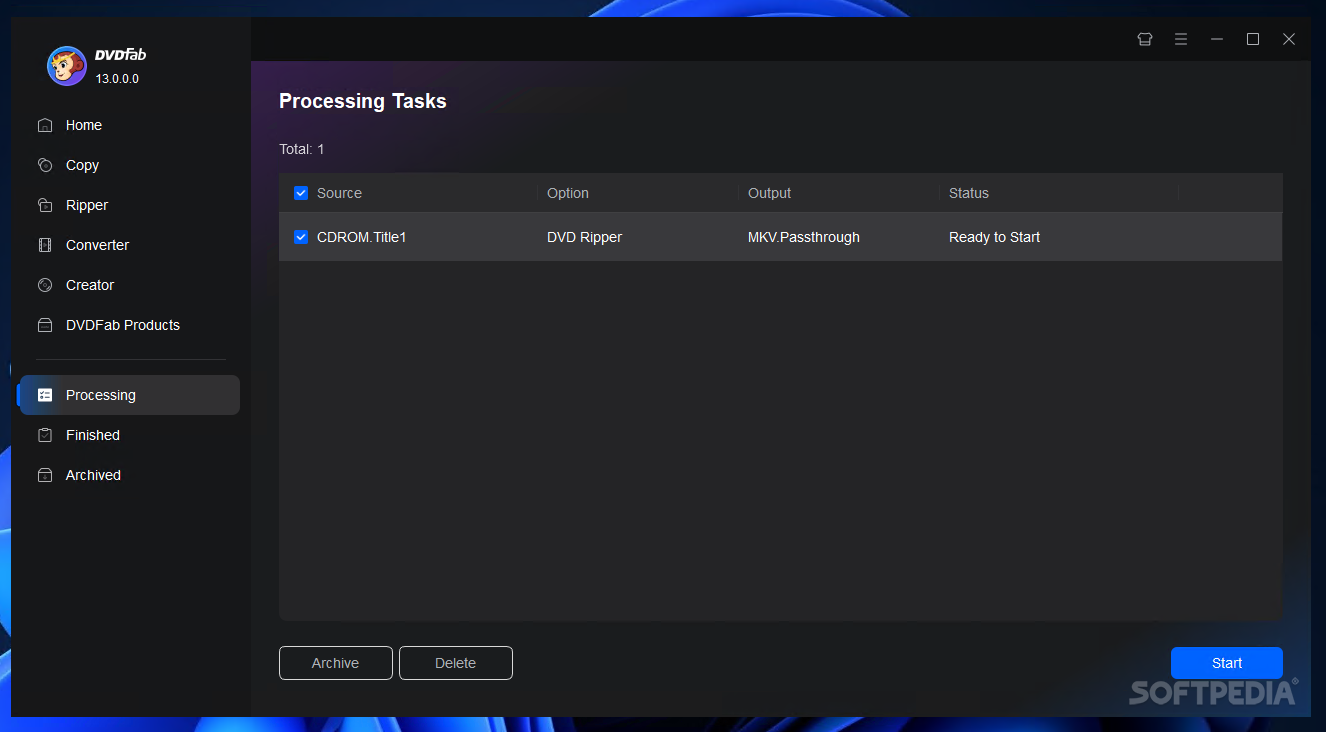
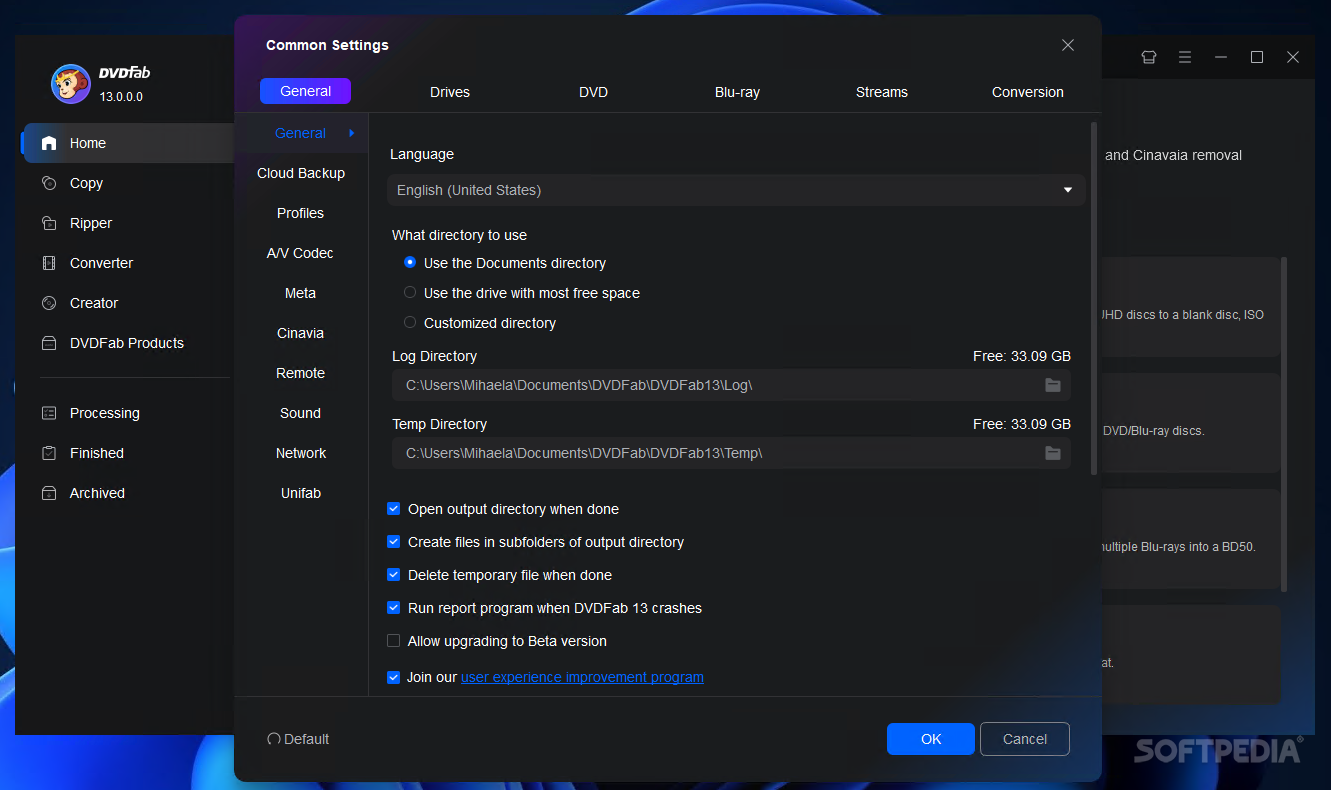
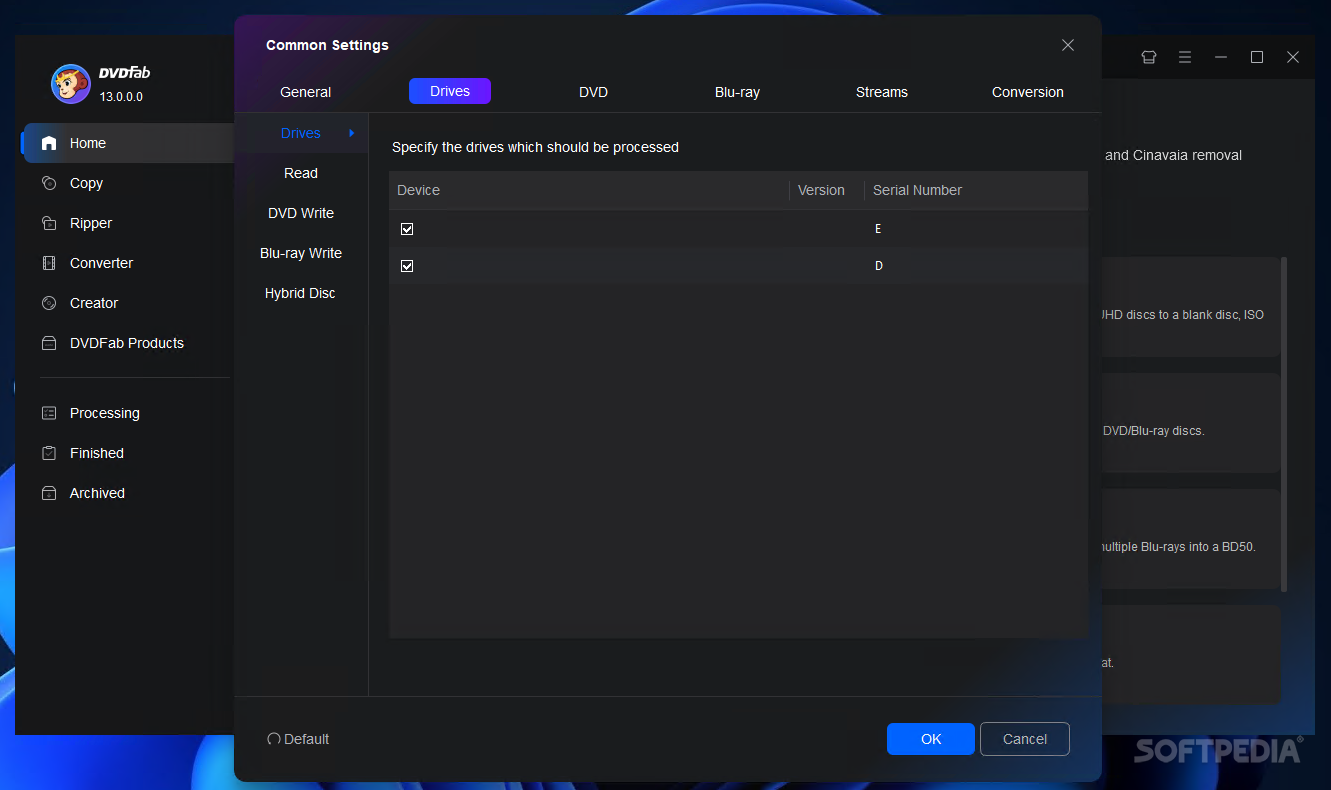
The installation process completes in less than a minute and requires a system restart in order to function properly. The interface of DVDFab is easy to understand and to navigate; the main options are displayed on the left side, while the panel on the right is reserved for selecting the source and target and additional conversion/copying settings.
One of the most important and appreciated features of DVDFab is the DVD copy utility, which allows you to rip/copy/burn DVD content to blank discs, all the while preserving the quality of the original files.
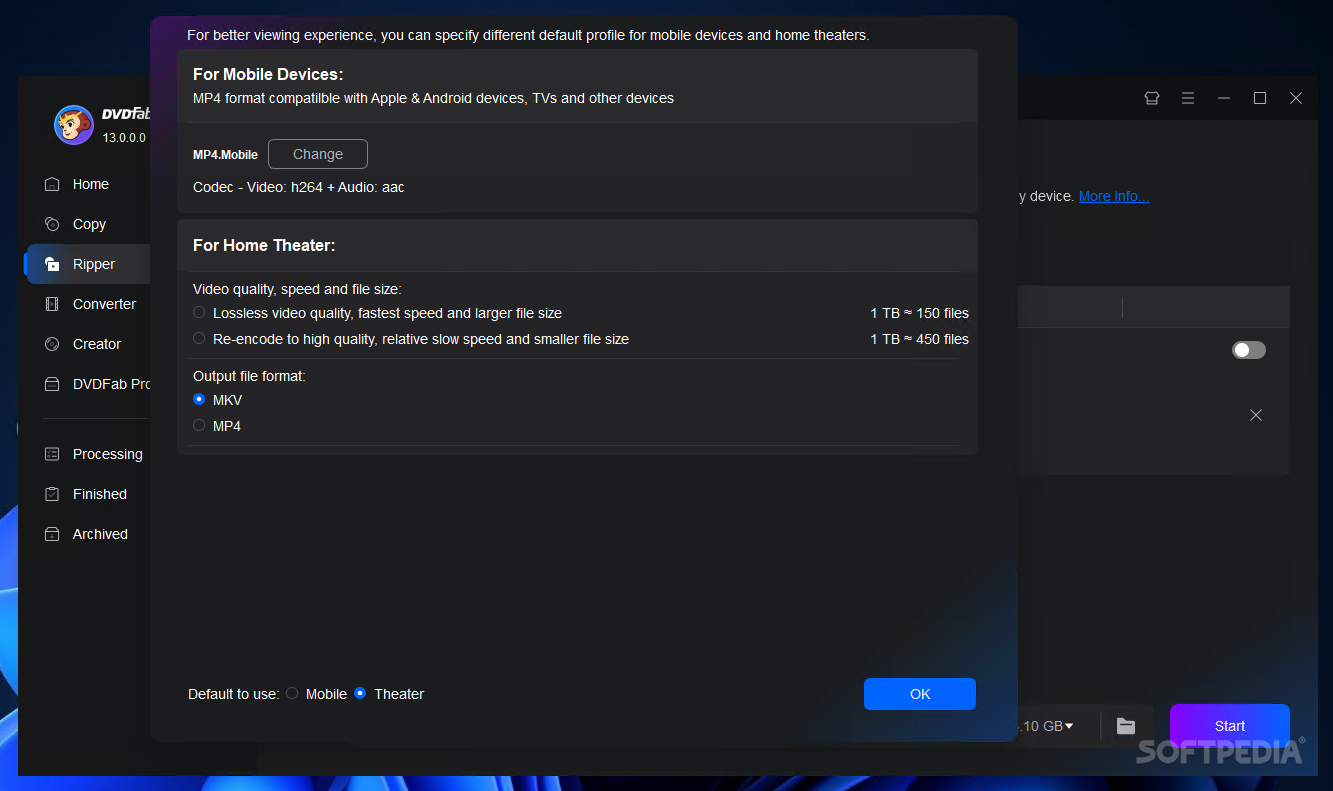
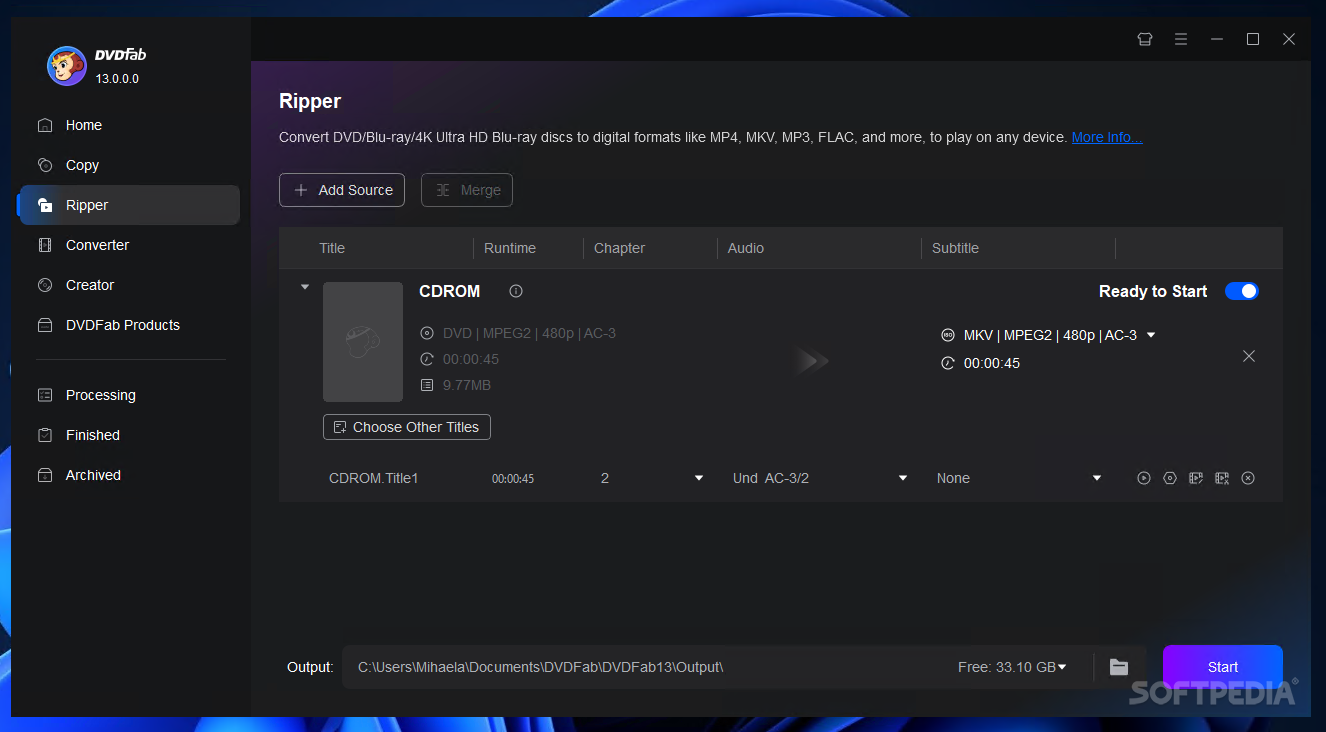
DVDFab also provides you with the means to rip DVDs to popular video/audio formats, thus allowing you to ready your media content for devices such as iPod, iPad, PS3 or Xbox.
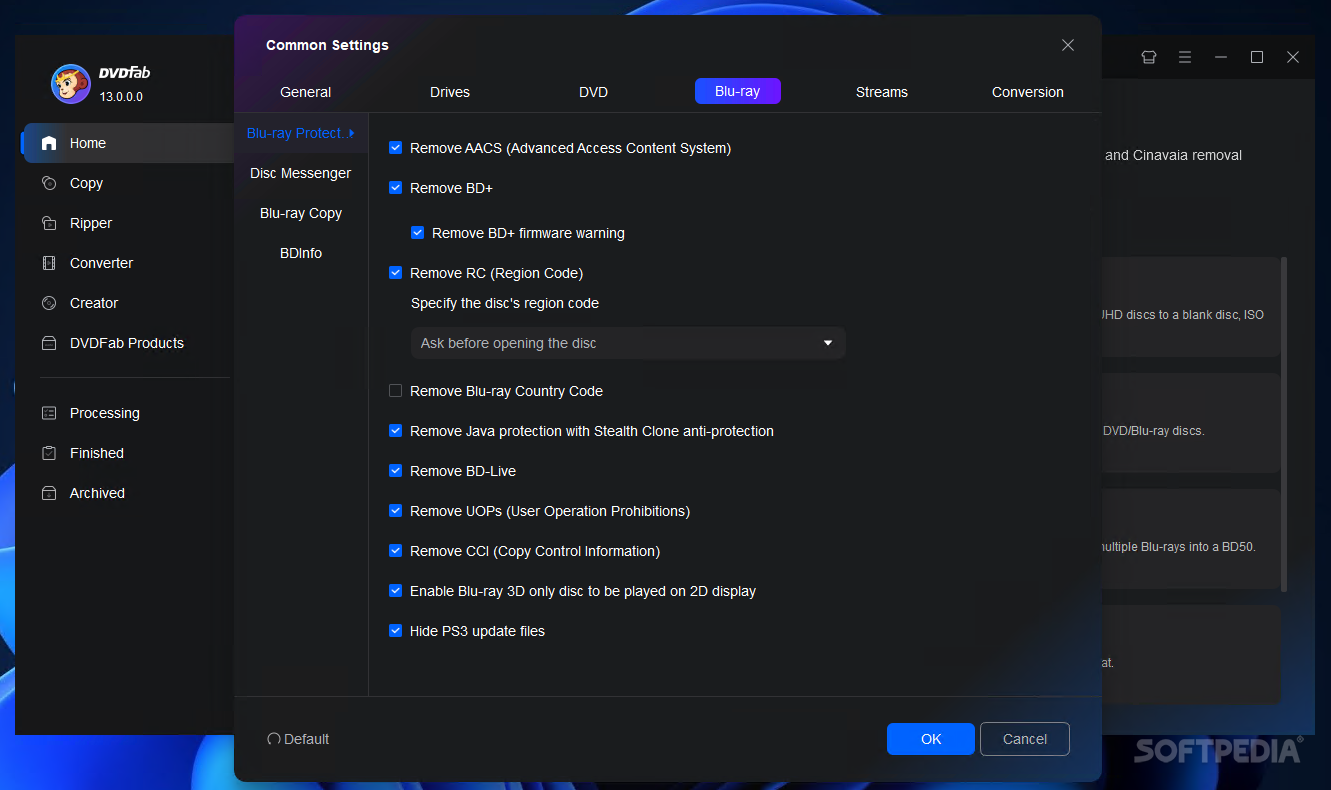
The application features quite a few for handling Blu-Ray files: one that allows to copy Blu-Rays to your hard drive (removing all the copy protections), a ripper that converts the files to formats playable on PS3/Xbox/iPhone/iPad (3D formats included), a Blu-Ray to DVD encoder and a Blu-Ray creator.
Aside from the DVD/Blu-Ray related capabilities, DVDFab also comes with an excellent and speedy video converter, which allows you to convert virtually all popular video formats to files playable on modern devices, such as the aforementioned ones.
In short, DVDFab’s set of features includes impressive abilities, such as CSS decryption, region code removal, rich format support and DVD restoration. The quality of the output files is amazing, no compromises are made whatsoever.
Download Hubs
DVDFab is part of these download collections: Rip DVD
DVDFab 13.0.1.6
 Softpedia Editor's Pick
add to watchlist
add to download basket
send us an update
REPORT
Softpedia Editor's Pick
add to watchlist
add to download basket
send us an update
REPORT
- runs on:
-
Windows 11
Windows 10 32/64 bit
Windows 8 32/64 bit
Windows 7 32/64 bit - file size:
- 7.7 MB
- filename:
- DVDFab9245.exe
- main category:
- CD / DVD / Blu-ray Tools
- developer:
- visit homepage
ShareX

Bitdefender Antivirus Free

7-Zip

Windows Sandbox Launcher

Zoom Client

Microsoft Teams

Context Menu Manager

4k Video Downloader

calibre

IrfanView

- 4k Video Downloader
- calibre
- IrfanView
- ShareX
- Bitdefender Antivirus Free
- 7-Zip
- Windows Sandbox Launcher
- Zoom Client
- Microsoft Teams
- Context Menu Manager