
An enhanced version of Chrome that offers support for cloud saving options, mouse gestures, super drag, download tools included in the context menu, and improved bookmarks. #Enhanced Chrome #Chromium browser #Internet browser #Chrome #Chromium #Browser

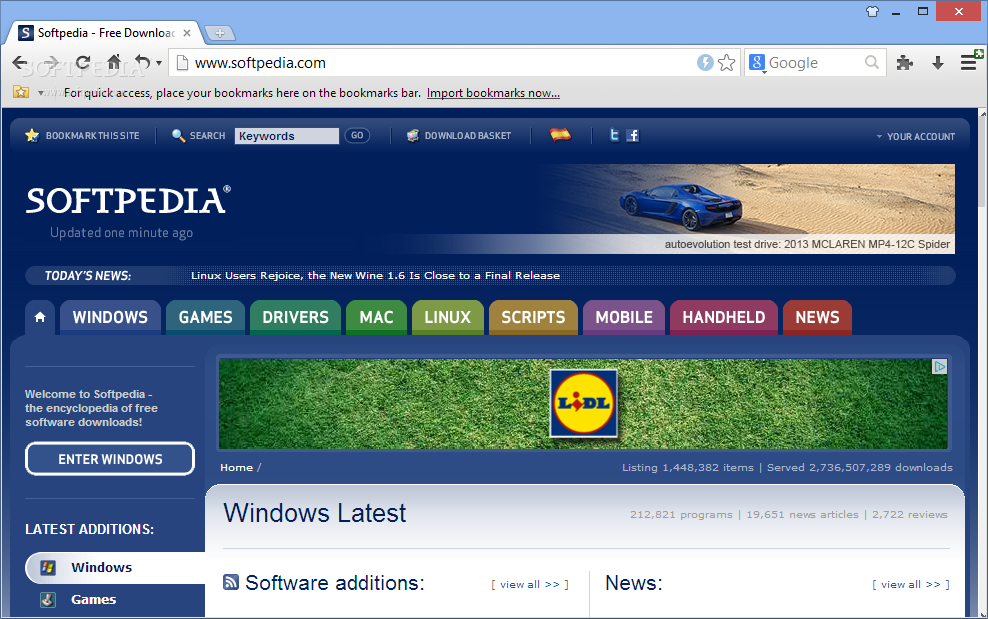
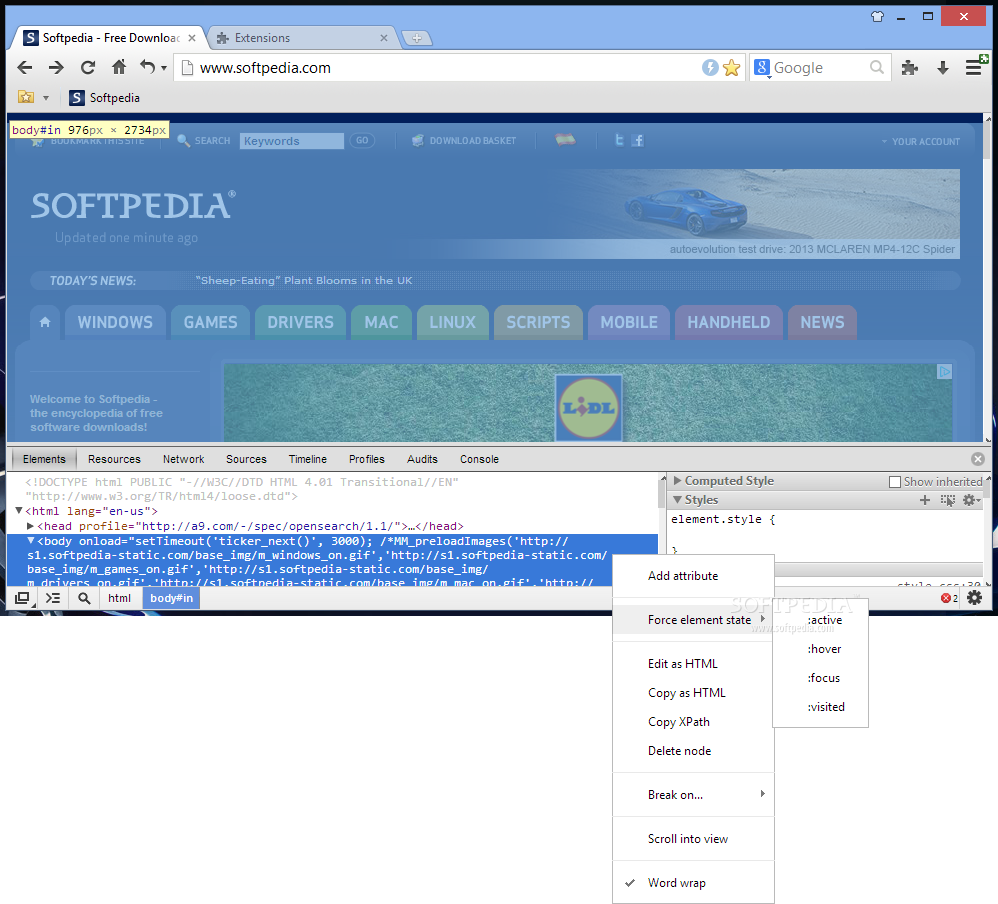
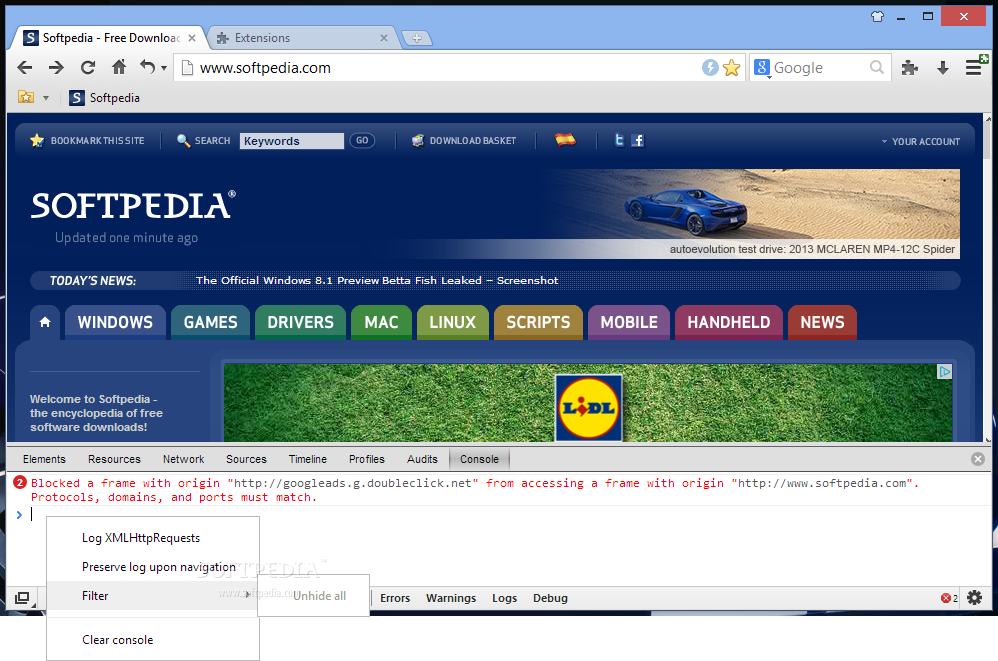
Formerly known as ChromePlus, CoolNovo is an enhanced version of the Chrome web browser that bundles a few very welcomed extra features, such as mouse gestures, super drag, and an improved download manager.
The simple installation procedure is followed by a starting guide, a sort of tutorial that walks you through the special abilities of CoolNovo. The explanations are accompanied by pictures, so you can easily identify the functions later on.
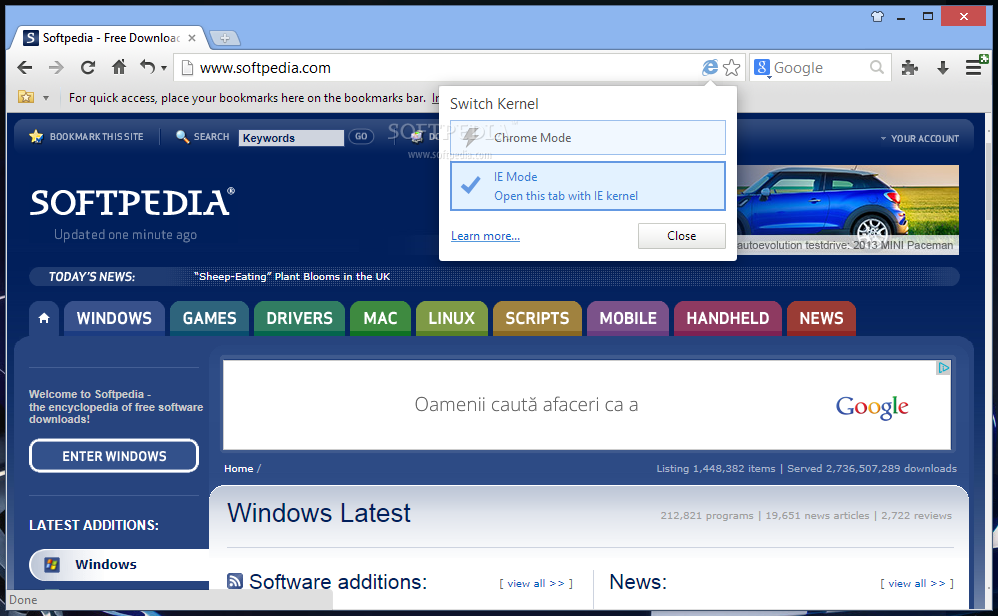
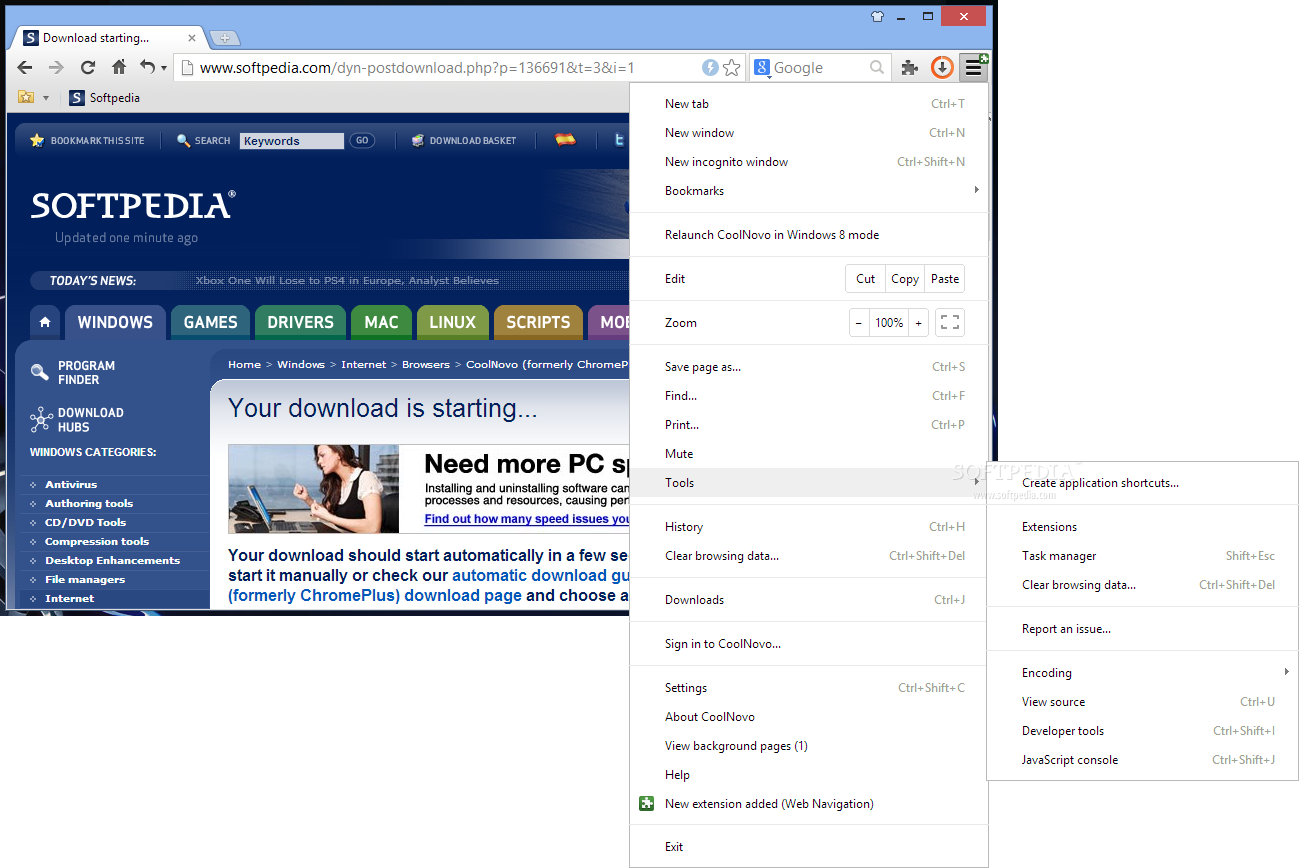
Truth be told, CoolNovo does sport a few outstanding features. For instance, you can switch to Internet Explorer mode when you access websites which do not support Chrome, restore closed tabs with the click of a button in the toolbar, and save your configuration data to the servers in the cloud in order to synchronize it with other computers.
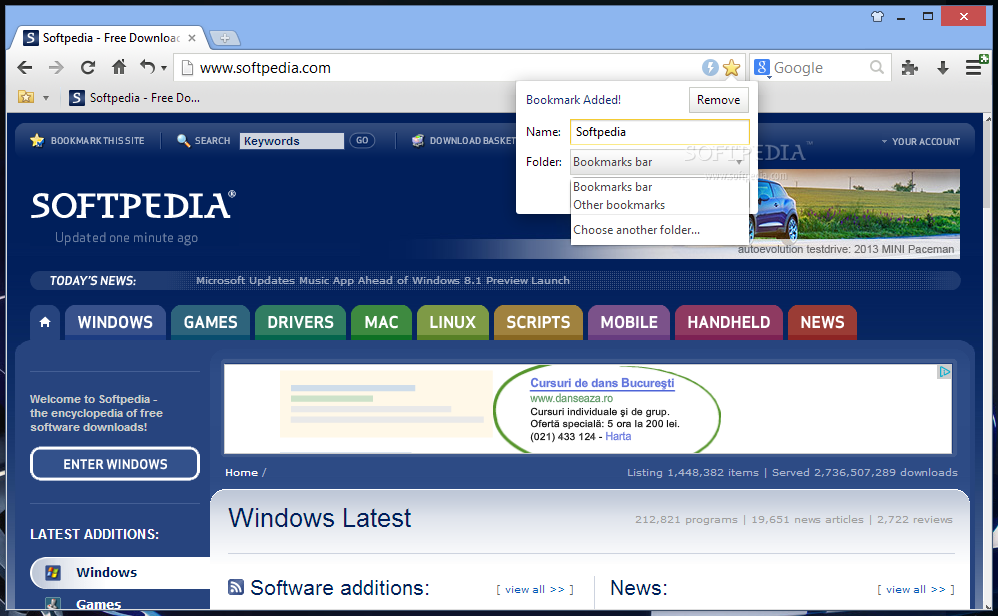
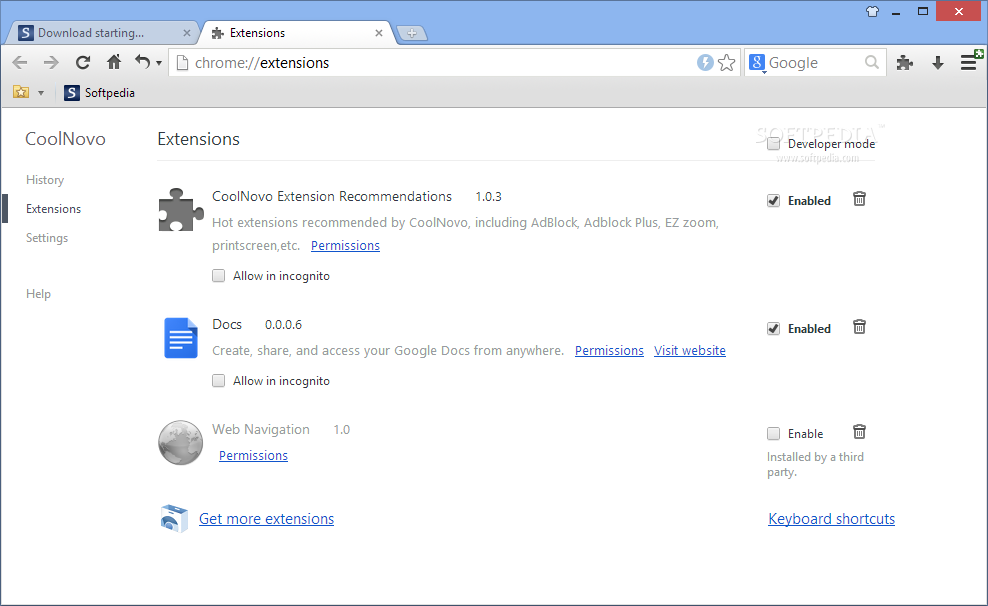
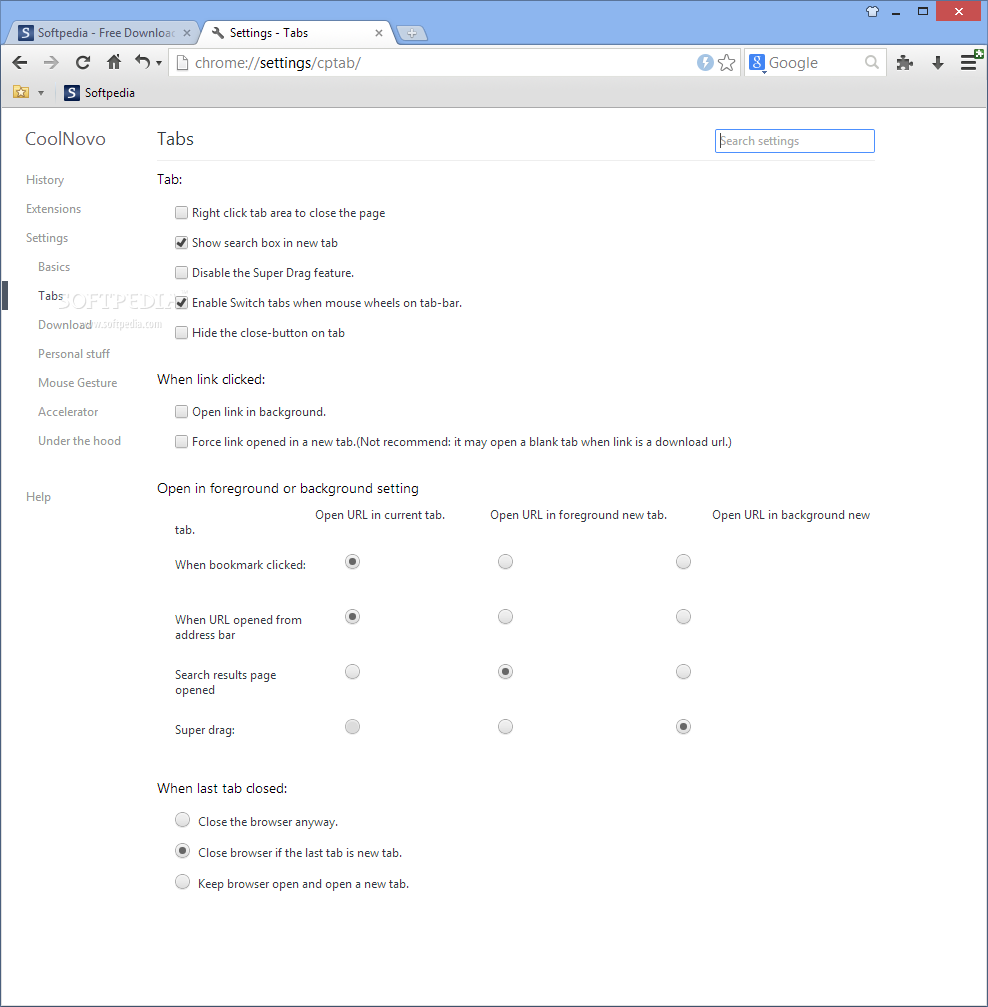
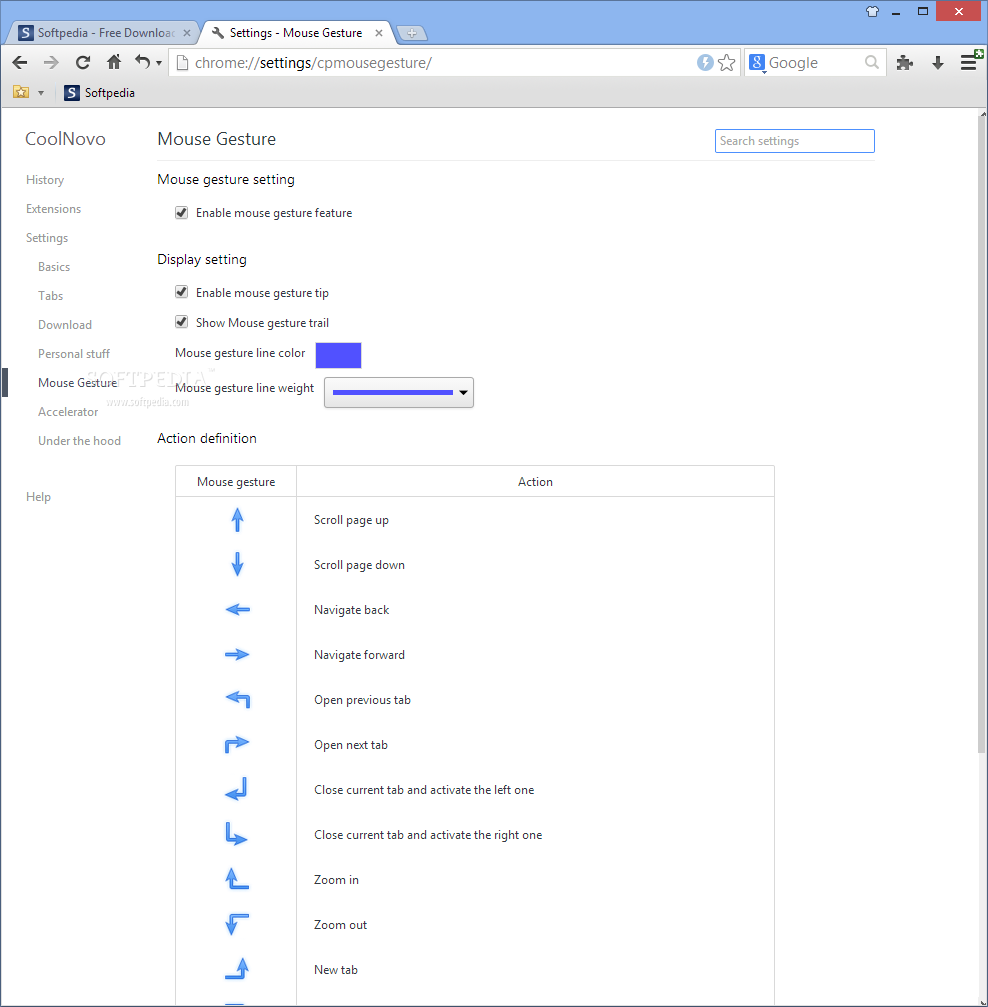
CoolNovo comes with mouse gestures (e.g. scroll page up and down, open previous or next tab, navigate back and forward, reload current or all tabs, stop loading, new homepage tab), super drag (drag and open a page in foreground of background), download tools supported in the context menu, enhanced bookmarks, as well as the ability to double click or right click the tab area to close the page.
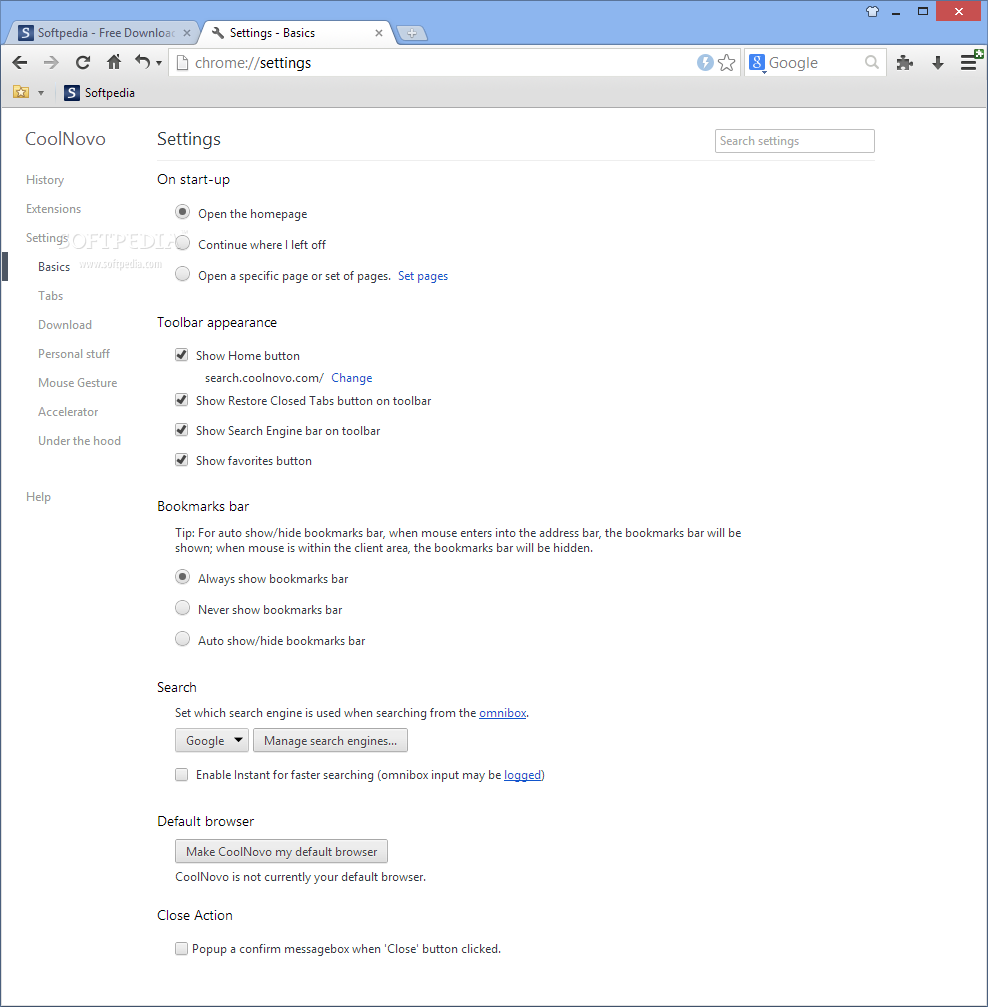
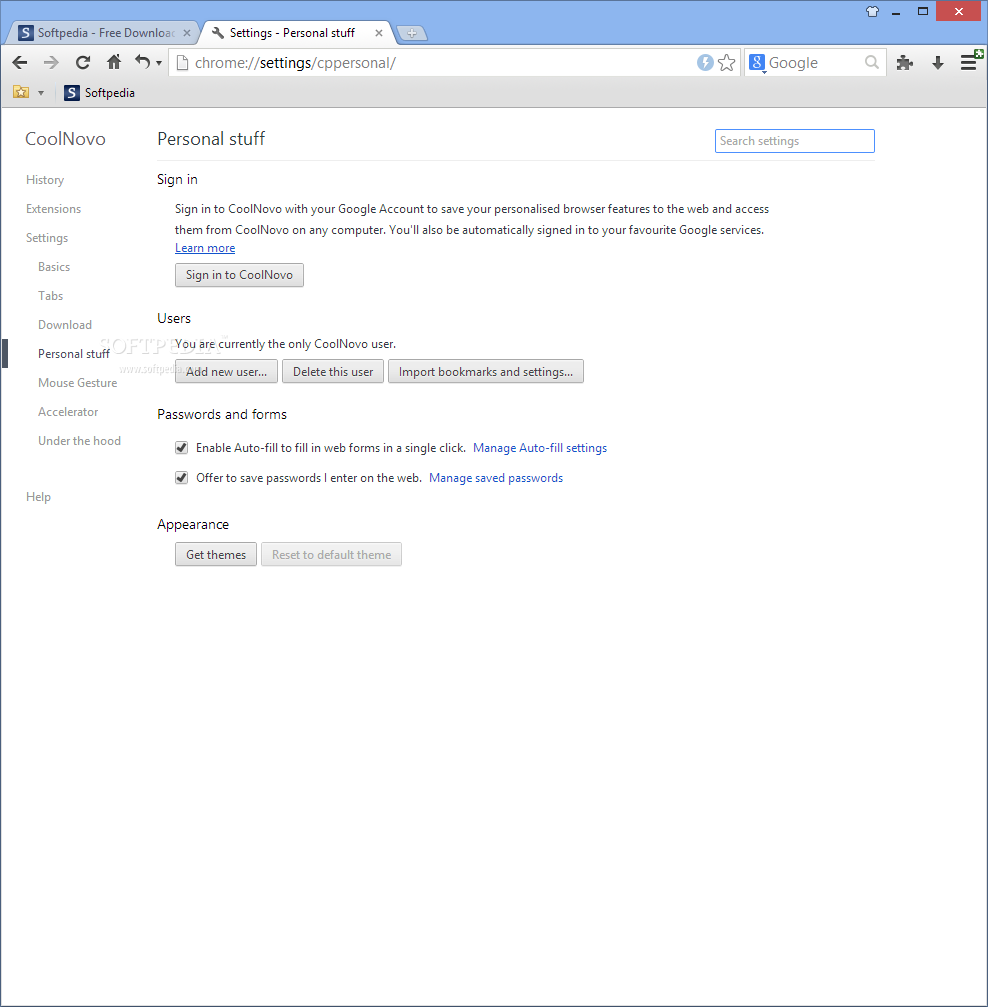
You can configure tabs, mouse gestures, the bookmarks bar, downloads, privacy data, IE tab settings, Adblock and the accelerator from the Options section of the application.
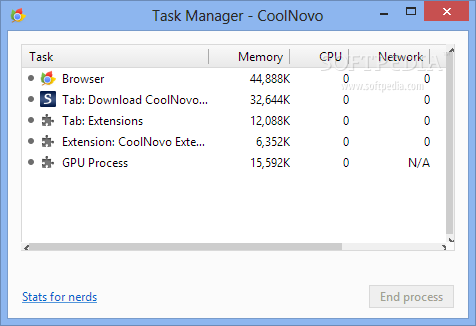
CoolNovo is extremely fast, and it uses a lesser amount of system resources than Chrome does. Switching to IE mode is very simple, and mouse gestures are practical, although you need some time to get used to them.
In conclusion, CoolNovo is an enhanced version of Chrome, one that makes browsing easier and more comfortable. By providing all of the aforementioned features, it’s safe to say that CoolNovo represents serious competition for Google’s browser.
CoolNovo (formerly ChromePlus) 2.0.9.20
add to watchlist add to download basket send us an update REPORT- runs on:
-
Windows 10 32/64 bit
Windows 2008
Windows 2003
Windows 8 32/64 bit
Windows 7 32/64 bit
Windows Vista 32/64 bit
Windows XP 32/64 bit - file size:
- 38.6 MB
- filename:
- CoolNovo2.0.9.20.exe





- main category:
- Internet
- developer:
- visit homepage
Zoom Client

Windows Sandbox Launcher

ShareX

Bitdefender Antivirus Free

IrfanView

4k Video Downloader

Context Menu Manager

7-Zip

Microsoft Teams

calibre

- 7-Zip
- Microsoft Teams
- calibre
- Zoom Client
- Windows Sandbox Launcher
- ShareX
- Bitdefender Antivirus Free
- IrfanView
- 4k Video Downloader
- Context Menu Manager