
Manage the files and apps on your computer through this intuitive tool, designed to grant users more immediate access to their important data #App Launcher #File Finder #Cloud Integration #Launcher #Finder #Integration

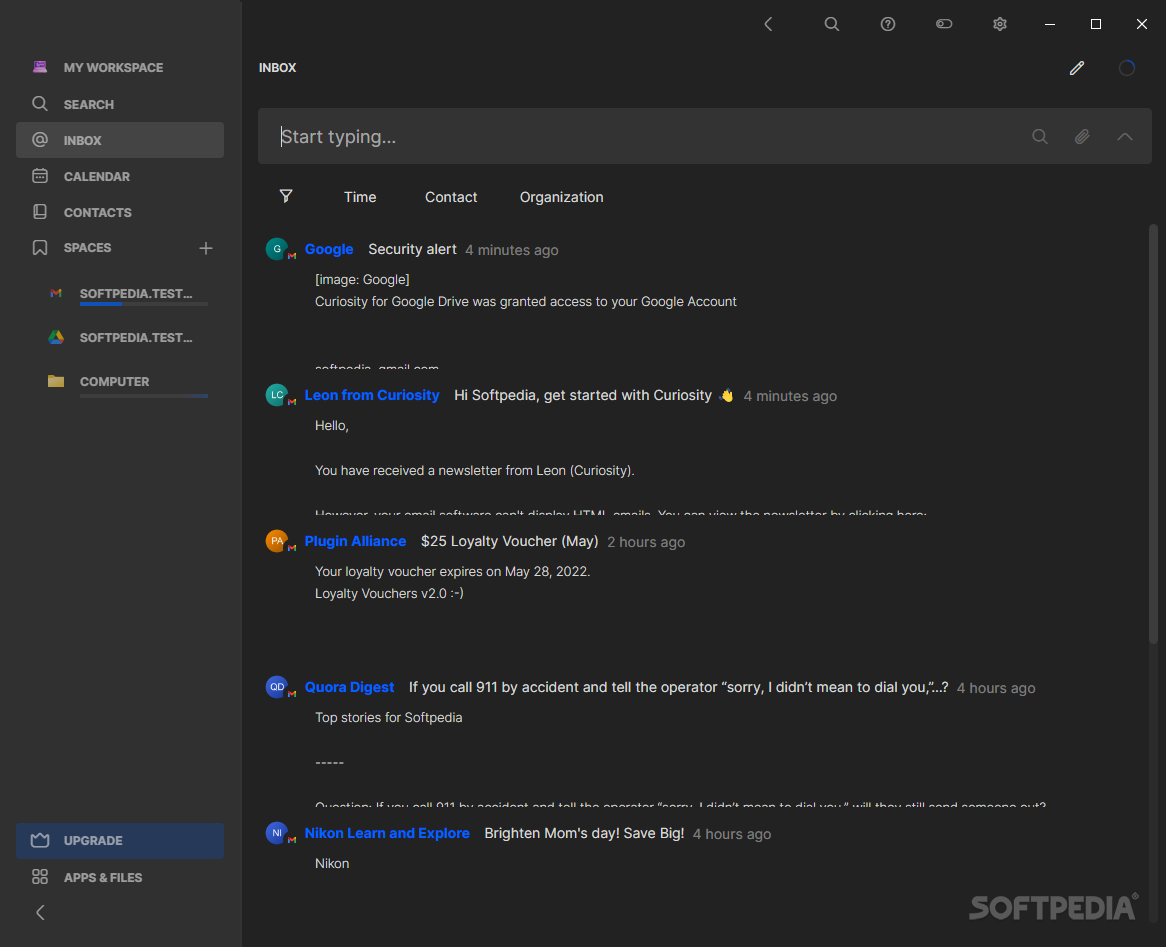
We all have a few apps and services we use more than others, likewise for files and other such content on one's system: the idea is that everyone has some kind of content they prioritize on their machine. Launchers work well to reduce some of that clutter, as they help users get to what they want quicker.
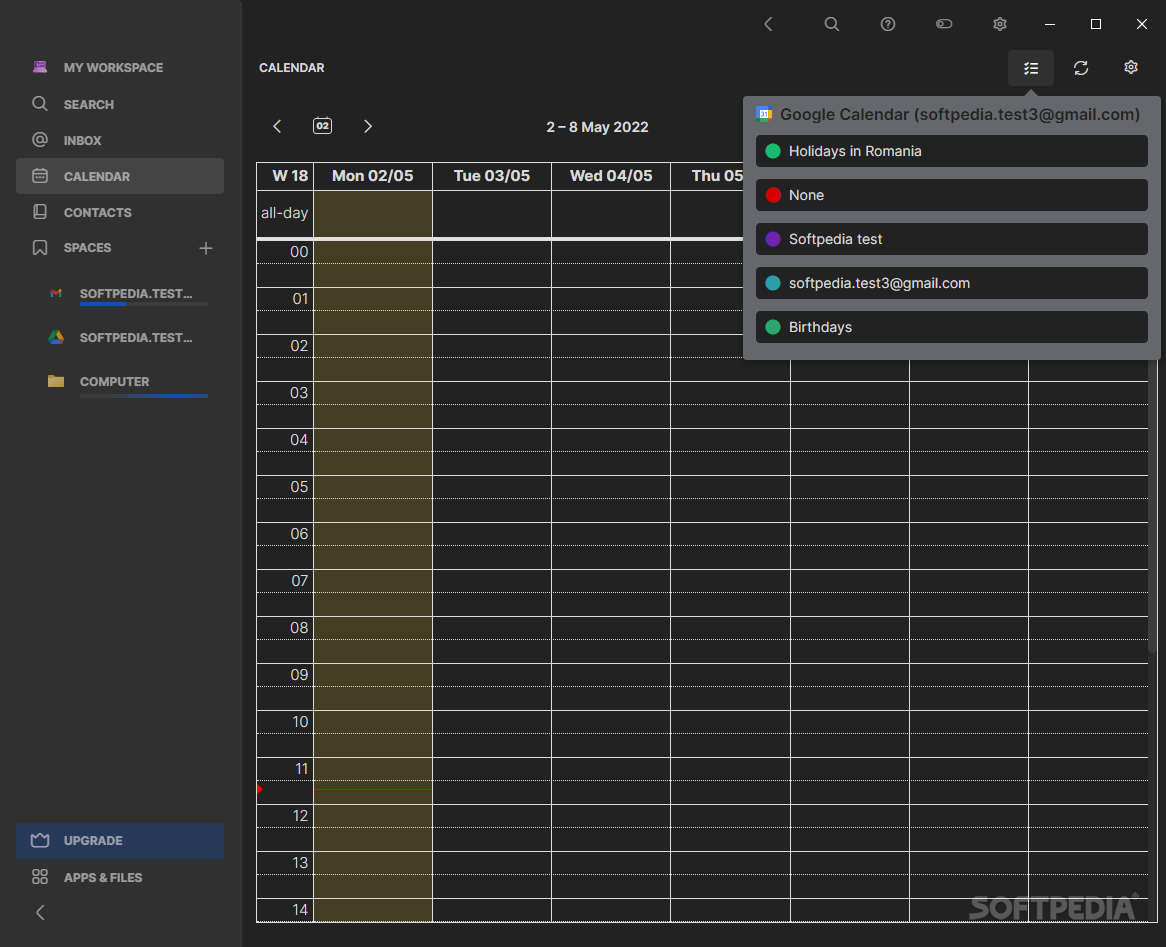
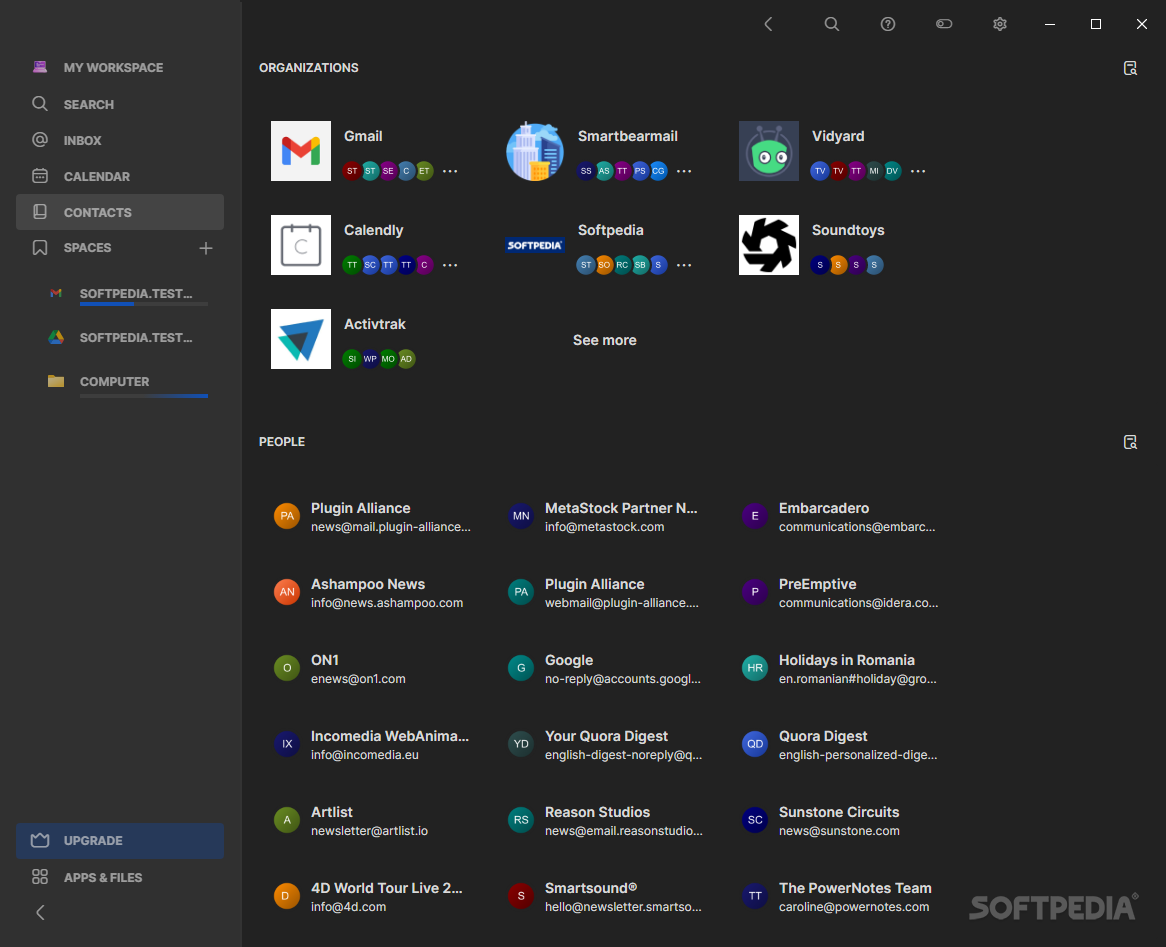
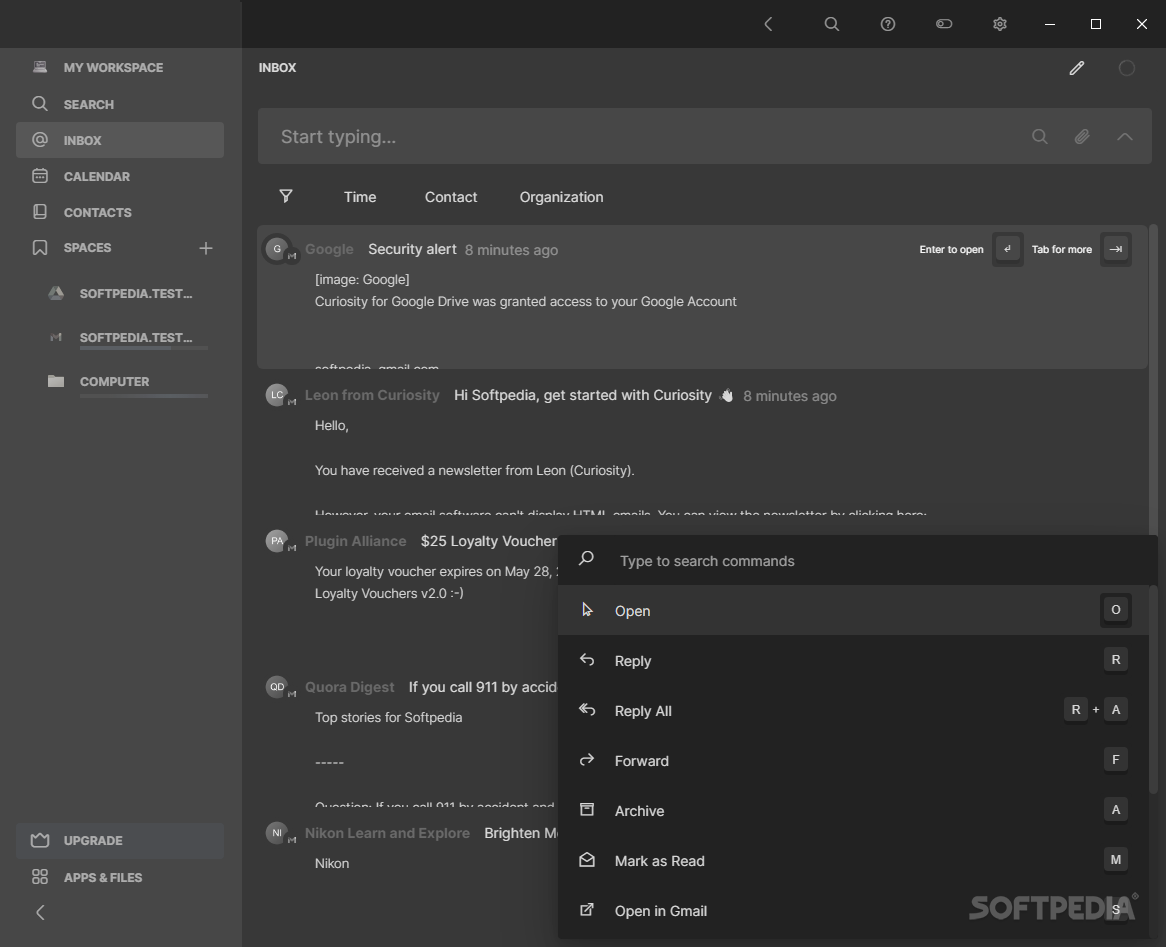
Couple that with several service integration capabilities, and you have Curiosity, a tool designed to be a one-stop shop for the user to more handily access the content that matters to them. Organize your files, check your Outlook and Gmail inboxes, stay on top of your calendar, and much more.
Classifying an amalgamation of a program such as this one is a bit of a quandary: it's a launcher, an email client, a calendar, an interface for cloud services, all into one. Depending on the apps you choose to connect to your account — of which there are many — the software can take on many forms.
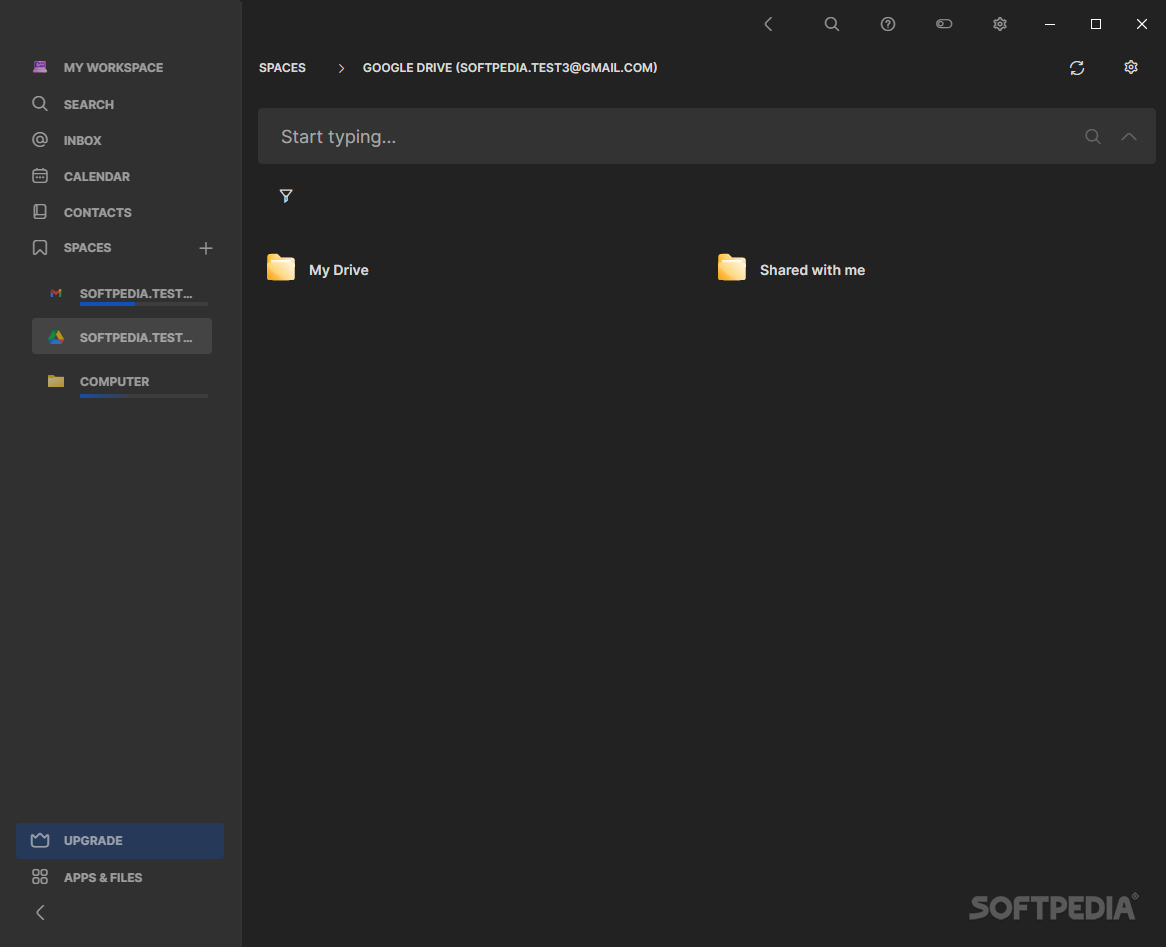
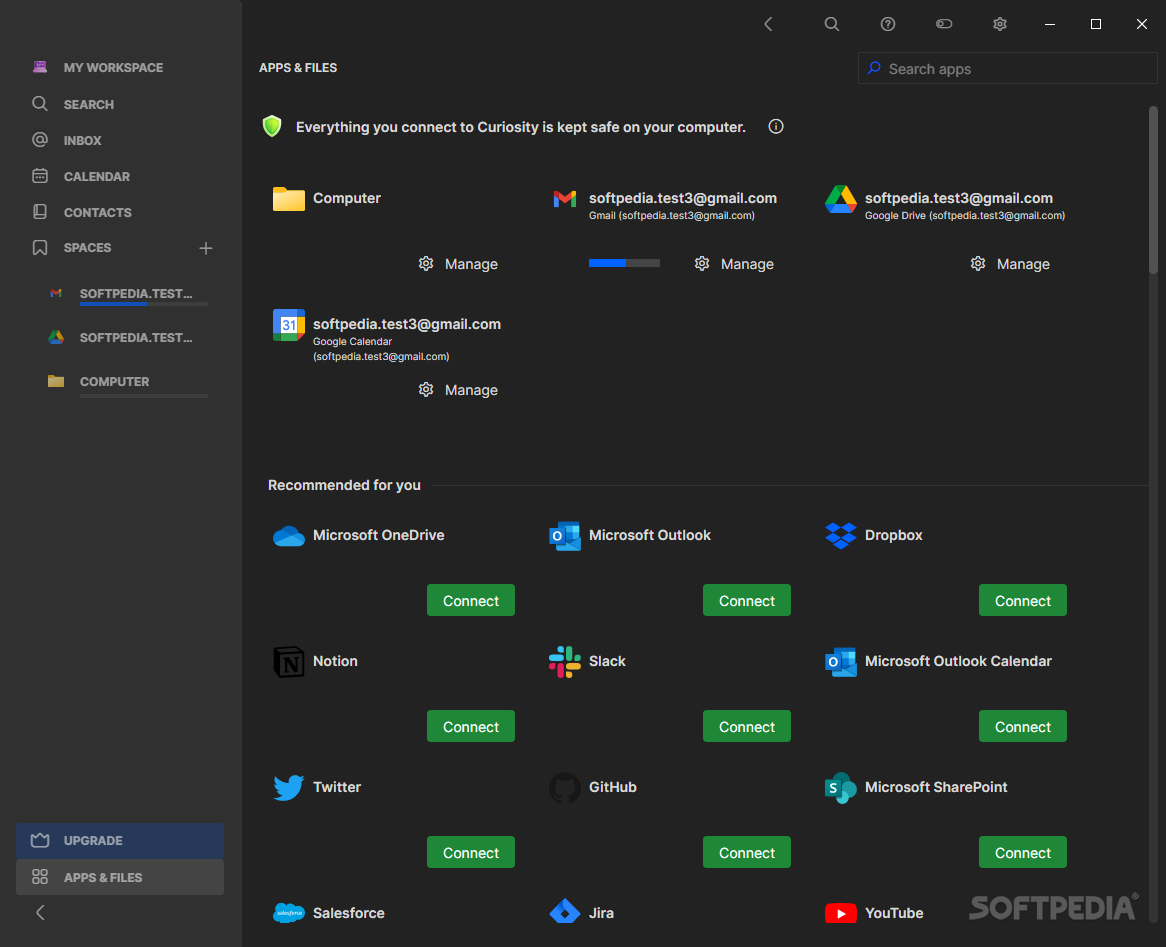
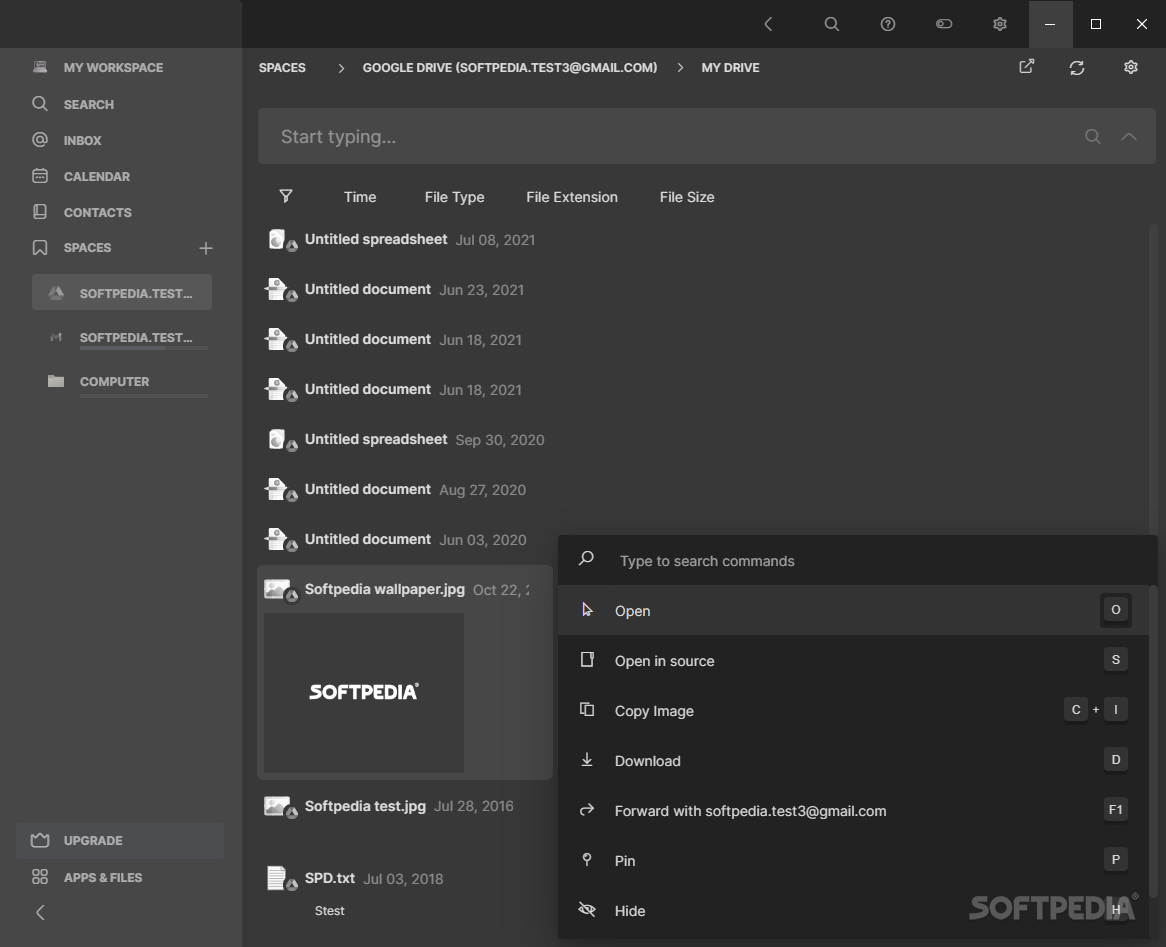
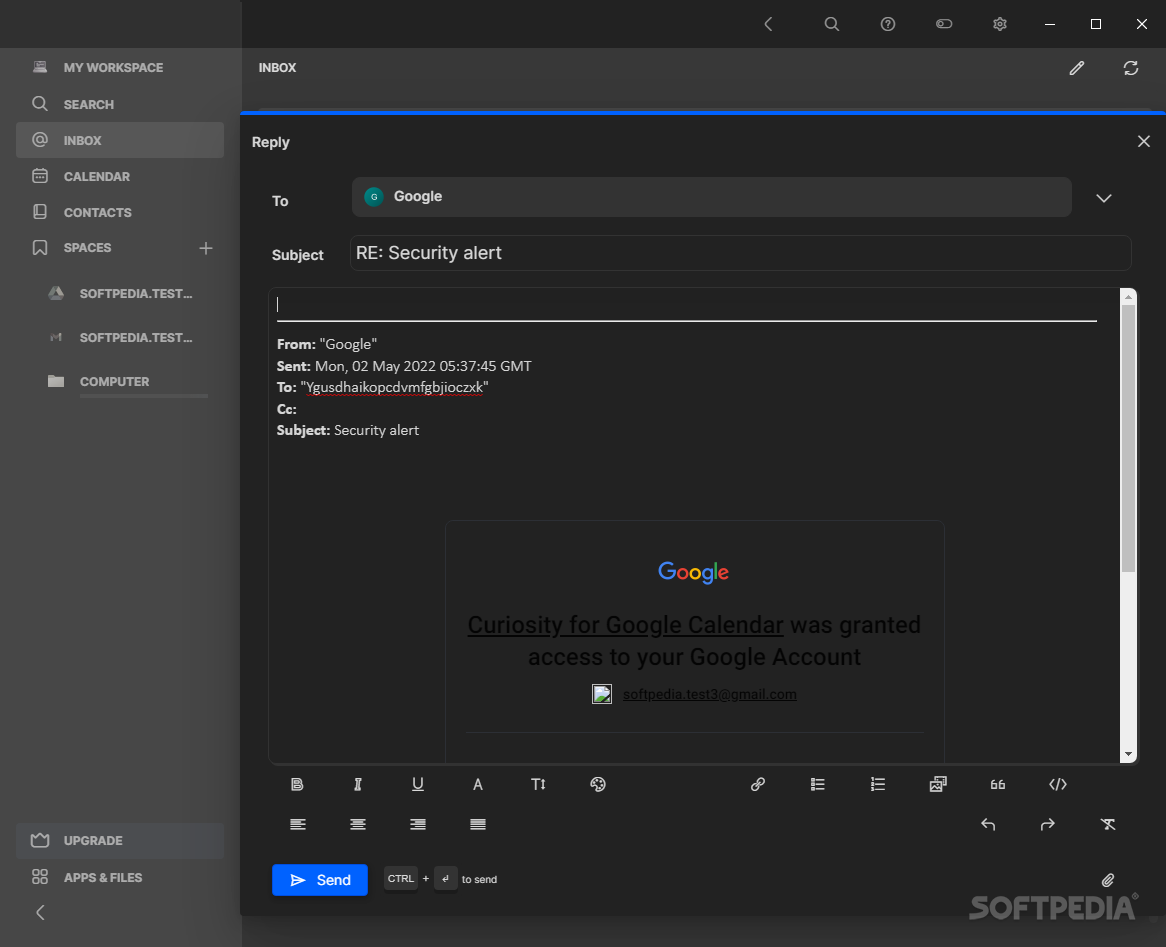
The initial set-up presents you with an assortment of integrations that are openly available to users: connecting a Google account to take advantage of the Drive, Calendar, and Gmail integrations went swimmingly, and I was able to keep track of everything under one interface. This is convenient, as users can also compose and reply to their emails, as well as get to their data saved on Drive, all through just a few inputs.
Users can keep track of their Microsoft account similarly: OneDrive, Outlook, Calendar, and SharePoint can be integrated into their workspace. Notion, Slack, Dropbox, GitHub, Twitter, Jira, LinkedIn, and other such services, are all able to be incorporated all the same.
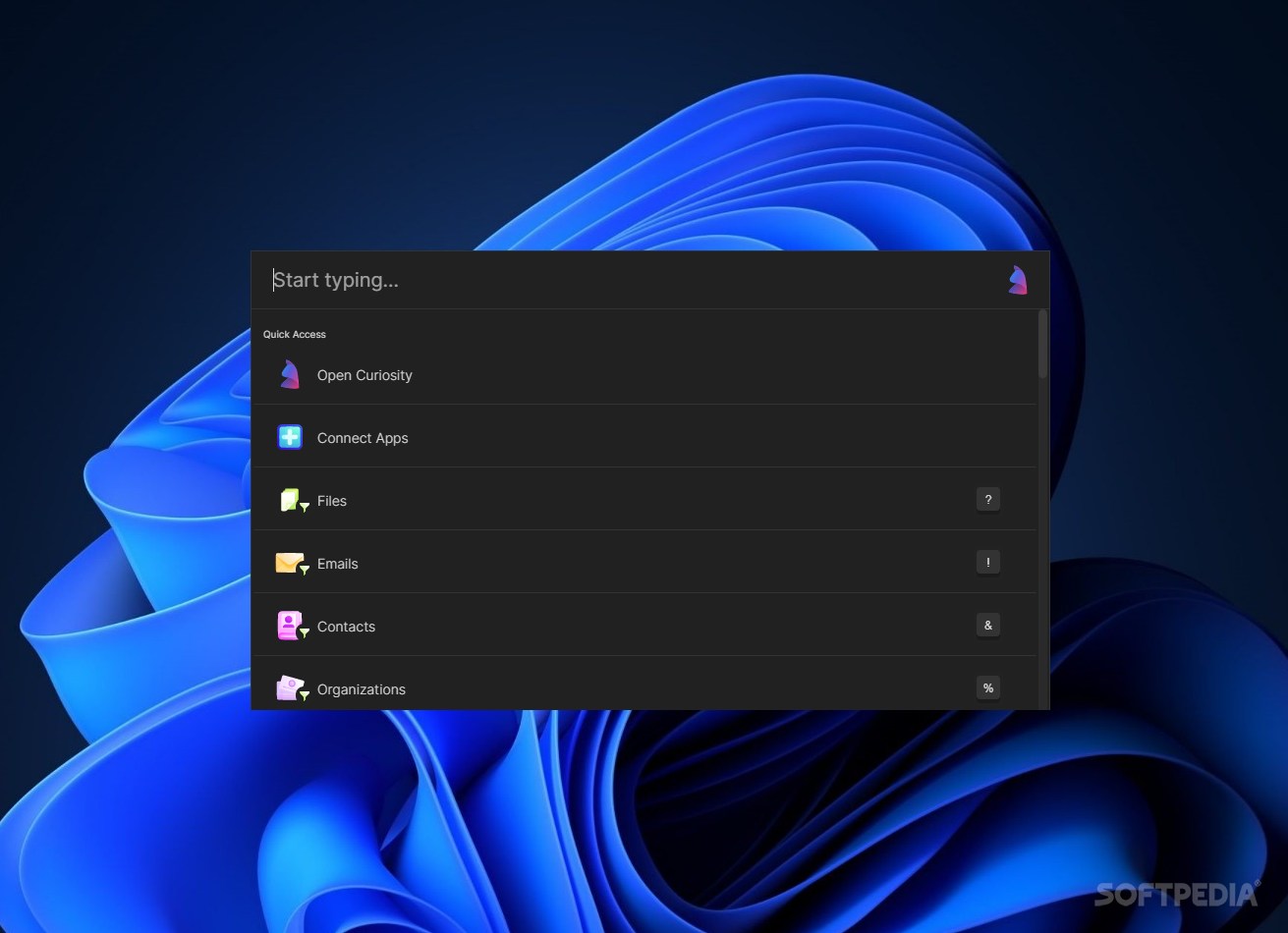
Some integrations only work when the hotkey is pressed: Alt+Enter brings up a search bar that you can use to look through everything in the app. Go through your inbox, look up a YouTube video, search for a hashtag on Twitter, and so on.
Curiosity is quite the full-featured software: it boasts integration with several services, pairs that with a versatile search function to speed up navigation, and fully delivers on what it sets out to do.
Curiosity for Windows 24.5.48409
add to watchlist add to download basket send us an update REPORT- runs on:
-
Windows 11
Windows 10 64 bit - file size:
- 540 MB
- main category:
- System
- developer:
- visit homepage
Bitdefender Antivirus Free

Microsoft Teams

ShareX

4k Video Downloader

7-Zip

Windows Sandbox Launcher

Zoom Client

calibre

Context Menu Manager

IrfanView

- calibre
- Context Menu Manager
- IrfanView
- Bitdefender Antivirus Free
- Microsoft Teams
- ShareX
- 4k Video Downloader
- 7-Zip
- Windows Sandbox Launcher
- Zoom Client