
Hard to beat when it comes to web browsing speed and features for privacy, malware detection, extensions, customization, and more. #Web browser #Google browser #Internet browser #Browser #Chrome #Web

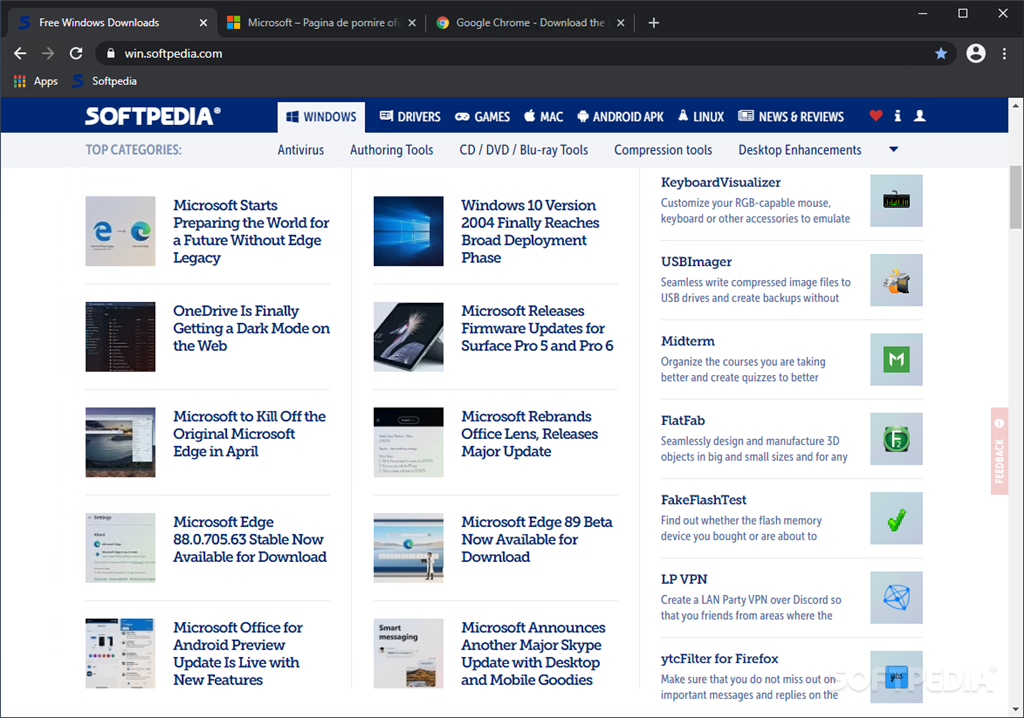
Ever since the inception of the concept of the Internet, back in the 1960s, and all the way until present times, the growing emphasis has seen a shift from a “how can we access something on the Web”, to “how fast and effectively can we access something on the Web” mindset. It’s no wonder that such resolutions also yielded the requirement of having specialized software for doing so, up to today’s browsers. Being distinguishable in an ever-growing pool of such apps is becoming increasingly difficult, and one cannot help but wonder: does this latest iteration of Google Chrome has what it takes to compete, or even overtake its competitors?
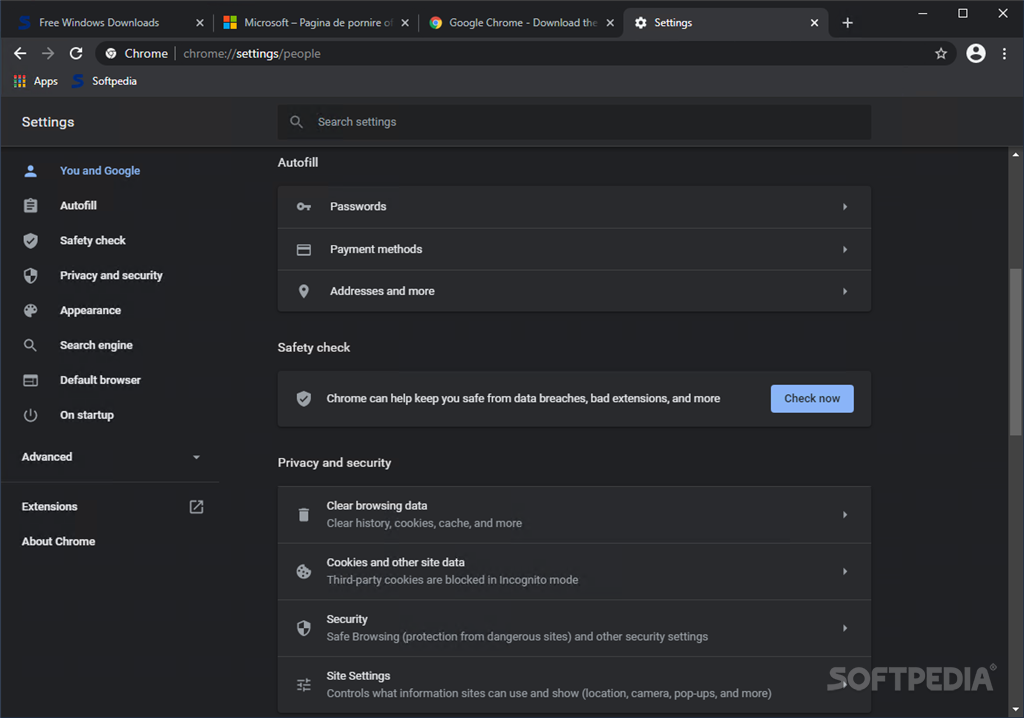
Armed with an approach that encompasses a design that features simplicity, without having to sacrifice essential browsing features, it promises to provide users with efficient, unhindered navigation, with several extra features here and there, to ensure a smooth ride all the way.
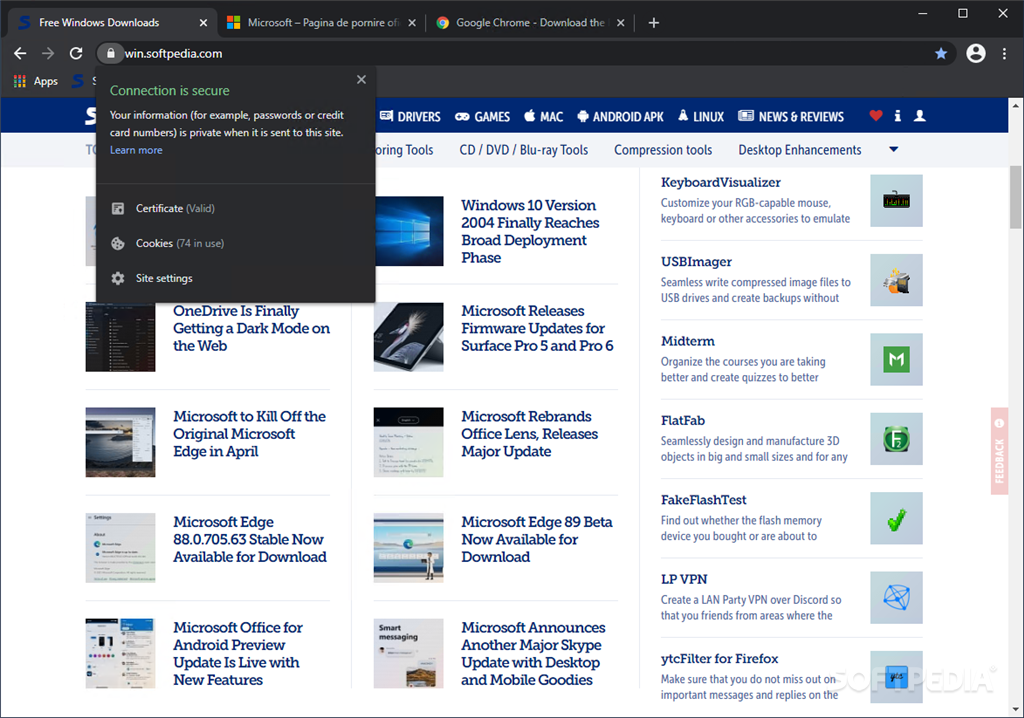
As cliché as it might be, simplicity is key for most scenarios, and it’s quite obvious that this aspect has been accounted for in Chrome’s design. The last thing you’d want would be a cluttered interface, to distract you from the one thing that a browser should allow you to: surf the Web with no encumbrance whatsoever.
However, one might argue that too much minimalism can be detrimental, but as far as we’re concerned, we failed to see a single affected aspect or feature that might be truncated or lacking in functionality. It’s all there, at a single click away.
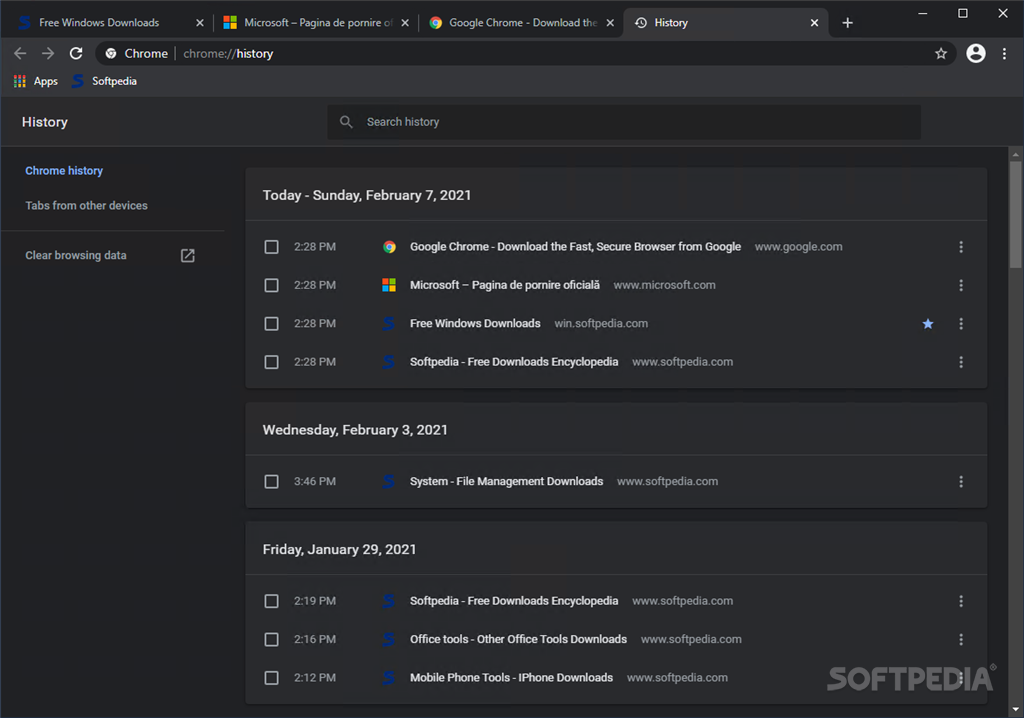
There are several core features that we find essential in any browser and are commonly found in most these days. We’re referring here of course to the use of tabs for controlling the surfing session and all their associated advantages.
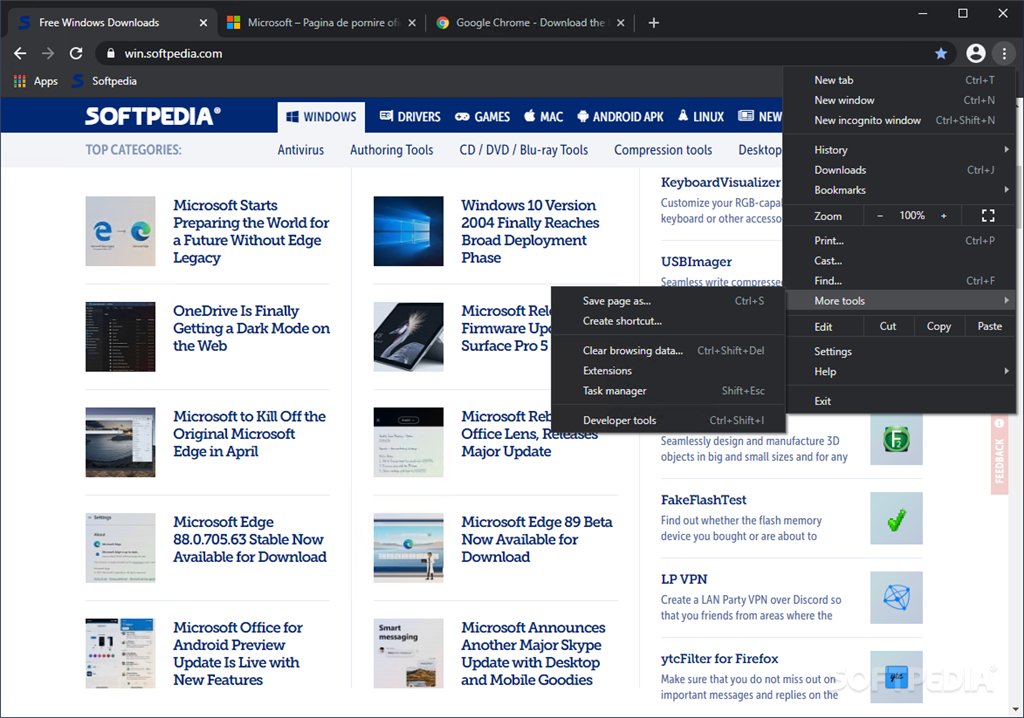
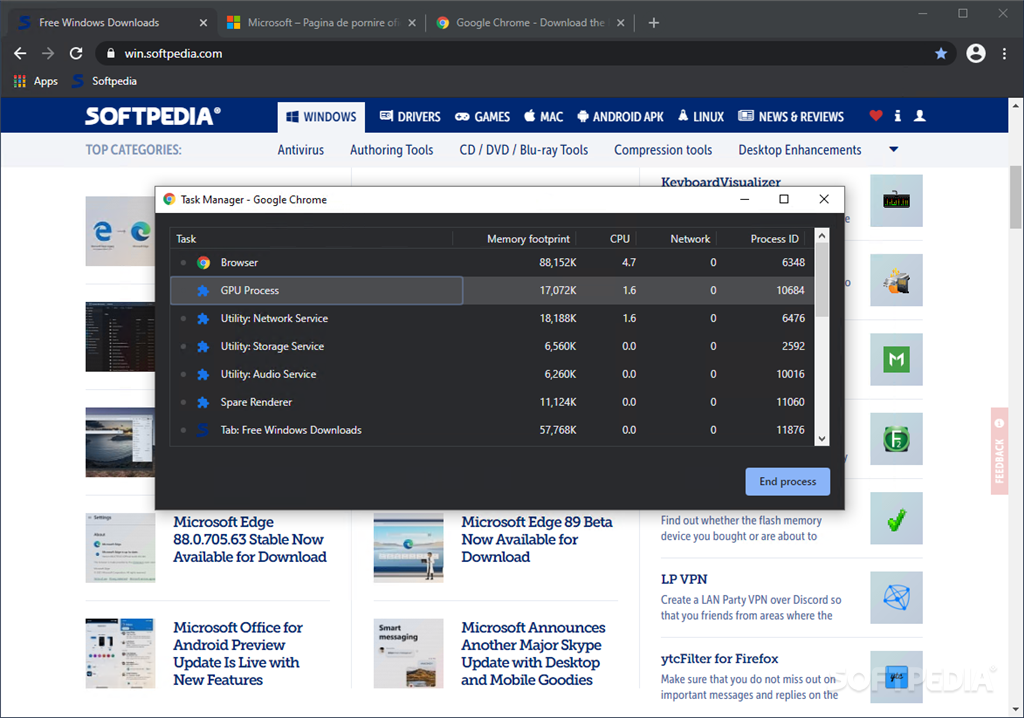
However, when going past the essentials, one will be able to also find some extra touches, which although not significant, can make a difference. For instance, out of many, one such feature is the dedicated task manager, which can take resource management at a whole new level: tab-level, basically allowing you to better control the app, by previewing and, if required, terminating one or multiple tabs.
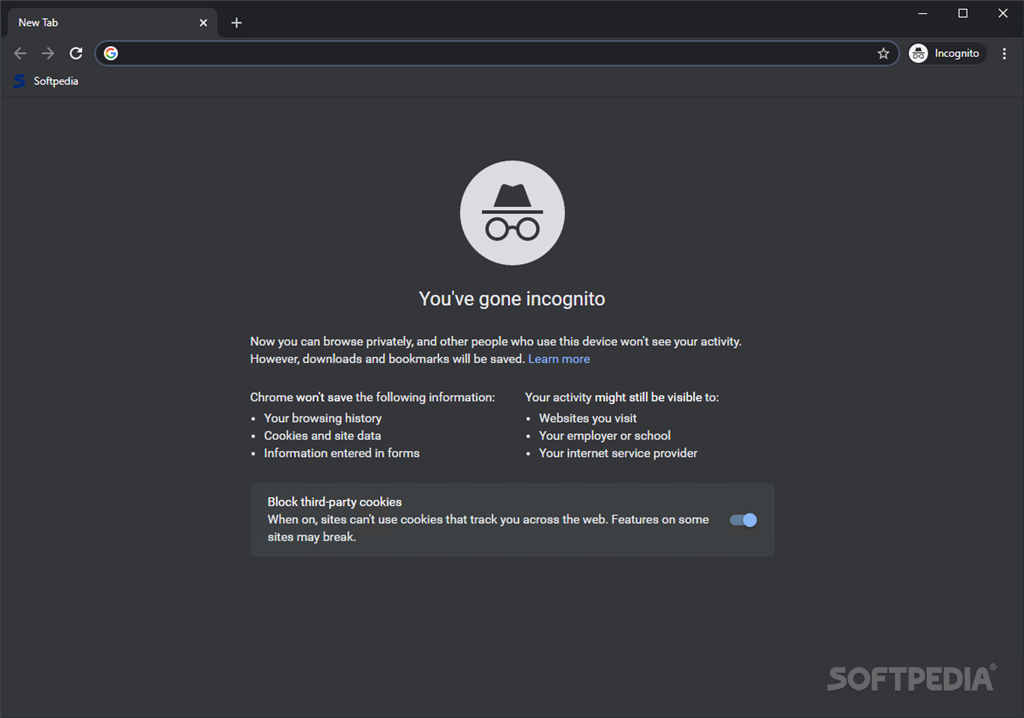
It would be unfair not to mention the presence of the Incognito mode, which although pretty standard these days, is essential to have around.
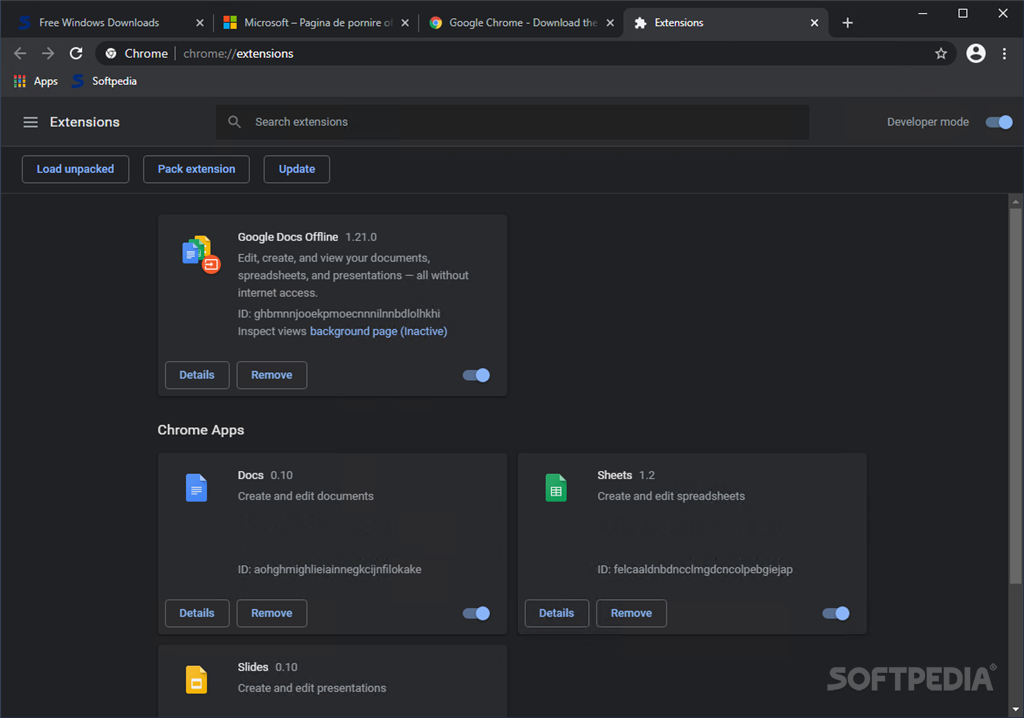
Last, but certainly not least, we feel that coming pre-packed with several extensions, such as those addressing online Office requirements – Google Docs, Sheets, or Slides, is a smart choice, as there are a number of instances we can think of, that might require their presence. Having them installed by default, can simplify things considerably.
Surfing the Web these days can sometimes be quite demanding, and why not, even cumbersome. But actually, it doesn’t have to be like that. Relying on a “Swiss-knife” tool for your online endeavors is more important than you’d think, and we feel that Google Chrome, with its versatile approach, does manage to provide such reliability, making the entire Web-surfing experience a simple and enjoyable one.
Download Hubs
Google Chrome is part of these download collections: Web Browser, Bookmark Managers
What's new in Google Chrome 124.0.6367.79:
- Security Fixes:
- Critical CVE-2024-4058: Type Confusion in ANGLE.
- High CVE-2024-4059: Out of bounds read in V8 API
- High CVE-2024-4060: Use after free in Dawn.
Google Chrome 124.0.6367.79 / 125.0.6422.14 Beta / 126.0.6439.0 Dev
 Softpedia Editor's Pick
add to watchlist
add to download basket
send us an update
REPORT
Softpedia Editor's Pick
add to watchlist
add to download basket
send us an update
REPORT
- PRICE: Free
- portable version
- Google Chrome Portable
- runs on:
-
Windows 11
Windows 10 32/64 bit - file size:
- 111 MB


- main category:
- Internet
- developer:
- visit homepage
ShareX

Context Menu Manager

Microsoft Teams

Windows Sandbox Launcher

7-Zip

4k Video Downloader

calibre

IrfanView

Bitdefender Antivirus Free

Zoom Client

- IrfanView
- Bitdefender Antivirus Free
- Zoom Client
- ShareX
- Context Menu Manager
- Microsoft Teams
- Windows Sandbox Launcher
- 7-Zip
- 4k Video Downloader
- calibre