
Easy-to-configure software program that supports browser compatibility check for Internet Explorer versions ranging from 5.5 to 10. #Web browser #Internet browser #Browse website #Browser #Browse #Surf


Web developers can often have a hard time when trying to find compatibility issues between websites and browsers, so every single software solution that addresses this problem is welcomed. Such a utility is IETester, an application that was especially designed to help you preview a website in almost any Internet Explorer version.
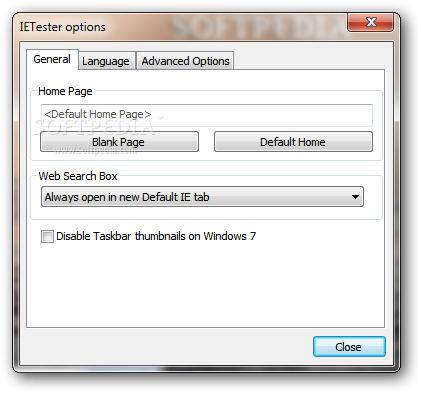
Although it's addressed to experienced users, this tool is impressively easy to use, so you can quickly take advantage of its features. There's no complicated settings menu, no customization options, just a few style adjustments so it's all focused on speed and efficiency.
The program adopts the famous Microsoft ''ribbon'' toolbar, which enables you to switch between Internet Explorer versions with a single click. You can thus render a website in Internet Explorer versions ranging in between 5.5 and 9 from the same interface.
An interesting feature of IETester is the built-in 'Favourites' list that comprises a couple of dozens of websites you can use in your compatibility tests.
On top of everything, developers get a very useful set of tools, including a source code viewer and some utilities to disable cache, media content or various add-ons. During our tests we found a couple of problems with some Java websites, but disabling the engine solved the problem.
All things considered, IETester is a pretty nice tool for web developers who strive to make their websites compatible with all Internet Explorer versions out there. It is very easy to use and comes with sufficient features to accommodate the needs of most users.
What's new in IETester 0.5.4:
- Added IE11
- Option for new version check frequency delay or disable check completely
IETester 0.5.4
add to watchlist add to download basket send us an update REPORT- runs on:
- Windows All
- file size:
- 55.7 MB
- filename:
- install-ietester-v0.5.4.exe



- main category:
- Internet
- developer:
- visit homepage
Microsoft Teams

Context Menu Manager

calibre

4k Video Downloader

Bitdefender Antivirus Free

ShareX

IrfanView

Zoom Client

Windows Sandbox Launcher

7-Zip

- Zoom Client
- Windows Sandbox Launcher
- 7-Zip
- Microsoft Teams
- Context Menu Manager
- calibre
- 4k Video Downloader
- Bitdefender Antivirus Free
- ShareX
- IrfanView