
This is a special edition of the new Internet Explorer 9 browser, with customizations specific to Softpedia users. #Internet Explorer #Internet Explorer 9 #IE9 #Internet #Browser #Ie9
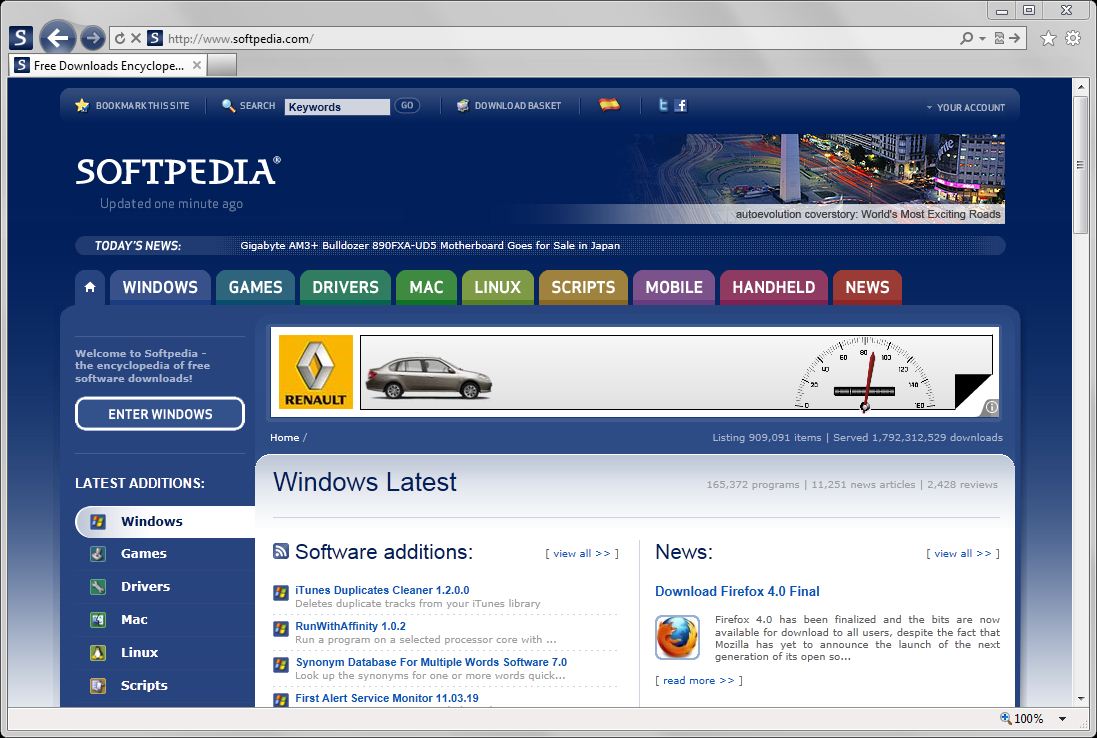
Internet Explorer 9 Softpedia Edition provides you with a custom-made version of Microsoft’s browser. This particular piece of software addresses Softpedia massive-users as well as fans thanks to its enhancements and additions especially created to deliver a better experience when browsing the Softpedia website and even other web pages.
As a side note, Internet Explorer 9 was only the second iteration of the software (after Internet Explorer 2) not to be bundled with an operating system from the get-go, although some OEMs have done it alongside the new wave of Windows 7 pre installed laptops. This was the first version to relinquish support for Windows XP and any other earlier OS.
Thanks to its improved performance and Tracking Protection, Internet Explorer 9 brought back the IE product on the map of the best browsers out there. Pinned sites, security-enabled download manager, enhanced tabs and tab page or the add-on Performance Advisor also contributed to the fast distribution of the new web browsers on millions of computers worldwide.
Although the quality brought by this specific IE version is something rather notable, the browsers general trend did not change noticeably; on the contrary, Internet Explorer 9 was the last version to top the stats regarding the popularity of the web browser on a global scale. Since the mid 2012, Google’s Chrome has taken the crown from IE.
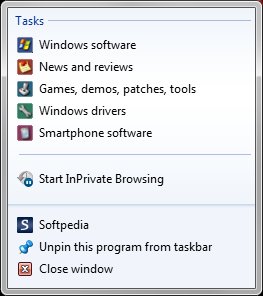
With Internet Explorer 9, Microsoft has aligned its offspring to the new generation of web browsers supporting CSS3 and HTML5. The Softpedia edition of this version takes advantage of all the new, good stuff and add two search providers to help you quickly and easily find software as well as news on Softpedia.com. It also comes packing customized Web Slices feeding themselves from the Softpedia News section of the website.
As expected, Internet Explorer 9 Softpedia Edition appends the Softpedia website address to the homepage list, while bringing two freshly baked accelerators to the table. These accelerators make use of the integrated search providers to rapidly search for any selected string from any website you might find yourself browsing.
Internet Explorer 9 Softpedia Edition is a personalized version of Microsoft’s successful software. As already mentioned, it does not fix or patch any problems the web browser might have, addressing only a group of users - Softpedia.com fans and any other user constantly on the look-out for the latest and best software and news, reviews and games.
- runs on:
-
Windows 2008 R2
Windows 2008 32/64 bit
Windows 7 32/64 bit
Windows Vista 32/64 bit - file size:
- 18 MB
- filename:
- IE9-Setup-Full.exe
- main category:
- Internet
- developer:
calibre

Windows Sandbox Launcher

Context Menu Manager

Microsoft Teams

4k Video Downloader

Zoom Client

Bitdefender Antivirus Free

IrfanView

ShareX

7-Zip

- IrfanView
- ShareX
- 7-Zip
- calibre
- Windows Sandbox Launcher
- Context Menu Manager
- Microsoft Teams
- 4k Video Downloader
- Zoom Client
- Bitdefender Antivirus Free