
Fast web browser based on Gecko, the Mozilla rendering engine, which features navigation history, bookmarks, and privacy tools that can ensure user security. #Web browser #Gecko browser #Browse Internet #Browser #Browse #Gecko

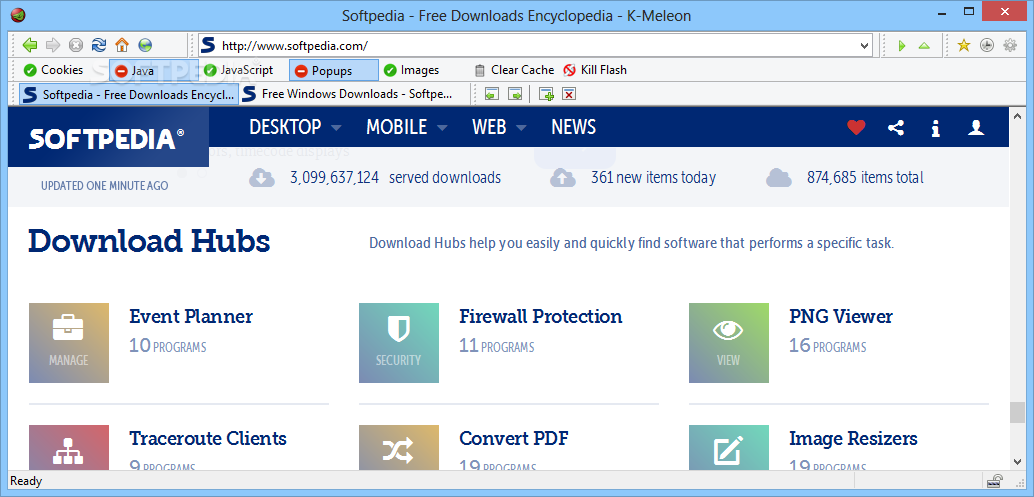
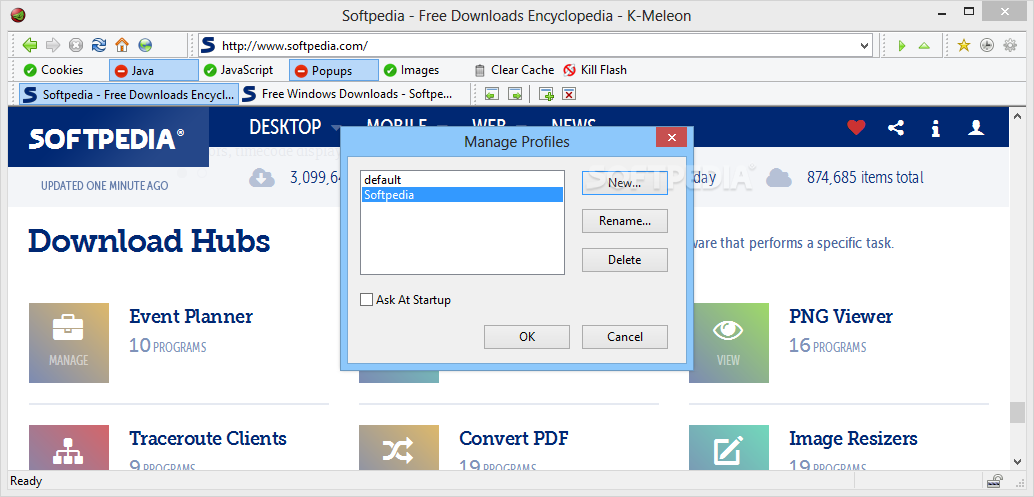
K-Meleon is a web browser based on the same Gecko layout engine used by Firefox. It provides a fast and secure browsing experience, and it should mainly be used on older computer systems.
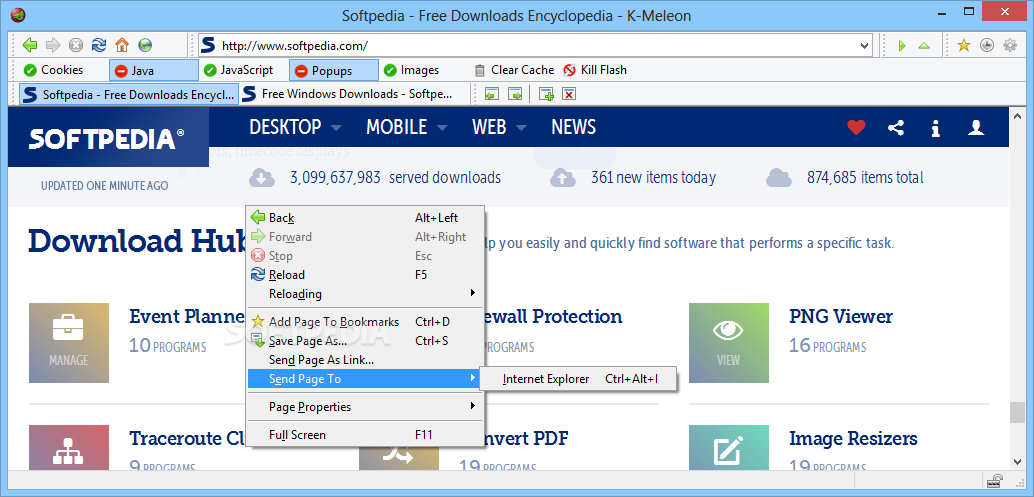
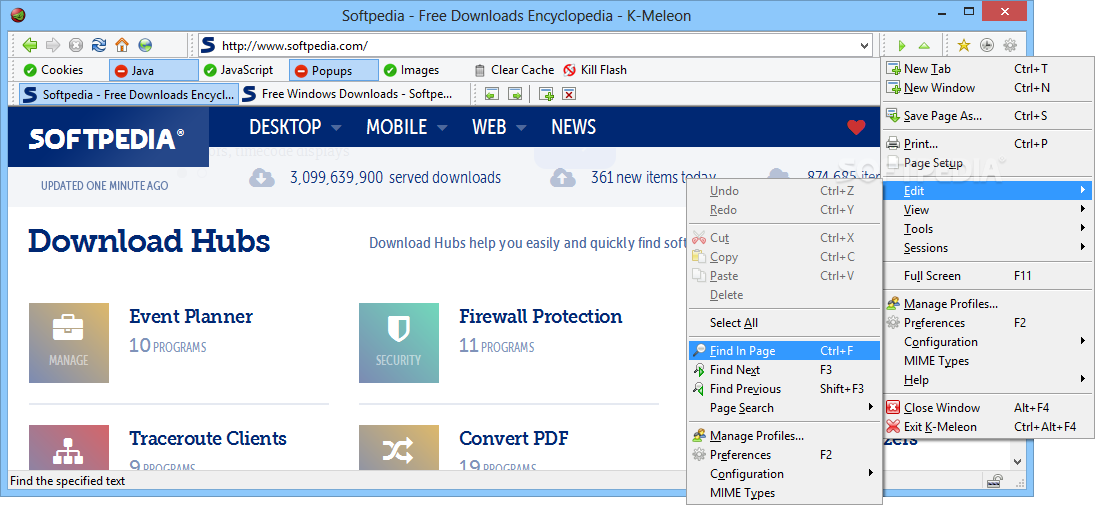
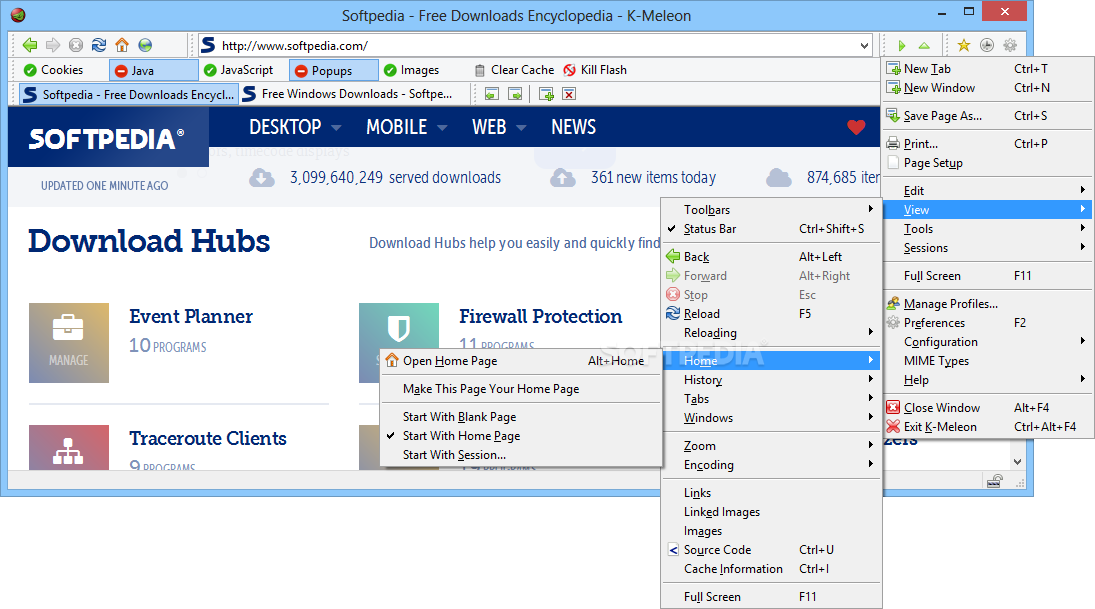
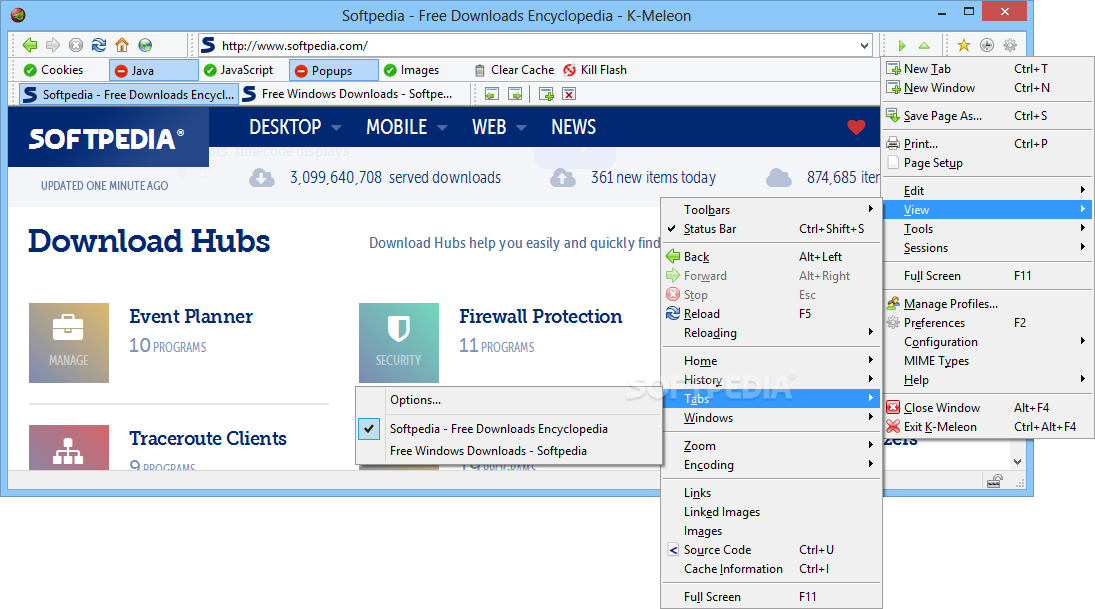
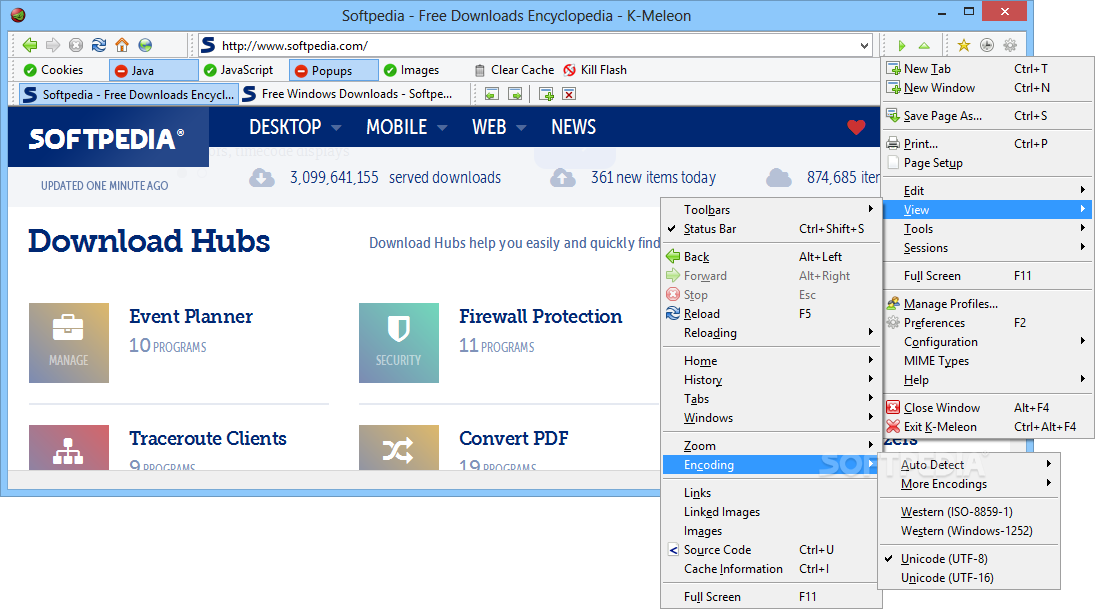
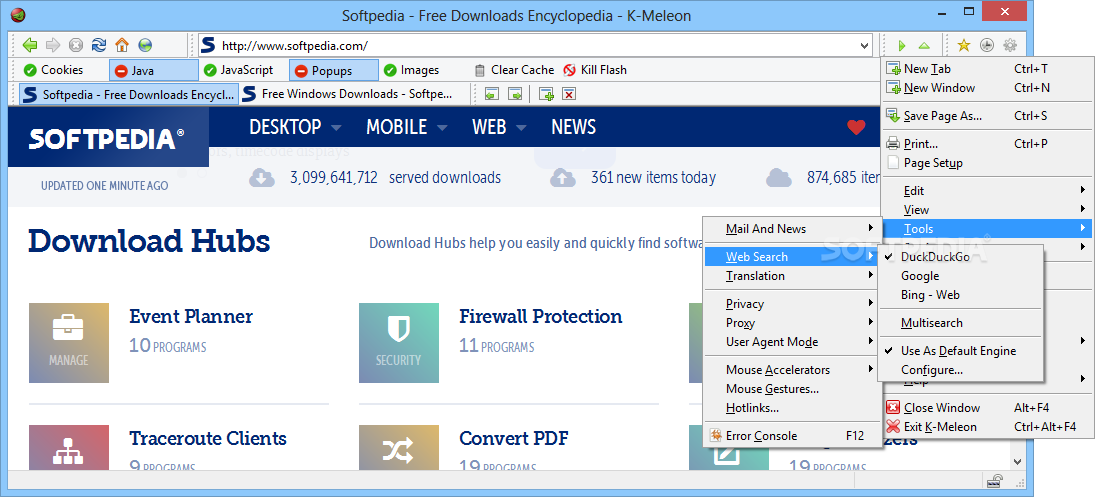
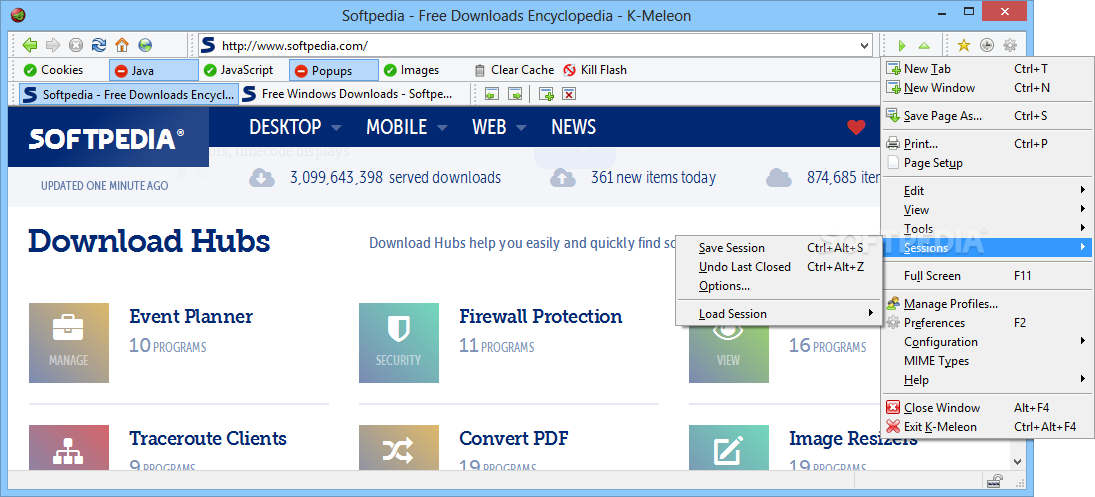
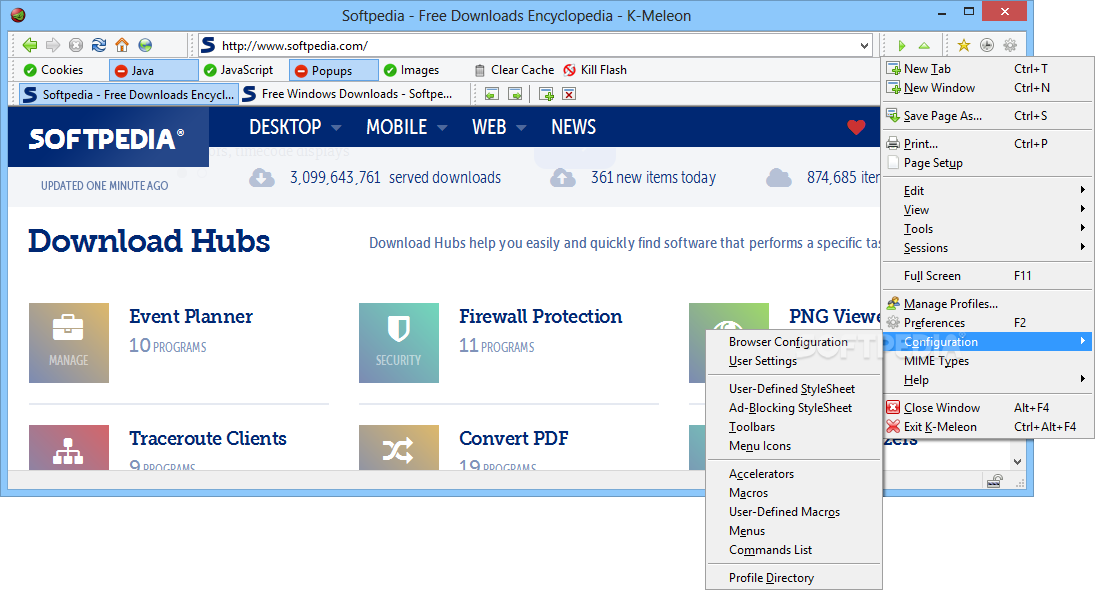
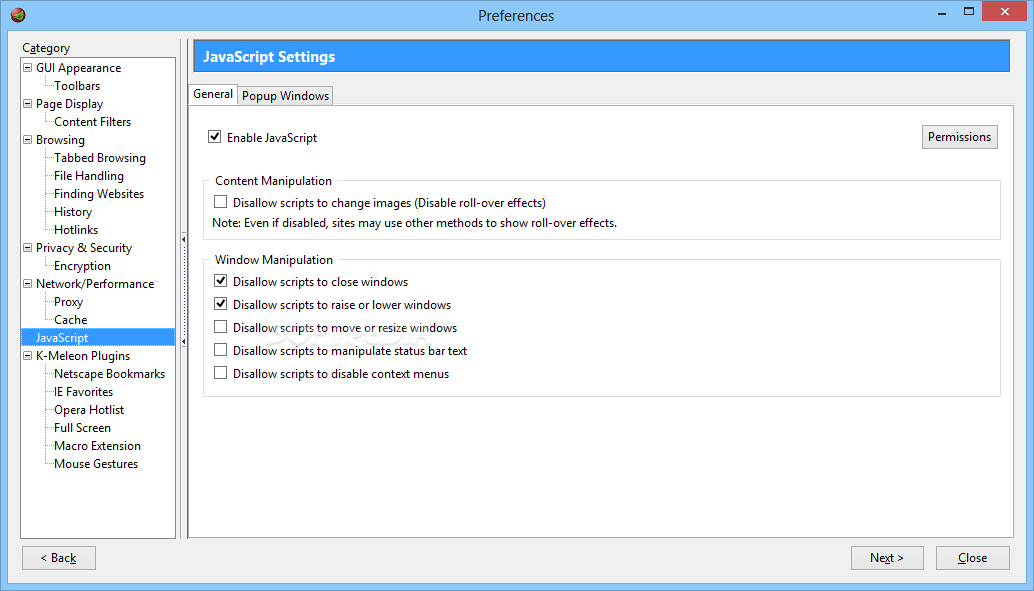
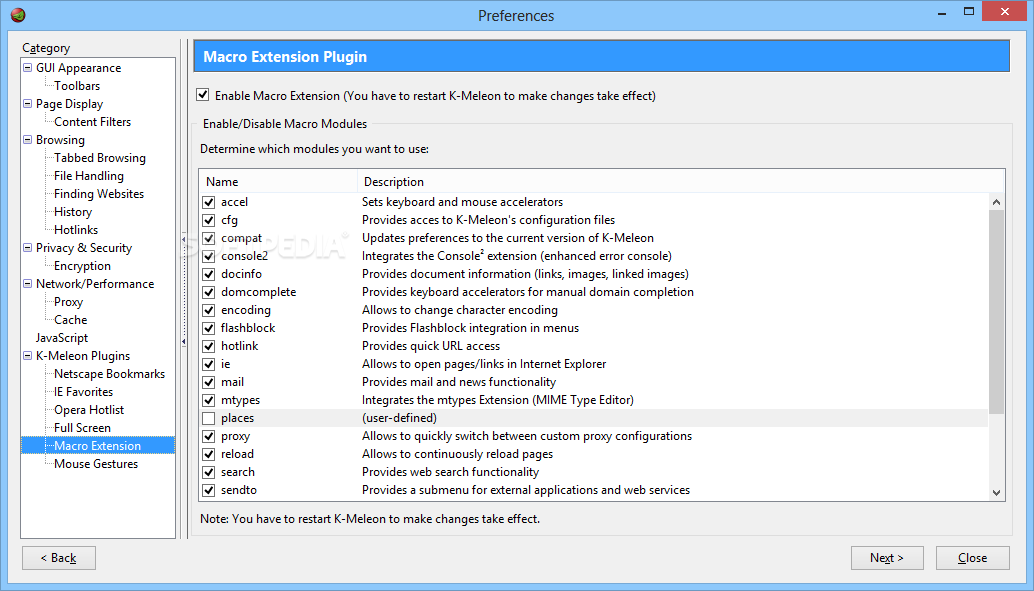
The interface is very simplistic. K-Meleon supports tabbed browsing, as well as several languages. It is also completely customizable when it comes to its menus, toolbar buttons, macros, accelerators, and others, but you need to edit their configuration files (this would be hard to accomplish by novice users). You can also change the skin (there are three options in total).
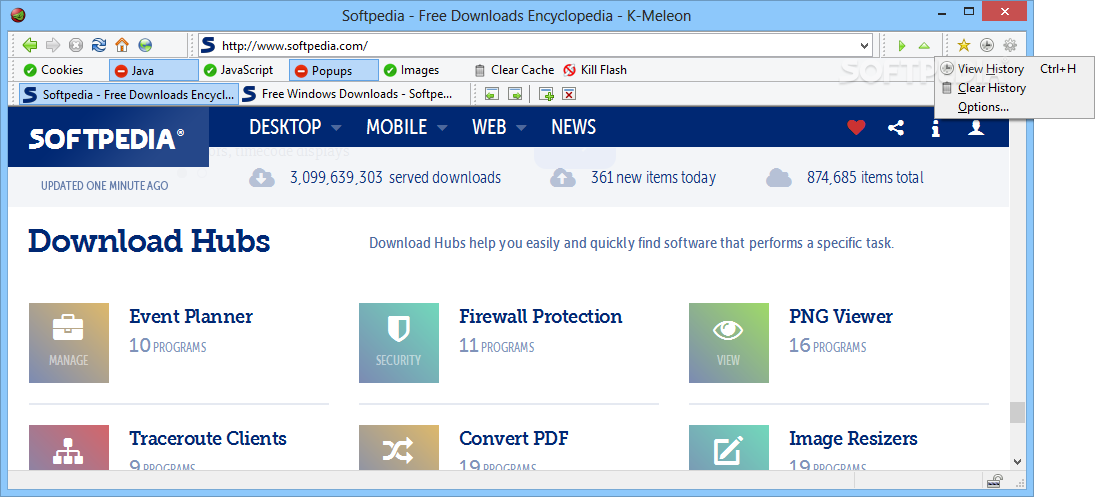
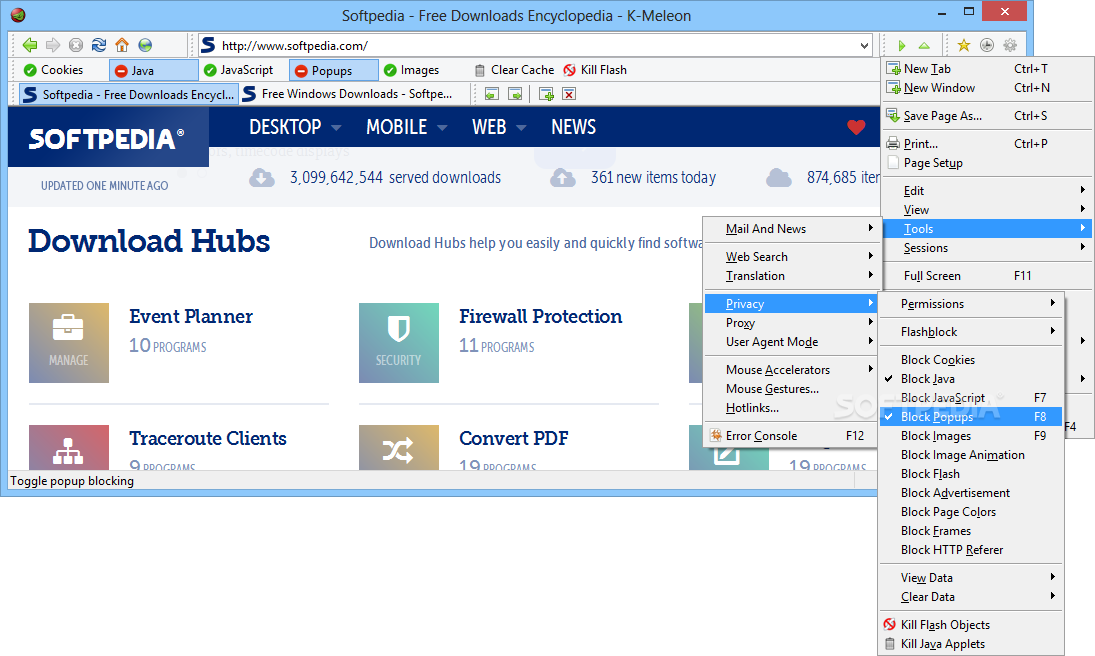
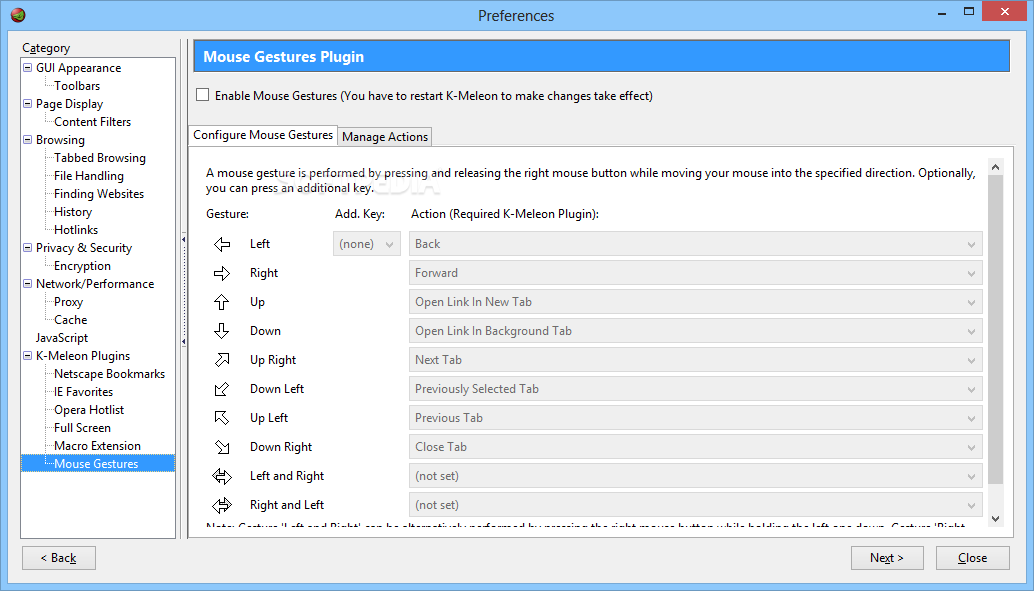
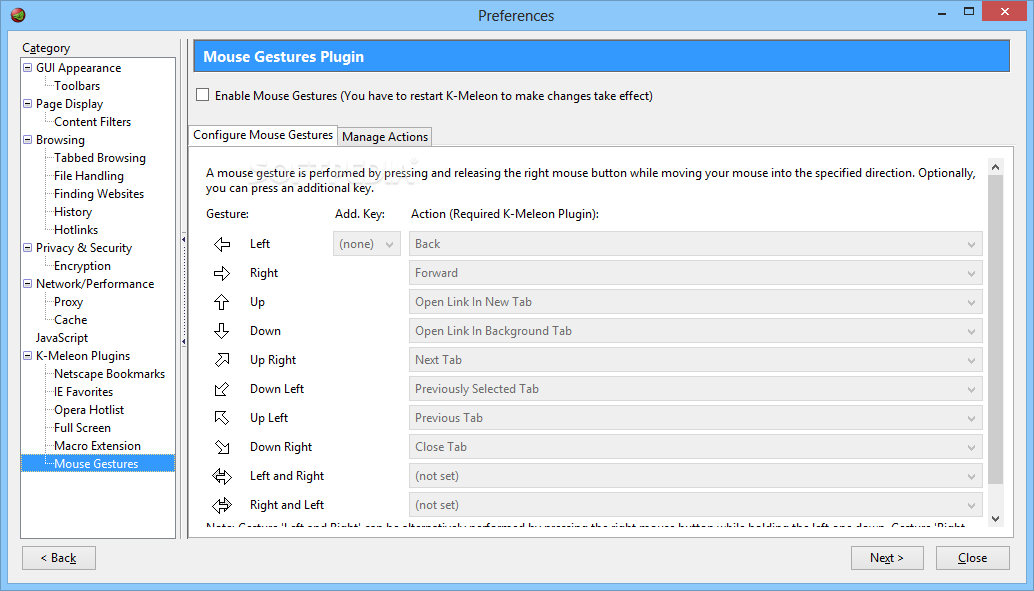
You can enable or disable K-Meleon plugins, and these include bitmapped menus (displays icons in menus), Netscape bookmarks, IE favorites, full screen, mouse gestures, history, Opera hotlist, session saver, and update checker.
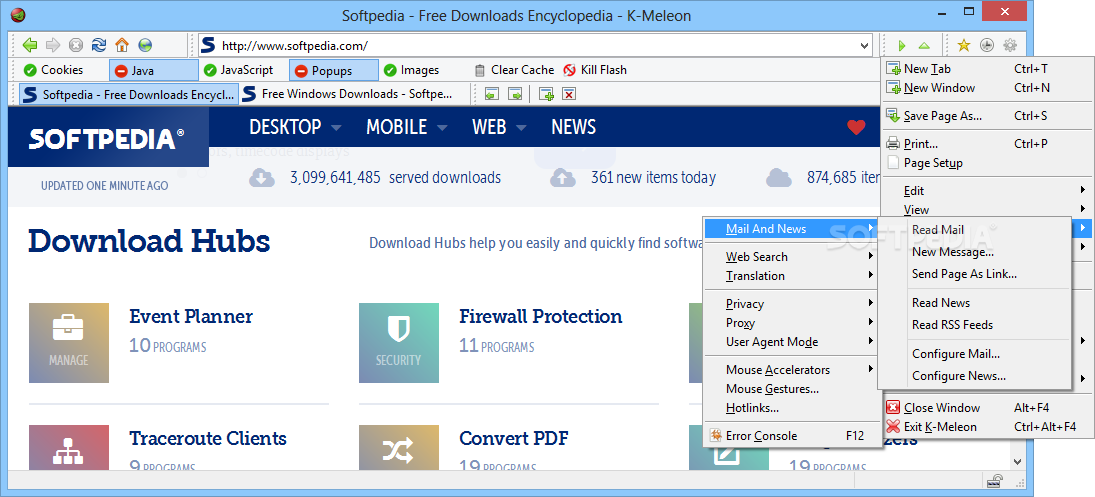
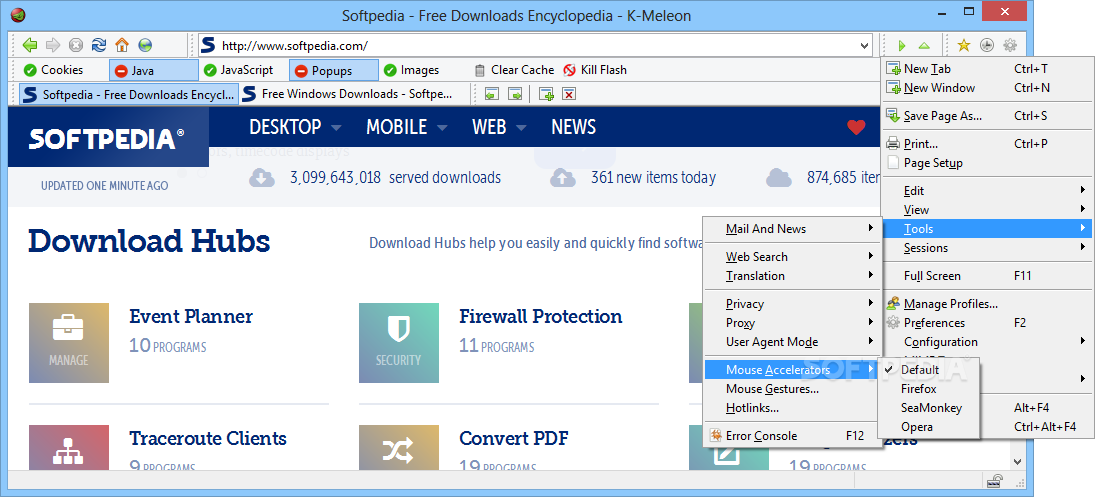
You can also apply shortcuts to links (i.e. hotlinks) for instant access, as well as select the mouse accelerators settings (default, Firefox, SeaMonkey, Opera).
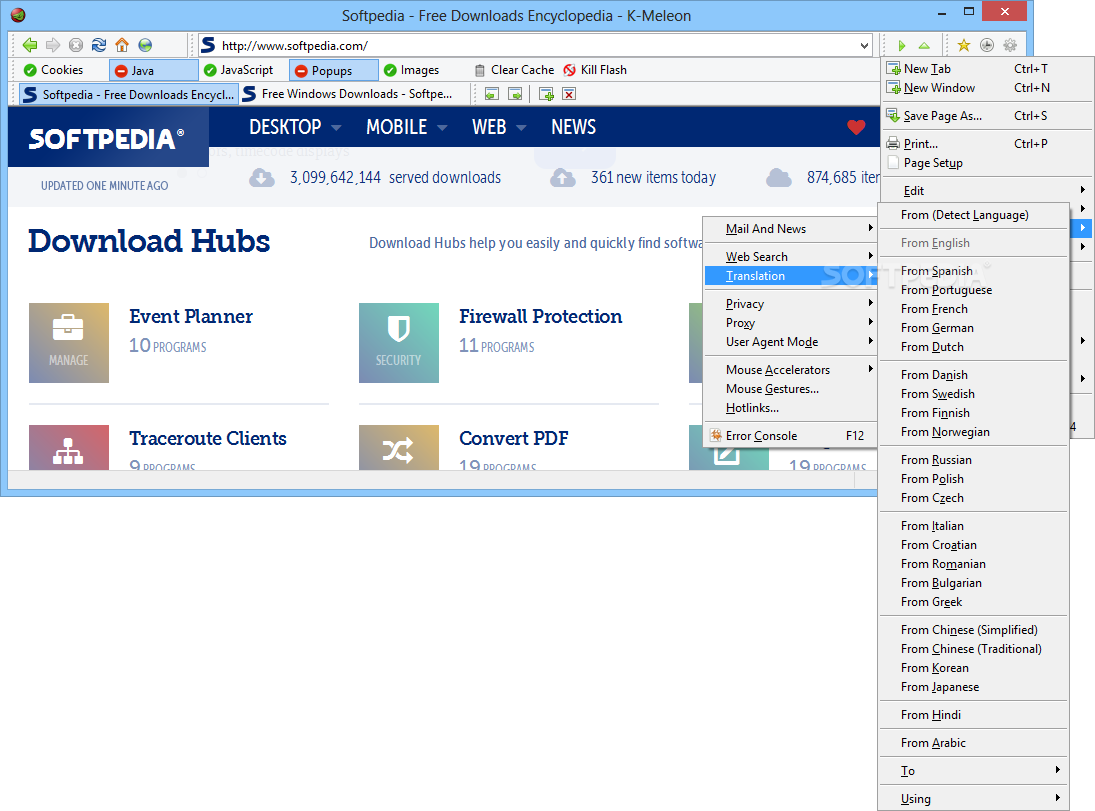
You can translate the contents of a whole page by using Babel Fish Translation or Google Translate, but you can also view the Error Console (errors, warnings and messages).
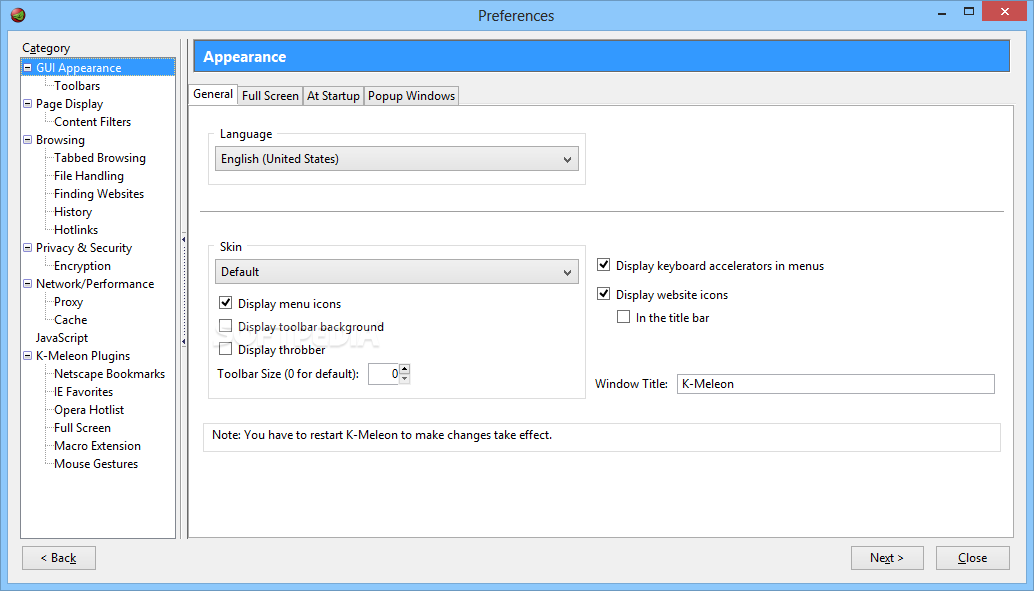
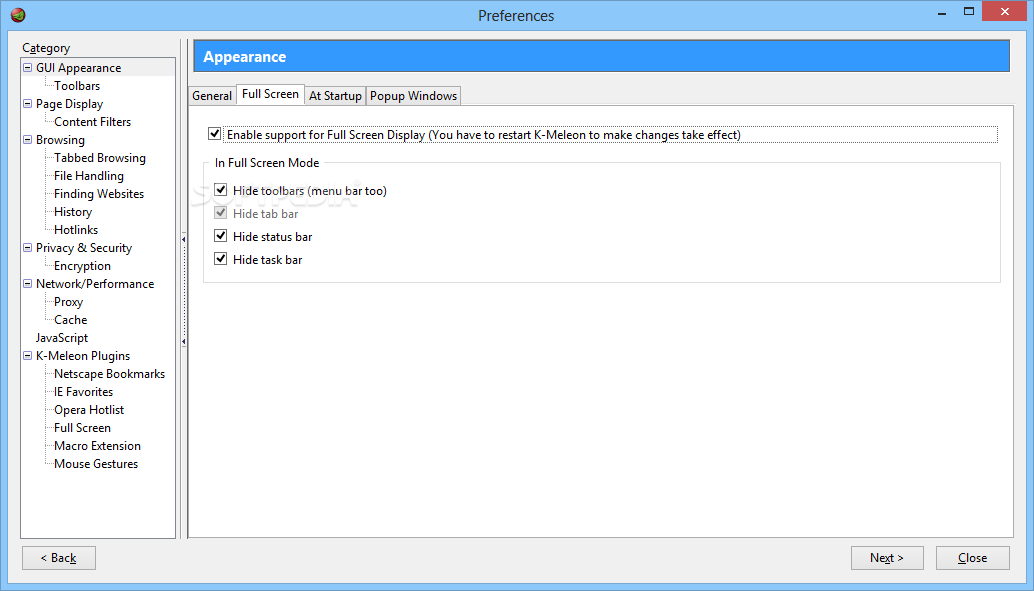
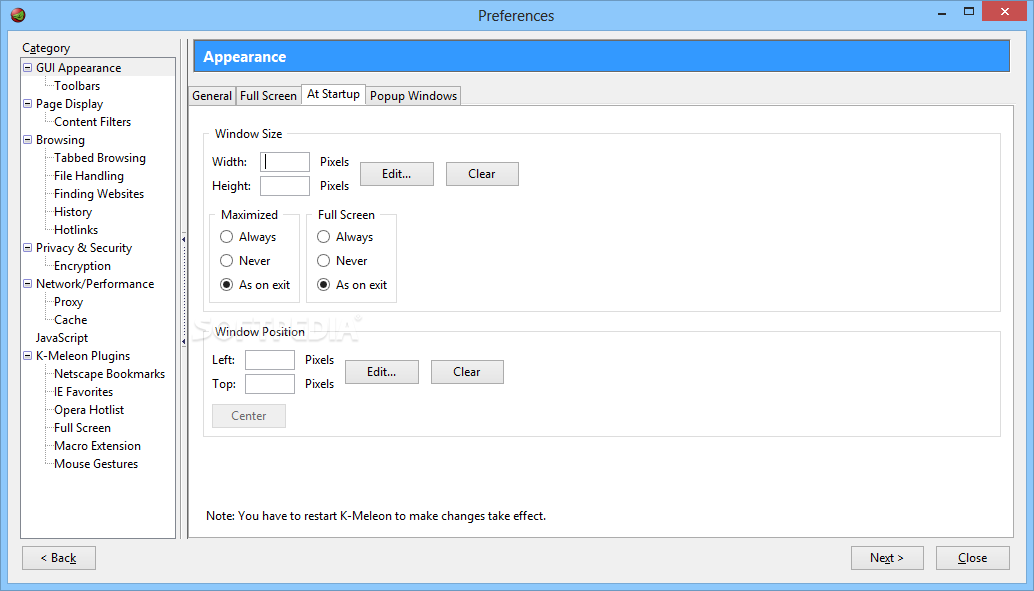
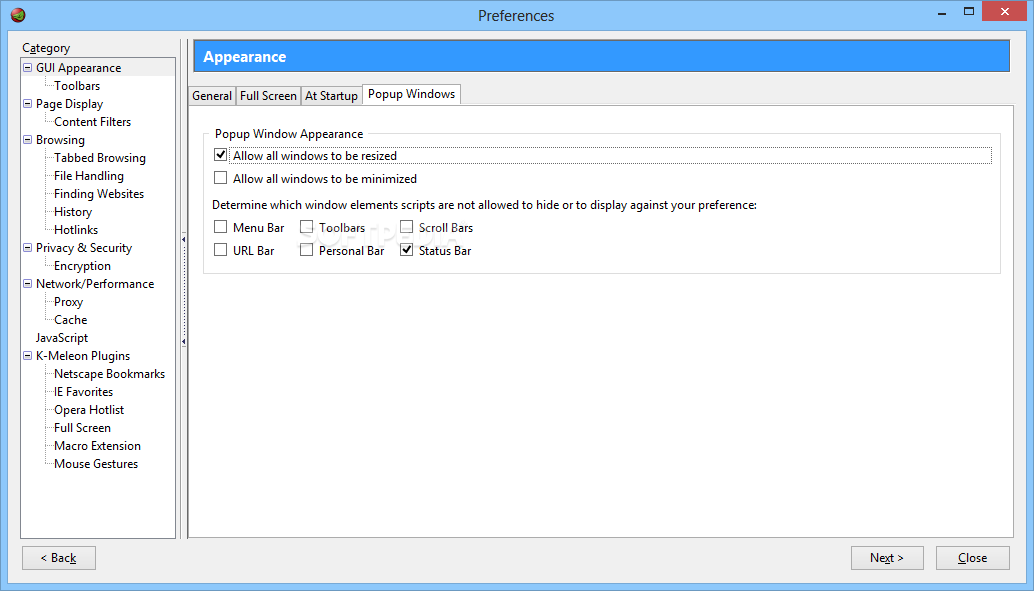
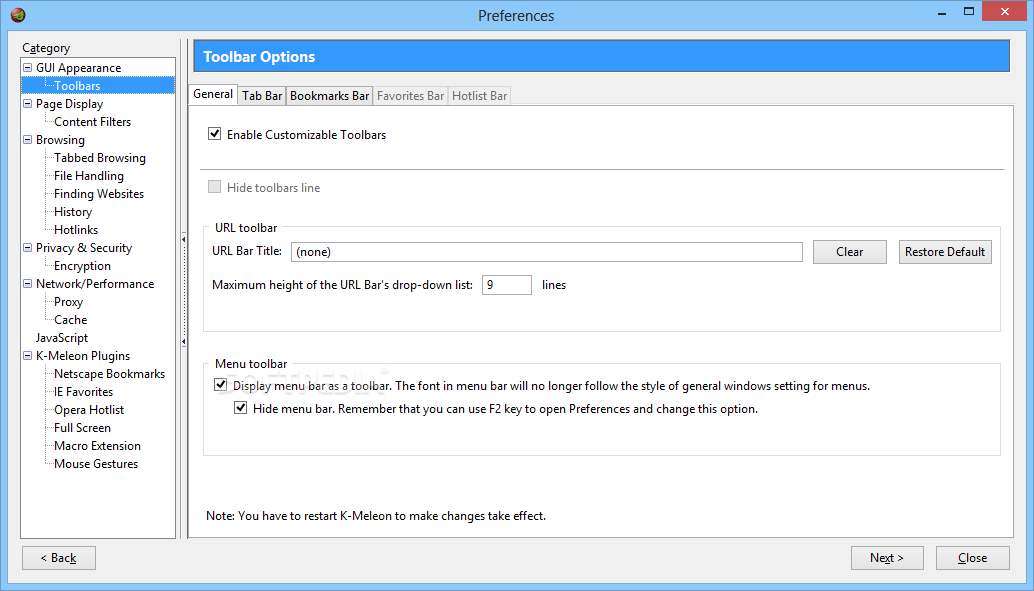
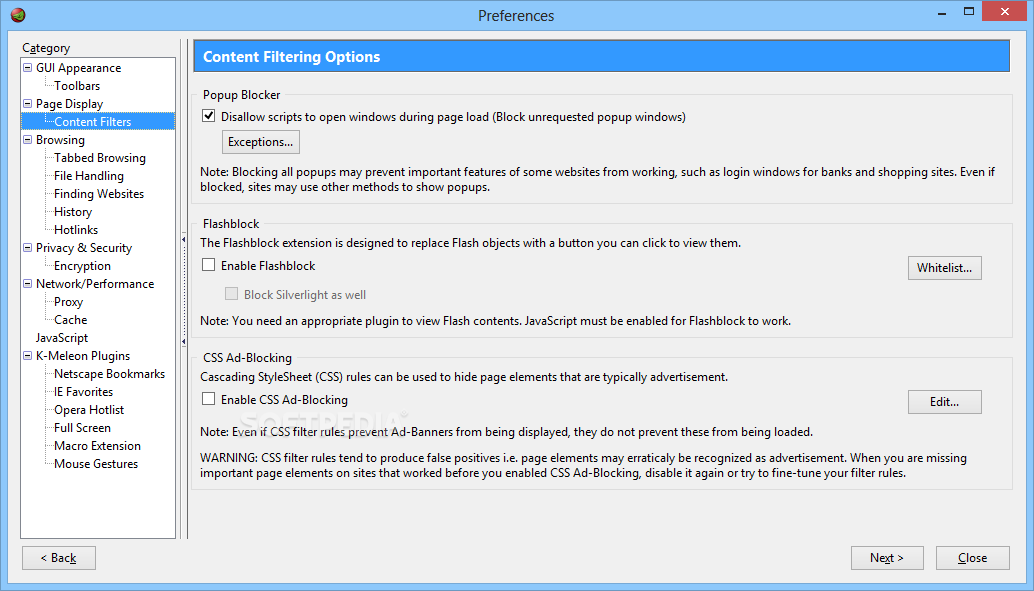
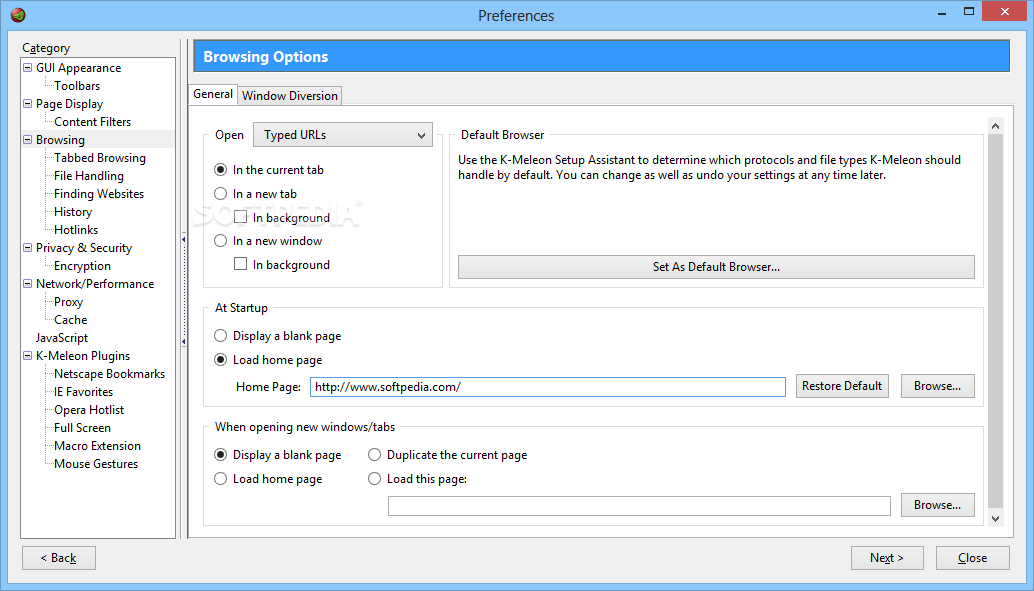
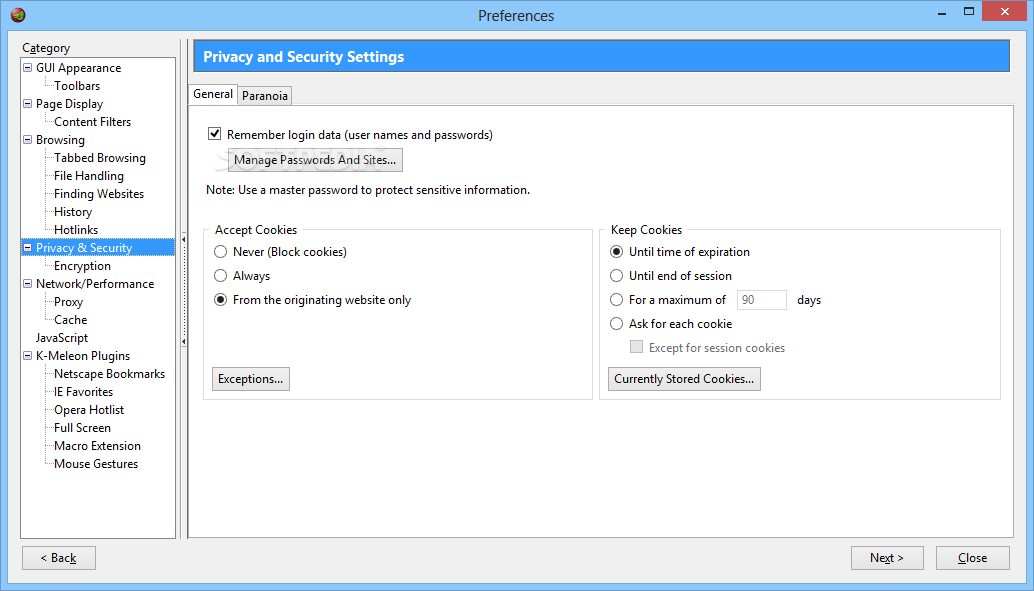
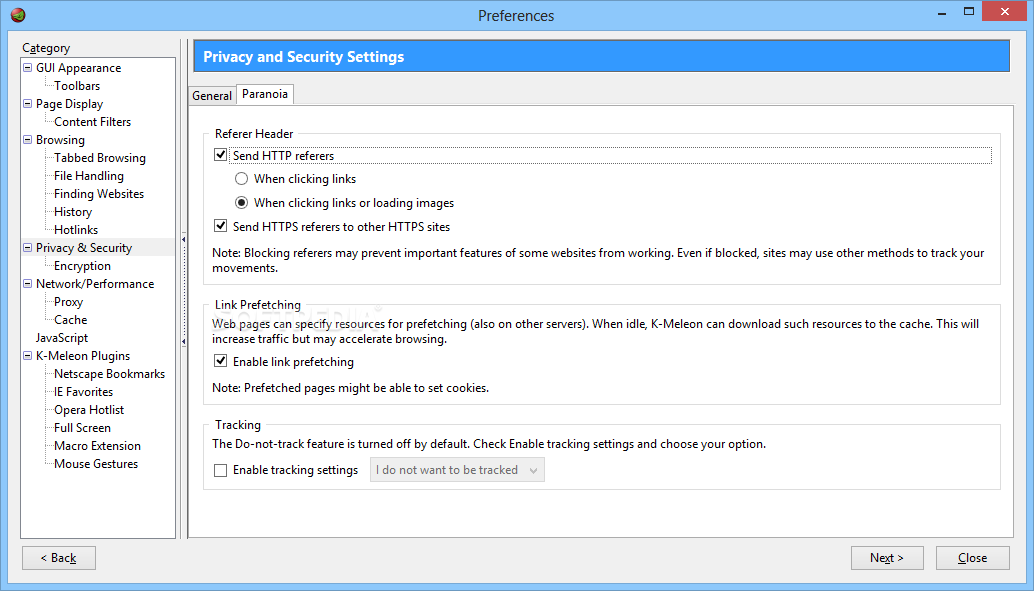
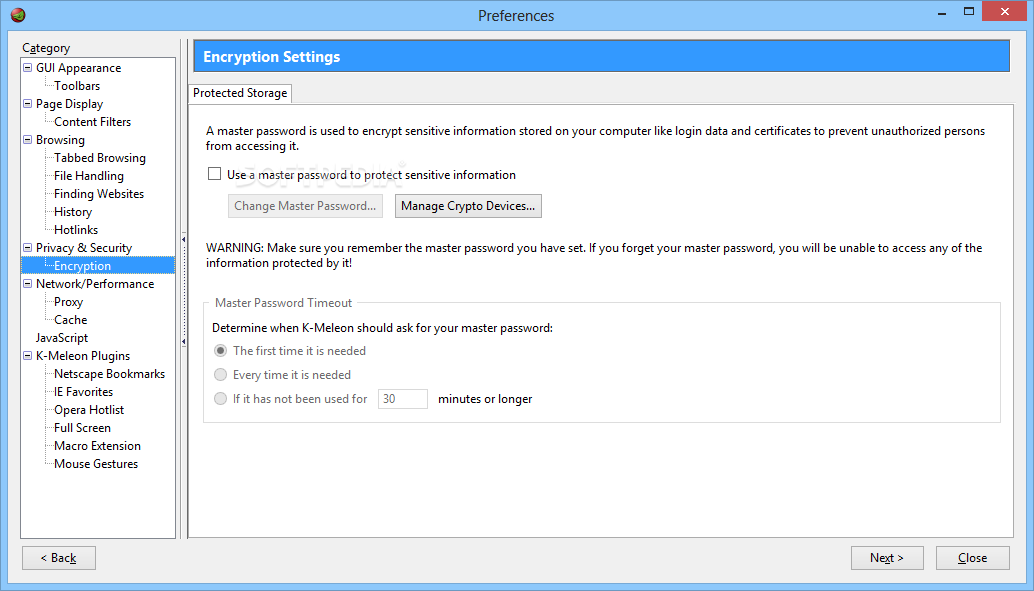
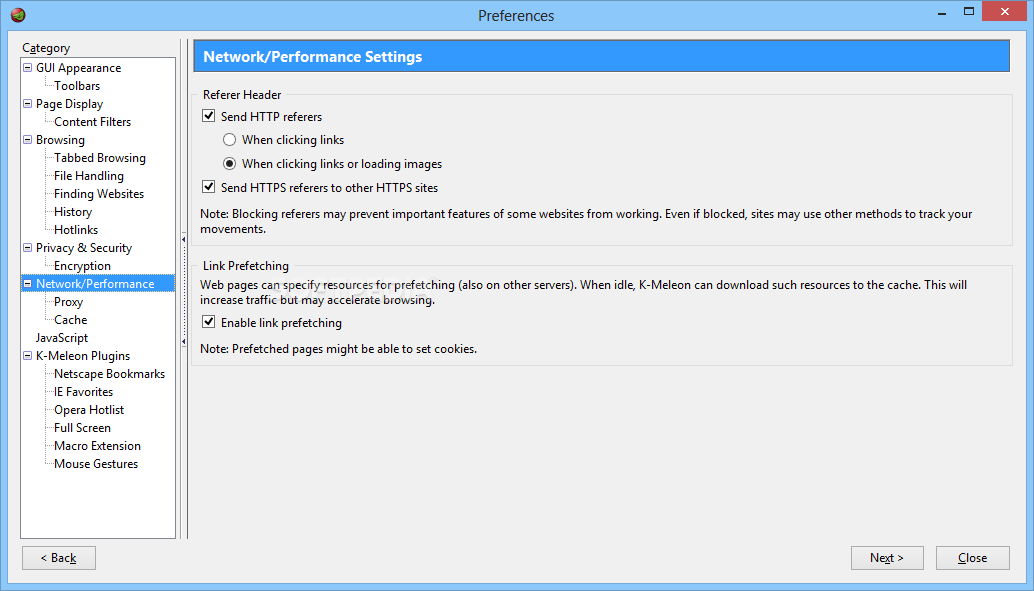
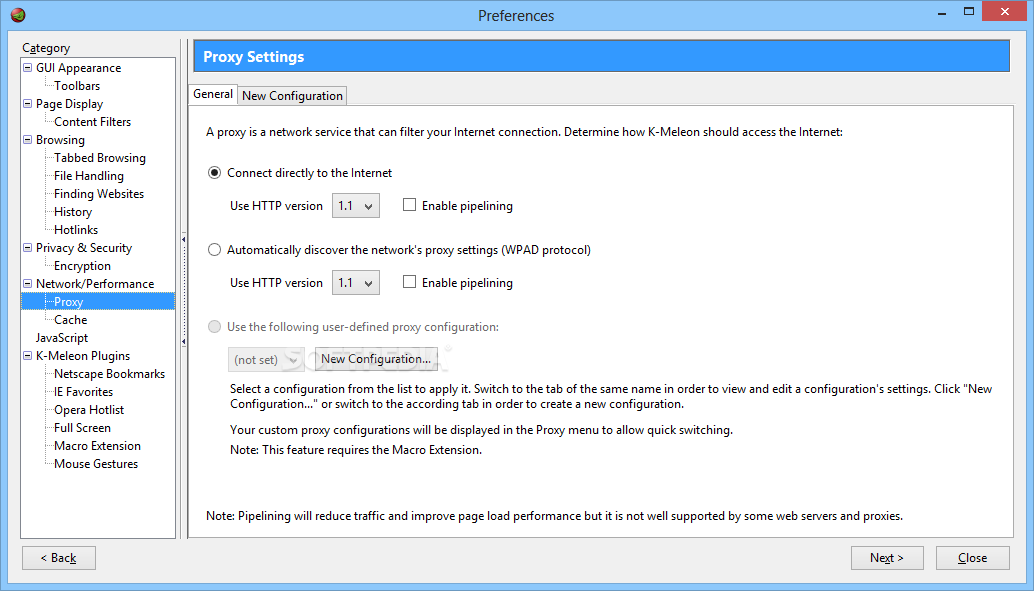
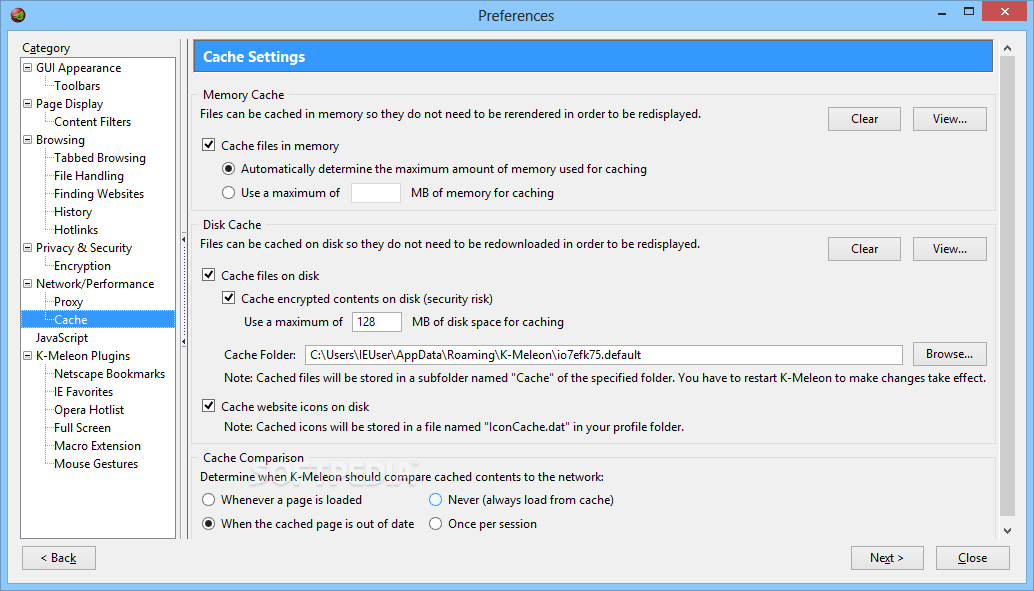
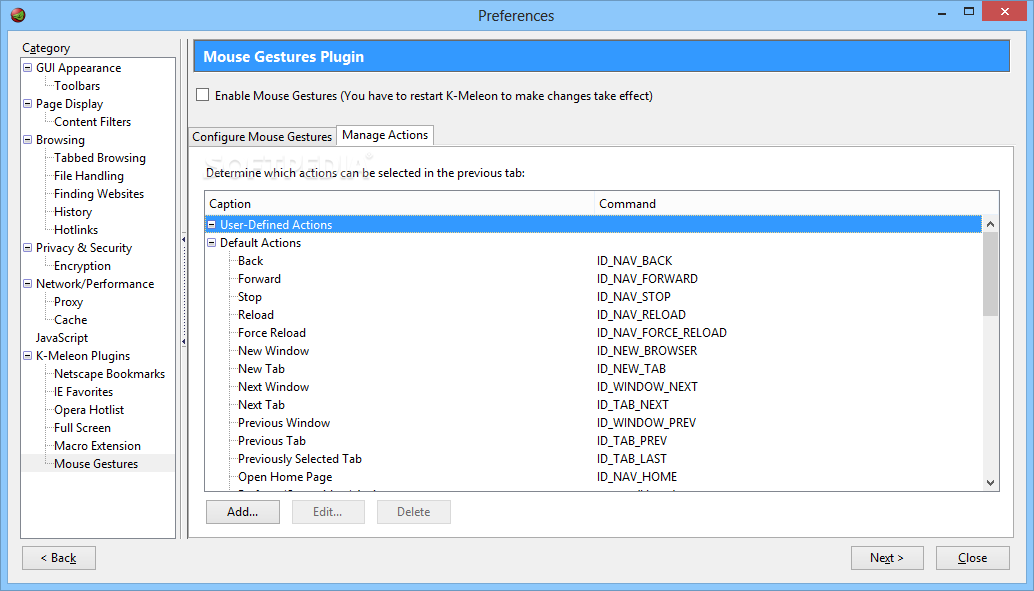
Sometimes, Error Console takes a long time to load, and it makes K-Meleon look like it froze. Plus, we could not activate the Mouse Gestures plugin. The Preferences menu lacks the "Ok", "Apply", “Cancel” buttons, and they are replaced by "Back" and "Next" which are, quite frankly, useless. Every major change here requires for K-Meleon to restart, but Mouse Gestures simply did not work after we restarted the web browser.
If you want an alternative to Firefox (especially when we are talking about older computer systems) that uses a low amount of system memory, then K-Meleon might be a good fit, if you can overlook the minor issues.
Download Hubs
K-Meleon is part of these download collections: Web Browser
What's new in K-Meleon 76 RC:
- Updated to Gecko 38.8
- Flashblock update
K-Meleon 75.1 / 76 RC Update 1
 Softpedia Editor's Pick
add to watchlist
add to download basket
send us an update
REPORT
Softpedia Editor's Pick
add to watchlist
add to download basket
send us an update
REPORT
- portable version
- This is the portable version of the application. An installable version is also available: K-Meleon Portable
- runs on:
-
Windows 10 32/64 bit
Windows 8 32/64 bit
Windows 7 32/64 bit
Windows Vista 32/64 bit
Windows XP - file size:
- 25.3 MB
- filename:
- kmeleon76rcu1.7z
- main category:
- Internet
- developer:
- visit homepage
Context Menu Manager

Windows Sandbox Launcher

4k Video Downloader

Bitdefender Antivirus Free

Zoom Client

ShareX

IrfanView

calibre

Microsoft Teams

7-Zip

- calibre
- Microsoft Teams
- 7-Zip
- Context Menu Manager
- Windows Sandbox Launcher
- 4k Video Downloader
- Bitdefender Antivirus Free
- Zoom Client
- ShareX
- IrfanView