
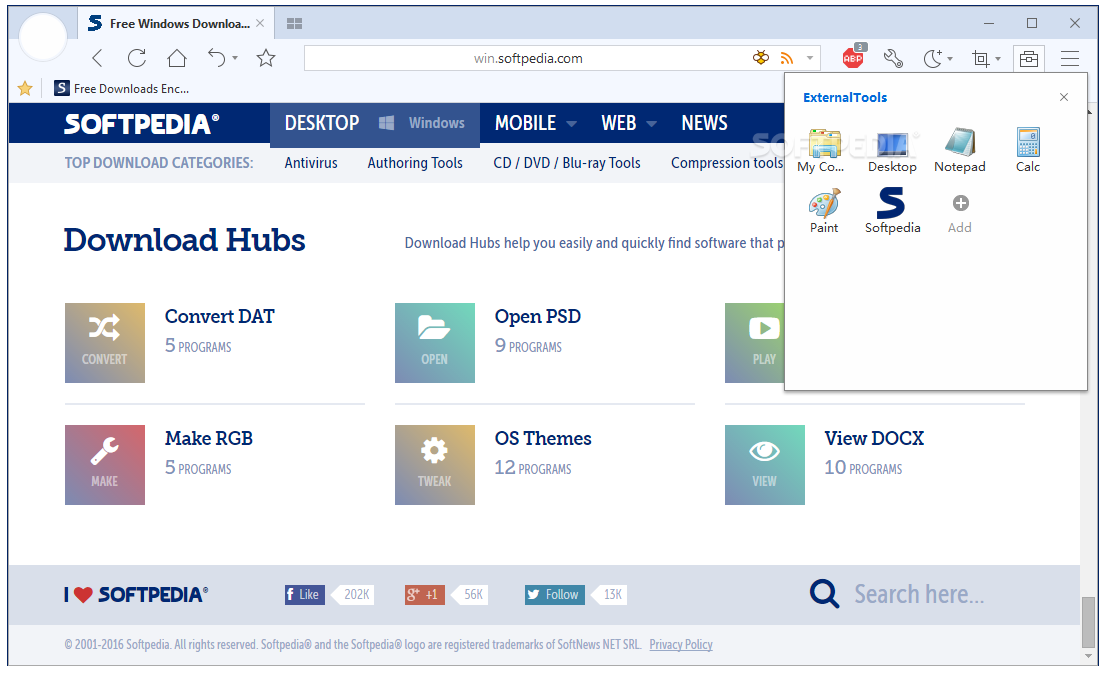
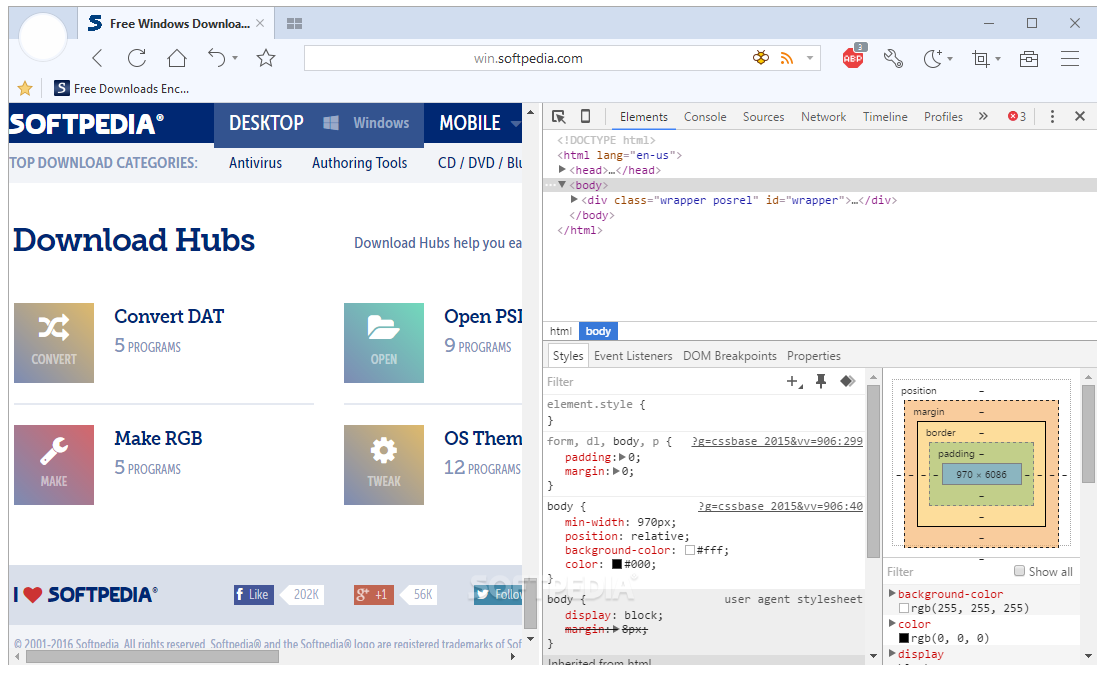
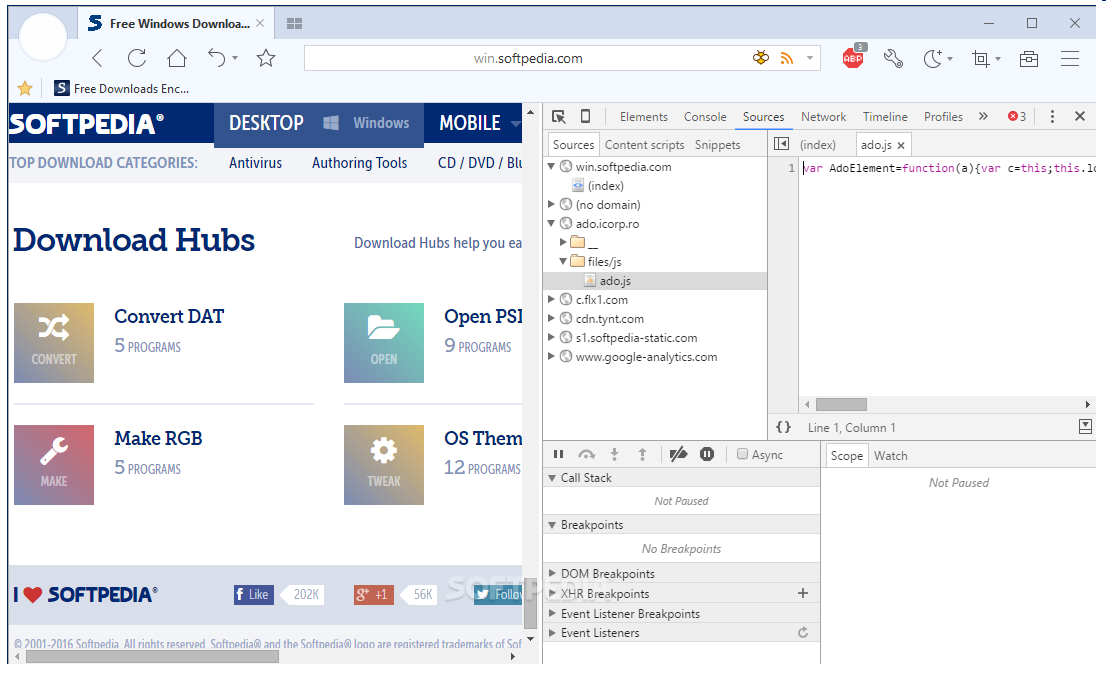
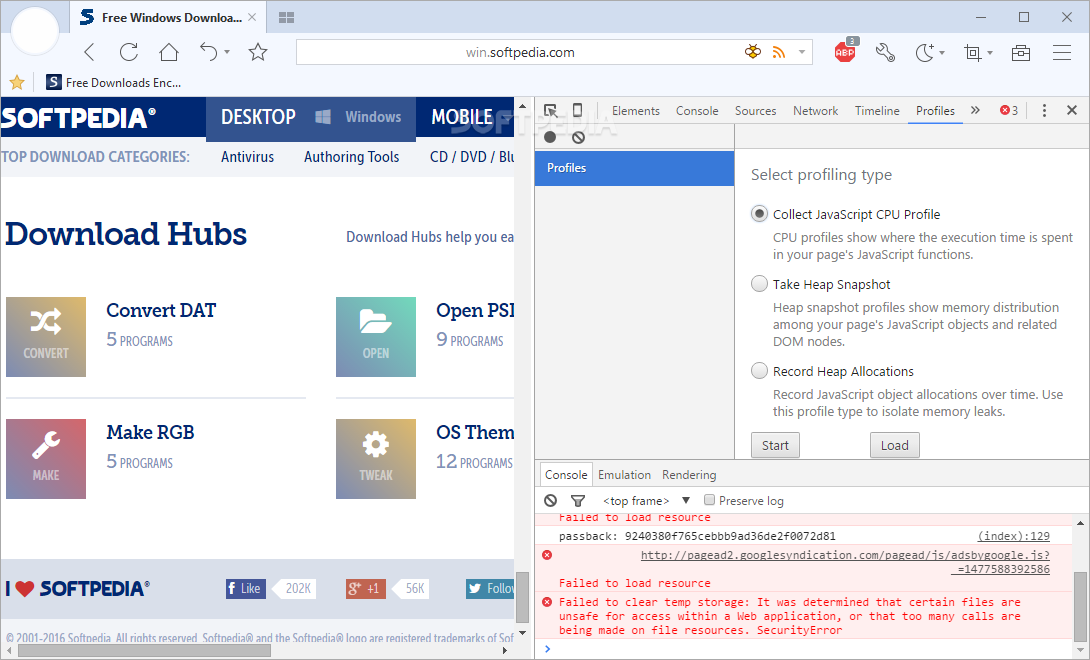
User-friendly web browser that comes with support for private browsing, also featuring an ad blocker, split screen view, mouse gestures, a download manager and more. #Website Browser #Tabbed Browser #Browse Website #Browser #Browse #Tabbed
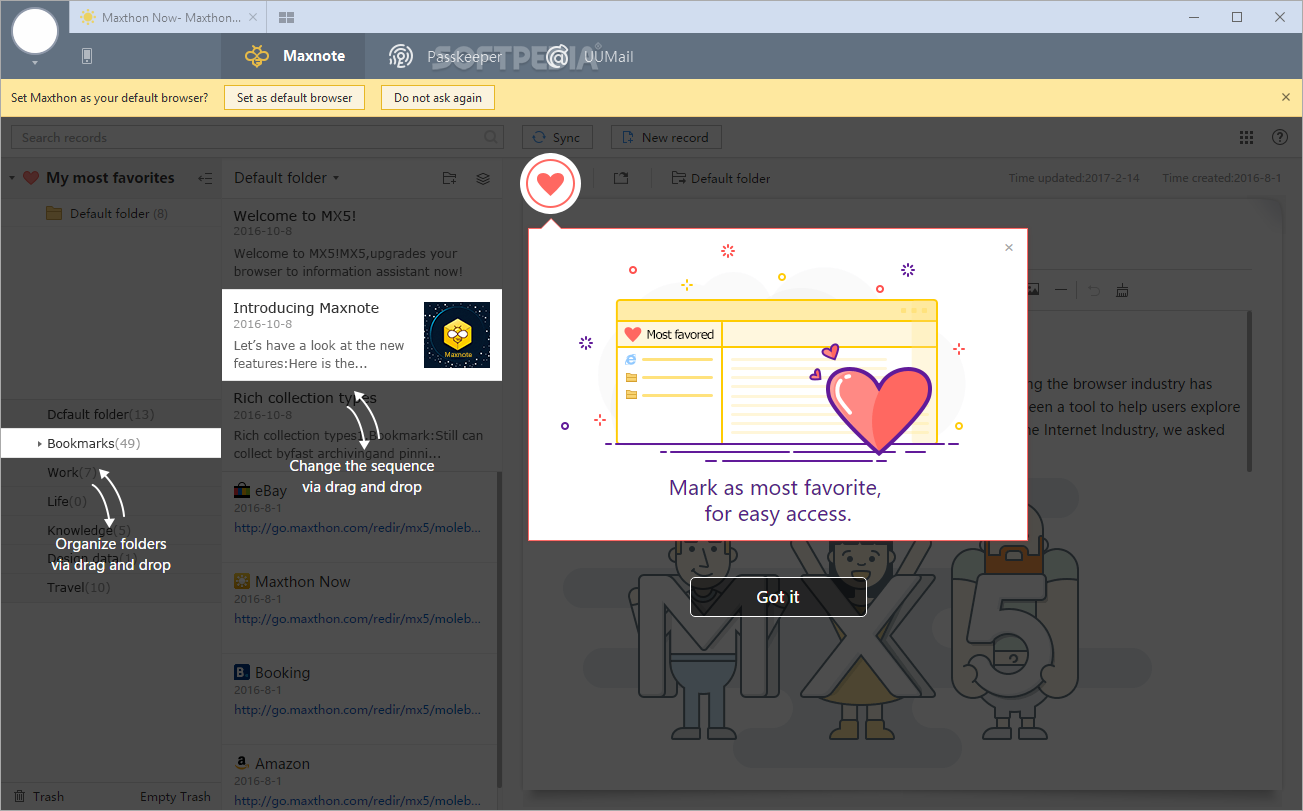
The market is constantly flooded with all kinds of browsers, some of them inspired by old ones, while others strive to bring innovation to the table.
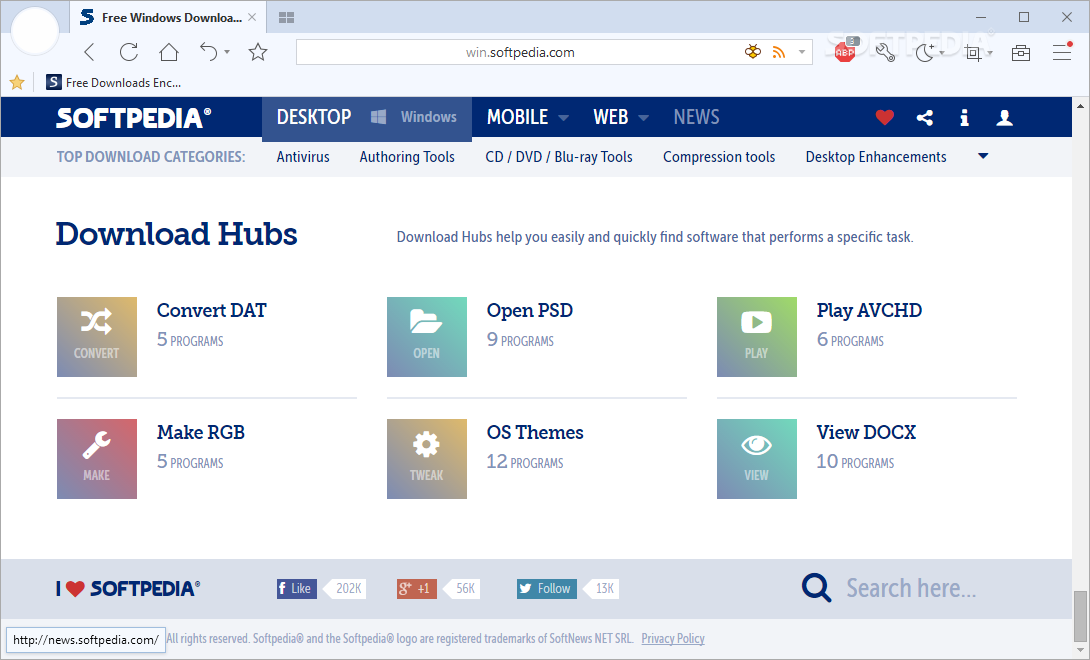
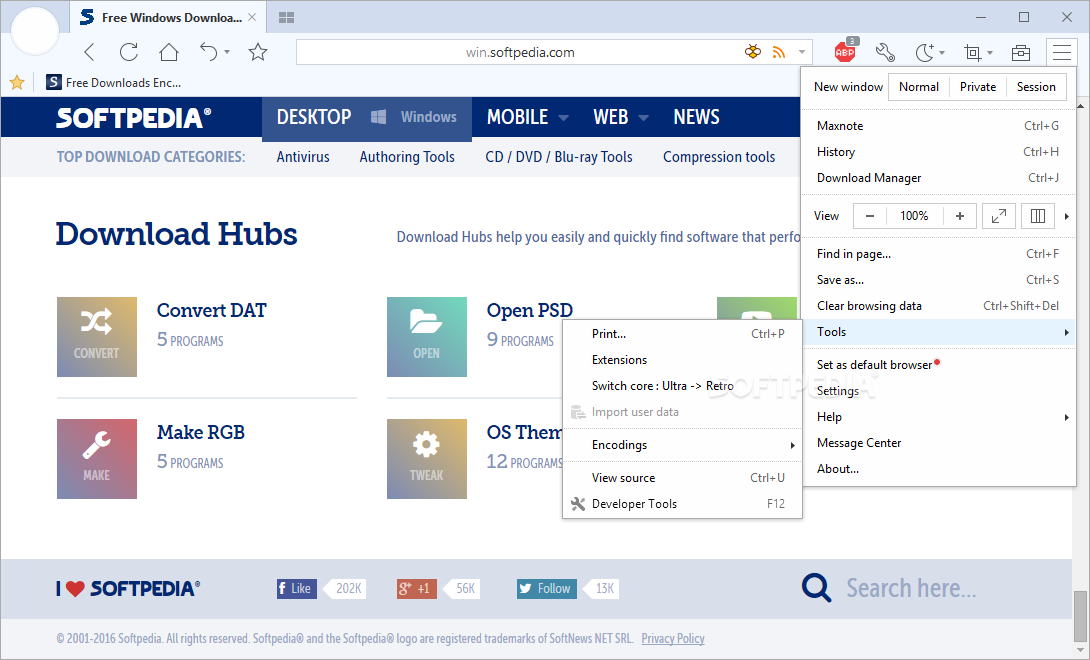
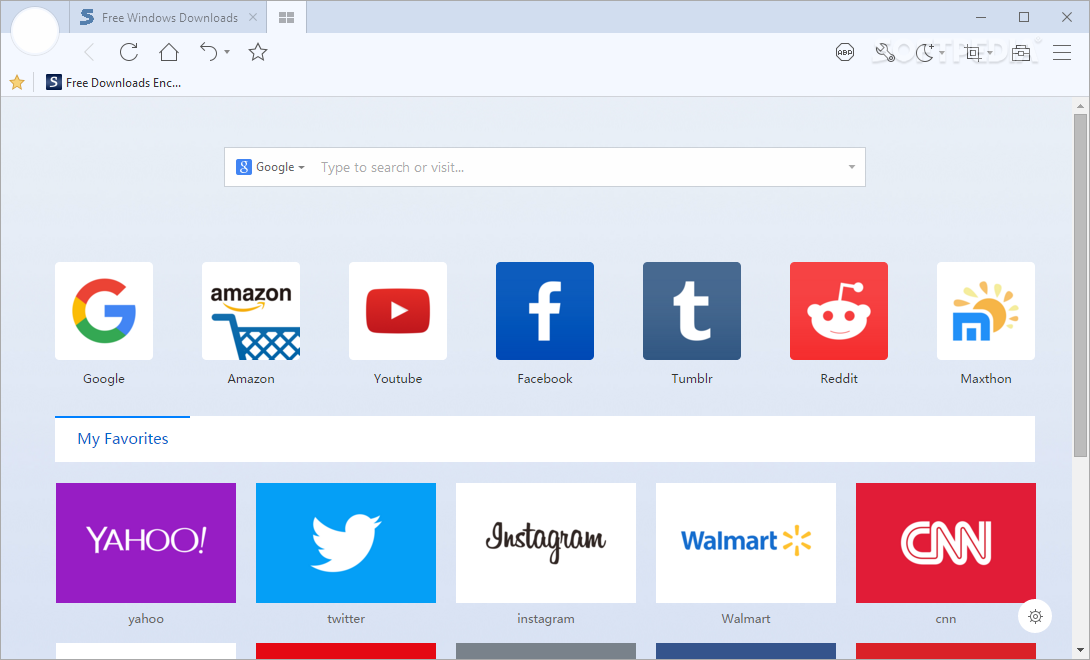
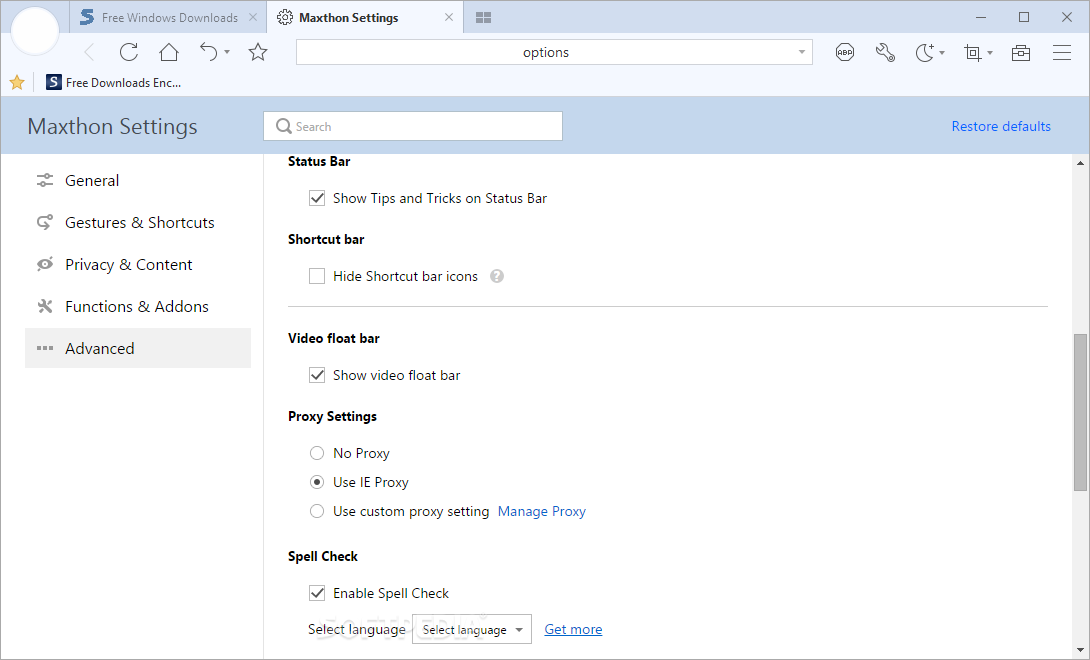
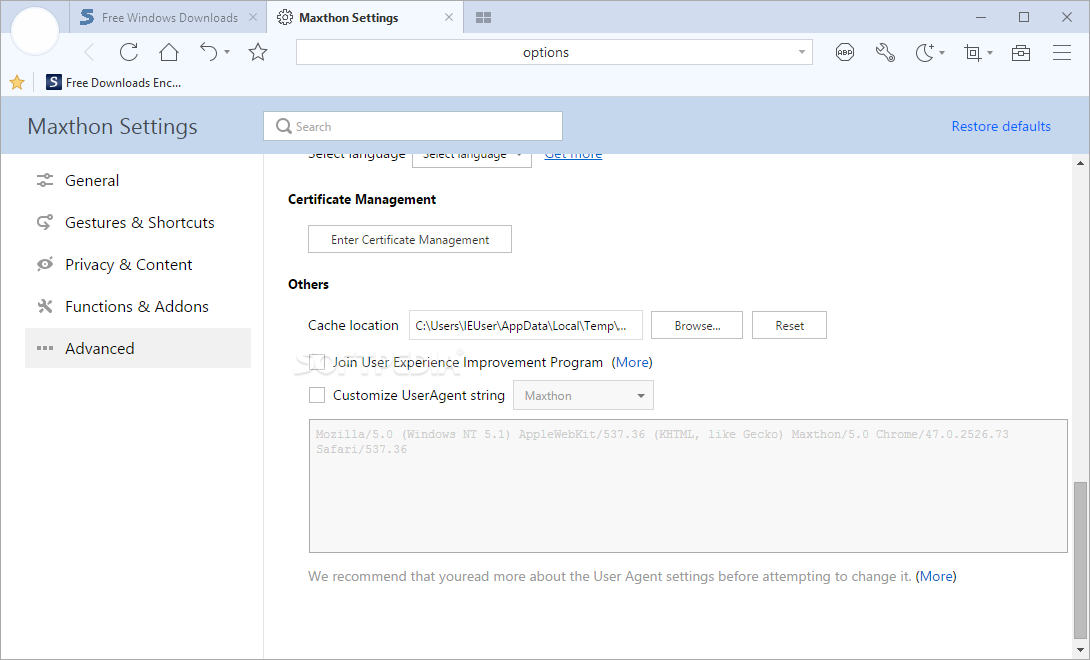
Maxthon is one of the browsers that has managed to stand the test of time, considering it has been launched in 2002. It has undergone several transformations in the meantime, in an effort to keep track with all the technology changes and advancements, with the newest version being based on Chromium.
Since Maxthon runs on Chromium core, this means it is compatible with all extensions and apps designed for this engine, while retaining compatibility with the major previous iterations of Maxthon. In other words, you can easily install your favorite Chrome extensions and enjoy their functionality while working in Maxthon as well.
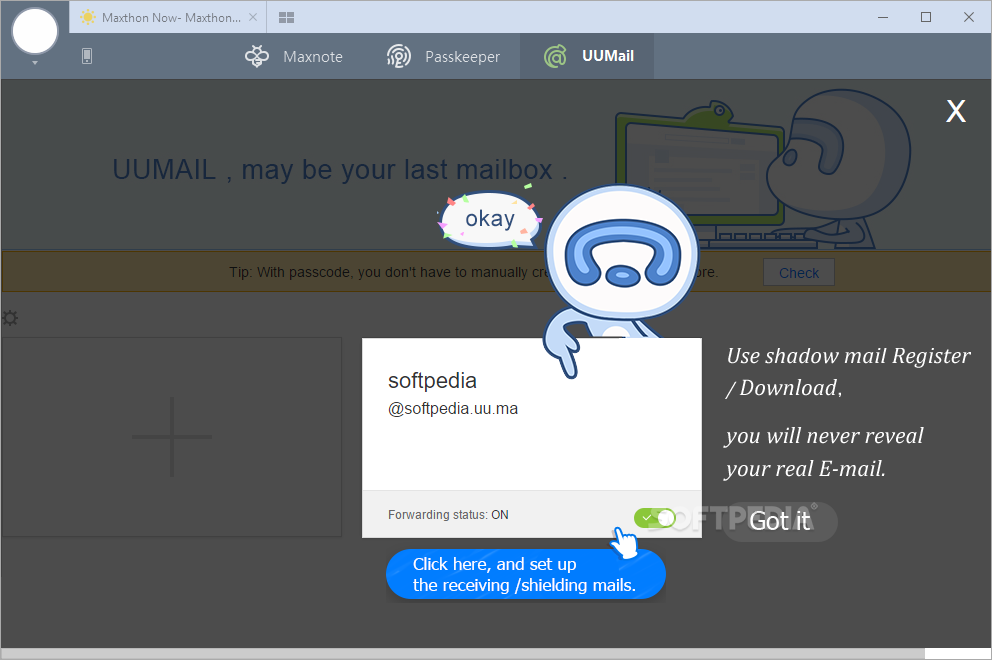
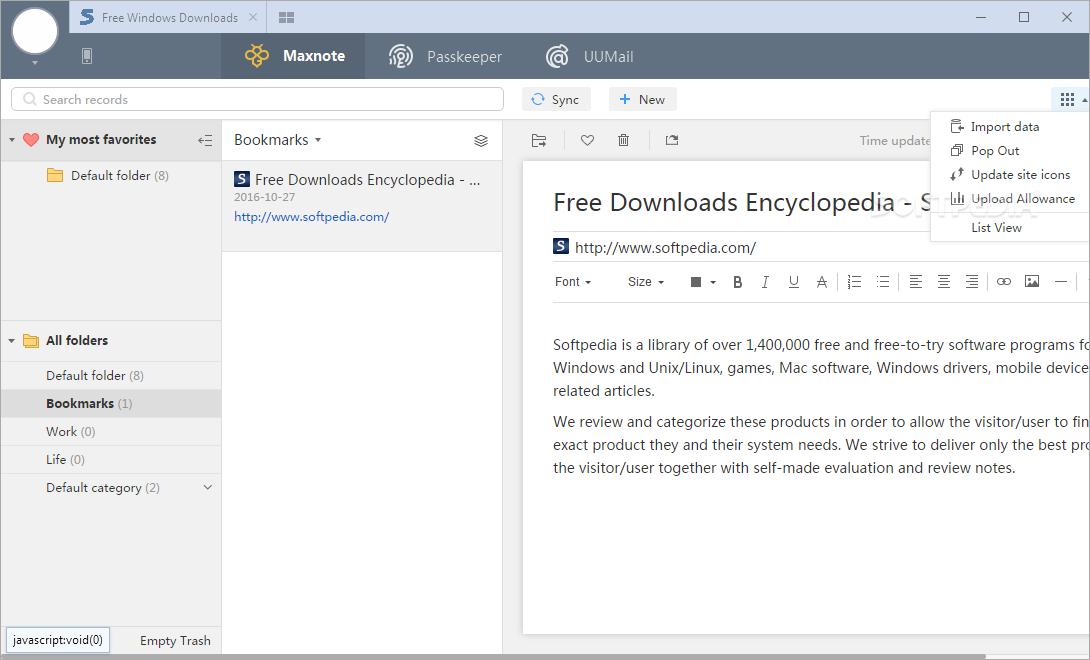
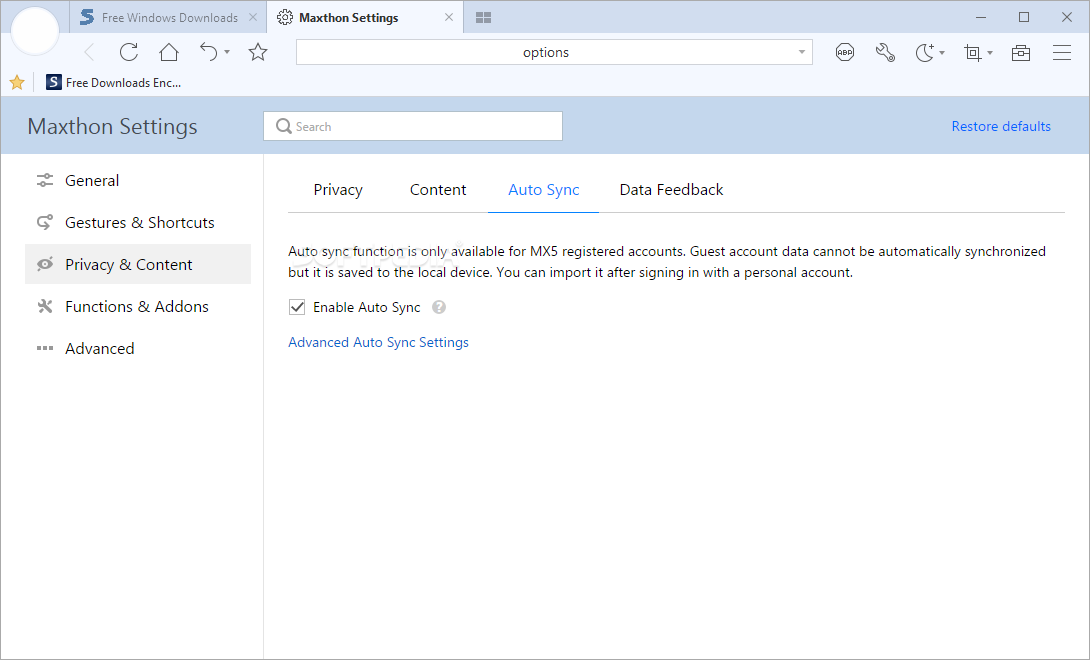
You can easily import other browsers' local data to continue work where you left off (compatible browsers are Maxthon 5, Chrome, Edge, IE and Firefox). Alternatively, you can take advantage of the cloud sync feature and login with the same account on several devices, so as to share data between these devices without any hassle.
In addition to the standard security provided by the Chromium engine, Maxthon brings some additional features to the mix, the most notable being blockchain support.
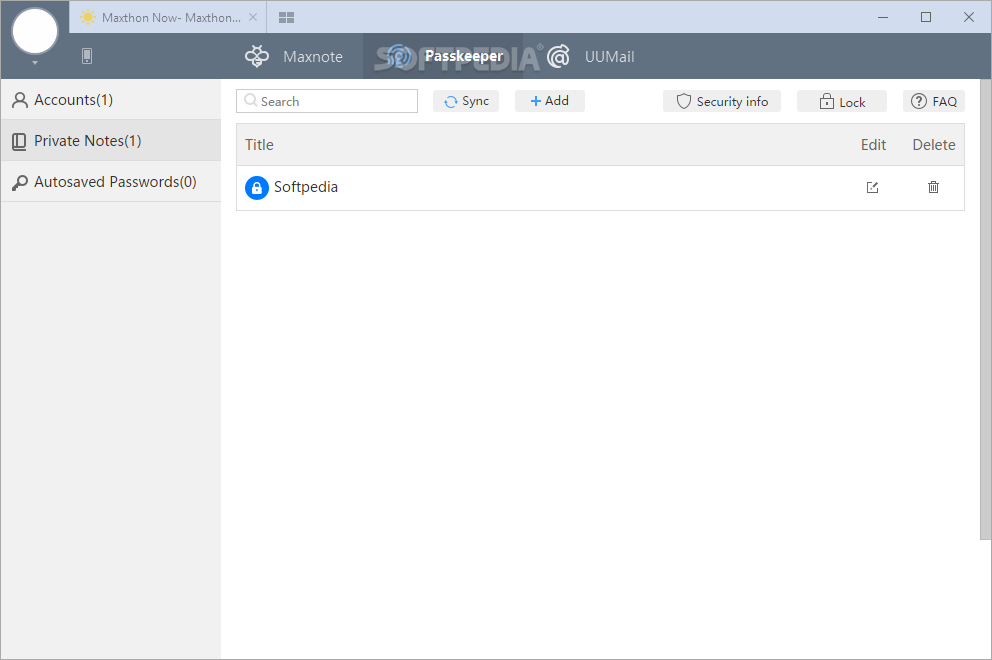
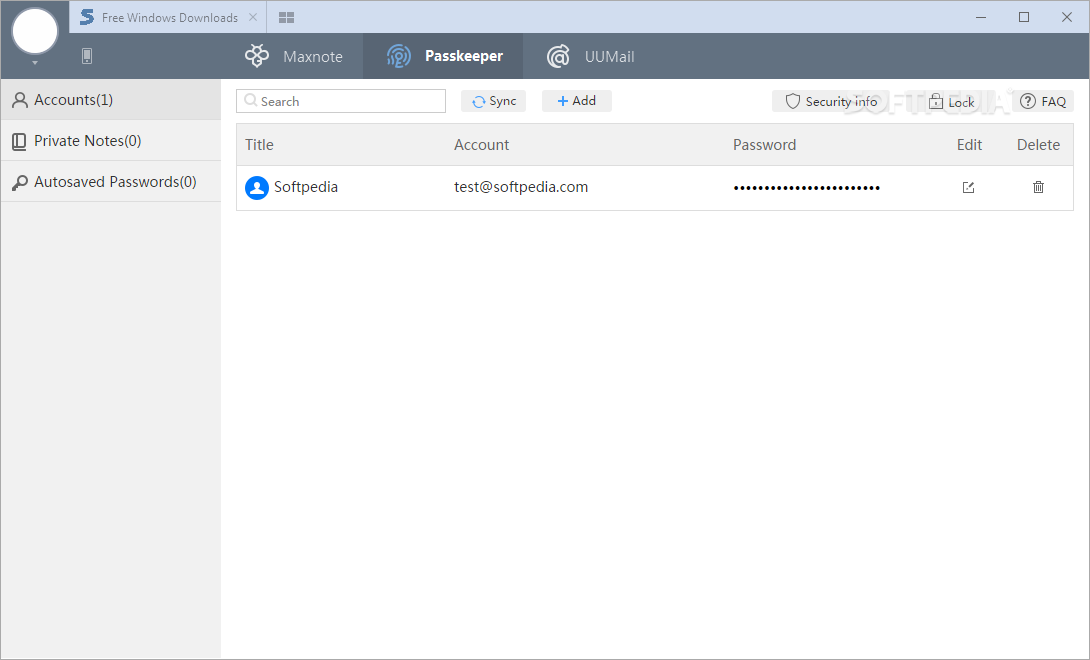
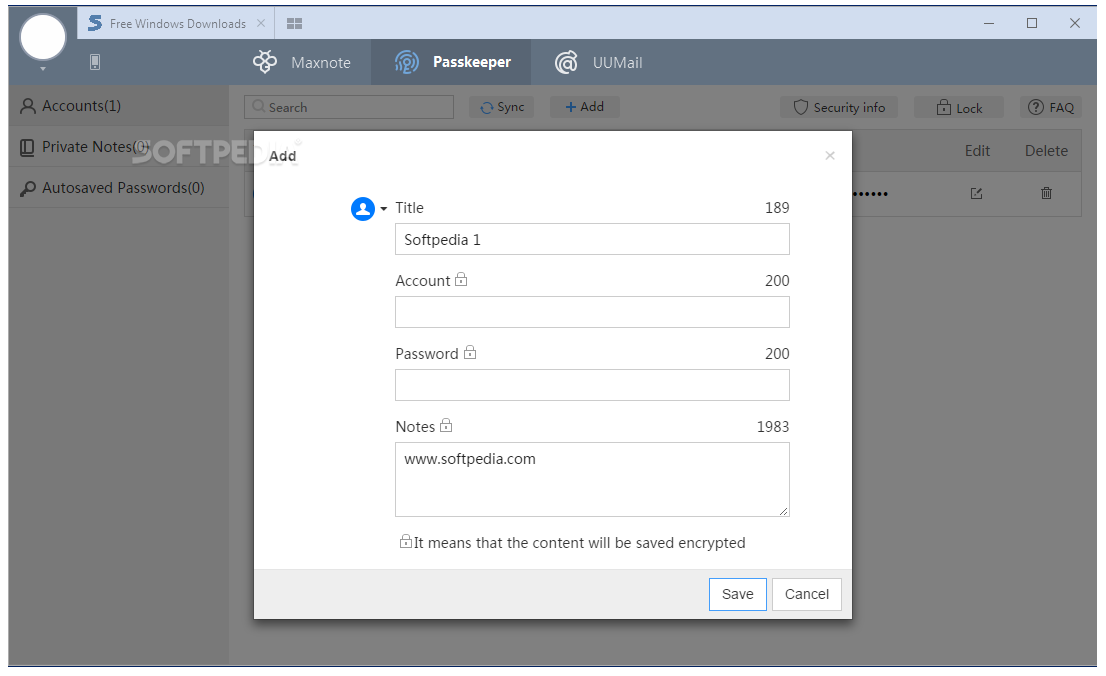
You can set up secure identities and assets to make sure your online privacy is always protected. Moreover, if you are a developer, you can create cryptographically sound apps using the Vbox and NBdomain interfaces, packed within Maxthon.
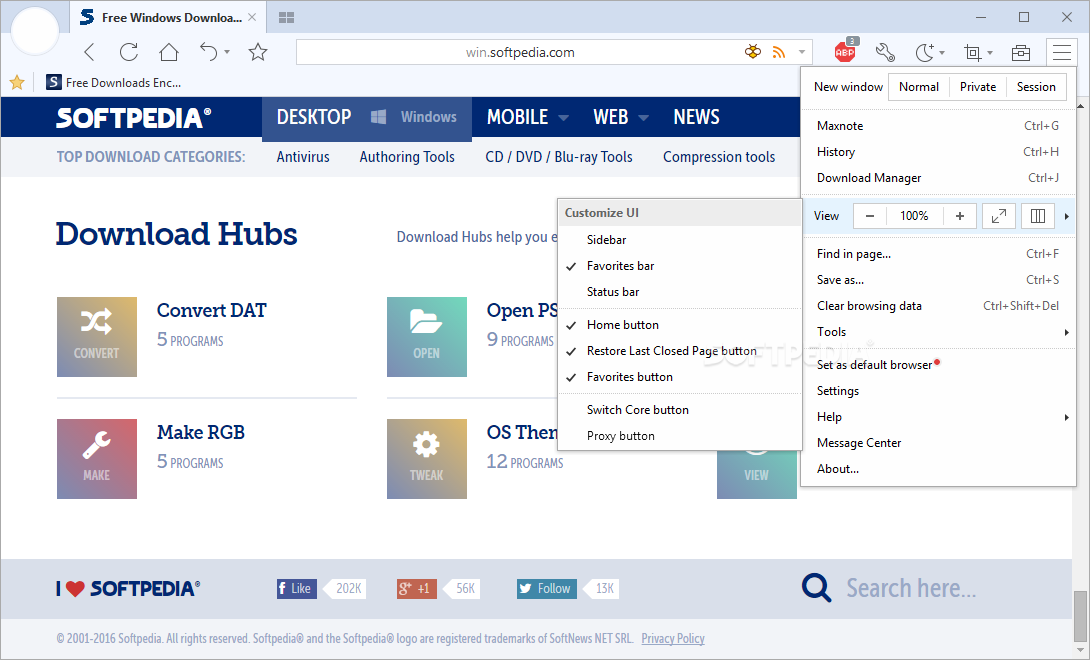
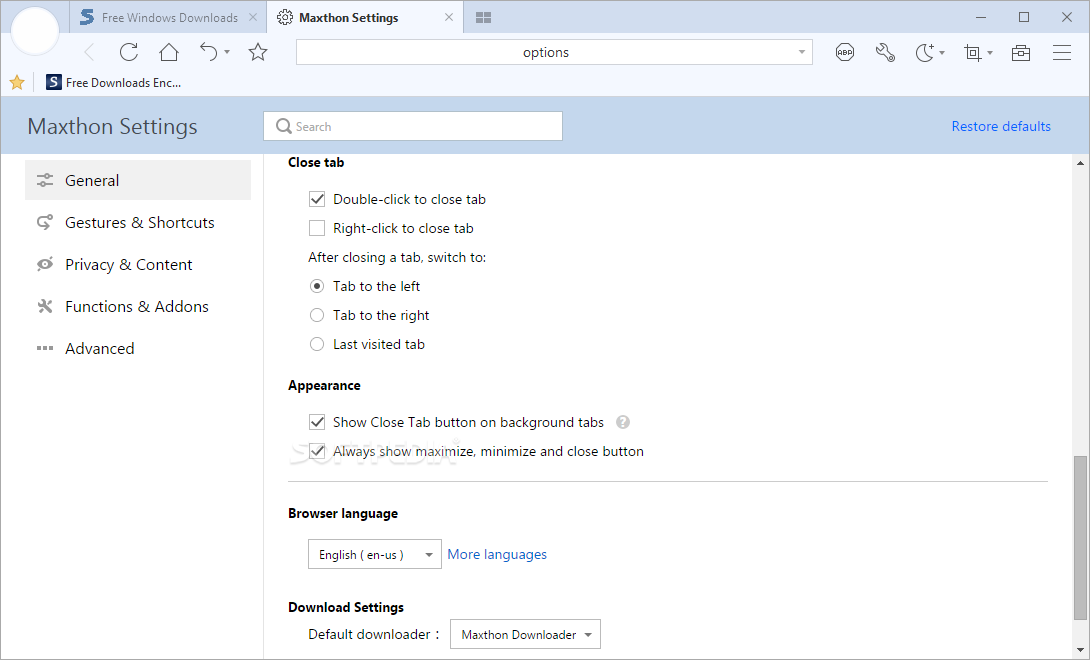
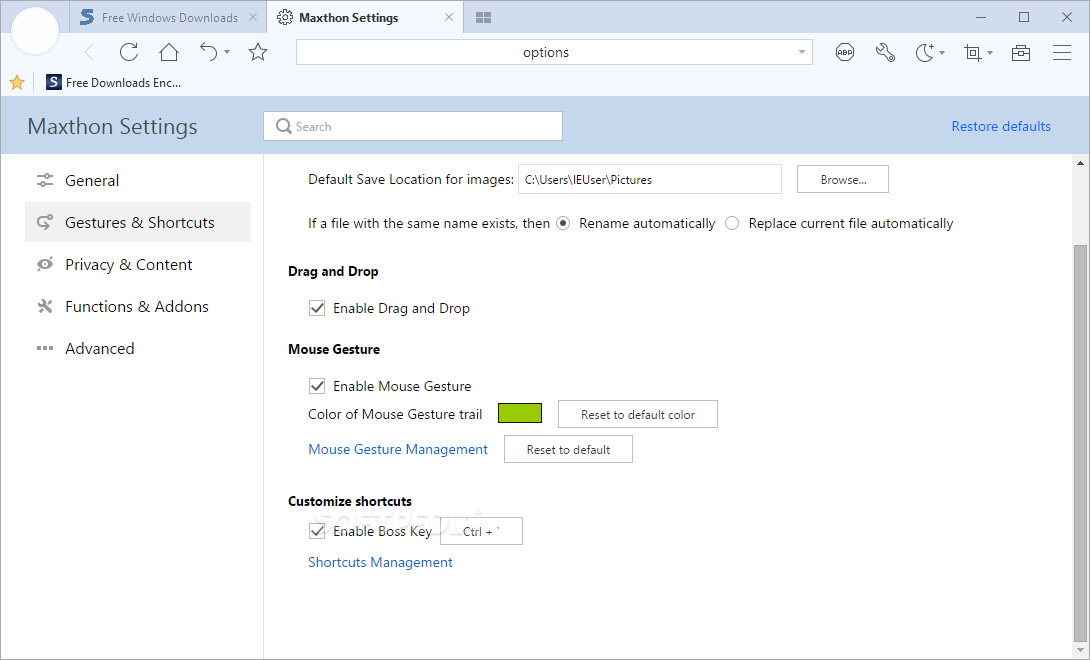
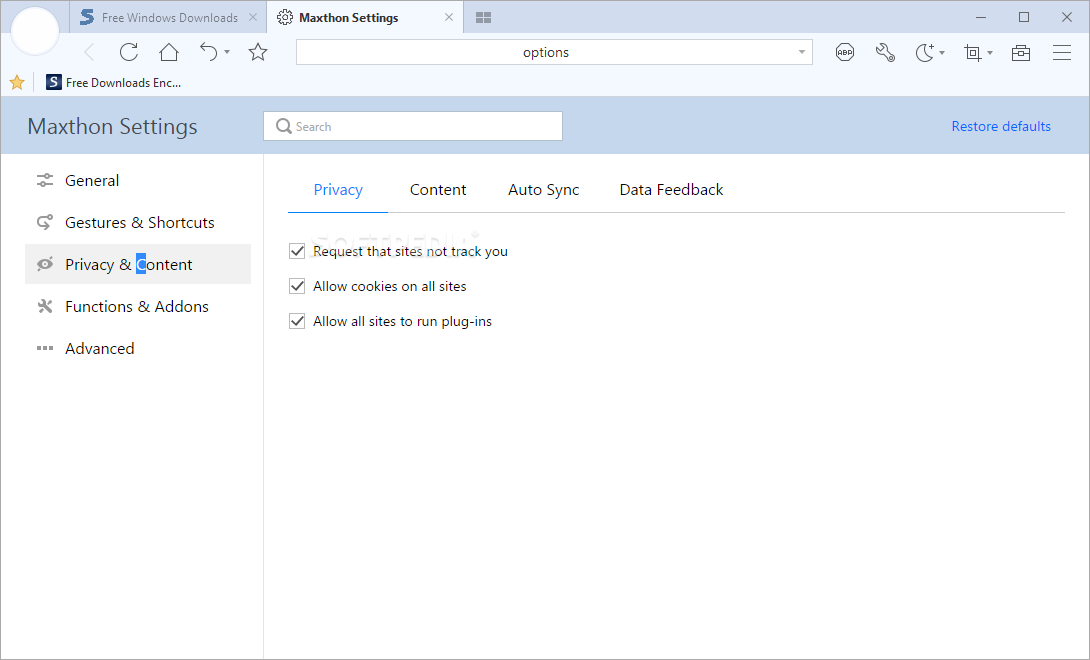
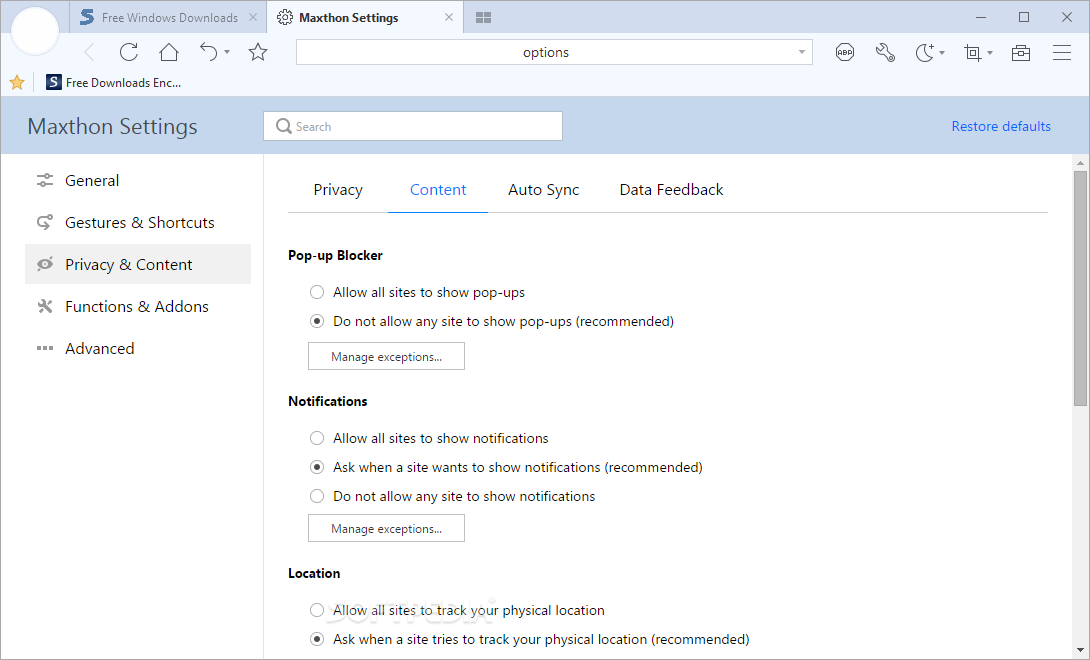
Maxthon will surely continue begins the go-to browser for thousands of users all over the world, mostly due to their commitment to providing a secure yet neatly-looking browser. It can be personalized within seconds even by novices whereas experts can go deeper and experiment with the blockchain support.
Download Hubs
Maxthon is part of these download collections: Web Browser
What's new in Maxthon 7.1.8.9000:
- Comprehensive upgrade of data synchronization mechanism for faster and safer data syncing
- Added Search Tab button located at the top left corner of the tab bar, allowing users to view and search open and recently closed tabs through an expanded menu. This feature can be enabled or disabled in 'Settings'->'Appearance' and supports keyboard shortcuts.
- Added Video Download Acceleration: For full video downloads, videos from certain sites can be downloaded at high speed by clicking the acceleration button in the download popup to download the 720P version of the video.
- Added Vertical Video Download Support: Resolution for full video downloads is adjusted to match the original video playback resolution.
Maxthon 7.1.8.9000
add to watchlist add to download basket send us an update REPORT- PRICE: Free
- portable version
- Portable Maxthon
- runs on:
-
Windows 11
Windows 10 32/64 bit
Windows 8 32/64 bit
Windows 7 32/64 bit - file size:
- 98.7 MB
- filename:
- maxthon_7.1.8.9000_x86.exe
- main category:
- Internet
- developer:
- visit homepage
Bitdefender Antivirus Free

Windows Sandbox Launcher

ShareX

7-Zip

Zoom Client

4k Video Downloader

Context Menu Manager

Microsoft Teams

IrfanView

calibre

- Microsoft Teams
- IrfanView
- calibre
- Bitdefender Antivirus Free
- Windows Sandbox Launcher
- ShareX
- 7-Zip
- Zoom Client
- 4k Video Downloader
- Context Menu Manager