
A lightweight take on Firefox that provides some added convenience in the form of a sidebar that provides a series of functionalities. #Internet Browser #Internet Explorer #Internet Navigator #Browser #Browse #Explorer

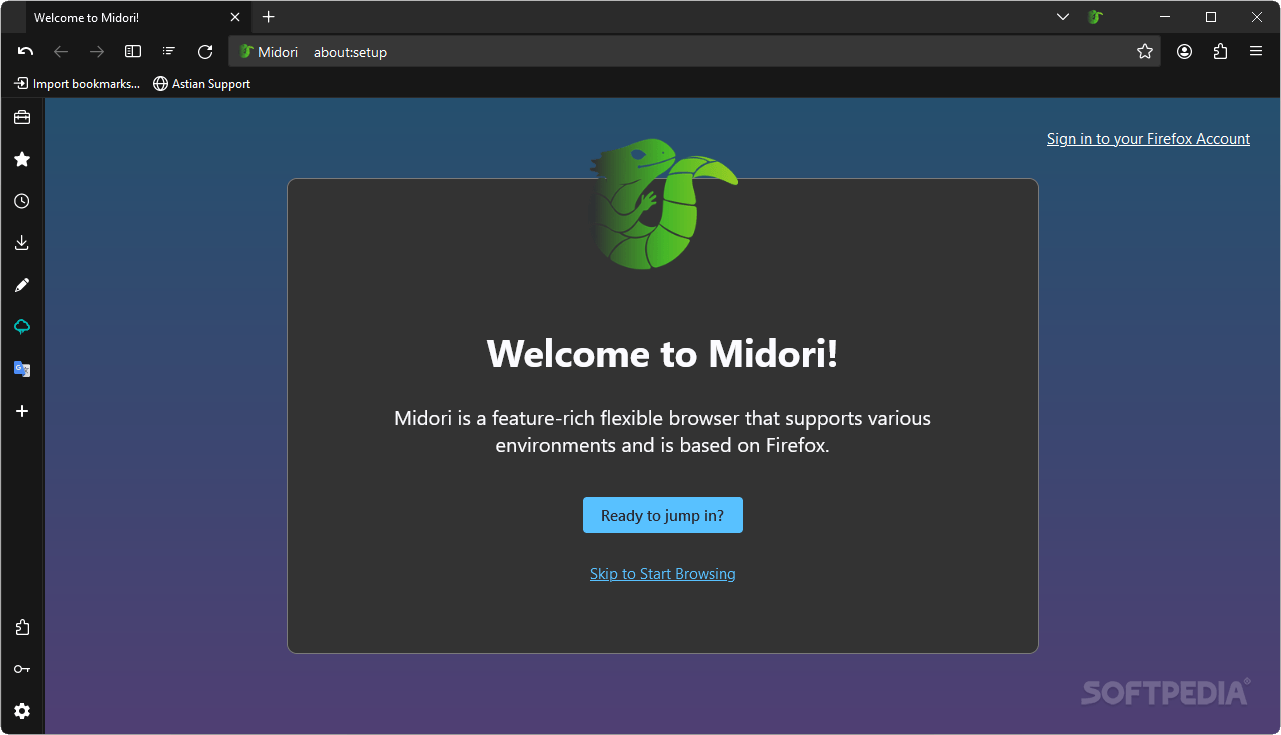
A good browser is a good browser, but what works for others may not work for you. Remember, most of your interaction with the web will happen in your browser, so it’s good to be picky and know what your priorities are. Chromium is reliable, but what if you don’t want to give in to the quasi-monopoly of Google, you’ve got Firefox and its respective forks.
If Firefox doesn’t cut it for you, then something that is based on it, but brings its own twists into the mix, might work. Midori seems promising enough to warrant a try: it claims it’s much lighter than Firefox, while also featuring greater customization capabilities, among other things.
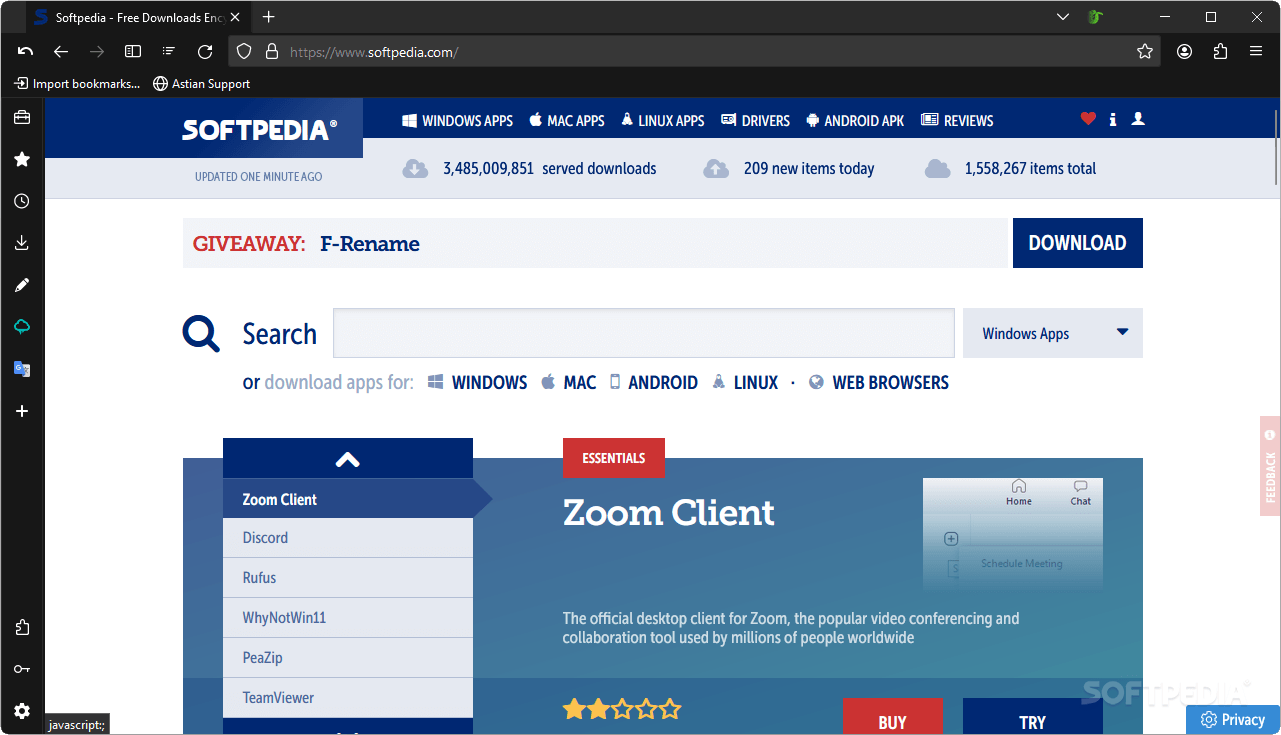
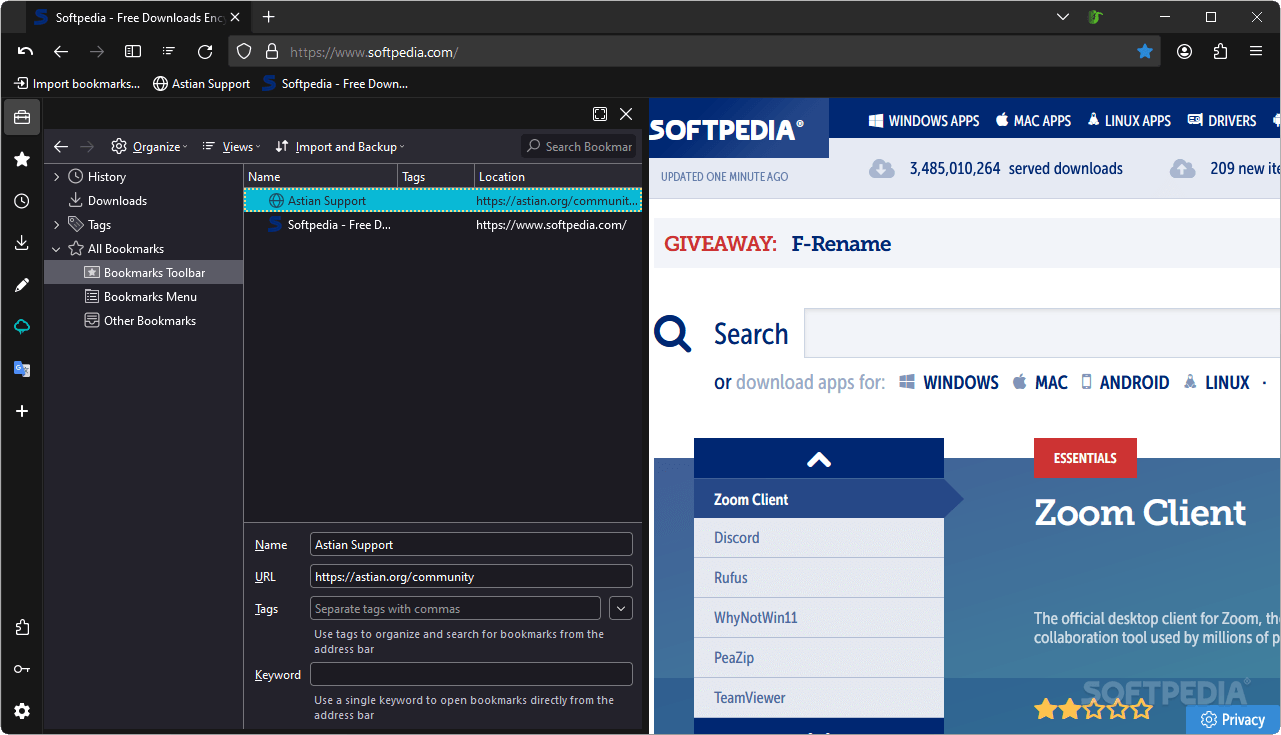
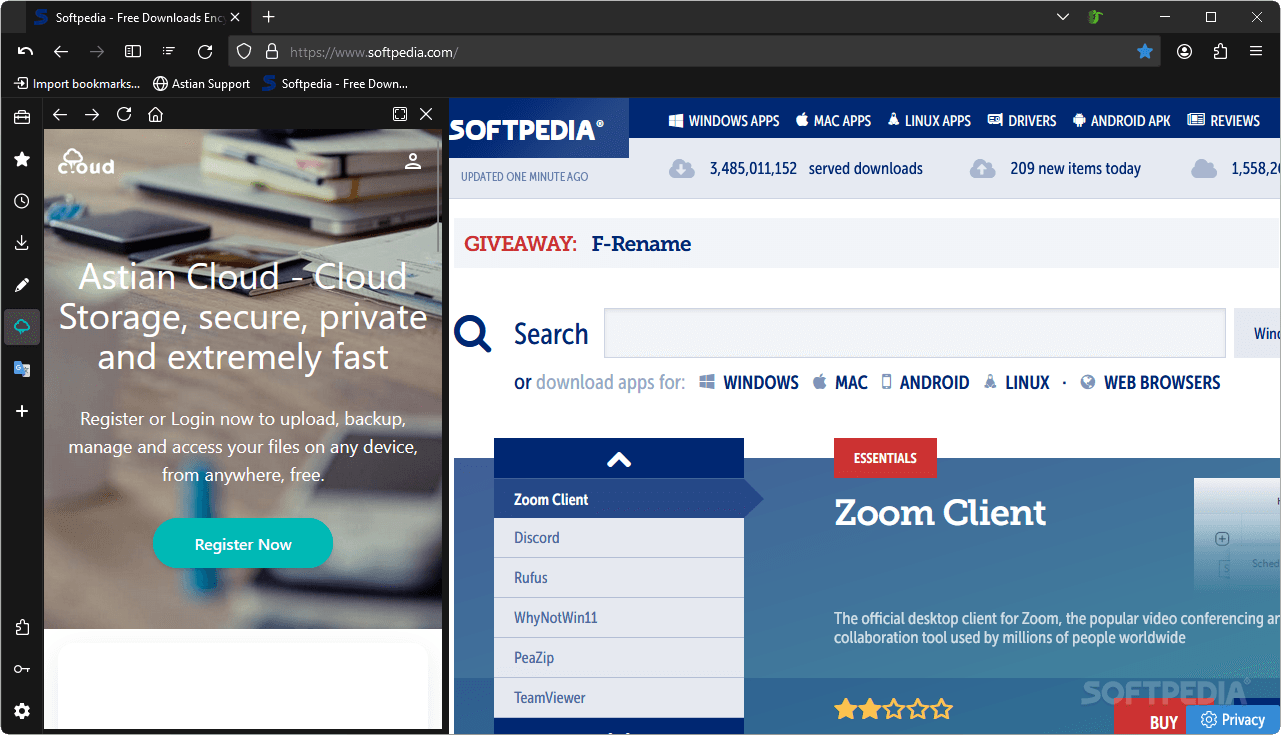
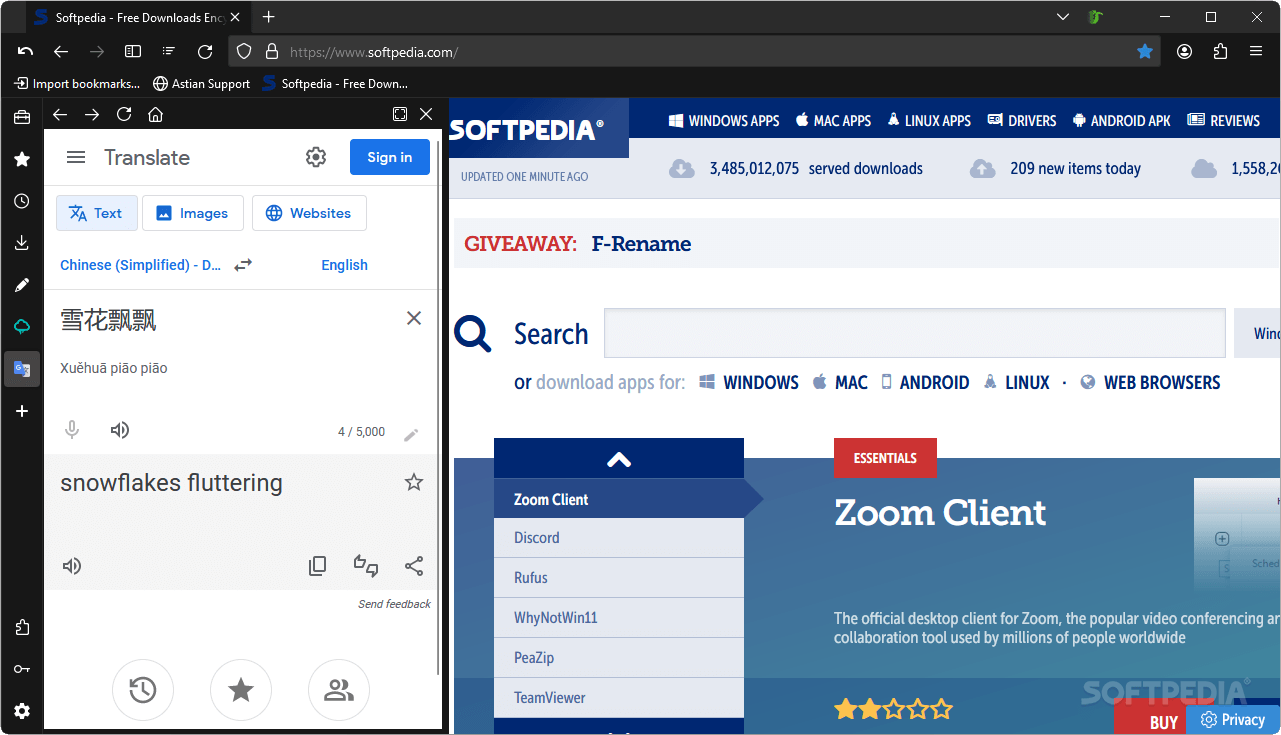
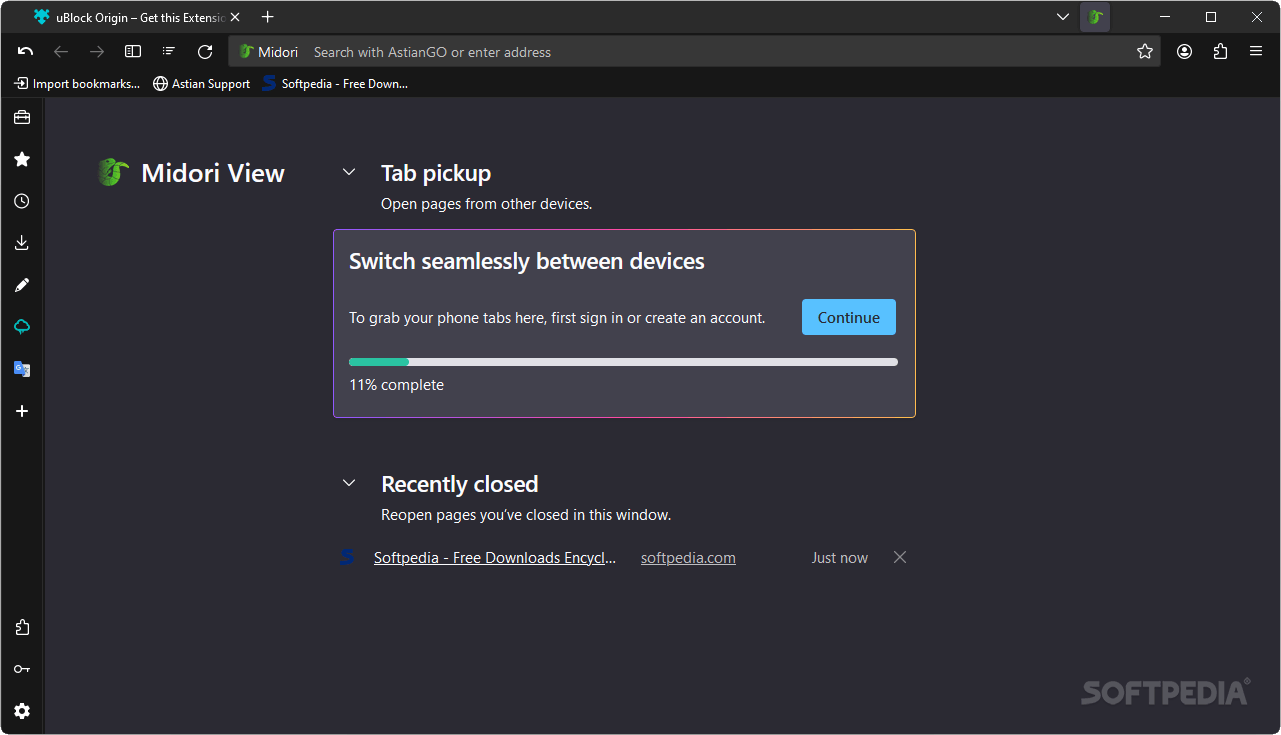
The browser takes the foundation of Firefox and builds upon it in a way that may appeal to those who aren’t currently tempted by Mozilla’s offering. Besides the interface adopting an arguably sleeker look with some minimalist tinges, the main highlight is the sidebar which facilitates access to several functions of interest.
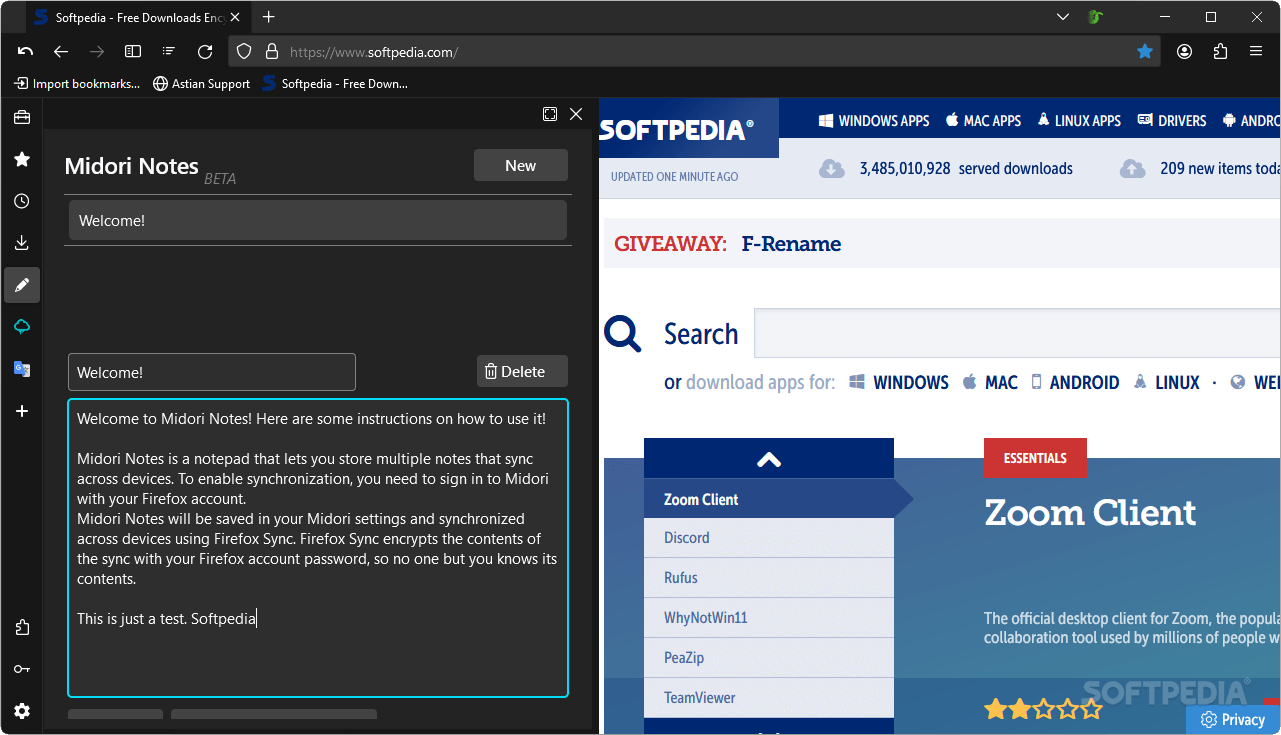
You get access to the usual history, bookmarks, and downloads sections, but shortcuts related to Midori Notes, Astian Cloud, and Google Translate are also featured. I found the Notes to be especially useful, as jotting something down was fairly quick and unobtrusive to my general workflow.
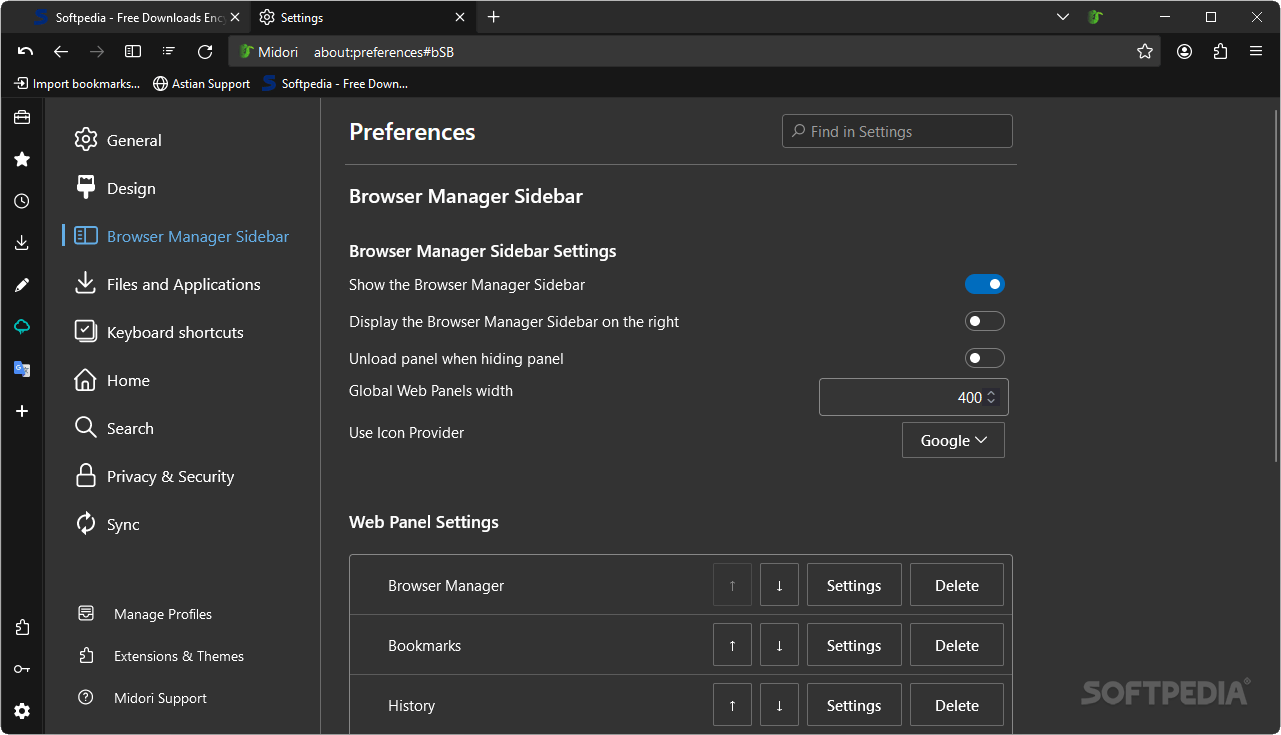
The sidebar also makes it quicker to get to your extensions and saved logins, which is quite beneficial in terms of efficiency and doing things within as few clicks as possible.
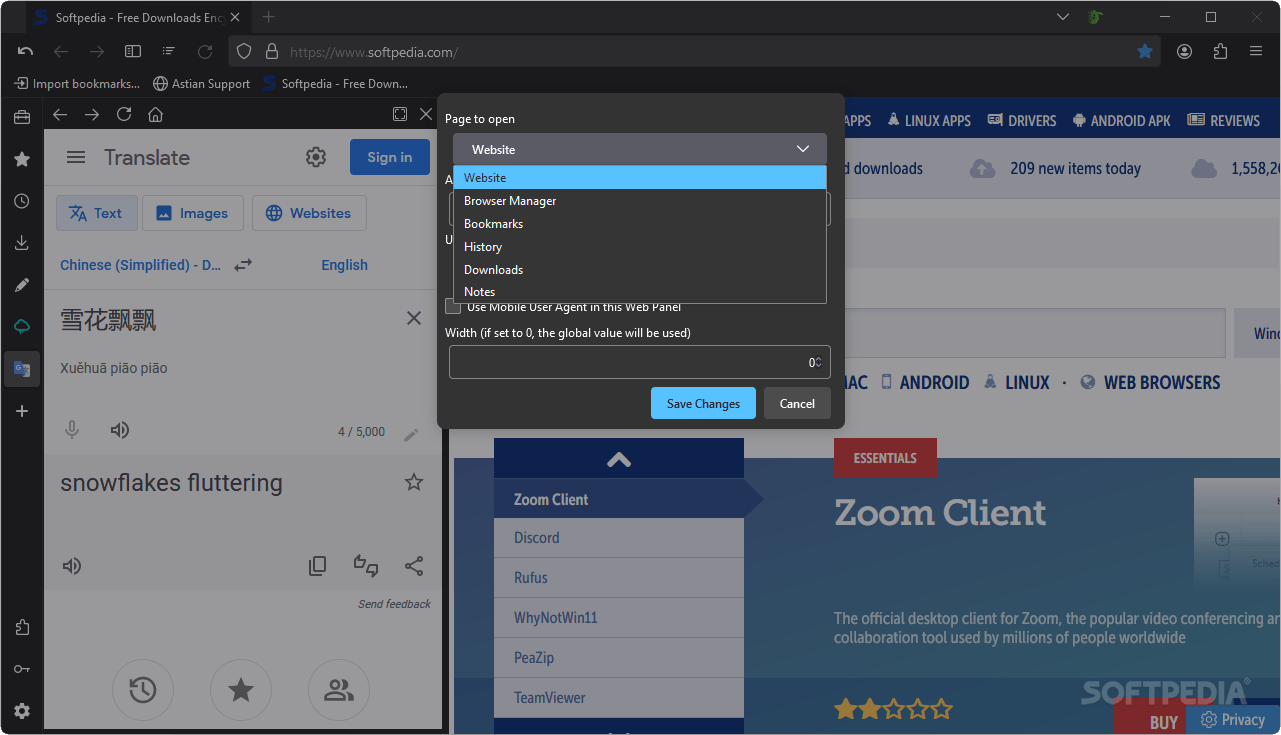
There’s also the option to add your own shortcuts on the sidebar, and these can take the form of a web page. You may also isolate that specific domain into a container of your choosing and customize its width. This gives you full access to that website right from the sidebar.
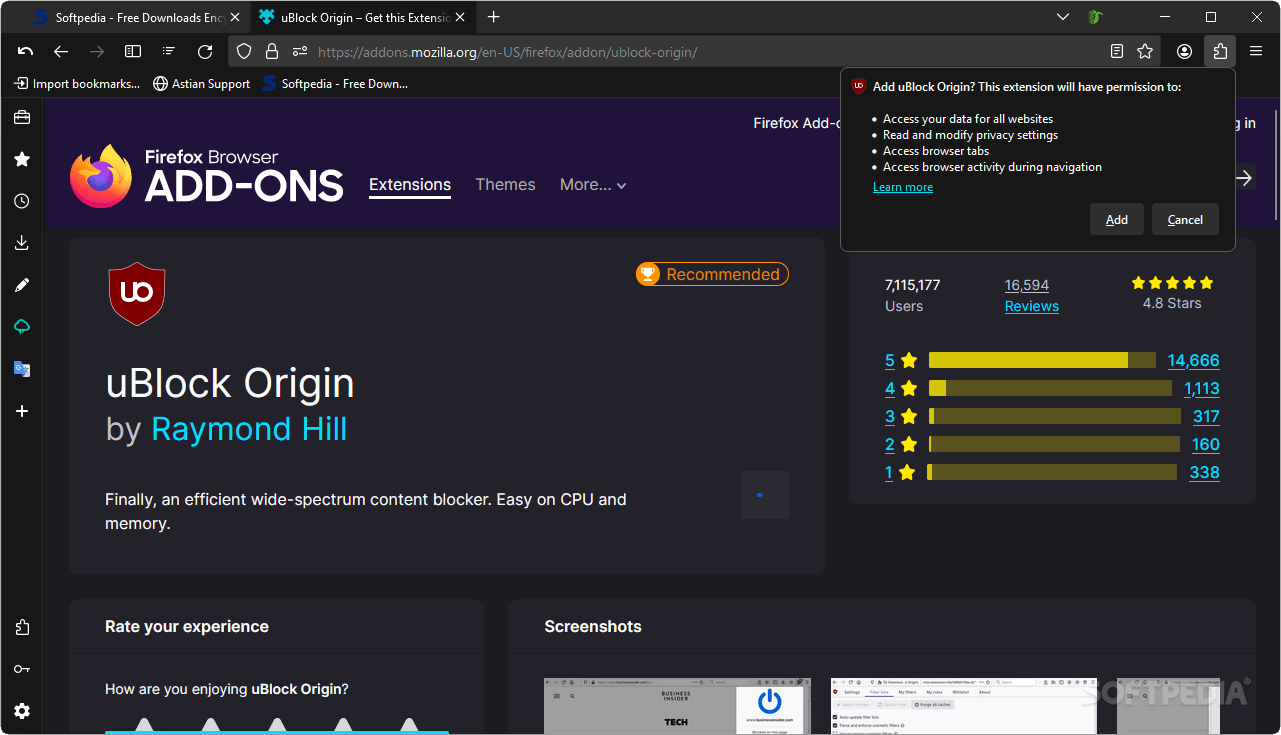
Extensions can be downloaded from Mozilla’s add-ons website, with the general rule being that, if it works on Firefox, it’ll likely work here.
The browser doesn’t come with a built-in ad-blocker , and the default search engine is AstianGO, which sadly seems to be in the testing stage. It claims to be an engine that respects the user’s privacy, but even so, some may feel more at ease with a more established solution .
An interesting browser solution
If Mozilla’s current offering isn’t for you, but nevertheless prefer non-Chromium solutions, then Midori might work. It’s relatively lightweight, and though it may not have the overall polish of the bigger players, it’s a usable, slightly different take on Firefox that may appeal to some users.
What's new in Midori 11.3.0:
- Astian Suite + Productivity:
- Midori 11.3 features our first Astian Suite applications, Notes, Contacts and the new Astian Calendar, which was released a few days ago. But this is not all, we have improved and prepared our unification service, Astian Accounts, so that users have a better reach from the same account.
- Renewed return of AstianGO:
Midori 11.3.0
add to watchlist add to download basket send us an update REPORT- portable version
- Midori Portable
- runs on:
-
Windows 11
Windows 10 32/64 bit - file size:
- 76.5 MB
- filename:
- midori-11.3.0.win64.installer.exe
- main category:
- Internet
- developer:
- visit homepage
Zoom Client

Microsoft Teams

4k Video Downloader

Context Menu Manager

IrfanView

ShareX

Windows Sandbox Launcher

Bitdefender Antivirus Free

calibre

7-Zip

- Bitdefender Antivirus Free
- calibre
- 7-Zip
- Zoom Client
- Microsoft Teams
- 4k Video Downloader
- Context Menu Manager
- IrfanView
- ShareX
- Windows Sandbox Launcher