WINDOWS CATEGORIES:


NEWS ARCHIVE >>
SOFTPEDIA REVIEWS >>

WEEKLY HIGHLIGHTS

DVD Cloner45
Spyware Doctor40
1Click DVD Copy40
Apollo DVD Copy40
ABC Amber BlackBer...45
Protected Music Co...40

7-DAY TOP DOWNLOAD

#
Program
Windows Live
Messenger 2009
14.0.8089.726

187,869
Avira AntiVir
Personal - Free
Antivirus 9.0.0.407

183,047
Avira Antivir Virus
Definition File
Update November 6,
2009

173,387
Nexus Radio 4.1.1
122,444
Windows Live
Messenger
8.5.1302.1018

113,099
FreeZ Online TV 1.30
93,662
Microsoft Office
2007

76,384
Y! Multi Messenger
8.x and 9.x

75,572
DVD Shrink 3.2.0.15
53,871
AVG Free Edition 9.0
Build 698a1730

52,233

WEEK'S BEST

  • Internet Explorer ...
  • Online Armor ++ 4....
  • cFosSpeed 5.01 Bui...
  • SONY Vegas Pro 9.0...
  • Firefox 3.6 Beta 1...
  • Nokia Photos 1.6.434
  • Windows Server 200...
  • Skype Portable 4.1...
  • Google Chrome Port...
  • PCMark Vantage Bas...
  • Kaspersky Anti-Vir...
  • Microsoft Virtual ...
  • Messenger Plus! Li...
  • WinX DVD Author [F...
  • SoftPerfect Networ...
  • System Mechanic Pr...
  • Ad Muncher 4.8 Bui...
  • Windows 7 Upgrade ...
  • Pidgin 2.6.3
  • OpenOffice.org 3.2...
  • VirtualDub 1.9.7 B...
  • Maxthon [Softpedia...
  • Spyware Doctor 7.0...
  • SUPERAntiSpyware 4...
  • Adobe Acrobat Prof...
  • Camfrog Video Chat...
  • Adobe Reader 9.2.0...
  • Foxit PDF Reader 3...
  • Microsoft Maliciou...
  • AVG Identity Prote...
  • Home / Windows / Internet / Browsers
     Report spyware

    Opera Web Browser 10.10 Build 1857 Beta / 10.01 Build 1844 Final

    Softpedia Pick Award
    Download button

    Downloads: 403,847  Add to download basket  Tell us about an update
    User Rating:
    Rated by:
    Very Good (4.4/5)
    2463 user(s)
    Developer:

    License / Price:

    Size / OS:

    Last Updated:

    Category:
    Opera Software | More programs
    Freeware / FREE
    10.1 MB / Windows All
    November 5th, 2009, 14:30 GMT [view history]
    C: \ Internet \ Browsers

     Read user reviews (51)  Add a review  Refer to a friend  Subscribe


    Opera Web Browser description


    One of the fastest, smallest and smartest full-featured web browser

    The most full-featured Internet power tool on the market, Opera includes tabbed browsing, pop-up blocking, integrated searches and advanced functions like Opera's groundbreaking e-mail program, RSS Newsfeeds and IRC chat. And because we know that our users have different needs, you can customize the look and content of your Opera browser with a few clicks of the mouse.

    The Opera Web browser offers several new features for functionality, security, usability, customization, searching, saving, taking shortcuts and accessing Web content.

    Whether you're going to work, working from home, developing Web sites, or just looking for a quick, solid browser that can help you quickly access the Internet, Opera delivers a superior Web experience for every aspect of your online life, with lots of tech tools for power users.

    Here are some key features of "Opera Web Browser":

    Speed Dial:
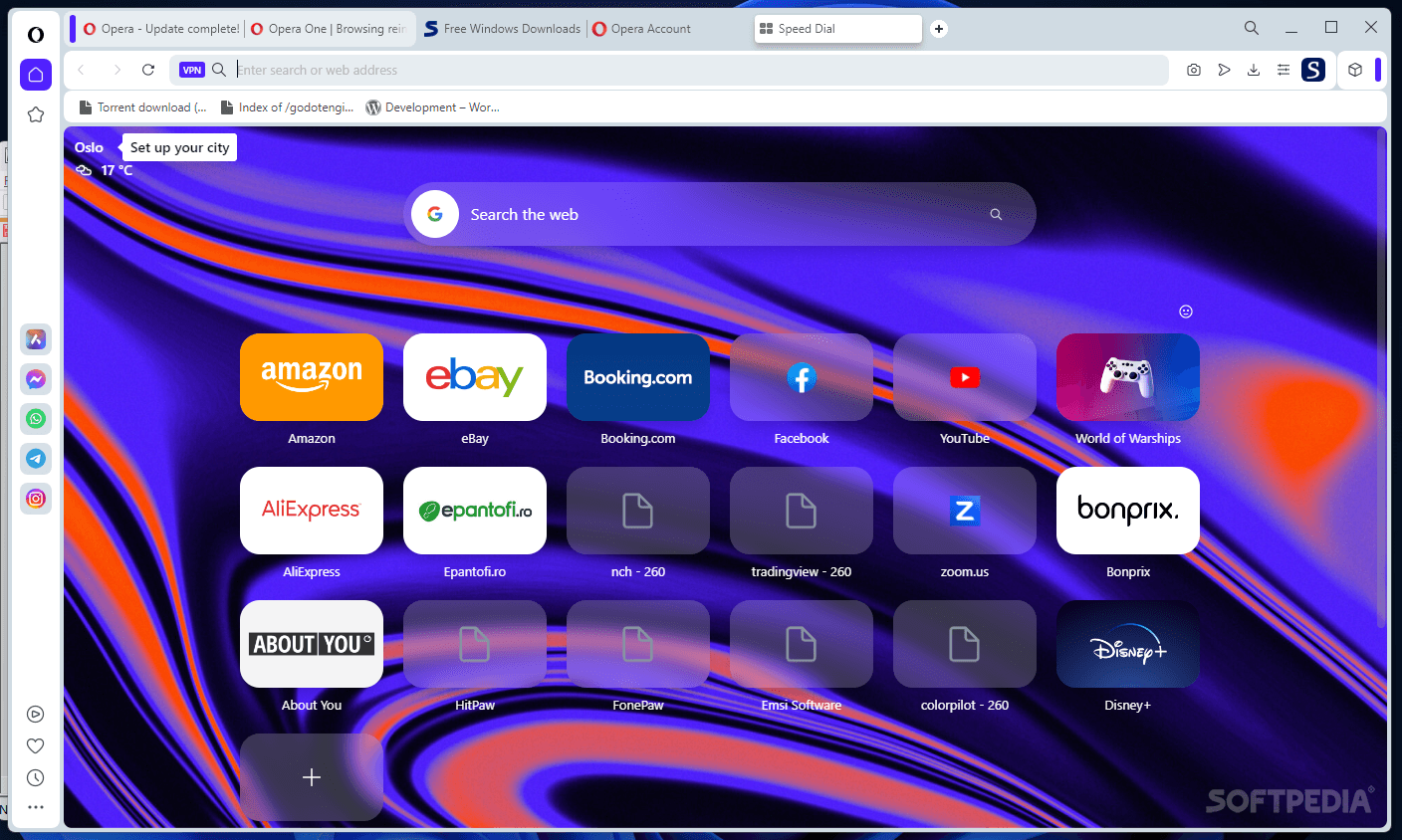
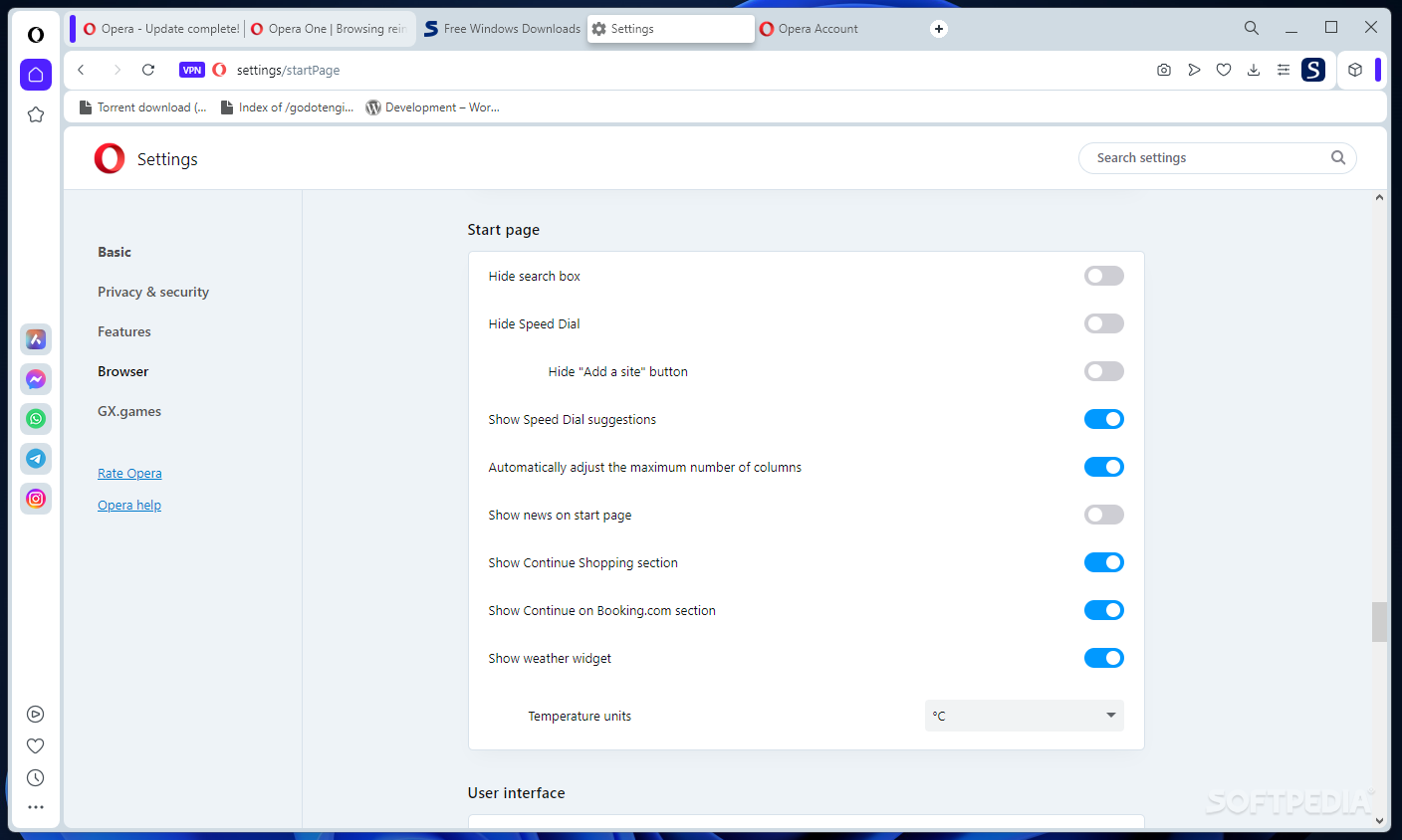
    · Now you have a new way to access your favorite Web sites. Just open a new tab to get your Speed Dial. It's easy to populate and addictive to use.

    BitTorrent:
    · You don't need a separate BitTorrent application to download large files. Simply click a torrent link and start the download.

    Site preferences:
    · Want to view a site in a different way or deny certain cookies? Want to block pop-ups on certain sites only? Right click and select "Edit site preferences".

    Thumbnail preview:
    · It is easy to have many tabs open at once in Opera. But exactly which tab had that video you wanted? Hover your mouse on any tab to see a thumbnail preview.

    Fraud protection:
    · Opera's advanced fraud protection protects you against web sites that try to steal your personal information.

    Add your favorite search engines:
    · Right-click on the site's search field and select "Create search" from the menu.

    Widgets:
    · Small Web applications (multimedia, newsfeeds, games and more) that make your desktop experience more fun. Use the Widgets menu to discover new widgets and access your favorites.

    Transfer manager:
    · View download progress and access all your downloads from one simple transfer manager window.

    Password manager:
    · The password manager remembers your usernames and passwords so you will not have to.

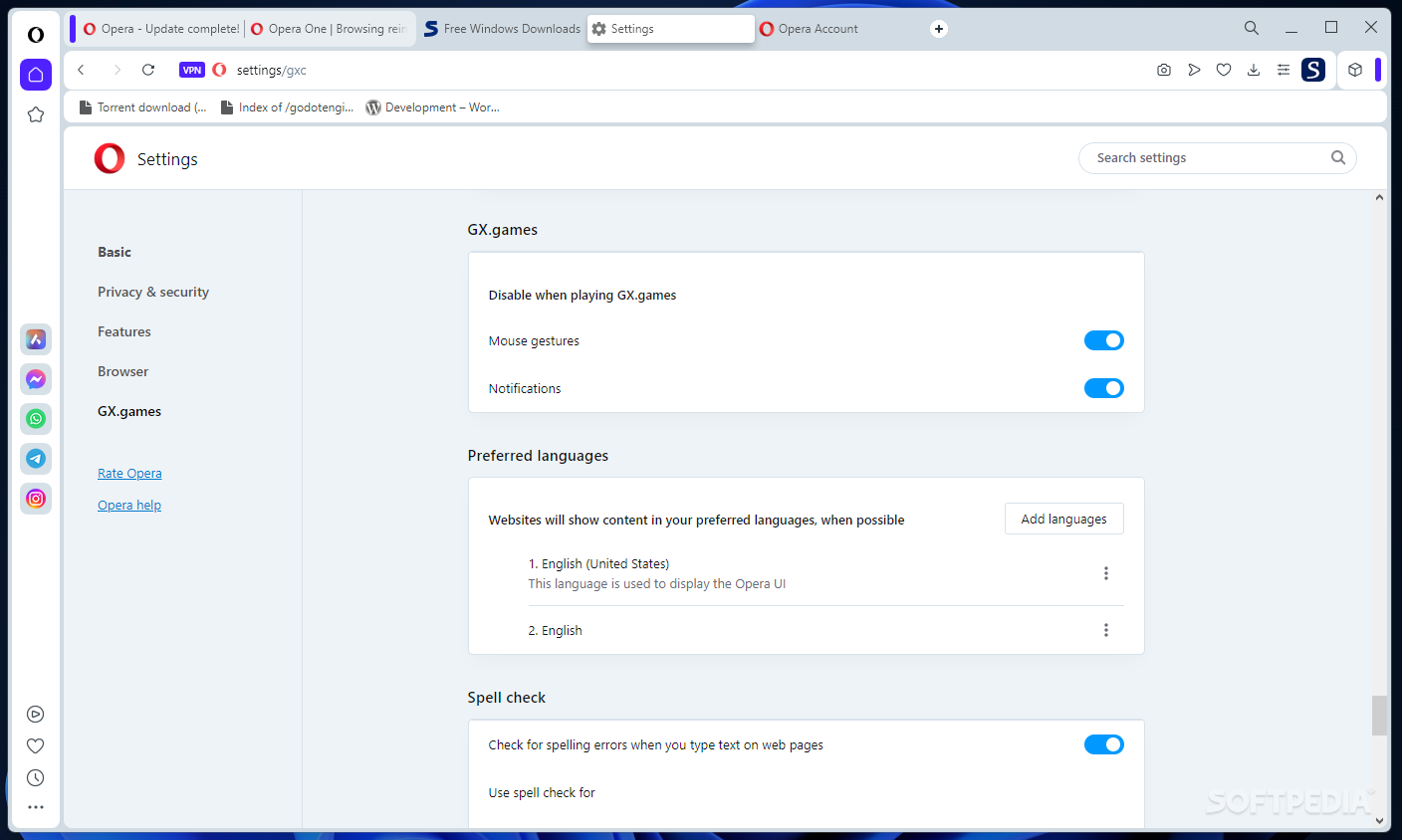
    Mouse gestures:
    · Opera supports mouse gestures, allowing you to perform certain movements with the mouse to access commonly used features.

    Notes:
    · Notes can be kept in conjunction with a Web site you want to refer to later, or remind you of any particular information you may like to review again.

    Keyboard Shortcuts:
    · Keyboard shortcuts - like mouse gestures - make your browsing faster and more efficient. Read more about all the keyboard shortcuts in Opera.

    Tabbed browsing:
    · Surf the Web easier and faster by opening multiple Web pages within the same application window

    Integrated search:
    · Search Google, eBay, Amazon and more with our integrated search field. You can also search directly in the address field using keywords

    Fast Forward:
    · Fast Forward will detect the most likely "next page" link and greatly simplify navigation in multi-page documents such as search results and image galleries.

    Voice:
    · The voice feature allows you to control Opera's interface by talking and to have documents read aloud. Voice is currently offered in English

    Full-screen mode:
    · The F11 key toggles Opera's projection mode, using the whole screen for browsing and, if a projection style sheet is present, displays 'slides' suitable for presentation.

    Kiosk mode:
    · Opera supports kiosk mode - a lock-down mode in which the browser can be used for unattended computers in public places.

    Opera mail:
    · Our built-in POP/IMAP E-mail client is a combined e-mail program, news reader, mailing list organizer and RSS/Atom newsfeed reader.

    Standards support:
    · We take pride in supporting all major Web standards currently in use, including CSS 2.1, XHTML 1.1, HTML 4.01, WML 2.0, ECMAScript, DOM 2 and SVG 1.1 basic.

    Requirements:

    · 20 MB of free disk space.

    What's New in This Release: [ read full changelog ]

    · User Interface
    · Fix for proper Dragonfly toolbar button update
    · Favicons now shown in list of search engines in double-click menu
    · Fixed Bug DSK-240101 (When all tabs are closed, Ctrl+Z doesn't open closed tab)
    · Fixed Bug DSK-243433 ("Show thumbnails when hovering tabs" depends on "Show tooltips")

    · Core
    · Fixed Bug CORE-23622 (Canvas drawImage with SVG causes memory leaks)
    · Fixed Bug CORE-25241 (XML parsing errors on SVG documents)
    · Fixed Bug DSK-269070 (Crash when loading SVG containing foreignObject)
    · Fixed Bug DSK-256135 (Chat stops updating after "Save linked content as")
    · Fixed Bug DSK-260572 (Spatial Navigation crash)
    · Fixed Bug DSK-265082 (Crash after navigating to page by invoking link context menu on double click)

    · Opera Mail
    · Corrected a bug where messages were incorrectly added to the mailing lists index
    · Fixed missing drafts in draft view
    · Fixed a bug where the mail systray icon would not appear if you have a mail window open but not focused
    · Made it impossible to hi...

       Softpedia guarantees that Opera Web Browser 10.10 Build 1857 Beta / 10.01 Build 1844 Final is 100% CLEAN, which means it does not contain any form of malware, including spyware, viruses, trojans and backdoors. [read more >]


    TAGS:

    web browser | download manager | mail client | browser | internet | blocker


    HTML code for linking to this page:


    Go to top

    Windows tabGames tabDrivers tabMac tabLinux tabScripts tabMobile tabHandheld tabGadgets tabNews tab

    SUBMIT PROGRAM   |   ADVERTISE   |   GET HELP   |   SEND US FEEDBACK   |   RSS FEEDS   |   ENTER NEWS SITE   |   ENGLISH BOARD   |   ROMANIAN FORUM