
Universal instant messenger client for a huge number of chat protocols such as AIM, ICQ, MSN, IRC, Yahoo, XMPP (Jabber) and more. #Instant messenger #Multi-protocol messenger #Chat client #Messenger #Multi-protocol #Yahoo

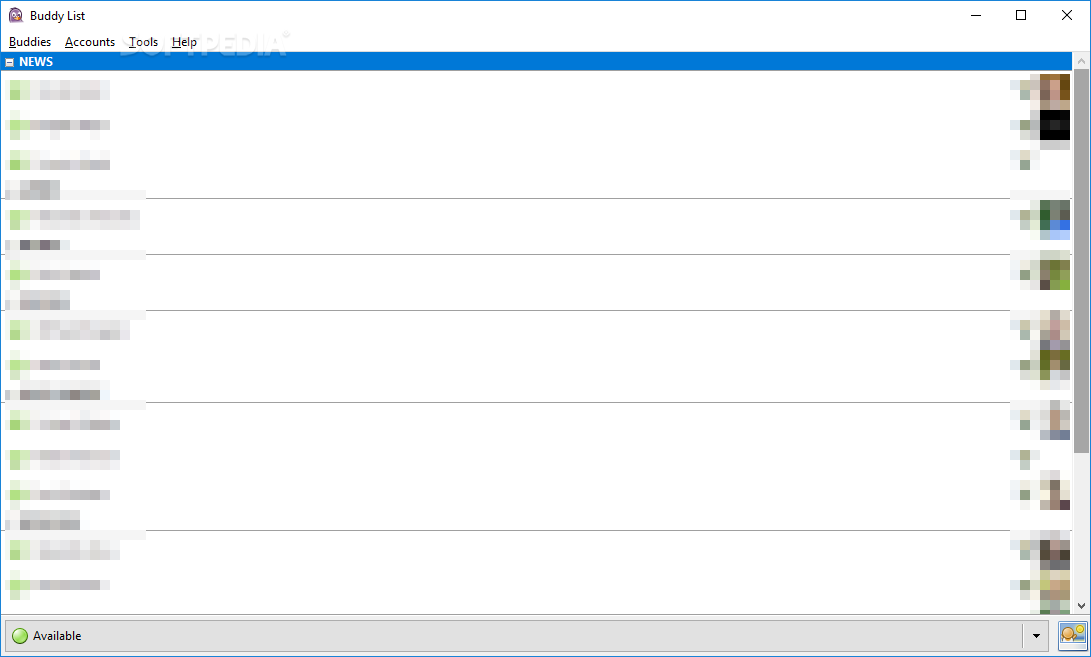
Pidgin is a multi-protocol messaging software is aimed to provide users with an IM application that can connect to multiple IM networks. The software choices crafted to meet this requirement don’t make quite an impressive list, but there are a few that can’t go without mentioning.
Next to Trillian, Paltalk or Miranda IM, Pidgin (formerly named Gaim) is a reliable IM software that offers users the possibility to chat on multiple protocols at the same time. It comes with support for a wide variety of instant messaging protocols, amongst which are the following: AIM, ICQ, Google Talk, Jabber/XMPP, MSN Messenger, Yahoo!, Bonjour, Gadu-Gadu, IRC, Novell GroupWise Messenger, QQ, Lotus Sametime, SILC, SIMPLE, MXit, MySpaceIM, and Zephyr.
Installing Pidgin is not complicated and the only effort needed from your side is related to pre-requisites. The only compulsory requirement is the GTK+ runtime environment, but on the upside, the component is also included in the installer.
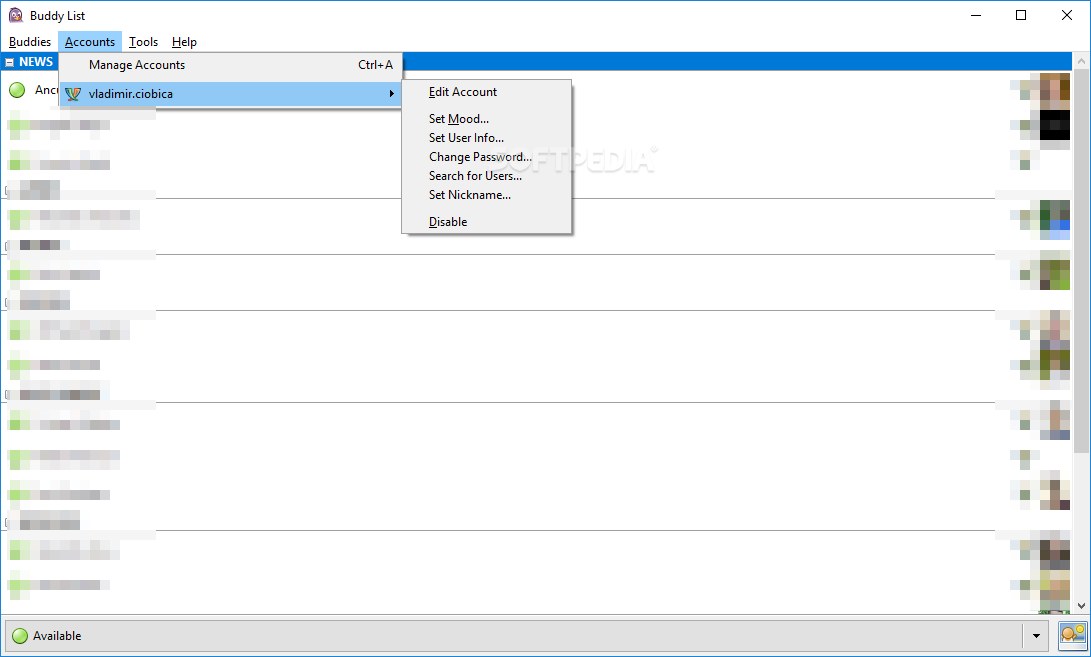
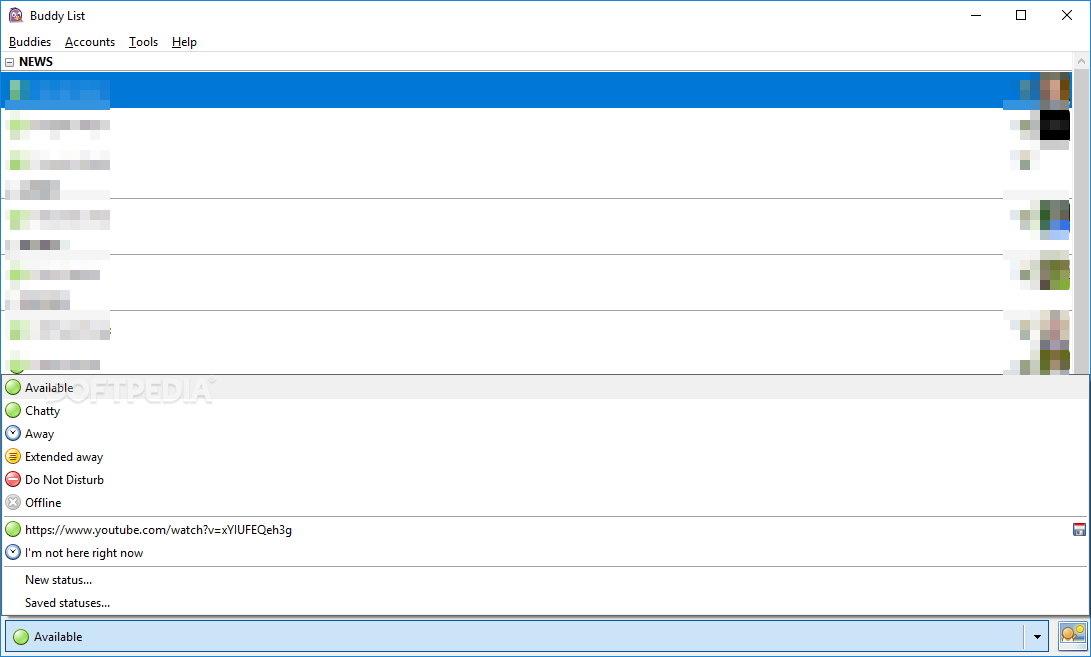
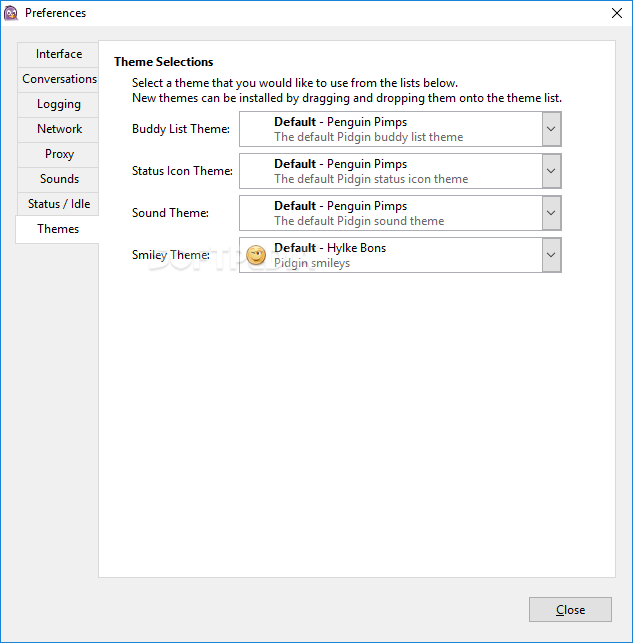
In order to start using Pidgin, the first step is to create one or multiple accounts using the supported protocols. The interface is quite simple and basic and the possibilities to personalize it aren’t that many. Although it features support for themes, these aren’t included by default, but instead, you need to manually install them.
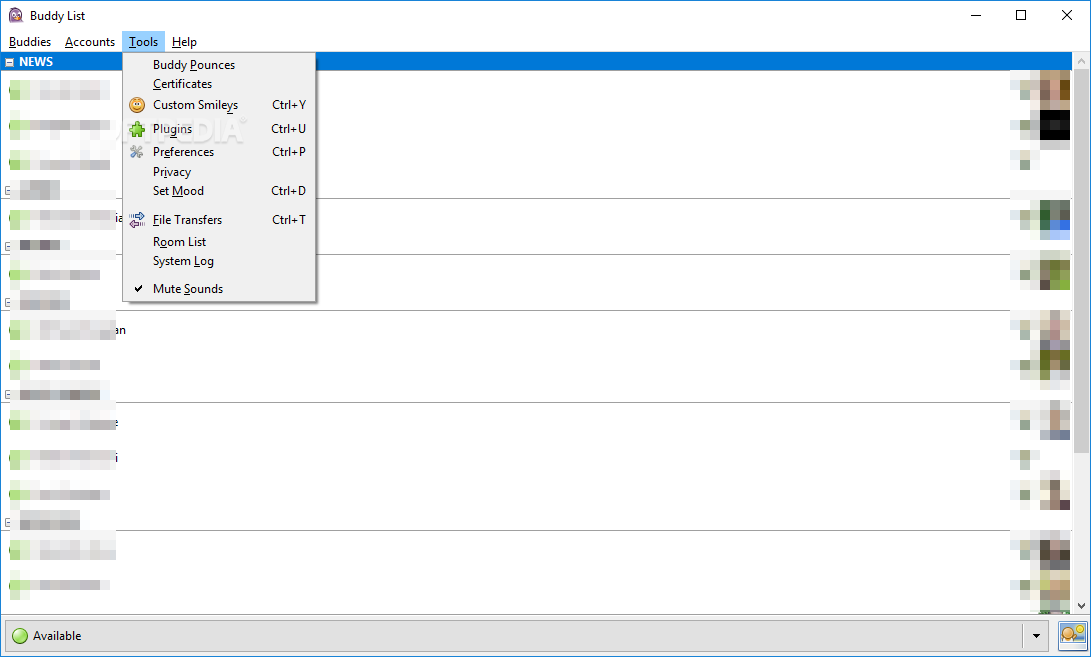
Other interface customizations, as well as functionality tweaks can be achieved via plugins. Some of them are already bundled into the application, while others can be downloaded from the Internet.
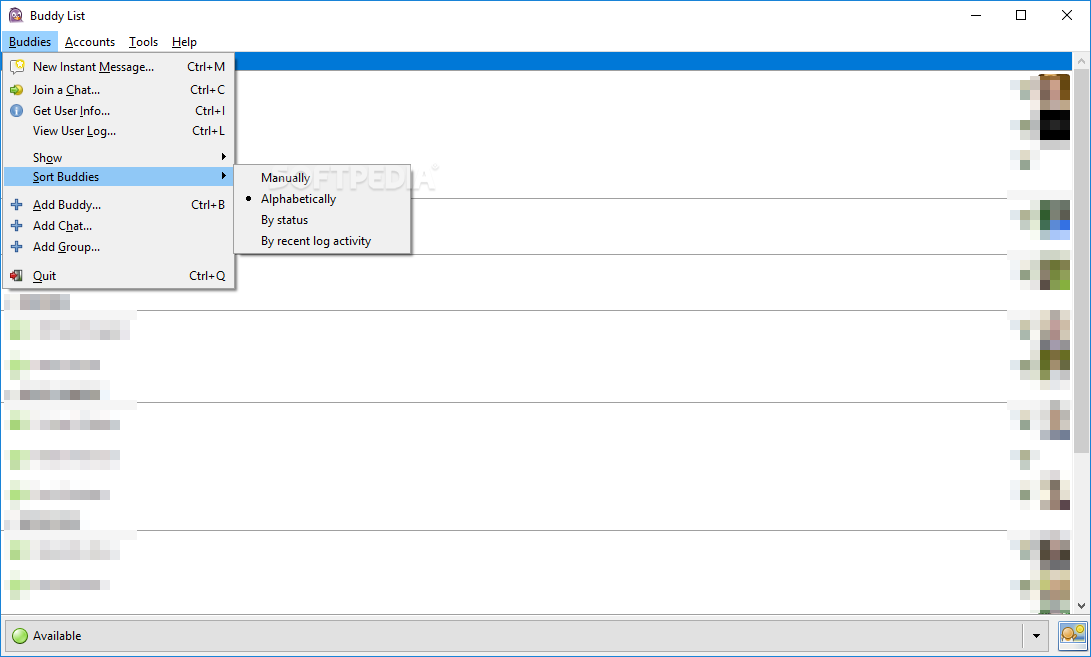
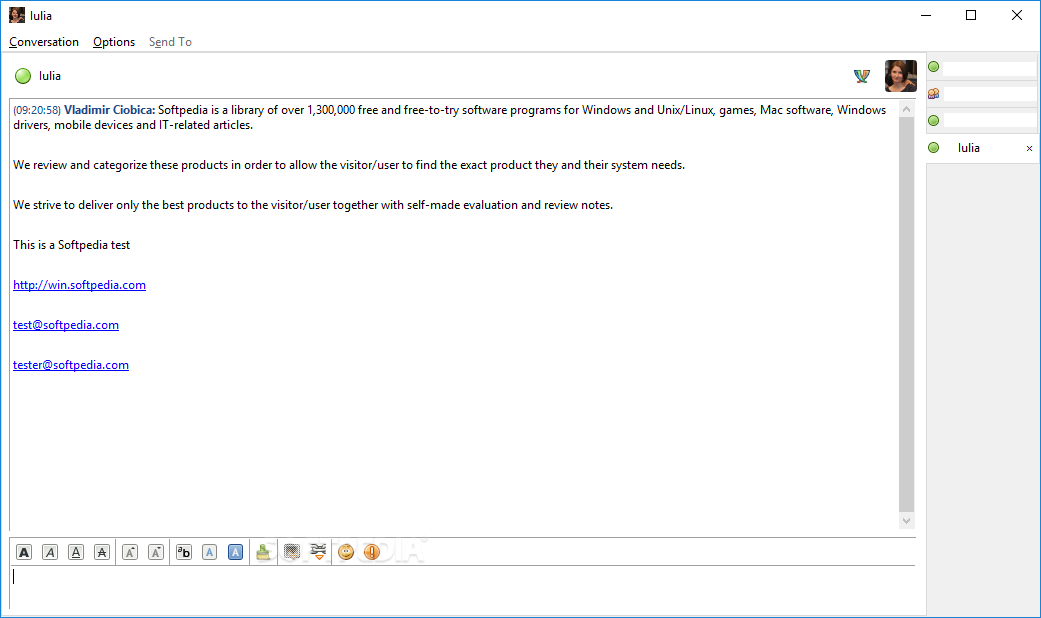
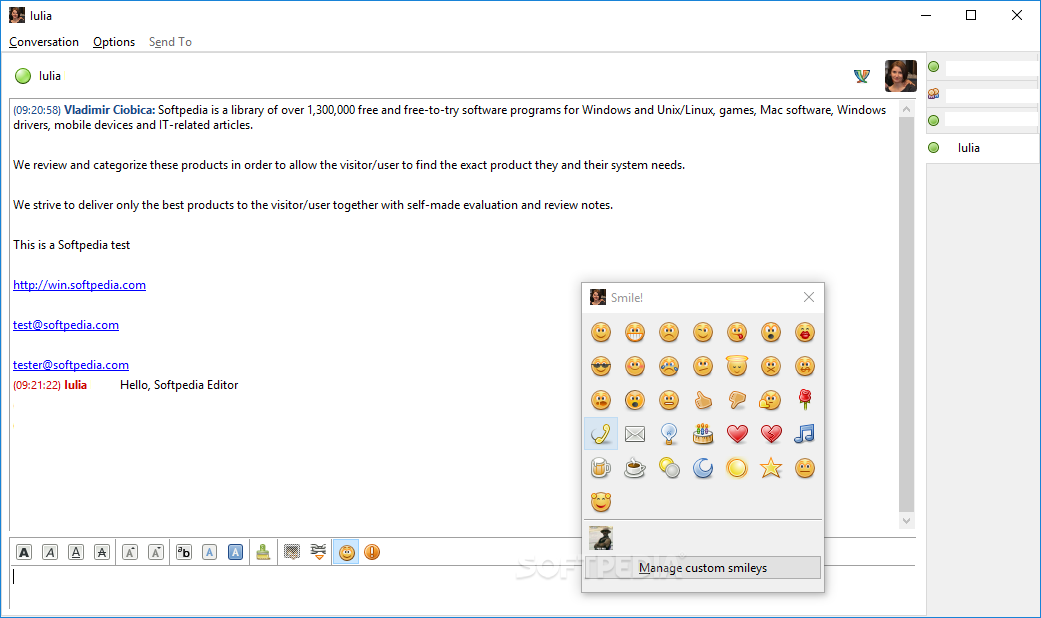
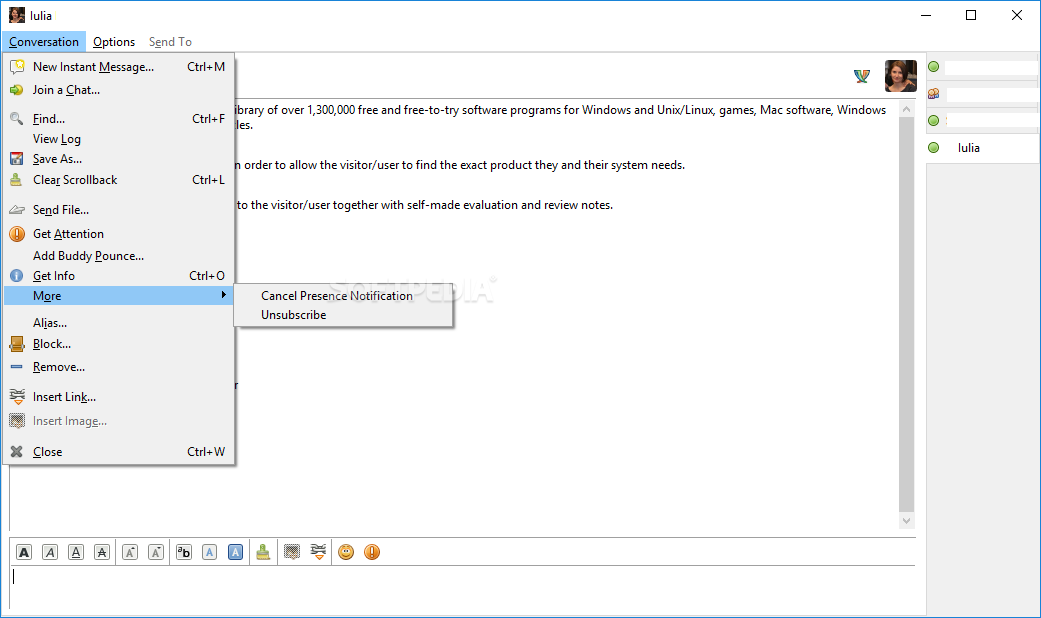
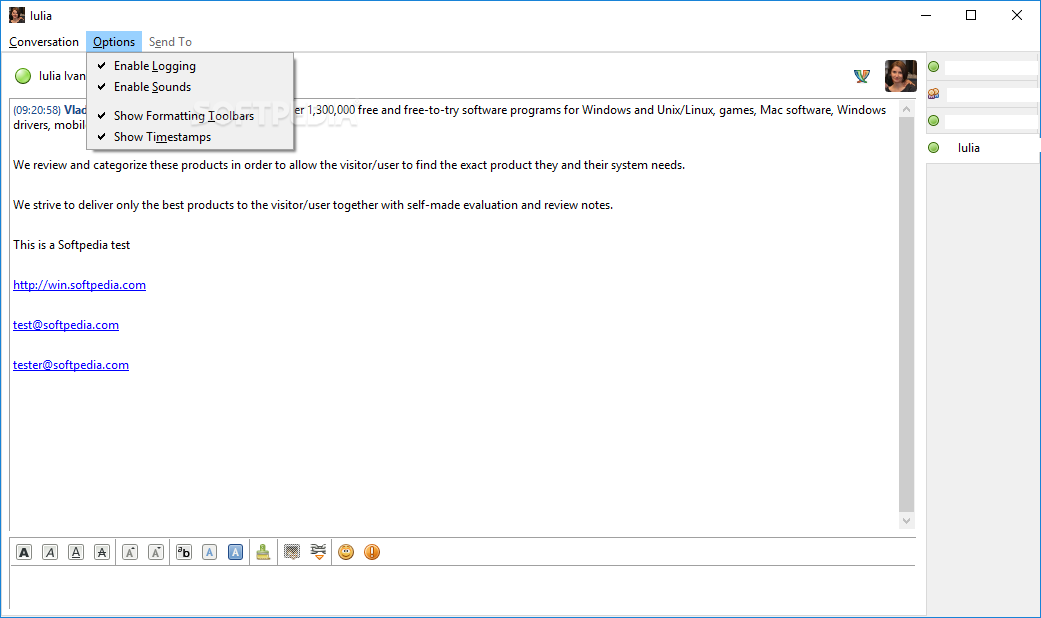
Pidgin includes the standard tools specific to any instant messaging client, such as contact list, file transfer, chat logging and tabbed conversation windows. Contacts, known as ‘buddies’, can be easily added and categorized into groups. A standard Pidgin chat window allows users to customize the fonts for each conversation individually and to insert links. You can also make use of the smiley collection that includes a rather poor selection of emoticons. This too, can be enriched by the user.
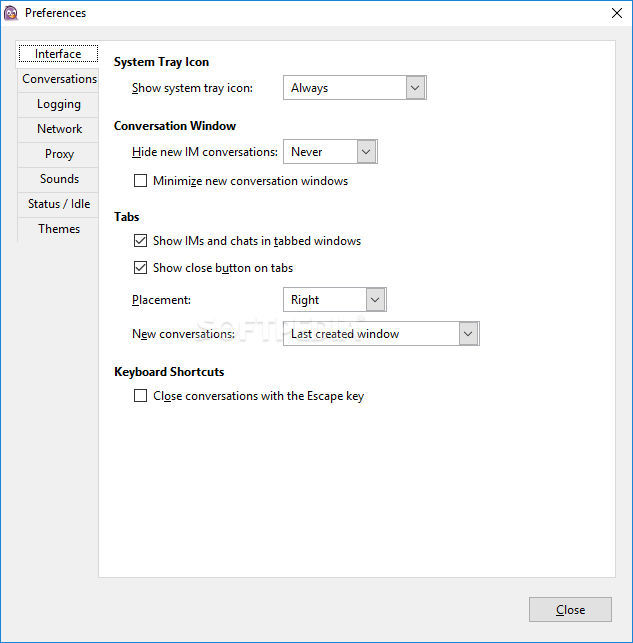
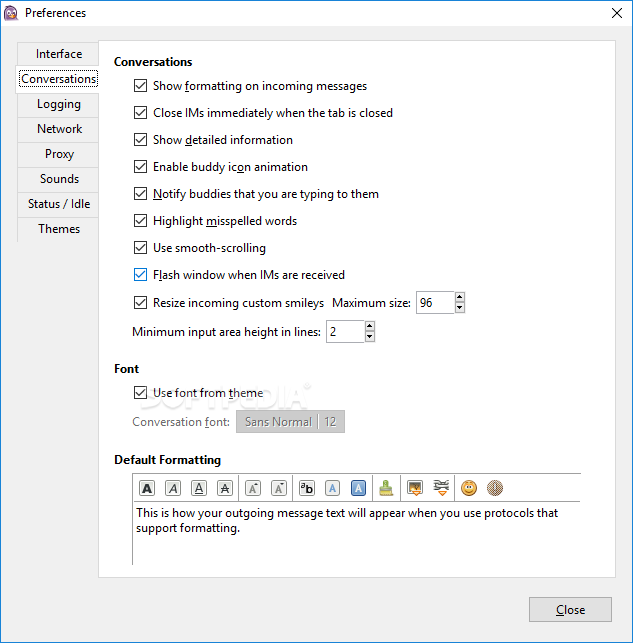
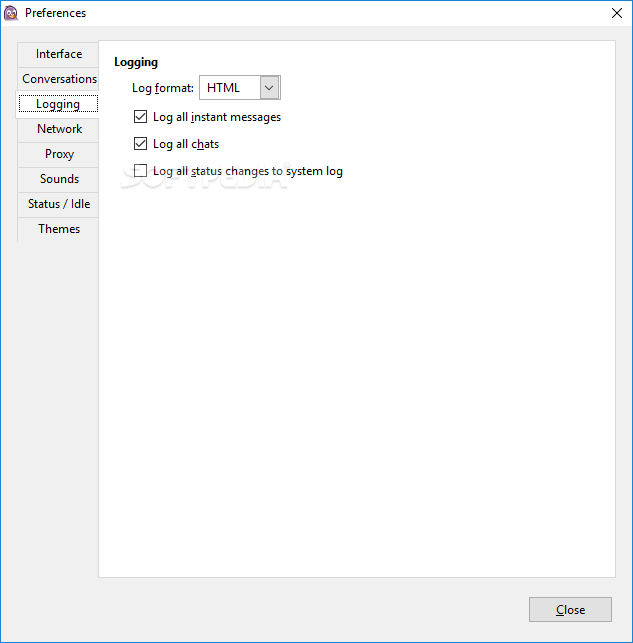
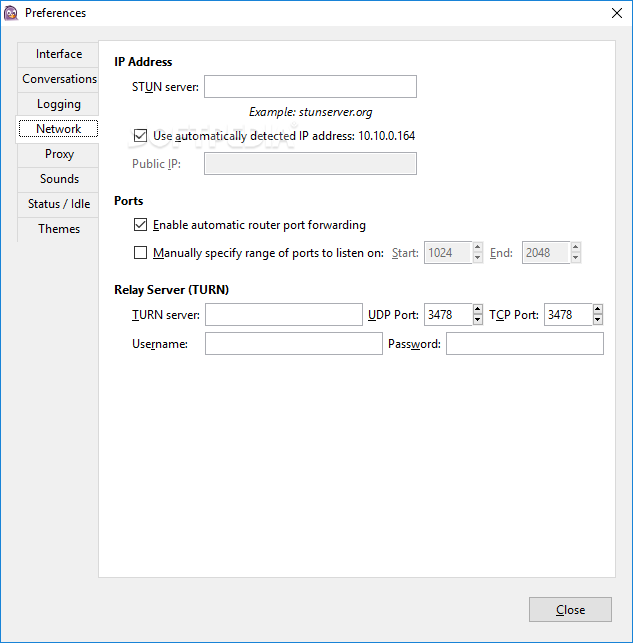
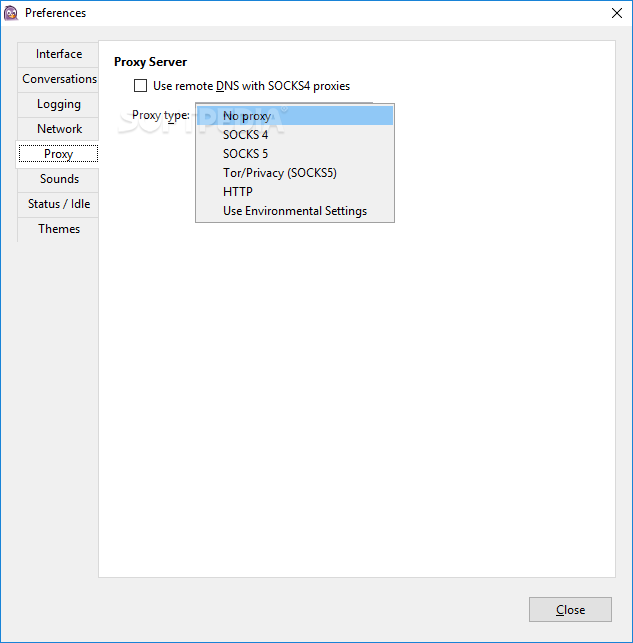
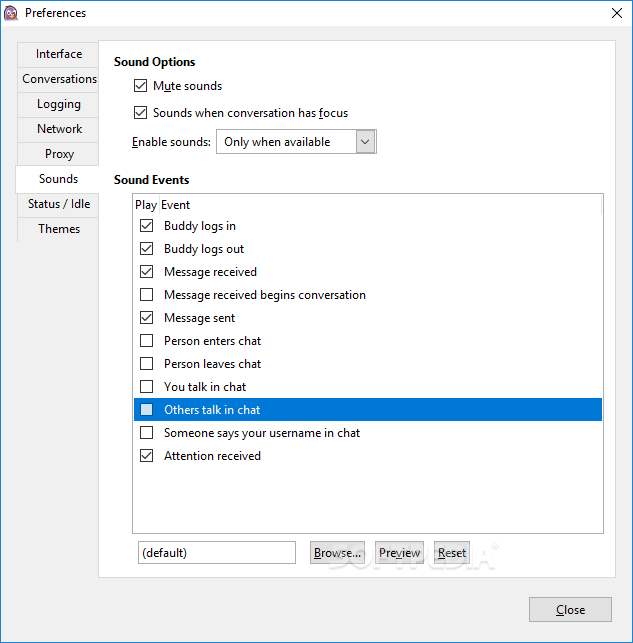
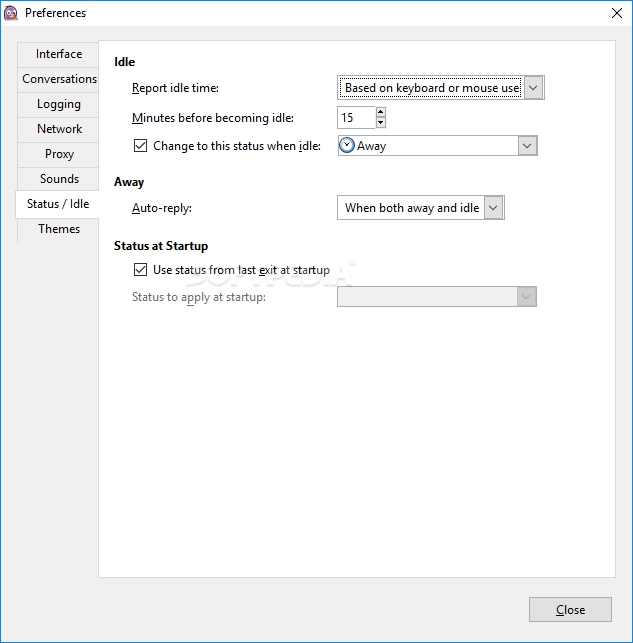
Worth mentioning is the Buddy Pounce feature that enables you to define the actions to be performed by the application when one of your buddies signs in/out/sends a message, etc. Other customizations can be achieved from the Preferences section. A few interface tweaks, logging settings, proxy options or sound schemes can be defined from this area.
Overall, Pidgin can fulfill your basic communication needs through the decent number of protocols it supports. It’s not as rich as other multi-protocol instant messaging applications, but some advantages come from its simplicity and ease of use.
Download Hubs
Pidgin is part of these download collections: Instant Messenger, LAN Messaging Clients, IRC Clients
What's new in Pidgin 2.14.13:
- Fix compile warning (Wcast-function-type). (RR 2225) (Markus Fischer)
- Fix memory leak originating in purple_prefs_connect_callback. (RR 2226) (Markus Fisher)
- Don’t use the Real name as a candidate for the SASL username in IRC. (RR 2535) (Gary Kramlich)
- Don’t link with libgadu unnecessarily. (RR 2684) (Elliott Sales de Andrade)
Pidgin 2.14.13
 Softpedia Editor's Pick
add to watchlist
add to download basket
send us an update
REPORT
Softpedia Editor's Pick
add to watchlist
add to download basket
send us an update
REPORT
- portable version
- Pidgin Portable
- runs on:
-
Windows 11
Windows 10 32/64 bit
Windows 8 32/64 bit
Windows 7 32/64 bit - file size:
- 30.8 MB
- filename:
- pidgin-2.14.13-offline.exe
- main category:
- Internet
- developer:
- visit homepage
ShareX

4k Video Downloader

Microsoft Teams

calibre

IrfanView

Context Menu Manager

7-Zip

Zoom Client

Bitdefender Antivirus Free

Windows Sandbox Launcher

- Zoom Client
- Bitdefender Antivirus Free
- Windows Sandbox Launcher
- ShareX
- 4k Video Downloader
- Microsoft Teams
- calibre
- IrfanView
- Context Menu Manager
- 7-Zip