
Open-source, Java-based instant messaging application that fits perfectly on any business or home computer providing a simple means of communication. #Cross-platform IM #IM client #Group chat #IM client #Cross-platform #Chat


Amongst other benefits, the Internet brought a new way of getting in touch with acquaintances. Spark is a Java-based instant messaging client that includes many of the features included in today's messengers, such as file transfers, group chat and voice calling.
Although optimized for businesses and organizations, Spark is more like a decent application supposed to provide chatting capabilities to users who're tired of the popular instant messengers available these days on the Internet.
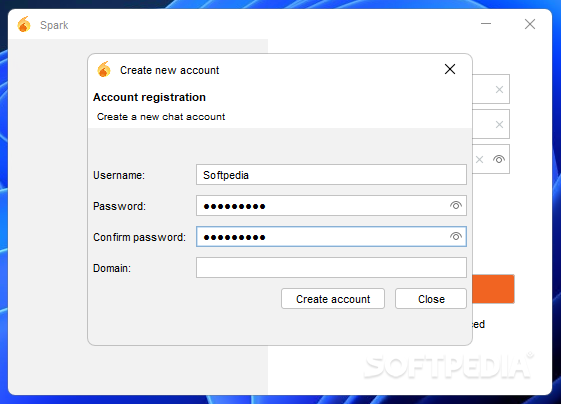
Configuration basically comes down to writing down the user name, the password and the server you wish to connect, so it all takes just a few seconds.
The interface isn't the best we've seen, that's for sure, although it allows a bit of customization. It supports avatars and emoticons, as well as user defined colors, but you may spend some time in the impressively rich settings menu to change all these options.
The conversation window looks just like a typical one. There are a few options though, such as to view more information on the user you're talking to, send files, take a screenshot and send it automatically, view logs or invite them to conference.
There's a spell checker as well, plus some sort of 'Buzz' tool that requests the user's attention whenever you want to talk to them.
Conversations can be grouped in tabs, so it's easy to keep things organized on your screen, even when chatting to multiple users in the same time.
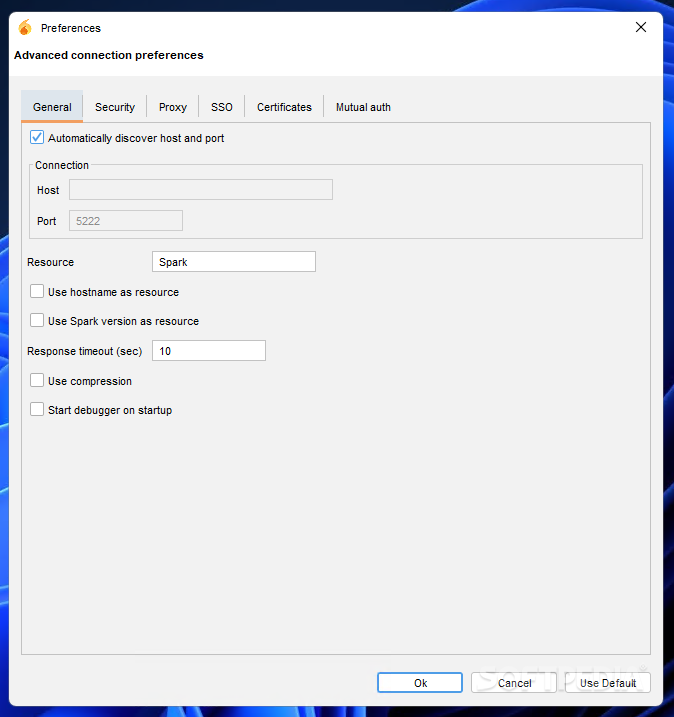
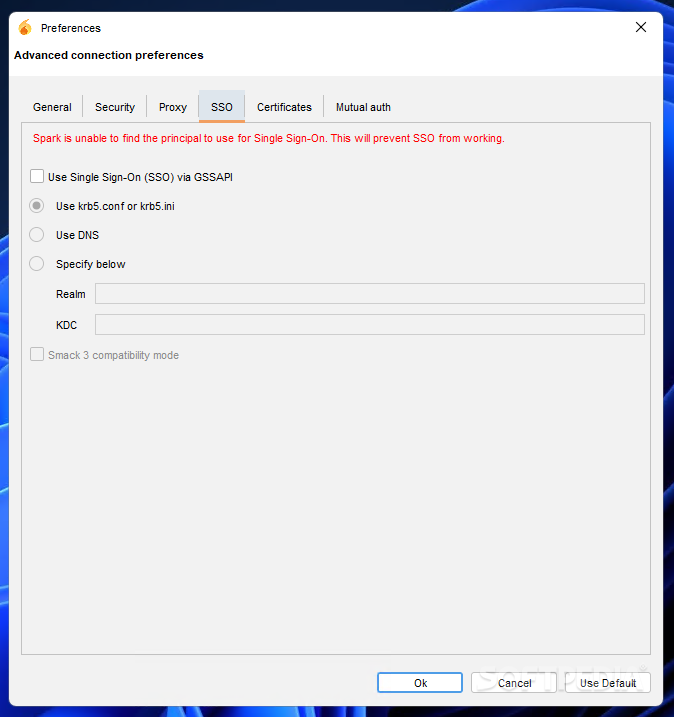
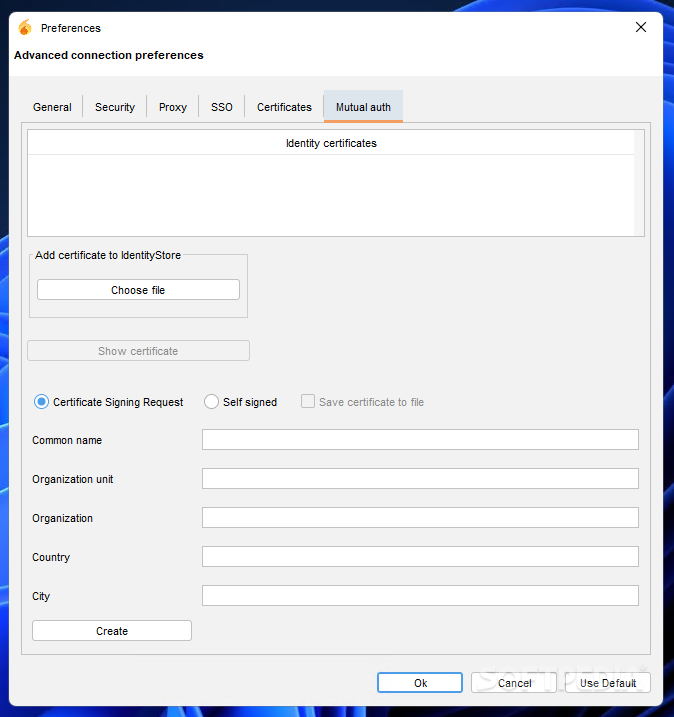
Getting back to the settings menu, it comprises options regarding basically everything about Spark, including group chat, media, privacy, login, file transfers, sounds, appearance, notifications and taskbar flashing.
During our test, everything worked flawlessly and we can't complain that Spark is a resource eater, it actually runs smoothly and easily.
So all in all, Spark is a decent instant messaging application, it comes with the basic options one would expect from such a tool and is quite easy to use. It takes little time to get used to what it has to offer and it might just be a suitable replacement for more popular apps of its kind.
What's new in Spark 3.0.2:
- Bug:
- [SPARK-1815] - Roar custom popup can't be closed after closing the chat window
- [SPARK-2163] - TicTacToe throws exception for username with a space
- [SPARK-2318] - Roar ignores Popup display settings
Spark 3.0.2
add to watchlist add to download basket send us an update REPORT- PRICE: Free
- runs on:
- Windows All
- file size:
- 100 MB



- main category:
- Internet
- developer:
- visit homepage
7-Zip

Windows Sandbox Launcher

Context Menu Manager

Bitdefender Antivirus Free

ShareX

IrfanView

Zoom Client

calibre

Microsoft Teams

4k Video Downloader

- calibre
- Microsoft Teams
- 4k Video Downloader
- 7-Zip
- Windows Sandbox Launcher
- Context Menu Manager
- Bitdefender Antivirus Free
- ShareX
- IrfanView
- Zoom Client