Softpedia
 

WINDOWS CATEGORIES:


GLOBAL PAGES >>
SOFTPEDIA REVIEWS >>
MEET THE EDITORS >>
WEEK'S BEST
  • Bitdefender Total ...
  • Hard Disk Sentinel...
  • FlashFXP [DISCOUNT...
  • Ocster Backup Pro ...
  • Kaspersky Internet...
  • DVDFab DVD Copy [D...
  • Avast! Internet Se...
  • Avira Internet Sec...
  • Webroot SecureAnyw...
  • McAfee Total Prote...
  • Home > Windows > Internet > Chat > Instant Messaging
     Report malware

    Teamspeak Client 3.0.10.1

    download button

    Part of the VoIP Clients download hub
    Downloads: 371,548  View global page  Tell us about an update
    User Rating:
    Rated by:
    Very Good (4.3/5)
    149 user(s)
    Developer:

    License / Price:

    Size / OS:

    Last Updated:

    Category:

    Freeware / $0
    31.2 MB / Windows 2K / XP / 2003 / Vista / 2008 / 7
    [view history]
    C: \ Internet \ Chat \ Instant Messaging

     Read user reviews (3)  Send to friend   Follow (22 users)

    Softpedia Editor's Review for Teamspeak Client

    EDITOR'S RATING:   5.0/5

    Speak with other people on the Internet

    Written by Elena Opris on July 31st, 2012

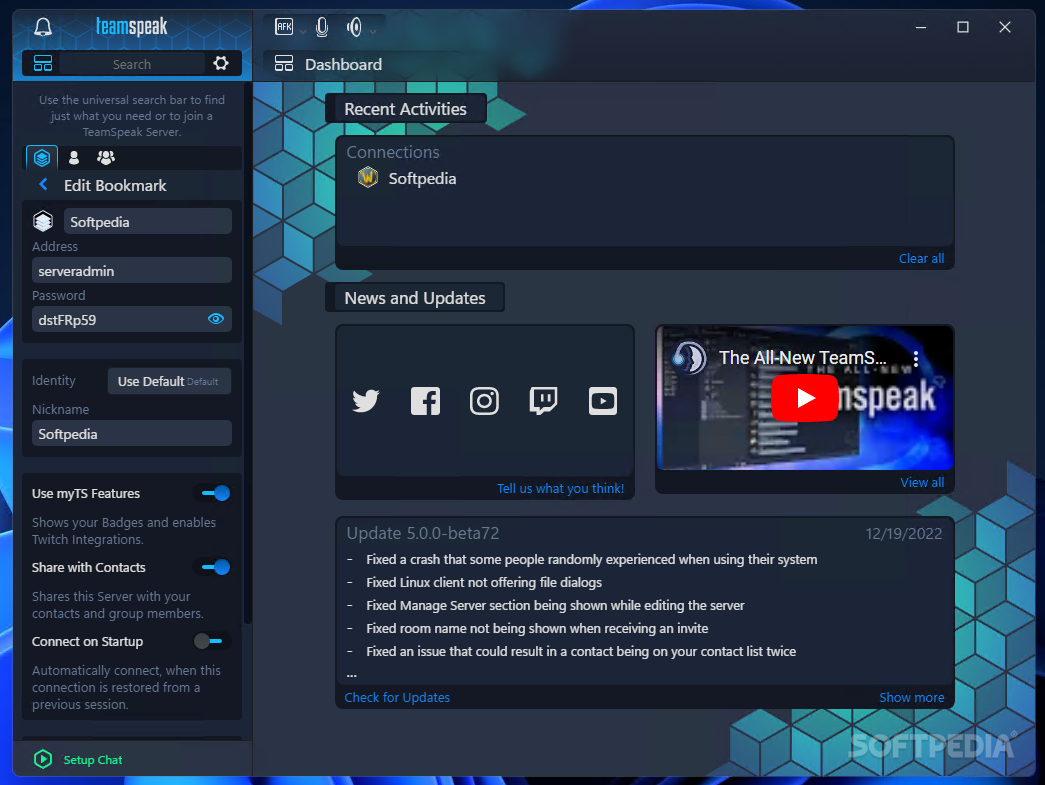
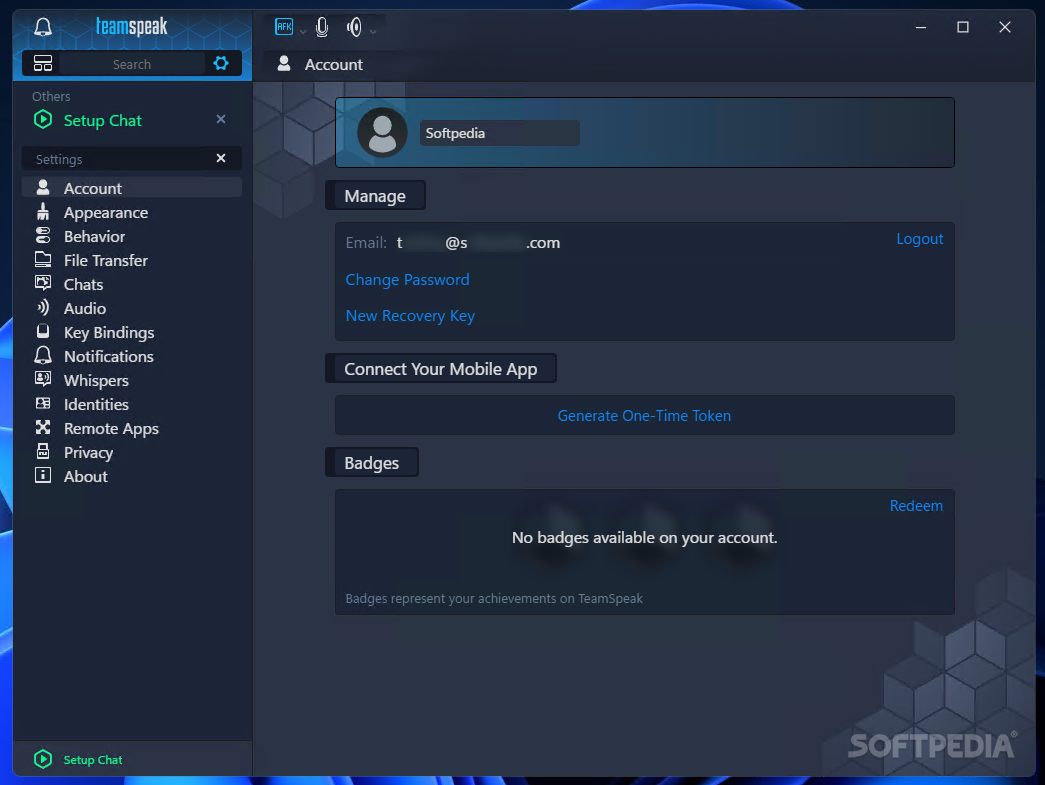
    TeamSpeak is a voice chat application that allows you to easily communicate with your friends over a channel. The impressive voice quality, the noise reduction implemented in the latest version, together with the possibilities to adjust microphone settings in order to acquire the best sound make it the software of choice in Voice over IP communications.

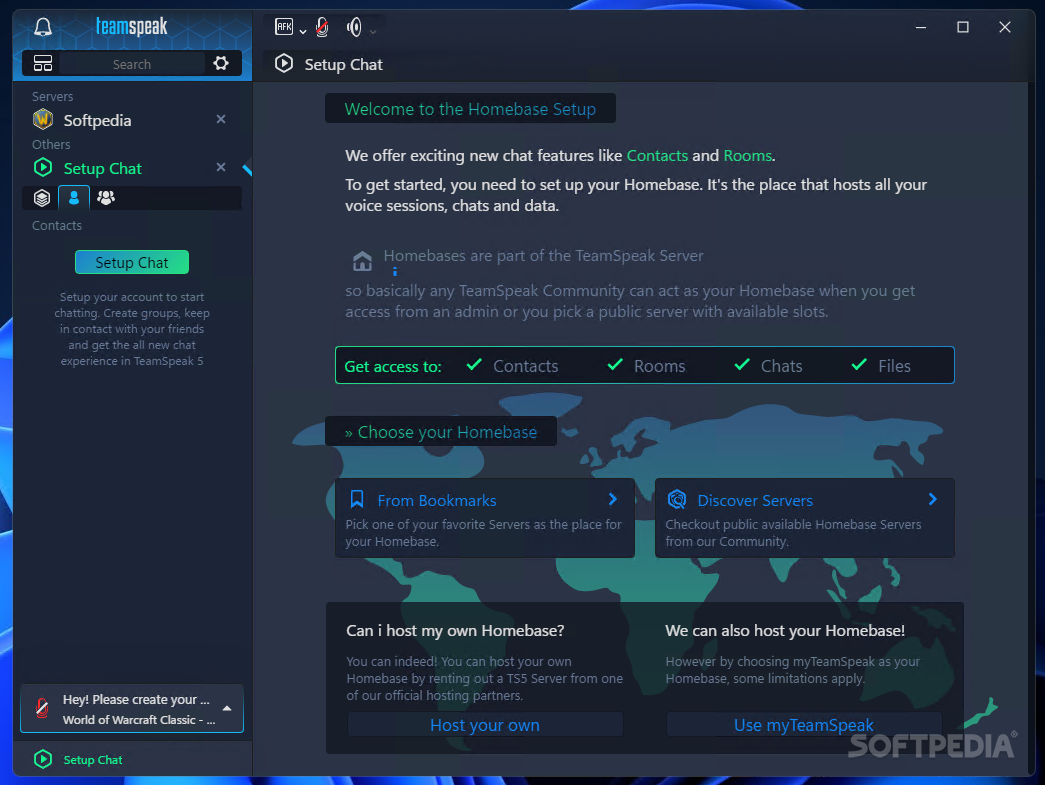
    Configuring it is very easy because TeamSpeak is probably one of the best organized and well-documented software ever created. It offers information, tips and explanation every step of the way.

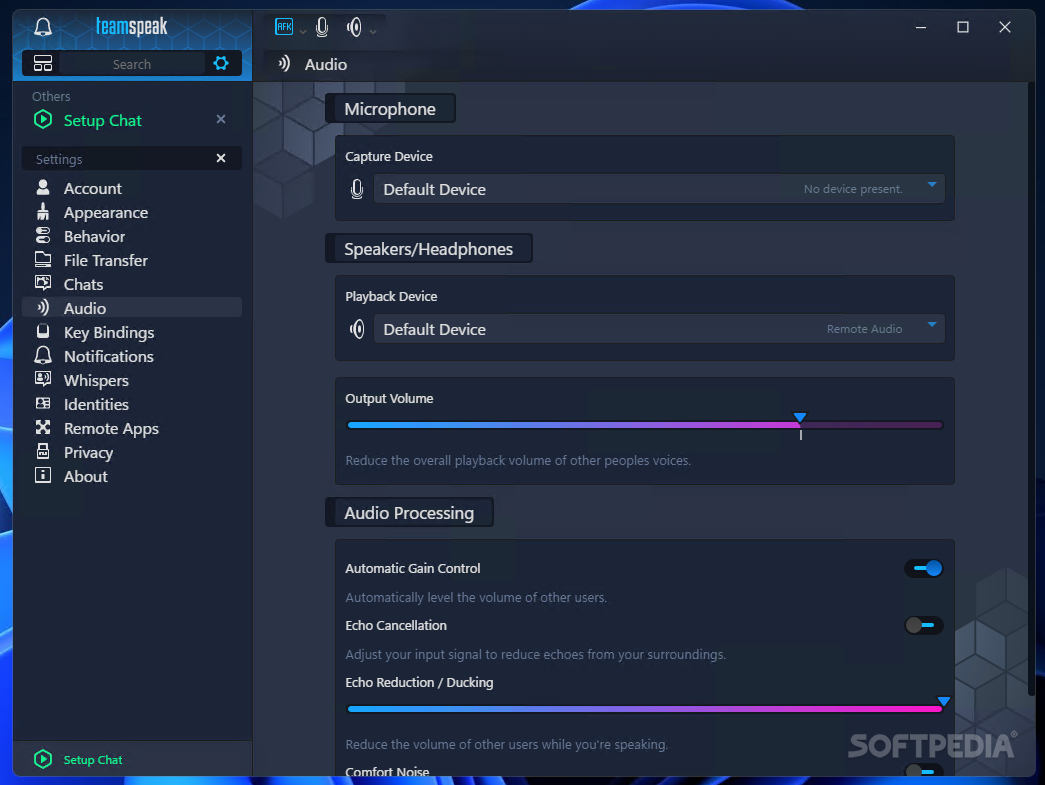
    Once installation is complete, you are presented with a Setup Wizard, so adjusting the initial settings isn’t rocket science. The next step is to test your microphone by adjusting the level of your voice (TeamSpeak takes into consideration the background sounds, whispers and breathing), and optionally assign hotkeys to enable Microphone Mute and Speaker Mute.

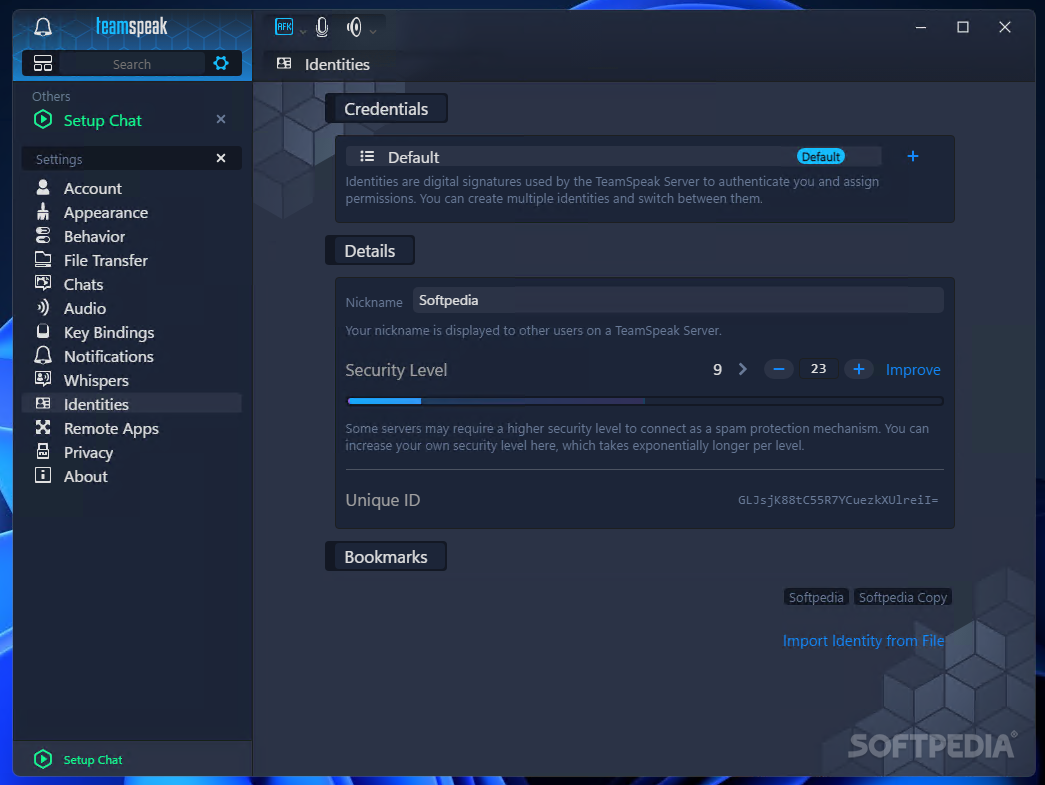
    Tips are offered every step of the way. For example, when you choose your nickname, the software tells you this is only to display your identity, and not in any way connected to a username (which is usually permanent in other similar software).

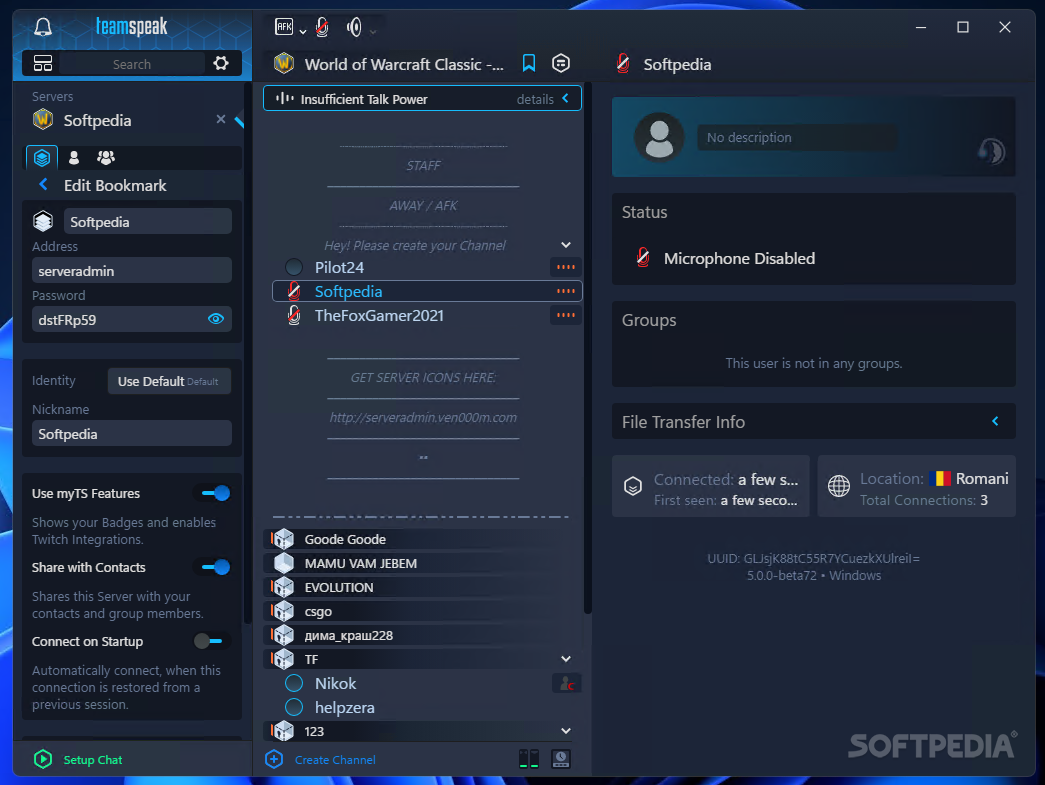
    Voice Activation Detection or Push-To-Talk can be enabled, so the software automatically recognizes your voice and displays your nickname to the other users, or awaits your command to do so. What you need to do next is to log on to a server and start chatting with your friends.

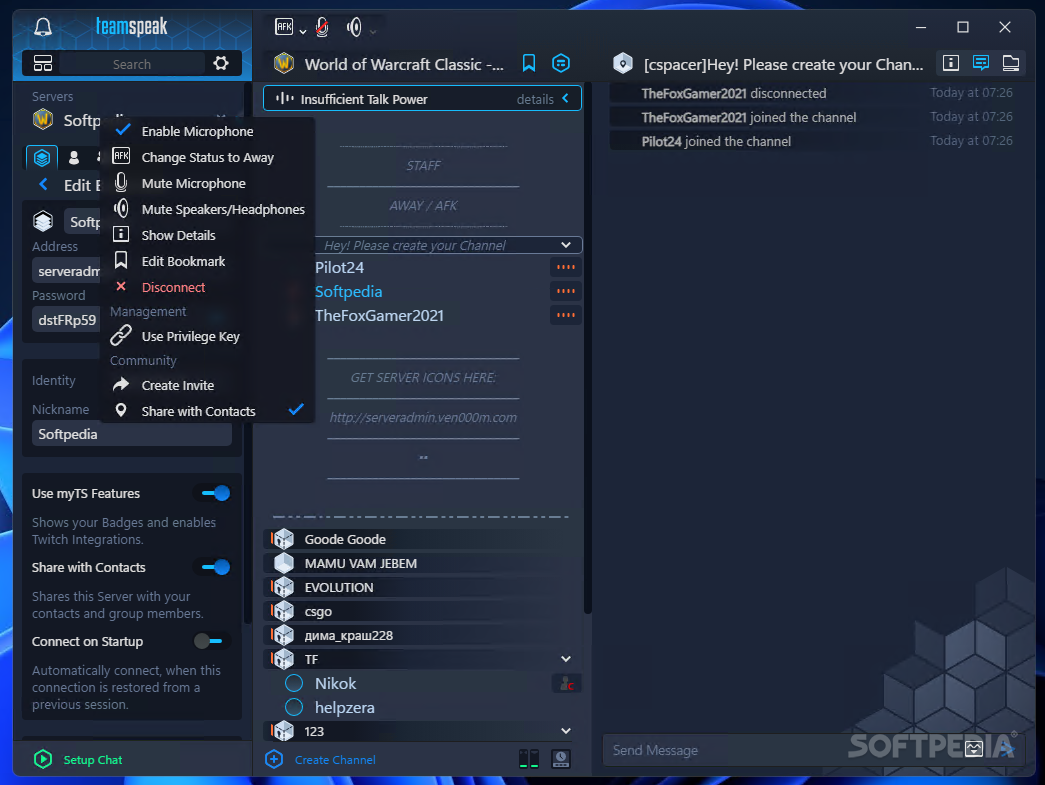
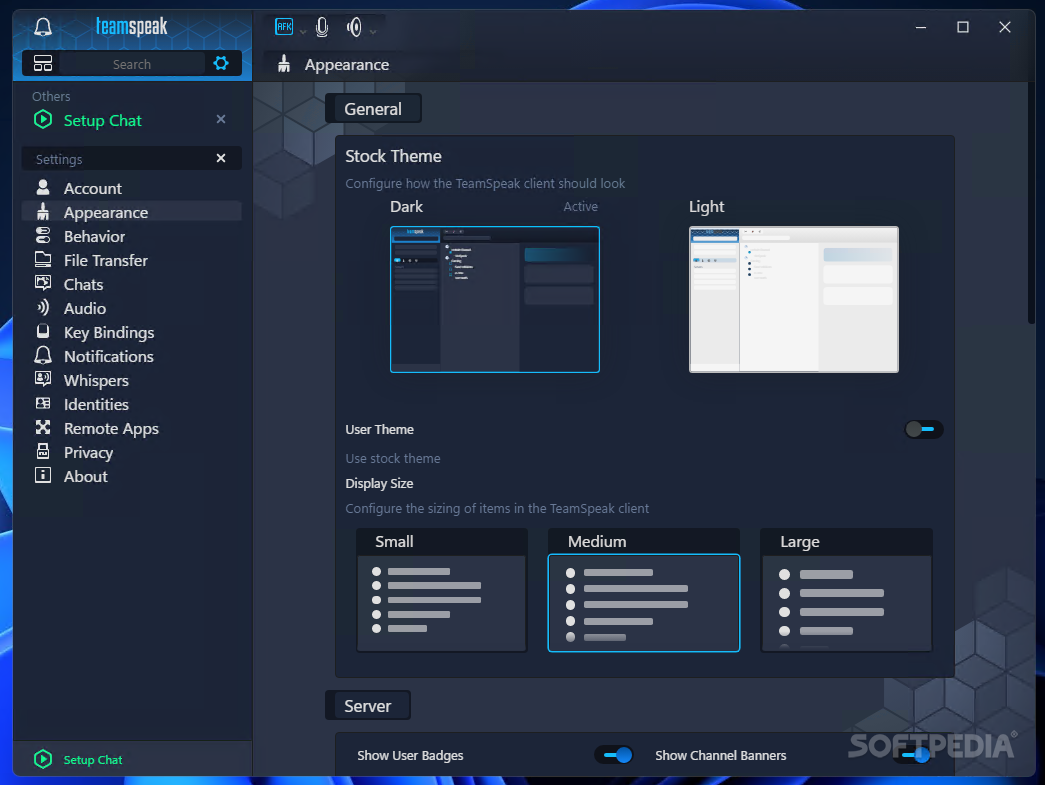
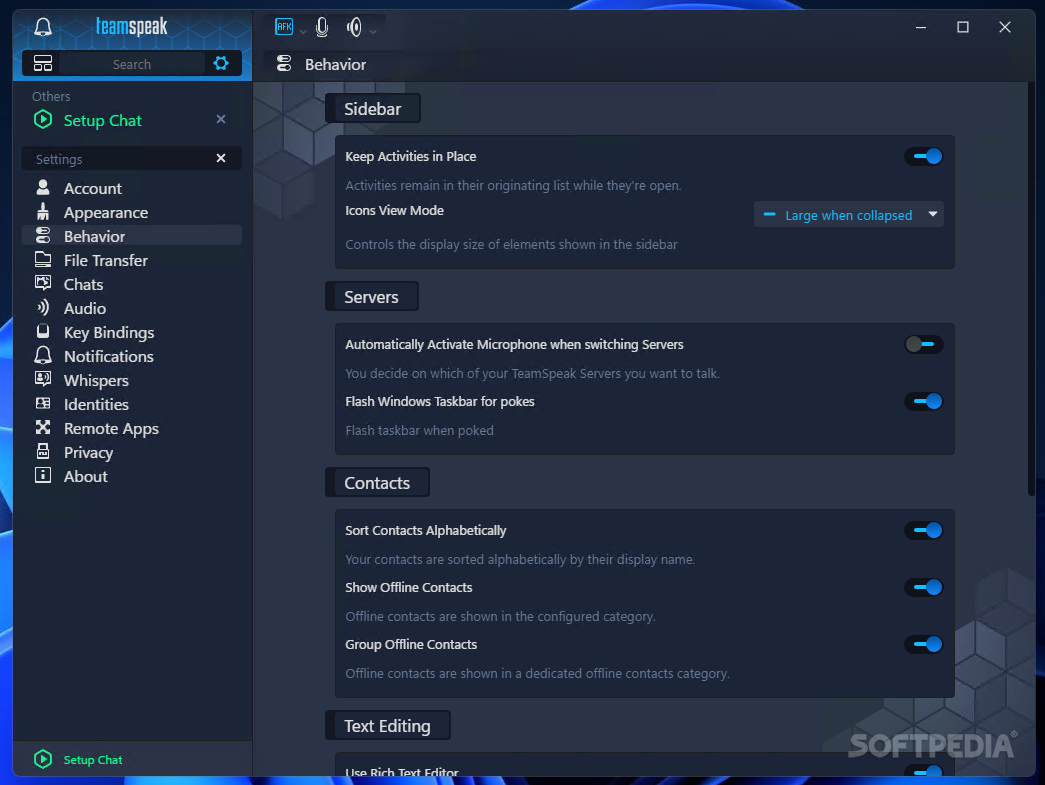
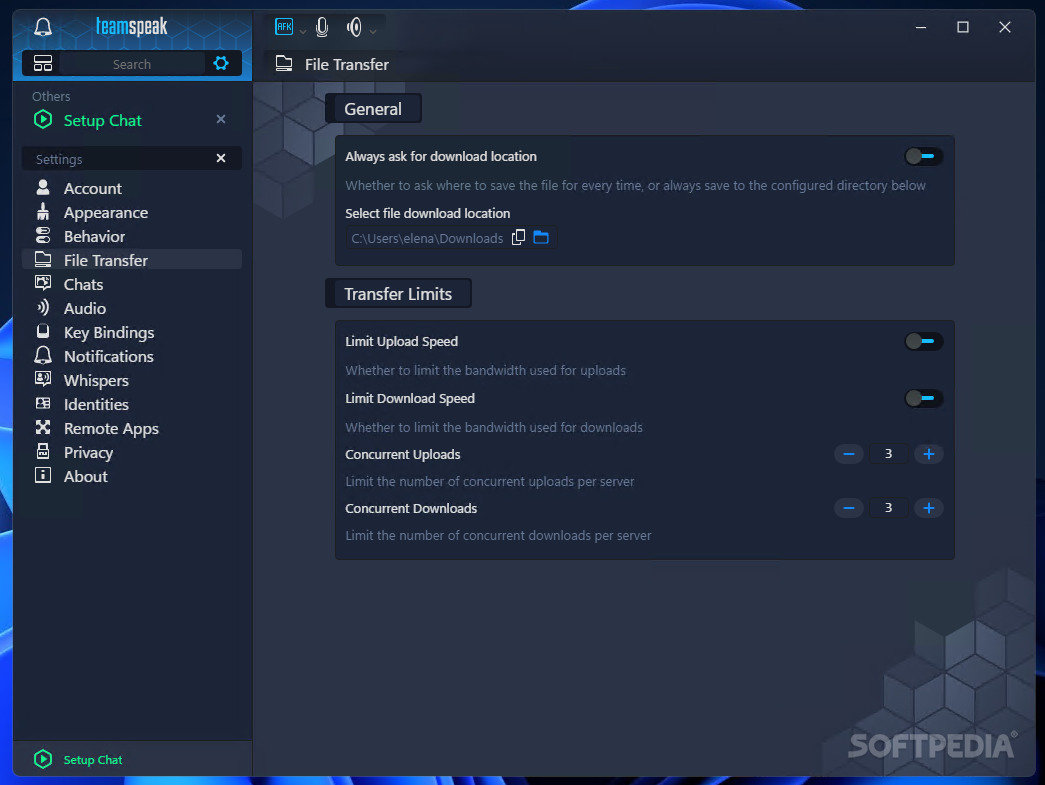
    The menus that populate the main window allow you to create bookmarks, manage permissions (for servers and channels), organize contacts, access file transfers or record conversations.

    In conclusion, TeamSpeak is one of the most simple and customizable VoIP chat software that we got our hands on. By creating unique identities, TeamSpeak protects your privacy, no matter the channel you’re using.

    Teamspeak Client description

    Here are some key features of "Teamspeak Client":

    · Optimal bandwidth usage with codecs ranging from CELP 5.1Kbit to GSM 16.4Kbit to Speex 25.9Kbit for optimal voice clarity
    · Local addressbook allows you to connect quickly to your favorite servers
    · Webserver list allows you to find TeamSpeak servers without their IP
    · Flexible permission system, allowing you to configure your server the way you want it
    · Channel and subchannel creation
    · One server-instance can run multiple virtual servers which results in hassle-free administration
    · Telnet access to your server-instance as well as to all virtual servers
    · Client is designed to work well with firewalls and routers
    · Passworded servers and channels
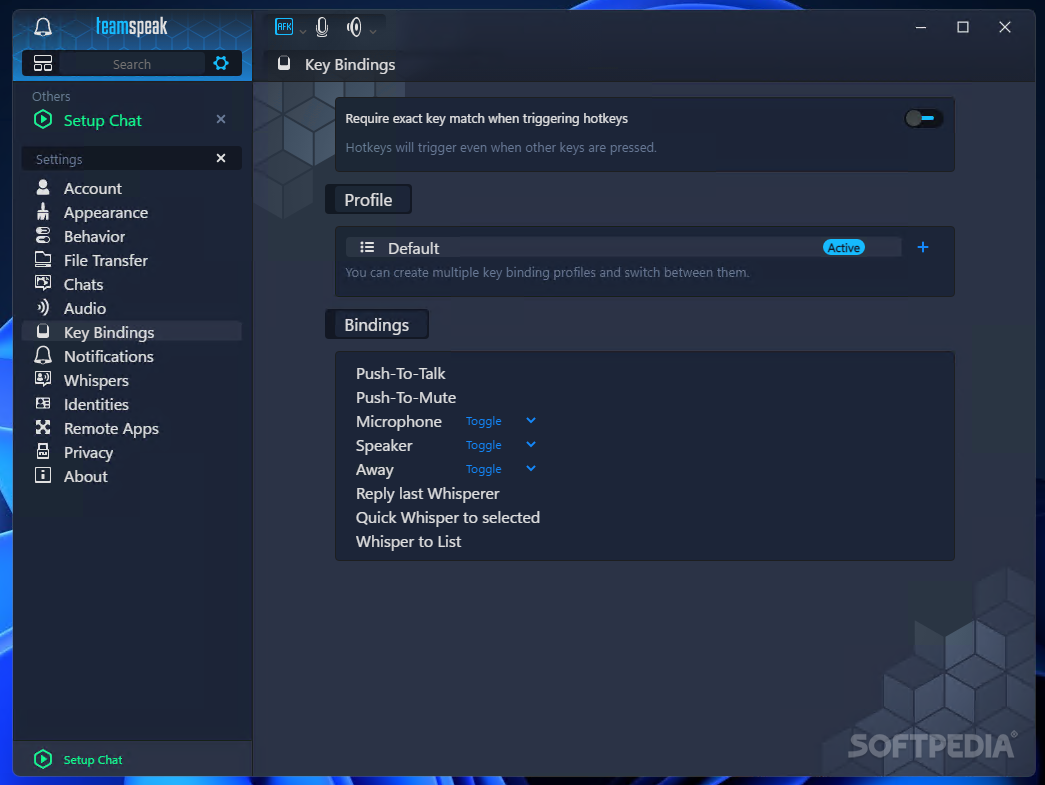
    · Completely configurable keybindings (hotkeys) to quickly join specified channels, mute your microphone, etc.
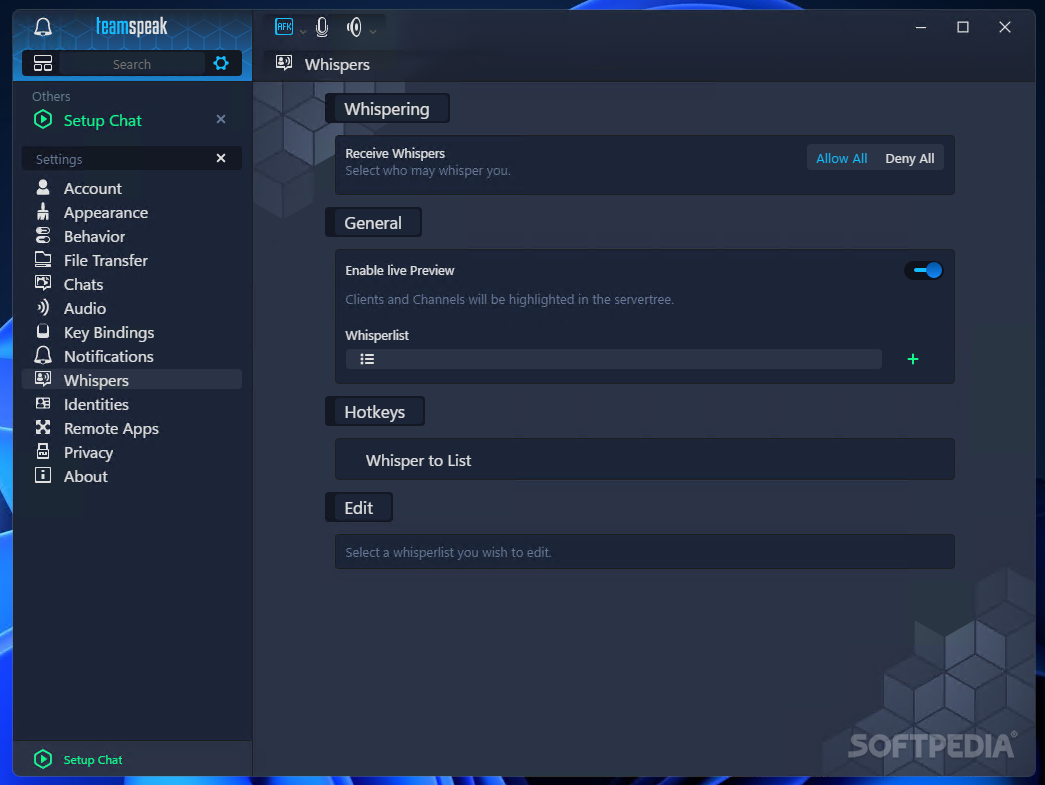
    · Whisper functions so you can speak privately to inidividuals, groups of persons, or other channels
    · Auto voice normalizing (no need to adjust your mic manually)
    · Supports Microsoft Gamevoice (TM) hardware
    · Windows/Linux server
    · Windows/Linux client
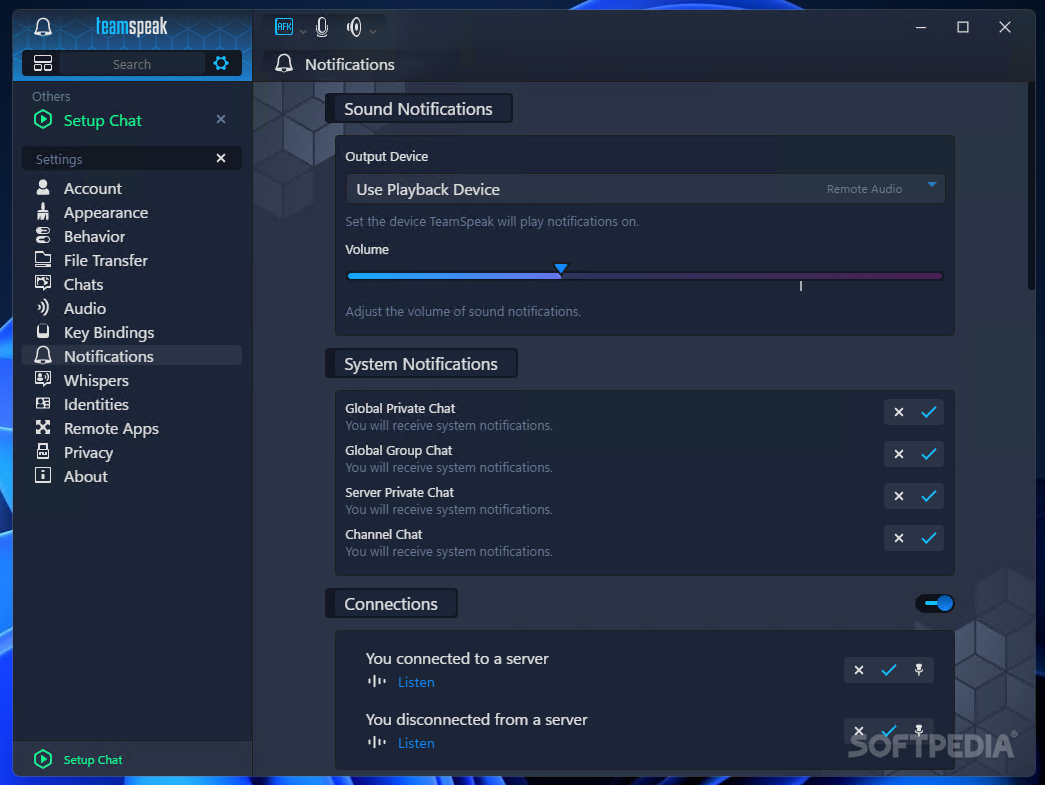
    · Event driven sound notifications (which can be configured individually)
    · Text messaging in the client (for those complicated URL's or IP's) and clickable links
    · IRC-like admin functions for your server (like serveradmin, channel admin, operators)
    · Channel moderation, which is useful for holding meetings in channels with many users
    · Kicking / banning people
    · Seemless optoinal MySQL integration, allowing you to customize your server database
    · Minimal CPU and RAM requirements
    · Given bandwidth requirements are met, servers can easily handle thousands of users
    · Authorized Teamspeak Host Providers (ATHPs) and other Commercial users can integrate their own clickable banner in the client

    Requirements:

    · Pentium 166 MHz CPU
    · 64 MBytes of RAM
    · 6 MBytes of harddisk space
    · DirectX 8.1 (available at http://www.microsoft.com/directx)
    · An Internet connection or LAN
    · A full-duplex soundcard
    · A microphone (if you want to be able to talk, not just listen)
    · TeamSpeak Server

    What's New in This Release: [ read full changelog ]

    · Fixed gatekeeper signature error starting the 3.0.10 client on Mac OS X
    · Updater will in addition to renaming updated DLLs and exe also move them to a folder "old" to avoid Qt loading the old plugin DLLs.
    · Export missing requestClientEditDescription to Lua
    · Added some context menu entries into whisper history
    · Stereo recording in DirectSound works properly now
    · Recording from sources with more than 2 channels should downmix properly to 2 channels now (in stead of just using the first 2 channels)
    · Adjusted default position of windows when opened for the first time when the position has not yet been stored.
    · Added more default languages to the Mac OS X app bundle affecting the Mac menu, which is independant from Qt translation files. All language folders are now ignored by gatekeeper, so they can be safely manually added.
    · Fixed Upload button of IconView dialog on Mac OS X
    · Removed warning spam message on Mac OS X when connecting to a TSDNS server.
    · Fixed tooltip for United Kingdom
    · Fixed possib...

     Softpedia guarantees that Teamspeak Client 3.0.10.1 is 100% CLEAN, which means it does not contain any form of malware, including spyware, viruses, trojans and backdoors. [read more >]


    TAGS:

    voice chat | chat client | game chat | messenger | chat | IM

    Go to top

    WindowsGamesDriversMacLinuxScriptsMobileHandheldNews

    SUBMIT PROGRAM   |   ADVERTISE   |   GET HELP   |   SEND US FEEDBACK   |   RSS FEEDS   |   UPDATE YOUR SOFTWARE   |   ROMANIAN FORUM