
Free calls and chat tool with file transfers, screen sharing, video and audio calls, conferences, contacts management, and more features. #Telephoning software #VoIP application #Instant messenger #VOIP #Messenger #Call

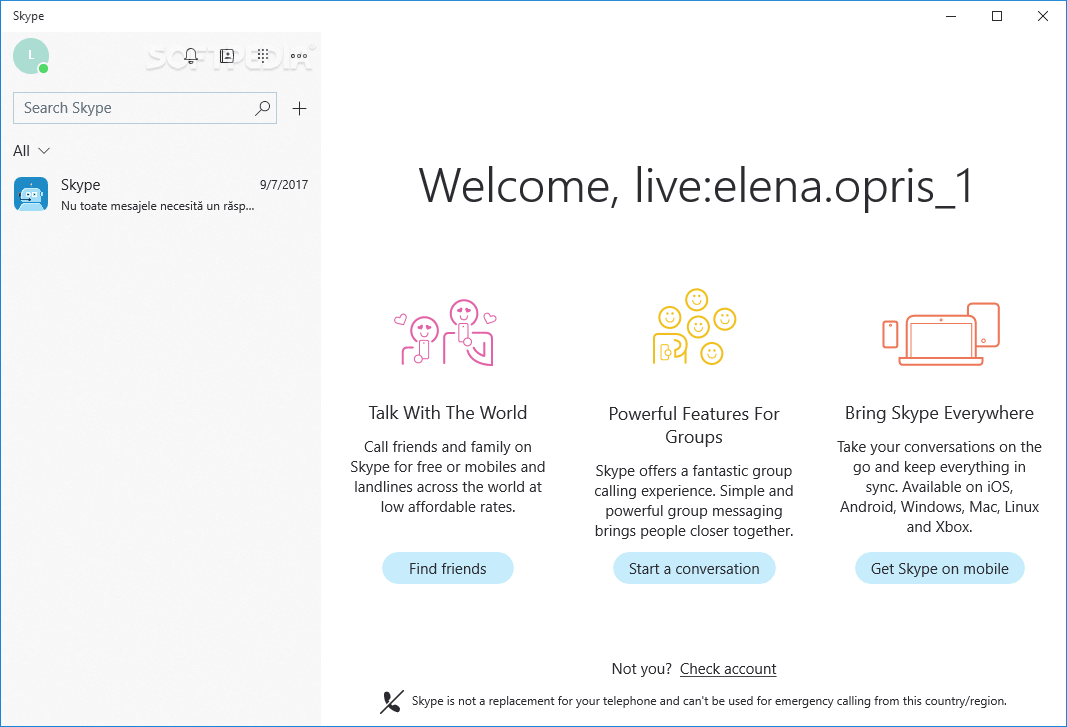
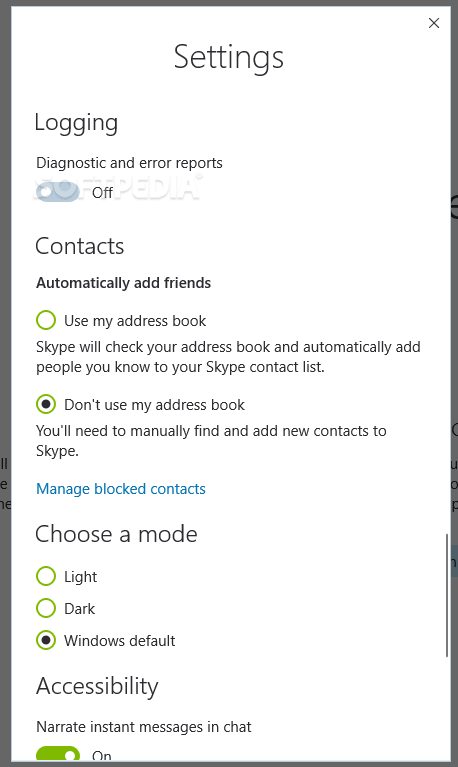
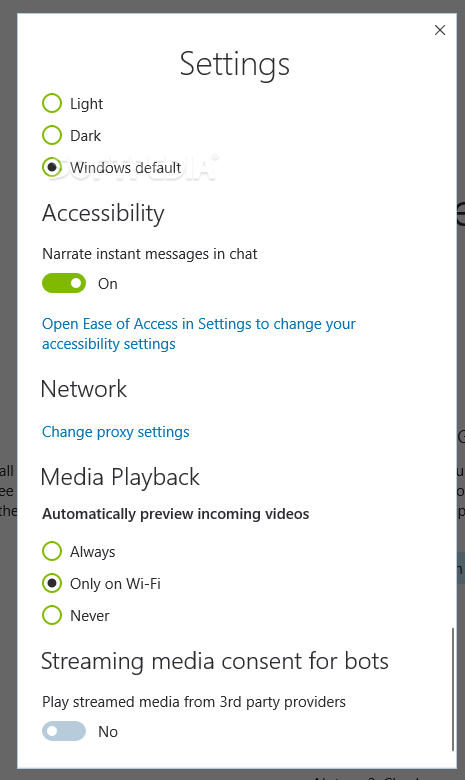
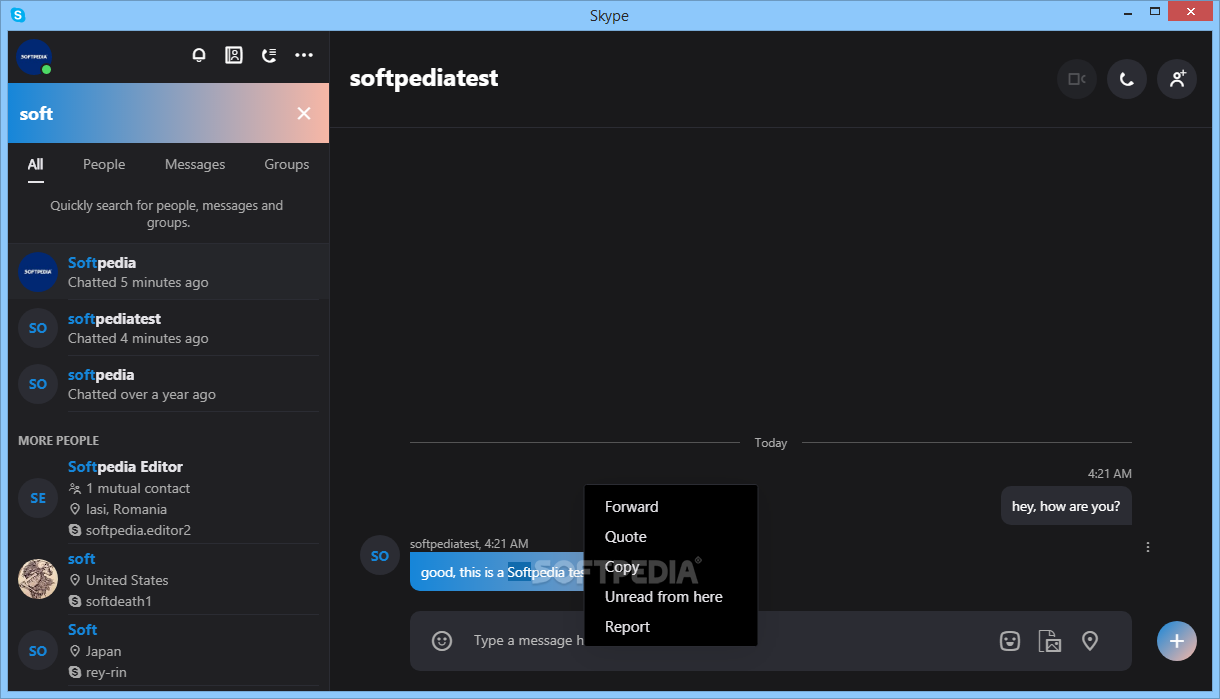
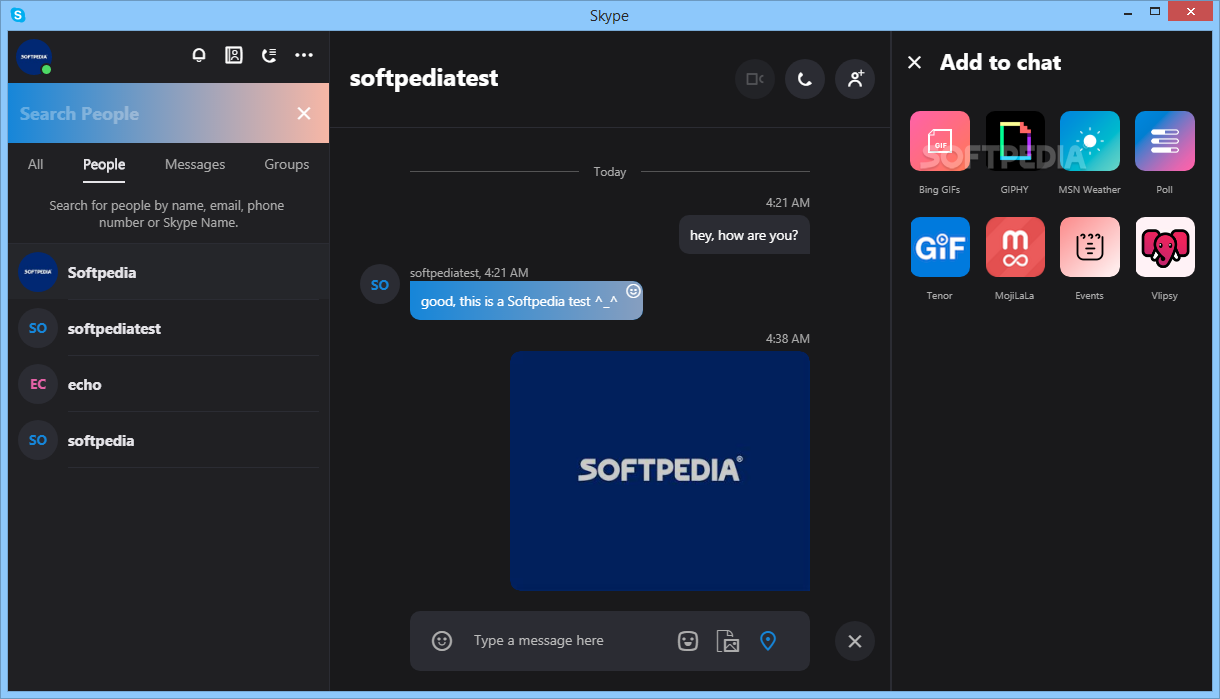
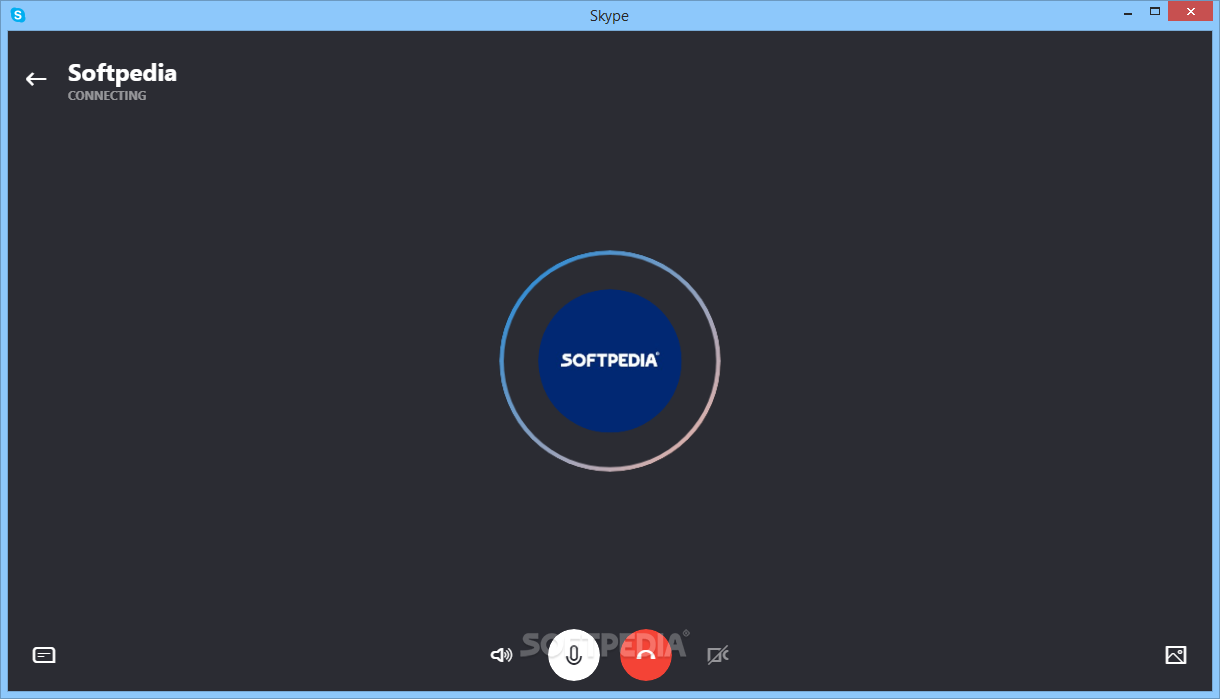
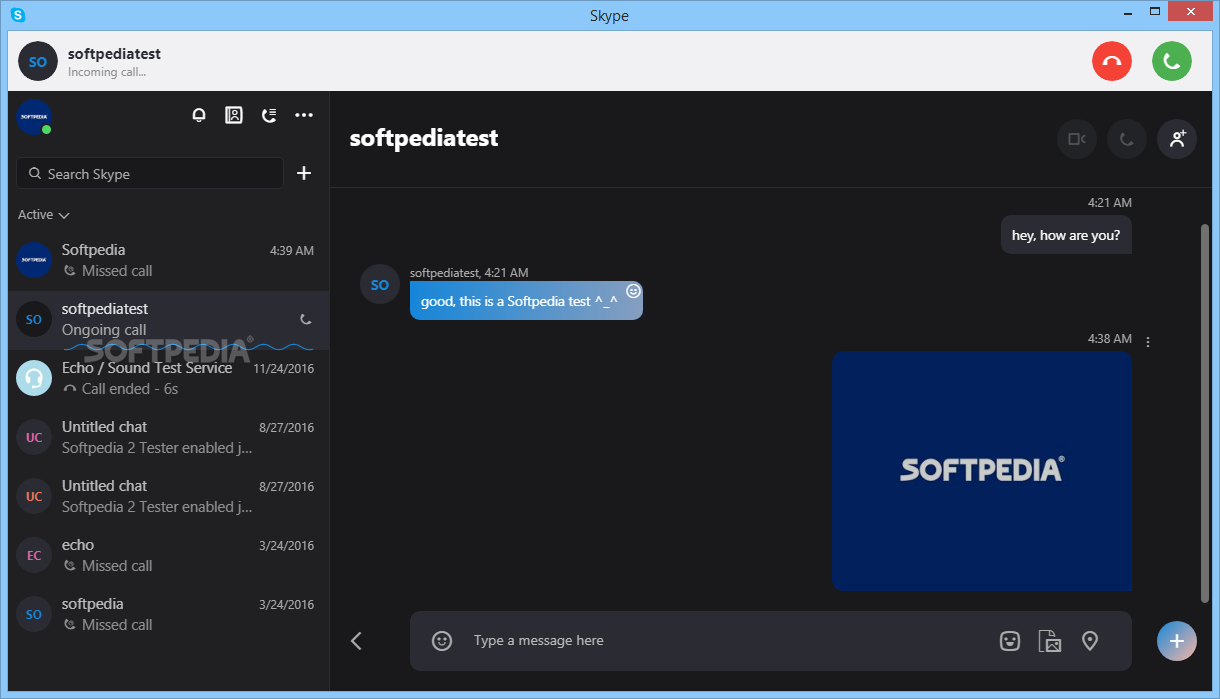
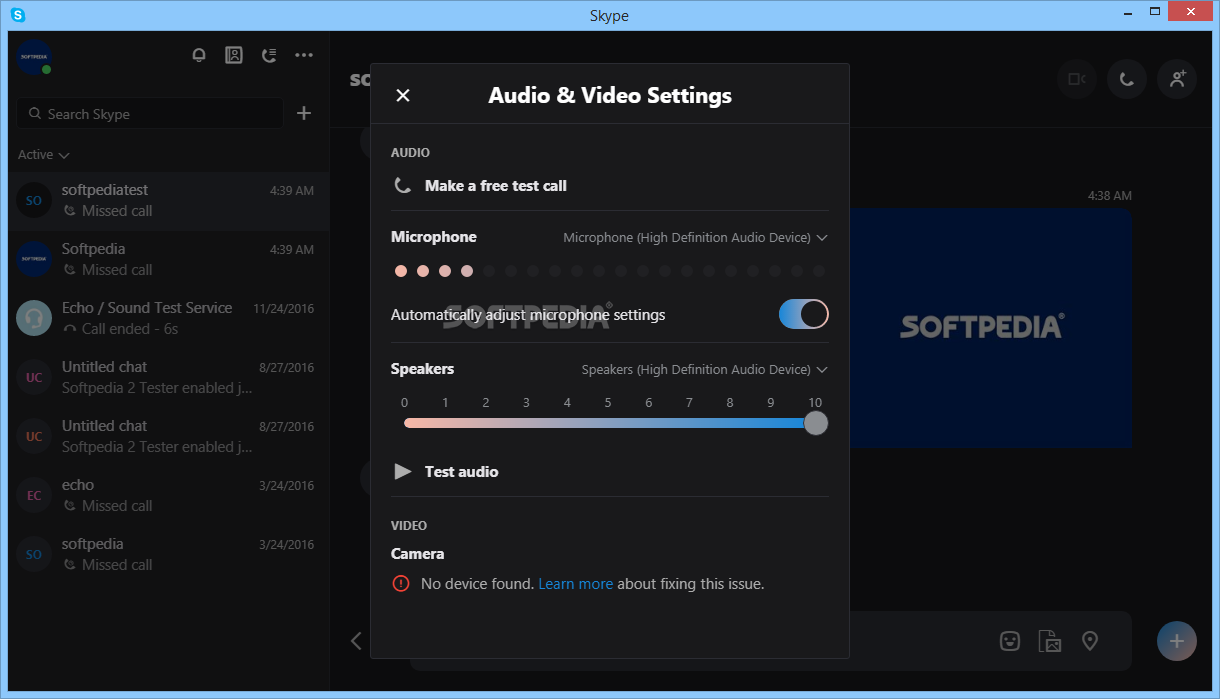
Given the fact that it has been around for for almost two decades, Skype can be considered the grandfather of video conferencing. Its user-friendly interface, intuitive features and overall convenient usage, still make it one of the top choices for video calling and messaging across the globe.
Granted, over the past couple of years, many competitors have managed to win over the business environment in video conferencing. However, take note that the tool still has millions of users and, since it comes with some of the latest Windows operating systems, it’s right there at your fingertips.
A noteworthy plus is Meet Now, a feature that enables you to enter a video conference without actually having an account. You will receive a call link that you can share with others and it is quite refreshing to have the possibility to hold an online meeting without having to download and create an account.
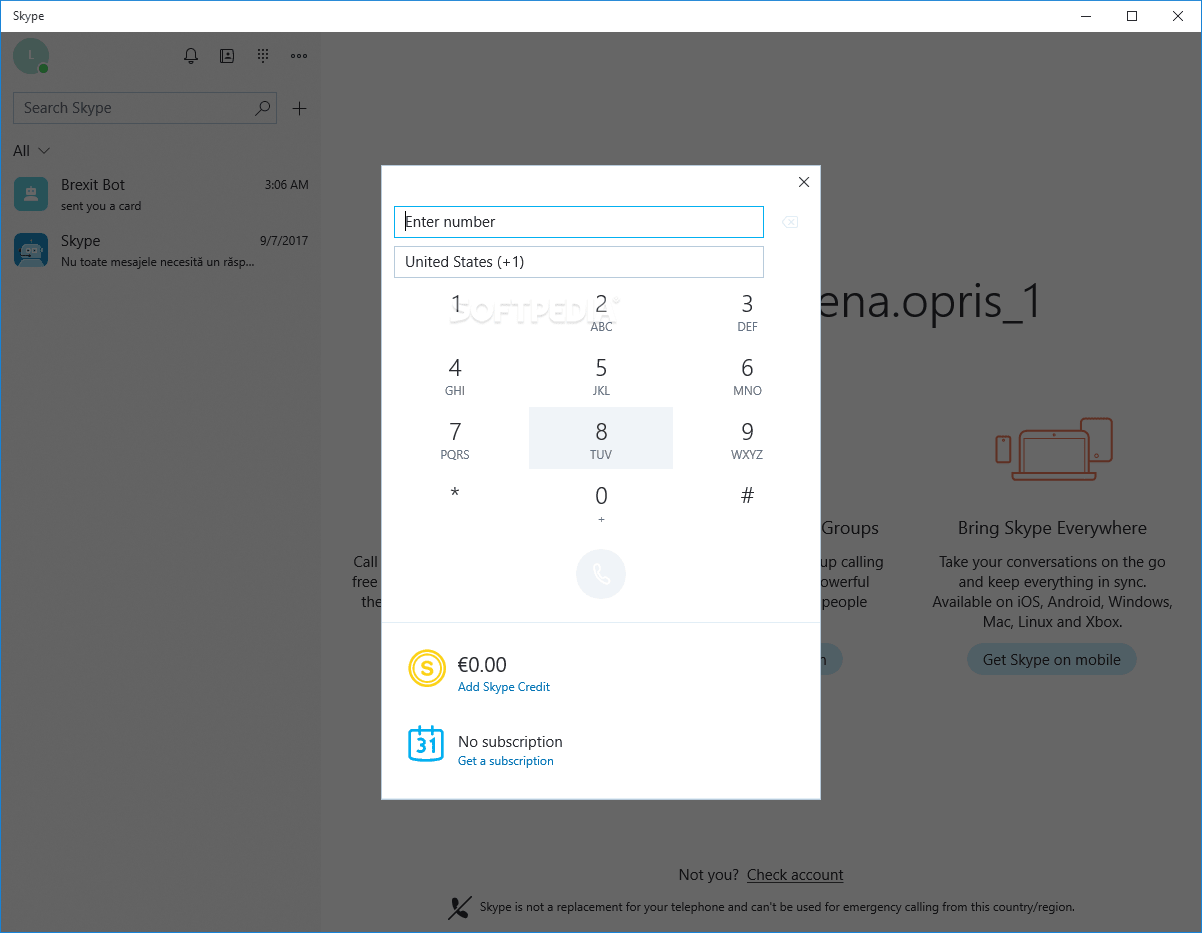
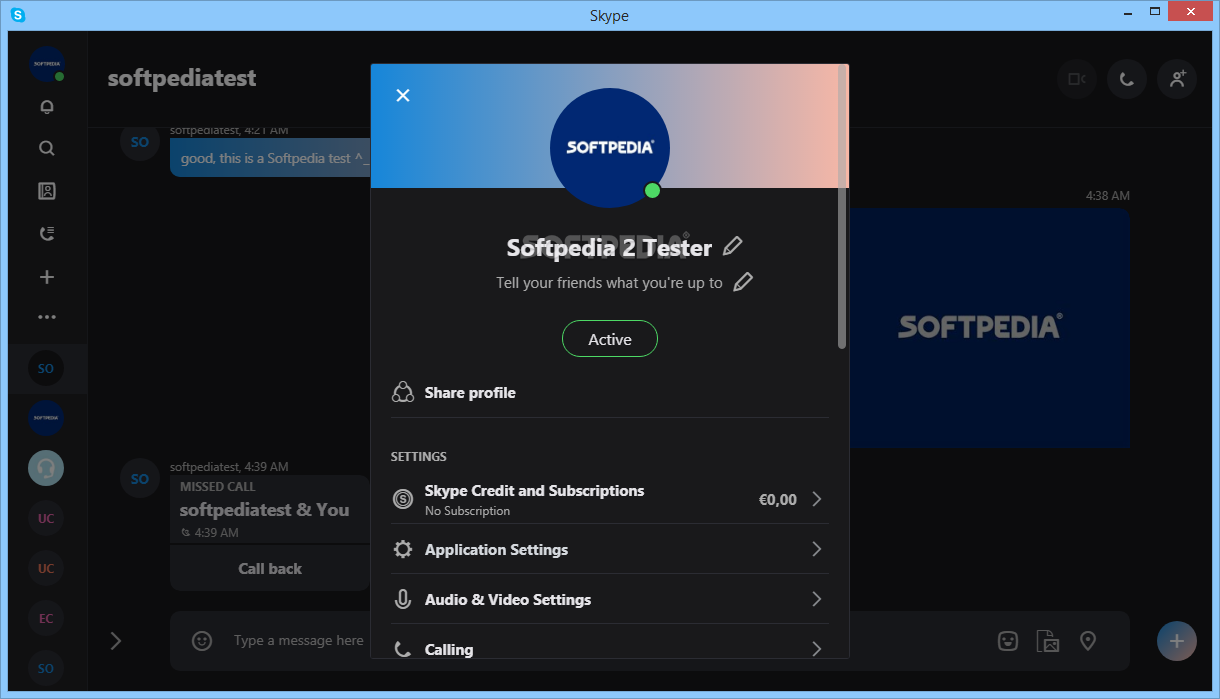
While it does pack numerous good features, the application falls short in a few categories, some of the most important ones including Premium features available. If you decide to get yourself a Skype number for instance, you don’t have any direct link on the official website and you will have to rely on the ones provided inside the app.
At the same time, the support is only online and it can be quite annoying to wait for someone to check out your message when you are having troubles with a Premium feature. Perhaps this is why the rumor has it that Skype is discontinuing its business products.
Because it is mostly free, especially if you are using it for personal reasons to chat with family and friends, Skype continues to be a top choice for users worldwide. On the other hand, if you are planning to try out some of the Premium features, then that may be quite confusing, as the rates vary from country to country and frankly, seems to lack transparency.
Download Hubs
Skype is part of these download collections: Instant Messenger, VoIP Clients
Skype 8.118.0.205 / 8.118.76.205 Preview / 7.41.0.101 Classic / 8.117.0.202 MS Store
 Softpedia Editor's Pick
add to watchlist
add to download basket
send us an update
REPORT
Softpedia Editor's Pick
add to watchlist
add to download basket
send us an update
REPORT
- PRICE: Free
- portable version
- sPortable (Portable Skype)
- runs on:
-
Windows 11
Windows 10 32/64 bit
Windows 8 32/64 bit
Windows 7 32/64 bit - file size:
- 86.6 MB
- filename:
- Skype-8.118.0.205.exe
- main category:
- Office tools
- developer:
- visit homepage
calibre

4k Video Downloader

ShareX

Context Menu Manager

Windows Sandbox Launcher

Zoom Client

7-Zip

Microsoft Teams

IrfanView

Bitdefender Antivirus Free

- Microsoft Teams
- IrfanView
- Bitdefender Antivirus Free
- calibre
- 4k Video Downloader
- ShareX
- Context Menu Manager
- Windows Sandbox Launcher
- Zoom Client
- 7-Zip