
Powerful Twitter clients that provides its users with a very functional and highly customizable dashboard for managing multiple accounts from a single place. #Twitter client #Twitter timeline #Twitter notification #Twitter #Tweet #Timeline

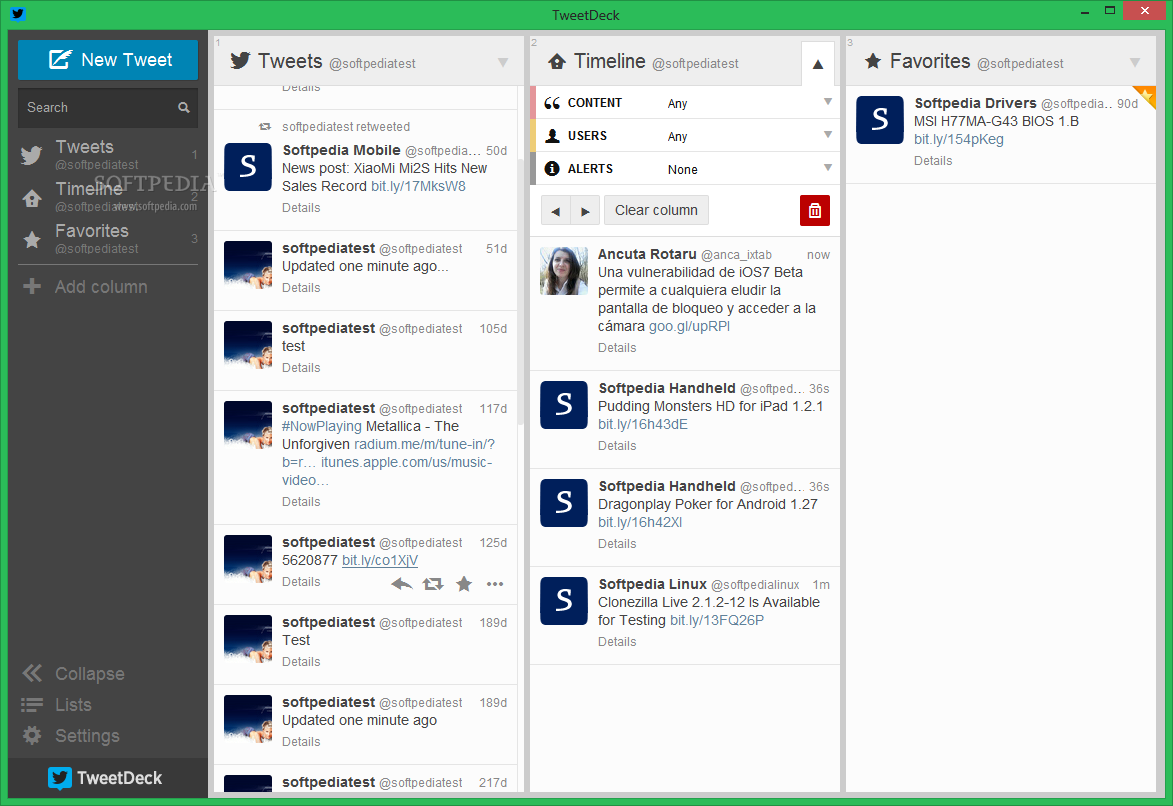
TweetDeck is no longer supported by Twitter since April 15th 2016. You can check out its closest alternative, TweetDuck, an open-source and unofficial Twitter client.
TweetDeck is a handy and reliable tool that enables you to keep in touch with what's happening across social network platforms - on your Twitter, Facebook, Buzz, LinkedIn, Foursquare and MySpace accounts.
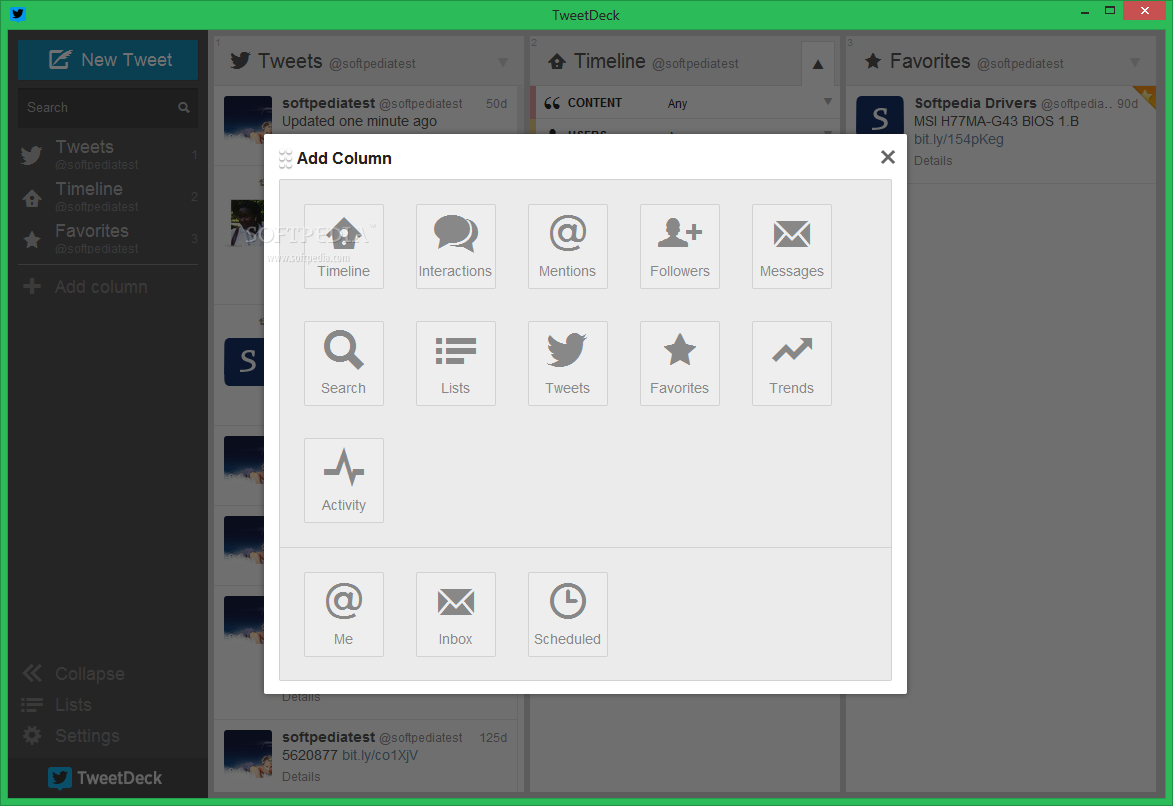
The program's user interface is very slick with its tri-column view mode (you can place additional columns or switch to a single column view). You are required to create a TweetDeck account in order to access the software's features.
How does it work? You basically add your accounts from the aforementioned social networks (including multiple Twitter accounts), manage your Twitter lists, organize your information into columns, and search a column or a friend.
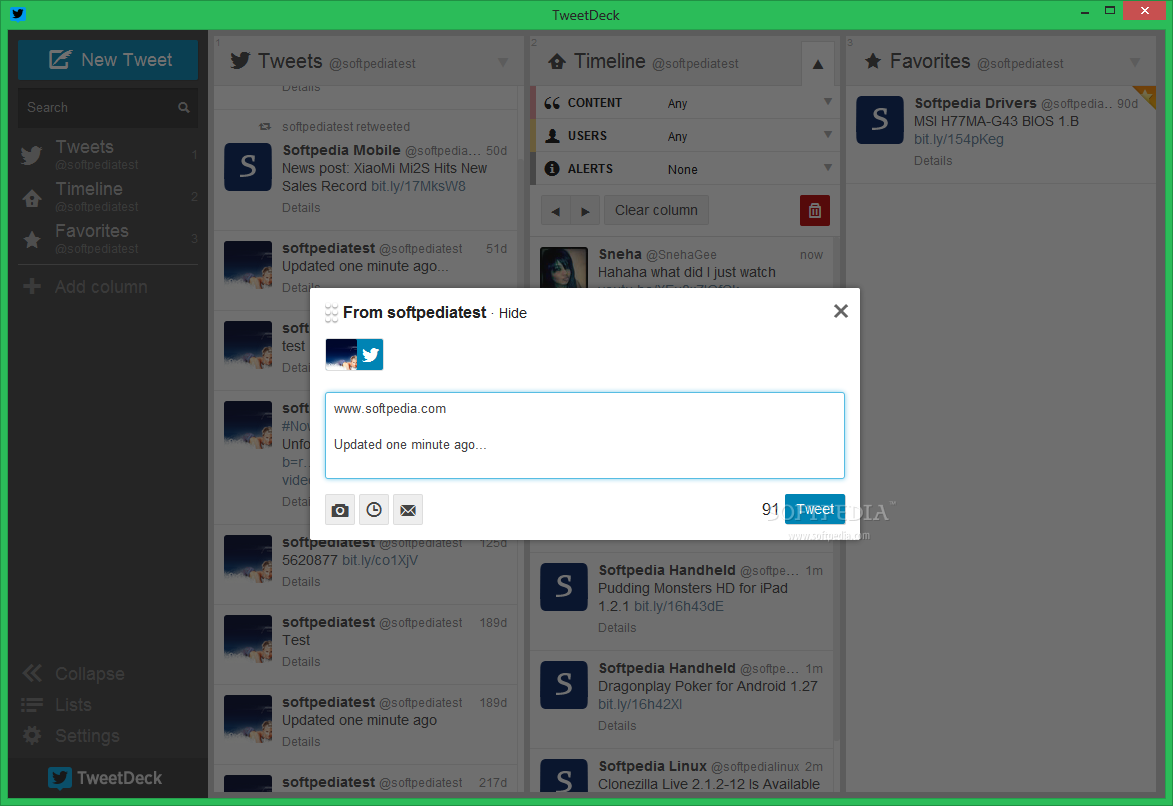
You can easily update your status on all accounts or just a part of them, and follow updates of your friends.
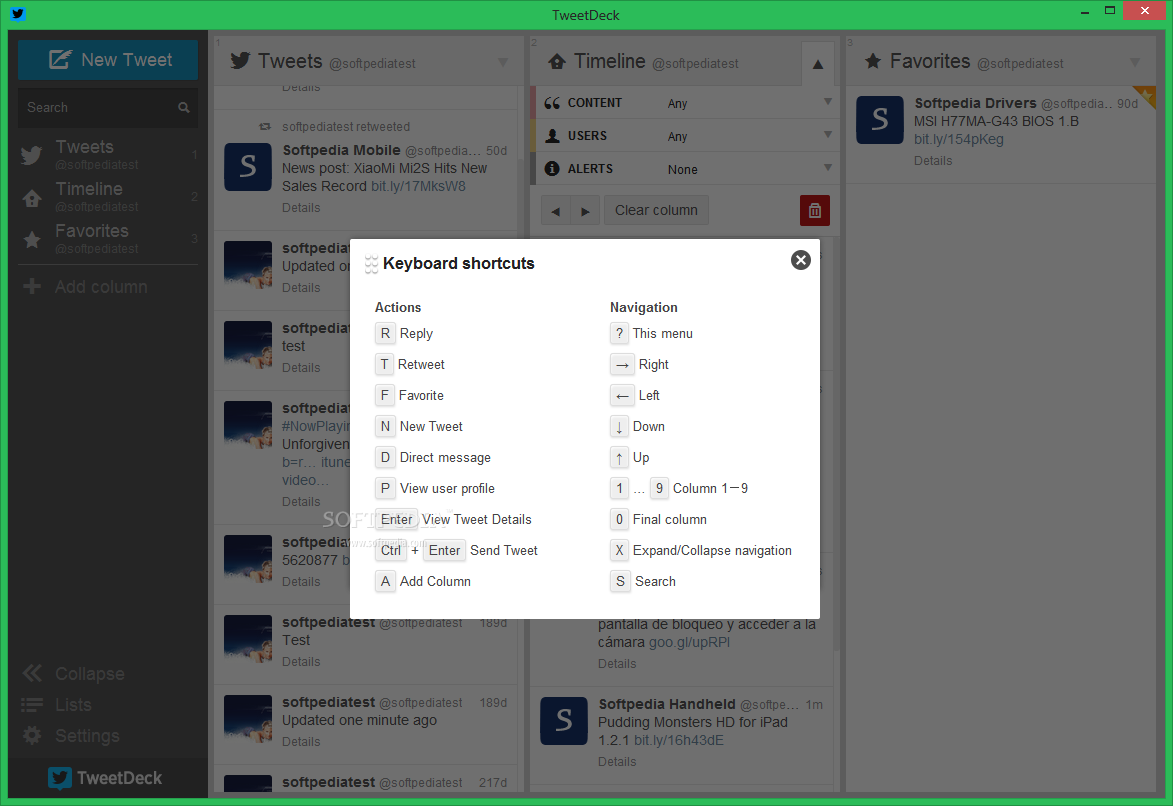
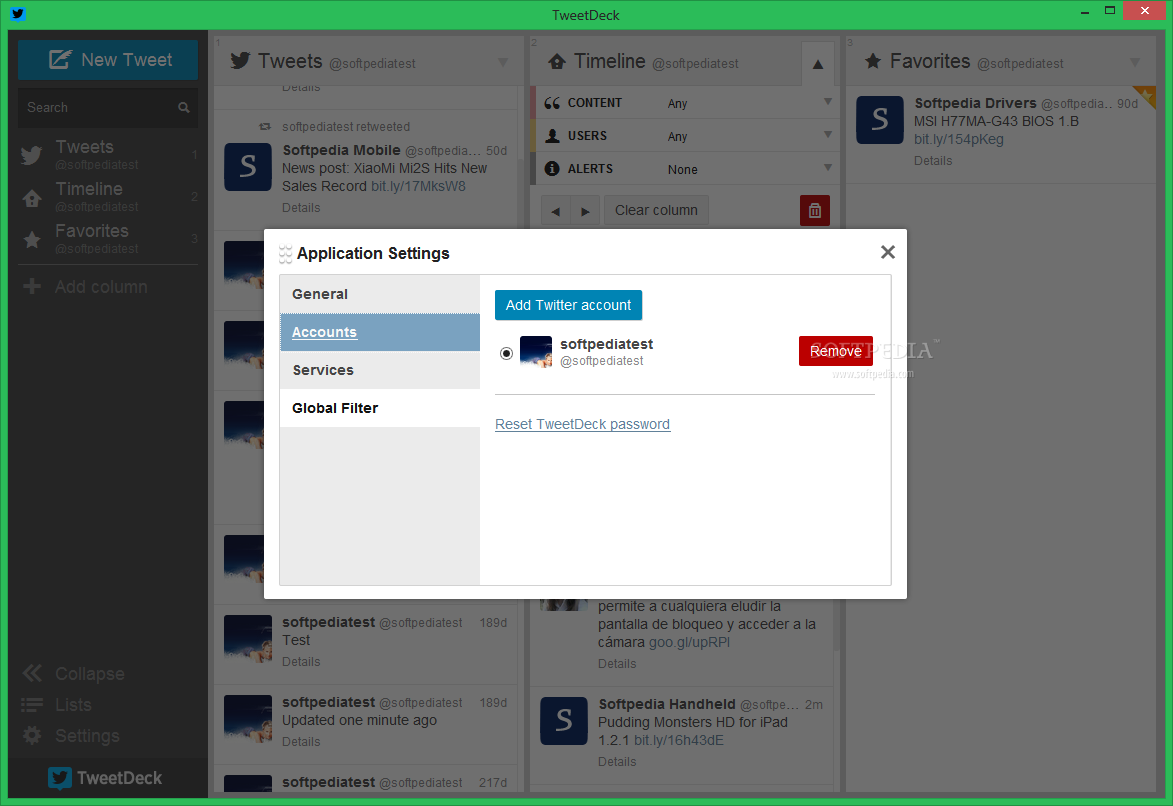
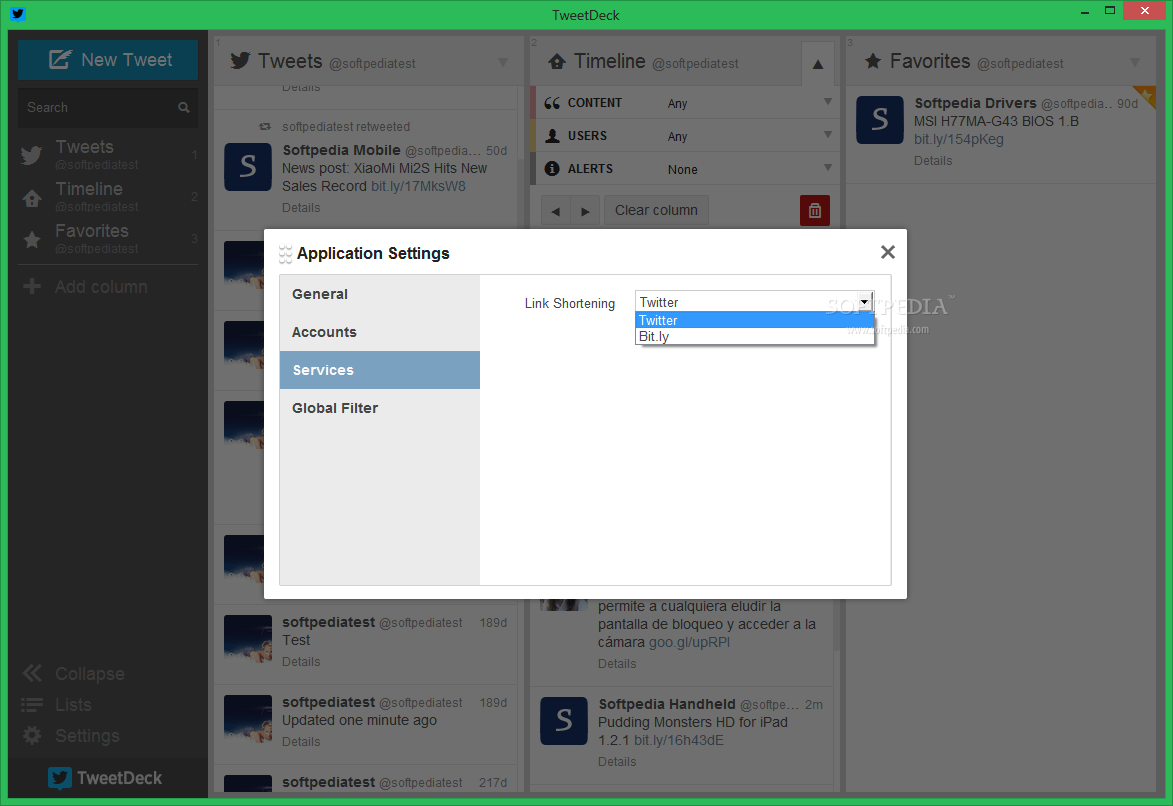
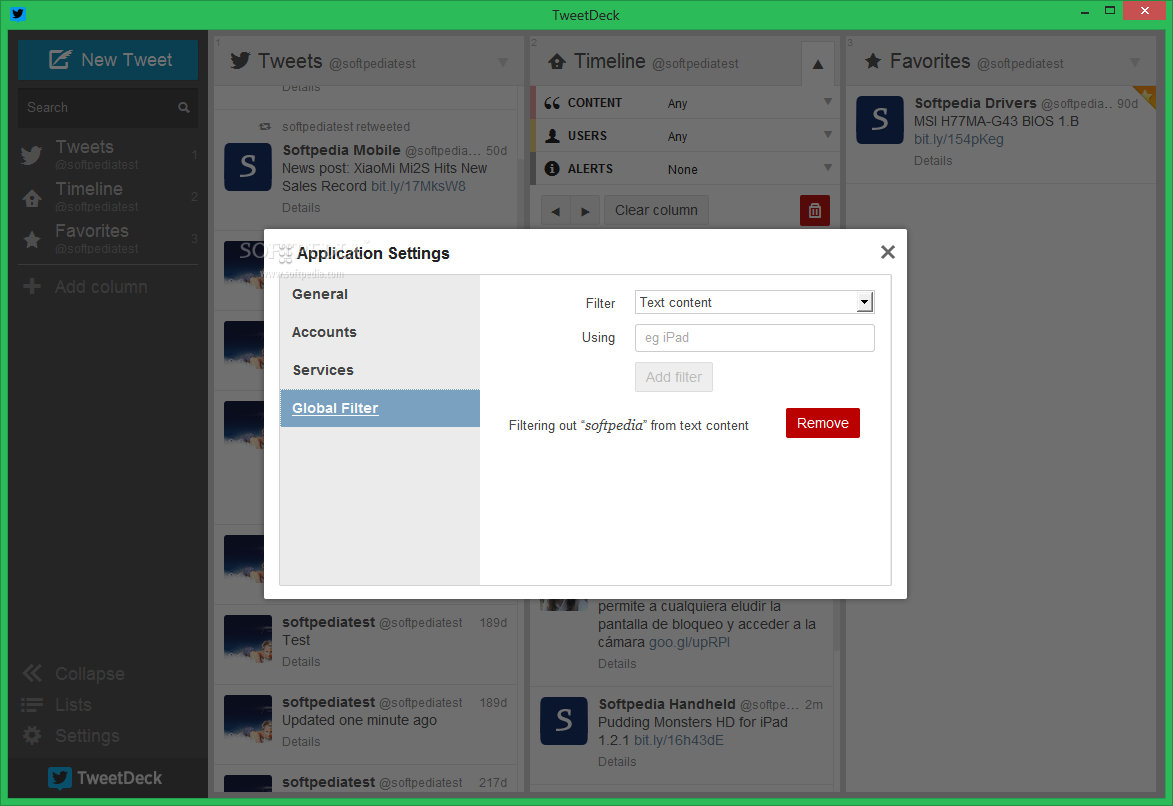
In the Settings section, you are able to narrow columns, enable keyboard shortcuts, the use of autocomplete for usernames, change notification window position and adjust notification sound, choose what categories you want displayed in columns, change TweetDeck colors and theme, select preferred language, use a global filter or sync, and more.
If you are a first-time user and cannot seem to get around the program, you can access TweetDeck support and view the well-drawn guidelines.
The bottom line is that TweetDeck is very practical software with an impressive appearance. On the other hand, the application uses a high amount of system resources, and it could be better organized for an enhanced users experience. Nevertheless, we strongly recommend it to all Twitter users.
Download Hubs
TweetDeck is part of these download collections: Twitter Notifiers, Twitter Uploader
- runs on:
- Windows All
- file size:
- 32.9 MB


- main category:
- Internet
- developer:
- visit homepage
Context Menu Manager

Bitdefender Antivirus Free

Zoom Client

calibre

4k Video Downloader

7-Zip

Windows Sandbox Launcher

IrfanView

ShareX

Microsoft Teams

- IrfanView
- ShareX
- Microsoft Teams
- Context Menu Manager
- Bitdefender Antivirus Free
- Zoom Client
- calibre
- 4k Video Downloader
- 7-Zip
- Windows Sandbox Launcher