
Make downloading a less complicated and time-consuming task by managing or scheduling sessions using this practical software application #Download manager #Download assistant #Resume download #Downloader #Manager #Resume

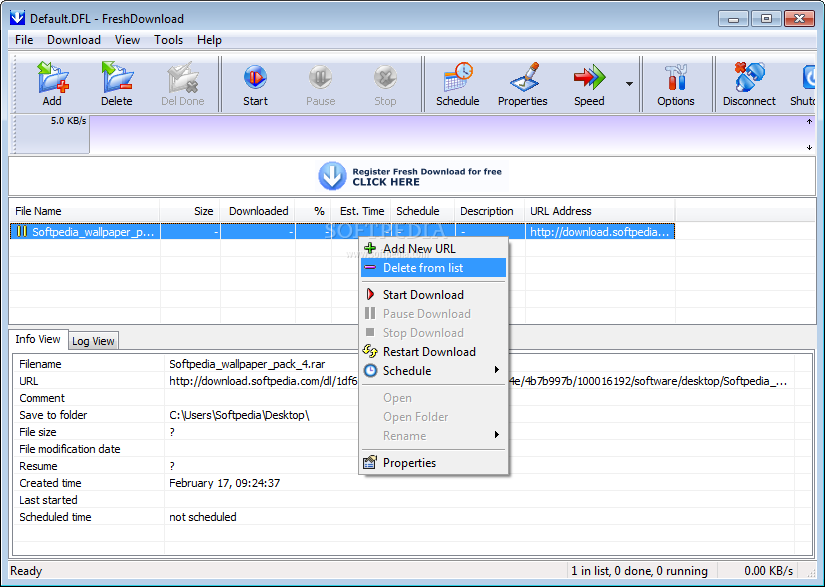
Apart from the download managers that nowadays equip all major Internet browsers, many users prefer to have a specialized utility that can accelerate, organize and schedule their downloads. One of the tools that fit the description and can do even more than that is Fresh Download, an easy to use application that boasts a simple and easy to use interface that will enable you to keep track of all your downloads.
Fresh Download however is able to work with Mozilla Firefox, Internet Explorer, Opera and other browsers by monitoring the activity and popping out whenever the user clicks on a new download. It tracks clipboard activity, so in case you copy a link, Fresh Download loads almost instantly and can take care of that file for you.
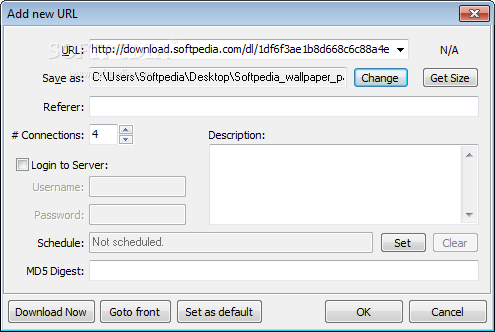
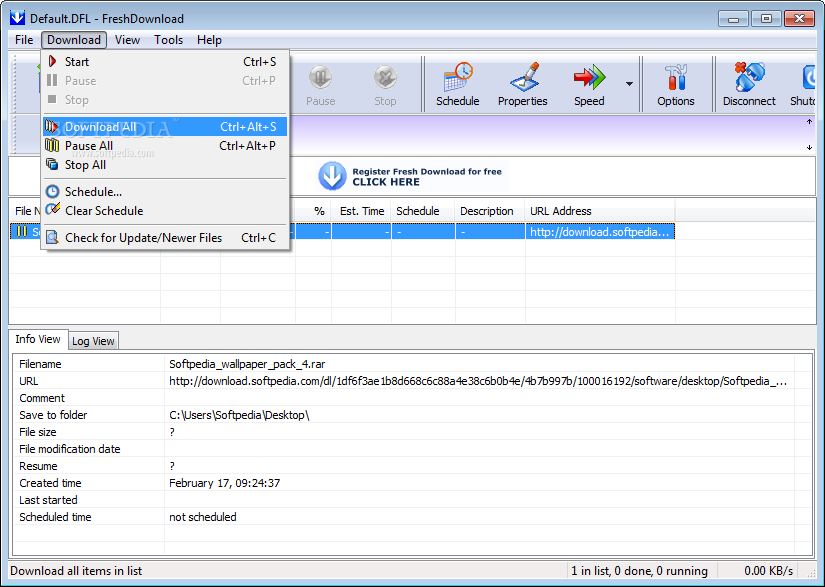
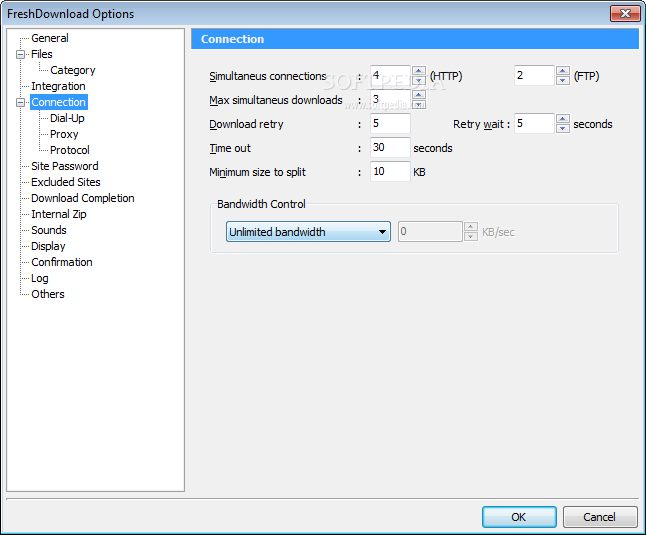
A feature welcomed in any download manager and also present in this application is the scheduler that allows you to set any download to start at a later time. Fresh Download also supports resuming downloads as well as multiple connections so you can get the files you need in the shortest time possible.
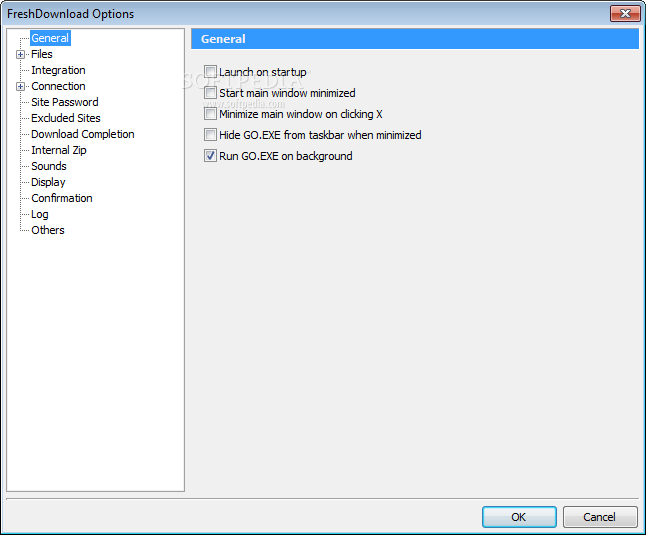
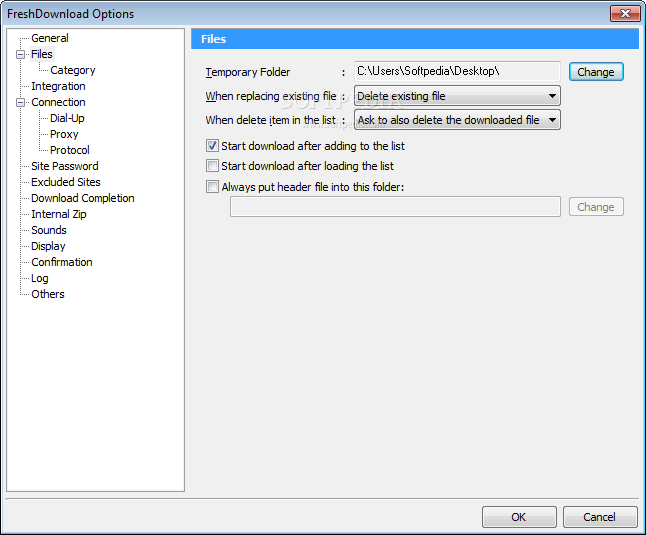
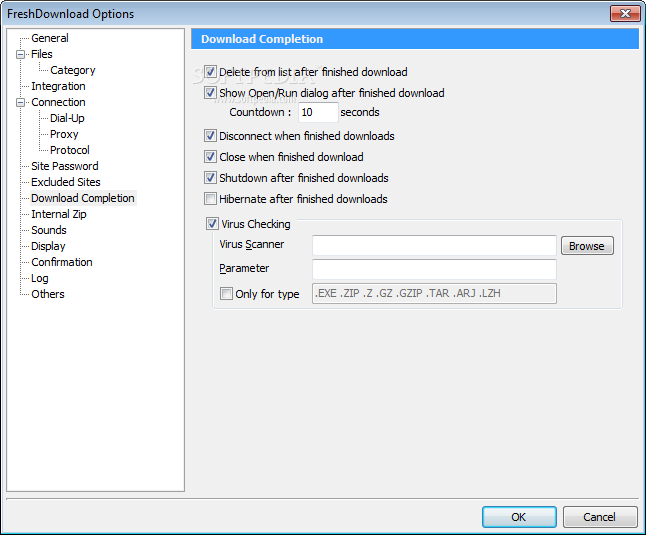
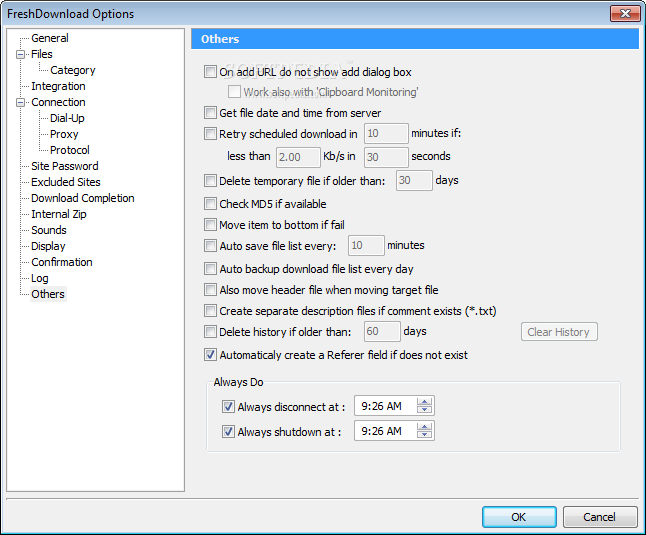
The settings menu is well prepared for numerous customizations so you can change virtually everything from integration, connection, excluded sites and logs up to user interface, site passwords and download completion options.
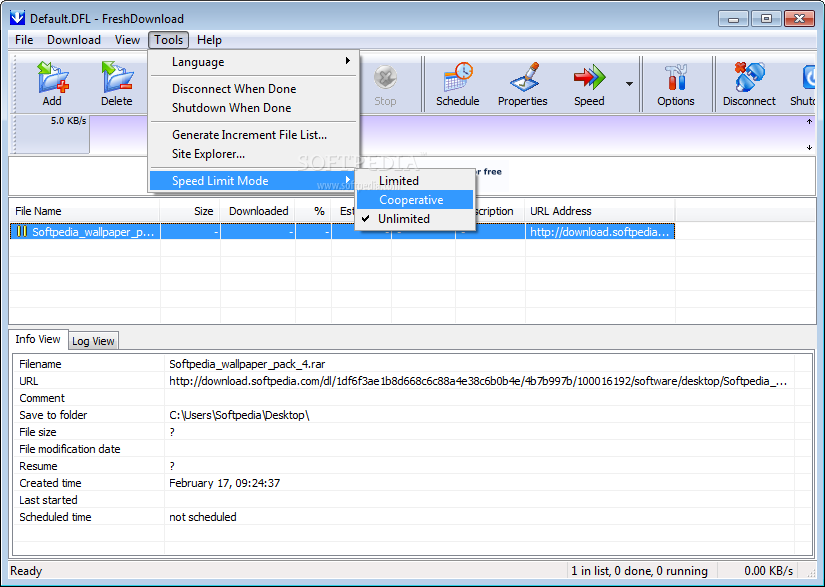
Fresh Download flirts quite nice with hardware resources and it's safe to say that you computer won't even know that you're running it unless you are downloading large files at very high speeds.
Fresh Download remains a good alternative to similar software on the market and given the goodies it packs under the hood, this utility can be added to anyone's utility belt. With integration to your preferred web browser, implemented scheduler and abundance of available settings it's safe to say that it's nothing but practical overall.
Download Hubs
Fresh Download is part of these download collections: Download Manager
What's new in Fresh Download 8.79:
- Use 'del' keyboard shortcut to delete site password.
Fresh Download 8.79
add to watchlist add to download basket send us an update REPORT- runs on:
- Windows All
- file size:
- 2 MB
- filename:
- freshdow.exe
- main category:
- Internet
- developer:
- visit homepage
calibre

7-Zip

ShareX

Windows Sandbox Launcher

Microsoft Teams

Context Menu Manager

Bitdefender Antivirus Free

IrfanView

Zoom Client

4k Video Downloader

- IrfanView
- Zoom Client
- 4k Video Downloader
- calibre
- 7-Zip
- ShareX
- Windows Sandbox Launcher
- Microsoft Teams
- Context Menu Manager
- Bitdefender Antivirus Free