
Have files downloaded from multiple sources in order to increase efficiency by managing your downloads with this powerful application. #Download manager #File downloader #Download file #Downloader #Download #Thread


GetRight is one of the powerful download managers on the market and it provides users with great download speeds and a well-organized interface. While not topping the ranks in terms of usage, it still packs a solid set of features that makes it a challenger amongst the more renowned Internet Download Manager, FlashGet or Free Download Manager.
GetRight's installation features options like take control of your downloads while browsing the web or create special categories for better management of downloaded files. GetRight is able to get along with the most popular browsers out there, including Internet Explorer, Mozilla Firefox or Opera.
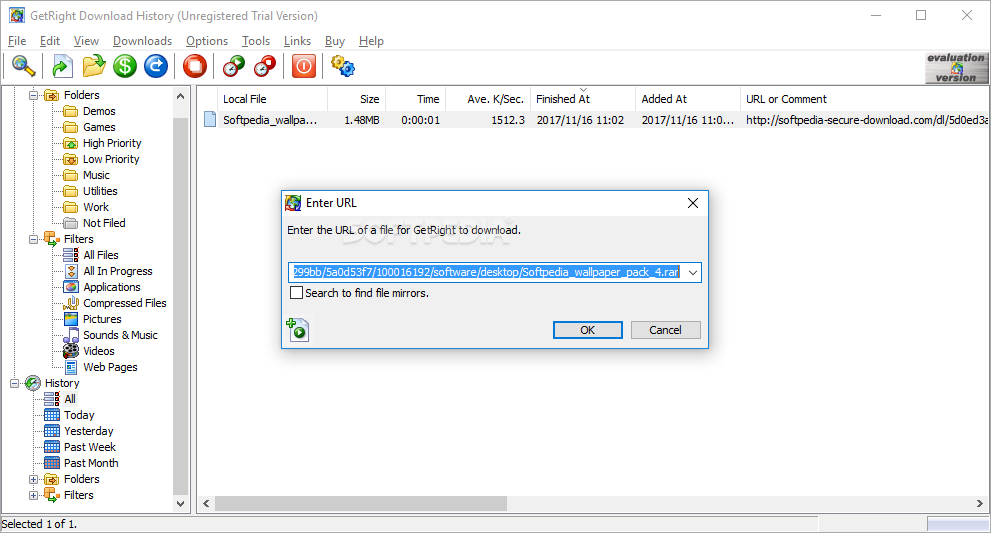
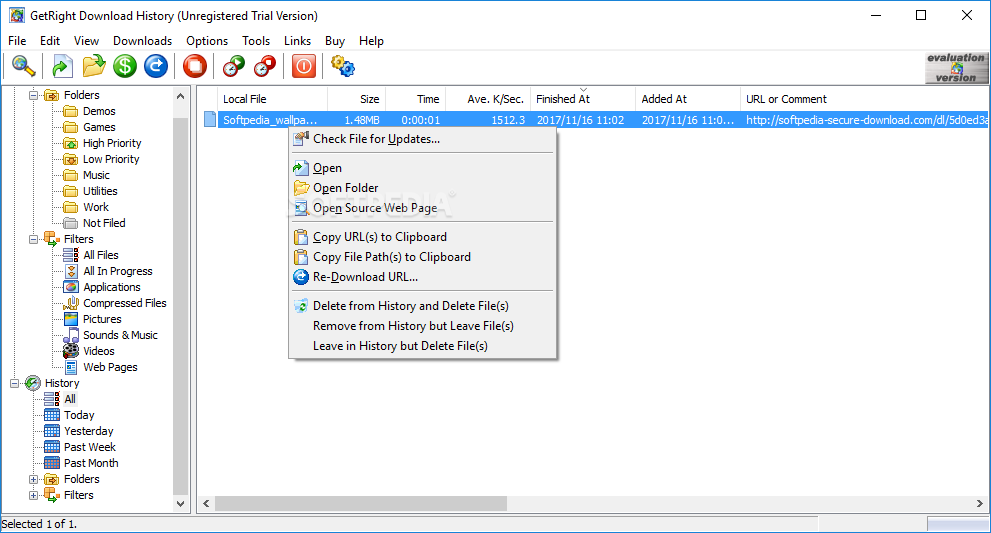
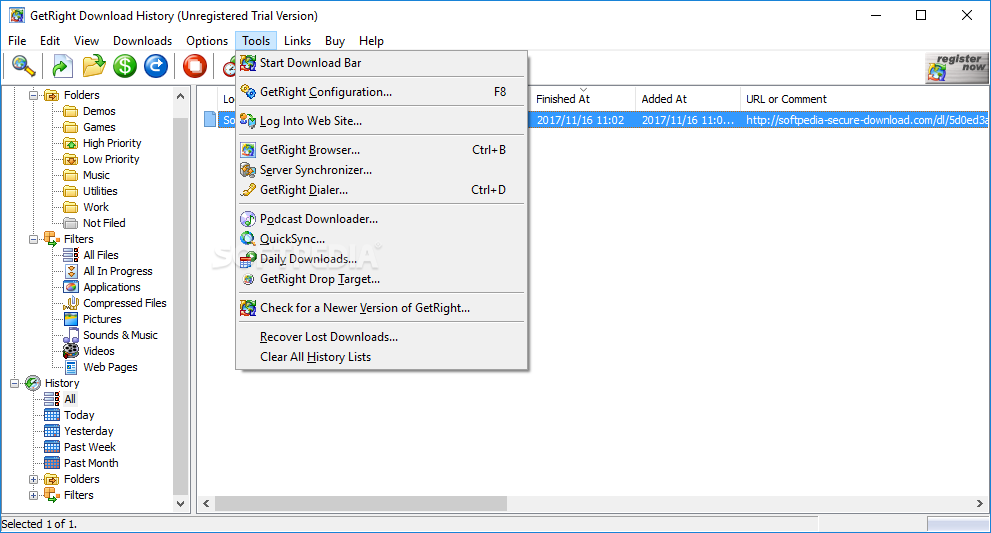
The interface looks clean, even though it does not stand out of the crowd. The window is split into two different parts, the one of the left that hosts a basic file organizer to easily find a certain downloaded file, and the right one that's exclusively addressed to managing the current downloads.
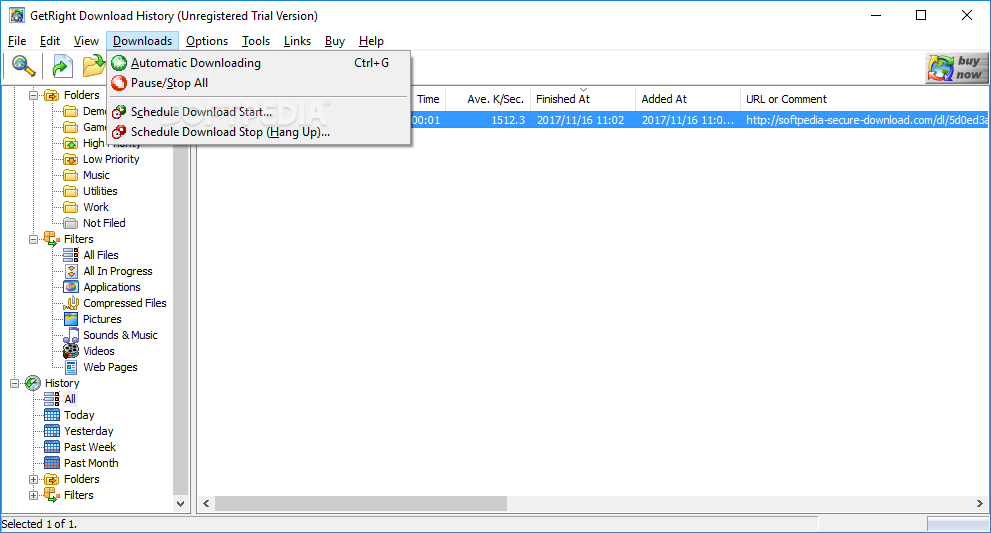
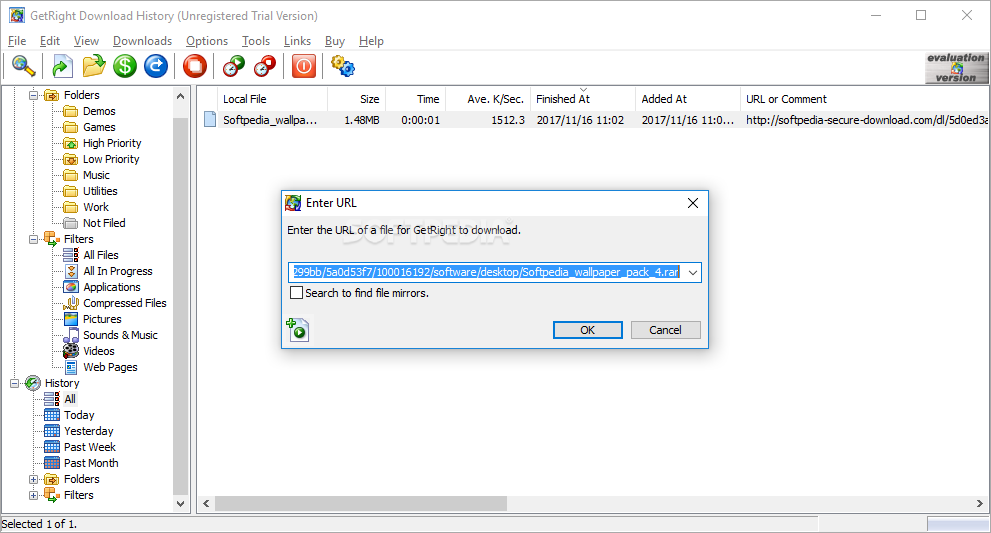
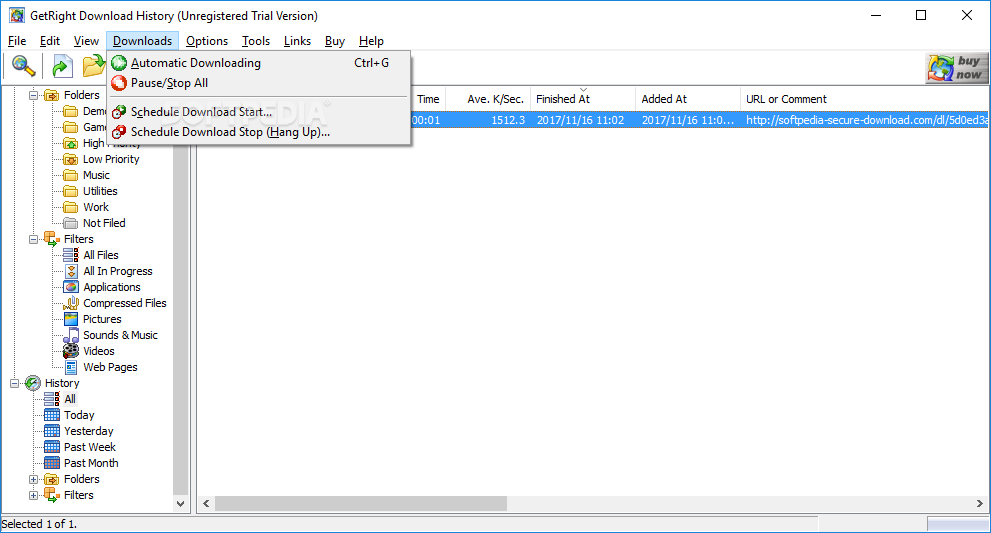
GetRight has all the features you would expect from a capable download manager: pause, delete, schedule, shut down the computer and a bonus. The application attempts to speed up the download by searching for additional sources for a specific file and thus split the download into segments, each with its very own source.
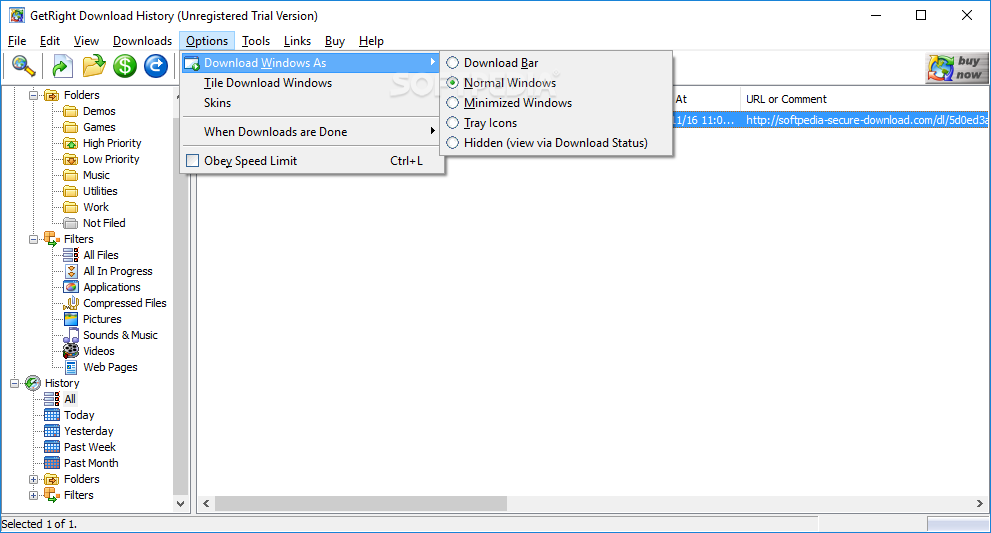
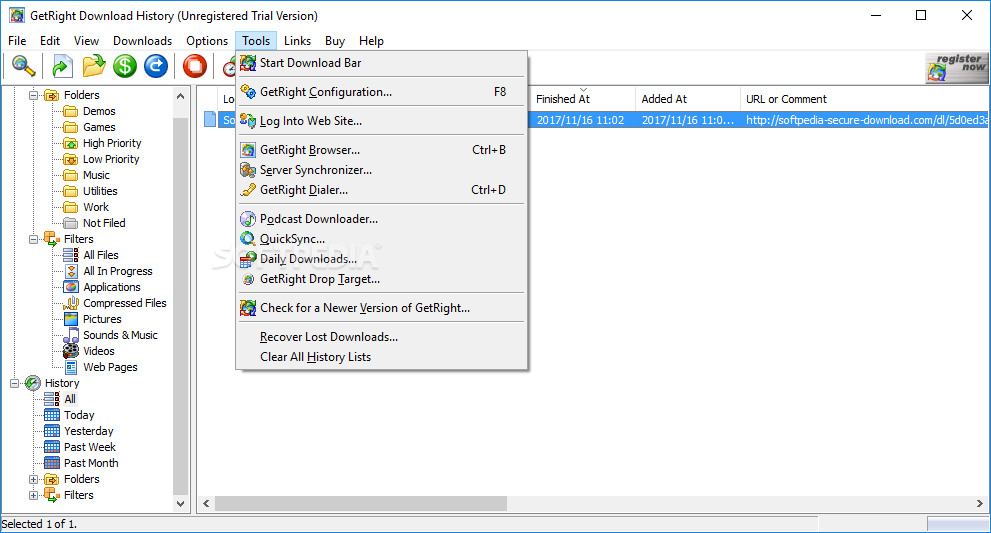
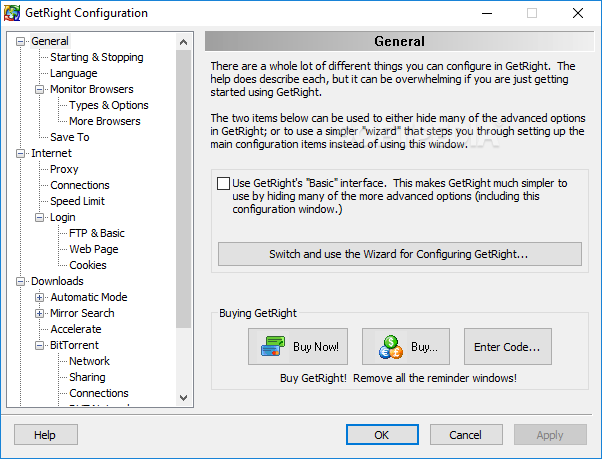
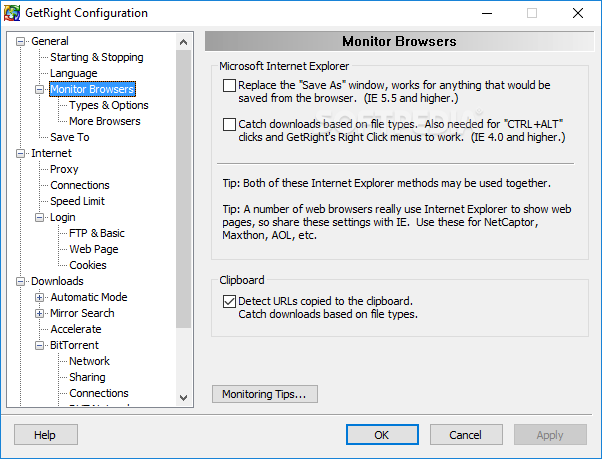
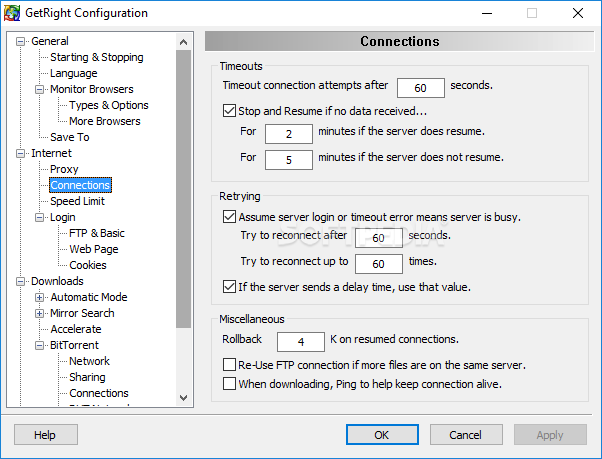
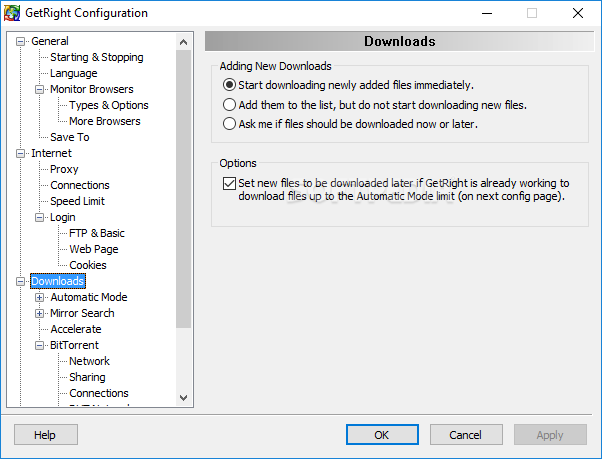
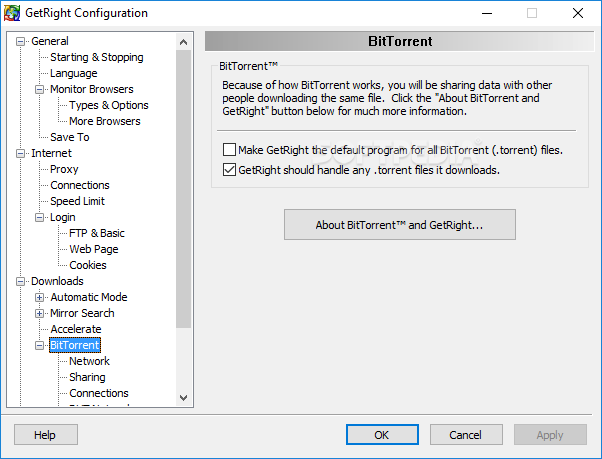
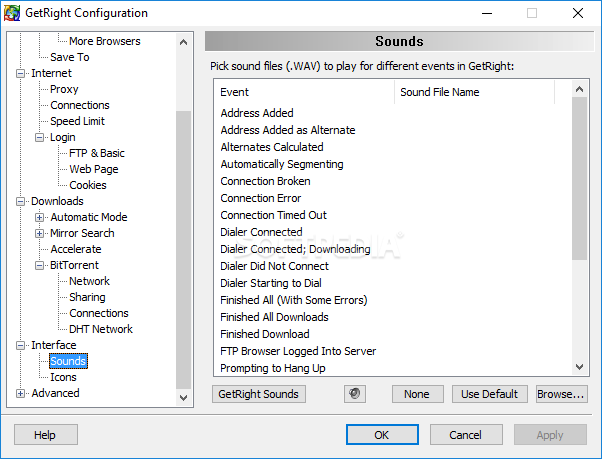
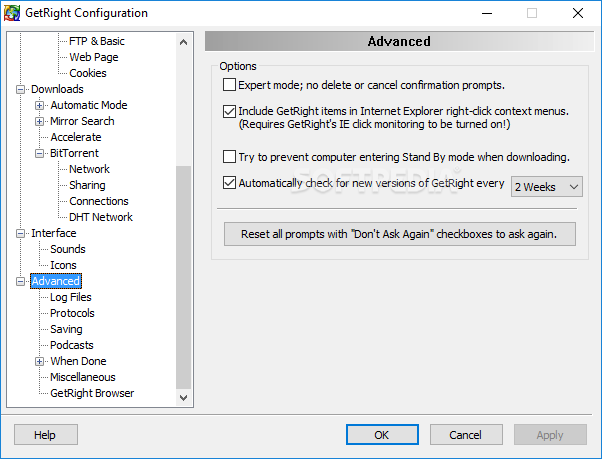
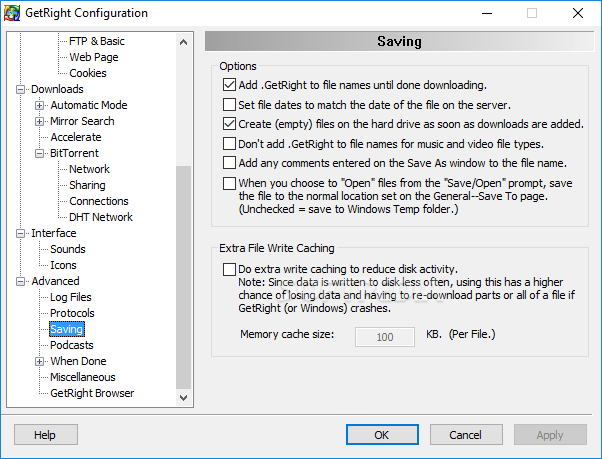
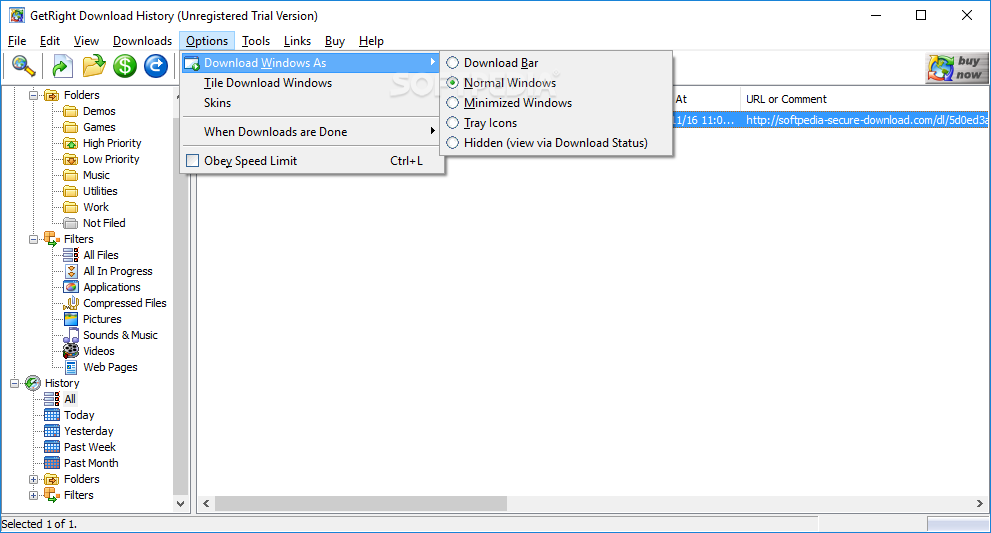
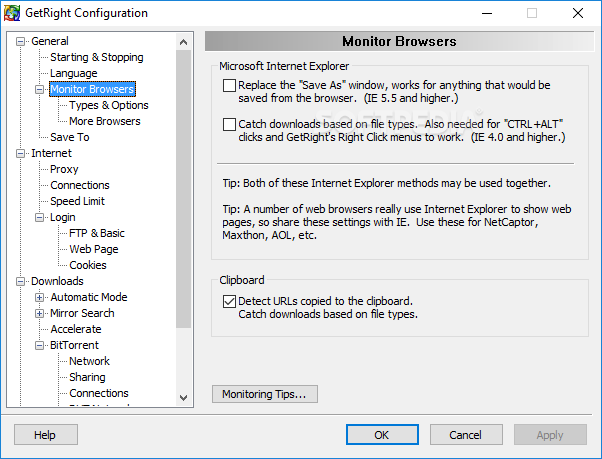
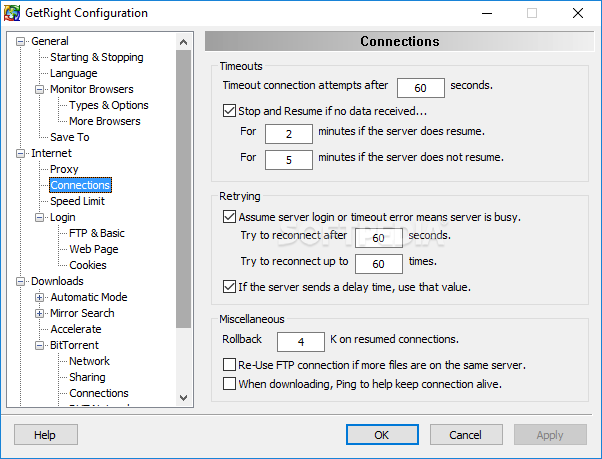
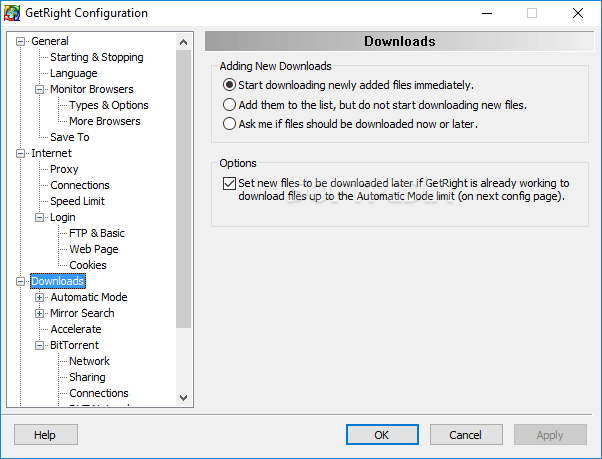
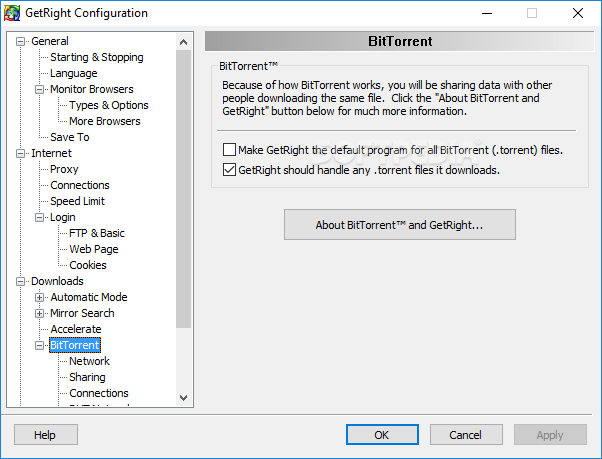
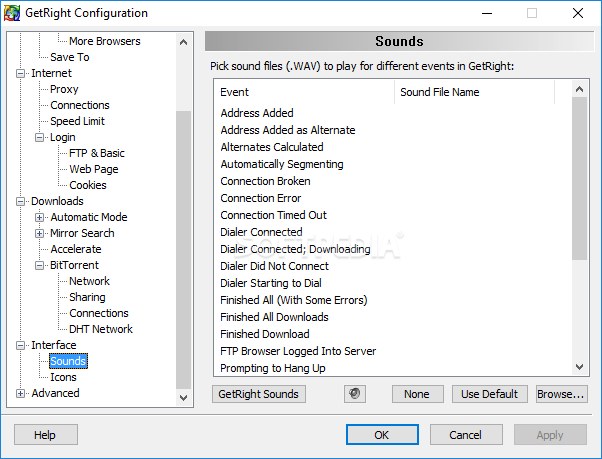
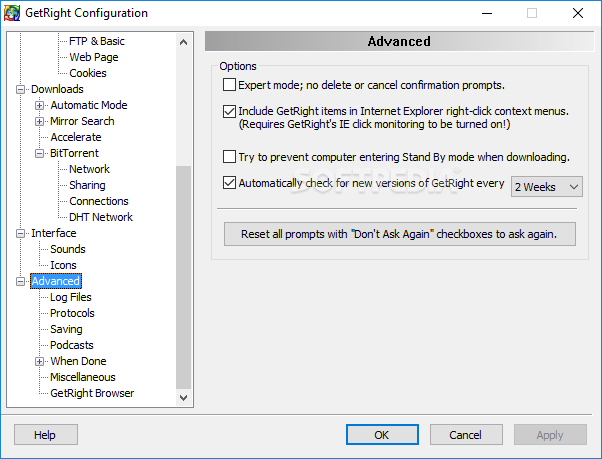
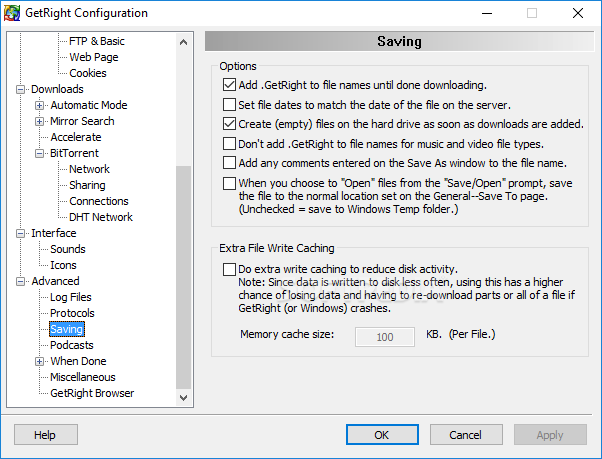
The download manager offers the right tools to customize everything about it. You can easily choose from multiple toolbars and buttons, report columns and speed graphs. It also features a configuration wizard for beginners as well as detailed settings such as 'Monitor Browsers', 'Speed Limit', 'Mirror Search', 'Accelerate' or 'BitTorrent'.
GetRight provides users with customizable virus scanning of each download based on the available antivirus installed on the computer ensuring that whatever gets inside is clean. Last but not least, the application can also be configured to download podcasts automatically and add them into your playlist, regardless if you are using Windows Media Player or iTunes.
GetRight gets the job done with flying colors. It has the proper tools to work with and all users will find it quite easy to use. Computers equipped with this tool can further make one's life easier with safe and organized download processes.
Download Hubs
GetRight is part of these download collections: Download Manager, Download Accelerators
GetRight 6.5
 Softpedia Editor's Pick
add to watchlist
add to download basket
send us an update
REPORT
Softpedia Editor's Pick
add to watchlist
add to download basket
send us an update
REPORT
- runs on:
- Windows All
- file size:
- 4.8 MB
- filename:
- getright-setup.exe

- main category:
- Internet
- developer:
- visit homepage
4k Video Downloader

ShareX

Context Menu Manager

calibre

Microsoft Teams

Windows Sandbox Launcher

Zoom Client

Bitdefender Antivirus Free

IrfanView

7-Zip

- Bitdefender Antivirus Free
- IrfanView
- 7-Zip
- 4k Video Downloader
- ShareX
- Context Menu Manager
- calibre
- Microsoft Teams
- Windows Sandbox Launcher
- Zoom Client