Softpedia
 

WINDOWS CATEGORIES:


GLOBAL PAGES >>
SOFTPEDIA REVIEWS >>
MEET THE EDITORS >>

WEEK'S BEST

  • DAEMON Tools Pro (...
  • FlashFXP [ DISCOUN...
  • PowerISO 4.9
  • WebcamMax [DISCOUN...
  • Zemana AntiLogger ...
  • System Mechanic Pr...
  • Glary Utilities Pr...
  • All My Movies [DIS...
  • Ad-Aware Internet ...
  • Atlantis Word Proc...
  • Home > Windows > Internet > Download Managers
     Report malware

    HiDownload Pro 7.87

    download button

    Part of the Download Manager download hub
    Downloads: 81,358  View global page  Tell us about an update
    User Rating:
    Rated by:
    Very Good (4.0/5)
    224 user(s)
    Developer:

    License / Price:

    Size / OS:

    Last Updated:

    Category:

    Trial / USD 39.95 buy button
    2.9 MB / Windows All
    [view history]
    C: \ Internet \ Download Managers

     Read user reviews (5)  Send to friend   Follow (7 users)

    EDITOR'S RATING

    Softpedia Editor's Review for HiDownload Pro

    Powerful download tool which supports HTTP / FTP / MMS protocols

    Written by Sorin Cirneala on December 22nd, 2011

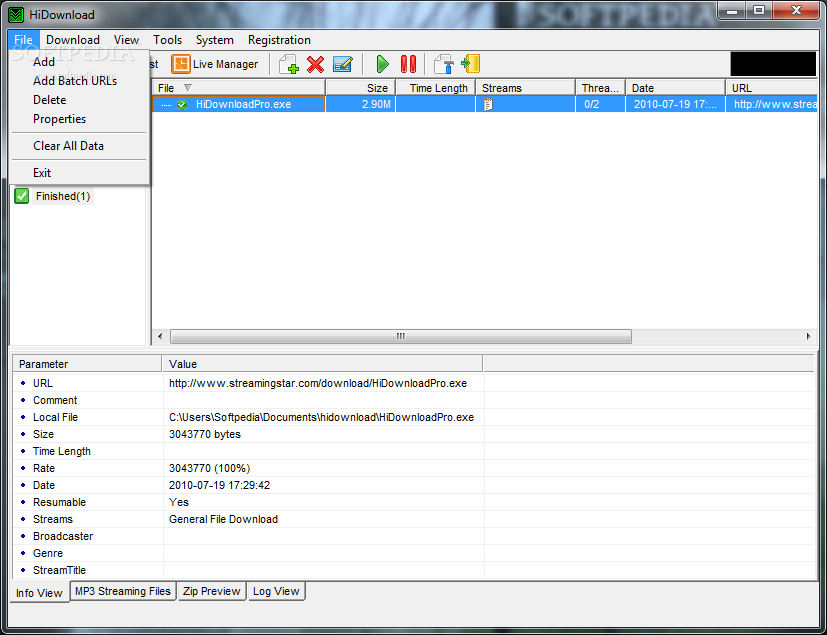
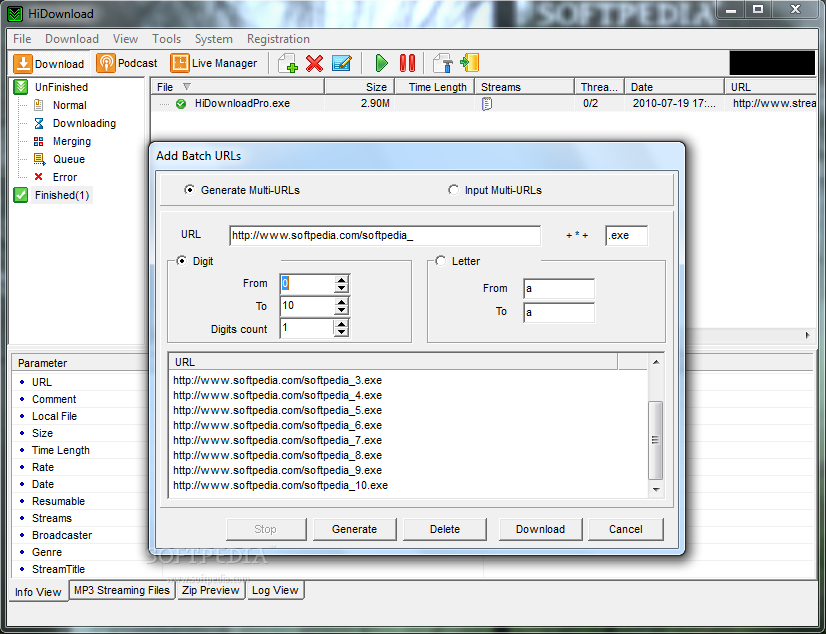
    HiDownload is a download manager that is very useful when you want to download big files from the web or from FTP servers. Almost every browser has some kind of a download manager but most of them do not have the ability to split the file into multiple parts and to download them separately in a different thread.

    This application makes the most of your bandwidth in order to decrease download times significantly.

    One of the important features of this download manager is the support for multimedia streaming that allows you to capture internet streams such as TV or radio shows. If you have to turn off the computer the program can pause the download tasks and resume it later.

    This way you can restart your computer without having to start the download job from the beginning.

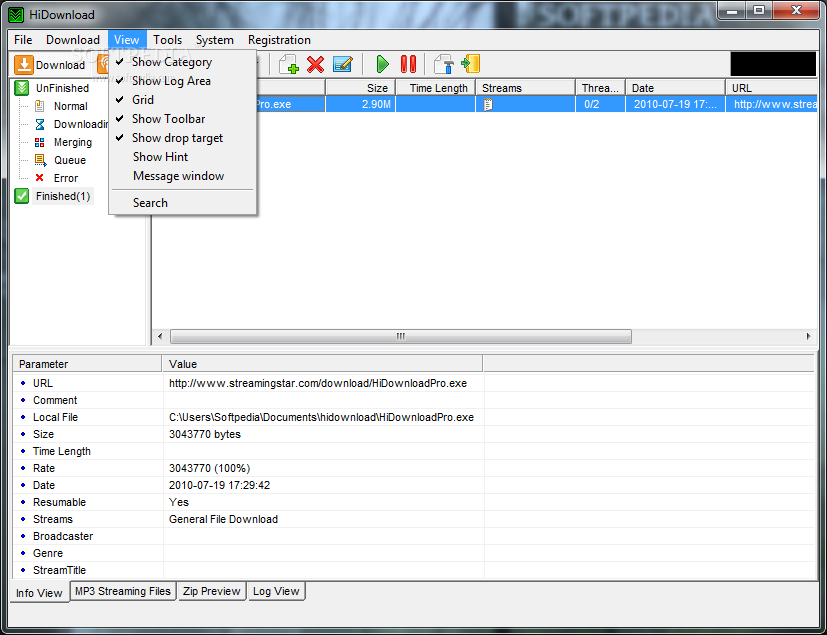
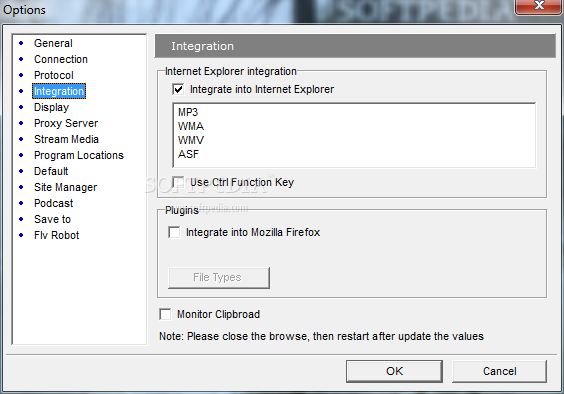
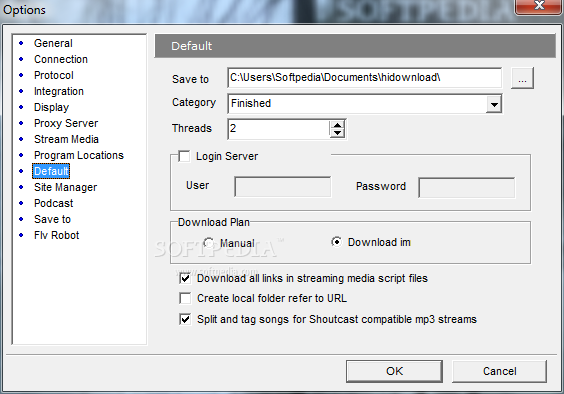
    The application is integrated in the browser and monitors the system's clipboard so adding a new download in an easy task. The download jobs can be organized into categories and each of the files is saved in a different folder. The user can create a new category and choose the download folder.

    Another useful tool is the ZIP Preview function that allows you to view the name of the files that are inside an archive before the download completes. details available include file name, the size and the compression ratio.

    The application can be included in the startup menu and places a small floating icon on the desktop. It purpose is to allow you to easily start downloading by simply dragging and dropping a link on the icon.

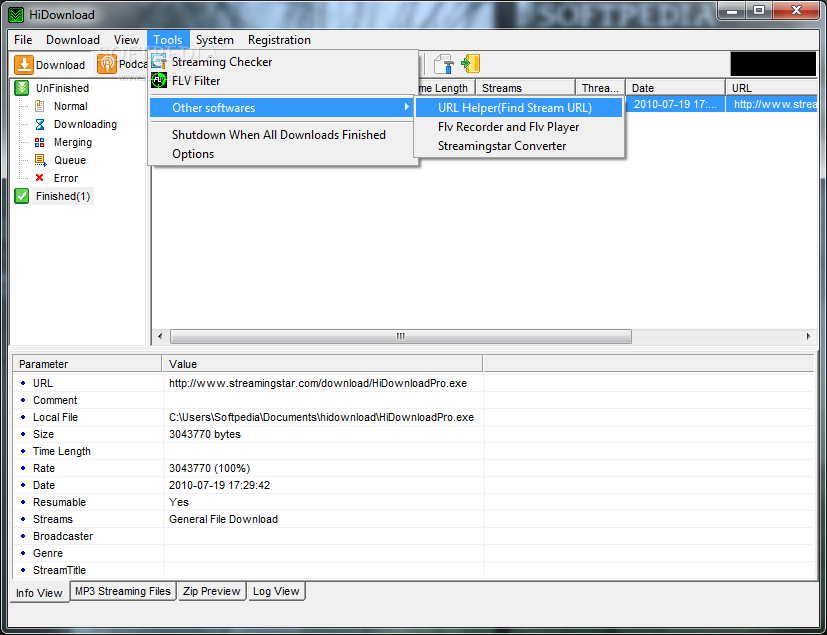
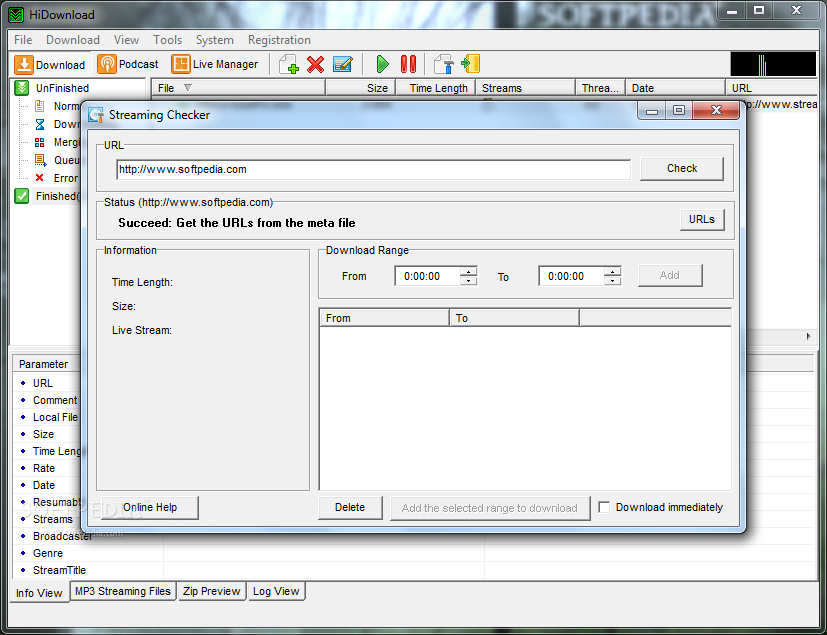
    You can use the application to download live streams by entering the link to the stream page in the Streaming Checker. You can add time intervals that you want to capture in order to download only the show that you are interested in.

    HiDownload Pro description

    Here are some key features of "HiDownload Pro":

    · Accelerated Downloads: By splitting the files into several parts and downloading them at the same time you save time.
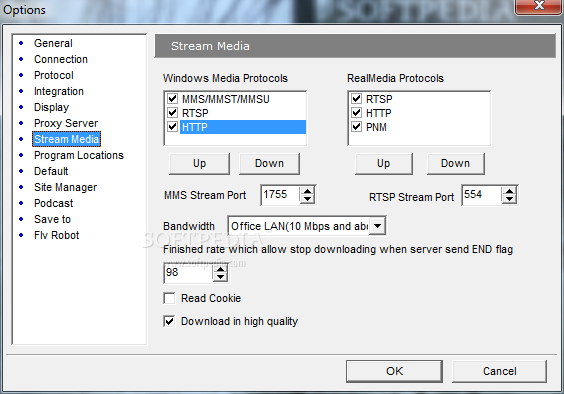
    · Support HTTP,FTP,RTMP, MMS/MMST/MMSU,RTSP,PNM protocols
    · Support rapidshare, megaupload and other similar sites(Premium Account)
    · Record Streaming Video and Streaming Audio
    All the popular streaming formats are supported, including:
    · Windows Media
    · Real Audio and Real Video
    · QuickTime
    · Flash Video (FLV)
    · Streaming MP3 (Shoutcast)
    Record all kinds of great online media, including:
    · Music Videos.
    · YouTube, PutFile, Google Video and other Video Sites.
    · Live Internet TV and Radio.
    · Shoutcast and other Streaming MP3 radio.
    · Support Meta-files: ram, smil, asx, wax, wvx, m3u, pls
    · Categories: you can easily have files of certain types downloaded automatically to a folder you specify
    · Live Broadcast Manager
    · Build-in Podcast Manager, schedule to download podcast
    · Browser Integratio
    · Advanced Scheduler: you decide when and what will be downloaded
    · Zip Preview: view the contents of Zip files before download
    · Zip Extract: download & extract specific files from zip archive
    · Virus Checking: You may select files that have been downloaded and scan them.
    · Support Proxy Server: You may set HiDownload to use a proxy server according to your network configuration.
    · Cookies support
    · Rename automatically

    Requirements:

    · Internet Connection

    Limitations:

    · Nag screen
    · 30-day trial

    What's New in This Release: [ read full changelog ]

    · Improve on rtmp download
    · some bugs fixed

     Softpedia guarantees that HiDownload Pro 7.87 is 100% CLEAN, which means it does not contain any form of malware, including spyware, viruses, trojans and backdoors. [read more >]


    TAGS:

    download manager | resume download | split download | downloader | manager | grabber


    HTML code for linking to this page:


    Go to top

    WindowsGamesDriversMacLinuxScriptsMobileHandheldNews

    SUBMIT PROGRAM   |   ADVERTISE   |   GET HELP   |   SEND US FEEDBACK   |   RSS FEEDS   |   UPDATE YOUR SOFTWARE   |   ROMANIAN FORUM