Softpedia
 

WINDOWS CATEGORIES:


GLOBAL PAGES >>
SOFTPEDIA REVIEWS >>
MEET THE EDITORS >>
WEEK'S BEST
  • Bitdefender Total ...
  • Hard Disk Sentinel...
  • FlashFXP [DISCOUNT...
  • Ocster Backup Pro ...
  • Kaspersky Internet...
  • DVDFab DVD Copy [D...
  • Avast! Internet Se...
  • Avira Internet Sec...
  • Webroot SecureAnyw...
  • McAfee Total Prote...
  • Home > Windows > Internet > Download Managers
     Report malware

    Mass Downloader 3.9.854

    Softpedia Pick Award
    download button buy button

    Part of the Download Manager download hub (+1 other)
    Downloads: 106,405  View global page  Tell us about an update
    User Rating:
    Rated by:
    Very Good (4.0/5)
    78 user(s)
    Developer:

    License / Price:

    Size / OS:

    Last Updated:

    Category:

    Trial / $19.95 USD buy button
    3.2 MB / Windows All
    [view history]
    C: \ Internet \ Download Managers

     Read user reviews (3)  Send to friend   Follow (7 users)

    Softpedia Editor's Review for Mass Downloader

    EDITOR'S RATING:   4.0/5

    Internet file downloader and zip browser

    Written by Bogdan Popa on August 17th, 2012

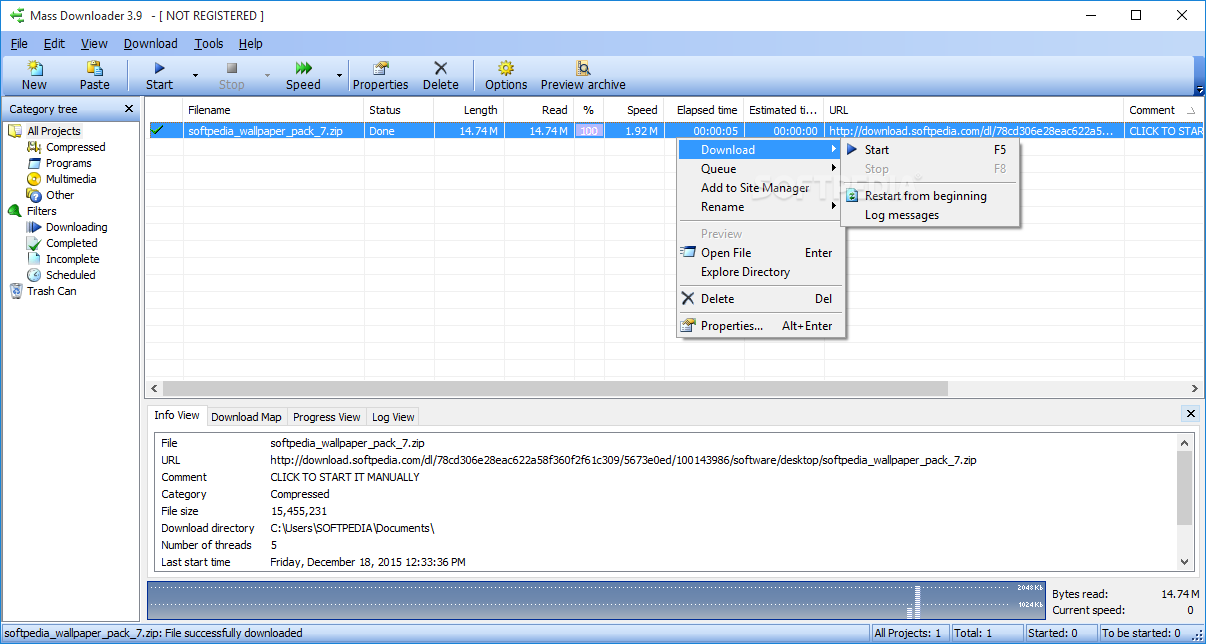
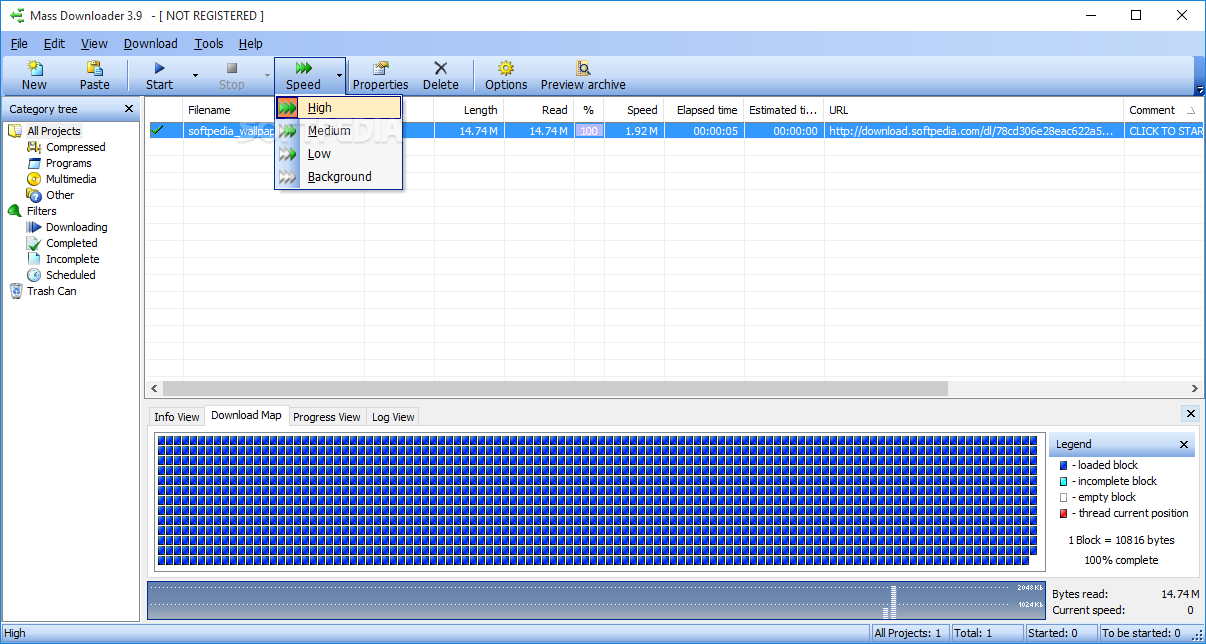
    There are a lot of download managers out there, that's for sure, but Mass Downloader claims to be the first application that's supposed to help you download multiple files in the same time at maximum speed.

    Well, Mass Downloader can definitely take advantage of your high-speed Internet connection, but it can't do wonders unless your ISP provides greater download speeds.

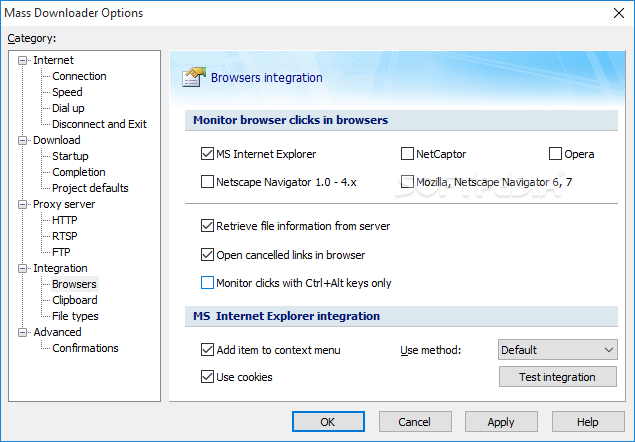
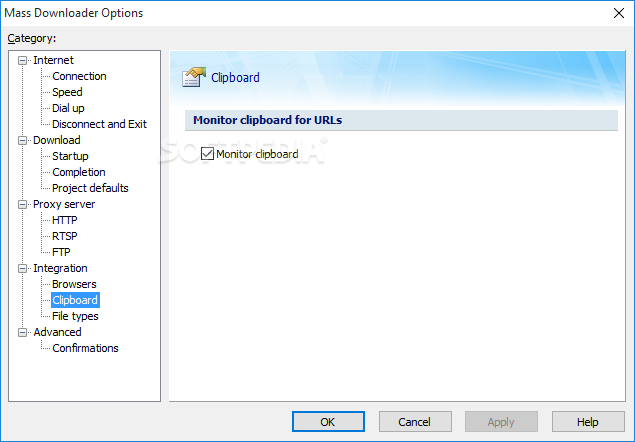
    Nevertheless, this tool is a pretty good download manager as it can monitor clipboard and automatically take control of the file almost instantly. Plus, Mass Downloader comes with addons for the most popular browsers out there, including Firefox, Chrome or Internet Explorer.

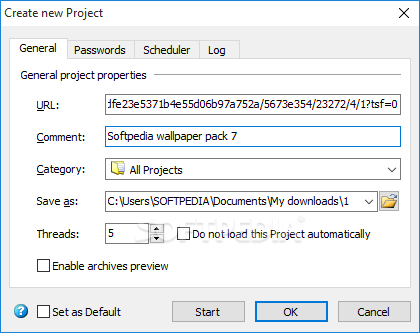
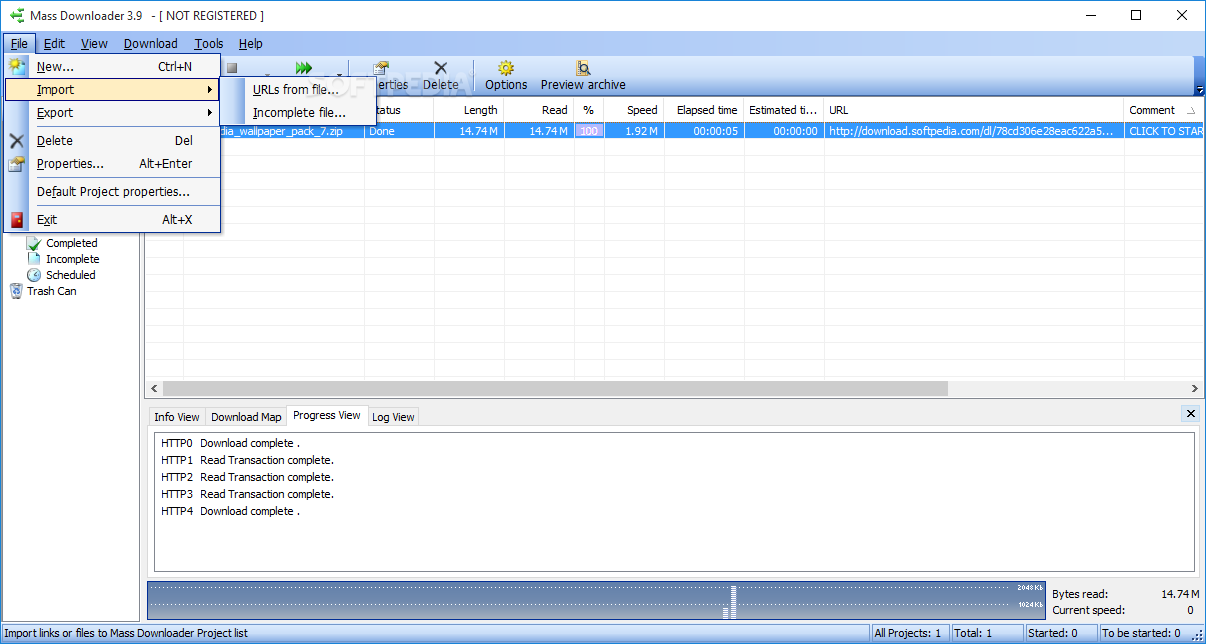
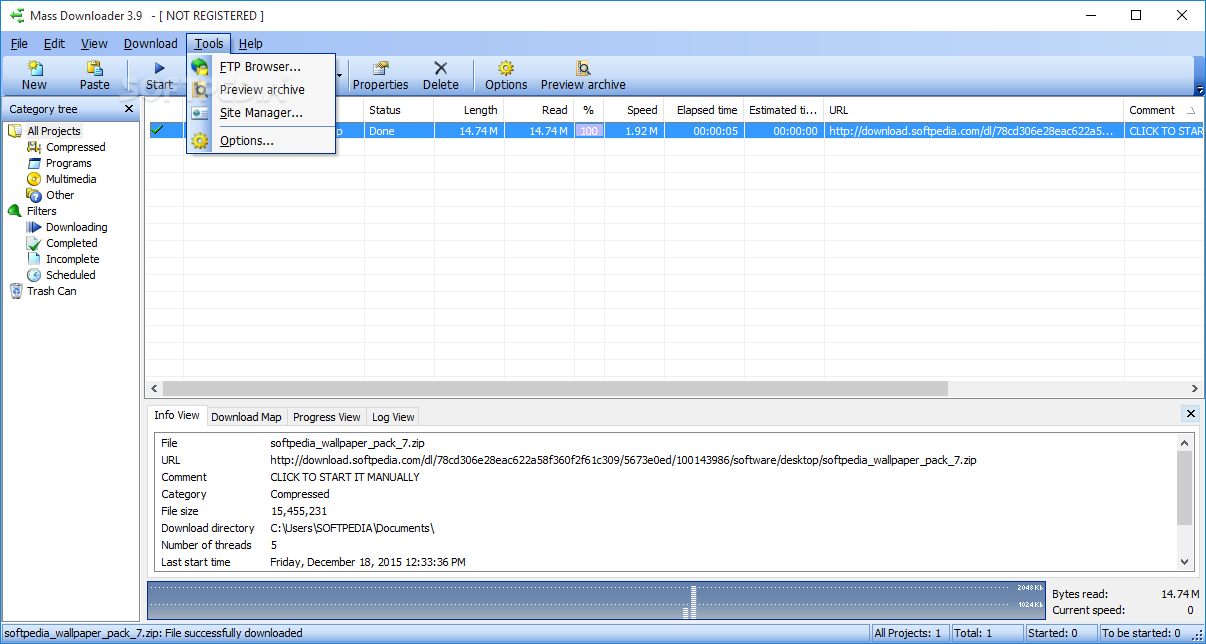
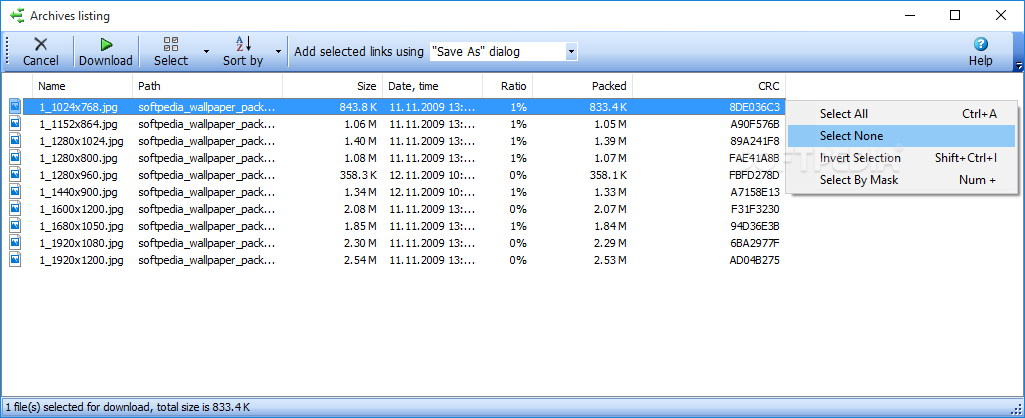
    Mass Downloader supports HTTP, FTP and HTTPS protocols and even comes with a built-in FTP browser. Plus, it has the power to let you view the files included in a ZIP archive and choose to download only the files you need.

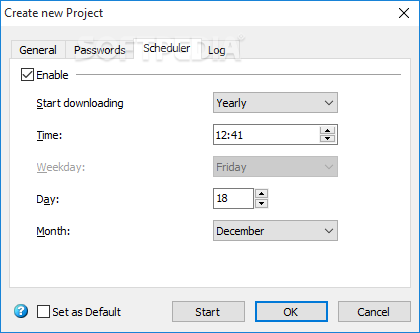
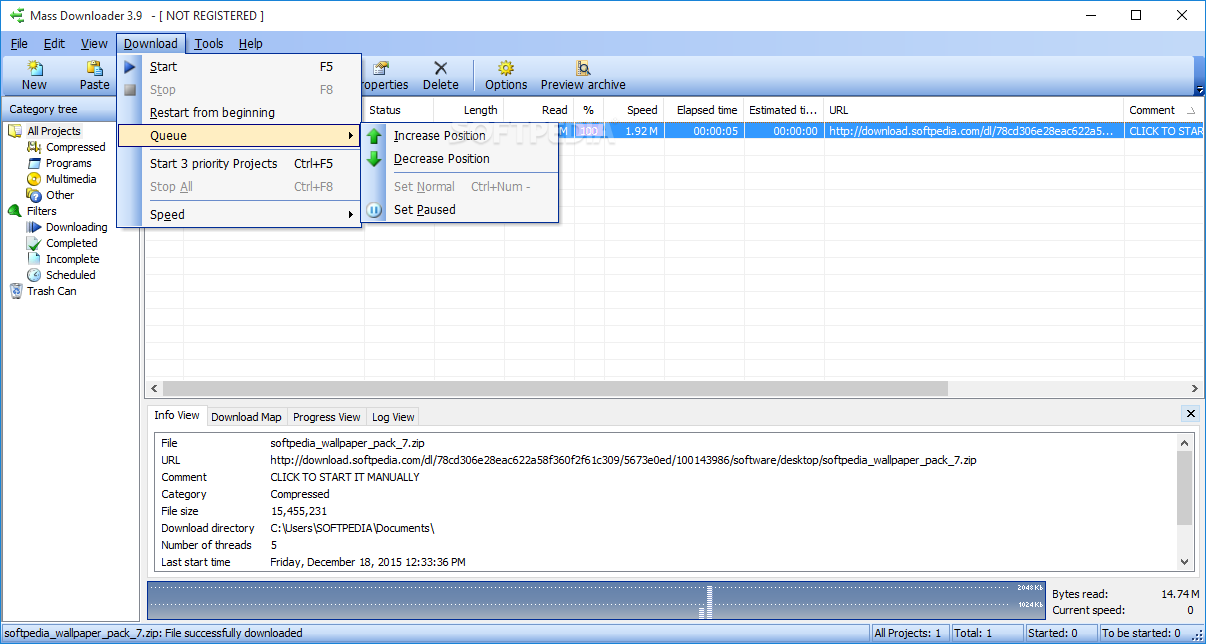
    In case you don't need to download the files on the spot, you can use the built-in scheduler to set the time, day, month and even weekday when you want the task to be performed.

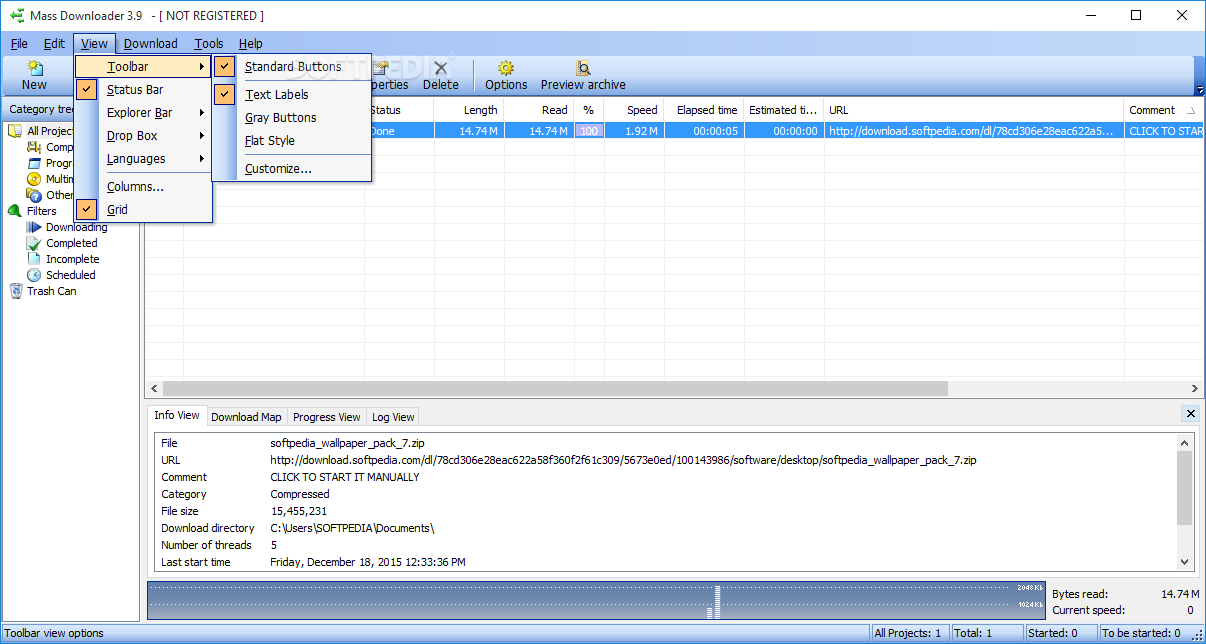
    The interface is pretty much similar to the one used by so many other download managers out there, but Mass Downloader offers users the power to customize toolbar buttons and their color.

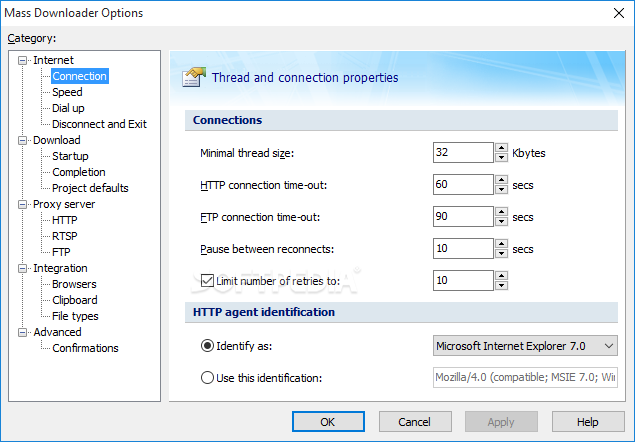
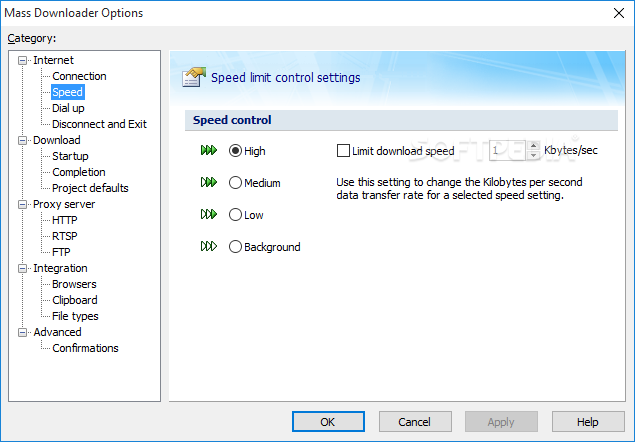
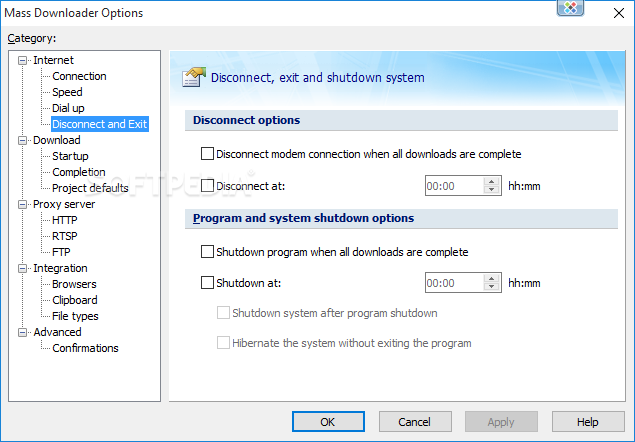
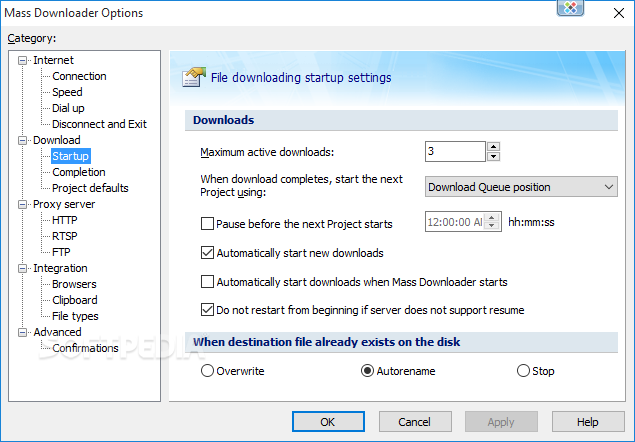
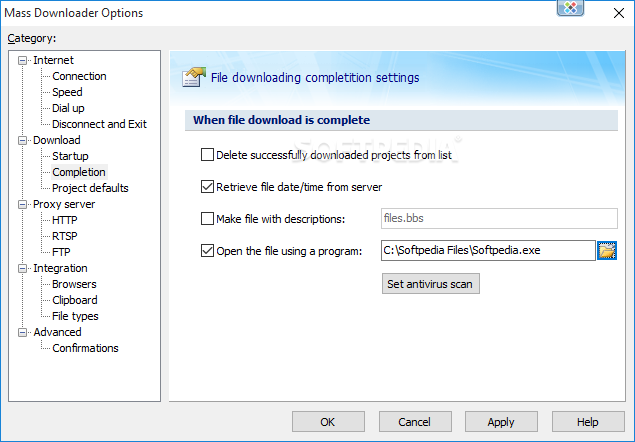
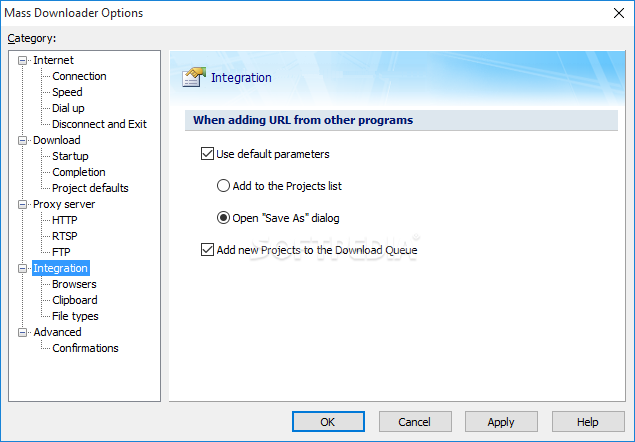
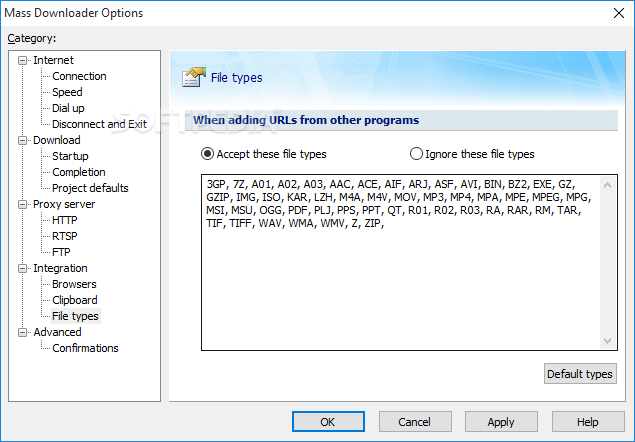
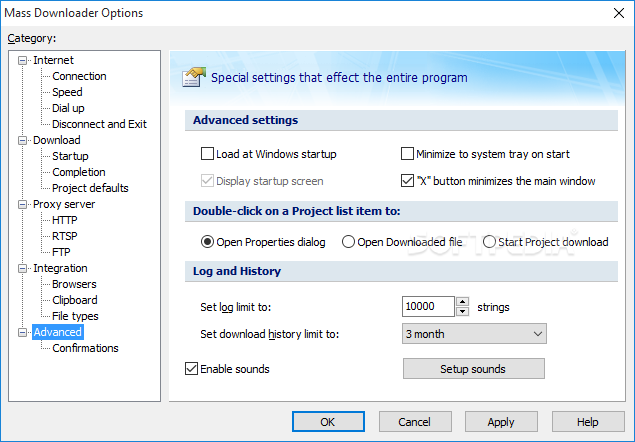
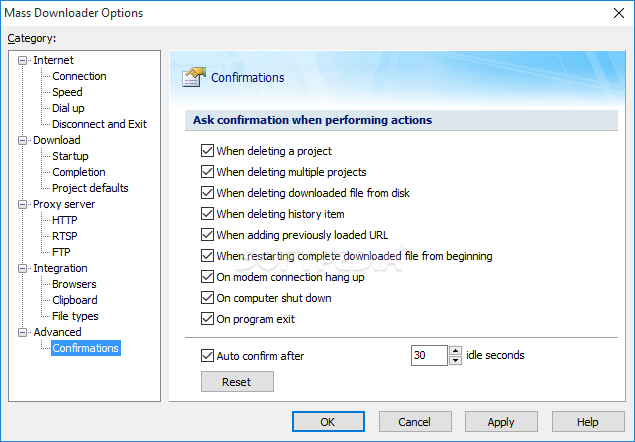
    There is also a very rich settings menu that enables you to configure Internet and download options, as well as proxy server and integration related preferences.

    The truth is that Mass Downloader is quite a great way to download files from the Internet. It has lots of functions and customizations available for you to play with and a browser integration feature that simply works.

    Mass Downloader description

    Here are some key features of "Mass Downloader":

    · HTTP, FTP, HTTPS protocol support
    · The ability to preview ZIP-archives contents and load only the desired files
    · Internal FTP Browser
    · Download categories
    · Cookies support
    · Very fast and reliable file retrieval from the Web and FTP sites
    · Maximum Internet connection bandwidth usage when loading several files parts simultaneously
    · HTTP and SOCKS Proxy support
    · Supports Drag-and-Drop links from Internet Browsers to the Main window and Drop Box, paste links from the Clipboard. Also, Mass Downloader intercepts clicks in Netscape Navigator and Internet Explorer, embeds its item to the Microsoft Internet Explorer context menu
    · Fully configurable user interface
    · Very easy to use
    · Can operate in the background
    · You can schedule downloads
    · Automatic dialer to connect your Internet Service Provider
    · History of all loaded files allows you to easily find them on disk and to get additional server and download information
    · Import incompletely downloaded files from other download managers
    · The ability to work in an automatic mode

    Requirements:

    · Memory: 64MB of RAM, or the minimum memory required to run Windows, although more memory is recommended for better performance.
    · Disk Space Required to Install Program: 2500KB

    Limitations:

    · 30-day trial

    What's New in This Release: [ read full changelog ]

    · Added Google Chrome integration
    · Updated FireFox integration
    · Improved attempts to connect different RTSP ports via HTTP proxy
    · Improved HTTPS finalization code to prevent possible hangups
    · Improved PNM protocol support
    · Bug Fix: Fixed RTSP downloads with long DESCRIBE section
    · Bug Fix: Fixed internal server header issue when requesting parts of huge files
    · Bug Fix: Fixed GZIP-related file errors
    · Bug Fix: Fixed Windows Media via RTSP audio stream downloads
    · Bug Fix: Fixed a rare FTP data retrieval error

     Softpedia guarantees that Mass Downloader 3.9.854 is 100% CLEAN, which means it does not contain any form of malware, including spyware, viruses, trojans and backdoors. [read more >]


    TAGS:

    download manager | download resume | download accelerator | download | manager | resume

    Go to top

    WindowsGamesDriversMacLinuxScriptsMobileHandheldNews

    SUBMIT PROGRAM   |   ADVERTISE   |   GET HELP   |   SEND US FEEDBACK   |   RSS FEEDS   |   UPDATE YOUR SOFTWARE   |   ROMANIAN FORUM