
A fast, thorough and powerful solution to manage and schedule download sessions taking advantage of the various supported protocols. #Download manager #Stream download #File splitter #Downloader #Download #Grabber

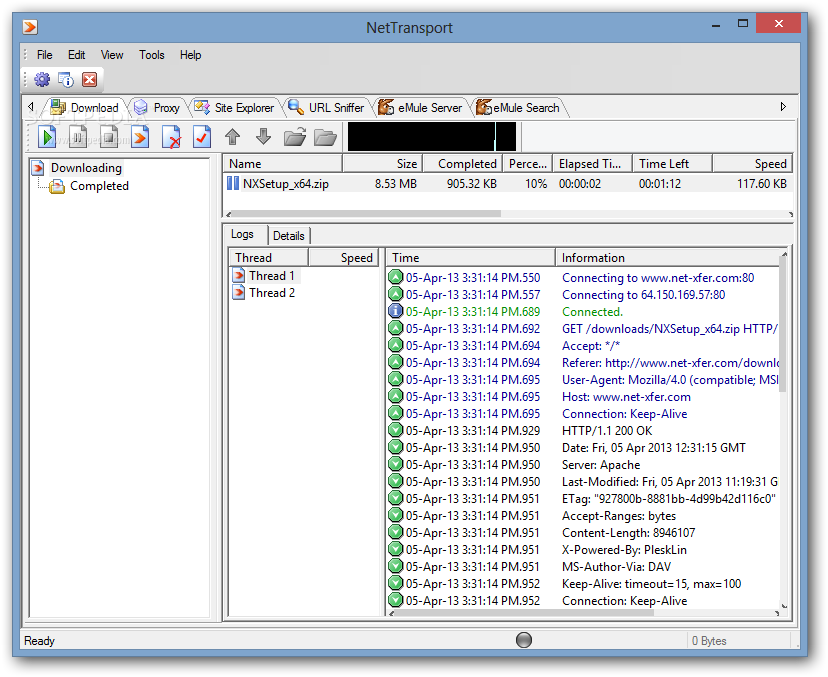
Net Transport is not your usual download manager. It gains a major plus through the wide array of Internet Protocols it supports. This makes it possible to download files from Internet Servers at amazing speed.
The list of supported protocols includes HTTP / HTTPS, FTP, MMS, RTSP (Real-Time Streaming Protocol), BitTorrent, eMule and RTMP (Real-Time Messaging Protocol).
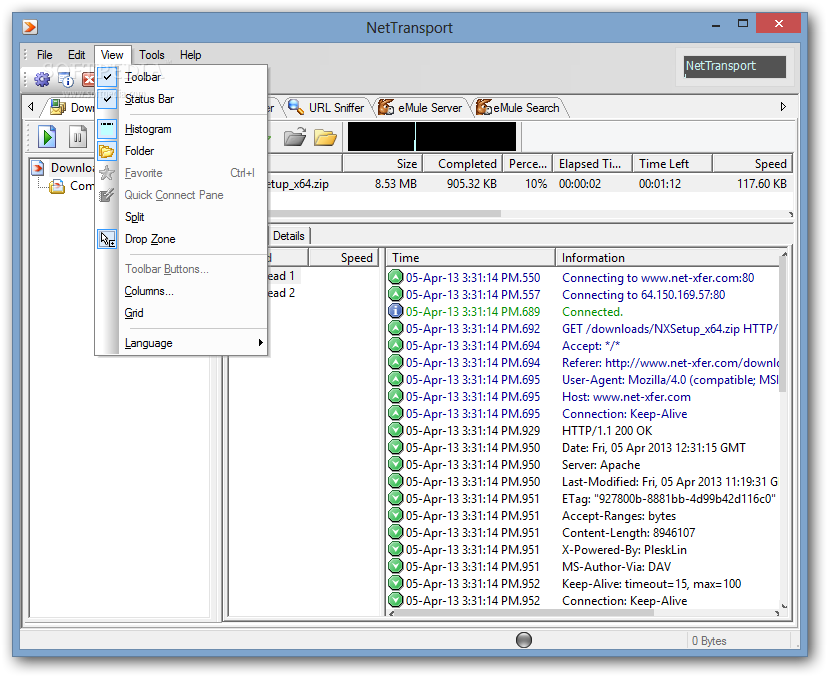
The installation process is standard and so is the user interface. There are a few graphic similarities with other torrent clients, so if you’re accustomed to this approach, navigating through its functions is not rocket science.
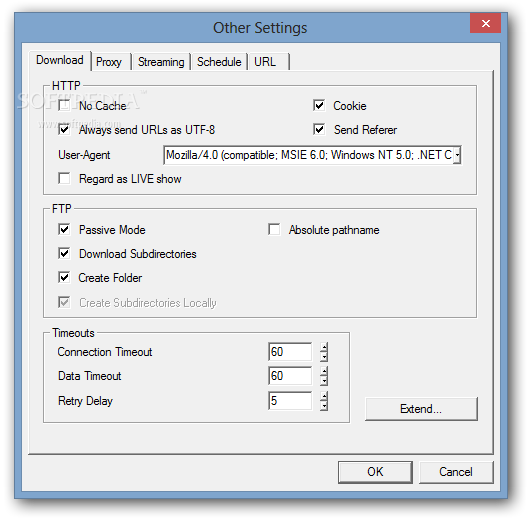
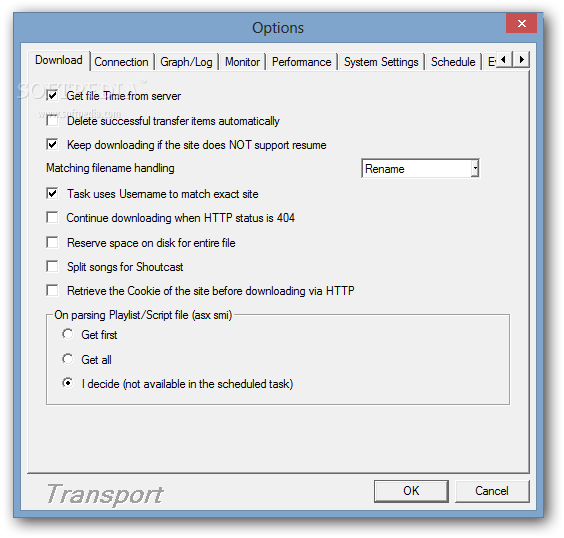
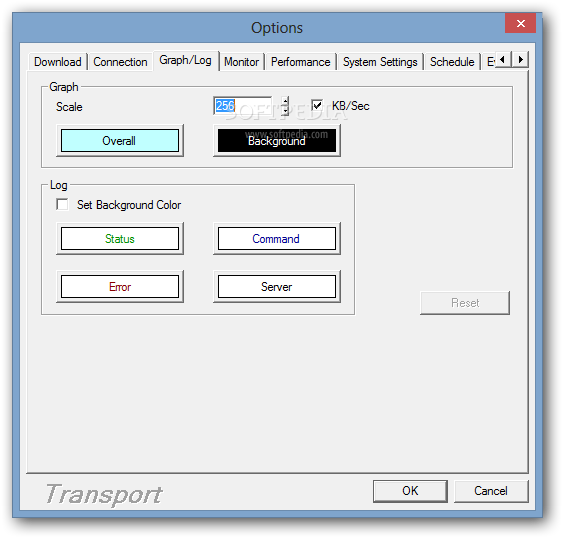
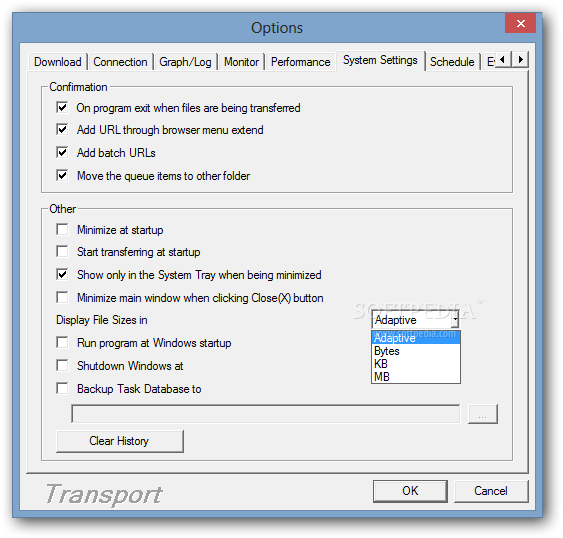
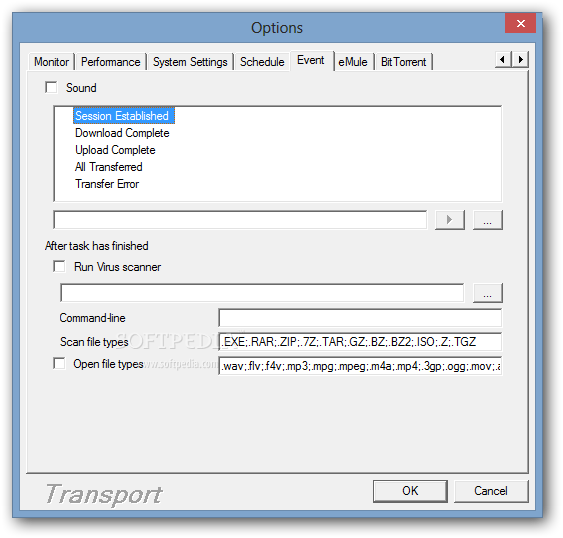
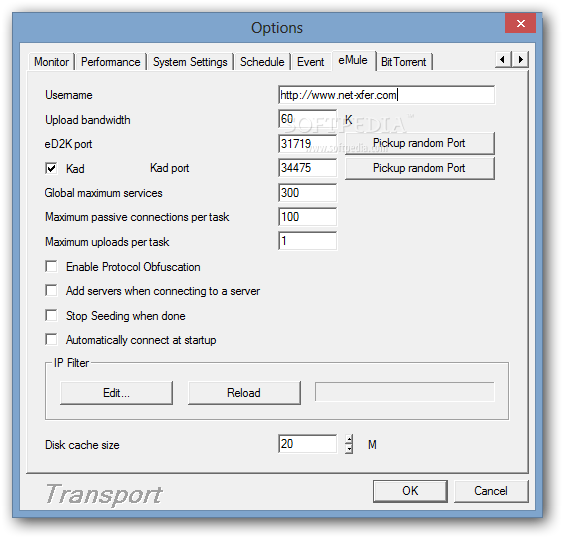
Bringing up the options menu, even by change, gives you a glimpse of the true power under the hood. You are given the possibility to carefully customize even the smallest details, such as splitting songs for Shoutcast, up to advanced resource allocation and events manager.
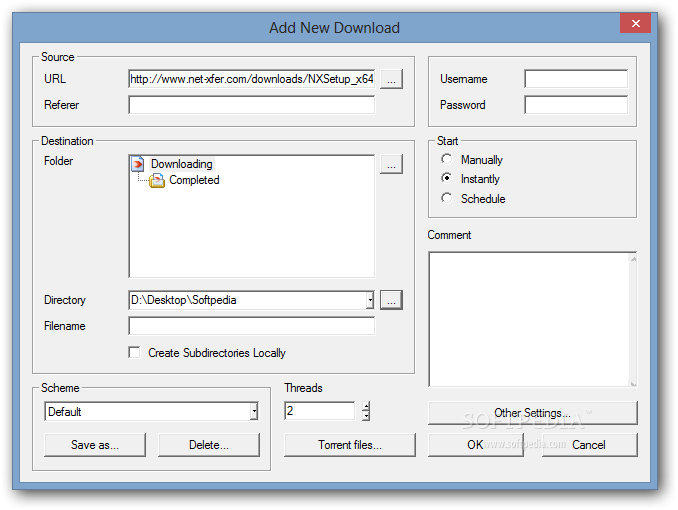
New download tasks can be created via right-click menu; Net Transport integrates itself in Internet Explorer, which means you can trigger downloads directly from the browser. All downloaded files can be organized by category, so you have an easier time exploring them.
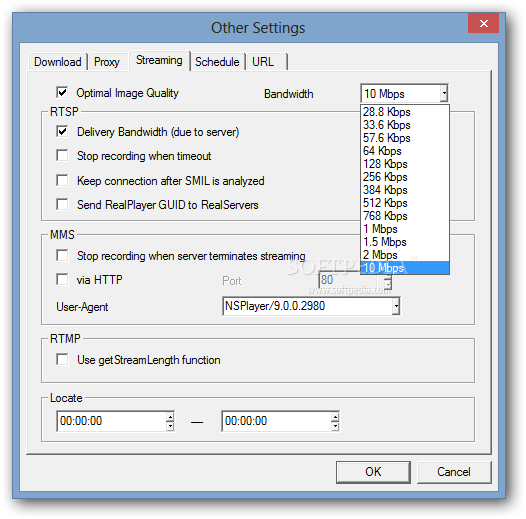
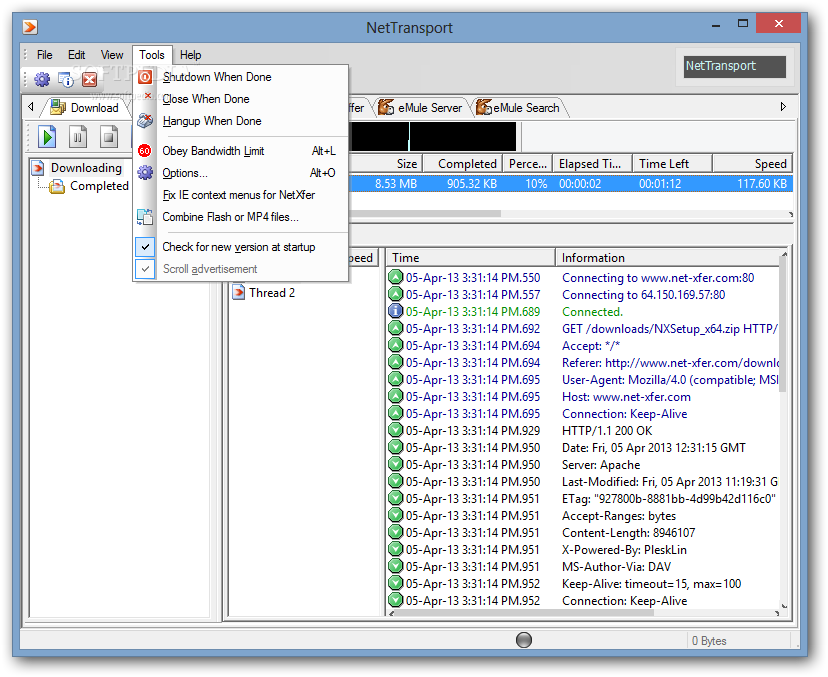
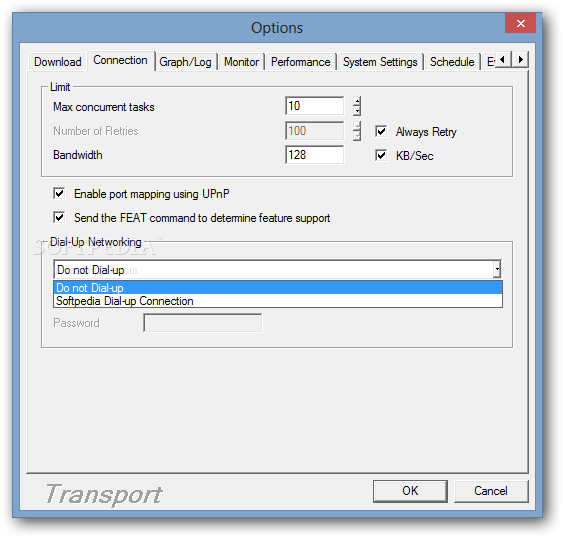
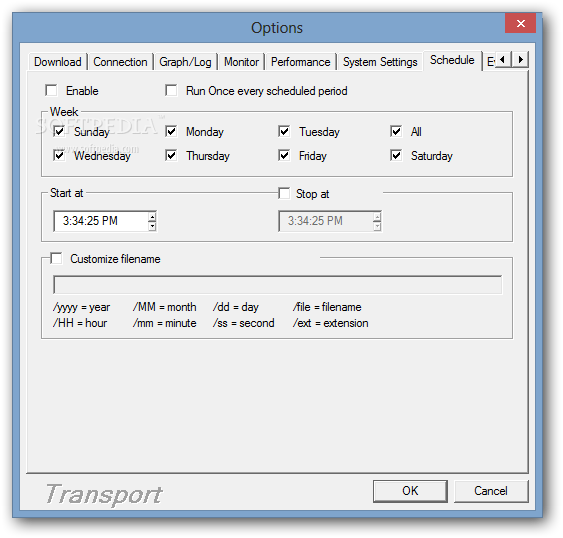
You can access FTP servers, as well as maintain several databases when you log into Windows with different usernames. The built-in Schedule Manager allows you to download files at a later time, while the URL sniffer can be used to grab the real addresses of the hosts you download files from. Also, it is possible to adjust the bandwidth usage in order to ensure that you surf the Internet at decent speed.
In conclusion, Net Transport can be categorized as both a FTP client and a download manager. It pops out from the crowd via the rich list of supported protocols, through simplicity and the superior download speed.
Download Hubs
Net Transport is part of these download collections: Download Manager, Download Accelerators
What's new in Net Transport 2.96L Build 725:
- Added code for BT task to recognize whether the torrent file content is UTF-8 encoded.
- Modified to reduce the restrictions on FLV consolidation.
- Fixed some login problems for SSH.
Net Transport 2.96L Build 725
add to watchlist add to download basket send us an update REPORT- runs on:
-
Windows Server 2012
Windows 2008 R2
Windows 2008 32/64 bit
Windows 2003
Windows 8 32/64 bit
Windows 7 32/64 bit
Windows Vista 32/64 bit
Windows XP 32/64 bit
Windows 2K - file size:
- 5.7 MB
- filename:
- NXSetup_x86.zip



- main category:
- Internet
- developer:
- visit homepage
Microsoft Teams

Bitdefender Antivirus Free

calibre

7-Zip

Windows Sandbox Launcher

Context Menu Manager

Zoom Client

4k Video Downloader

IrfanView

ShareX

- 4k Video Downloader
- IrfanView
- ShareX
- Microsoft Teams
- Bitdefender Antivirus Free
- calibre
- 7-Zip
- Windows Sandbox Launcher
- Context Menu Manager
- Zoom Client