
An email client with lots of enticing features, offering users various tools to get the most out of their digital correspondence: mail tracking, reminders, Excel integration, and more. #Email client #Rss reader #Send mail #Mail #Email #E-mail

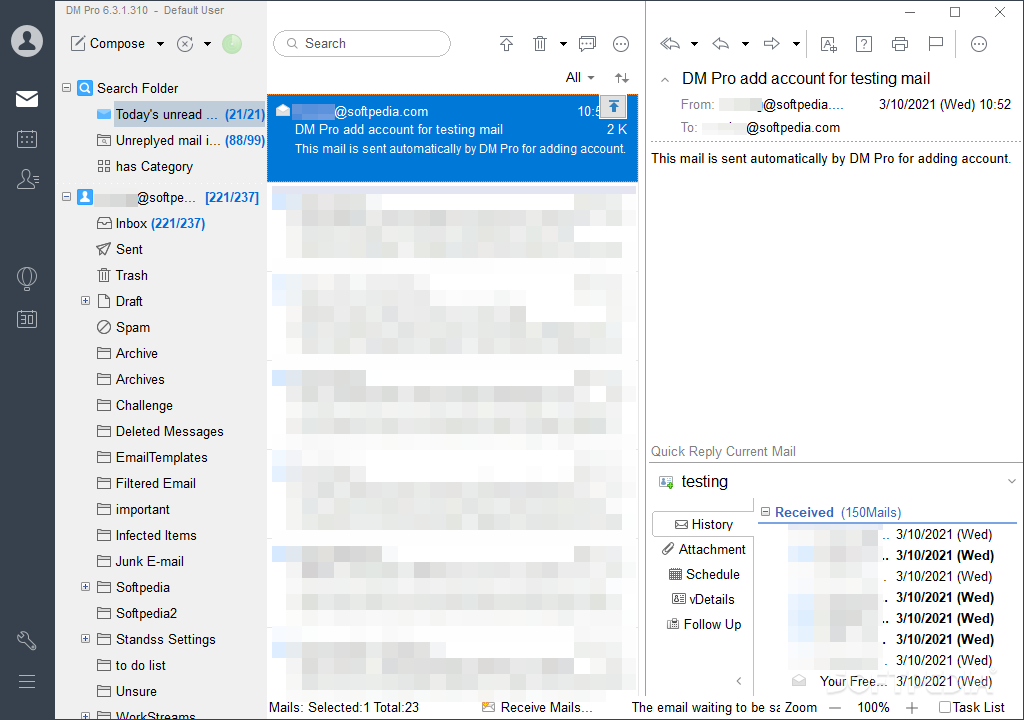
Regardless of whether you actively use more than one email account, having a dedicated email client decidedly beats out any browser-based alternatives there are. Convenience aside, desktop clients often bring about organizational and performance benefits, which further help you keep up to date with your digital correspondence.
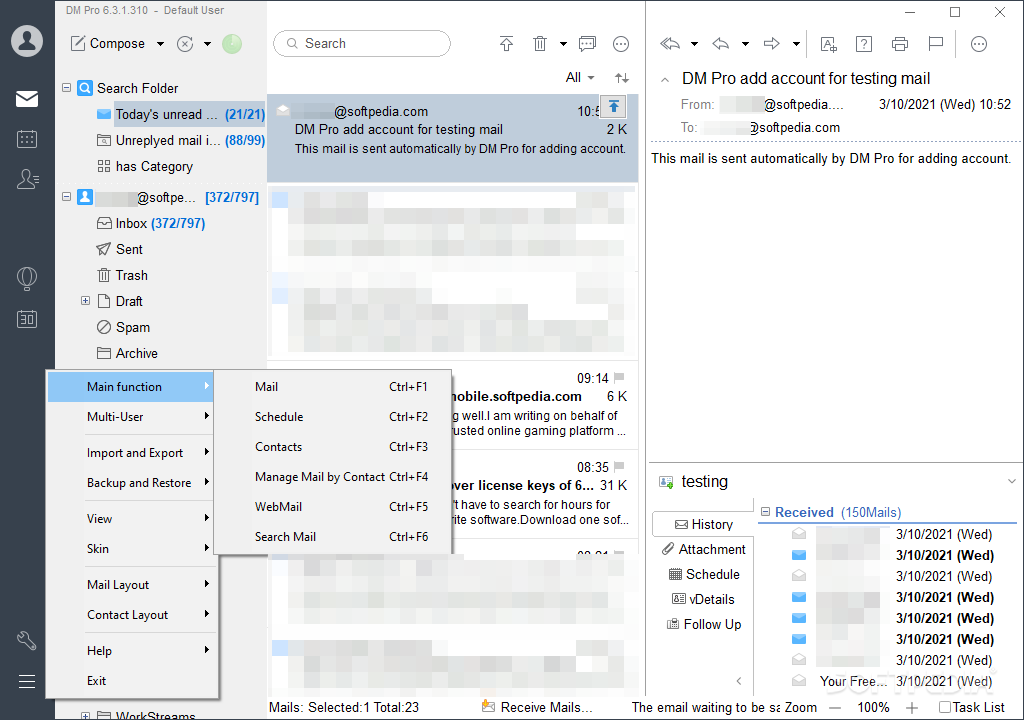
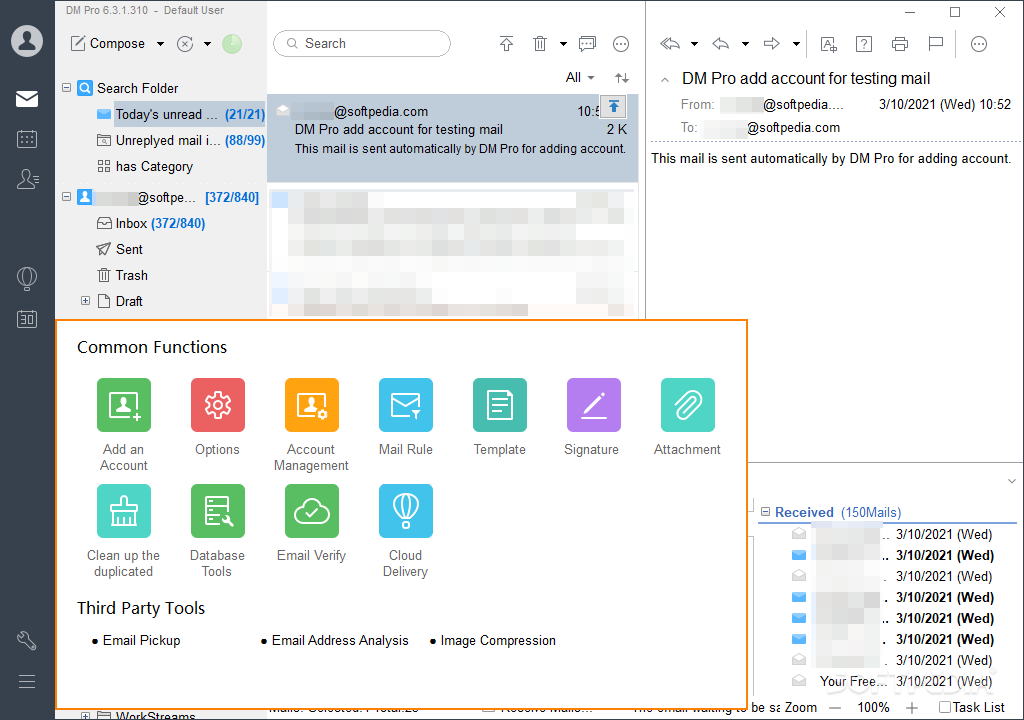
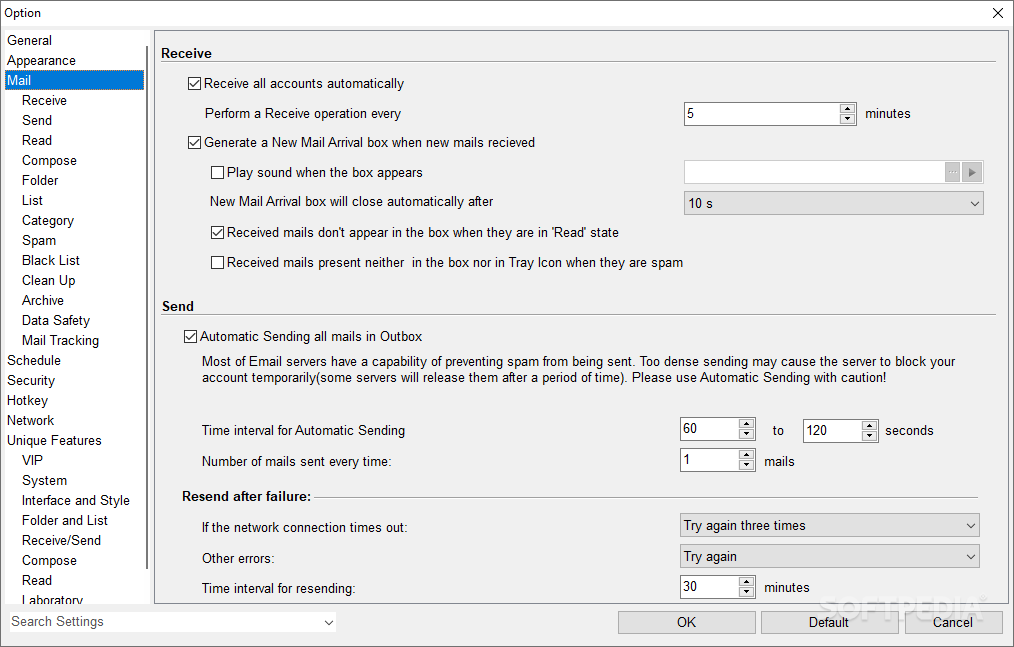
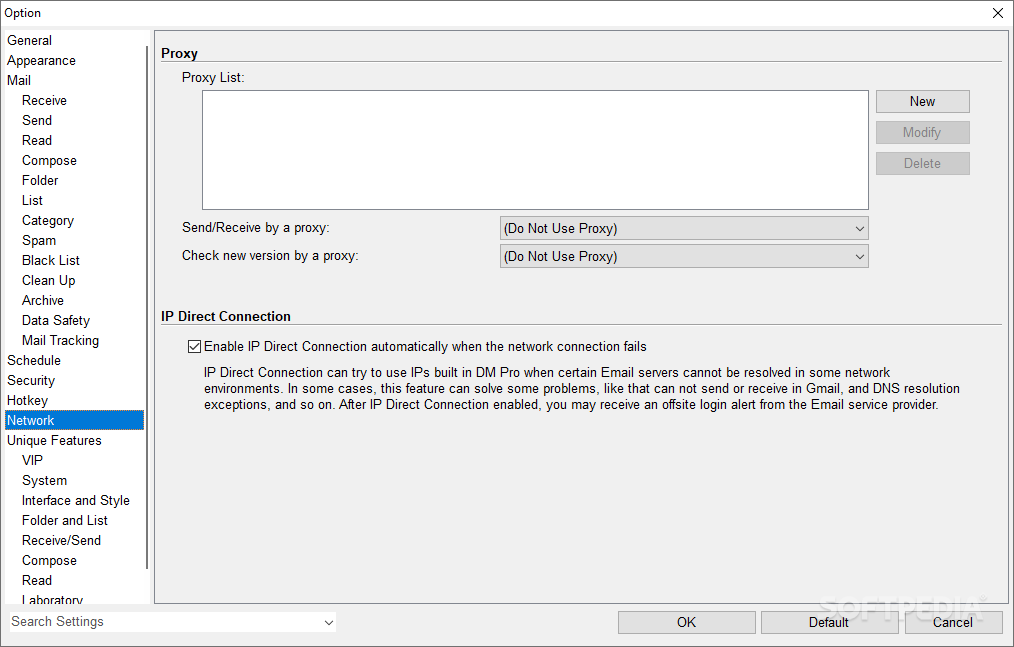
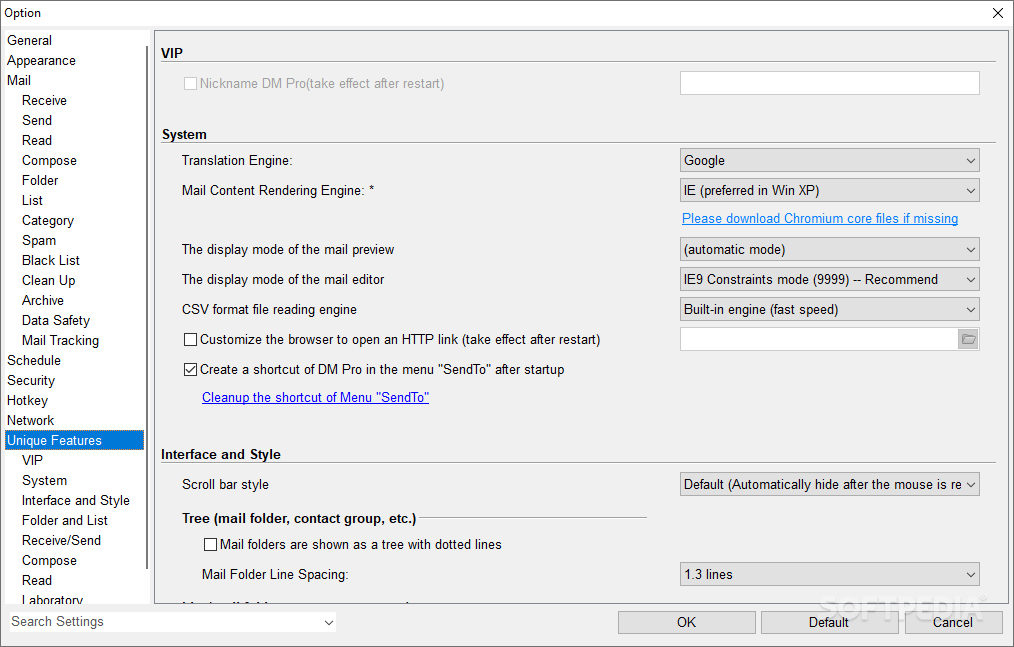
The scope behind DreamMail is to offer users an email client that is dependable, intuitive, nice to look at, and of course, practical to use in your day-to-day. Some amenities are also present, such as a mail tracker, various reminder functions, as well as other features to help you compose your emails and keep track of everything.
The software’s overall appearance is among the first things you’ll notice when you first start using it, and naturally so. The focus seems to lie in providing users with a solution that looks sleek without compromising functionality.
Adding your accounts, however many, shouldn’t take too long, but there are some services that may be difficult to cooperate with. Adding a Gmail account, for instance, required me to set up an application-specific password, whereas Hotmail required an authorization code instead of a password. Ironically, adding an email from a custom domain was much easier by comparison.
In any case, settling all of that will grant you access to a client that works well for casual and advanced users alike. You’ll be able to manage your correspondence without a problem, but there are also some additional features of note.
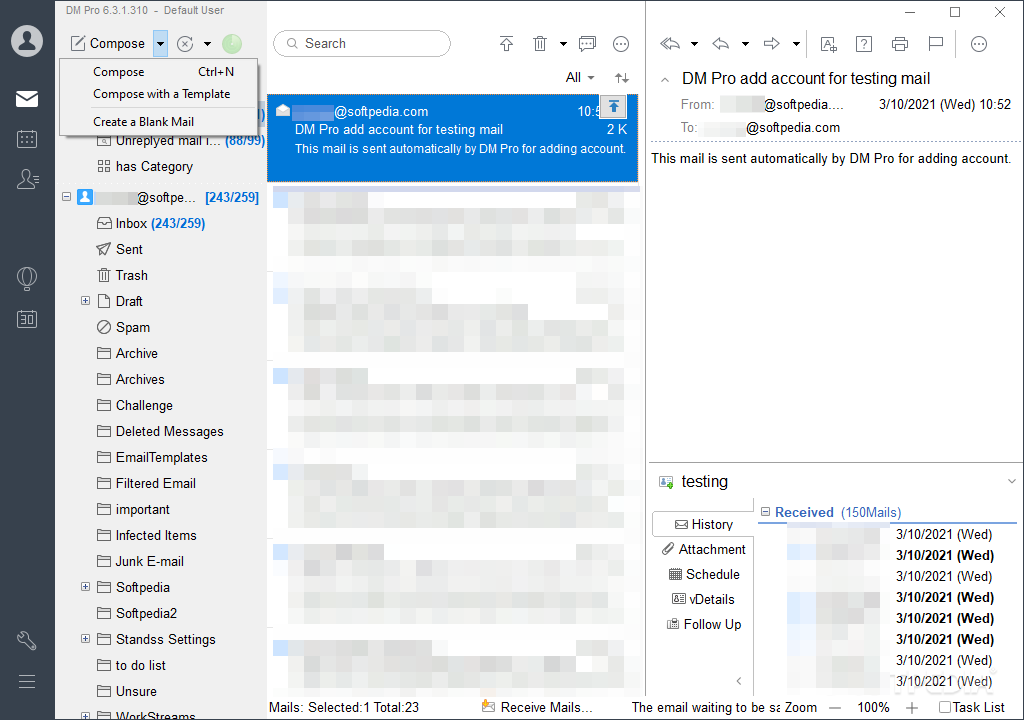
As stated in the beginning, an email tracking functionality is present, letting you know if the recipient has opened your correspondence. To enable it, check the Mail Tracking box when composing your message.
This worked well during my testing, but it’s worth mentioning that you’ll be required to create a DreamMail account to use it. A limitation of max 5 tracking credits per day is imposed on Free users.
Speaking of which, a VIP plan is available with some additional tracking privileges, including Click Tracking, advanced sending settings, and more. It’s somewhat unclear as most of the app documentation is in Chinese, but even without those privileges, the app is still very much usable.
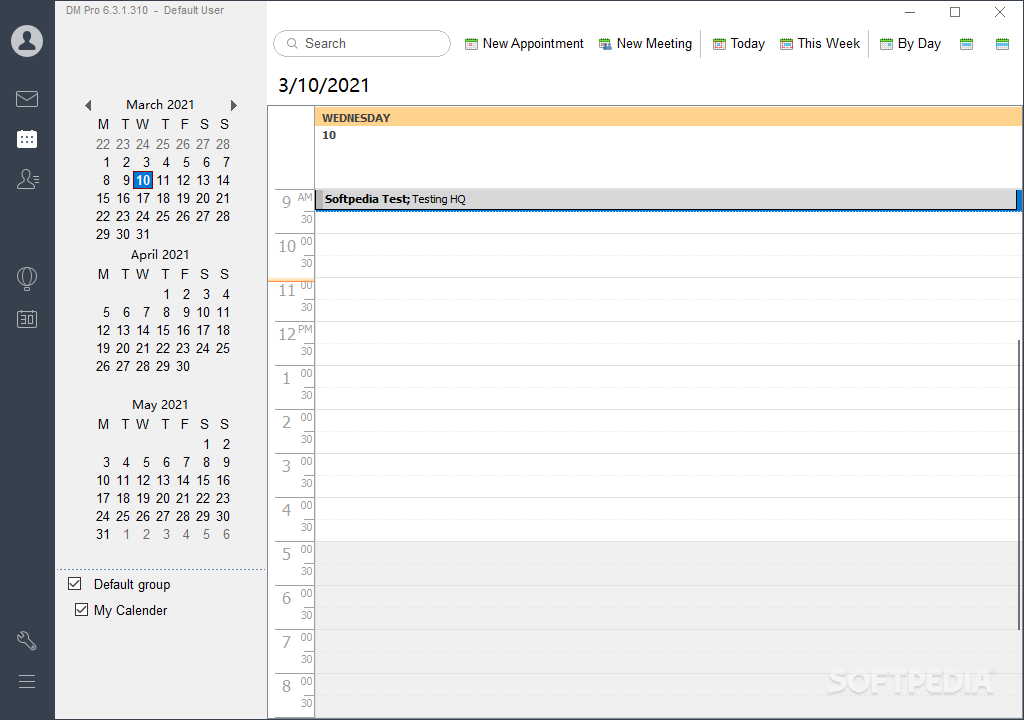
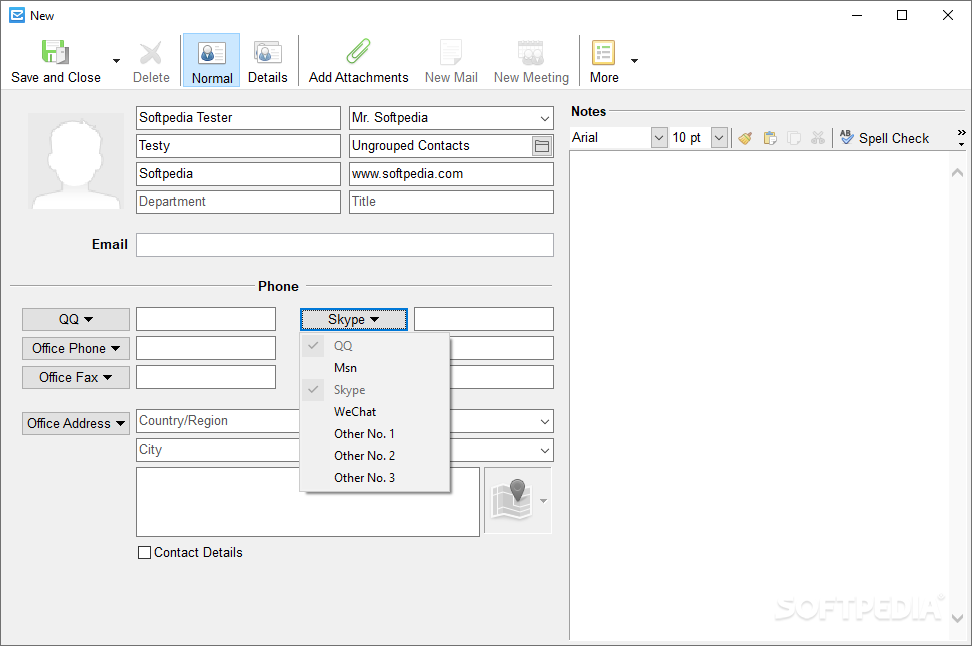
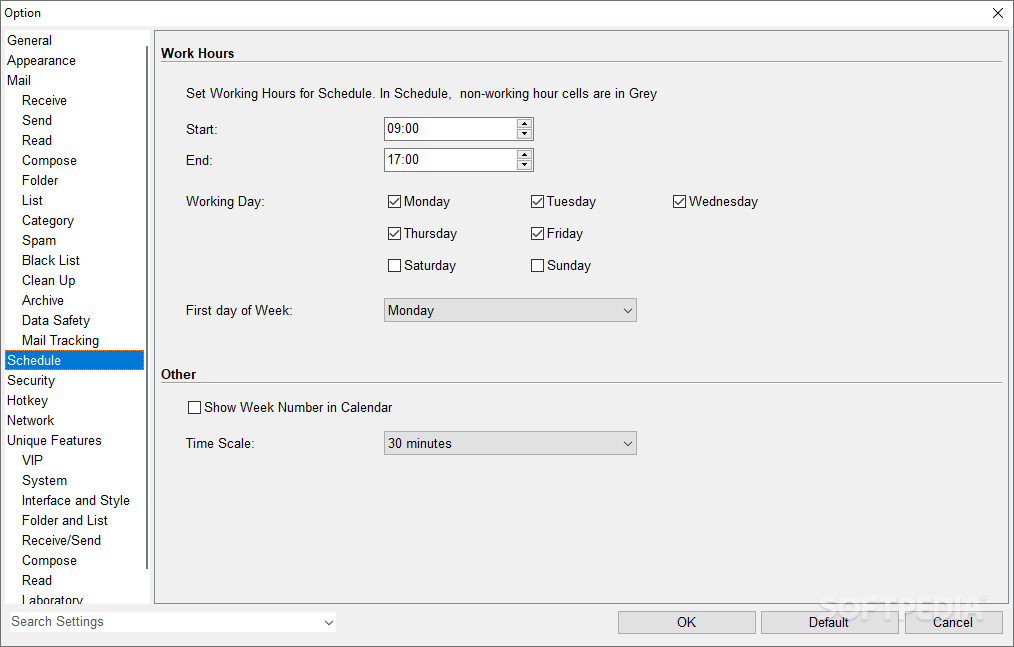
You can opt to have the program remind you if you don’t receive a reply after a set number of days, schedule emails in advance, use Fast Text to quickly paste content repeatedly, and keep track of your calendar and contacts.
Of note is also the Send Exactly feature, which can load recipient info from an Excel file for mass-mailing purposes. Various macros can also be introduced to customize emails in a more detailed manner.
DreamMail really has a lot going for it. Its intuitiveness makes it suitable for any type of user, while its additional functionalities turn it into an enciting proposition for those who are more intensive with their email workflows.
Download Hubs
DreamMail is part of these download collections: Email Clients
DreamMail 6.6.7.17
 Softpedia Editor's Pick
add to watchlist
add to download basket
send us an update
REPORT
Softpedia Editor's Pick
add to watchlist
add to download basket
send us an update
REPORT
- portable version
- Portable DreamMail
- runs on:
-
Windows 11
Windows 10 32/64 bit
Windows 8 32/64 bit
Windows 7 32/64 bit
Windows Vista 32/64 bit
Windows XP 32/64 bit - file size:
- 24.4 MB
- filename:
- dmpro_setup6.6.7.17.exe


- main category:
- Internet
- developer:
- visit homepage
IrfanView

Bitdefender Antivirus Free

4k Video Downloader

Zoom Client

calibre

Windows Sandbox Launcher

Microsoft Teams

Context Menu Manager

ShareX

7-Zip

- Context Menu Manager
- ShareX
- 7-Zip
- IrfanView
- Bitdefender Antivirus Free
- 4k Video Downloader
- Zoom Client
- calibre
- Windows Sandbox Launcher
- Microsoft Teams
