
E-mail program that is fully integrated with your OS. It has support for News Groups, LDAP, POP3, IMAP , SMTP and Hotmail e-mail service. #Outlook Express #E-mail client #Email client #Outlook #Express #Email

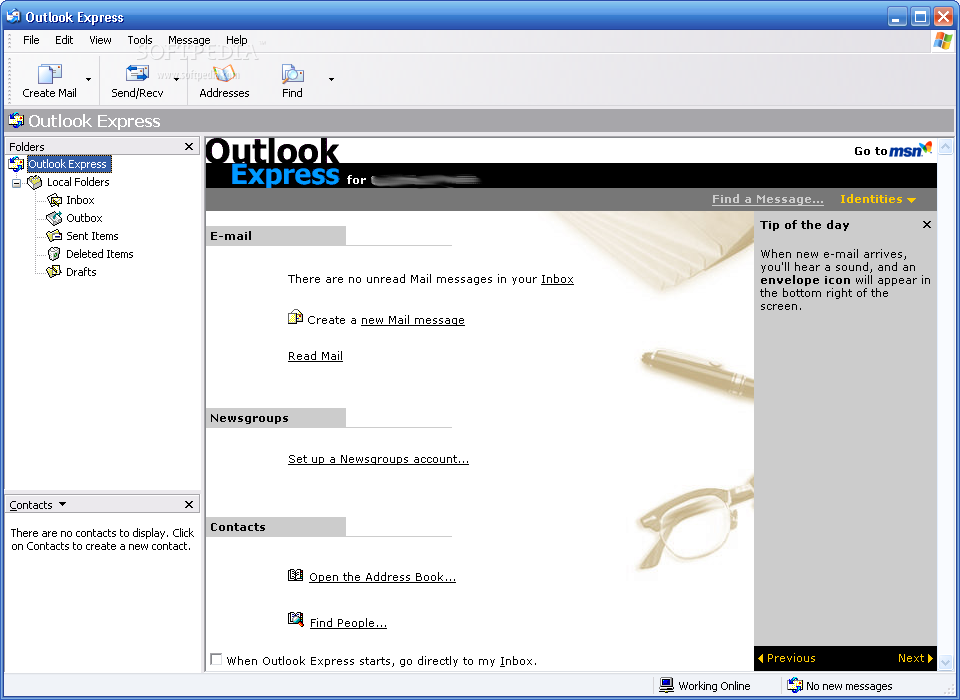
Outlook Express is an e-mail client that comes with a classic look, focused mainly on providing users with a simple means of accessing their mail messages from their desktop. Outlook Express is a very old and now discontinued software, which might not work on your operating system! It will only work on Windows XP! We recommend you as a free and very good alternative: Mozilla Thunderbird.
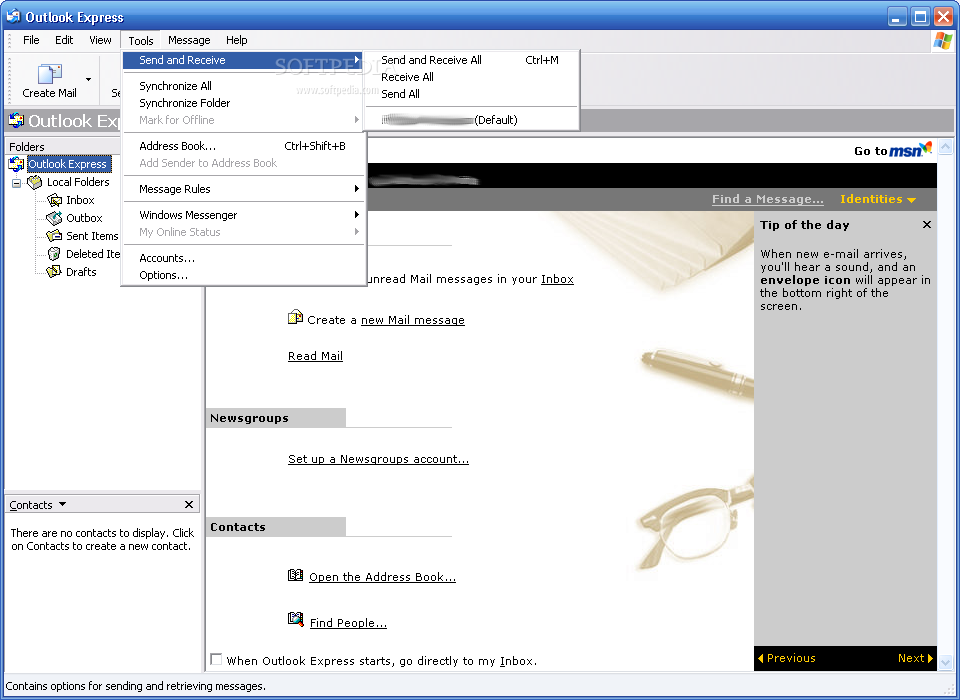
Most of its features can be easily accessed right from the main window, so reading and writing mail messages is a straightforward job. Address management is also at hand and the synchronization function will prove to be quite useful for anyone who wants to keep the email information in sync.
The way it works is not too different from the rest of the field in the mail clients’ category, yet Outlook Express has a secret weapon: it is fully integrated with Windows operating systems, a thing that makes it work much easier, without taking too much from your system's resources.
Configuring an account and getting the mails should be a matter of minutes thanks to the simplicity of the software. Outlook Express can handle multiple email and newsgroup accounts, so you can use this application even with several accounts simultaneously.
The software supports both POP3 and IMAP protocols, which is a must these days, and integrates popular features, including secure messages, signatures and email folders to better organize your Inbox.
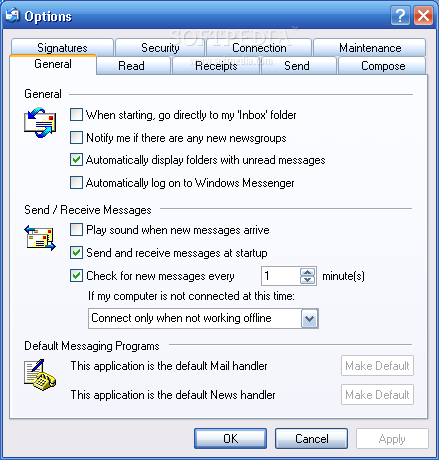
In order to check out and configure the running settings of Outlook Express, you need to access the ''Options'' area. Here you can find the security, signature and connection configurations, as well as those for reading, composing, sending and managing receipts.
Overall, the application works well and requires a minimum amount of system resources. Outlook Express will work on slower computers too, a thing that definitely cannot be said about some of the similar newer programs that come packed with tons of unnecessary features.
Outlook Express 6.0
add to watchlist add to download basket send us an update REPORT- runs on:
- Windows XP
- file size:
- 512 KB
- filename:
- ie6setupOe.exe
- main category:
- Internet
- developer:
- visit homepage
ShareX

7-Zip

Microsoft Teams

Context Menu Manager

Zoom Client

Bitdefender Antivirus Free

IrfanView

calibre

Windows Sandbox Launcher

4k Video Downloader

- calibre
- Windows Sandbox Launcher
- 4k Video Downloader
- ShareX
- 7-Zip
- Microsoft Teams
- Context Menu Manager
- Zoom Client
- Bitdefender Antivirus Free
- IrfanView