
Lightweight and straightforward e-mail client with support for POP3 and SMTP, which lets you access several accounts in the same time and easily manage your contacts. #Pop3 client #Email client #Smtp client #Email #Client #Pop3

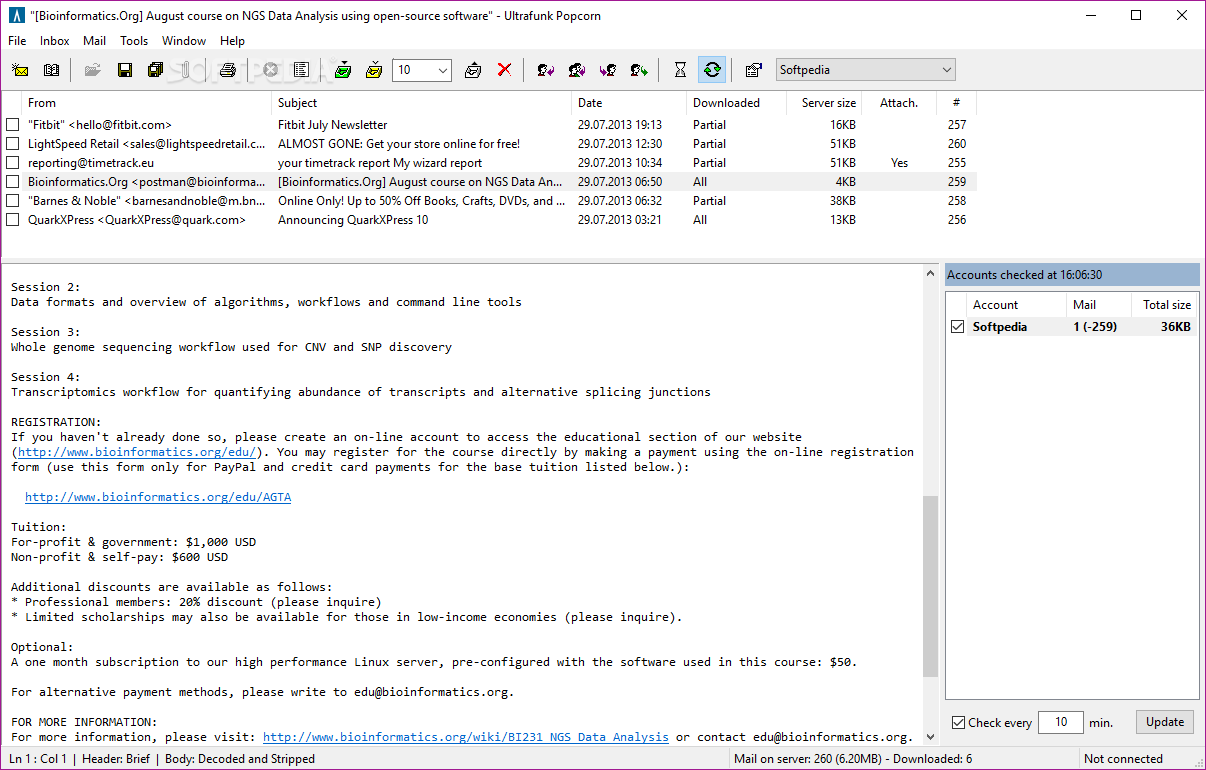
Note: Since 2012 (version 1.99.3), Popcorn is not officially supported anymore. However, you can download from Softpedia an unofficial version of Popcorn, created by Erhard Riedel which brings forth an noteworthy improvement, namely optional support for encrypted POP3-TLS connections, and a few other changes like hotkey support for mailbox information available (F6 key) and an updated Help file.
Please take into account that OpenSSL 1.0.2L needs to be present on your computer in order to run this unofficial version. Specifically, subsequent to its installation, you are required to locate the ssleay32.dll and libeay32.dll files within OpenSSL's folder and copy them to Popcorn's folder. Please reffer to the app's ReadMe section for more details.
Popcorn is a small email client that connects itself to a POP3 server and informs you whenever there's a new message waiting in your inbox.
The application is fully portable, which means it can be easily copied on a USB Flash drive and used on the go, without prior installation. In addition to that, it means that the Windows registry is not going to be affected in any way and no leftovers will remain on the disk after its removal.
Although the support is limited to POP3 accounts exclusively, Popcorn may still come in handy to a number of users, not only because it's so light, but also thanks to the fact that it's extremely easy to set up.
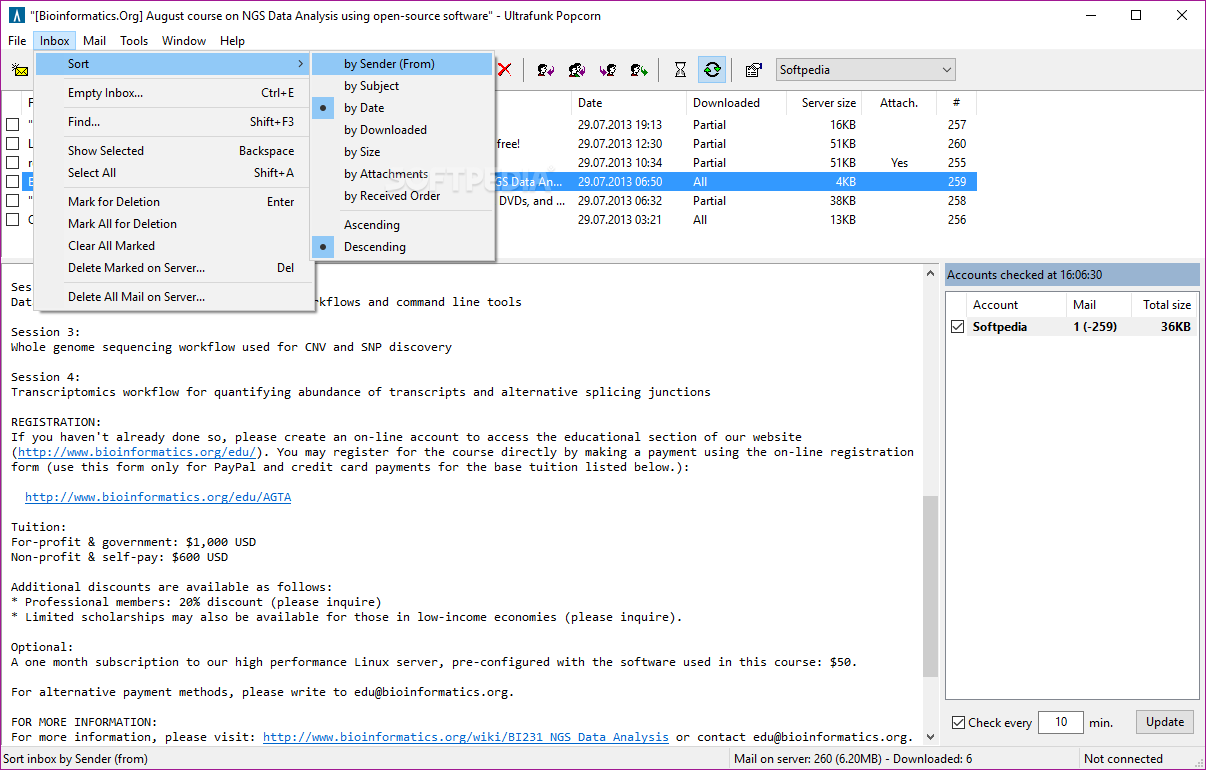
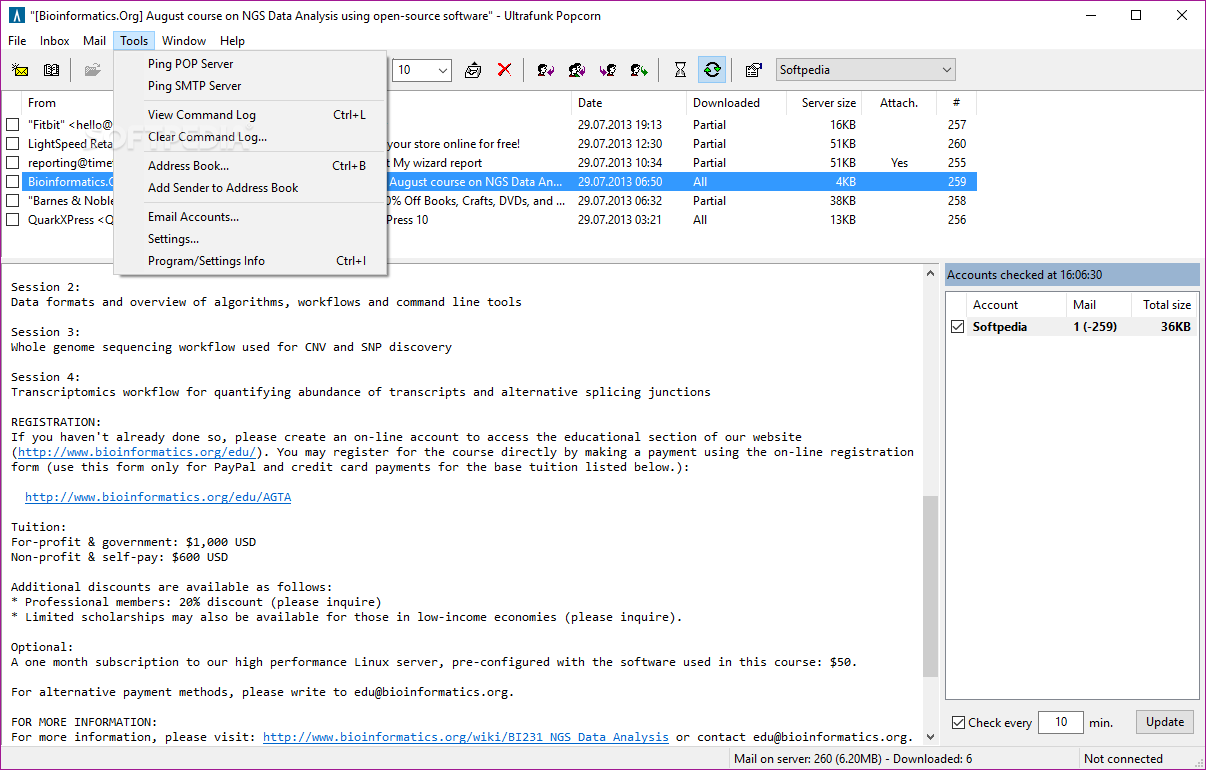
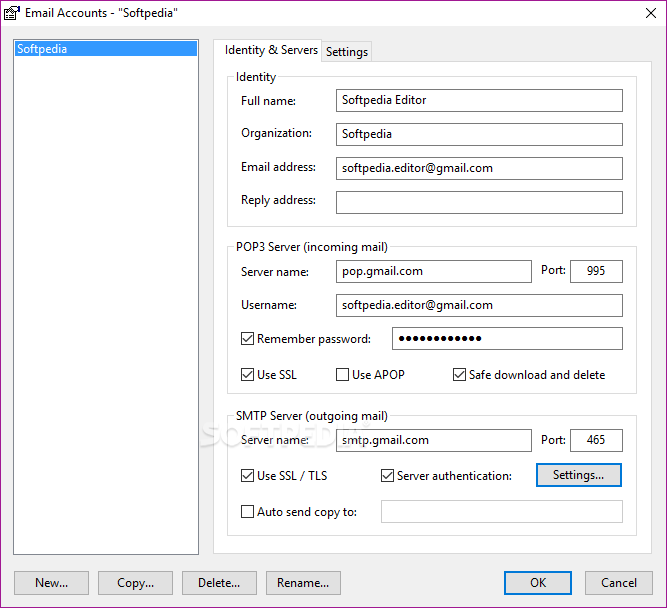
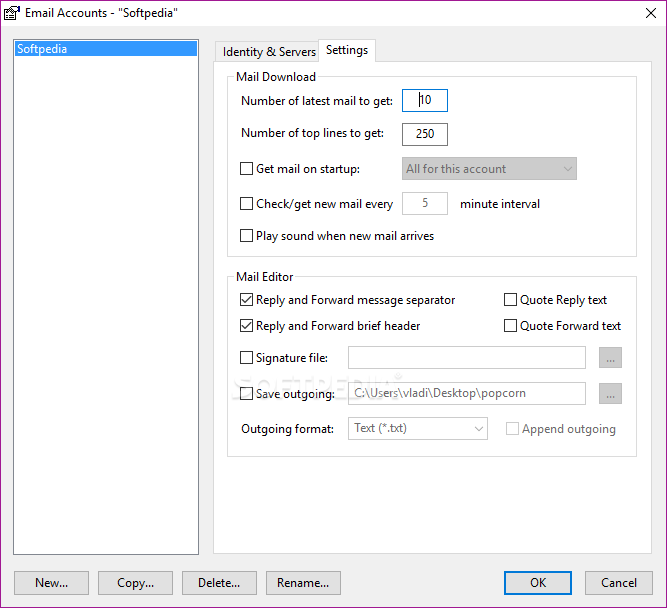
The straightforward interface offers you instant access to your inbox once an account has been configured, with a panel to switch accounts. Popcorn supports several e-mail accounts at the same time, with a dedicated manager to configure settings for each of them.
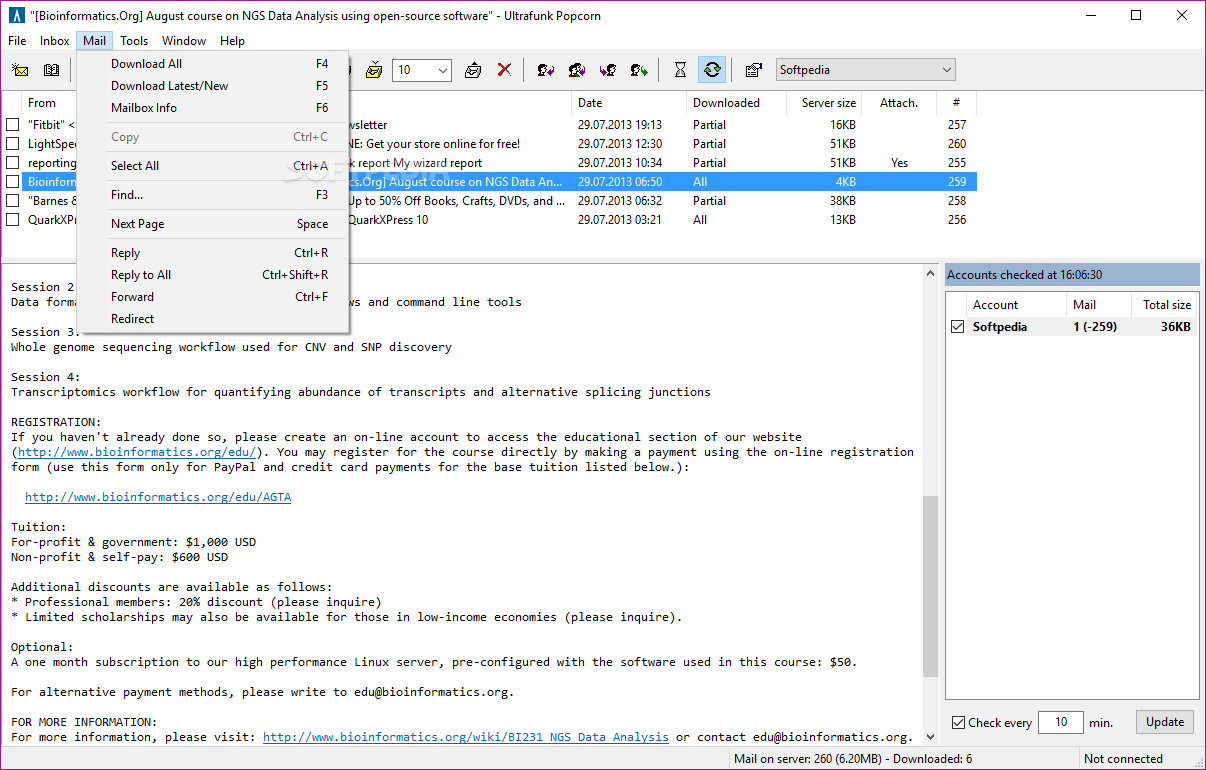
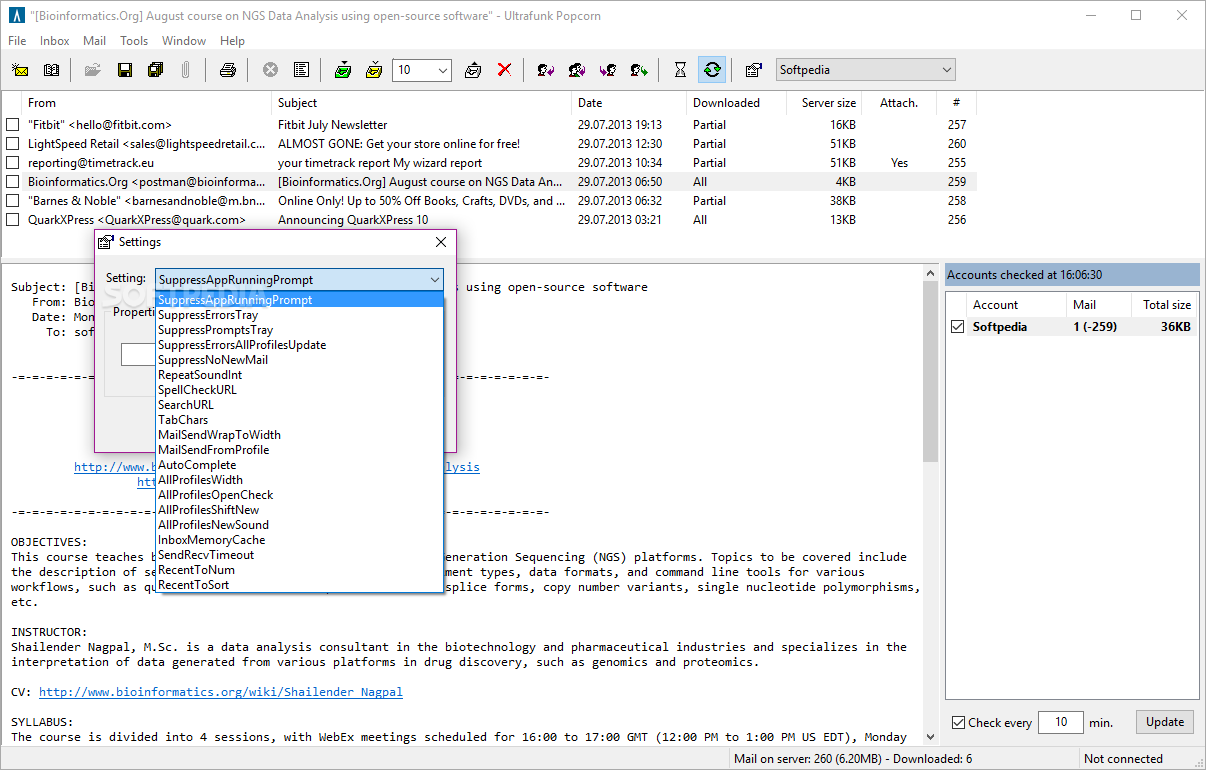
While setting up a new account is easy, provided that you know all details such as server name and passwords, not the same thing can be said about the main window, which comes with small buttons, each of them assigned to a different task.
Of course, it is all a matter of time until you find out what's the purpose of a certain button, but a more intuitive look or detailed descriptions could be useful.
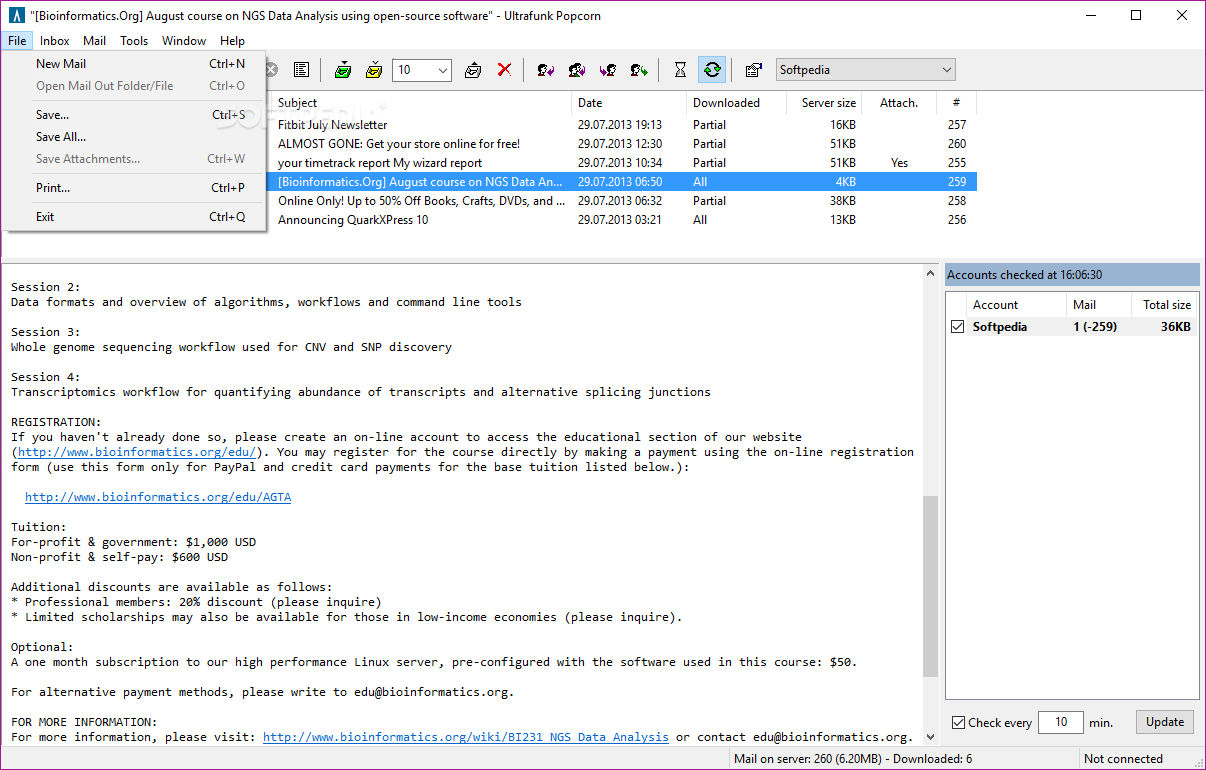
Last but not least, Popcorn allows you to set up an “Address Book” and write new messages quick and easy, with a tiny icon that sits in the System Tray and allows you to either check for new emails on all accounts or compose a new message.
Overall, Popcorn is useful especially because it can be used on the go, but otherwise, the lack of more customization options and a more attractive interface may disappoint some of the users. Nonetheless, the computer’s performance is not going to be hindered, and the response time is quite good.
Popcorn 1.99.8
add to watchlist add to download basket send us an update REPORT- PRICE: Free
- runs on:
- Windows All
- file size:
- 248 KB
- filename:
- popcorn8.zip
- main category:
- Internet
- developer:
- visit homepage
Bitdefender Antivirus Free

IrfanView

7-Zip

Windows Sandbox Launcher

Microsoft Teams

ShareX

calibre

Context Menu Manager

4k Video Downloader

Zoom Client

- Context Menu Manager
- 4k Video Downloader
- Zoom Client
- Bitdefender Antivirus Free
- IrfanView
- 7-Zip
- Windows Sandbox Launcher
- Microsoft Teams
- ShareX
- calibre
