Search Perform an advanced search query SOFTPEDIA
 
SOFTPEDIA
Updated one minute ago
HomeSubmit a program for being reviewedAdvertise on our websiteGet help on surfing our websitesSend us your feedbackGet information about our XML/RSS backend and how to use itBrowse the news archiveVisit our discussion forumVizitati forumul in limba romana


Program Finder NormalFreeware onlyShareware only

The Bat! Professional Edition 4.0.24 Report spyware 

Click to download The Bat ProfessionalThe Bat Professional - Softpedia Pick Award (If you developed this product, click here to download your award)
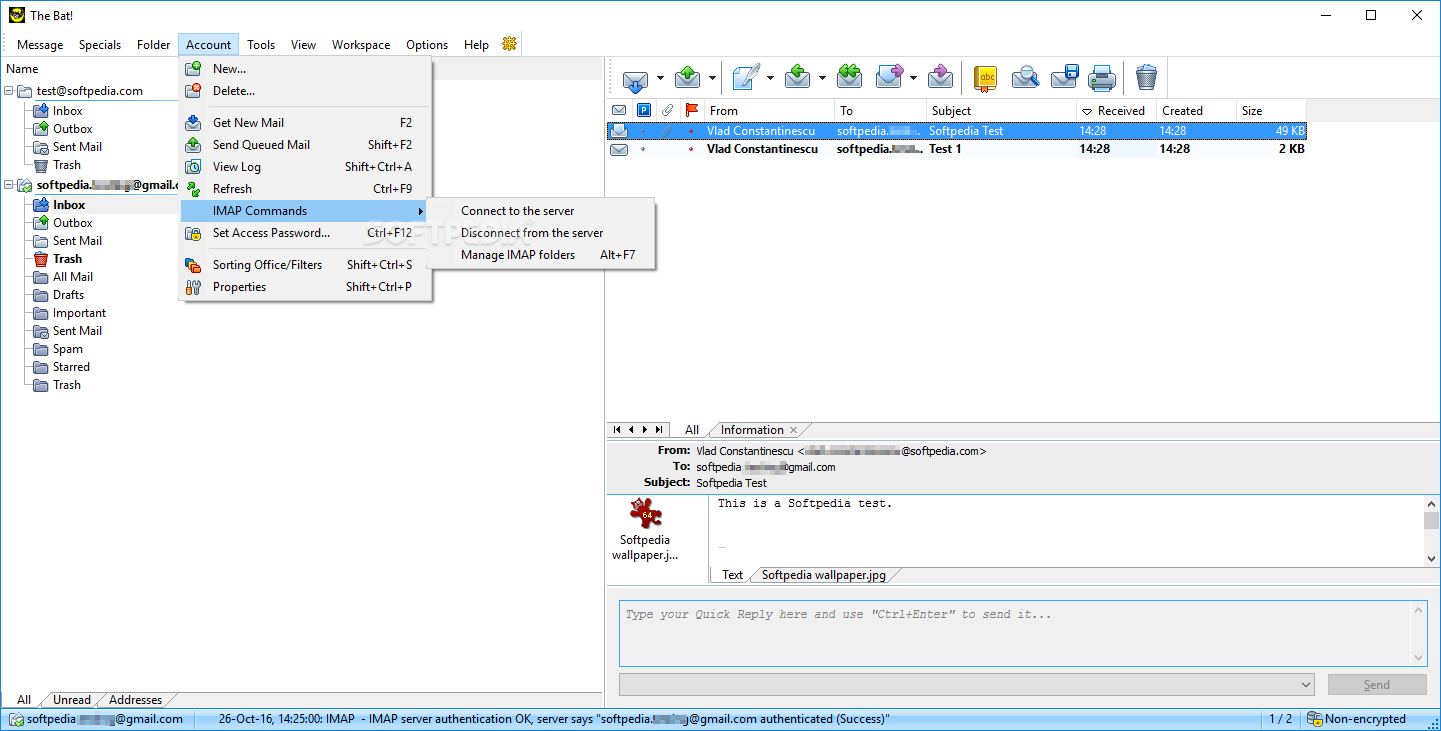
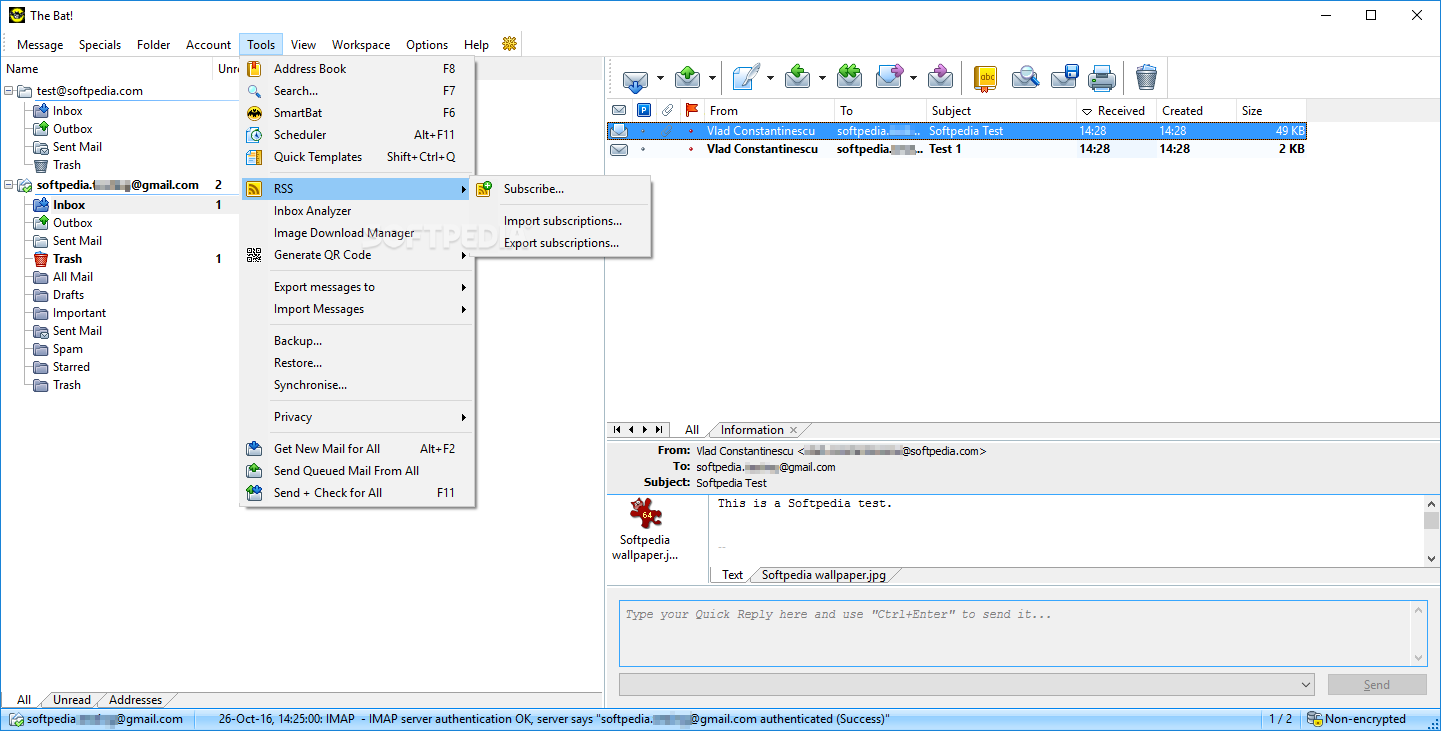
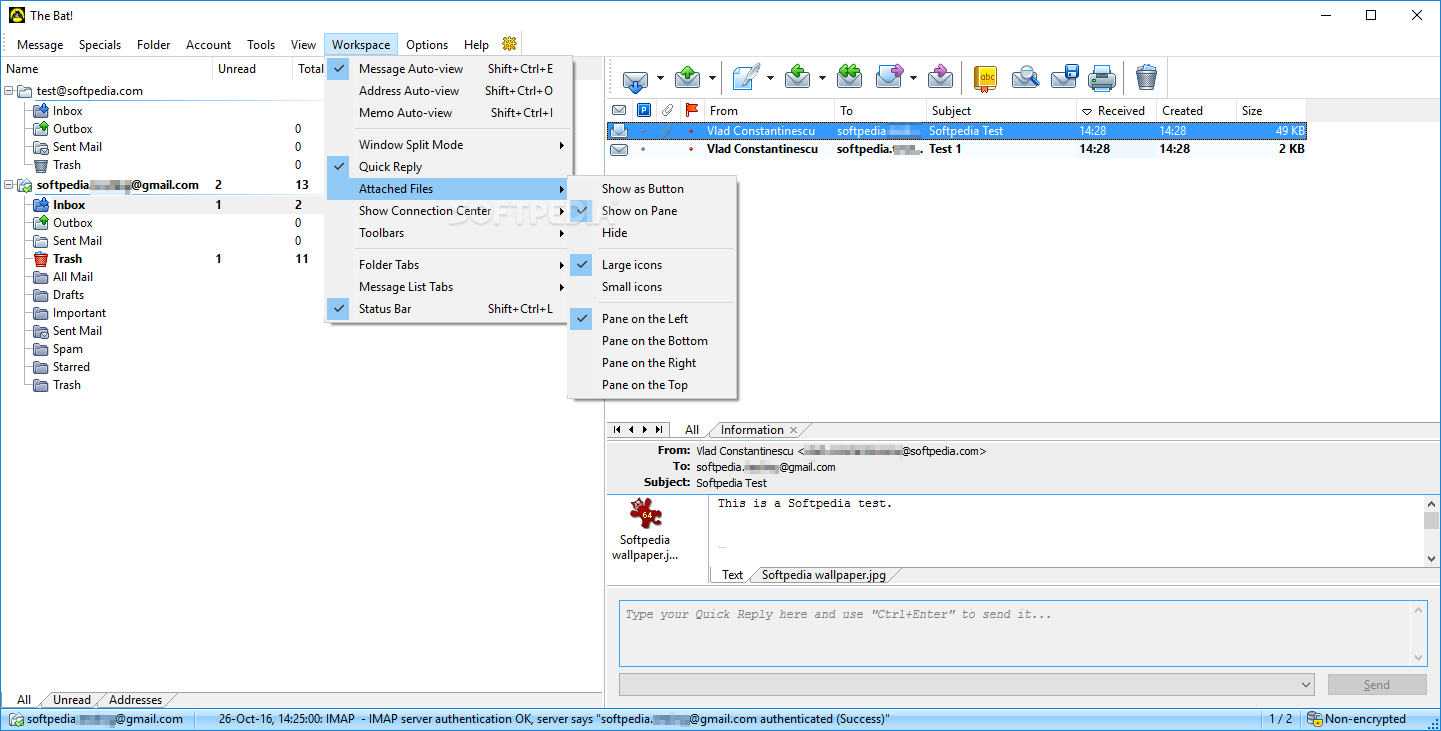
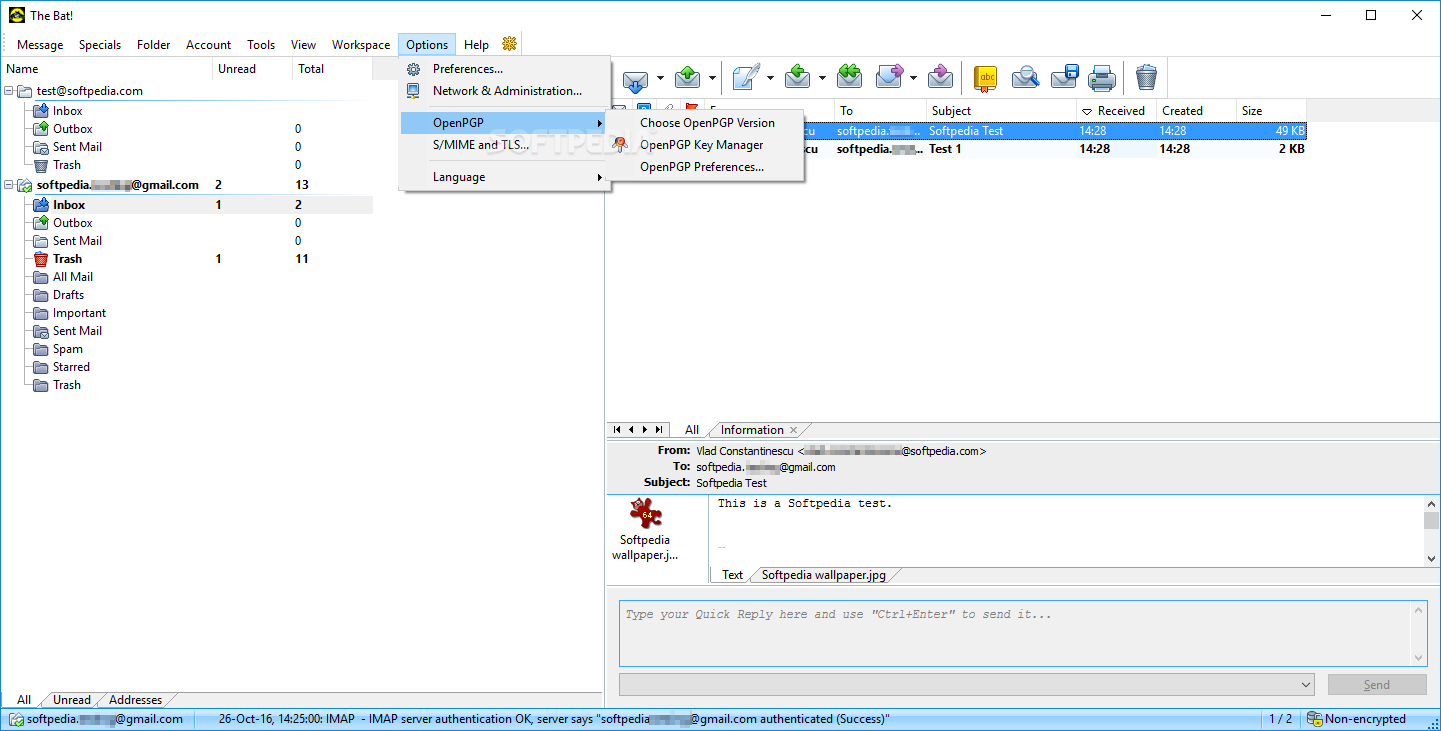
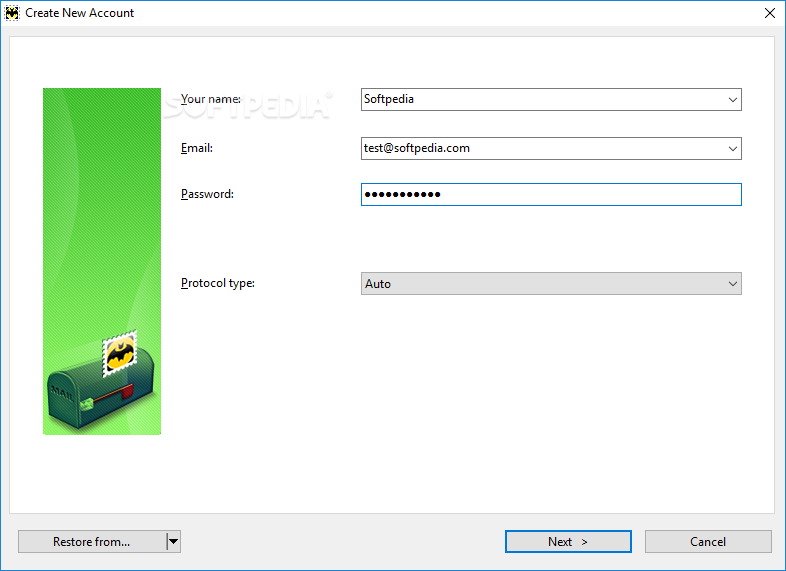
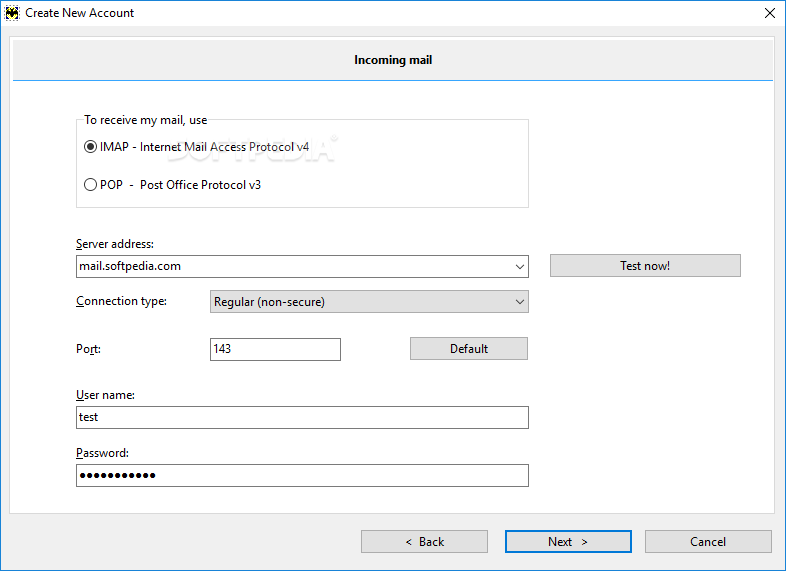
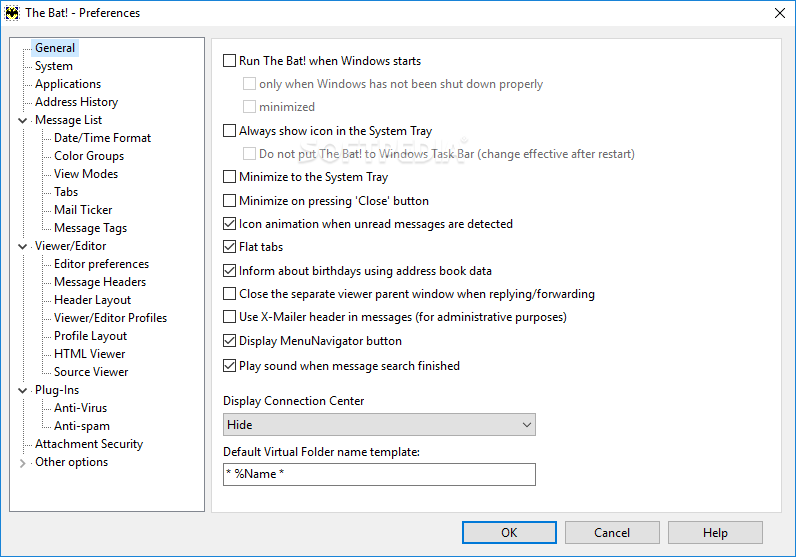
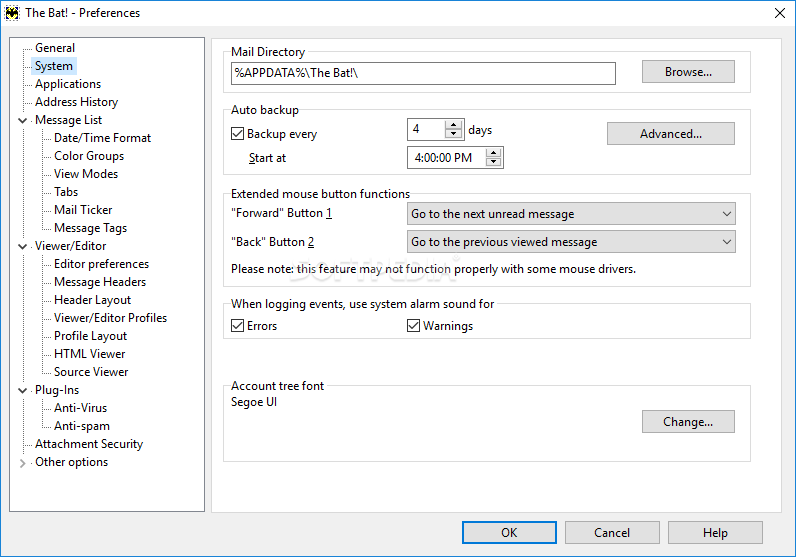
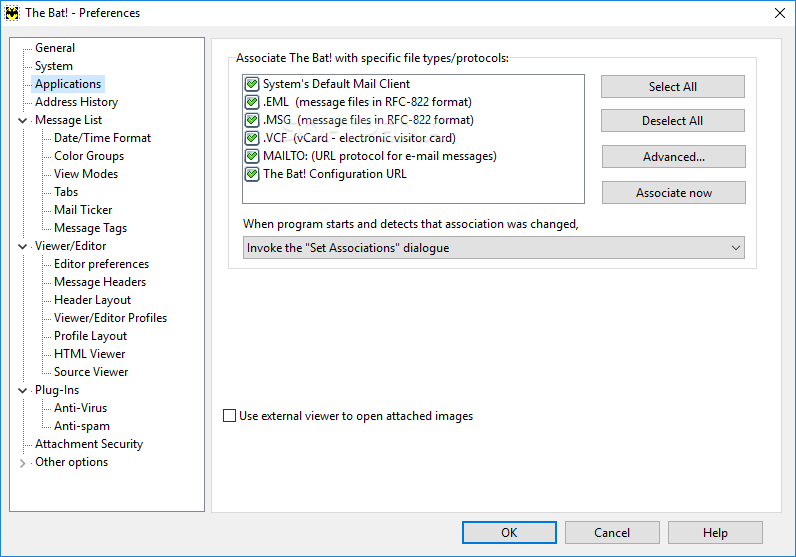
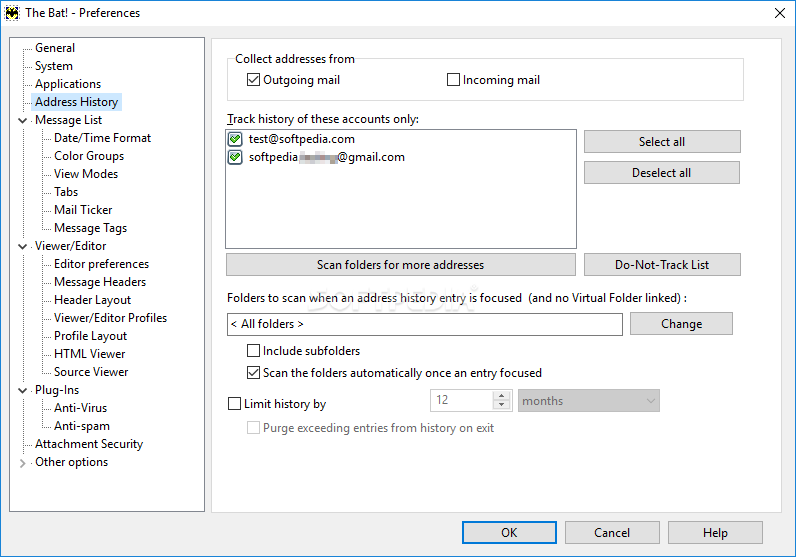
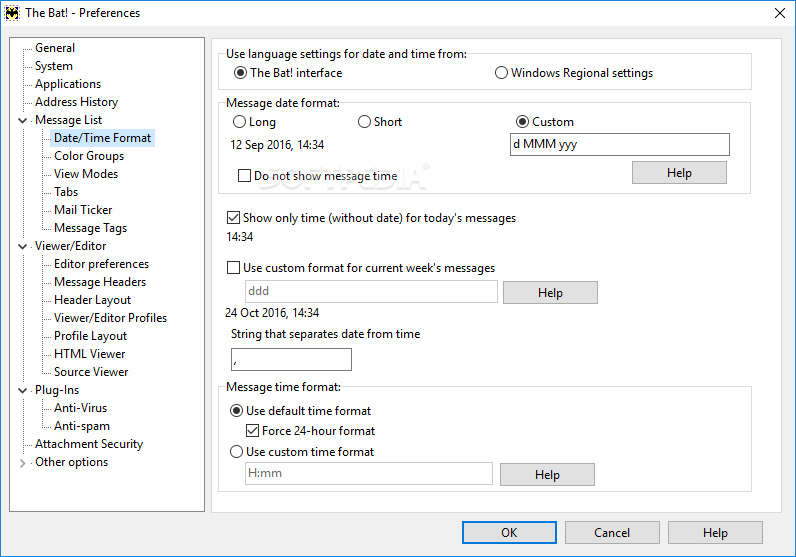
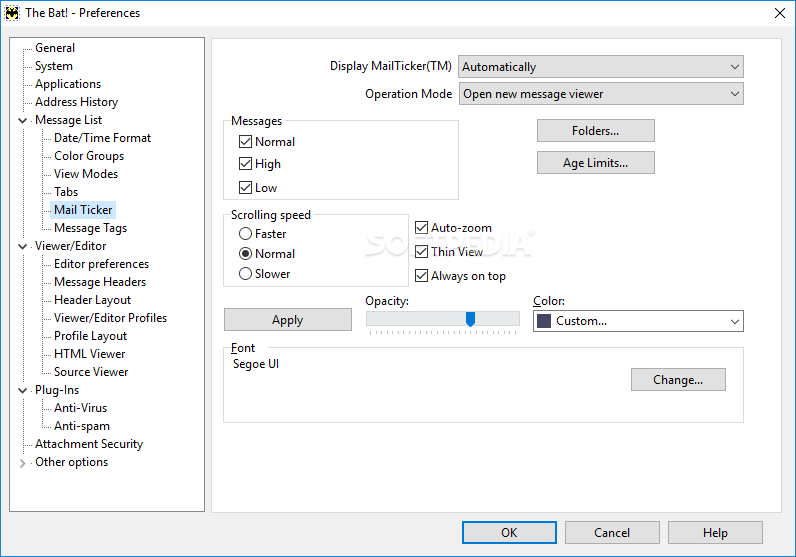
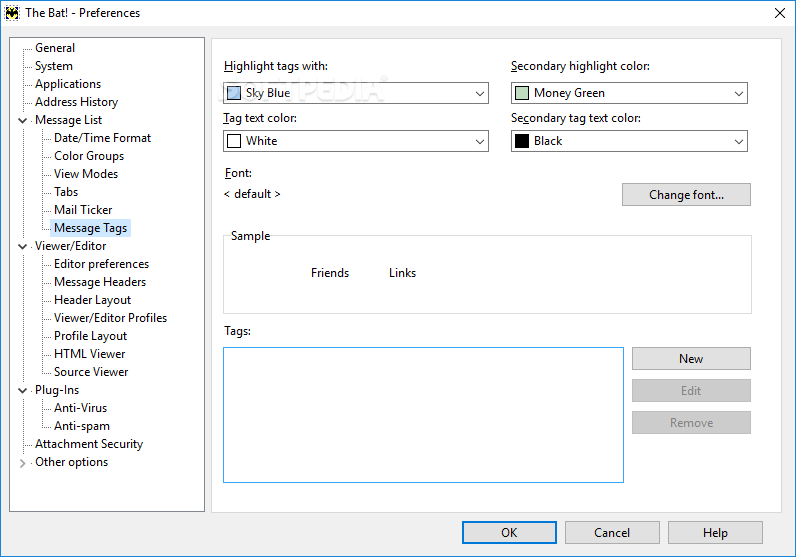
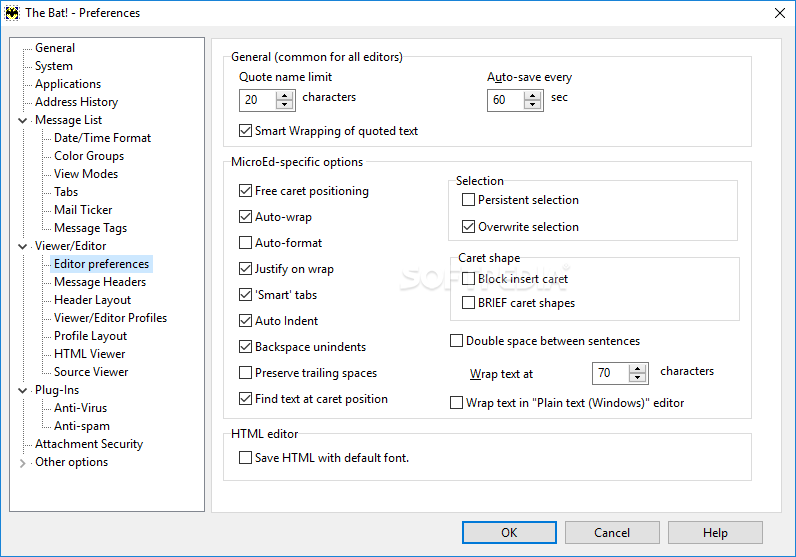
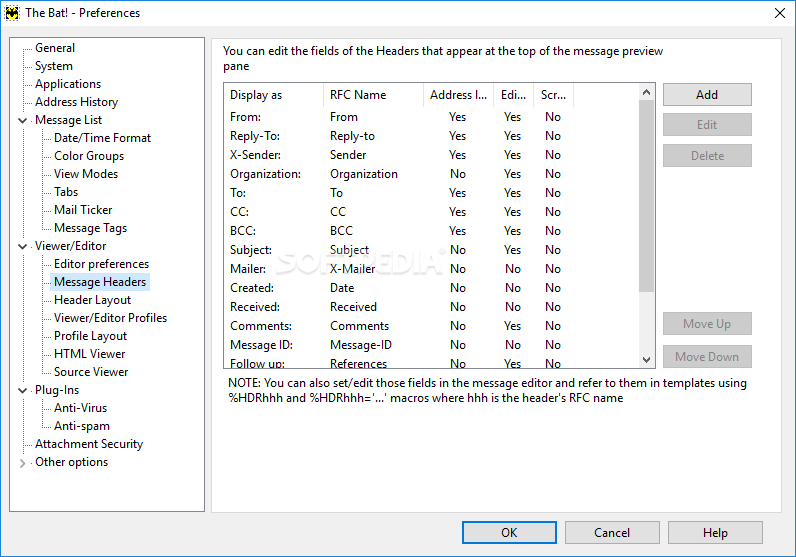
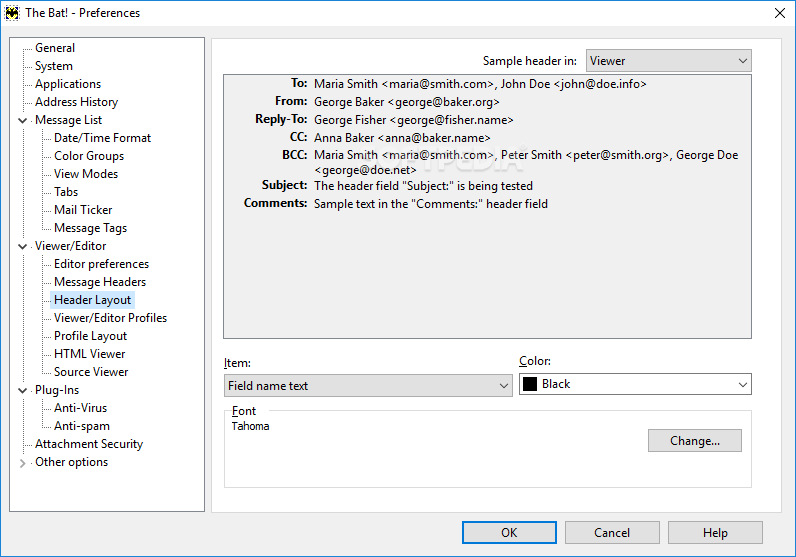
View more The Bat! Professional Edition screenshots (26)
 Downloads: 40,030
Rating: Very Good (4.3/5) | Rated by: 358 user(s)
Add to download basket     Send us update information
 Developer: RitLabs | More programs by this producer
 License: Trial , 45 $ to buy 
 Size / OS: 15.1 MB, Windows All
 Last Updated: April 23rd, 2008, 06:47 GMT
 Category: C: \ Internet \ E-mail \ E-mail Clients
 Read user reviews (3) Add a review Refer to friend Subscribe
    Download The Bat Professional

The Bat Professional description
Access multiple accounts with this powerful, highly configurable, yet easy to use, email client

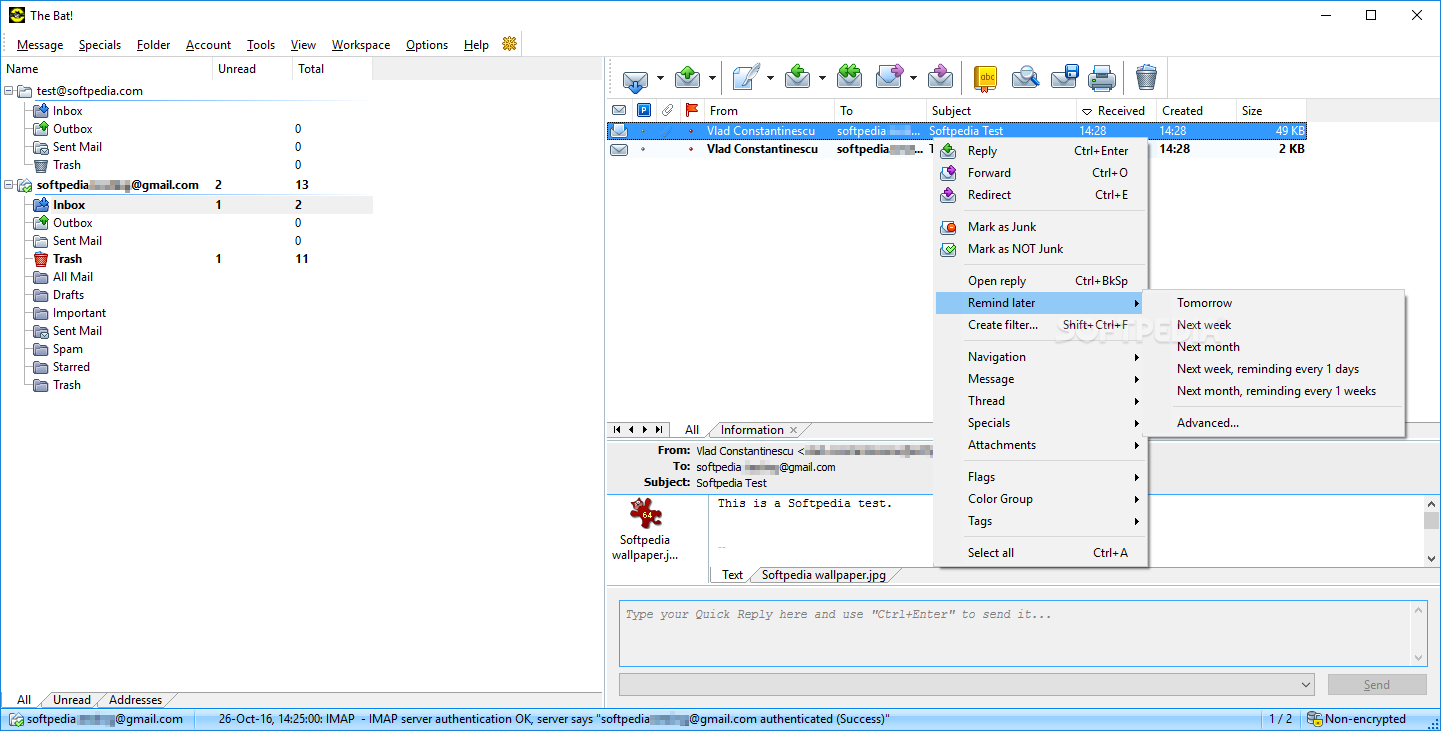
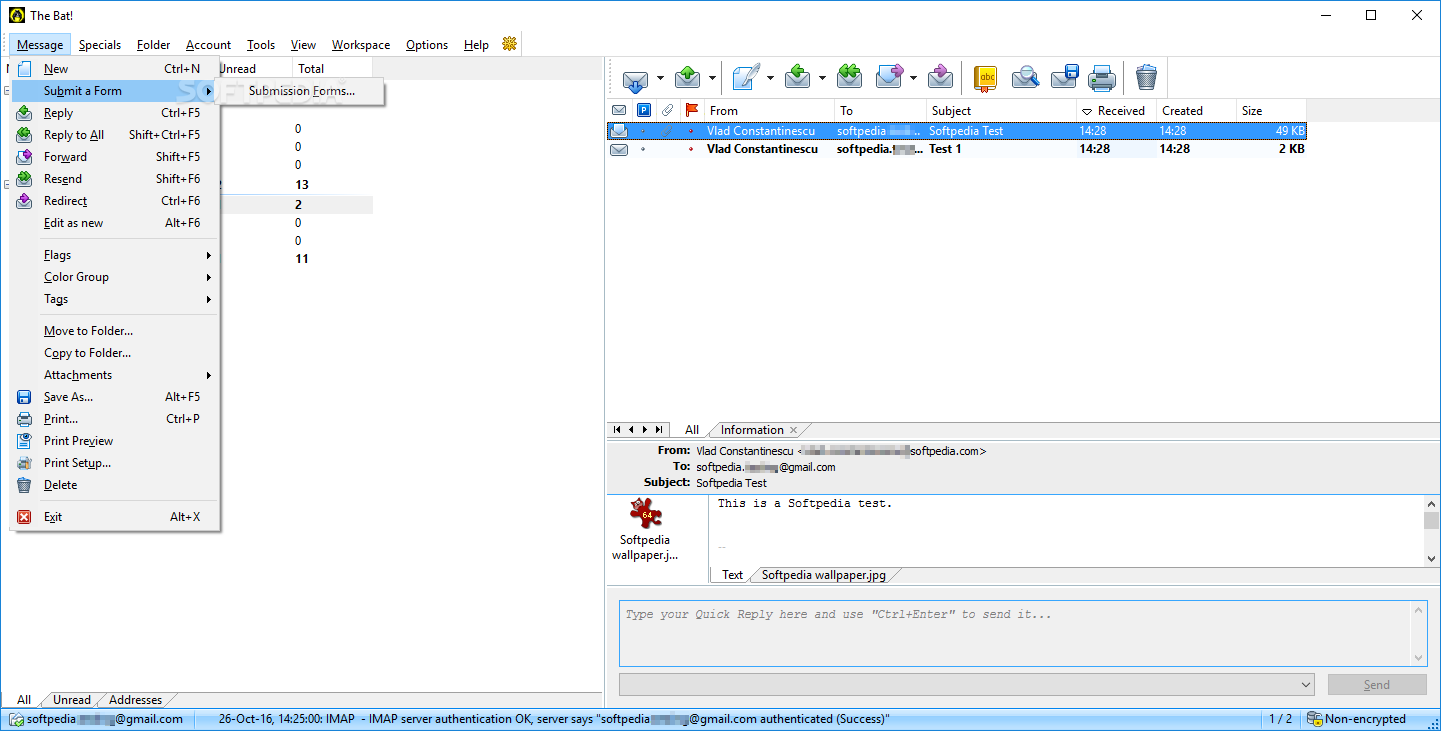
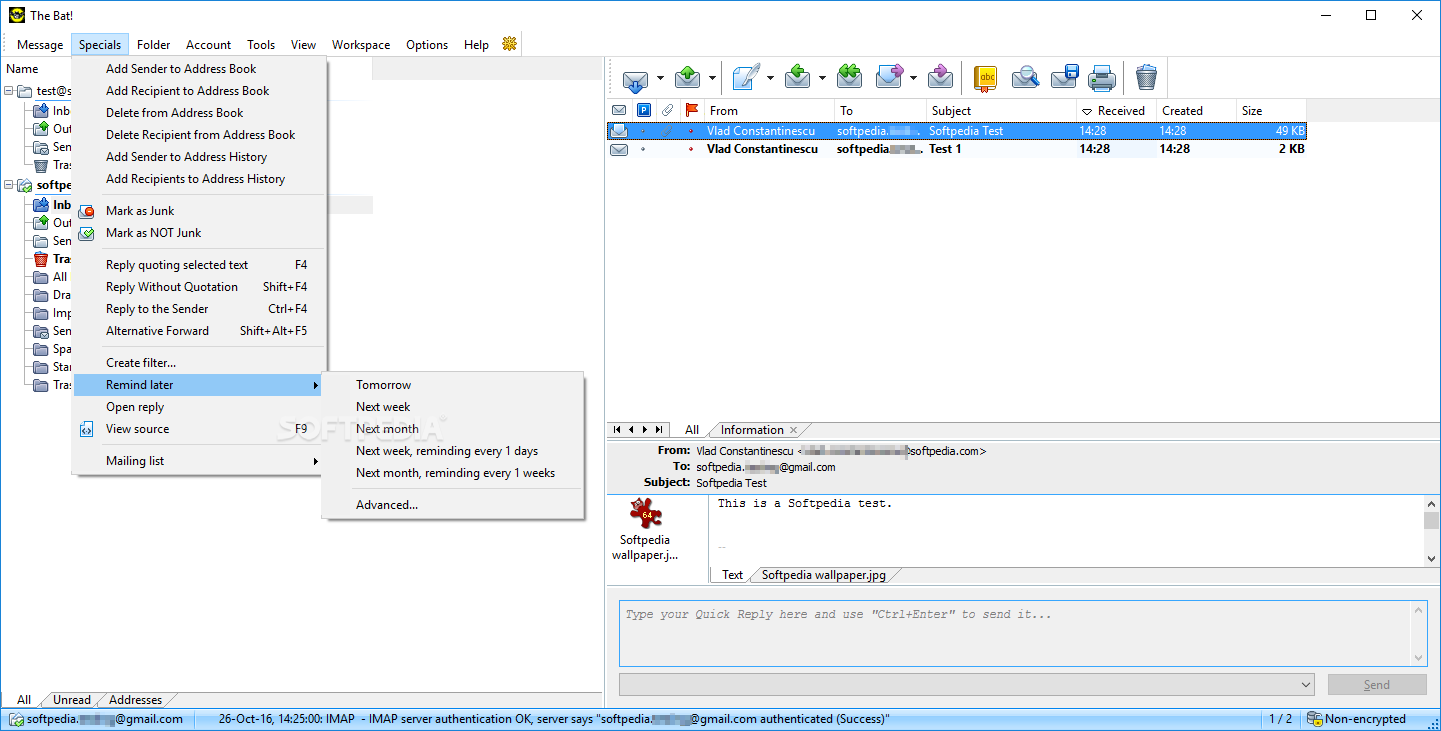
The Bat! is a powerful, highly configurable, yet easy to use email client.

The Bat! was designed especially to help users deal with your growing volume of email as quickly and efficiently as possible, saving much of their precious time.

Use all its powerful features at home or at the office to handle your email naturally - the way you want and how you want, simply and directly.

The Bat! is a powerful, yet easy to use e-mail program created for professionals as well as beginners.

There are many automated e-mail handling features built in:
· efficient processing for large numbers of messages
· easy-to-use interface
· supports multiple mail accounts
· extensive use of Windows' multitasking capabilities
· pre-process on the
mail server - without actually downloading messages to the local hard drive
· versatile and comfortable message editor
· sophisticated templates and complex filtering
· internal address book
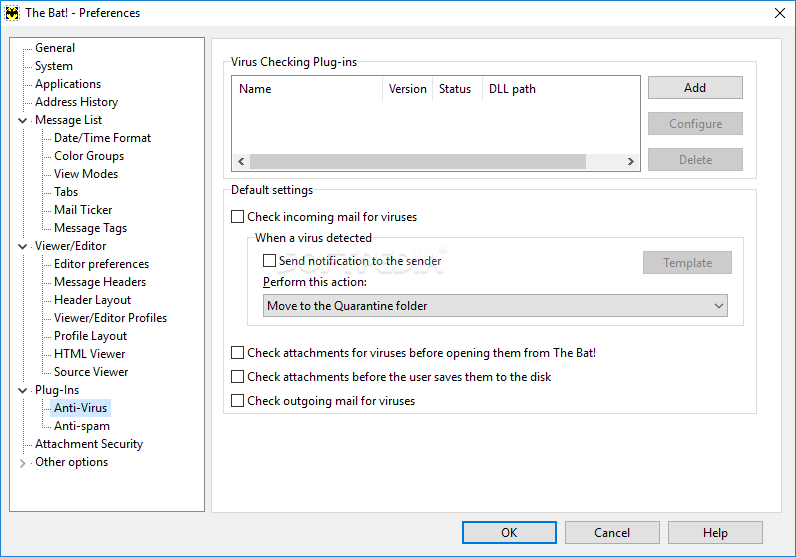
· safe from viruses and other malware
· highly secure (Professional version adds security token support and mailbase encryption)

Here are some key features of "The Bat Professional":

· Support for an unlimited number of accounts and users
· Fully customizable message templates that save hours of typing
· Powerful filtering for automated message handling
· Support for S/MIME and PGP versions from 2.6x through 6.5
· Mail Dispatcher for managing email on remote servers
· Simultaneous mail processing in the background for all accounts
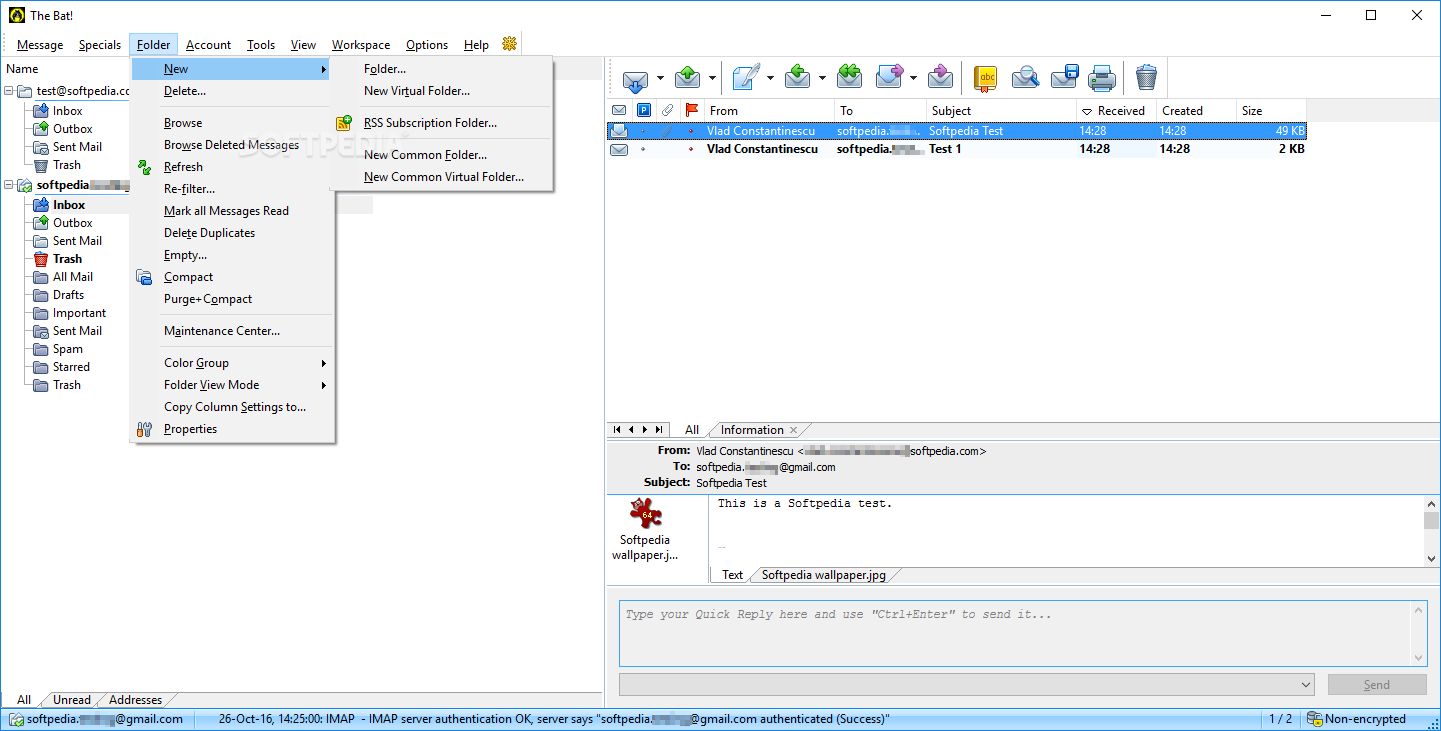
· Familiar Explorer-style folders for organizing messages
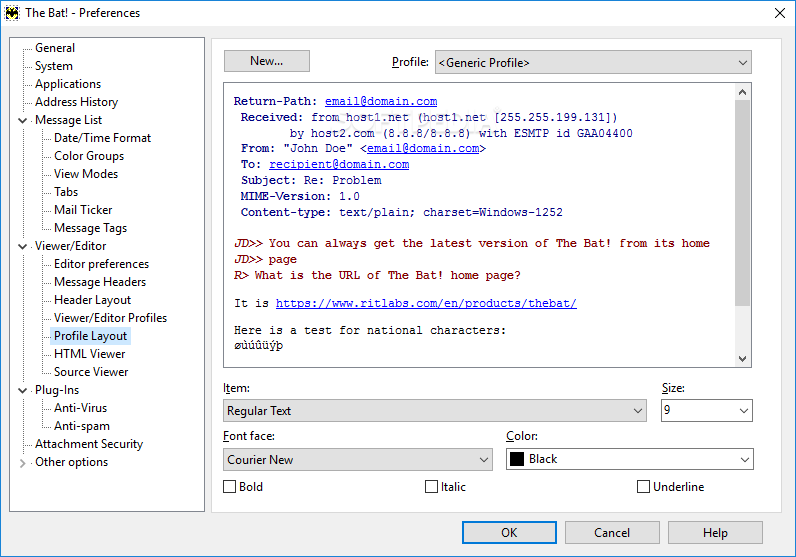
· Easily configurable user interface with message preview option
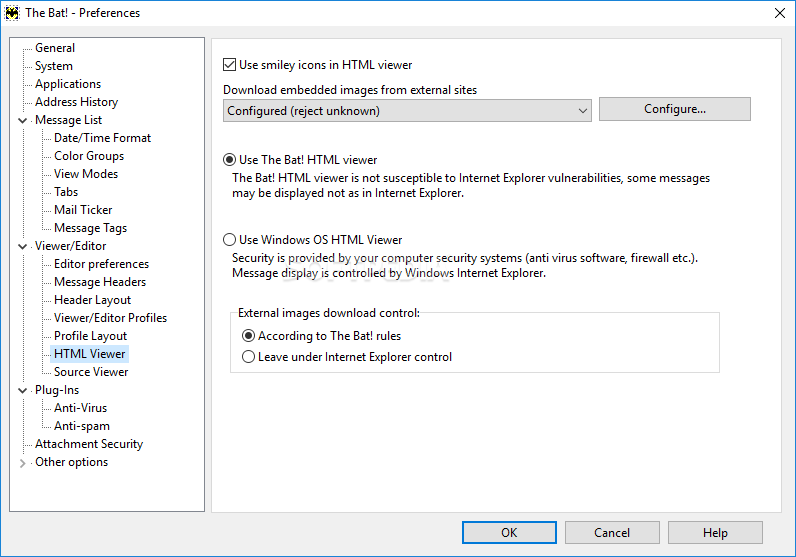
· Built-in HTML email viewer and message editor with spell-as-you-go
· Sophisticated address book for storing all personal information
· Unique Mail Ticker for email notification
· Multi-lingual interface supporting 15 languages on the fly
· Import message bases from all major email clients
· Many more features for managing email quickly and easily


Requirements:

· 800x600 screen resolution and 256 color display


Limitations:

· 30-day trial


What's New in This Release:

· Auto backup
· The Bat! now supports Address space layout randomization (ASLR) under Windows Vista, please see http://en.wikipedia.org/wiki/Address_space_layout_randomization for more information.
· The Bat! is now Restart-Manager-aware under Windows Vista. Restart Manager reduces the number of reboots required after updates and installations of applications dynamically, by temporarily stopping and restarting affected applications.
· The Bat! during MAPI connections with Exchange servers now receives meeting request and other non-email messages to Inbox folder.
· Windows Vista restart manager can update The Bat! and system components (DLLs) used by The Bat! without restarting Windows. It only restarts The Bat! and the other applications that use these DLLs. During the restart of The Bat!, all open message editors are closed, and the messages are saved as "draft" in the Outbox. You will then be able to open these drafts for further editing. To update The Bat! via the MSI (thebat_pro_X-XX-XX.msi), you don't even need to close The Bat!. Just run the MSI and follow the instructions.
· Enlarged the windows of the installation wizard (select OTFE mode and application data directory) to conform to the larger Segoe UI 9pt font under Windows Vista. The windows are now 640x480 pixels.
· Address Entry editor is now shown as a separate window on Task bar
· SipThread customization
· Now it is possible to type Font name when Font list box is opened
· Now IPV6 works under Windows 2000.
· Some IMAP leaks fix
· Now the splash screen is not over the list when displaying a list of old accounts (copied to a new machine from previous installation of The Bat!), .
· Now CR CR LF line endings are treated right
· View/Display/Advanced filtering can now be canceled by Esc (or Ctrl+=)
· Fixed a deadlock when a modal dialog box (like TLS certificate error) was over the other modal dialog like "Unregistered".
· Sorting of messages POP3 dispatcher by address fields is now valid for messages which contain a pure e-mail address without the name associated with this address
· Message dispatcher displays all the addressees if a message was addressed to a list
· Now there are no memory/resource leaks in IMAP
· In the new version the original message base file is not deleted during the repair operation.
· Fixed label placement in the SMTP authentication dialog.
· In the new version is no more "No messages loaded" after folder purge
· Messages from password protected account's IMAP Inbox aren't now displayed in MailTicker
· Fixed an AV when loading/saving configuration data
· Now export filter UNC paths is working
· When there are errors during the execution of "manual filters" (invoked by hotkeys), these errors are now displayed to the user
· The Bat! MSI now fills properly the UninstallString and InstallLocation values in the "Uninstall" key in the registry ("HKEY_LOCAL_MACHINESOFTWAREMicrosoftWindowsCurrentVersionUninstall").
· Fixed a memory-overrun problem that could rarely happen
· Fixed a possible memory corruption in MicroEd which might have occured in very rare occasions when deleting a word.
· Renewed MailTicker Opacity that stopped working in 3.95.08
· When is item in Customiser moved to top position, TB does not fall down anymore.
· Fixed server's message "Syntactically invalid HELO argument(s)" when sending out messages; and the local name of the computer contained national characters.
· Now it's possible to create new address book
· Message being 'Put to Outbox' is now shown
· Cosmetic fixes
· AVs on exit are fixed in the new version
· Fixed a bug with OTFE (beta issue)
· AV on exit when using auto-update without connection was fixed
· cosmetic changes on main window
· Fixed several AVs on exit... [ read full changelog ]


Softpedia guarantees that The Bat! Professional Edition 4.0.24 is 100% CLEAN, which means it does not contain any form of malware, including but not limited to: spyware, viruses, trojans and backdoors.

This software product was tested thoroughly and was found absolutely clean, therefore it can be installed with no concern by any computer user.

However, it should be noted that this product will be retested periodically and the award may be withdrawn, so you should check back on this page from time to time. (click here for more information)


Related downloads IT News Popular downloads New additions   Latest reviews  
The Bat! 4.0.24.2 Beta
Latest Beta update for The Bat!
DynAdvance Notifier 1.2 Build 337
MailNotifier - be notified when you have new Gmail, Hotmail, Yahoo or POP3 mail!
The Bat! Home Edition 4.0.24
Access multiple accounts with this powerful, highly configurable, yet easy to use, email client
Mail Them Pro 8.12
Mail Them Pro - Direct email delivery with built-in high performance SMTP email server
yMail 1.0.293
A spam cleaner and standalone email client
Advanced Emailer 4.2
Send customized emails to subscribers and manipulate mailing lists
SPAM Shredder 3.5
SPAM Shredder is an anti-spam email client
EmailWizard 1.1.1
EmailWizard is a multi-account, no install needed, email client (POP3,YAHOO,GMAIL,HOTMAIL)
Starfish Family Mail 1.51
Starfish Family Mail - Kid safe email program that everyone in your family can use
VanMail 1.0
VanMail is a robust email client that allows you to manage your email with ease

go to top Use the following code to link to this page:


Welcome!
Hello, Guest

Login if you have a Softpedia.com account.

Otherwise, register for one.

Main categories:
  • Antivirus
  • Compression tools
  • CD/DVD Tools
  • Office tools
  • Programming
  • Authoring tools
  • File managers
  • Desktop Enhancements
  • Internet
  • Network Tools
  • IPOD TOOLS
  • Mobile Phone Tools
  • Multimedia
  • Tweak
  • System
  • Security
  • Others
  • Science / CAD
  • UNIX
  • Windows Widgets
  • PORTABLE SOFTWARE

  • Week's best:
  • SP3 UxTheme Patcher ...
  • PECompact 2.82
  • Sony Vegas Movie Stu...
  • 3DMark Vantage 1.0
  • Total Commander 7.03
  • VistaMizer 2.5.1.0
  • AVG Free Edition 8.0...
  • Windows XP Service P...
  • Ashampoo Burning Stu...
  • XviD Media Codec 1.1...
  • Blu-ray Disc Ripper ...
  • Blu-ray Region Code ...
  • Adobe Photoshop Ligh...
  • PowerDVD 8.0.1531
  • EF Commander 6.54
  • Microsoft Windows In...
  • Nero 8 Lite 8.3.2.1
  • WebSite-Watcher 4.41...
  • EVEREST Ultimate Edi...
  • Nokia PC Suite 6.86....
  • VMware Workstation 6...
  • AnyDVD HD 6.4.2.0
  • Messenger Plus! Live...
  • The Bat! Voyager 4.0...
  • Windows Vista Servic...
  • Nero 8 8.3.2.1
  • Vipre 3.1.1997 Beta
  • Internet Explorer 8 ...
  • Norton 360 2.0.0.242
  • SmartFTP 3.0.1015.5
  • © 2001 - 2008 Softpedia. All rights reserved.
    Softpedia™ and Softpedia™ logo are registered trademarks of SoftNews NET SRL.
    Copyright Information | Privacy Policy | Terms of Use | Contact Softpedia | Update your software | Archive