
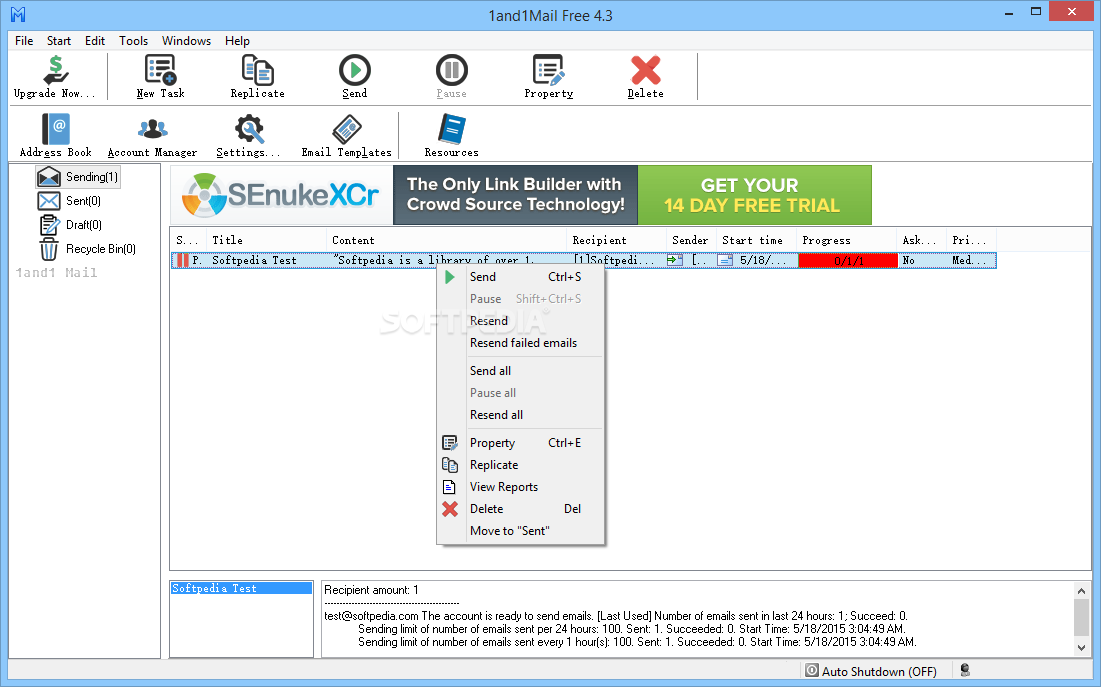
1and1Mail is a professional email marketing software designed to create and deliver complex emailing campaigns in order to boost the popularity of your company.
Every self-respecting business relies on a few marketing tricks and one of the most popular and effective is the emailing campaign. It is a quick and simple approach that delivers the best results in the shortest amount of time.
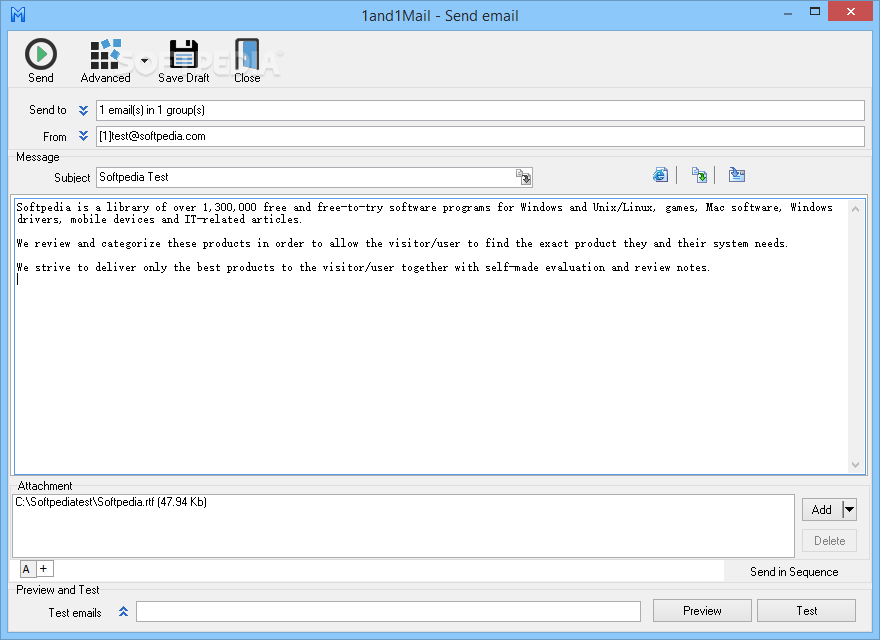
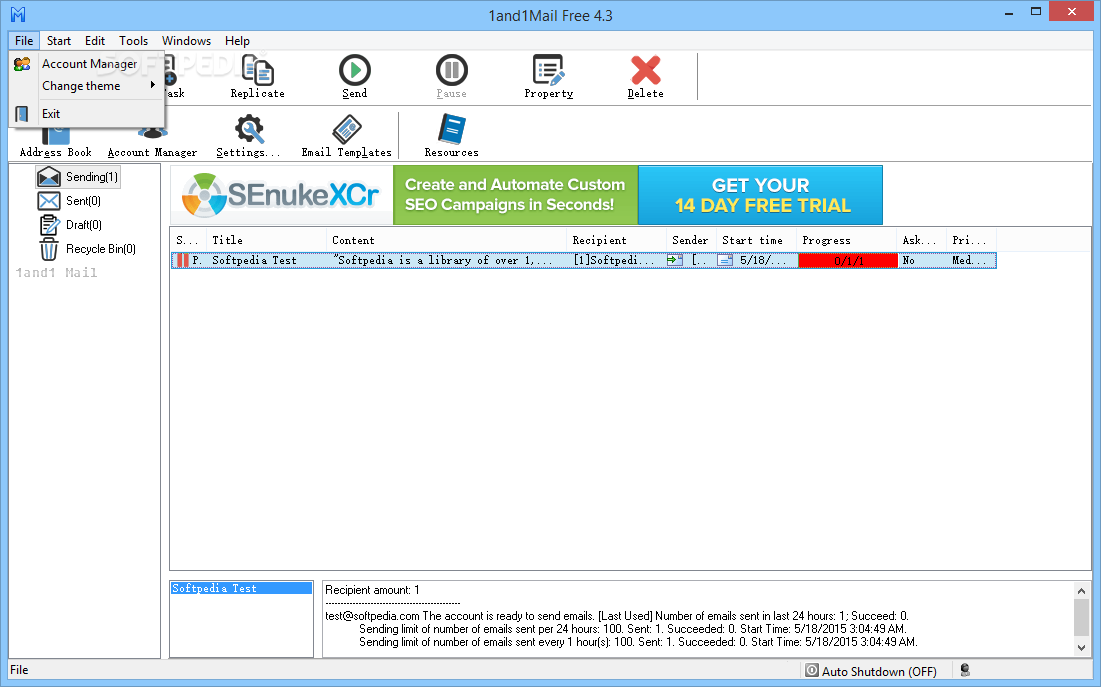
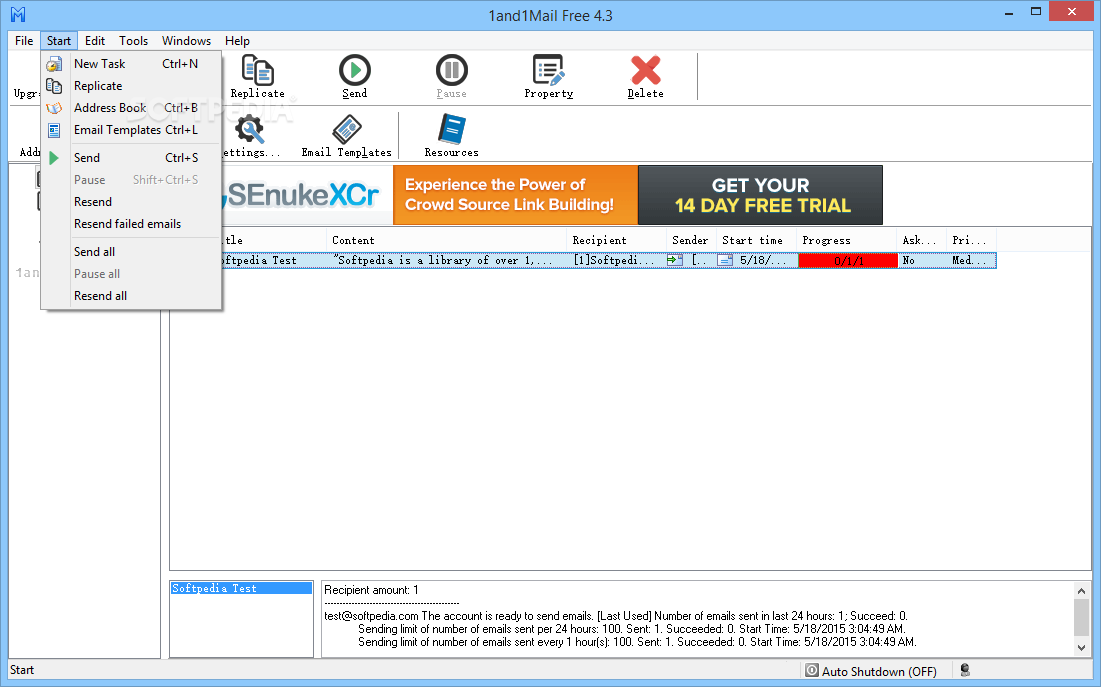
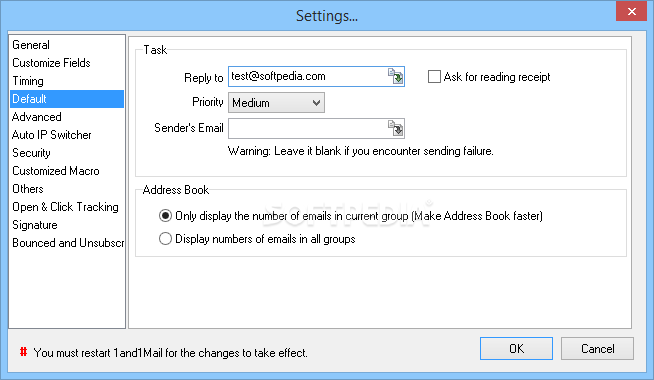
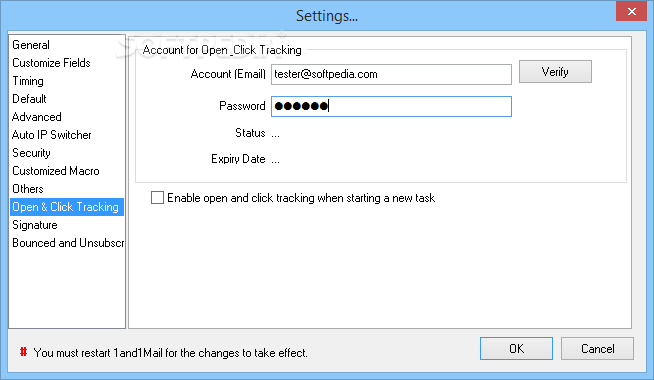
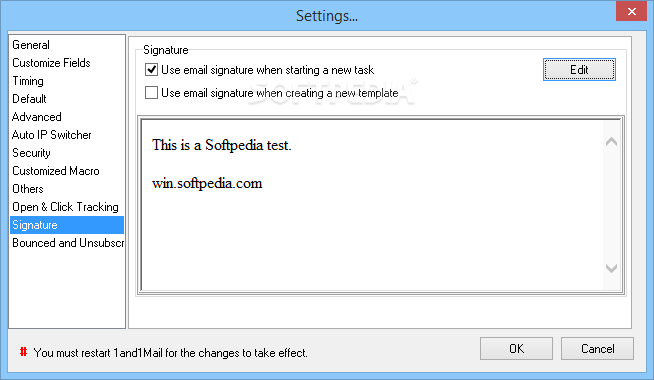
1and1Mail is capable of helping companies build such campaigns with minimal efforts. It assists users in the creation of professional looking emails, delivering them to several recipients at once.
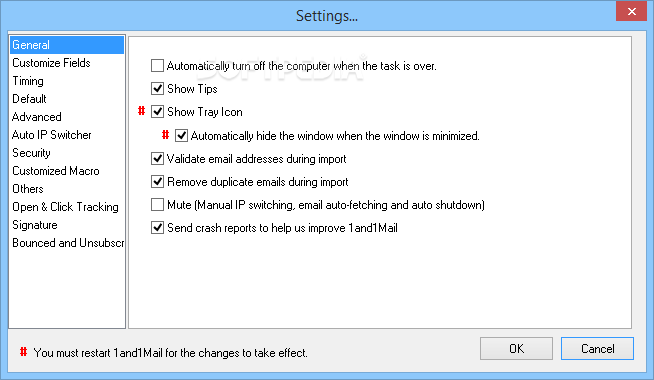
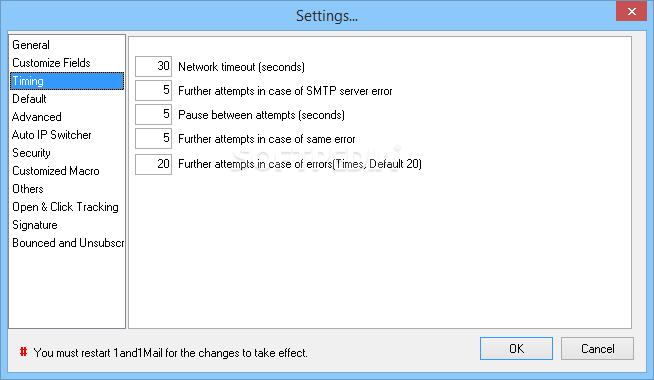
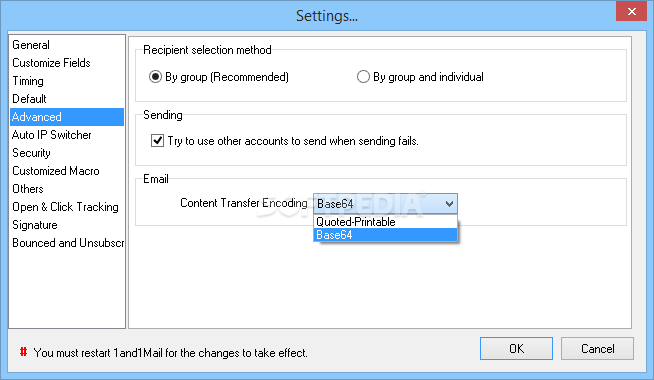
The software mimics manual sending (by generating a time lag between messages), thus convincing your ISP that the emails have been sent by a real person and not a robot that tries to spam others.
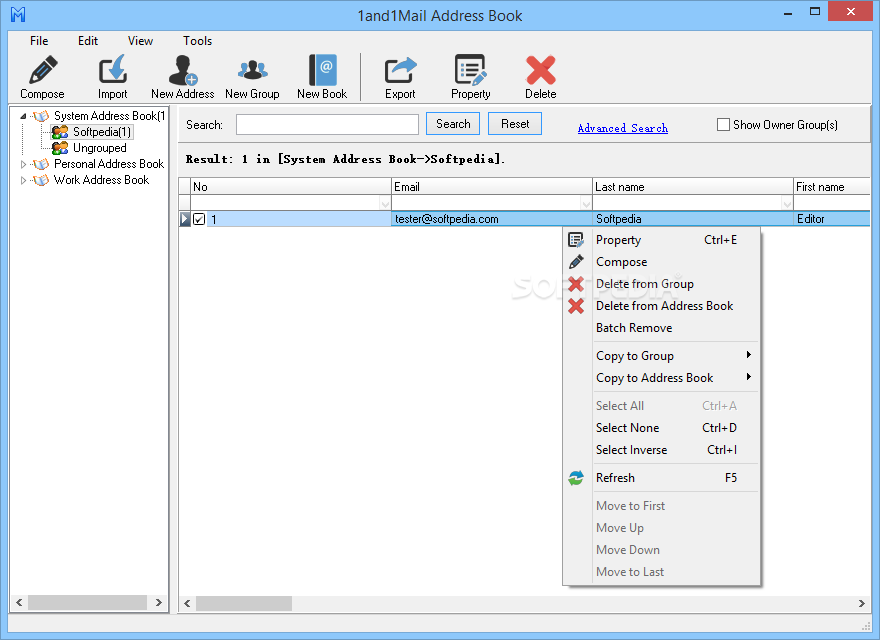
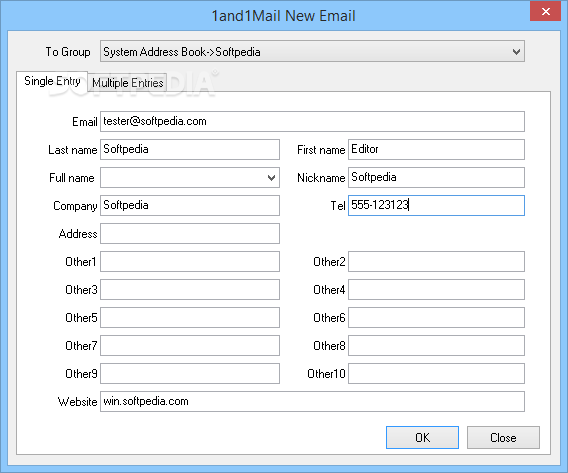
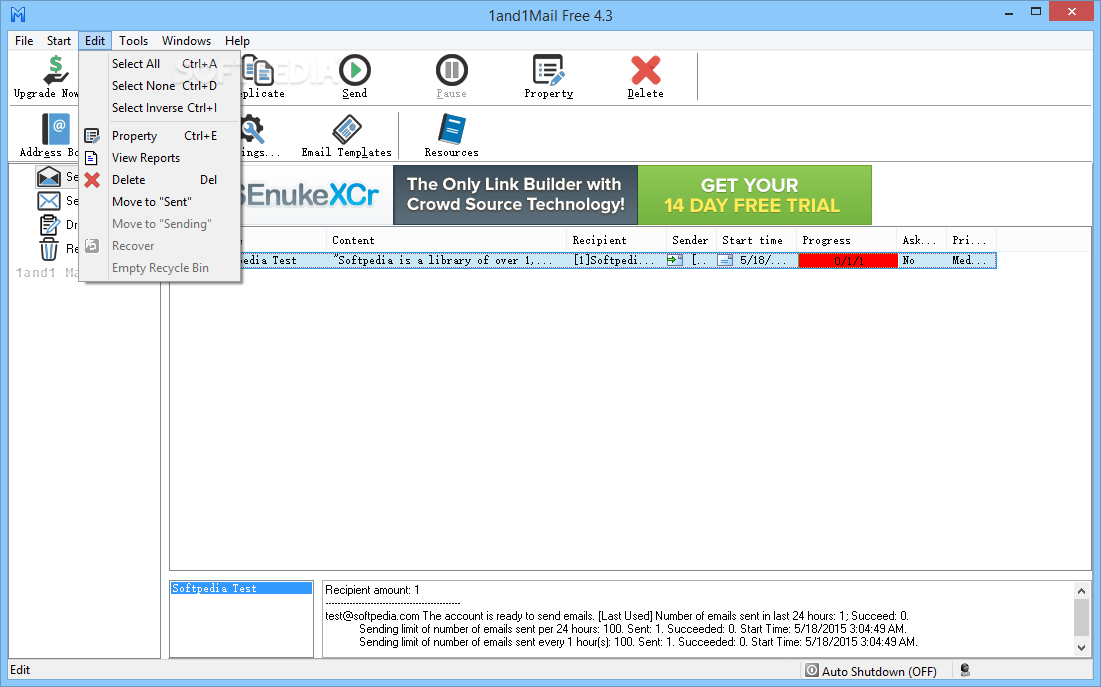
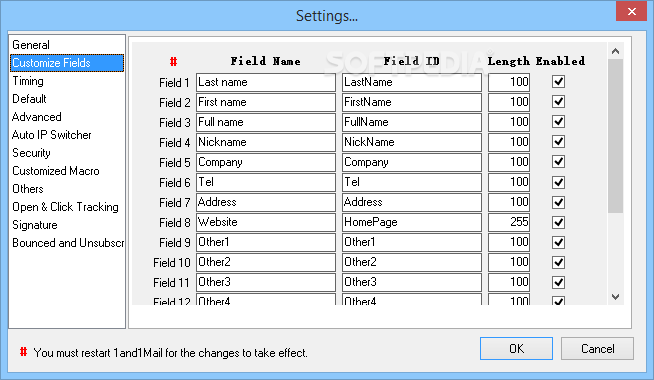
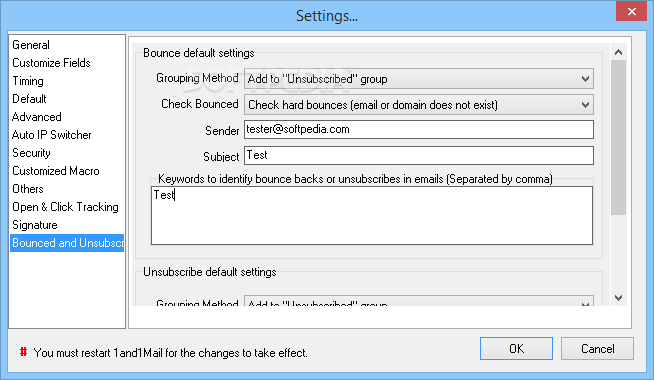
1and1Mail benefits from support for multiple accounts, thus allowing you to sustain more than one campaign at a time. It enables you to create and store recipient lists, which, of course, you can use later in other campaigns, as well as save emails as templates, for the same reason.
Emails can be written in plain text or in HTML code and scheduled to be sent at a date and hour of your choice. Subsequently, the delivery speed is enhanced via the multi-threaded sending, thus maximizing efficiency and profit.
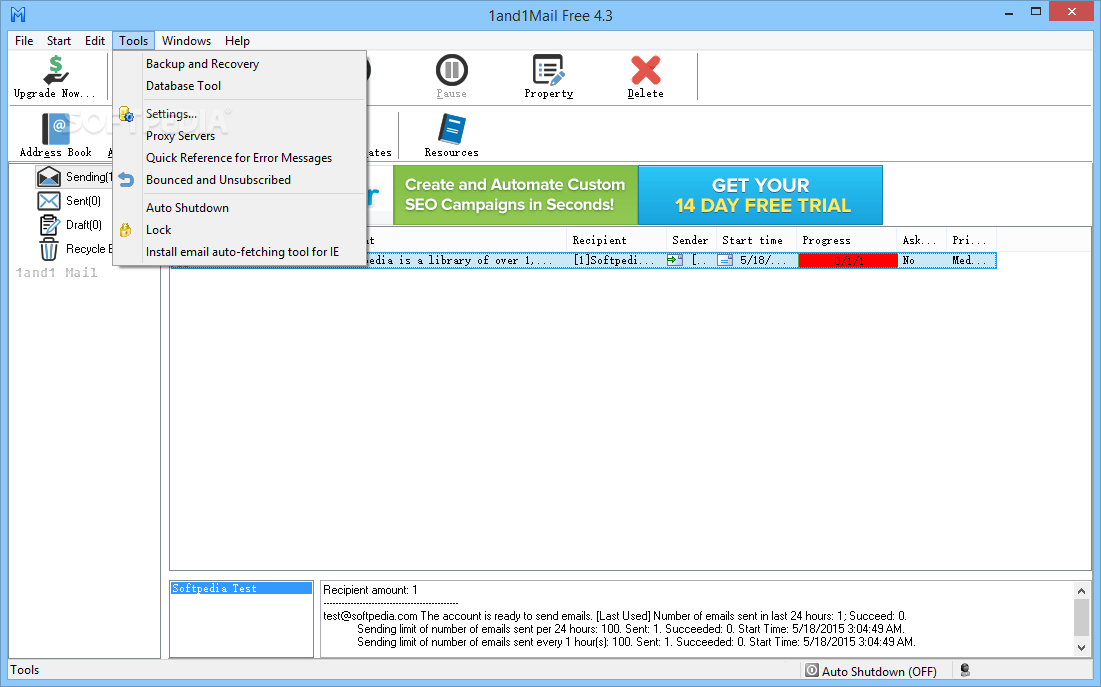
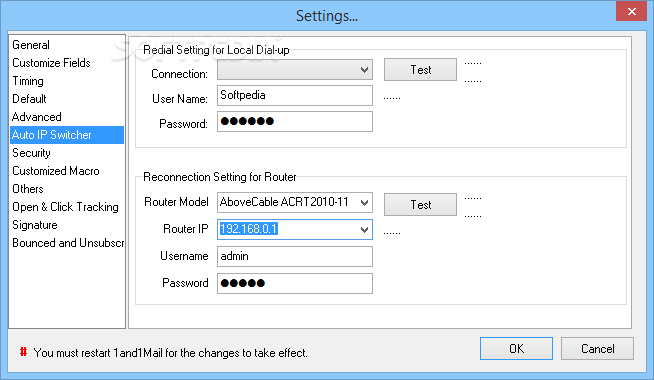
The Auto IP Switcher juggles with proxy servers in order to provide you with the possibility to send an unlimited number of emails daily, eliminating the risk of banning your email address.
Last, but not least, your campaigns are guarded via role-based passwords, which grant full rights only to administrators and forbid unauthorized access.
Overall, 1and1Mail proves to be a good choice if you are a business owner in need of a good e-mail marketing campaign. It is one of the best ways of making your offers and products known to the wide public.
Filed under
What's new in 1and1Mail 5.1.0.673:
- Database optimization
- Latest version:
1and1Mail 5.1.0.673
- runs on:
-
Windows 10 32/64 bit
Windows 8 32/64 bit
Windows 7 32/64 bit
Windows Vista 32/64 bit
Windows XP - file size:
- 13.7 MB
- filename:
- 1and1MailFree5.1.exe
- main category:
- Internet
- developer:
- visit homepage
7-Zip

Bitdefender Antivirus Free

calibre

ShareX

Zoom Client

4k Video Downloader

IrfanView

Microsoft Teams

Context Menu Manager

Windows Sandbox Launcher

- Microsoft Teams
- Context Menu Manager
- Windows Sandbox Launcher
- 7-Zip
- Bitdefender Antivirus Free
- calibre
- ShareX
- Zoom Client
- 4k Video Downloader
- IrfanView