
Straightforward mail client which bundles support for RSS feeds, POP3 and IMAP servers, and lets manage a calendar and an address book. #E-mail client #Compose mail #Feed reader #E-mail #Email #Mail

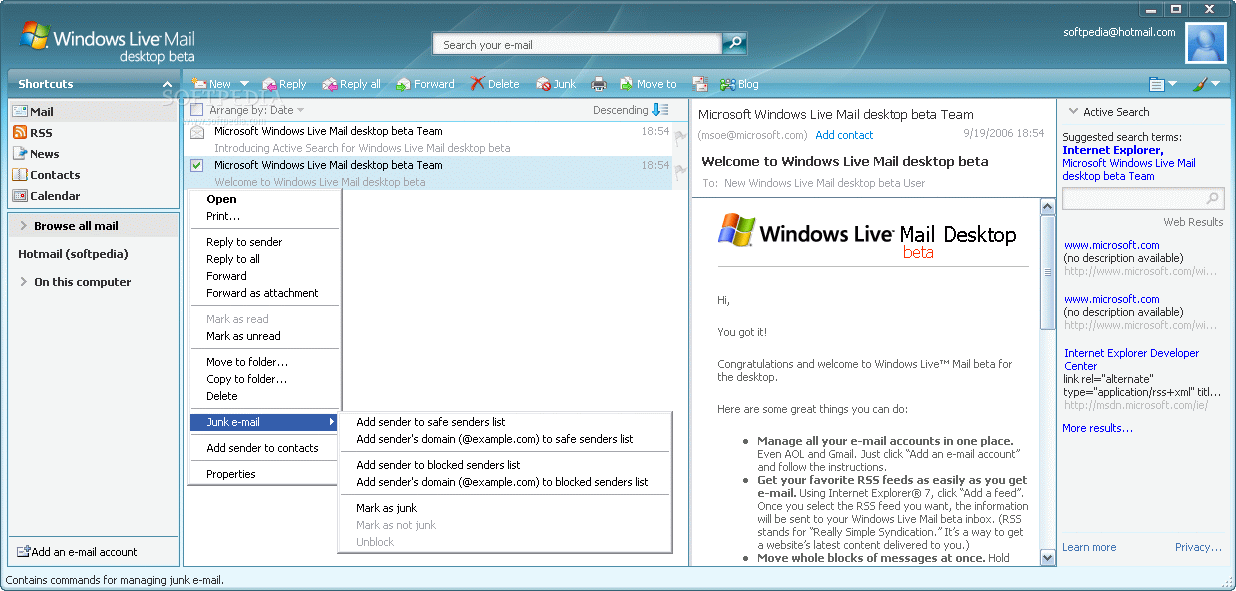
Windows Live Mail Desktop is the application that signals the beginning of a new era for the software giant based in Redmond and is just one of the tools included in the much larger Windows Live suite.
Installing Windows Live Mail Desktop can be done extremely easy, as the setup kit will do basically everything for you. Setting up your accounts, however, might need a bit of computer knowledge, or at least, you have to know your email settings.
The interface is rather nice and user-friendly which makes managing the emails in your inbox or sending new ones a job that can be done in just a few seconds. The layout can be changed depending on the user preferences, so it all comes down to how you like it.
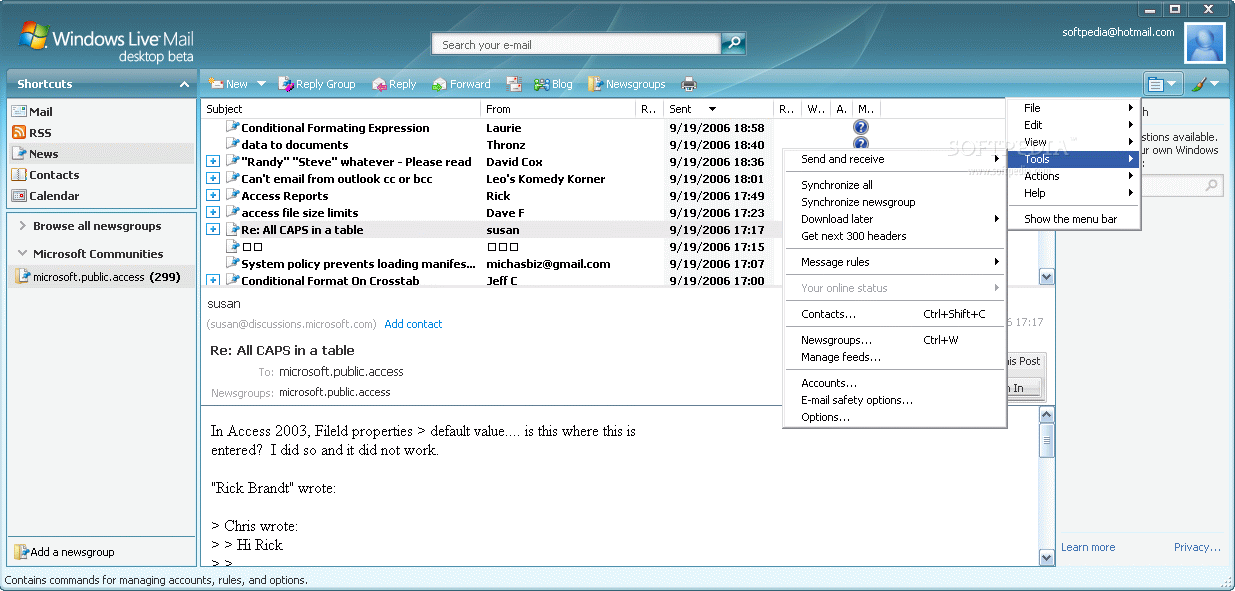
This e-mail client support both POP and IMAP servers and guides you every step of the way when setting up your account. In addition to that, you should know it is possible to view news in the mailbox, by simply adding RSS feeds.
You can easily add contacts to an address book, so that you can find e-mails faster, while you can also add events to a calendar and bring it up in the main windows. A search function is supported, thus allowing you to easily find a message which contains a specific keyword or is from a particular contact.
The drawbacks we have experienced during our tests mostly concern the way Windows Live Mail Desktop works with new messages. You cannot set up the application to check for new emails every minute for example, while the notification you receive every time a new message arrives is barely noticeable.
All things considered, Windows Live Mail Desktop is a nice tool to have on your computer and use for reading or sending mail messages. It integrates very well with the operating system and the ease of use could make it a favorite for a lot of people. It runs smooth, without putting a strain on the computer’s performance and without freezing or running.
- runs on:
- Windows XP
- file size:
- 16.2 MB

- main category:
- Internet
- developer:
- visit homepage
Context Menu Manager

IrfanView

7-Zip

Bitdefender Antivirus Free

calibre

ShareX

4k Video Downloader

Zoom Client

Microsoft Teams

Windows Sandbox Launcher

- Zoom Client
- Microsoft Teams
- Windows Sandbox Launcher
- Context Menu Manager
- IrfanView
- 7-Zip
- Bitdefender Antivirus Free
- calibre
- ShareX
- 4k Video Downloader