WINDOWS CATEGORIES:
NEWS ARCHIVE >>
SOFTPEDIA REVIEWS >>
|
|
WEEKLY HIGHLIGHTS
|
7-DAY TOP DOWNLOAD
# |
Program |
 | Avira AntiVir Personal - Free Antivirus 8.1.0.331 146,570 |  | Windows Live Messenger 9.0.1407.1107 114,218 |  | Y! Multi Messenger 8.x and 9.x 73,839 |  | Windows Live Messenger 8.5.1302.1018 66,903 |  | Vista Transformation Pack 8.0.1 46,490 |  | DVD Shrink 3.2.0.15 39,275 |  | Microsoft Office 2007 32,889 |  | Nero 7 Premium 7.11.10.0 31,413 |  | Adobe Reader 9.0.0 27,426 |  | Avira Antivir Virus Definition File Update 7.00.06.128 [08.09.2008] 26,986 |
|
WEEK'S BEST
Opera 9.60 Build 1...EVEREST Ultimate E...Google Chrome 0.2....BS.Player 2.31 Bui...WinRAR 3.80 Beta 5McAfee AVERT Sting...Internet Explorer ...Panda Antivirus Pr...GreenBrowser 4.7.0...VMware Workstation...Rising Antivirus F...FlashGet 2.11.0.1188Panda Global Prote...Vista Sidebar 2.5 ...DVDFab Platinum 5....Vuze (formerly Azu...The Bat! Professio...AVG Anti-Virus plu...Acronis True Image...DirectX Redistribu...Adobe Flash Player...Nero 8 8.3.6.0FileZilla 3.1.2 / ...AVG Internet Secur...Microsoft Maliciou...Maxthon 2.1.4.443 ...BitComet 1.04 FinalDeluge 0.9.08 (1.0...Pidgin 2.5.1ATi Multimedia Cen...K-Lite Codec Pack ...Mozilla Thunderbir...Portable Winamp 5.35VirtualDub 1.8.5 B...Winamp 5 Full 5.54...FFDShow MPEG-4 Vid...Corel DVD MovieFac...Hide IP Platinum 1...GX::Transcoder 5.0...TopSpyAdware Remov... |
|
|
|
|
|
|
|
|
User Rating: Rated by: |
Good (3.9/5) 30 user(s) |
|
|
|
PostSmile description |
|
|
Lets you insert smilies into your e-mail messages PostSmile lets you insert animations, emoticons, and fun smiley faces into your e-mail messages, as well as online message board postings, Web email and Microsoft Word documents.
You can easily insert a PostSmile image or text/HTML signature by dragging and dropping into your email or using the point and click method. Either way, the image or text/HTML signature will be inserted at the position of your cursor.
PostSmile works with most popular email programs, including Outlook, Outlook Express and many others that support HTML messages. PostSmile also works on Web forums, message boards, Hotmail, Yahoo Mail, Gmail and other Web-based email.
With PostSmile sending emails and posting on message boards gets to be fun. You can Drag and Drop images and animations, smiles and emoticons, text or HTML snippets, quotes and signatures into your email, message board or web-forum postings.
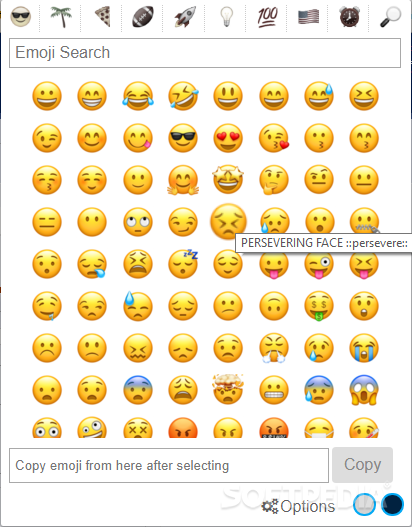
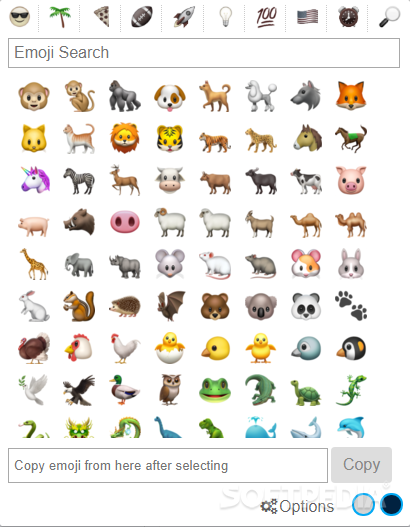
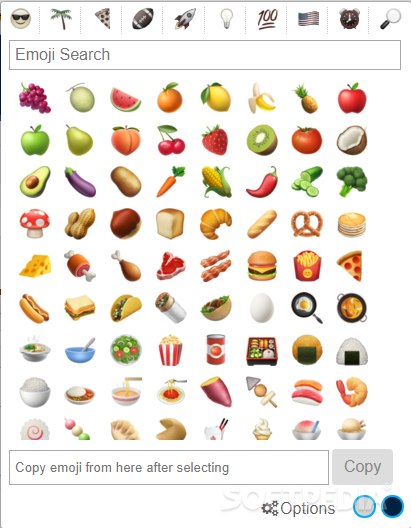
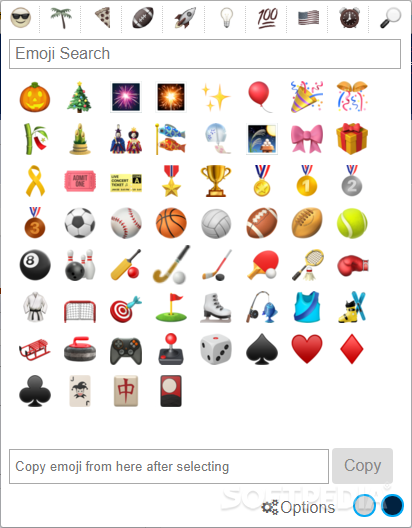
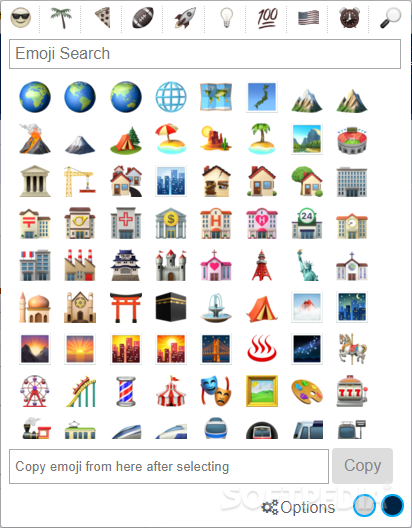
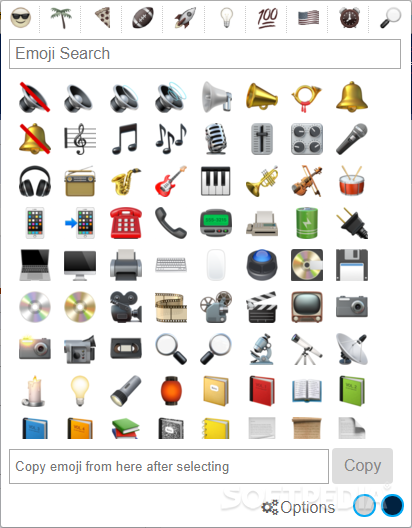
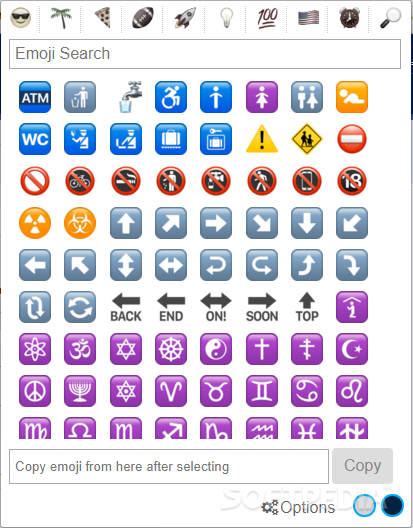
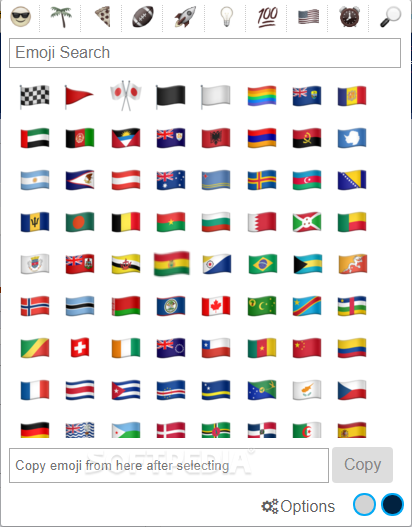
PostSmile is easy to use, and has an attractive, compact interface with smileys, images, and signatures organized in categories.
You also get a choice of different skins for the program interface so you can change the appearance of the program anytime you like.
You can add your own smileys, images, animations, emoticons. or text/HTML signatures to the program and make your own original packs and groups.
Use PostSmile when you want to make your email more interesting, fun or to make your email stand out from the others. PostSmile makes it easy to add fun to your email! PostSmile can also be very useful as a tool when using the text/HTML signature feature.
PostSmile offers a wide variety of smiley faces but that's not all, hundreds and hundreds of great emoticons are available in the PostSmile's Online Collections Gallery. It also works well with all major email programs and also with MSN Live Messenger.
One thing the users appreciate about this program is that the smiley faces are divided into clear categories - Happy, Love, Sad, Communication, Other, Signatures, Famous Quotes, Love Quotes, Proverbs, Jokes and Compliments.
You can use it to save special signatures for adding text you often include in your email. You can use famous sayings, for example, as PostSmile signature files and include them at the bottom of your email. You can combine images and text and make your own original signature! The Signature feature available in all newer versions of PostSmile, gives you many new and useful options.
You can add your own images, smilies, animations and text or HTML "signatures" to the PostSmile by creating your own "collections".
Use PostSmile when you want to make your email more interesting, fun or to make your email stand out from the others. PostSmile makes it easy to add fun to your email!
If you want to say more - say it with PostSmile!
Requirements:
· MS Internet Explorer 5.0+
Limitations:
· Saving is disabled. · Works only with preinstalled Emotions Collection
What's New in This Release: [ read full changelog ]
· Now all items in the preview field are animated.
· This version is more faster than any previous one.
|
|
 | | Softpedia guarantees that PostSmile 6.8.1 is 100% CLEAN, which means it does not contain any form of malware, including spyware, viruses, trojans and backdoors. [read more >] |
|
|
| AutoText - EmotiKons 0.1.0 |
| This extension provides the EmotiKons icon set (taken from kdelook.org) as autotext in OpenOffice.org Writer. |
|
|
|
| Hemoticons YM8 1.1 |
| Hemoticons YM8 inserts the hidden emoticons into Yahoo! Messenger version 8 and send them to the chat partner |
|
| Smile Brush 1.0 |
| Smile Brush - Using this program you can easily insert animated smiley images in your e-mails. |
|
|
|
|
|
| PopTray 3.2 Final |
| PopTray - Check up to 20 POP3 email accounts with a different notification sound for each |
|
|
|
|
|
| Free Email Sounds 1.0 |
| Free Email Sounds - free wavs for your email client. A free collection of sounds ready to be used in your favourite email client |
|
|
|
|
|
|