
Powerful and easy-to-use FTP client that enables you to backup / synchronize your websites and monitor local folders for changes. #FTP client #FTP connection #FTP download #FTP #Uploader #Downloader

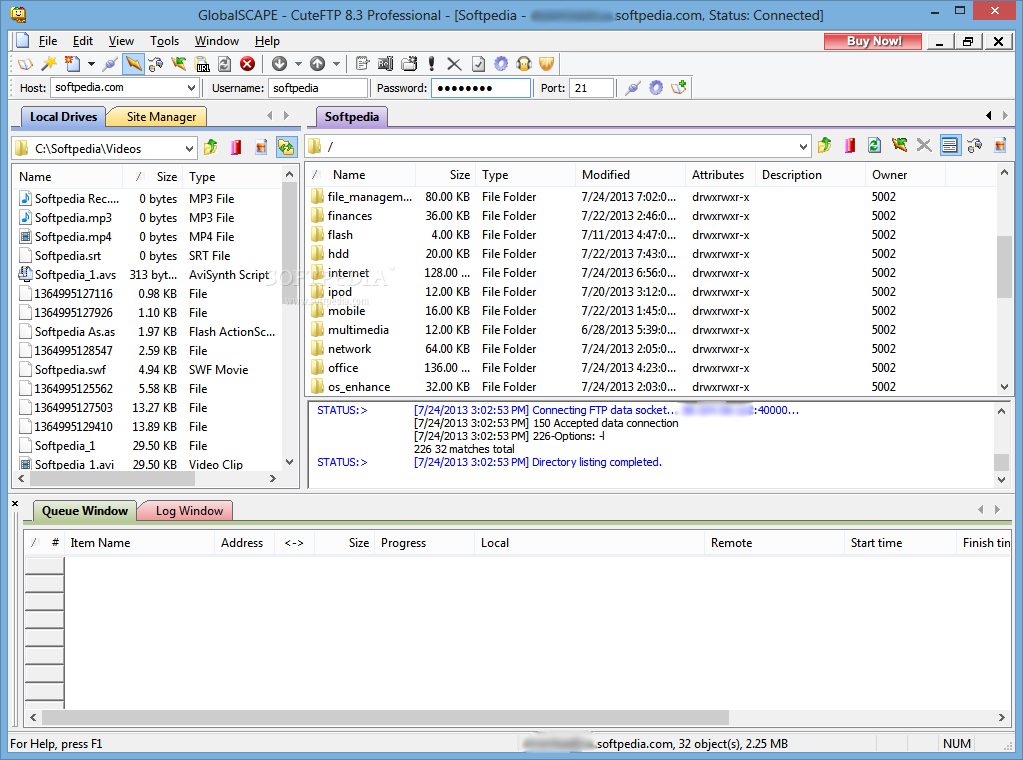
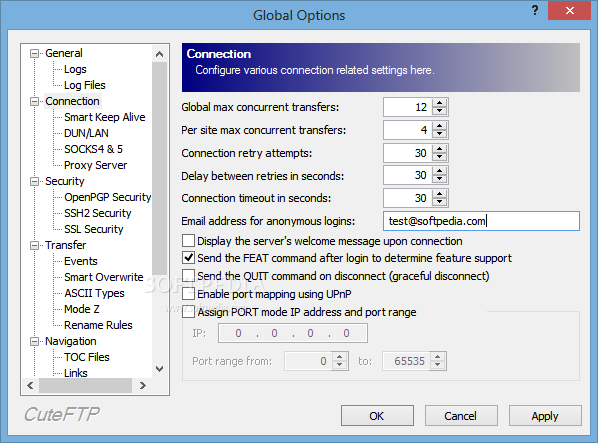
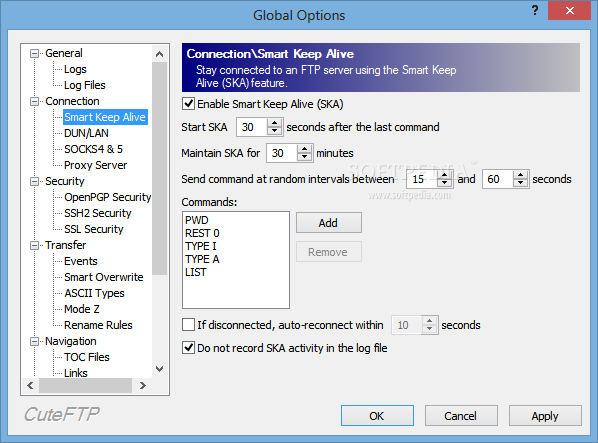
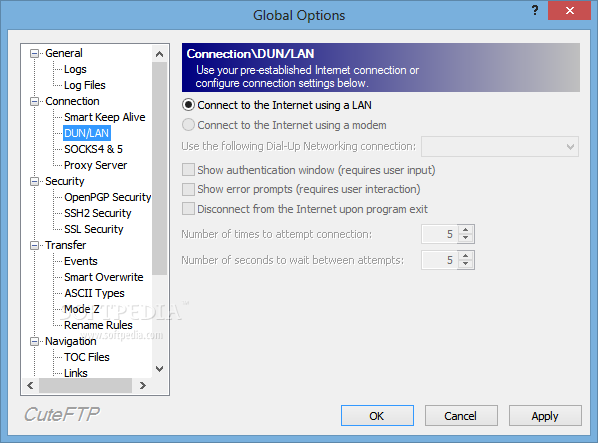
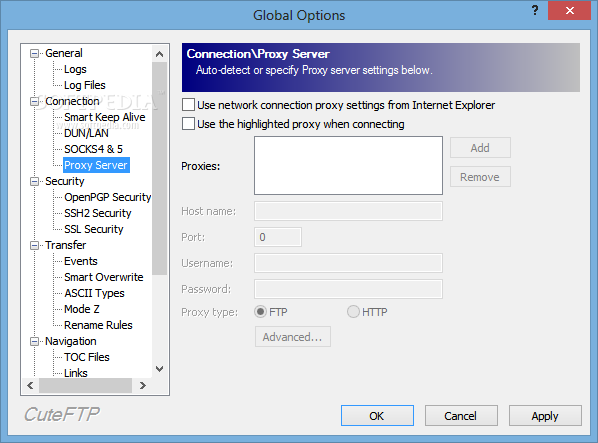
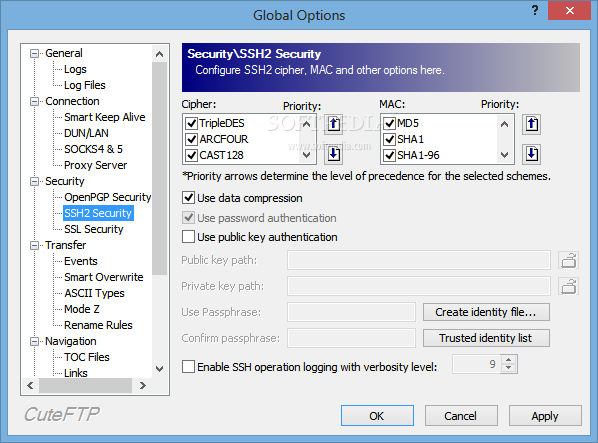
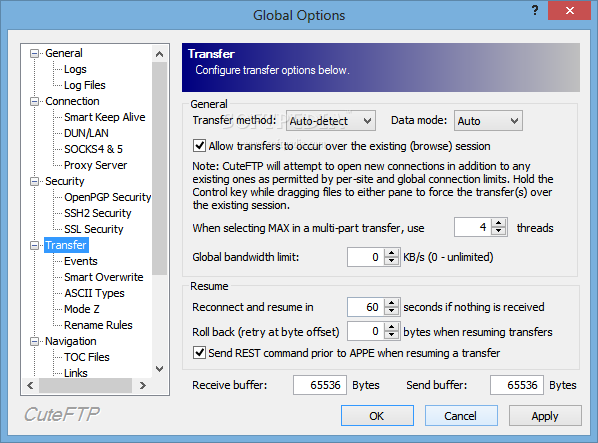
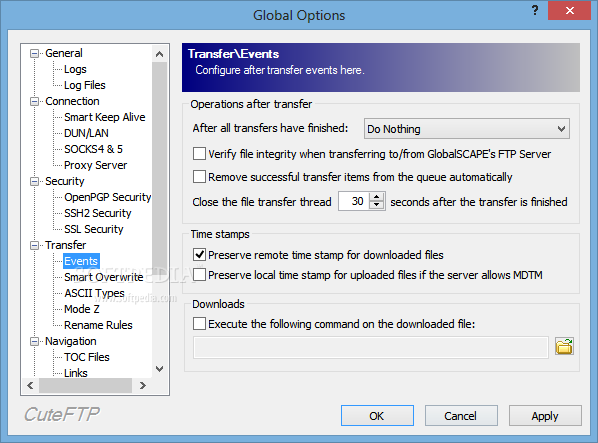
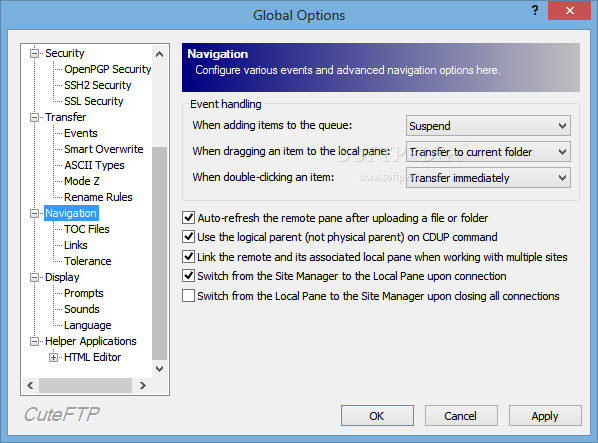
Transferring files to and from remote servers is a task often carried out with the help of dedicated software, namely FTP clients. Among the many available utilities, a fairly easy to use one is CuteFTP Pro.
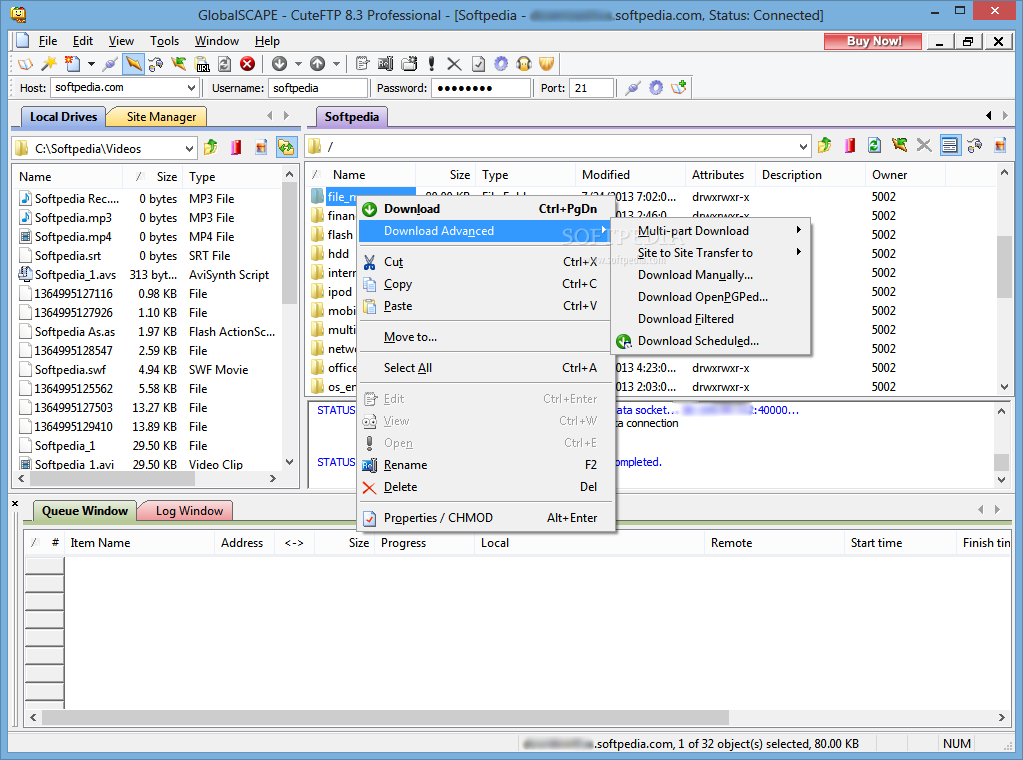
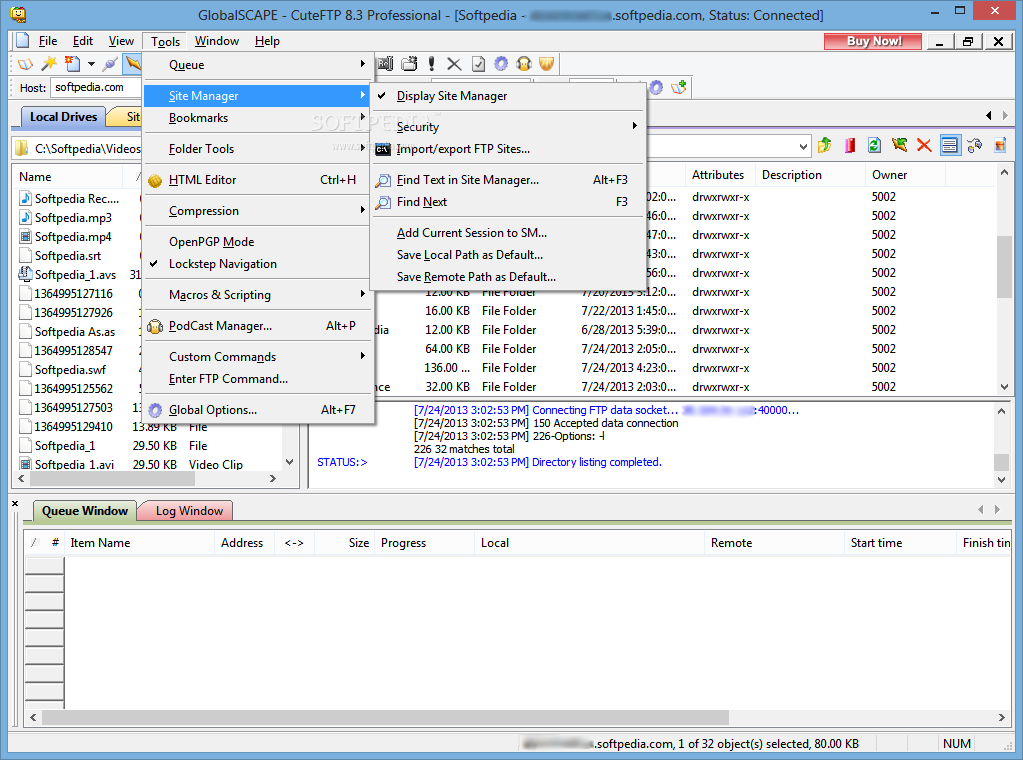
The application fully supports drag and drop so you just have to drag files around to upload them to an FTP server, but in case you want to stick to the old-fashioned methods, the rich right-click menu will help you in this regard.
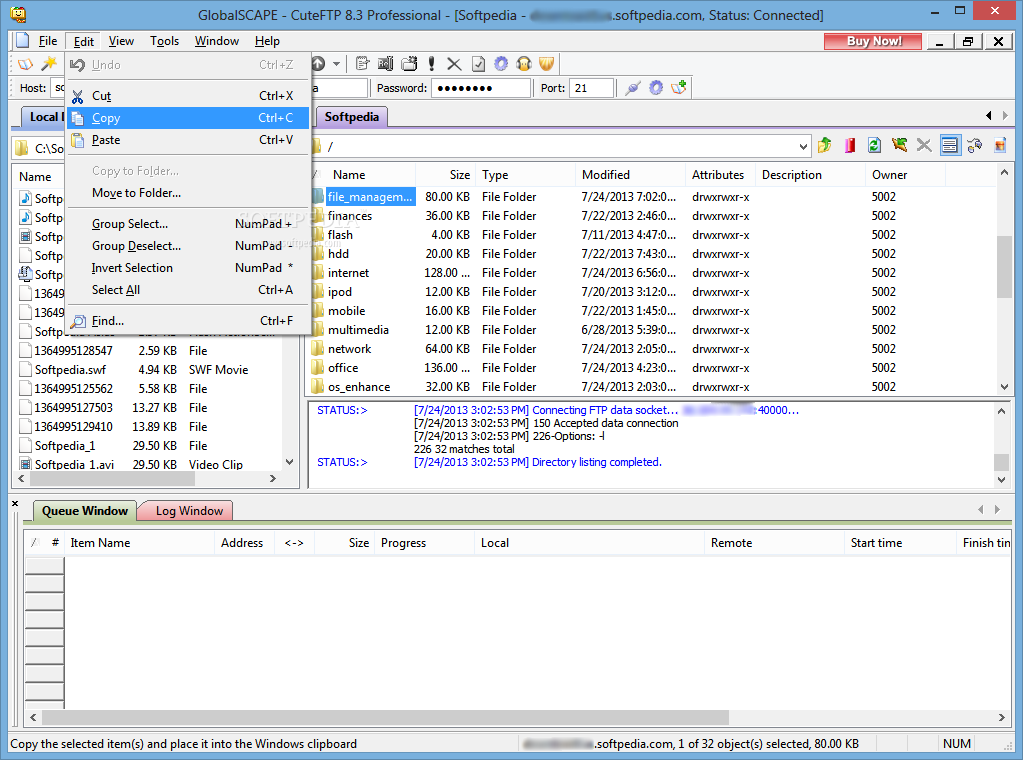
CuteFTP Pro includes a couple of great goodies, such as an HTML editor and a podcast manager. With this application you can even modify remote documents thanks to the built-in editor.
Besides the backup and synchronization features of this utility, the more advanced users will surely appreciate the addition of a macros and scripting tool for building fully automated actions.
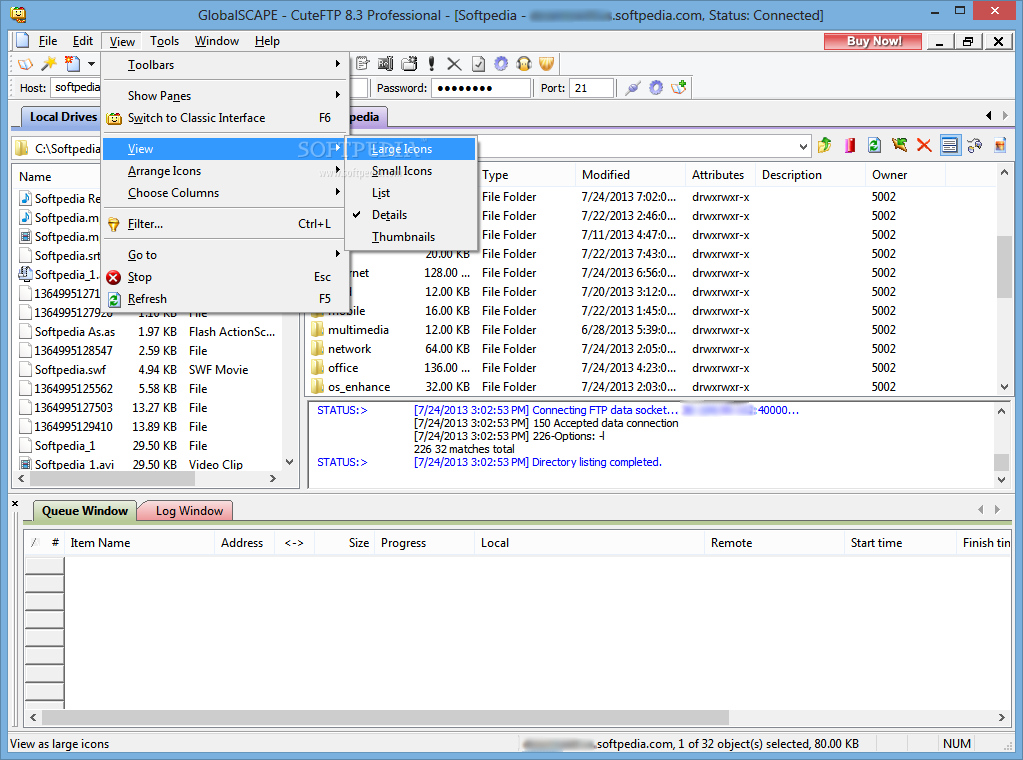
Otherwise, CuteFTP Pro has all the things you'd expect from a fully fledged FTP client, so you won't be disappointed at all. Plus, it remains quite light on computer resources all the time, which means it could be easily loaded on older machines too.
In case some features of CuteFTP Pro are not easy to understand or if you're looking for a detailed explanation about the usage of any function, there is a truly comprehensive help manual to make things clear for your.
To sum things up, it's safe to say that CuteFTP Pro is one of the best tools of its kind available on the market. A great feature set, an easy to use interface and a properly documented application like this one is sure to become a popular choice among all users types.
Download Hubs
CuteFTP Professional is part of these download collections: FTP Clients
What's new in CuteFTP Professional 8.3.4.0007:
- Added support for file date parsing from Windows NT IIS FTP Server
- Improved retry logic on network failures when transferring via SFTP
- Corrected more than 30 discrete issues that lead to Client/Server crashes
- Corrected Windows 7 compatibility issues
CuteFTP Professional 8.3.4.0007
add to watchlist add to download basket send us an update REPORT- runs on:
-
Windows 2008 R2
Windows 2003
Windows 8 32/64 bit
Windows 7
Windows Vista
Windows XP - file size:
- 20.6 MB
- filename:
- cuteftppro.exe
- main category:
- Internet
- developer:
- visit homepage
Windows Sandbox Launcher

4k Video Downloader

Microsoft Teams

calibre

IrfanView

Bitdefender Antivirus Free

Context Menu Manager

7-Zip

Zoom Client

ShareX

- 7-Zip
- Zoom Client
- ShareX
- Windows Sandbox Launcher
- 4k Video Downloader
- Microsoft Teams
- calibre
- IrfanView
- Bitdefender Antivirus Free
- Context Menu Manager