Search Perform an advanced search query SOFTPEDIA
 
SOFTPEDIA
Updated one minute ago
HomeSubmit a program for being reviewedAdvertise on our websiteGet help on surfing our websitesSend us your feedbackGet information about our XML/RSS backend and how to use itBrowse the news archiveVisit our discussion forumVizitati forumul in limba romana


Program Finder NormalFreeware onlyShareware only

CuteFTP Home 8.2.0 Build 02.26.2008.4 Report spyware 

Click to download CuteFTP XP
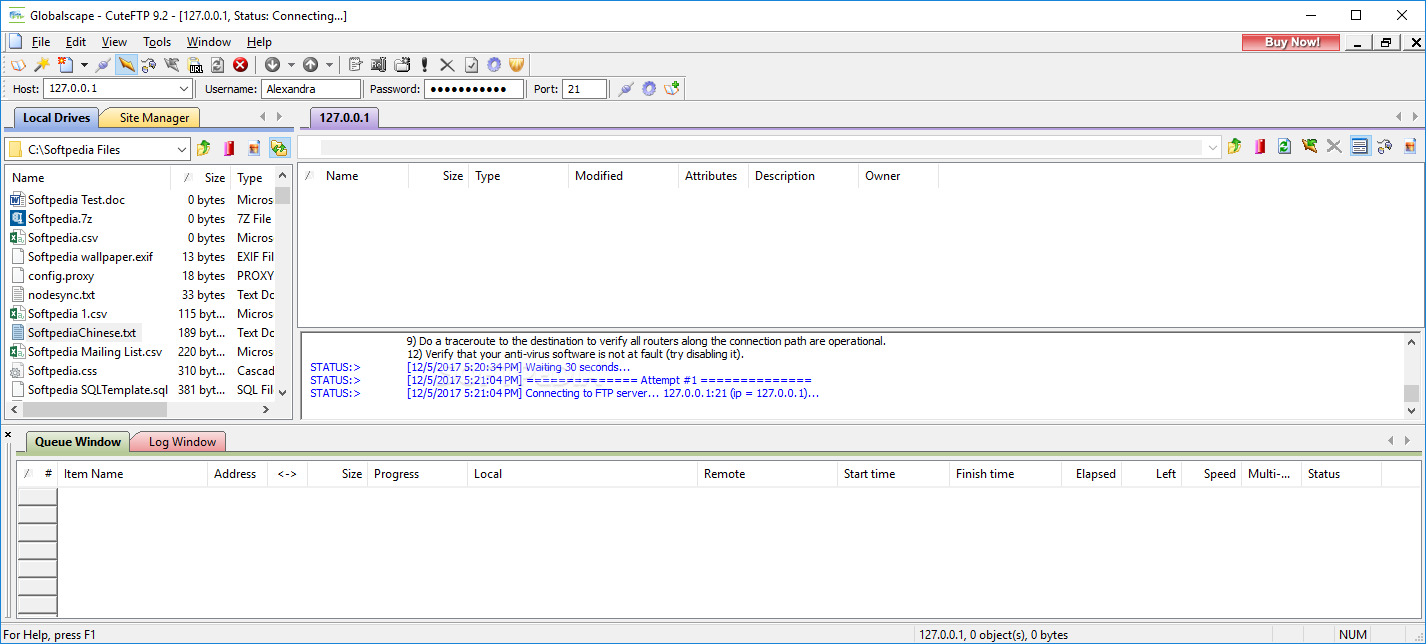
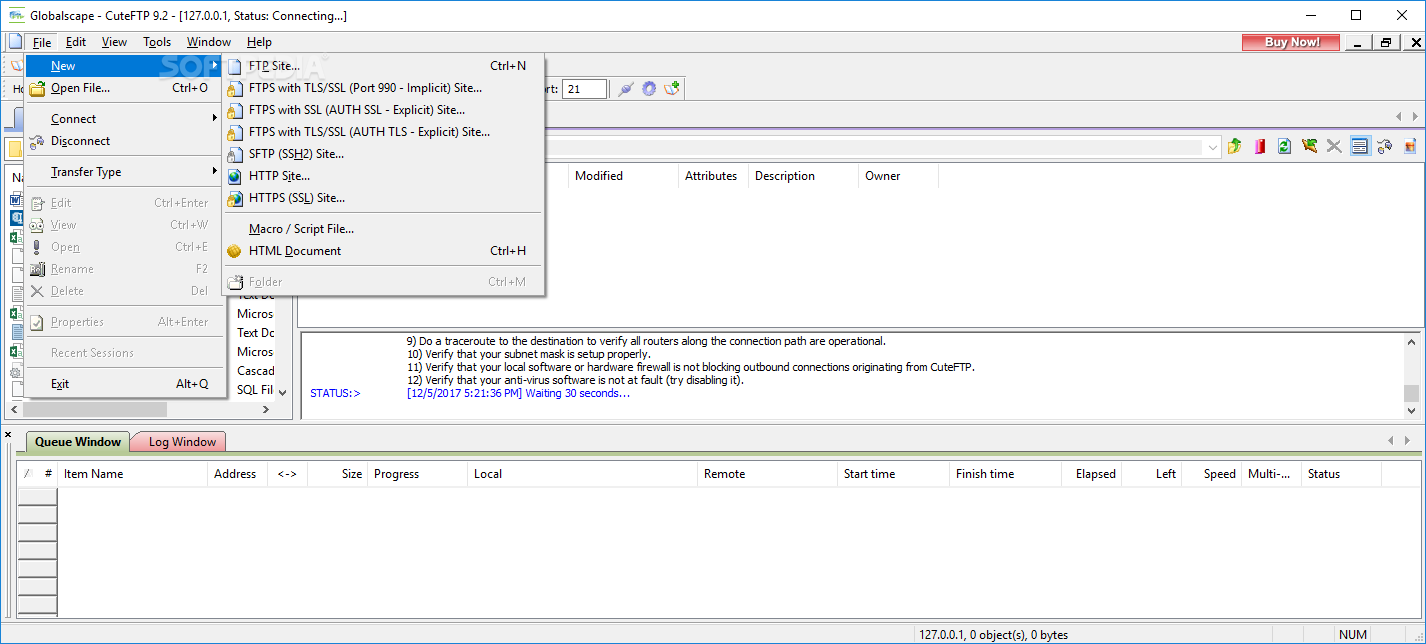
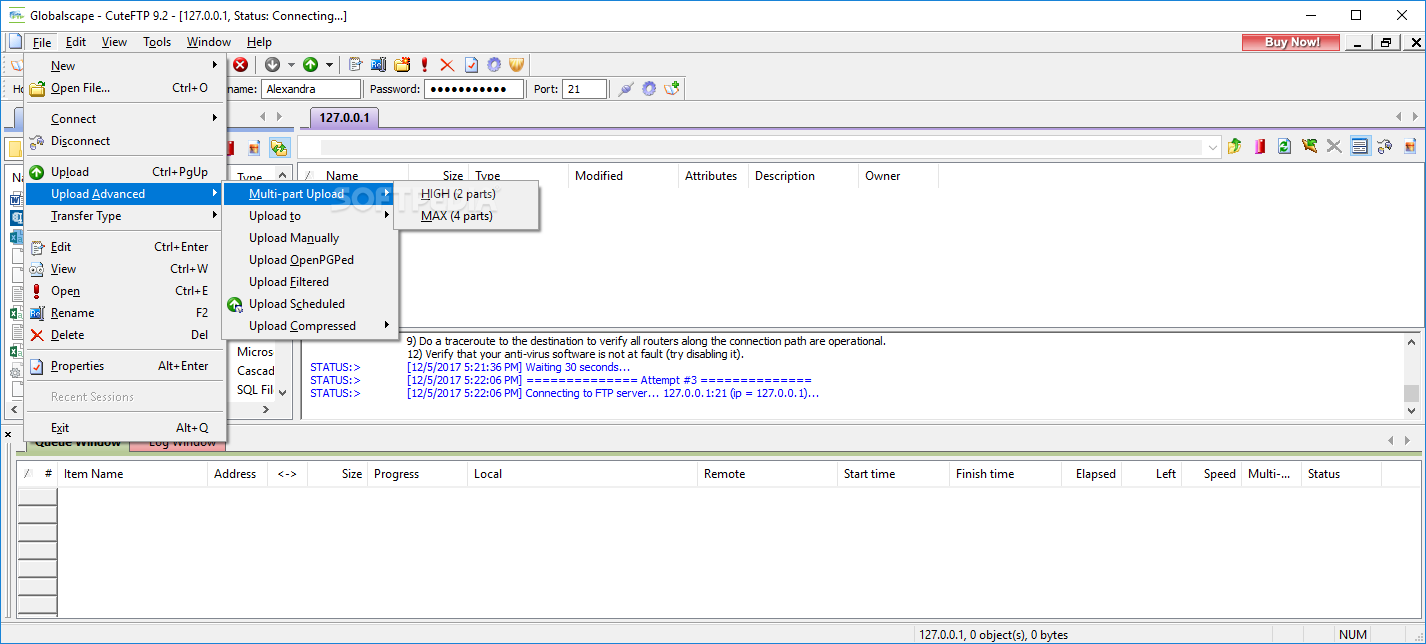
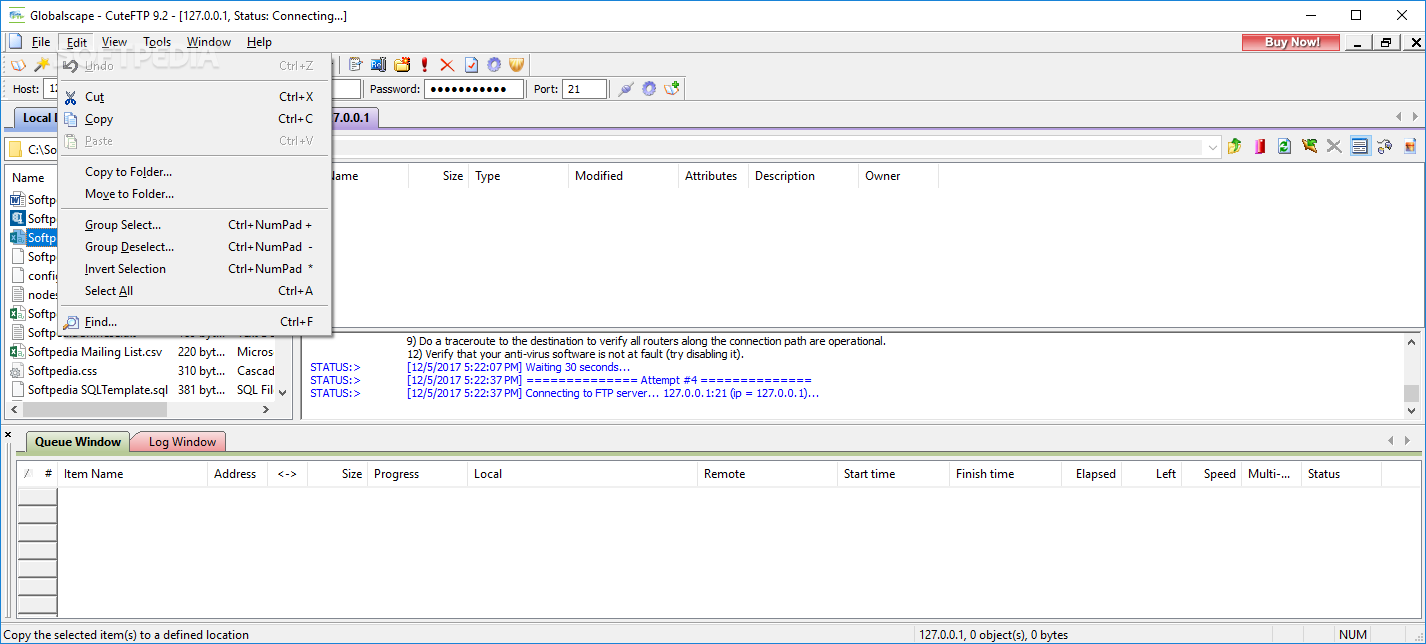
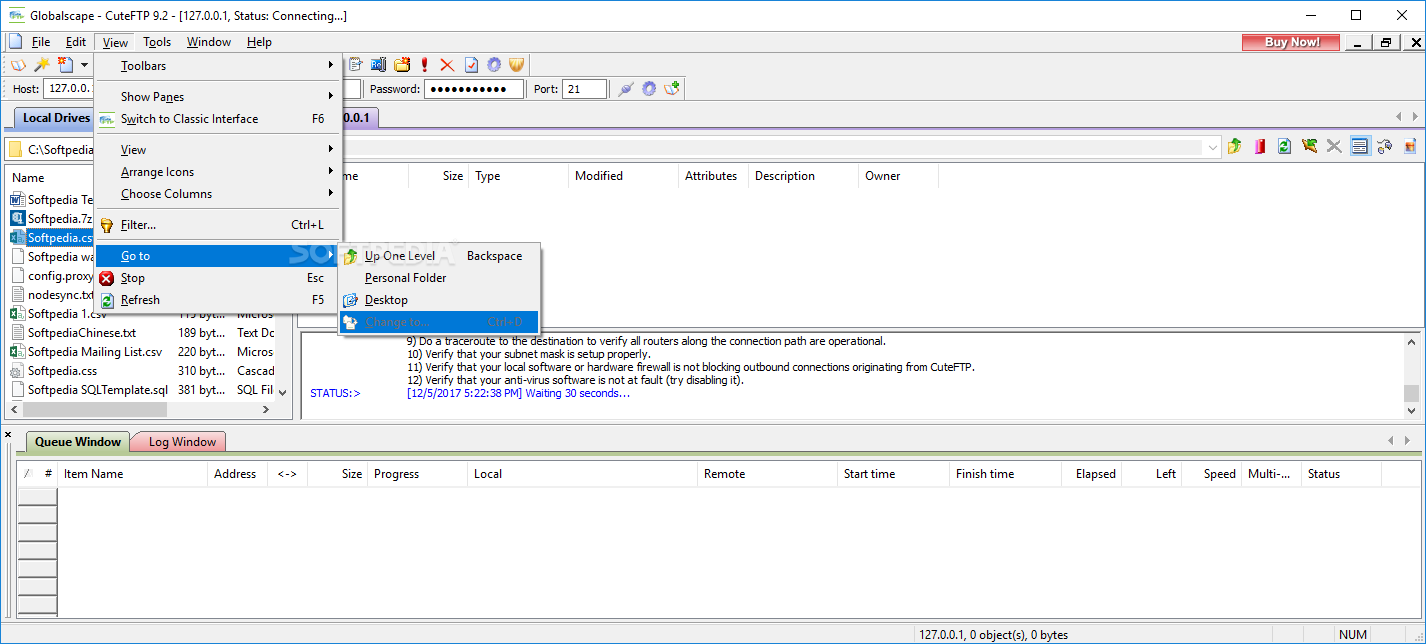
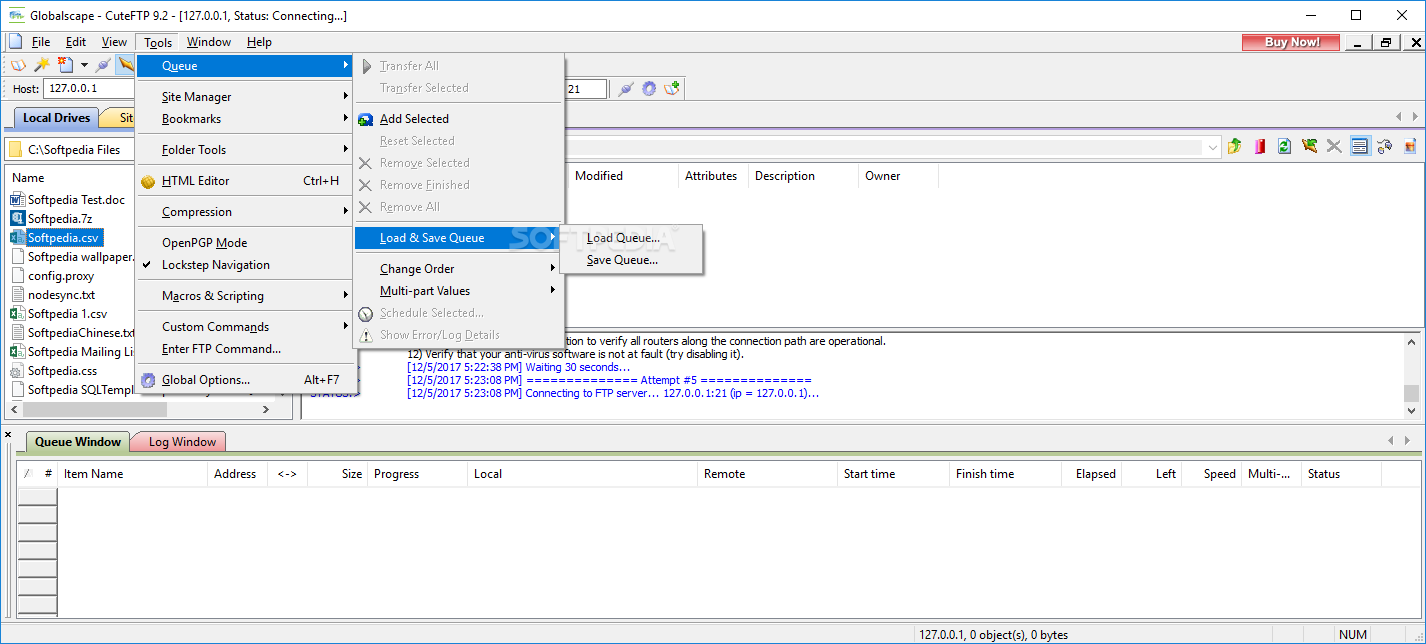
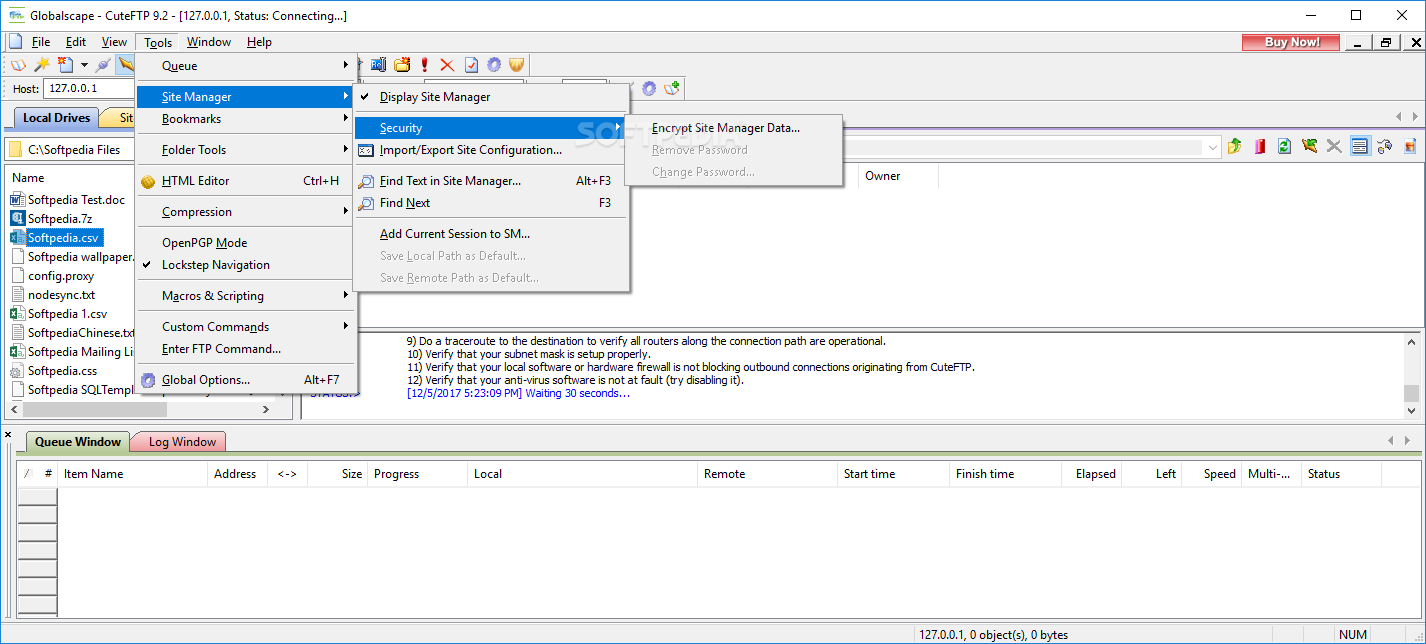
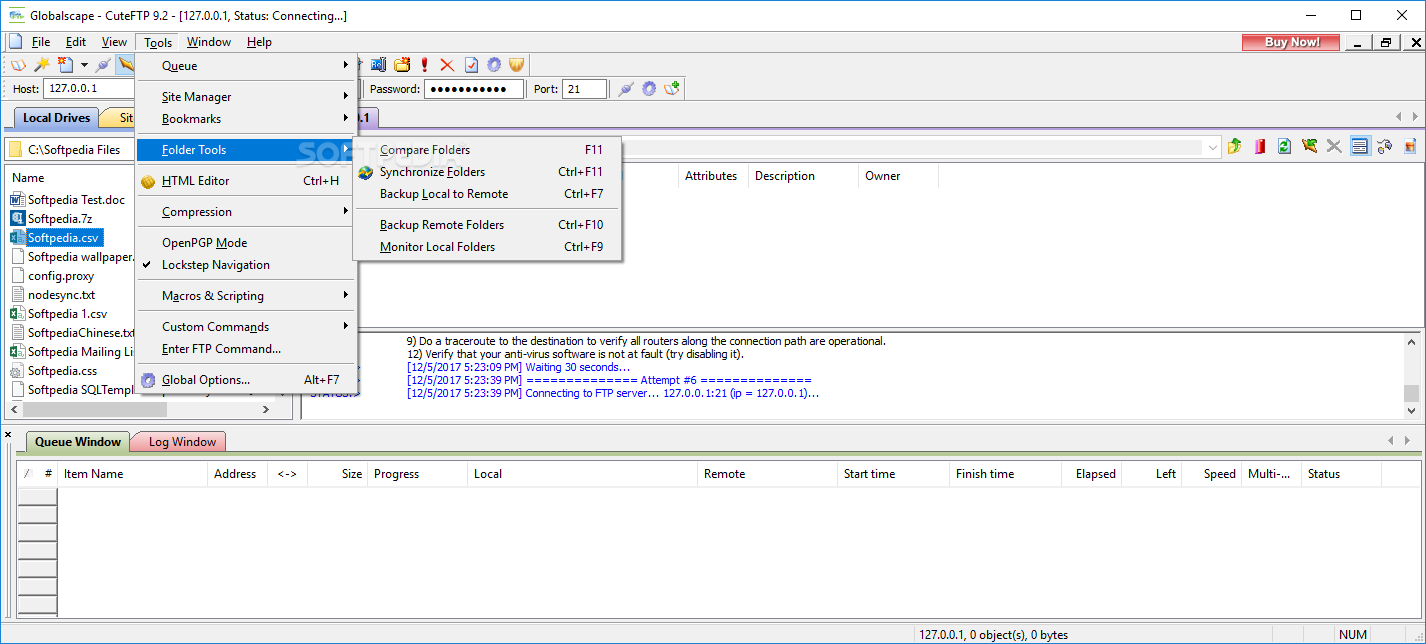
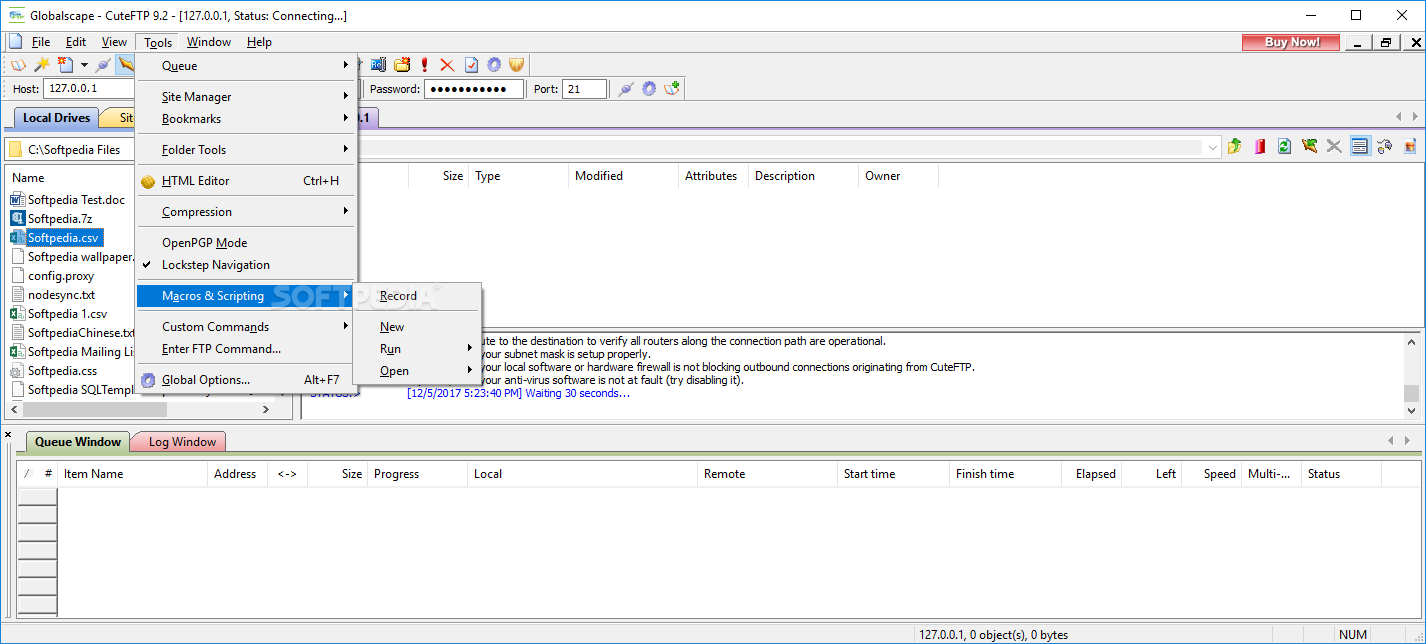
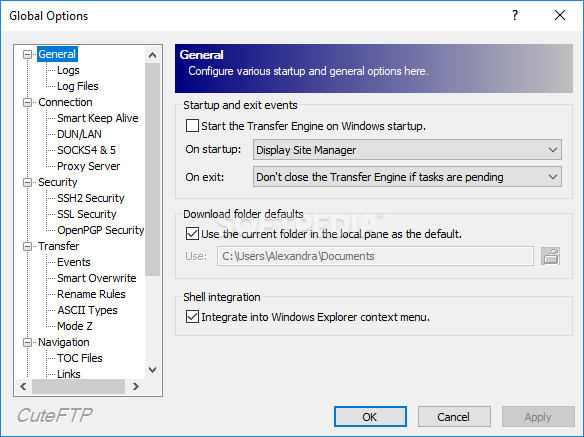
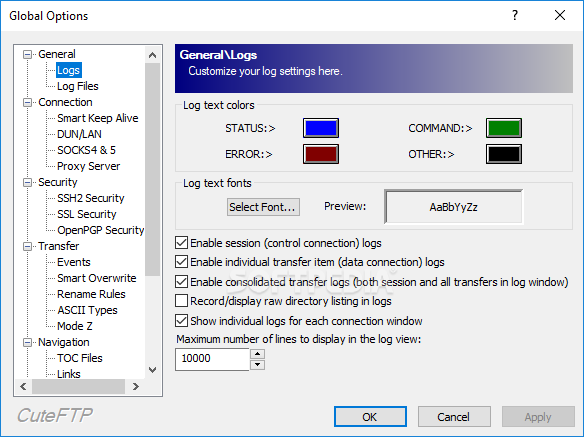
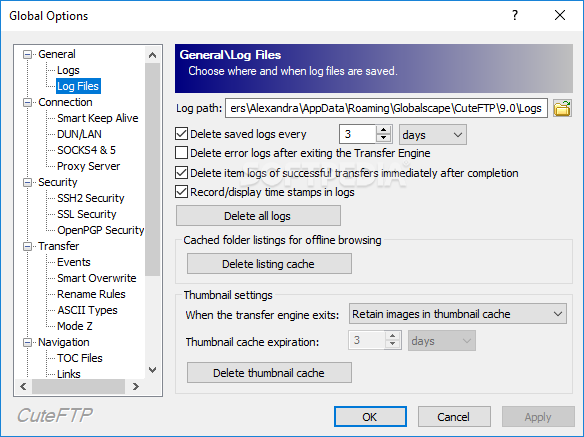
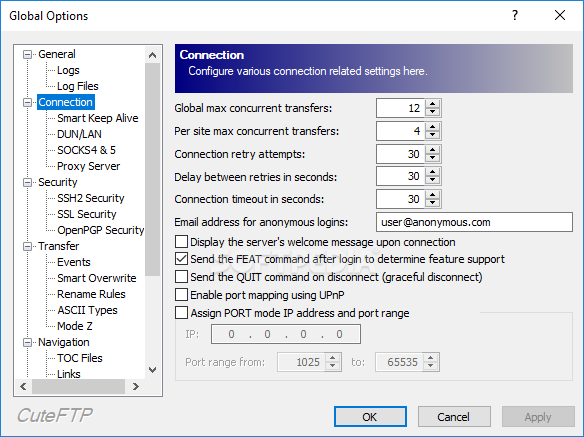
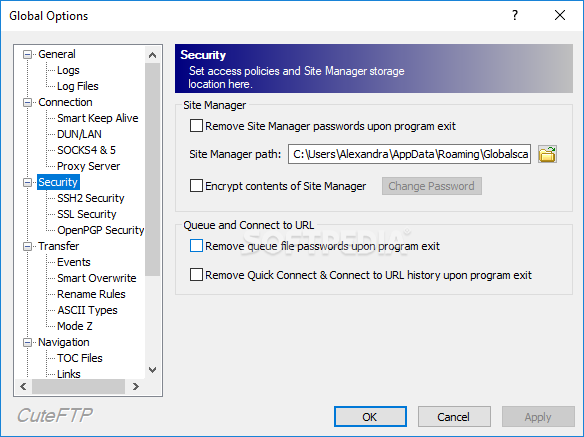
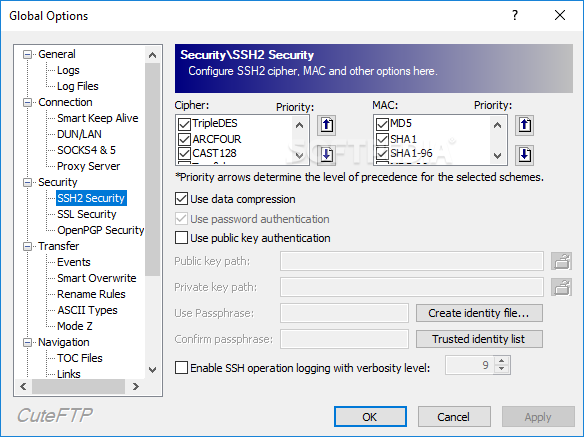
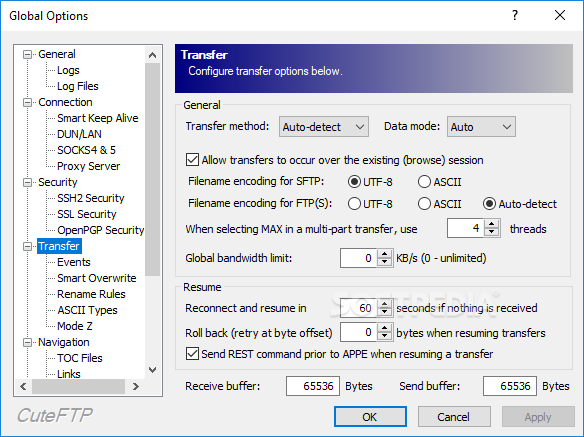
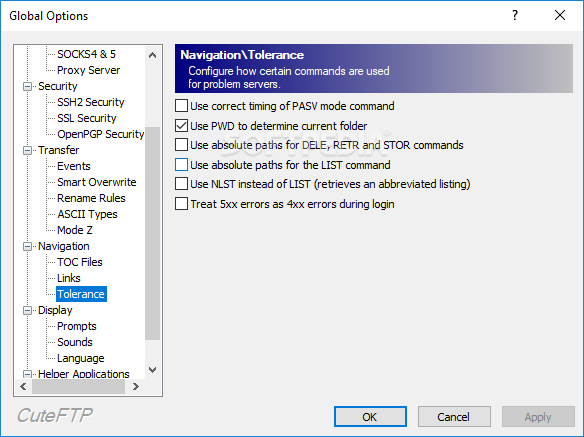
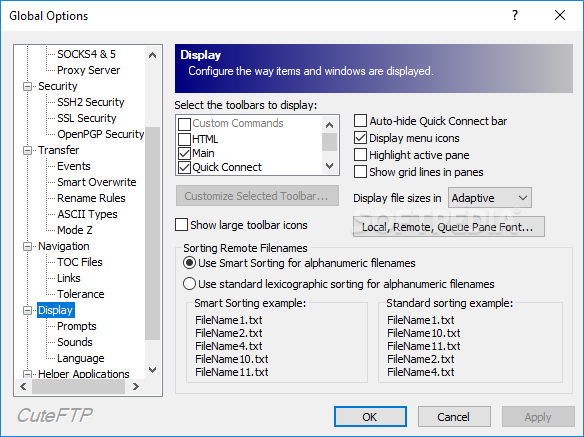
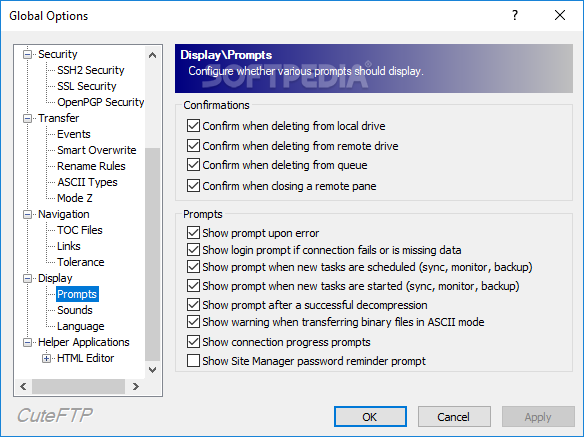
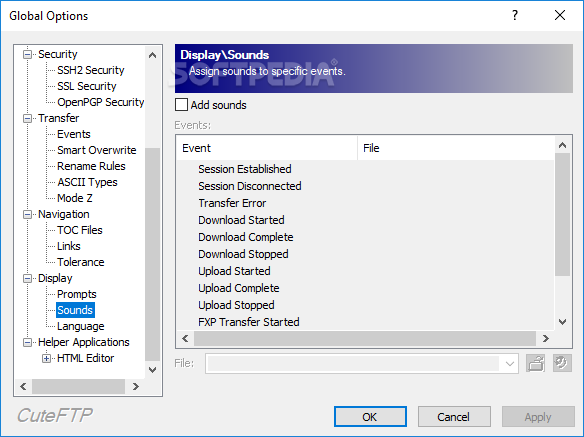
View more CuteFTP Home screenshots (4)
 Downloads: 20,824
Rating: Good (3.8/5) | Rated by: 74 user(s)
Add to download basket     Send us update information
 Developer: GlobalScape | More programs by this producer
 License: Trial , 39.99 $ to buy 
 Size / OS: 6.55 MB, Windows All
 Last Updated: April 6th, 2008, 22:43 GMT
 Category: C: \ Internet \ FTP Clients
 Read user reviews (0) Add a review Refer to friend Subscribe
    Download CuteFTP XP

CuteFTP XP description
This application is a FTP client that is used to transfer files between your computer and a FTP server

Cute FTP Home is a File Transfer Protocol (FTP) client that is used to transfer files between your computer and File Transfer Protocol (FTP) servers.

Whether you are publishing a Web page, downloading the latest digital images, music, or software, or if you are just transferring large files between your home and office, CuteFTP Home gets the job done every time.

Cute FTP Home is used to transfer files of any size and/or type, including Web pages, multi-media files, or other documents to and from a file transfer server over FTP, the standard for moving files across the Internet.

Cute FTP Home assures efficient, reliable, secure connections and transfers over FTP (FTP over SSL/TLS). Typical uses include:
· Upload your web pages to your ISP's FTP Server for viewing in a web browser
· Upload work files to an FTP server.
· Upload your auction images to an FTP Server
· Upload or download multimedia files such as music, images or video files
· Download the latest game patches, programs or game demos from participating FTP servers
· Download large files faster than when using your Web browser
· Backup critical files to an FTP server in case your system crashes

Cute FTP Home is similar
to a web browser. You enter an "FTP" address instead of an "HTTP" address and it transfers files instead of opening them. Additionally, it lets you change filenames, delete files or folders, or edit a remote document using its internal editor.

Here are some key features of "CuteFTP XP":

· Standard FTP - Compatible with any industry standard FTP server.
· FTP over SSL (FTPS) - Strong 128-bit SSL negotiates connections and encrypts the data stream.
· Step-by-step Connection Wizard - Easily setup your first FTP connection.
· XP Color Icons - High-colored icons even when operating on non-XP operating systems (Windows 2000, 2003, etc.).
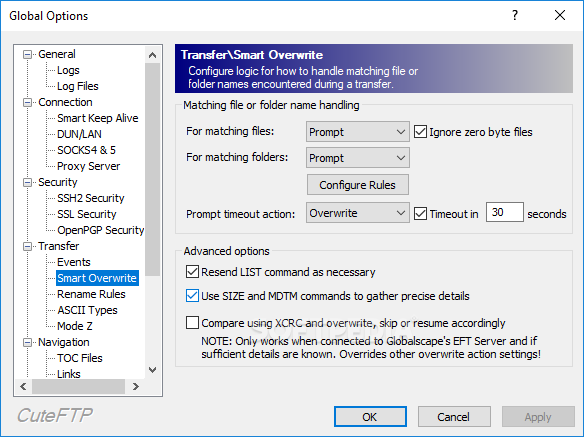
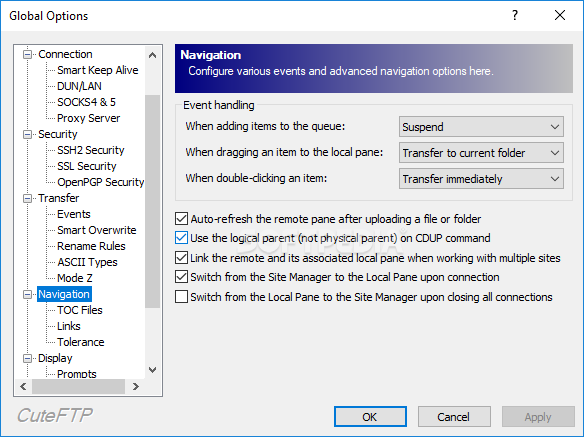
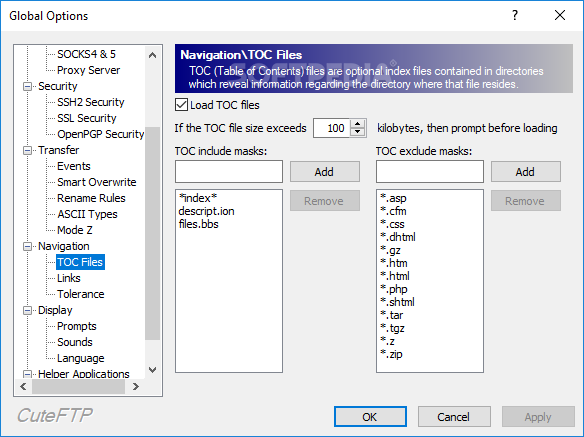
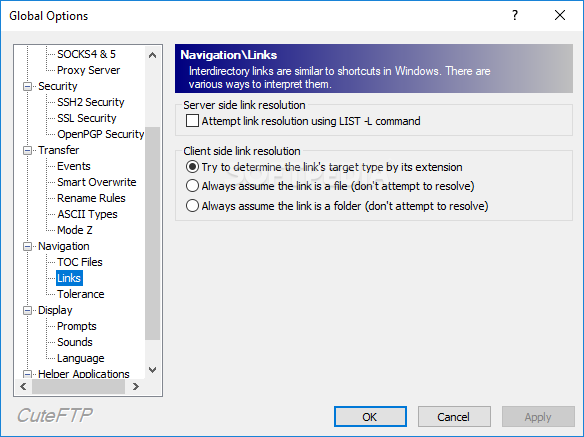
· Configuration Options - Multiple controls for customizing the look and feel of CuteFTP.
· Advanced Search - Find files and folders easily, by name, size or creation/modification date, whether they are on your local computer or a remote server.
· Podcast Manager - Automatically create and update your Podcast RSS feed when you use CuteFTP to manage your Podcast files. It even includes a Podcast subscription manager that automatically downloads new episodes, or lets you select only the ones that sound interesting.
· Local Backup - Quickly and easily back up your computer to a remote server for added data security.
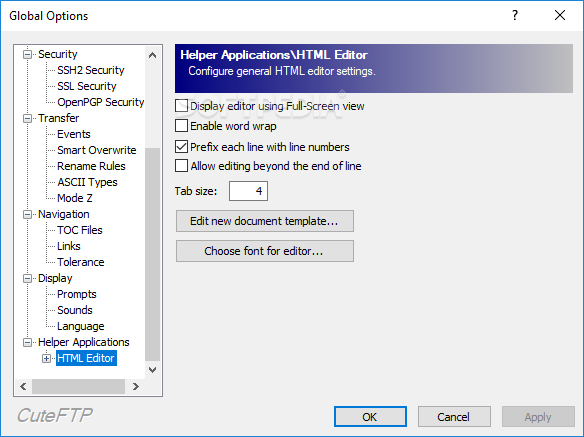
· Integrated Editor - Perform quick edits of remote Web pages or other documents using a powerful integrated text editor.
· Filtered Listings - Choose what to display in either pane to facilitate the process of downloading groups of files while ignoring others.
· Transfer Resume - Automatically restart interrupted transfers or manually restart paused transfers from the point it left off.
· Scheduled Transfers - Set up transfers to occur at a future date or time and optionally in a recurring manner.
· Concurrent Transfers - Transfer more than one file at the same time.
· Multi-part Transfers - speed up large file transfers by splitting files into multiple parts and then transferring each part concurrently.
· Turbo Transfer - Automatic Mode Z file compression and multi-part transfers for the fastest possible throughput.


Requirements:

· An Internet connection
· Microsoft Internet Explorer 5.5 or higher


Limitations:

· 30 day trial
· nag screen


What's New in This Release:

· Corrected issue where auto refresh was not functioning after files or folders were transferred to the remote pane successfully.
· Corrected issue where a user would use the silent installer and then fully register but the username would display incorrectly in the Help About.
· Corrected issue where CuteFTP was permanently changing a registry setting that allowed applications to steal focus from the current application.
· Corrected an issue in Windows Vista where image files were not being displayed in the remote or local panes under the thumbnail view.
· Enhanced Turbo Mode to better handle transfers of small files.
· Corrected a problem with file list column sorting that was producing unsorted results.
· Corrected problem where CuteFTP directory was being created as 8.1 instead of 8.0 on upgrade. ... [ read full changelog ]


Softpedia guarantees that CuteFTP Home 8.2.0 Build 02.26.2008.4 is 100% CLEAN, which means it does not contain any form of malware, including but not limited to: spyware, viruses, trojans and backdoors.

This software product was tested thoroughly and was found absolutely clean, therefore it can be installed with no concern by any computer user.

However, it should be noted that this product will be retested periodically and the award may be withdrawn, so you should check back on this page from time to time. (click here for more information)


Related downloads IT News Popular downloads New additions   Latest reviews  
Core FTP Lite 2.1.1565
A free FTP Client with SSL/TLS, SSH/SFTP, dragdrop, resume/retry, proxy/socks/firewall
FTP Now 2.6.87
Amazing FTP client coupling advanced technology for FTP download and upload!
32bit FTP 08.04.14
Using this application you can gain access to millions of FTP sites around the world
FTP Scheduler Pro 7.2.3
A FTP Scheduling Utility that supports Secure connections
FTPGetter 2.99.0.78
A sophisticated download/upload transfers manager and scheduler
EmFTP Professional 2.02.2
EmFTP is an easy-to-use, high-quality FTP client software
WebMaster FTP 1.1
FTP program designed for webmasters whose sites are on UNIX-like hosts
PyroBatchFTP 2.18
Transfers files to/from FTP servers in an automatic and unattended way

go to top Use the following code to link to this page:


Welcome!
Hello, Guest

Login if you have a Softpedia.com account.

Otherwise, register for one.

Main categories:
  • Antivirus
  • Compression tools
  • CD/DVD Tools
  • Office tools
  • Programming
  • Authoring tools
  • File managers
  • Desktop Enhancements
  • Internet
  • Network Tools
  • IPOD TOOLS
  • Mobile Phone Tools
  • Multimedia
  • Tweak
  • System
  • Security
  • Others
  • Science / CAD
  • UNIX
  • Windows Widgets
  • PORTABLE SOFTWARE

  • Week's best:
  • Intel Chipset Softwa...
  • Uxtheme Multi-patche...
  • SRS Audio Sandbox 1....
  • SP3 UxTheme Patcher ...
  • PECompact 2.82
  • Sony Vegas Movie Stu...
  • 3DMark Vantage 1.0
  • Total Commander 7.03
  • VistaMizer 2.5.1.0
  • AVG Free Edition 8.0...
  • Windows XP Service P...
  • Ashampoo Burning Stu...
  • XviD Media Codec 1.1...
  • Blu-ray Disc Ripper ...
  • Blu-ray Region Code ...
  • Adobe Photoshop Ligh...
  • PowerDVD 8.0.1531
  • EF Commander 6.54
  • Microsoft Windows In...
  • Nero 8 Lite 8.3.2.1
  • WebSite-Watcher 4.41...
  • EVEREST Ultimate Edi...
  • Nokia PC Suite 6.86....
  • VMware Workstation 6...
  • AnyDVD HD 6.4.2.1 Be...
  • Messenger Plus! Live...
  • The Bat! Voyager 4.0...
  • Windows Vista Servic...
  • Nero 8 8.3.2.1
  • Vipre 3.1.1997 Beta
  • © 2001 - 2008 Softpedia. All rights reserved.
    Softpedia™ and Softpedia™ logo are registered trademarks of SoftNews NET SRL.
    Copyright Information | Privacy Policy | Terms of Use | Contact Softpedia | Update your software | Archive