
Freeware SFTP and SCP client for Windows using SSH, which enables you to quickly perform data transfers and manage all your files. #SFTP client #SCP client #FTP client #SFTP #SCP #FTP


WinSCP is one of the most popular FTP and SFTP clients out there, delivering a robust feature set ready to meet your needs. Released under an open-source license, this application streamlines file transfers between a local and a remote workstation, expanding its support to a larger array of protocols.
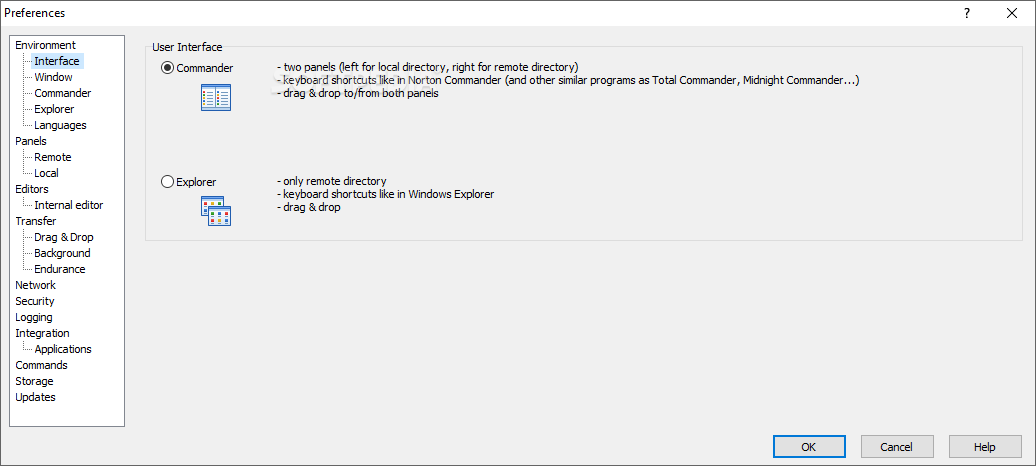
Thanks to the double-sided interface, working with WinSCP is easy. The GUI might remind you of popular file managers and for good reason. Once connected to the remote server, you can perform all the regular file operations: cut, copy, move, rename, and so on.
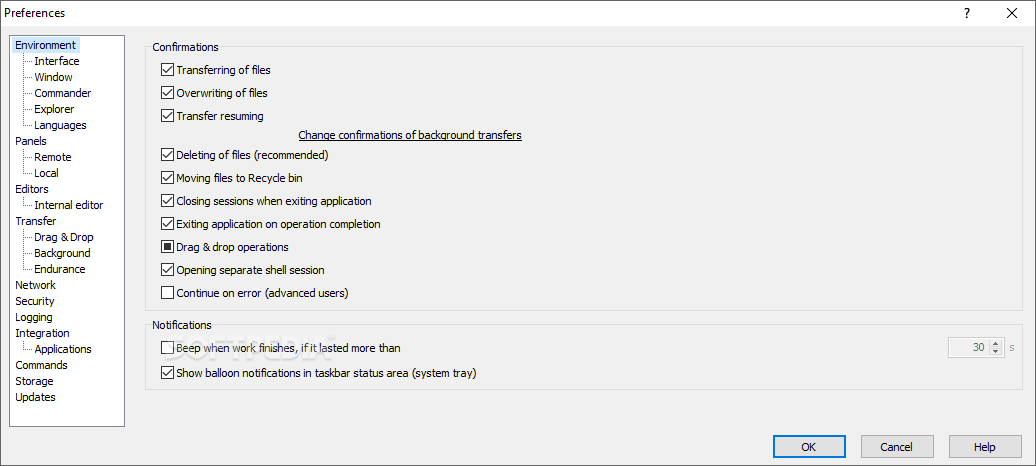
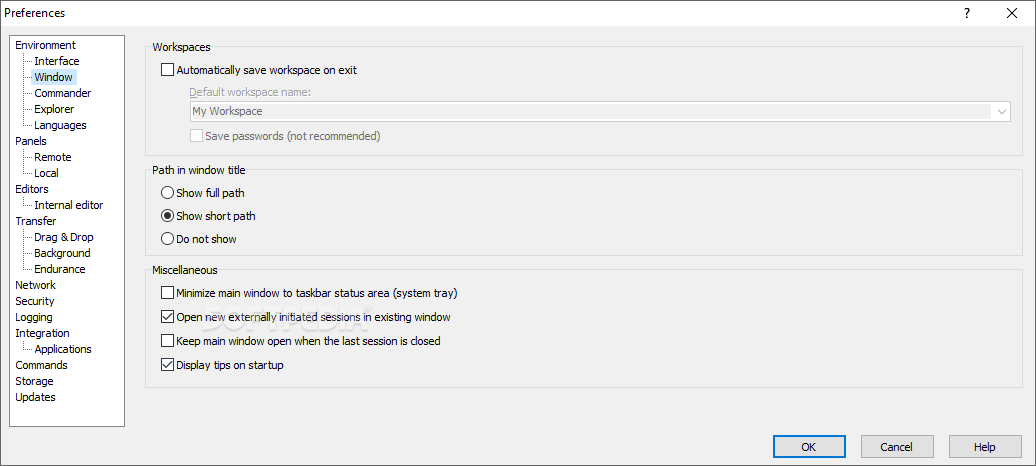
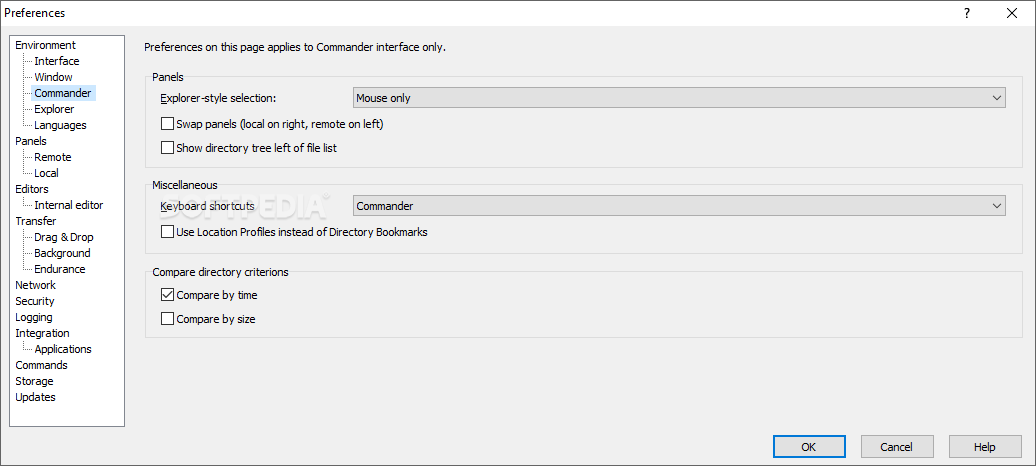
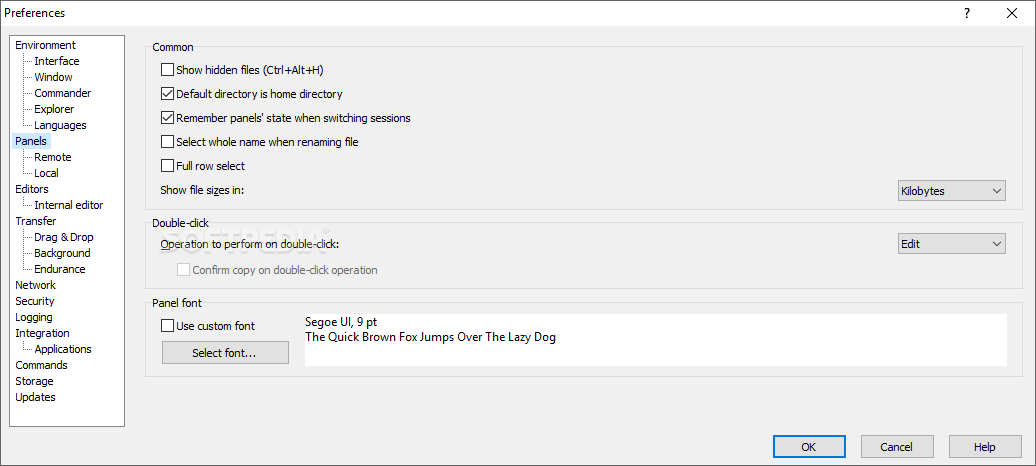
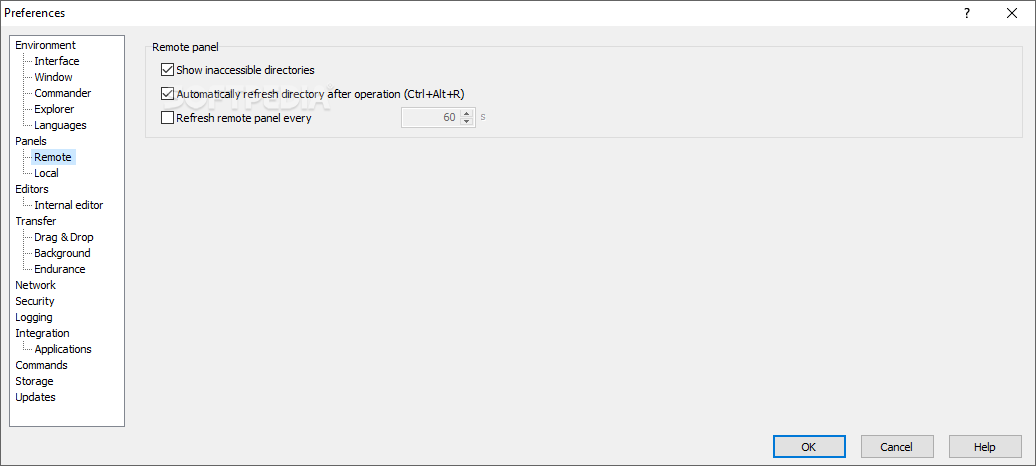
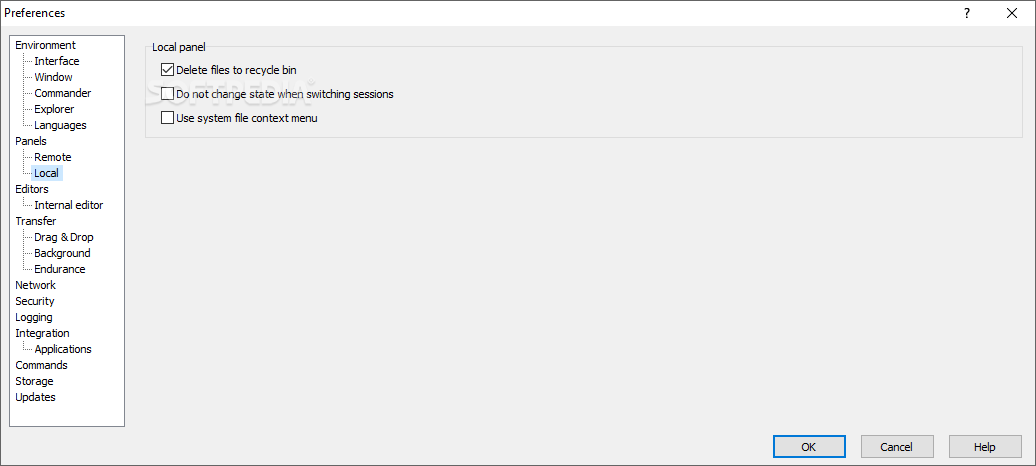
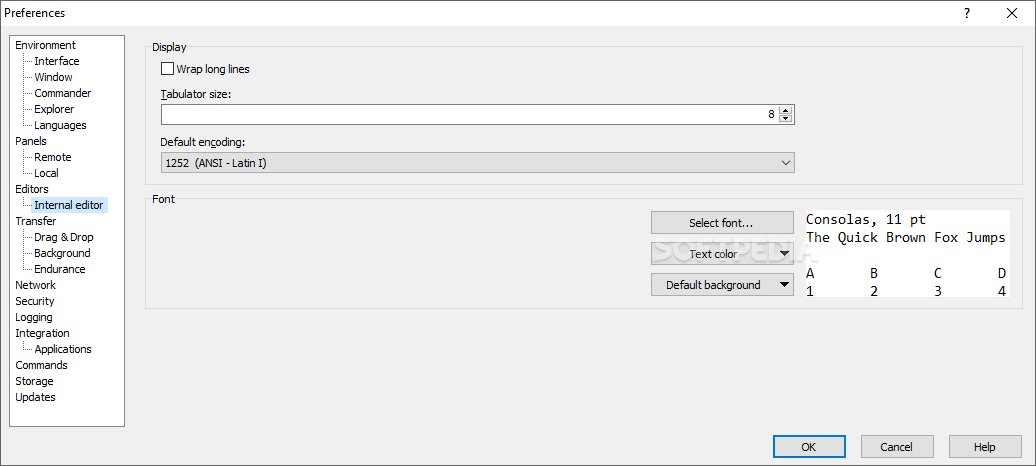
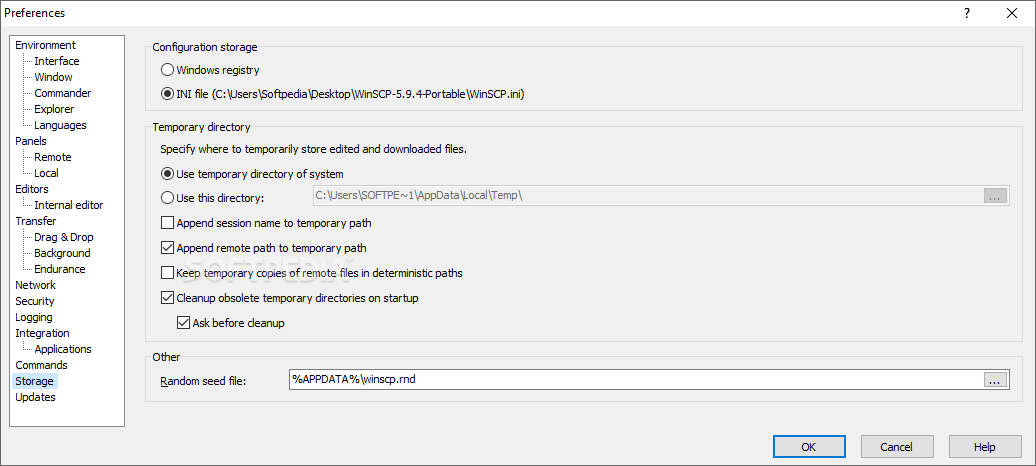
Alternatively, WinSCP enables you to discard the default Norton-like interface and, instead, work with an Explorer-like GUI. This option can be tweaked in the Preferences window. Evidently, the two-sided mode is more comfortable to work with.
WinSCP comes with a built-in site manager that can help you configure the connection details and store them for later use. Next time you want to connect to a server, doing so will be much easier and faster.
As for the supported protocols, WinSCP is not limited to FTP and SFTP, but it also allows connections to Amazon S3, SCP, FTPS or WebDAV. It features integration with PuTTY and various other applications.
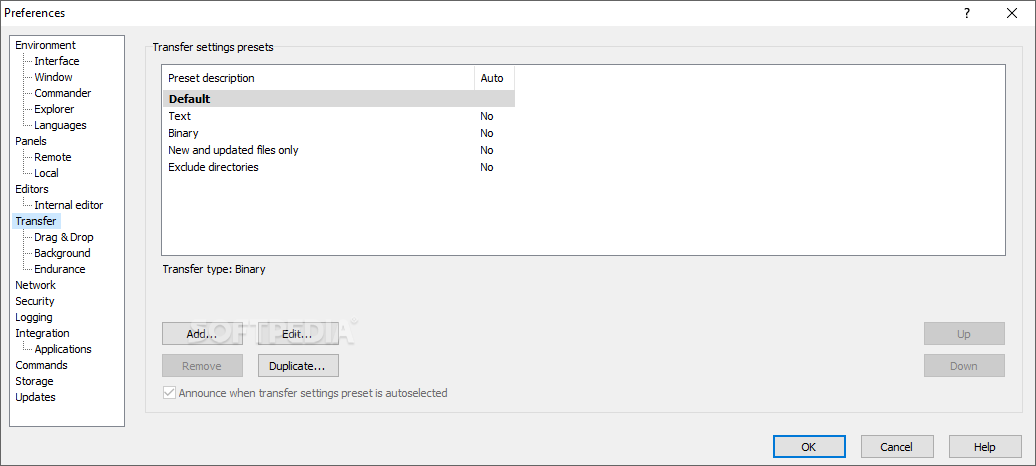
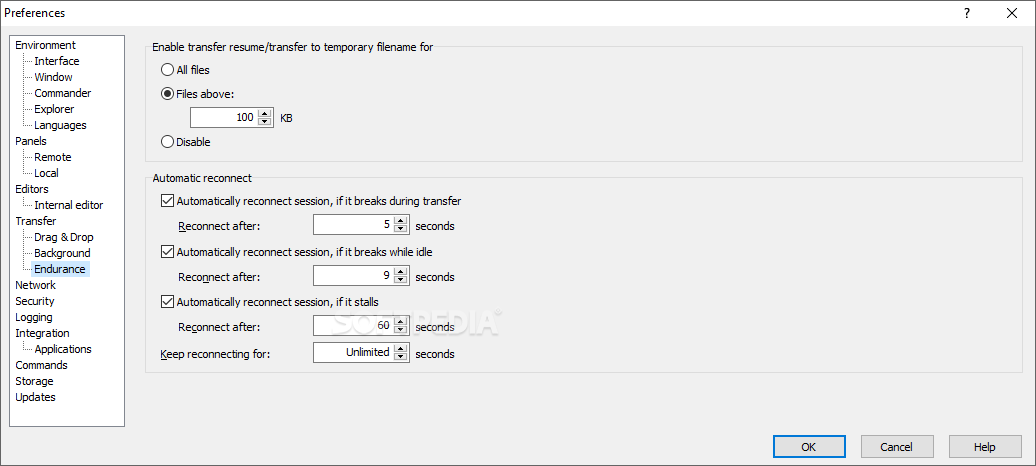
Of course, you can use WinSCP to explore files on the local PC and initiate transfers to the remote server. The application features both binary and text transfer modes and it allows simultaneous or background transfers and queue processing. In case the connection is lost, it can automatically try to reconnect.
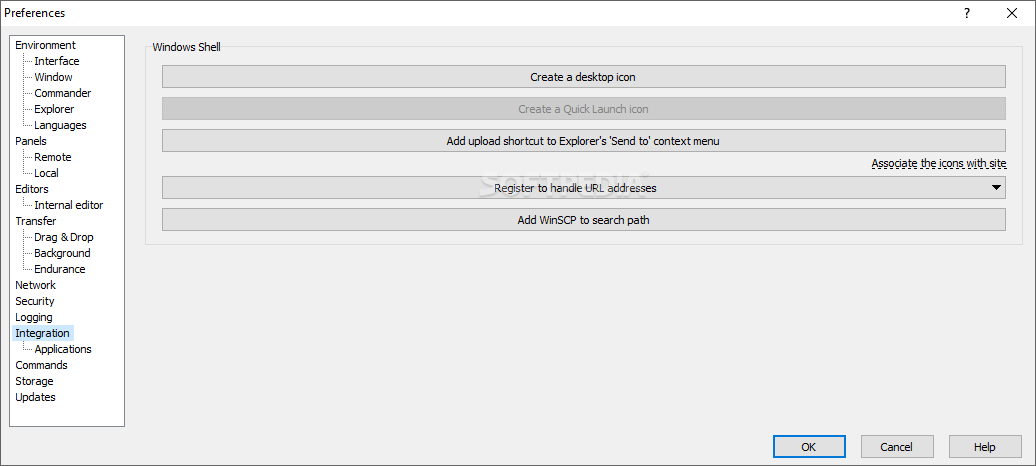
For your convenience, WinSCP features shell integration, meaning you can quickly start a new transfer via the Windows context menu.
With more to discover, WinSCP delivers a feature-rich remote transfer client with support for multiple protocols. It mainly targets experienced users who can set up a configuration for a remote connection but, once the connection is established, comparing folders, transferring files and synchronizing content is a walk in the park.
Download Hubs
WinSCP is part of these download collections: SSH Clients, FTP Clients
What's new in WinSCP 6.3.3:
- SSH core and SSH private key tools (PuTTYgen and Pageant) upgraded to PuTTY 0.81.
- It brings the following change:
- Security fix for CVE-2024-31497: NIST P521/ecdsa-sha2-nistp521 signatures are no longer generated with biased values of k. The previous bias compromises private keys. 2285 vuln-p521-bias
- Translation update: Belarusian.
WinSCP 6.3.3
 Softpedia Editor's Pick
add to watchlist
add to download basket
send us an update
REPORT
Softpedia Editor's Pick
add to watchlist
add to download basket
send us an update
REPORT
- portable version
- Portable WinSCP
- runs on:
-
Windows 11
Windows Server 2022
Windows Server 2019
Windows Server 2016
Windows 10 32/64 bit
Windows Server 2012
Windows 2008 32/64 bit
Windows 2003
Windows 8 32/64 bit
Windows 7 32/64 bit
Windows Vista 32/64 bit
Windows XP 32/64 bit - file size:
- 11 MB
- filename:
- pt.zip














- main category:
- Internet
- developer:
- visit homepage
Zoom Client

7-Zip

ShareX

4k Video Downloader

Windows Sandbox Launcher

Microsoft Teams

calibre

IrfanView

Bitdefender Antivirus Free

Context Menu Manager

- IrfanView
- Bitdefender Antivirus Free
- Context Menu Manager
- Zoom Client
- 7-Zip
- ShareX
- 4k Video Downloader
- Windows Sandbox Launcher
- Microsoft Teams
- calibre