
BitTorrent client that makes downloading torrents very straightforward: manage your torrents, personalize your experience, and make use of the numerous community-made plug-ins. #BitTorrent client #Share file #Torrent manager #BitTorrent #Share #Transfer

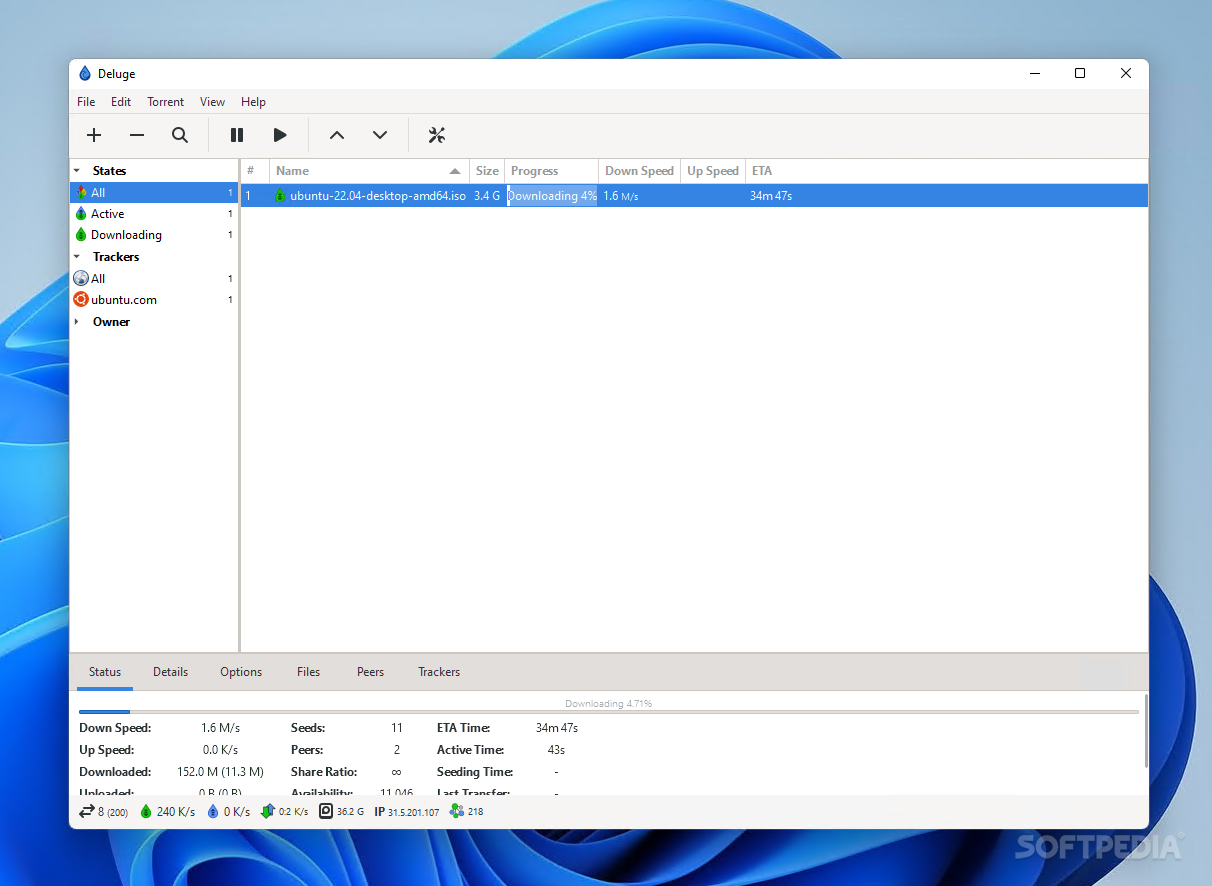
Depending on where you live, torrenting may be more or less important. Of course, the elephant in the room when the term 'torrent' is brought up is always piracy, as the de facto way of pirating files is downloading them through this method. However, some data is also legitimately distributed via torrents, such as the Ubuntu OS, to speed up the downloading process.
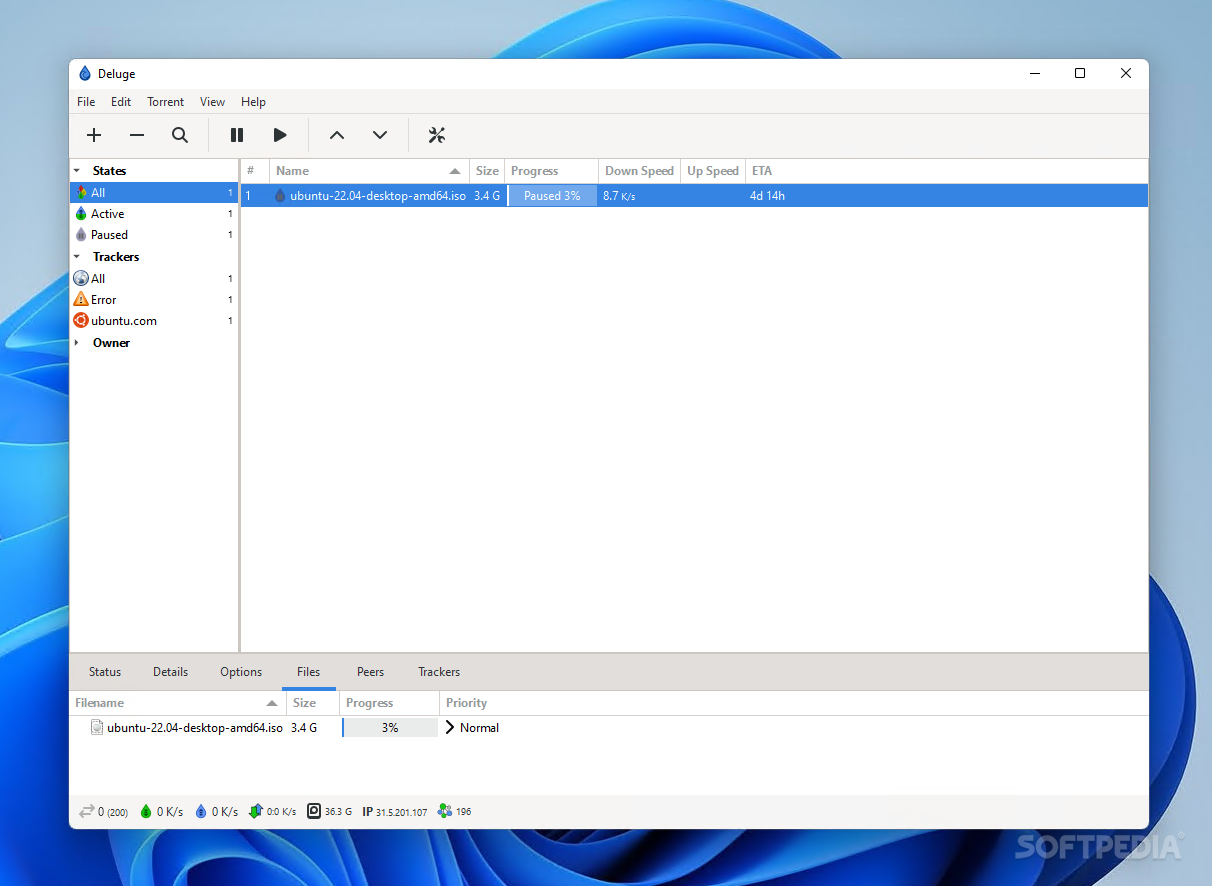
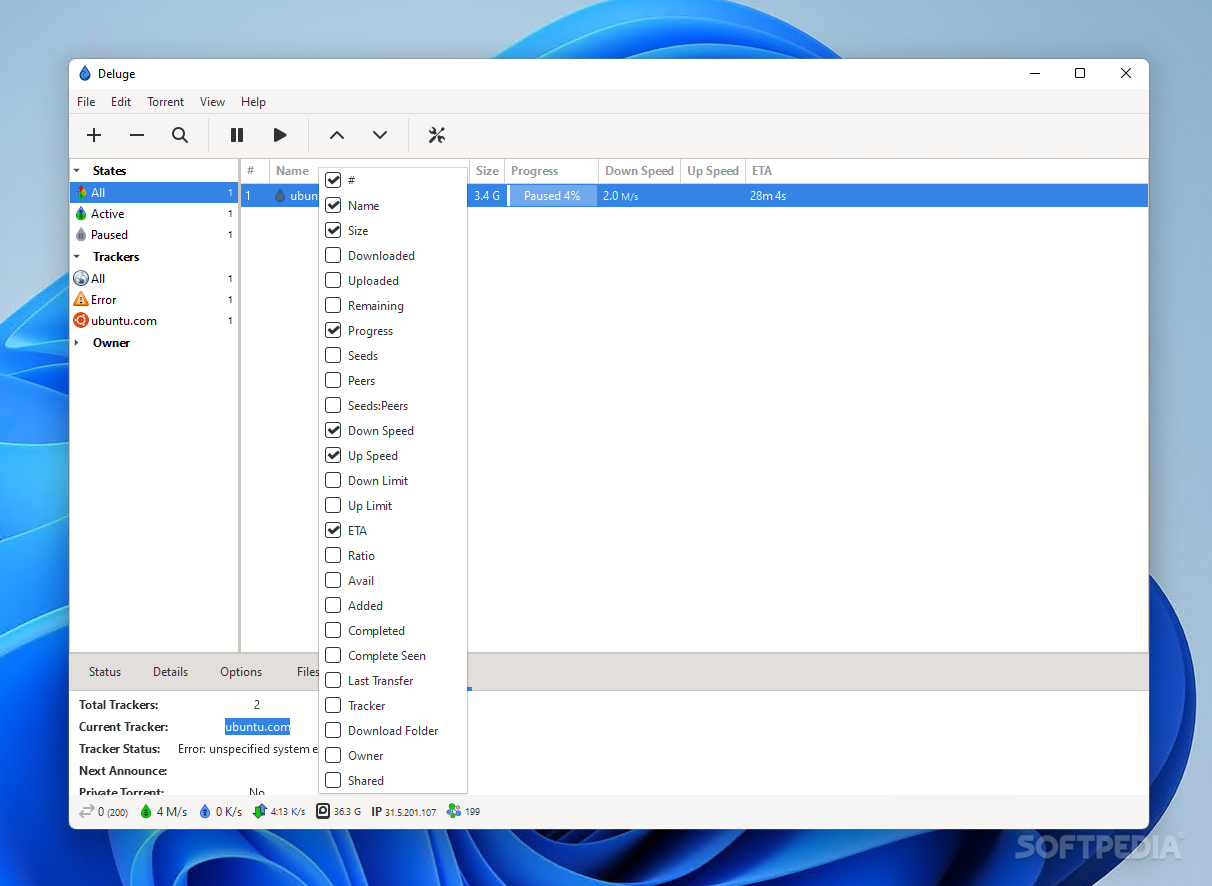
BitTorrent clients should at least be familiar to most who have spent a reasonable amount of time on the internet, and Deluge is among the more well-known ones. The client features an interface that could best be described as functional, whilst also offering several easy-to-reach functions, all to deliver users a cohesive, worry-free experience when it comes to torrenting their files.
BitTorrent clients are quite straightforward with their interface design, and this one is no different. The interface for such clients is all but standardized: add your torrent files by dropping them onto the interface, or insert their magnet or URL links, and on you go. If there are enough available seeders, the tool will then proceed with the download.
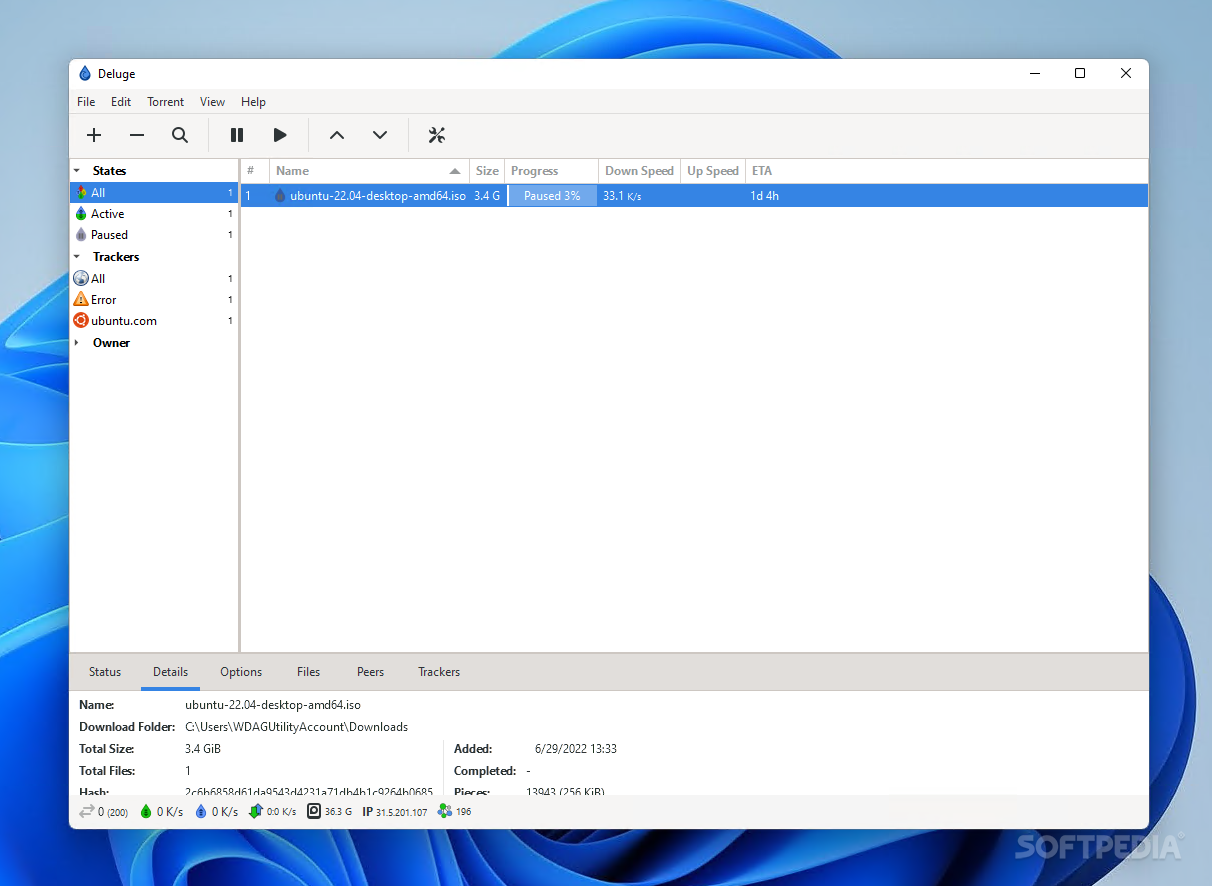
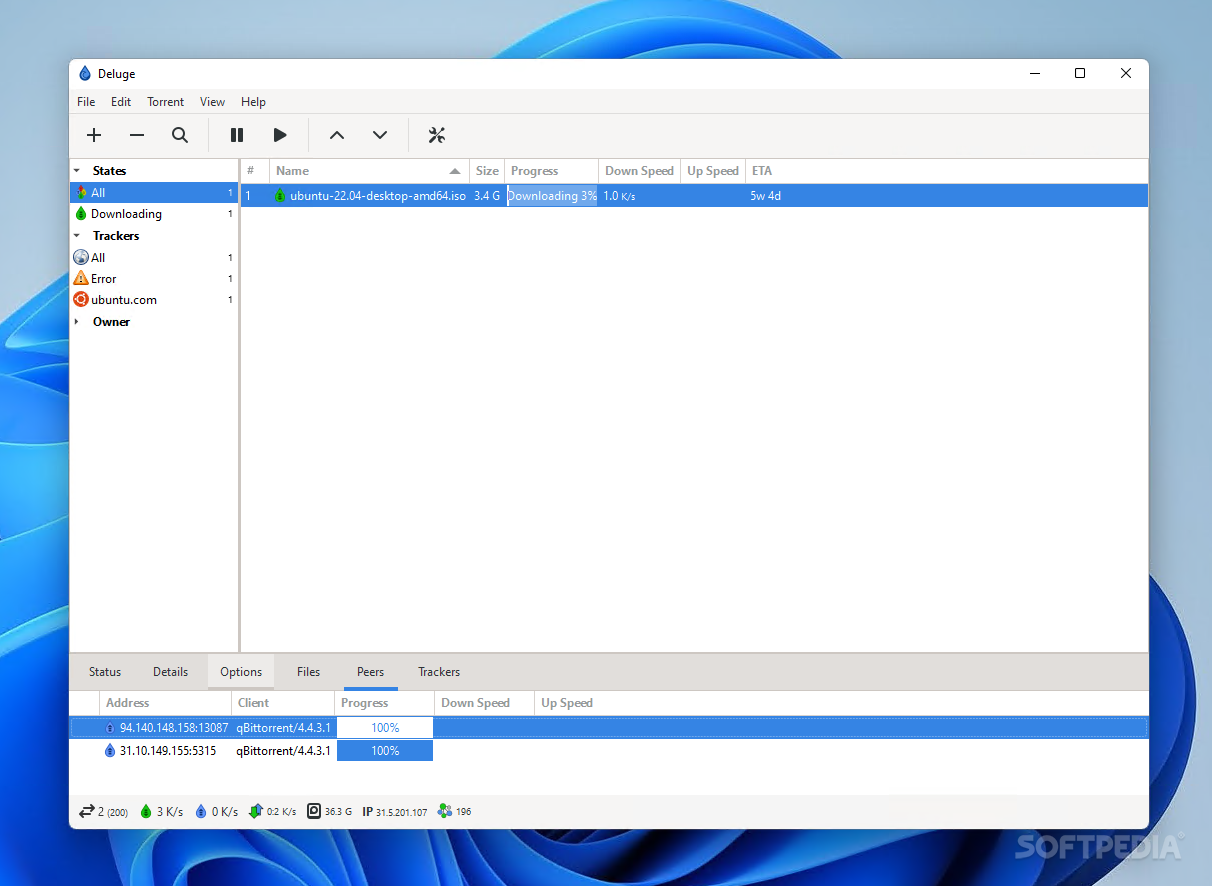
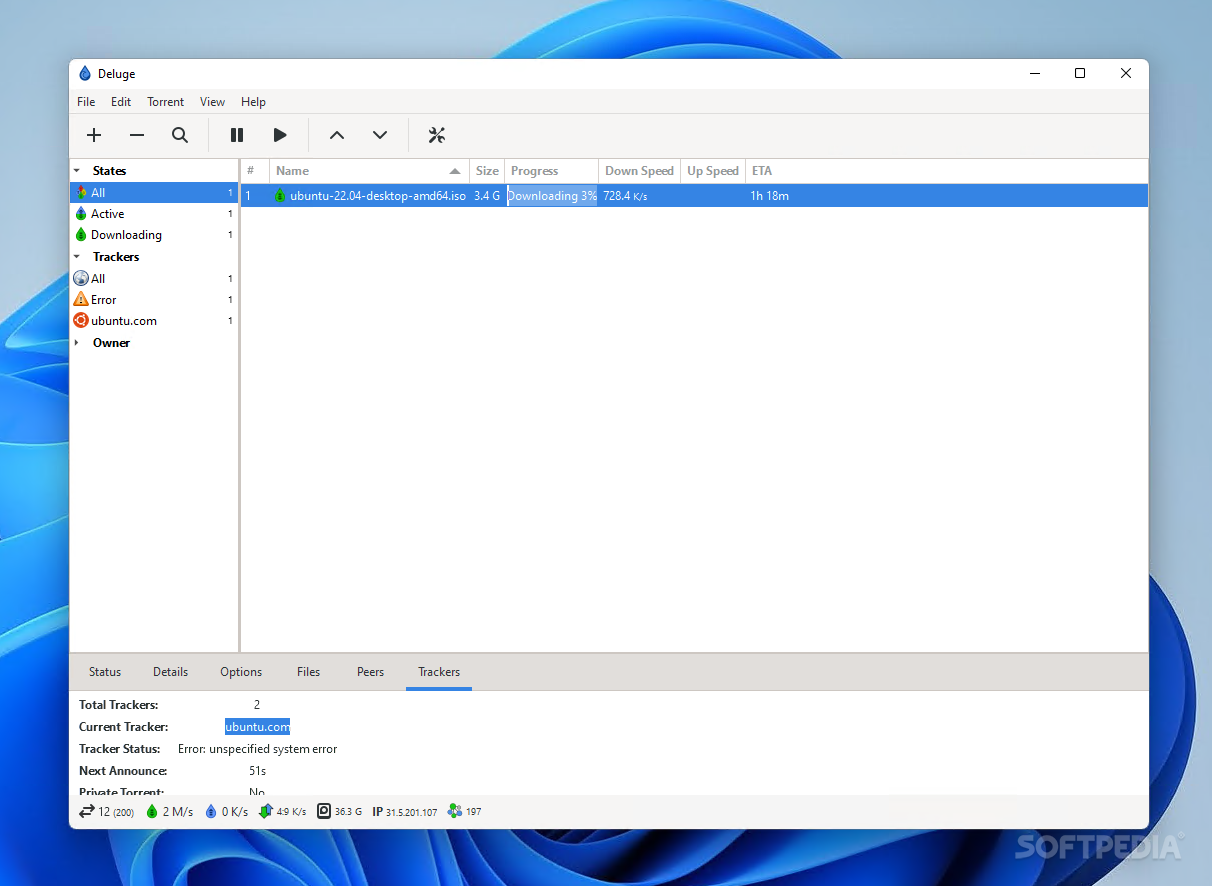
Users can check information about their files — even while the download process is ongoing — via the bottom panels. General information about the download and upload speeds, as well as the number of seeds and peers for a given torrent, are available. More in-depth details can be found under the Details tab, which offers data about the size of the downloaded files, their hash, and other such information.
If you want to be more informed about your downloads, the Files tab breaks everything down, showing the status for each downloaded element. The trackers you're downloading from can be found under the Trackers tab.
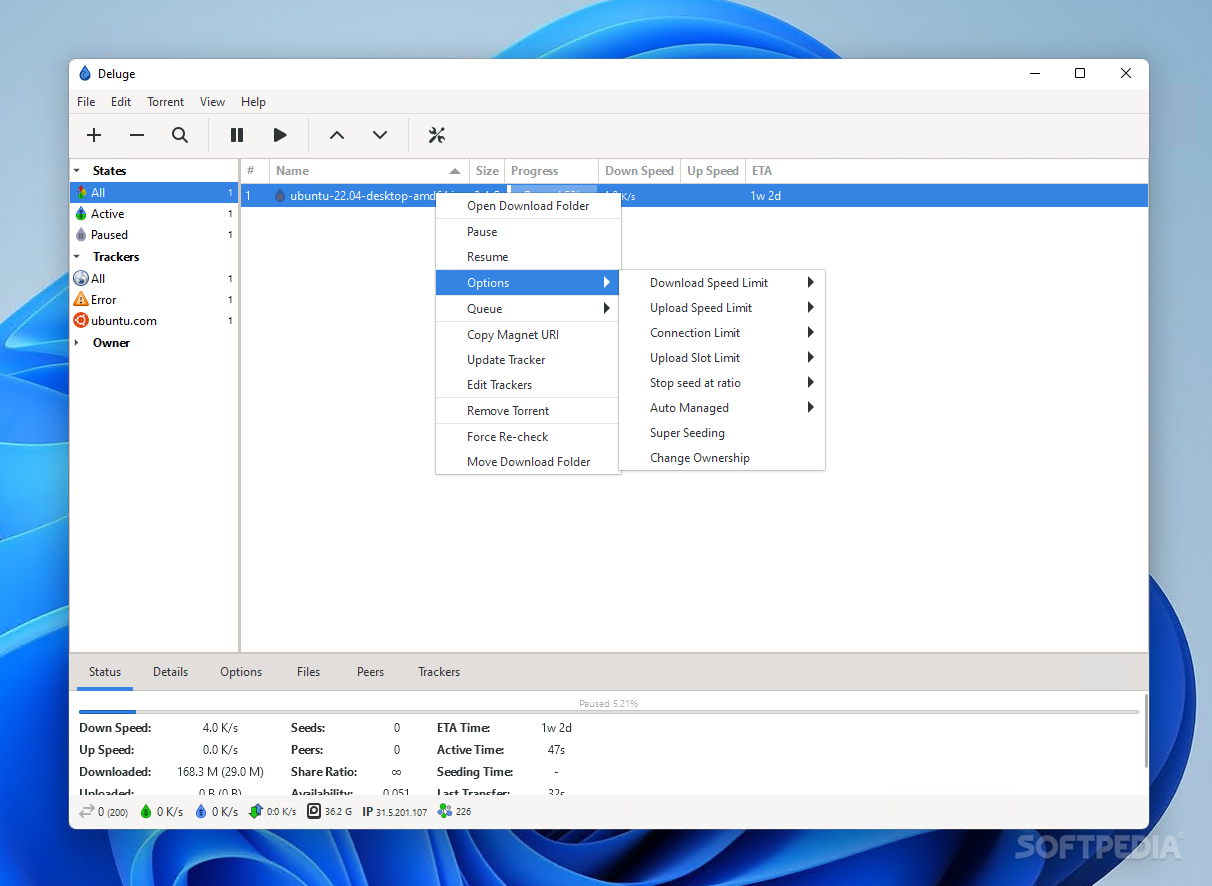
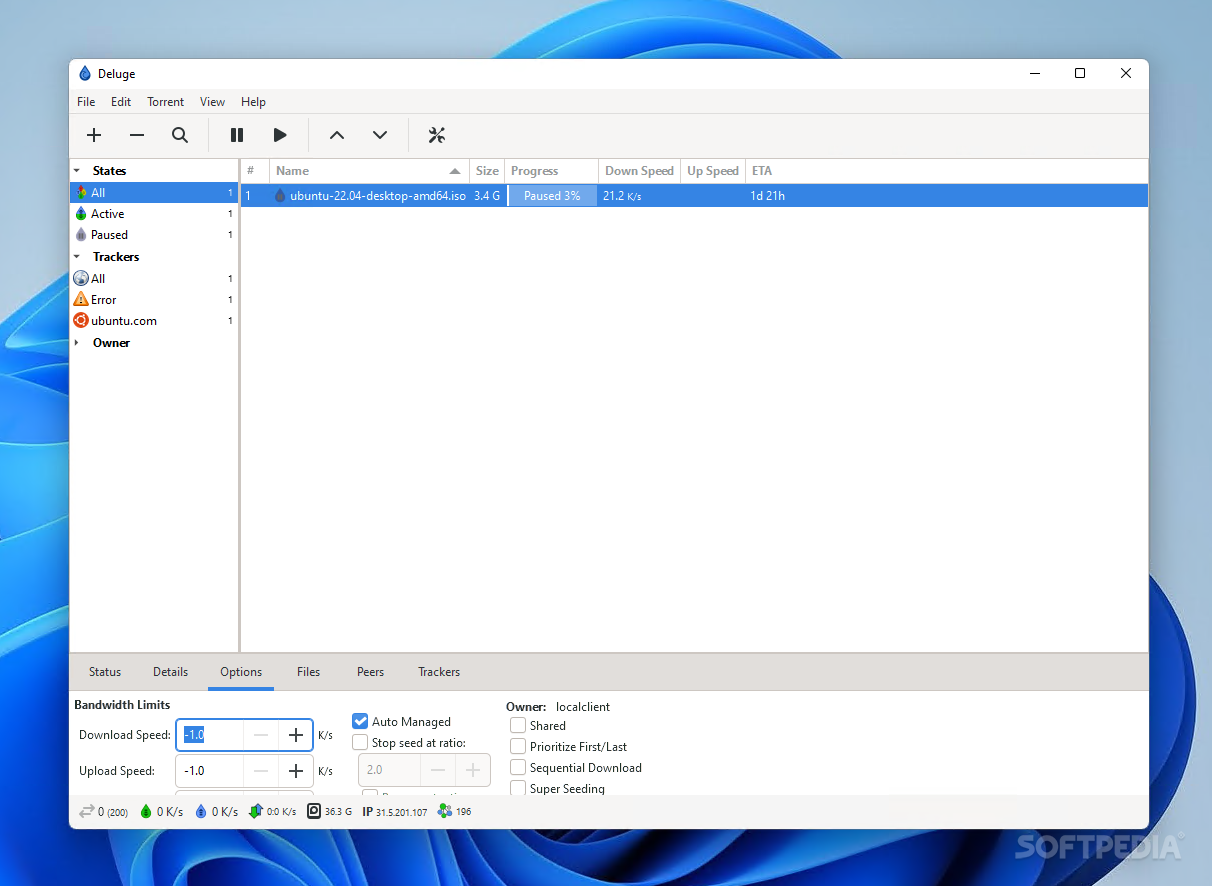
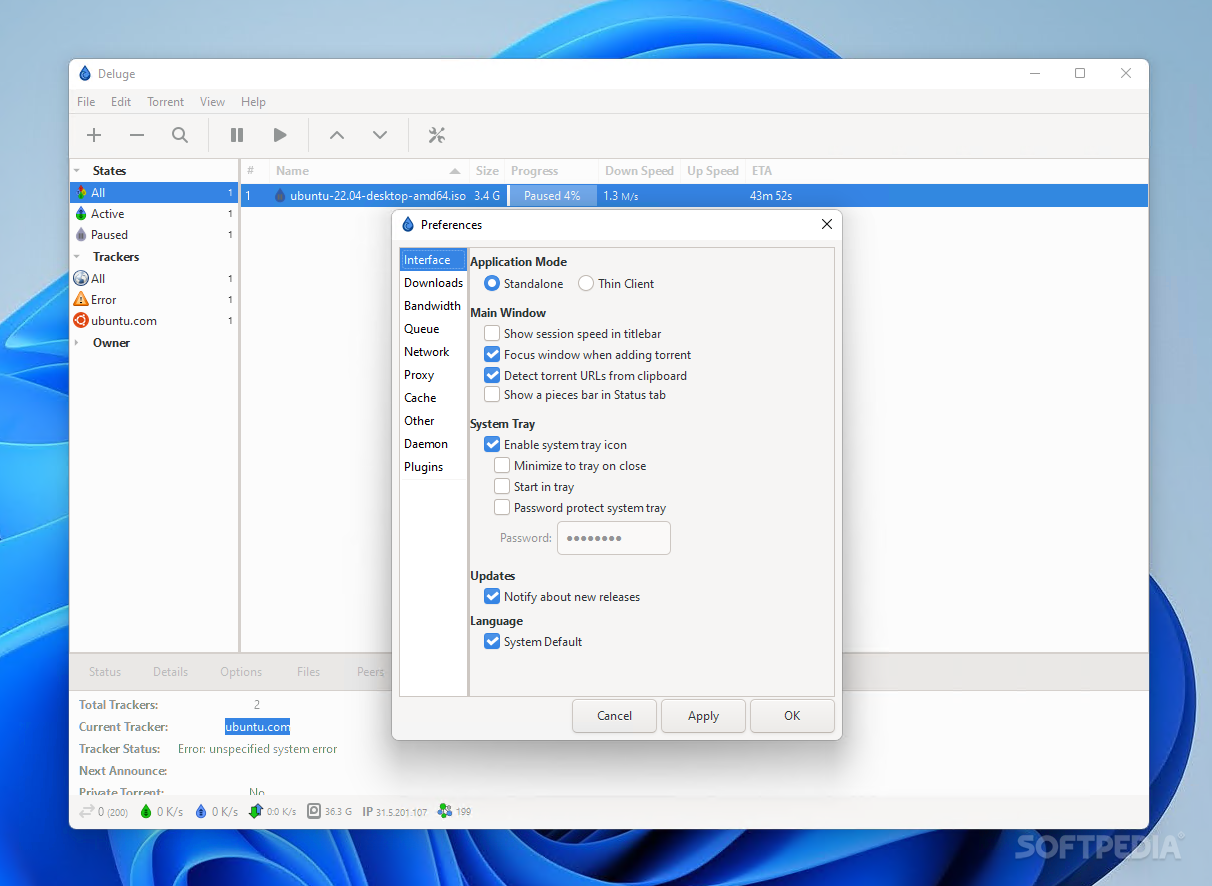
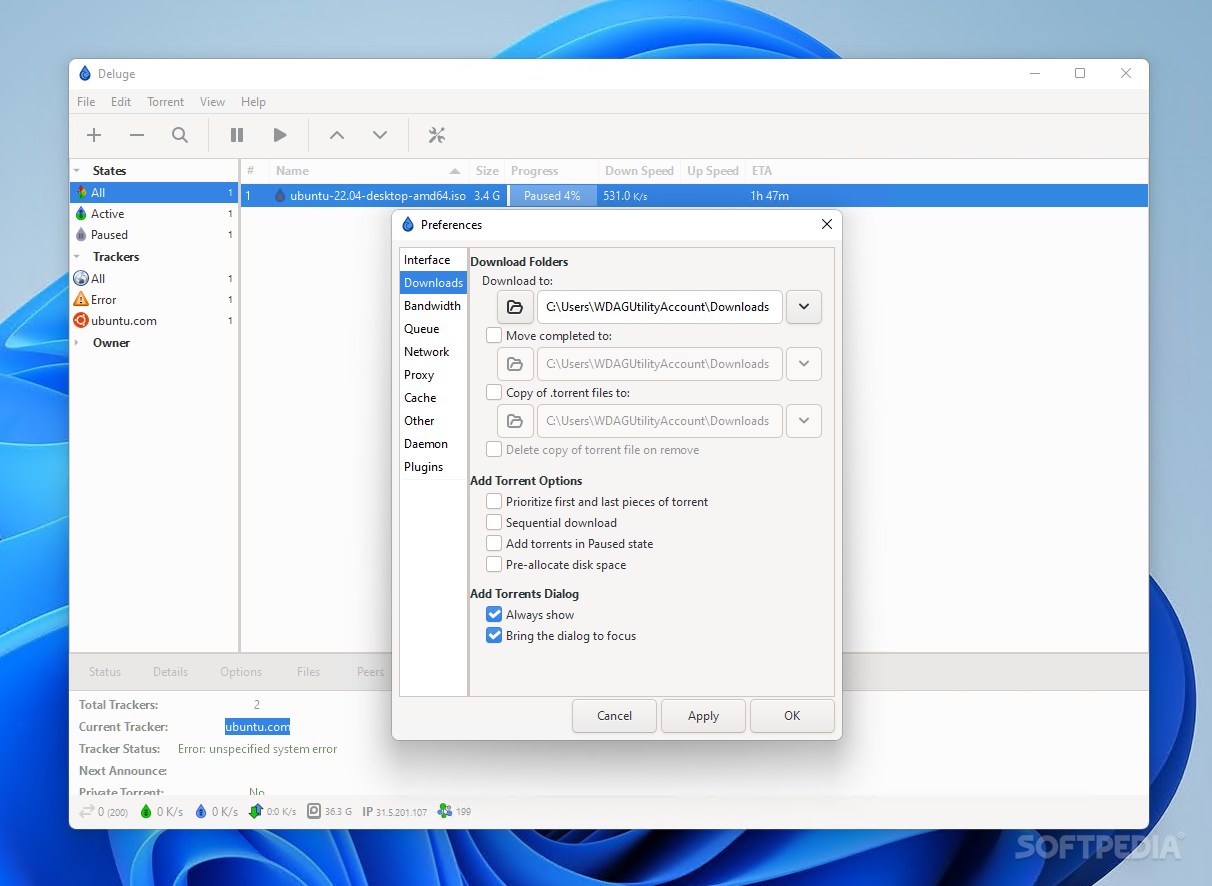
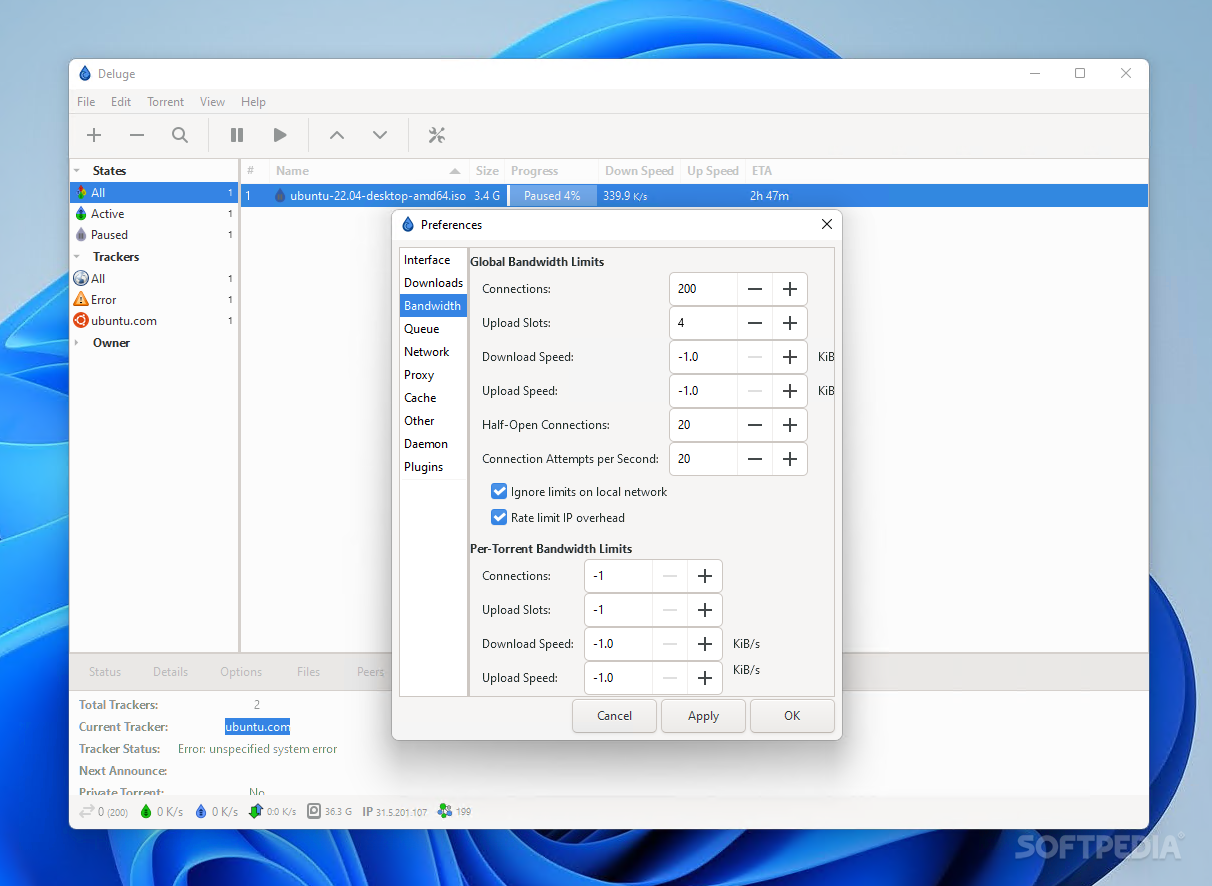
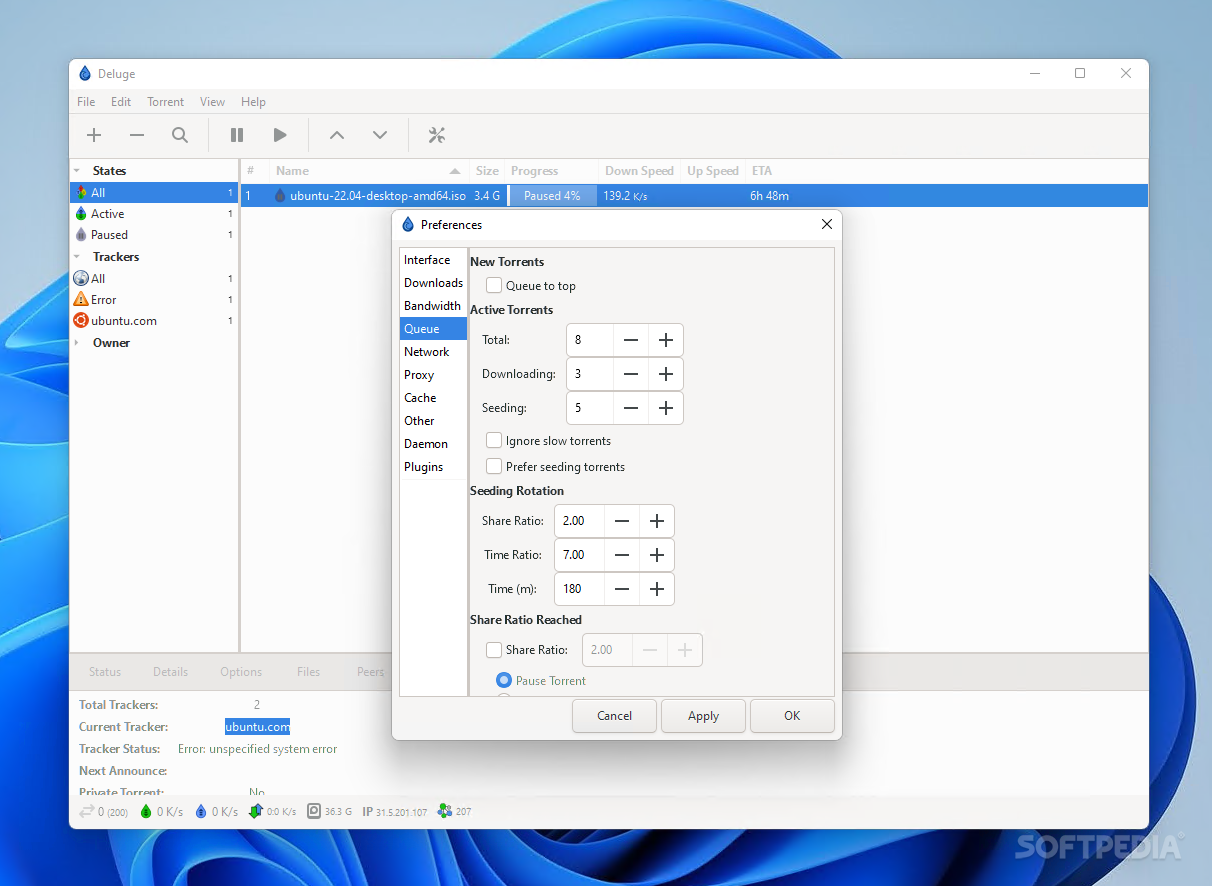
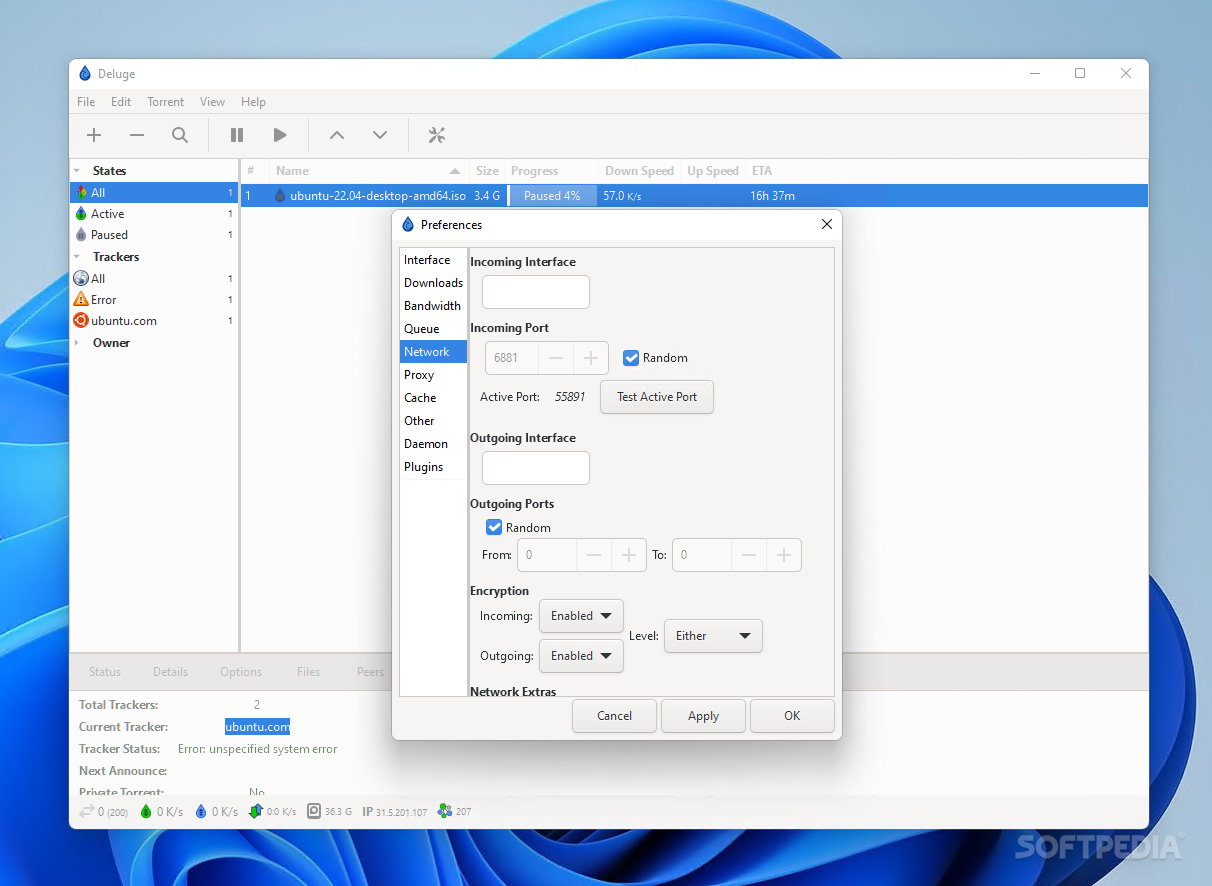
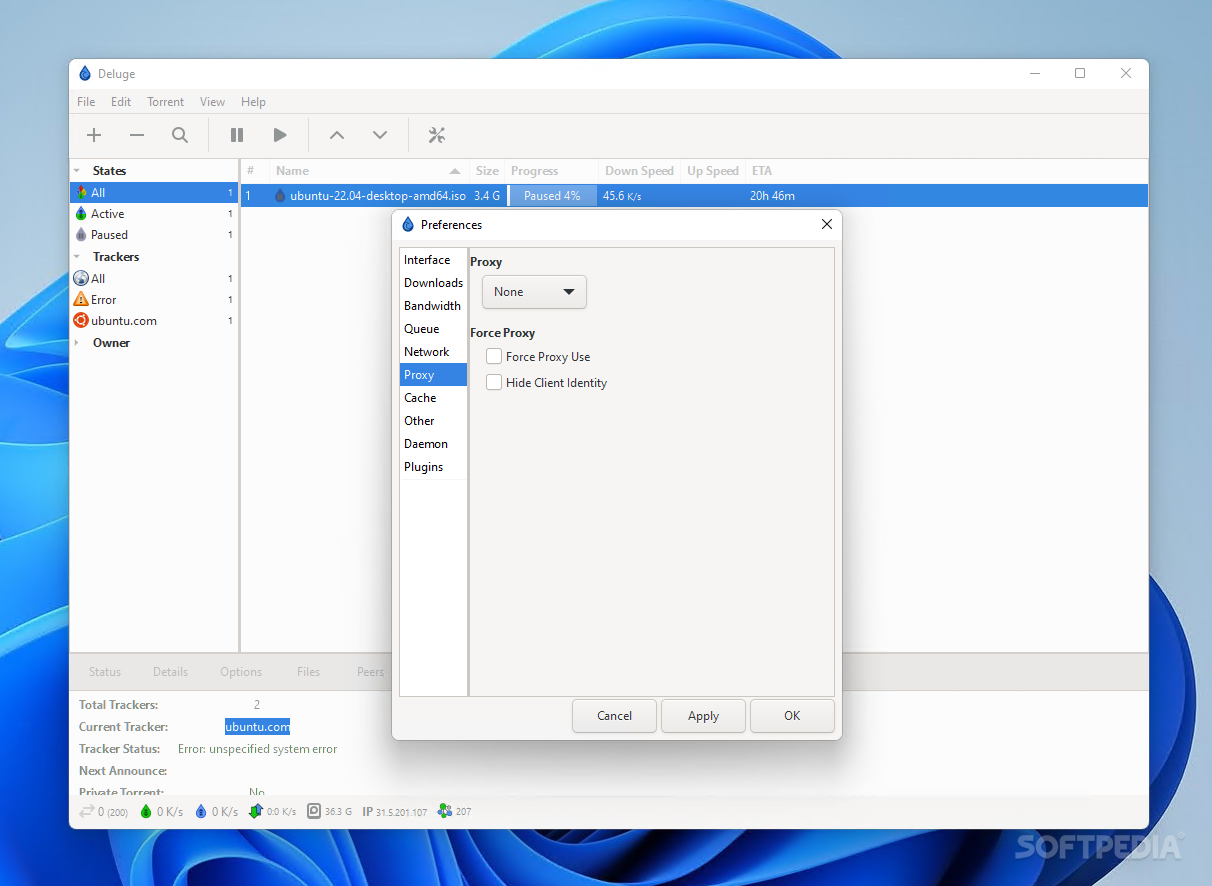
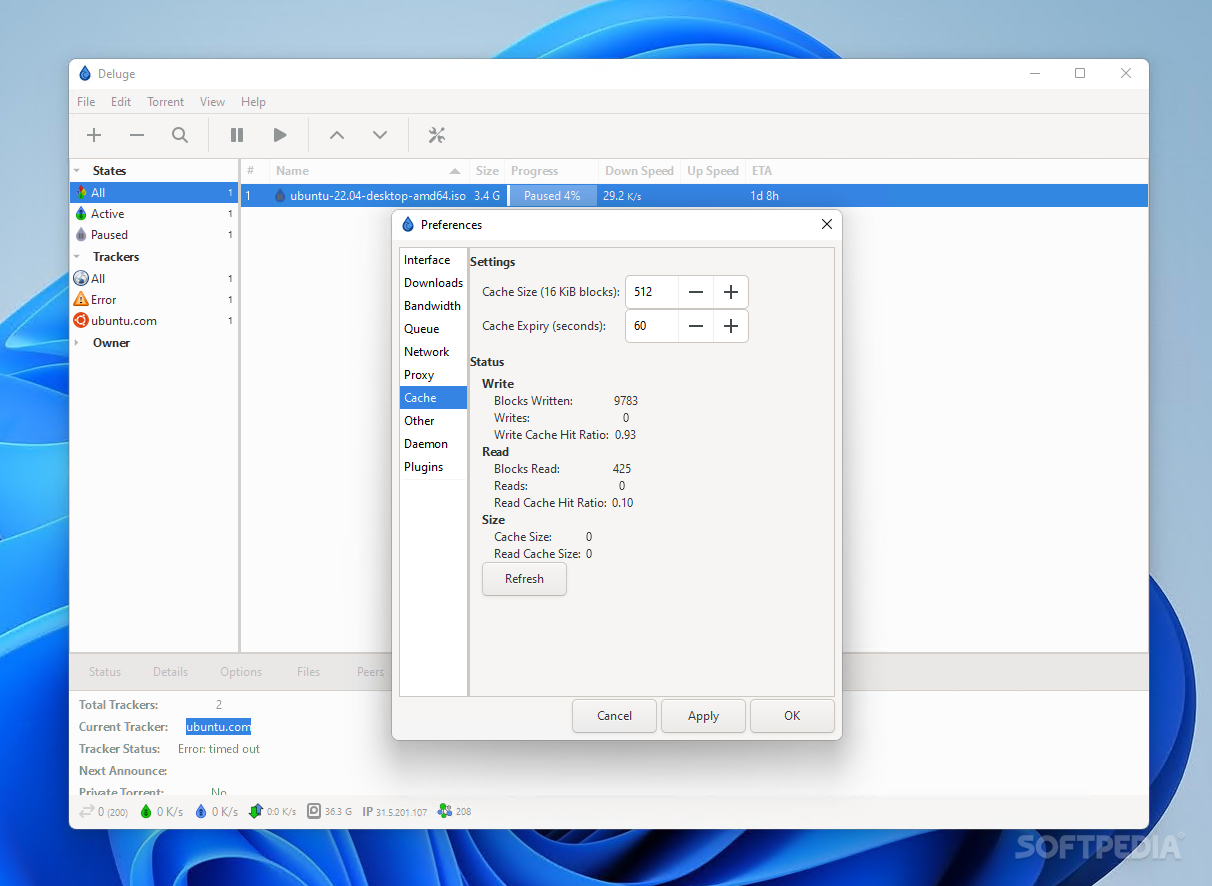
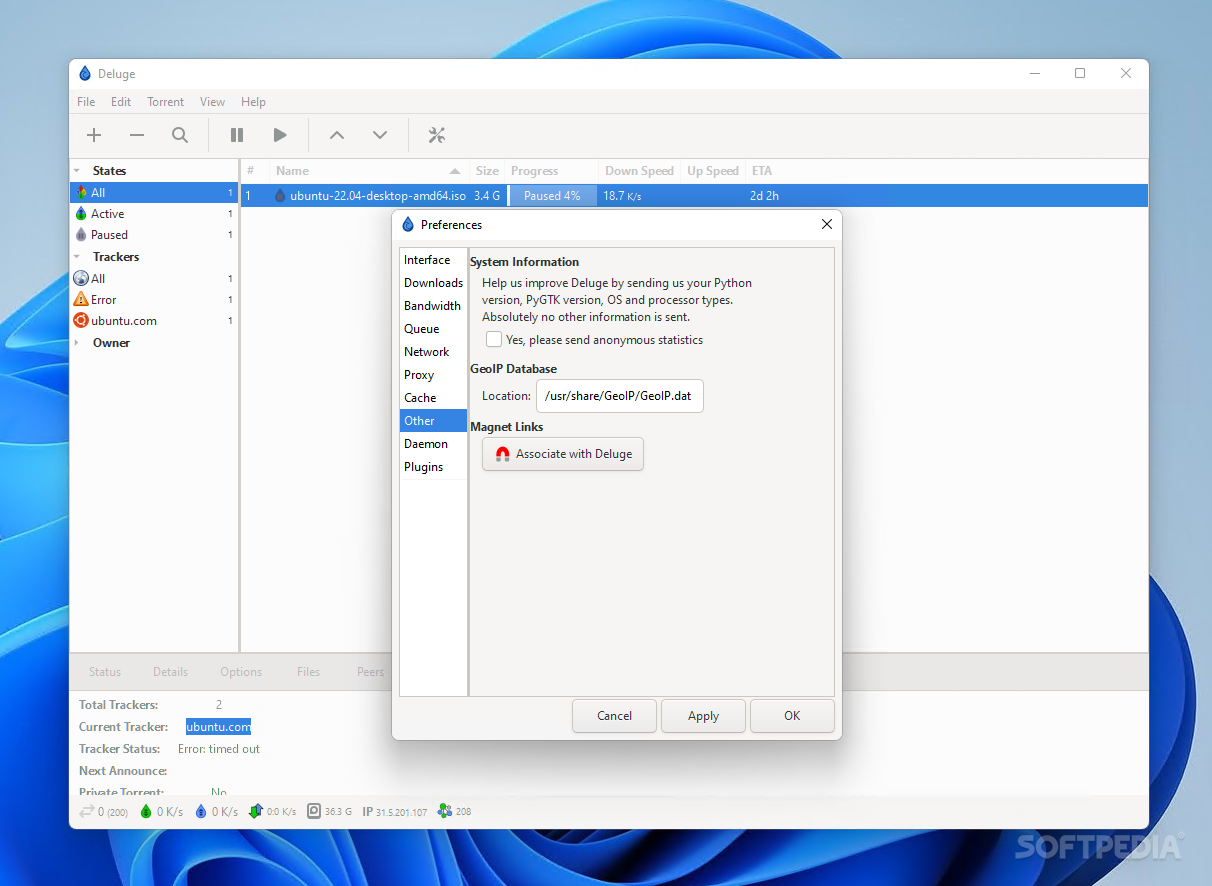
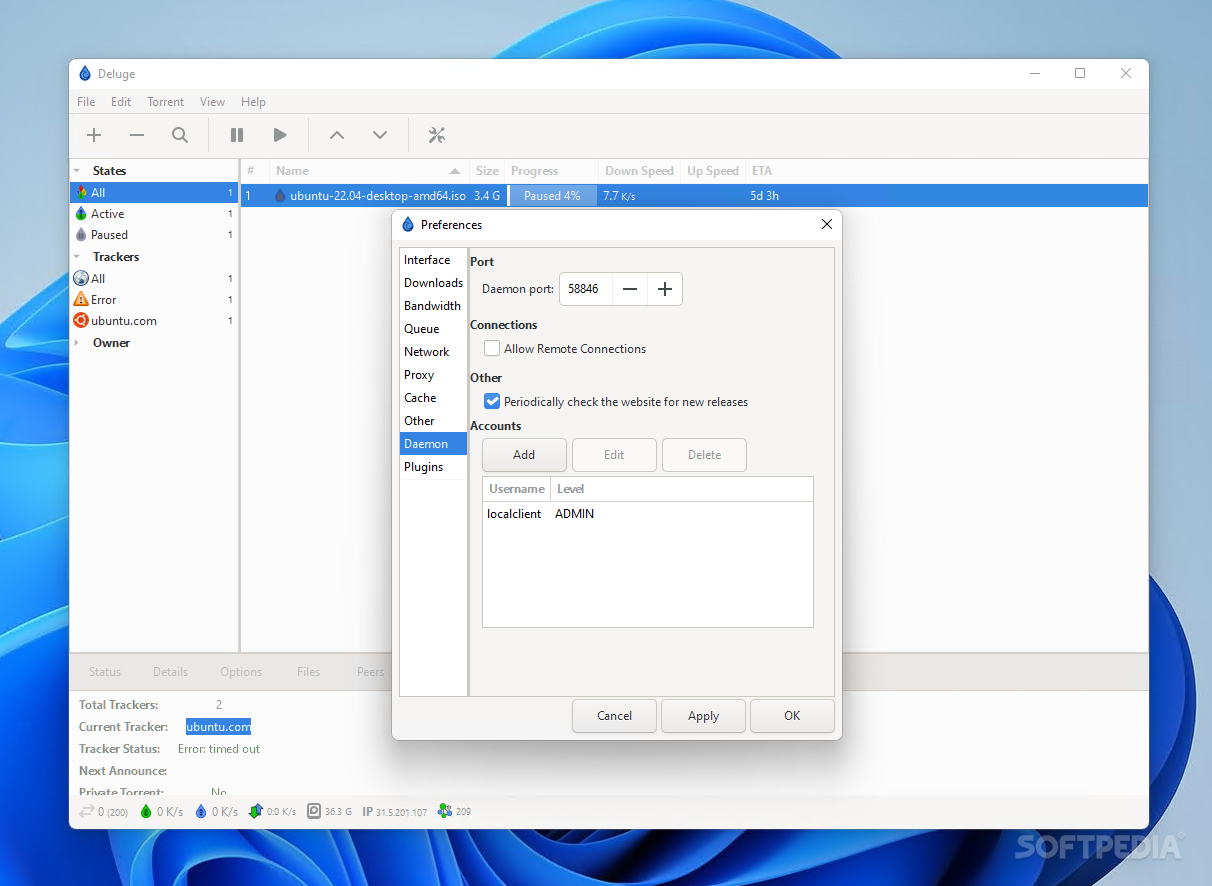
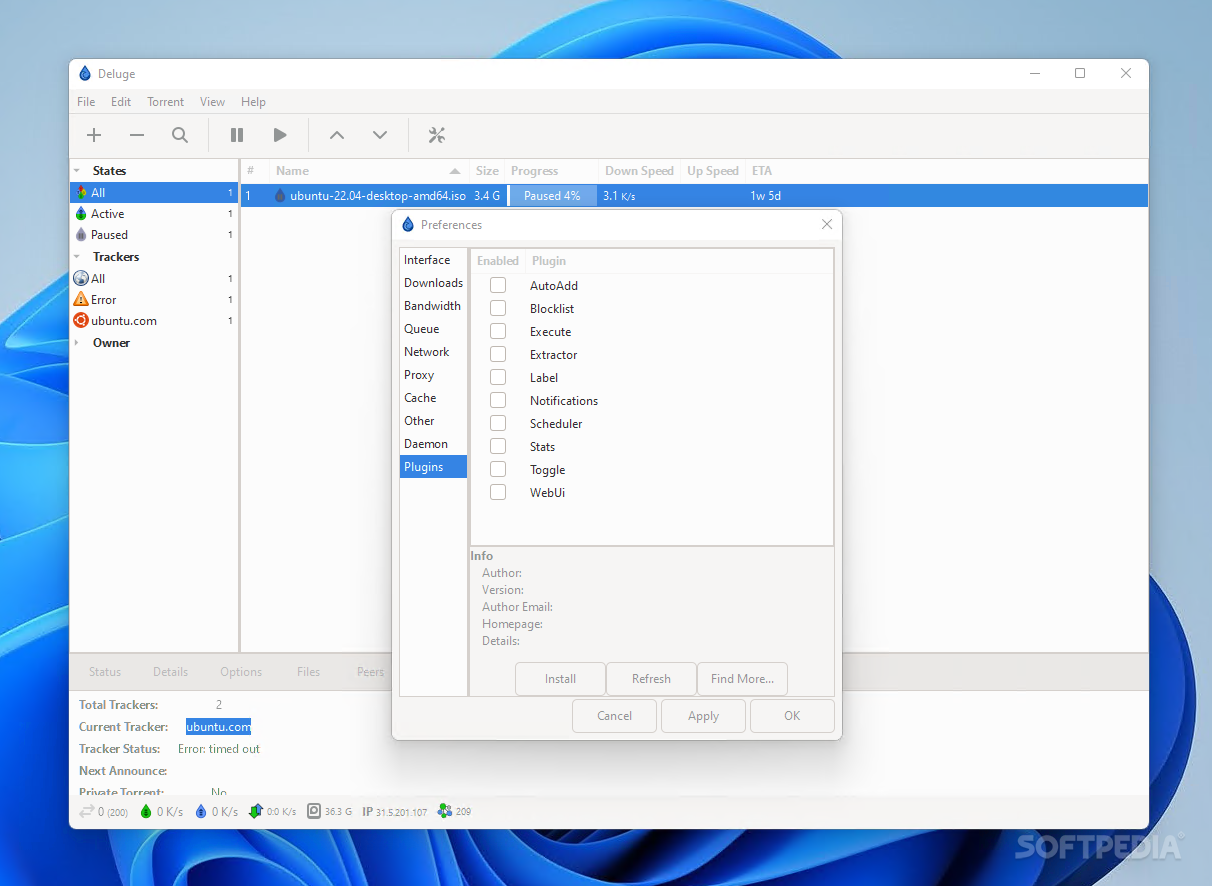
The app's behavior can be modified via the Preferences menu. You can make a few changes to the interface, set global bandwidth limits, tweak network and proxy settings, and even incorporate plug-ins into your client. These work to make handling torrents more efficient: for instance, users can schedule limits, set IP blocklists, and assign labels to torrents, all thanks to the numerous community-made plug-ins on offer.
Deluge is an overall well-featured BitTorrent client: it streamlines the process of managing and downloading torrent files, while also affording the user lots of freedom when it comes to tweaking its functionality.
Download Hubs
Deluge is part of these download collections: BitTorrent clients, Torrent Makers
What's new in Deluge 2.1.1:
- Core:
- Fix missing trackers added via magnet
Deluge 2.1.1
add to watchlist add to download basket send us an update REPORT- PRICE: Free
- runs on:
-
Windows 11
Windows 10 32/64 bit
Windows 8 32/64 bit
Windows 7 32/64 bit
Windows Vista 32/64 bit
Windows XP - file size:
- 34.3 MB
- filename:
- deluge-2.1.1-win64-setup.exe
- main category:
- Internet
- developer:
- visit homepage
Context Menu Manager

Windows Sandbox Launcher

IrfanView

Bitdefender Antivirus Free

Microsoft Teams

ShareX

4k Video Downloader

Zoom Client

calibre

7-Zip

- Zoom Client
- calibre
- 7-Zip
- Context Menu Manager
- Windows Sandbox Launcher
- IrfanView
- Bitdefender Antivirus Free
- Microsoft Teams
- ShareX
- 4k Video Downloader