
Packed with a list of public hosts and many configurable options, this comprehensive tool lets you share and download items through a DC network. #DC++ #Direct Connect #File sharing #DC++ #Direct #Connect

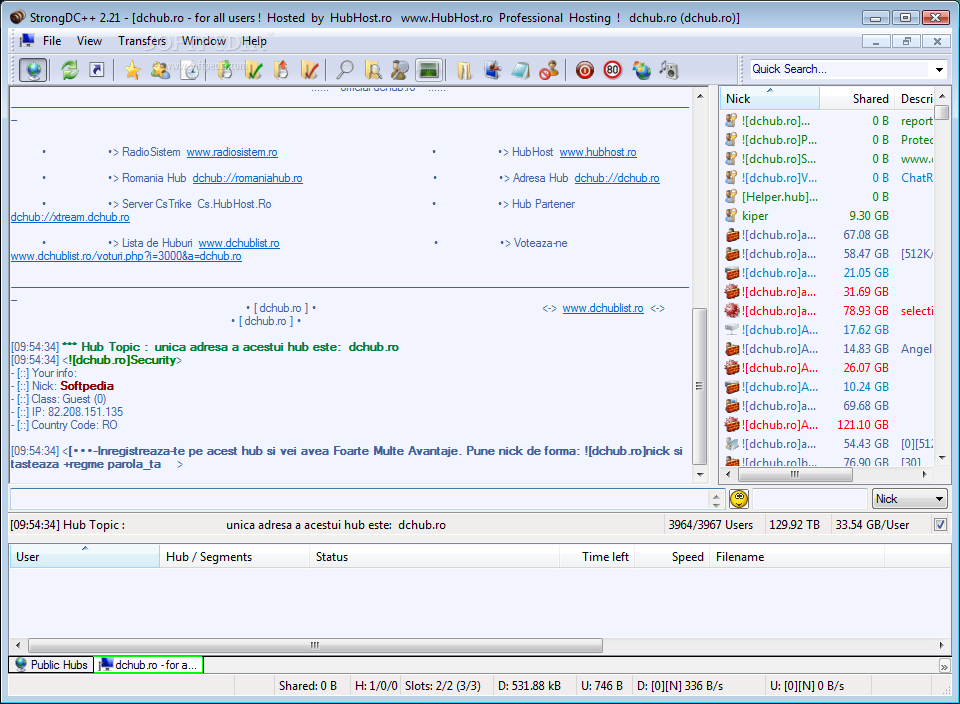
StrongDC++ is a Direct Client-to-Client alternative to the standard DC++ application, promising to offer much more than the basic features we've seen in this otherwise popular tool.
This utility is portable, yet not in the strict sense of the word. You are not required to go through an installation process, yet it leaves all sort of traces on your system, especially in the registry. Nevertheless, you can easily take it anywhere with you and run it on any PC you have been granted access to, by simply unpacking the archive and clicking the executable.
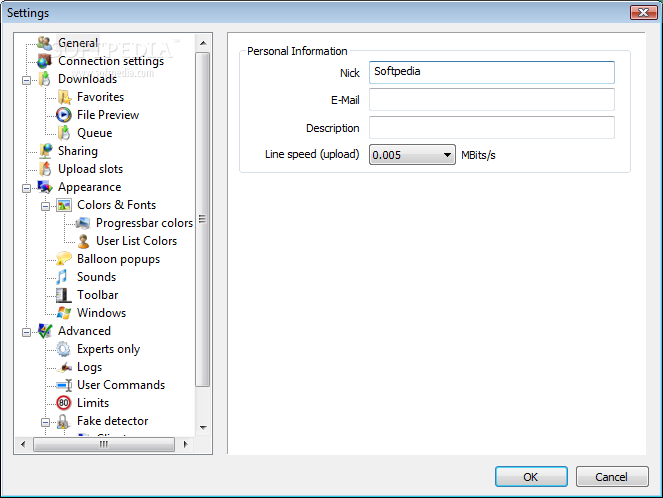
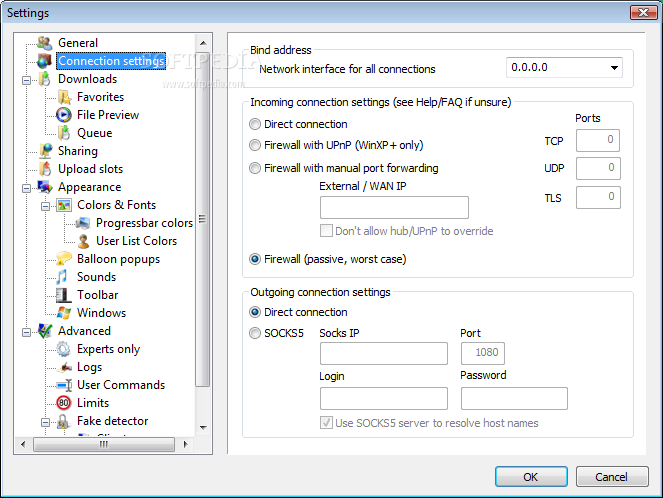
The settings menu can be a nightmare for the uninitiated users, but to begin with, it should be enough if you configure just the name and the files you want to share over the Internet. Later, you can jump to the next steps and enable functions like segment downloading, which is great and can increase speed dramatically.
This special feature works by splitting every file you're downloading into several segments, so each of them can be downloaded from another user, at the same time with the others.
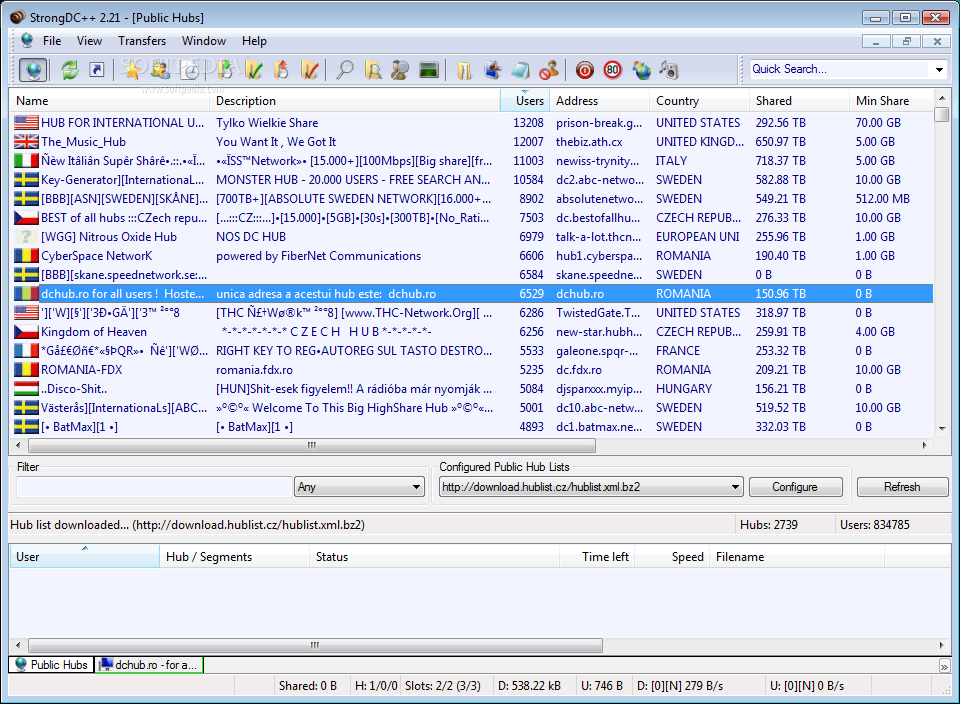
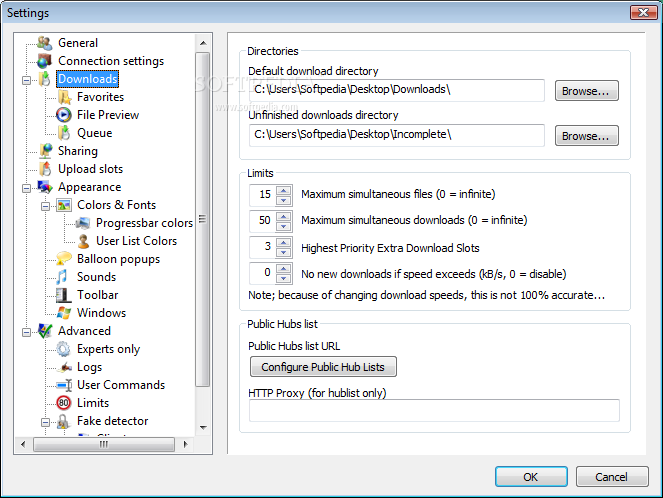
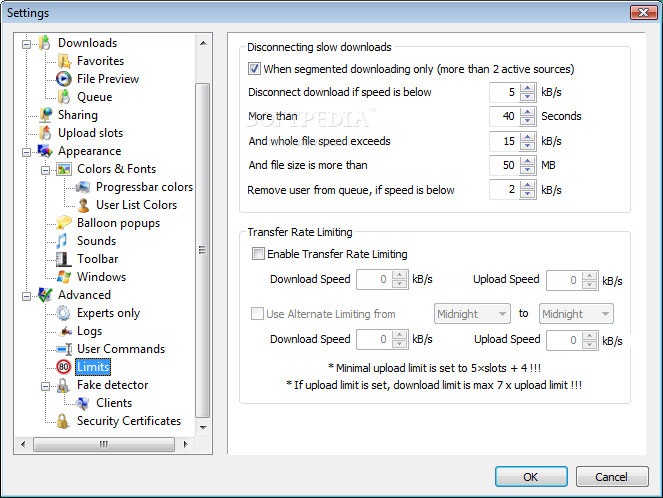
StrongDC++ allows you to set up download and upload speed limits to save bandwidth and hardware resources. It comes by default with a rich list of public hubs that can be organized by country, the number of users and minimum required to share.
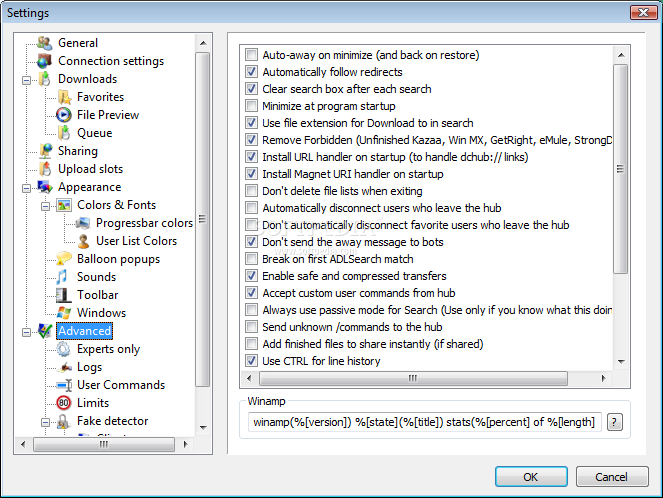
The application provides an impressive level of customization, allowing users to change sounds, colors, emoticons, icons, and even balloon tray notifications. The rich lineup of features includes file previewing capabilities, a fake share detector and automatic disconnection for slow downloads to keep slots available.
Older computers might experience some slowdowns in performance, as StrongDC++ seems to eat up CPU and RAM when downloading large files at high speeds. Nevertheless, jobs are completed in due time without popping up errors, hanging or freezing. Overall, it remains a great alternative to the classic DC++ utility, bundled with a large number of options which will suit both novice and power users.
Download Hubs
StrongDC++ is part of these download collections: Direct Connect Clients
What's new in StrongDC++ 2.42:
- DC++ 0.777 core synchronization
- added automatic incoming connection type detection
- stability fixes
- added option to disable Explorer theming in listviews and treeviews
StrongDC++ 2.42
add to watchlist add to download basket send us an update REPORT- runs on:
- Windows All
- file size:
- 6 MB
- filename:
- sdc242-64.7z



- main category:
- Internet
- developer:
- visit homepage
Context Menu Manager

calibre

Windows Sandbox Launcher

7-Zip

IrfanView

Zoom Client

Bitdefender Antivirus Free

ShareX

4k Video Downloader

Microsoft Teams

- ShareX
- 4k Video Downloader
- Microsoft Teams
- Context Menu Manager
- calibre
- Windows Sandbox Launcher
- 7-Zip
- IrfanView
- Zoom Client
- Bitdefender Antivirus Free