
Easily upload local photos to Imgur or capture the screen on the spot, manage online albums, set the image quality and size, configure keyboard shortcuts, and more. #Imgur uploader #Picture uploader #Share file #Imgur #Uploader #Share

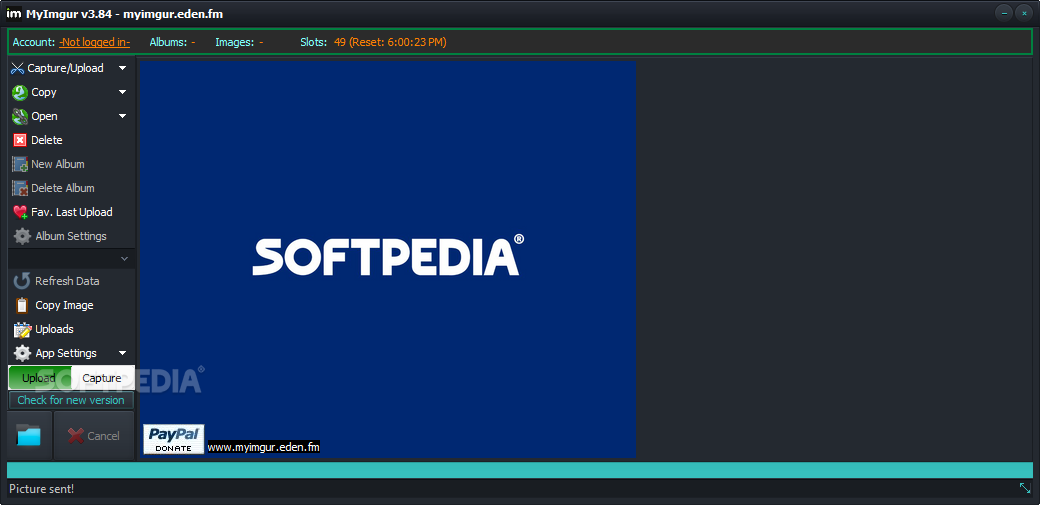
Designed as the portable counterpart of MyImgur, this is a desktop client that lets you conveniently take screenshots and upload the images to your Imgur account. It comes packed with a bunch of interesting options that you can easily fiddle with and which help you speed up the entire operation.
As there is no setup pack involved, you can extract the program files to a custom location on the disk and just click the executable to launch MyImgur. Another possibility is to save it to a pen drive or other removable storage unit to directly run it on any computer, without having to install anything beforehand.
An important aspect worth keeping in mind is that, unlike most programs with installers, MyImgur does not contribute with new entries to the Windows registry, so it doesn't increase the risk of OS stability issues.
The interface is pretty easy to deal with. It is based on a small window that shows several buttons and lets you easily set up your Imgur account information (if necessary).
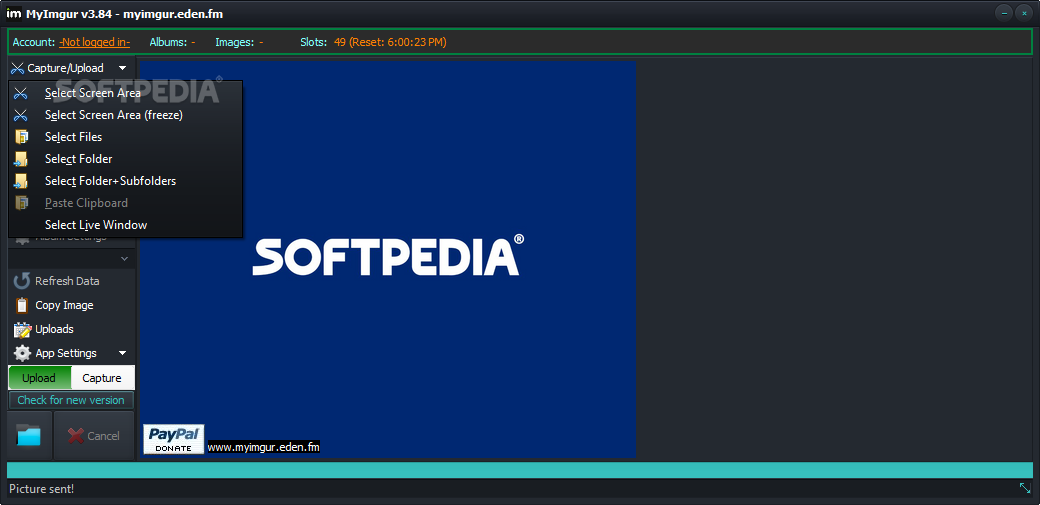
You can directly upload local images as long as they have the JPG, PNG, BMP or GIF format, or capture any region of the screen or active window, which will be automatically uploaded (this is indicated by a notification message popping up from the system tray).
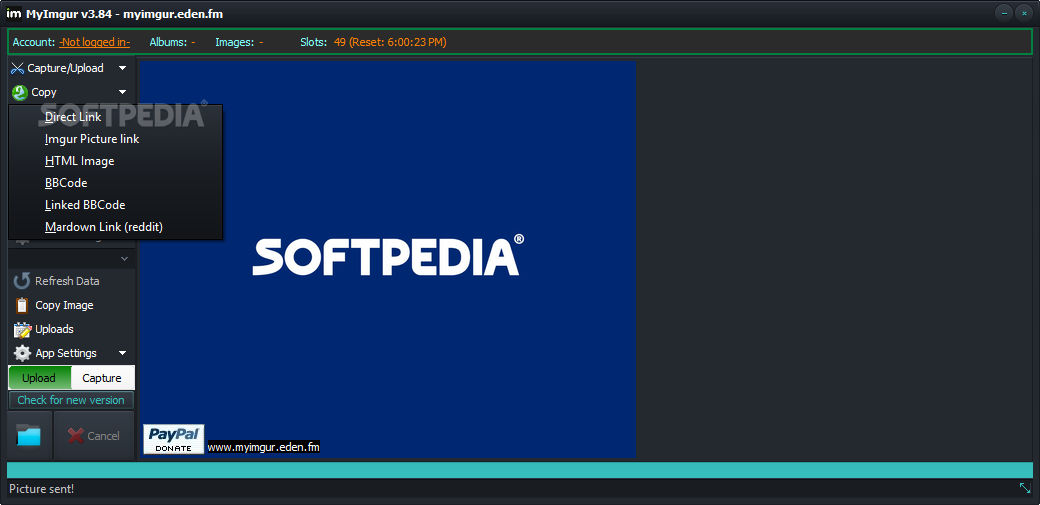
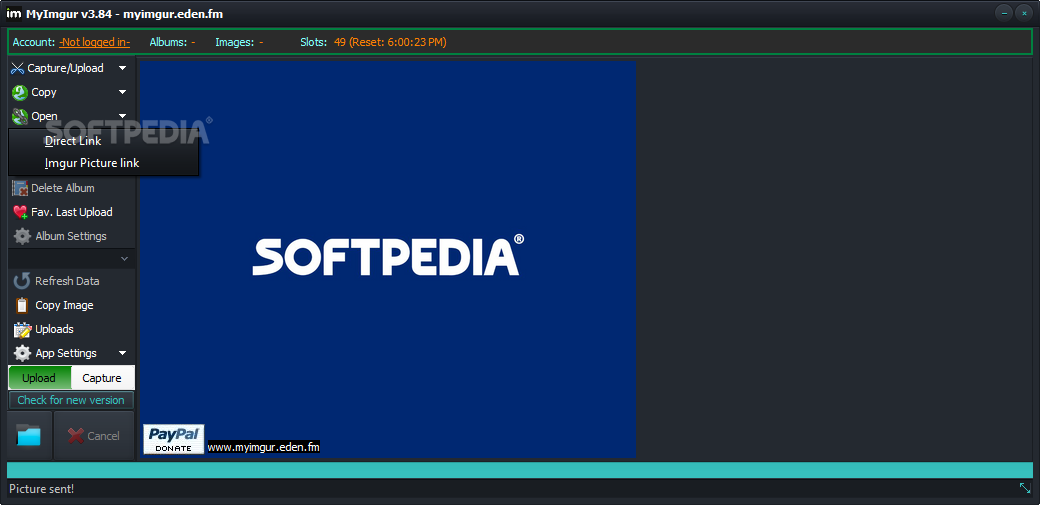
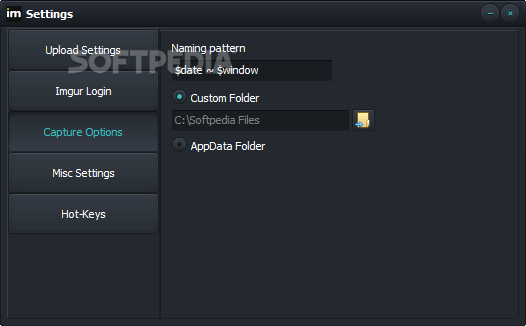
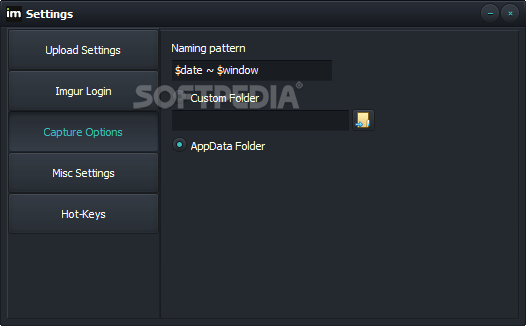
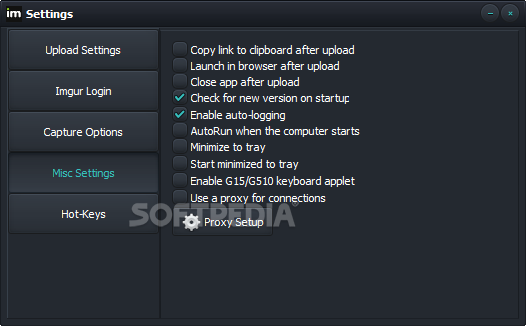
There are a lot configuration settings available for MyImgur. For example, you can specify the size and quality for uploaded pics, make new albums hidden, secret or public, point out a naming pattern for the photos, ask the tool to automatically copy the Imgur link to the Clipboard right after upload and to open the page in the browser, as well as to use only the primary monitor (multiple monitors are supported).
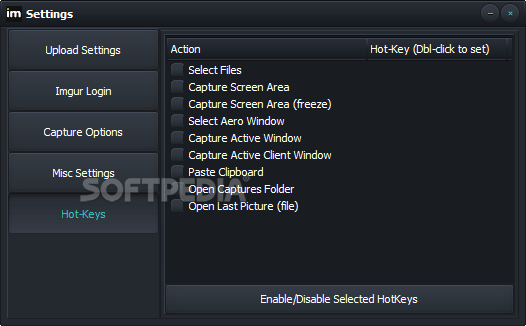
What's more, the program can be minimized to the system tray area to become non-intrusive, run at every Windows startup until further notice, and close after upload. You can also configure keyboard shortcuts for quickly selecting files, capturing the screen area and selecting the Aero window, apply a proxy configuration for connecting to the Internet, change the UI visual style and background image, and so on.
No error dialogs popped up in our tests, and the software utility did not hang or crash. It quickly uploads photos while remaining light on system resources. Taking into account its practical features and numerous settings, MyImgur should meet the requirements of most users looking to easily upload pictures to the Imgur file sharing website.
Download Hubs
MyImgur Portable is part of these download collections: Image Uploader
What's new in MyImgur Portable 3.95:
- Fixed: “Delete all images in album” was not working
- Added “Copy Album URL” to the album options menu
- New: when uploading more than 1 image at once, and you are not logged in, an anon album will be created automatically for the current batch, then the Album button will be available to launch the new album in the browser or copy the URL, containing the batch of uploads
MyImgur Portable 3.95
add to watchlist add to download basket send us an update REPORT- portable version
- This is the portable version of the application. An installable version is also available: MyImgur
- runs on:
-
Windows 11
Windows 10 32/64 bit
Windows 8 32/64 bit
Windows 7 32/64 bit - file size:
- 10.5 MB
- filename:
- MyImgurPortable395.zip
- main category:
- Internet
- developer:
- visit homepage
4k Video Downloader

IrfanView

Microsoft Teams

Windows Sandbox Launcher

Bitdefender Antivirus Free

7-Zip

Zoom Client

calibre

ShareX

Context Menu Manager

- calibre
- ShareX
- Context Menu Manager
- 4k Video Downloader
- IrfanView
- Microsoft Teams
- Windows Sandbox Launcher
- Bitdefender Antivirus Free
- 7-Zip
- Zoom Client