
Get rid of annoying banners and advertisements present on most webpages, ensuring a clean browsing experience, with this handy Firefox extension. #Firefox ad blocker #Ad blocker #Content filter #Ad blocker #Firefox #Extension
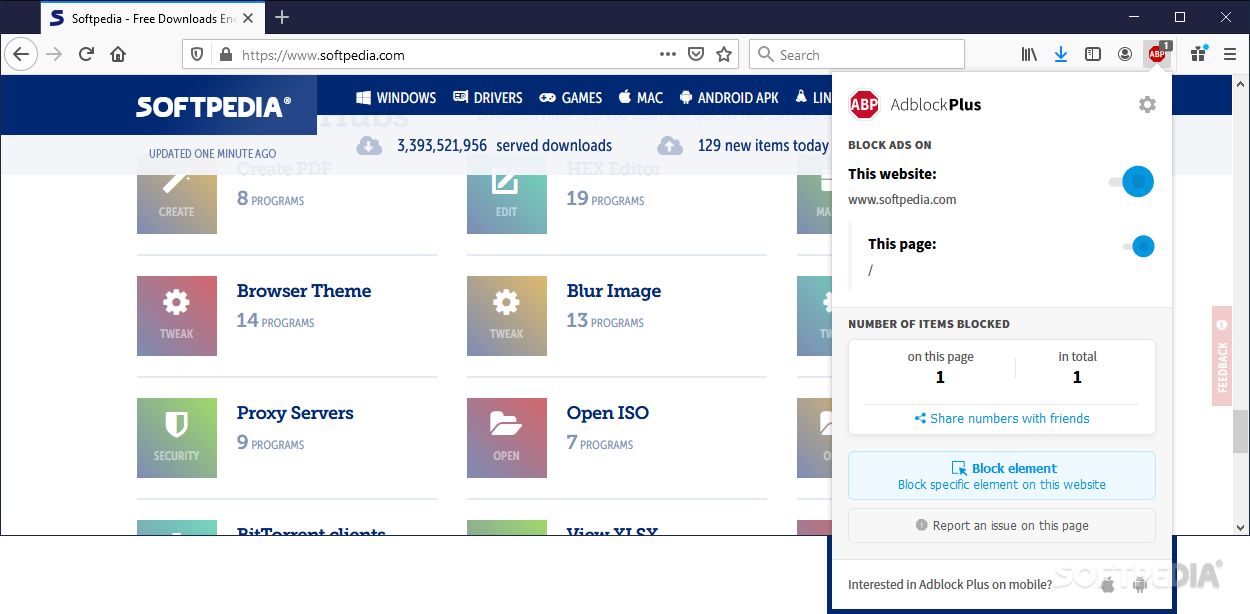
Adblock Plus is a Firefox add-on with an extremely powerful functionality: it removes advertisements, banners and tracking while browsing the web, ensuring a pleasant, private and secure experience.
Advertising brings a huge profit to any website displaying ad banners, no matter if they are powered by Google or by some other similar company. A single click on an ad can redirect you to several pages, turning a simple web browsing session into a nightmare. There are several ways to remove this kind of behavior and one of the most reliable ones is Adblock Plus.
Also available for Google Chrome and Opera, Adblock Plus for Firefox is aimed exclusively at users of Mozilla’s browser and will not work on a different environment. It comes in XPI format and can be easily installed by drag and drop inside Firefox.
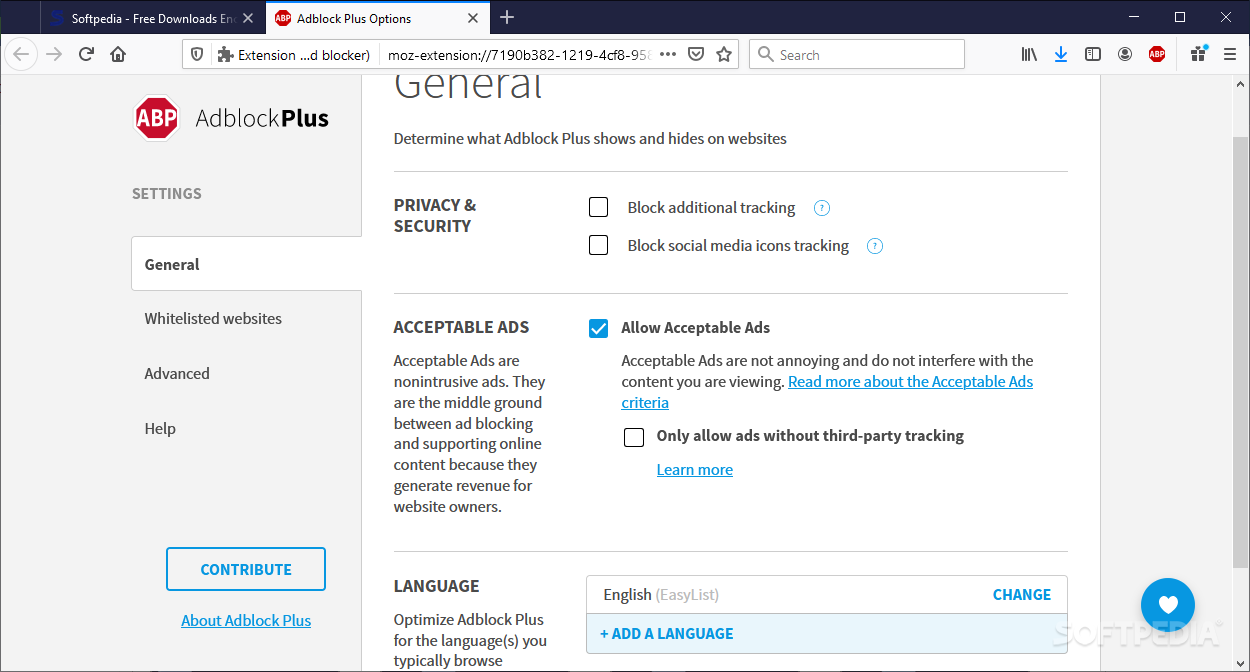
The principle it’s based upon is a very clever one: by default, it blocks all the dangerous items, but allows you to view each one of them and allow the ones you think are harmless.
If ads have been left out of the automatic blocking process, you can erase them using the right-click menu. What’s more, that image will never be displayed again while you’re browsing the Internet. Based on blocked ads, there is the possibility to create patterns, so as to remove images that are alike.
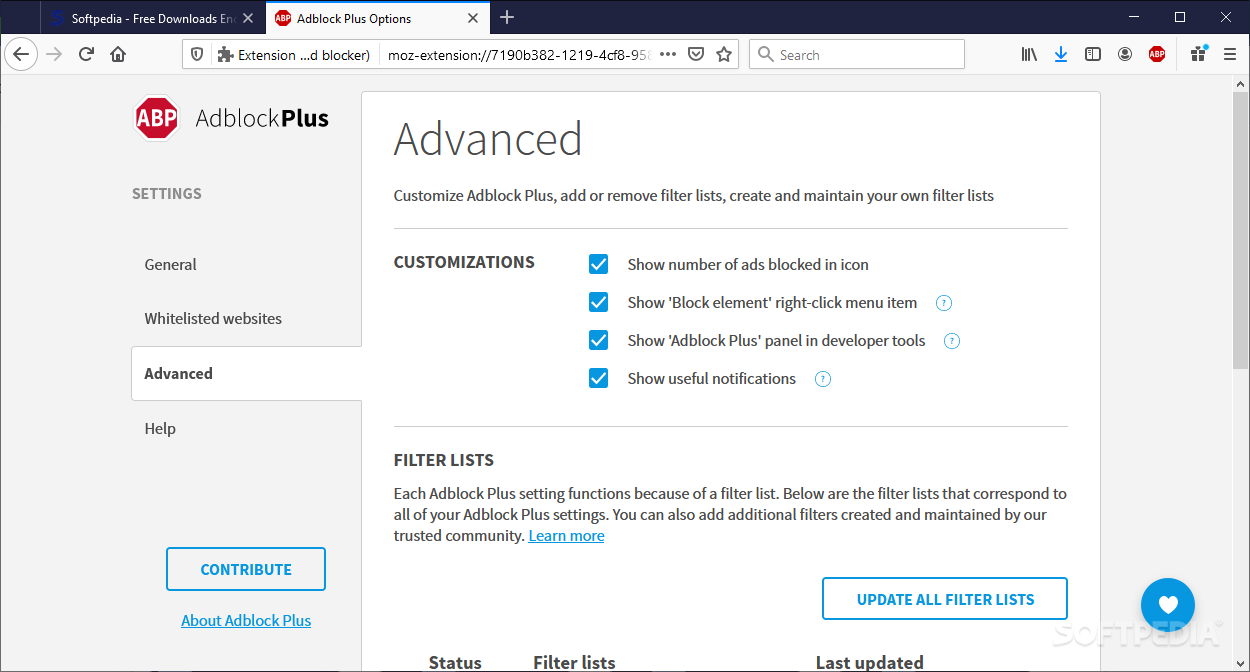
Another interesting feature is the Subscription-based engine, which allows you to choose from a set of filter lists that contain information about popular ads. Adblock Plus confronts the banners identified on a certain website with the filter list and determines which of the images should be blocked.
The filter lists are updated on a regular basis, so as to contain the newest ads available on the web. However, you can create your own list of filters and rules if you feel like a lot of ads are being missed during the block process.
On an ending note, Adblock Plus makes the web experience enjoyable by removing annoying banners. It is highly customizable, leaving the decision of what should be shown on the Internet entirely up to you.
Download Hubs
Adblock Plus for Firefox is part of these download collections: Block Flash, Firefox Add-ons
What's new in Adblock Plus for Firefox 3.25.1:
- This release contains various bug fixes, including ones related to the upcoming transition to Manifest v3.
Adblock Plus for Firefox 3.25.1
add to watchlist add to download basket send us an update REPORT- runs on:
-
Windows 11
Windows 10 32/64 bit - file size:
- 3.8 MB
- main category:
- Internet
- developer:
- visit homepage
Zoom Client

7-Zip

Microsoft Teams

calibre

ShareX

Windows Sandbox Launcher

4k Video Downloader

IrfanView

Context Menu Manager

Bitdefender Antivirus Free

- IrfanView
- Context Menu Manager
- Bitdefender Antivirus Free
- Zoom Client
- 7-Zip
- Microsoft Teams
- calibre
- ShareX
- Windows Sandbox Launcher
- 4k Video Downloader