Softpedia
 

WINDOWS CATEGORIES:


GLOBAL PAGES >>
SOFTPEDIA REVIEWS >>
MEET THE EDITORS >>
WEEK'S BEST
  • Bitdefender Total ...
  • Ocster Backup Pro ...
  • Hard Disk Sentinel...
  • FlashFXP [DISCOUNT...
  • DVDFab DVD Copy [D...
  • Kaspersky Internet...
  • Avast! Internet Se...
  • Avira Internet Sec...
  • Webroot SecureAnyw...
  • McAfee Total Prote...
  • Home > Windows > Internet > News / Newsgroups /Blog Tools
     Report malware

    Windows Live Writer 2012 16.4.3508.0205

    download button

    Downloads: 56,145  View global page  Tell us about an update
    User Rating:
    Rated by:
    Good (3.5/5)
    34 user(s)
    Developer:

    License / Price:

    Size / OS:

    Last Updated:

    Category:

    Freeware / $0
    131 MB / Windows 2008 / 7 / 7 x64 / 8 32-bit / 8 64-bit
    [view history]
    C: \ Internet \ News / Newsgroups /Blog Tools

     Read user reviews (1)  Send to friend   Follow (10 users)

    Softpedia Editor's Review for Windows Live Writer

    EDITOR'S RATING:

    Makes it easier to compose compelling blog posts

    Written by Bogdan Popa on February 26th, 2013

    Windows Live Writer is a powerful application designed to enable you control your blog and publish new posts straight from your desktop, providing all the necessary tools to successfully replace the web-based platform.

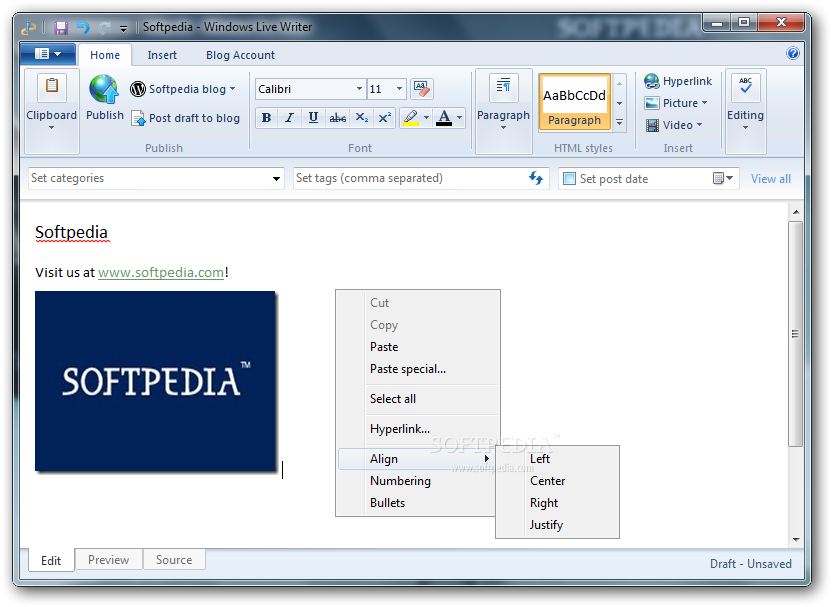
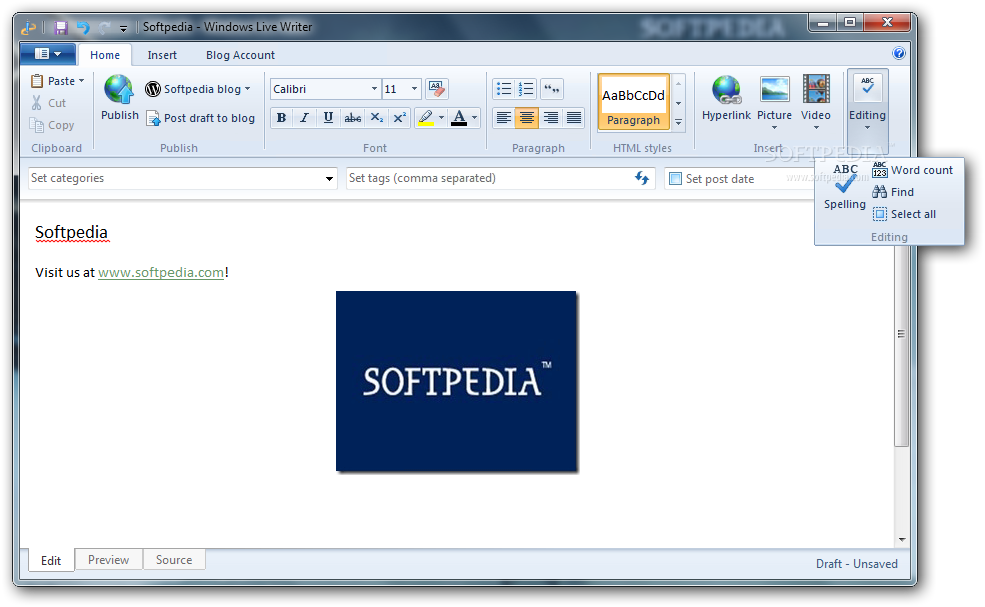
    Since it's designed by Microsoft, it's no surprise that Windows Live Writer looks pretty good, since it's based on the now popular ribbon interface.

    Thanks to this, you can easily format text, photos, videos and the whole content you wish to publish on your blog, but the application has many more goodies beside these.

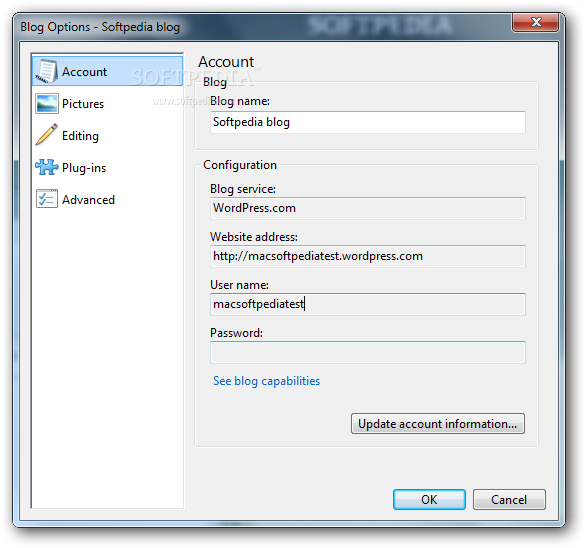
    First of all, the program comes with native support for WordPress blogs, but it's also compatible with SharePoint, Windows Live Spaces, Blogger, TypePad and others. The configuration process is very intuitive because it only asks you for blog address, username and passwords.

    Besides the fact that it provides excellent control over the text, photos, videos and links you wish to publish, Windows Live Writer comes with dedicated tools to show you a preview of the upcoming blog post, but also with a source tab for more advanced users.

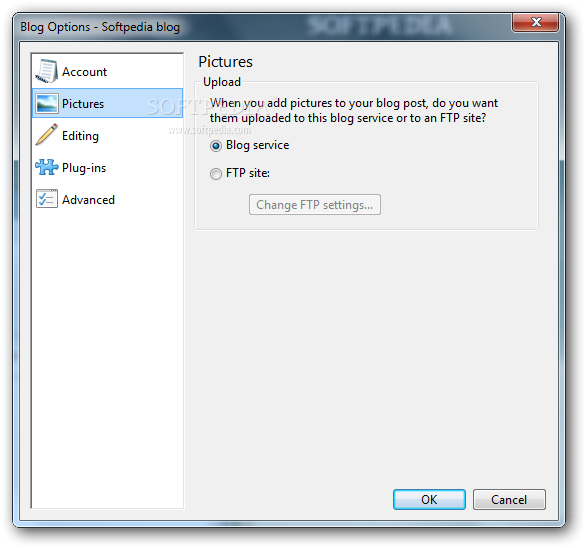
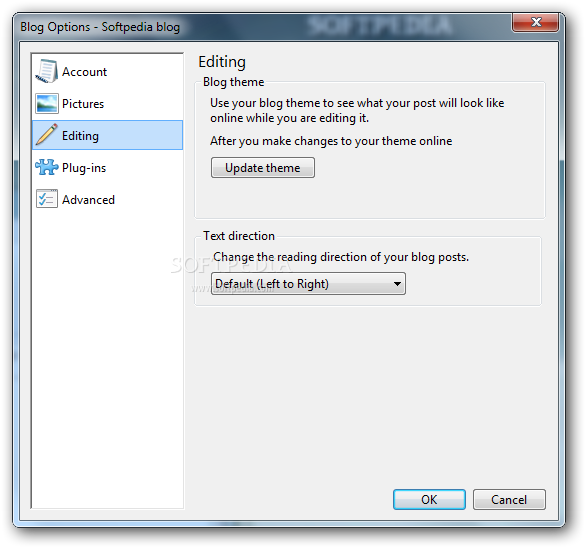
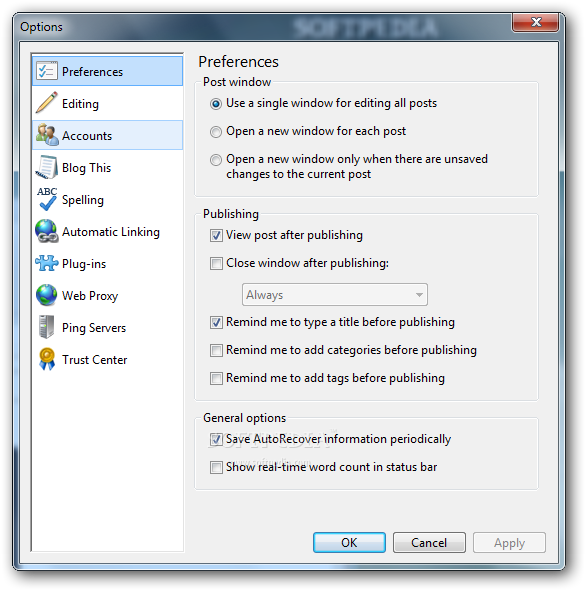
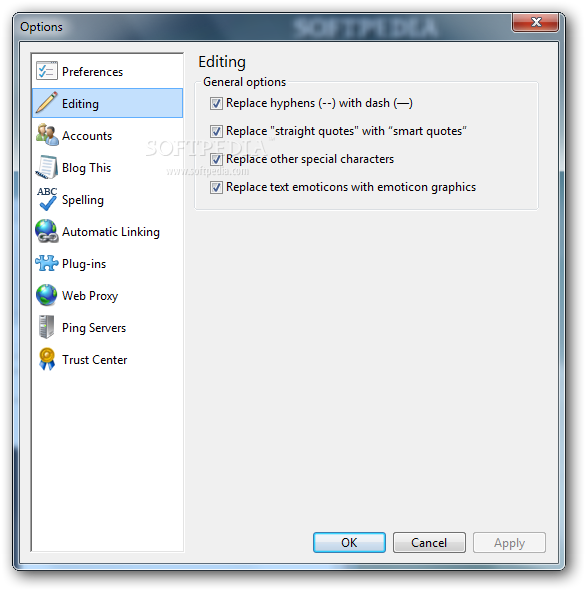
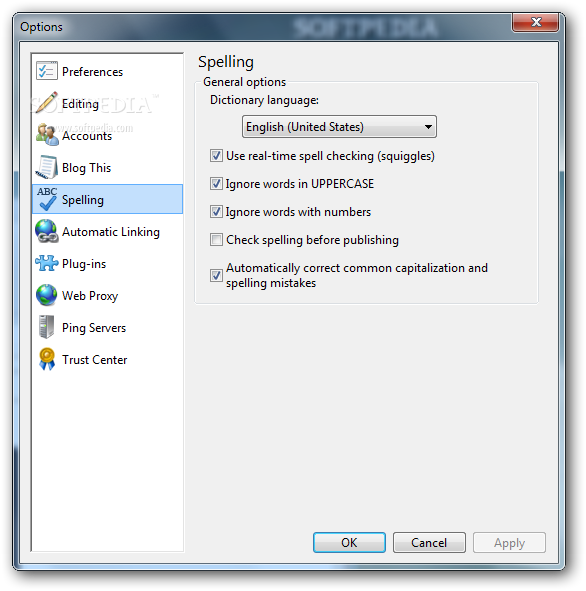
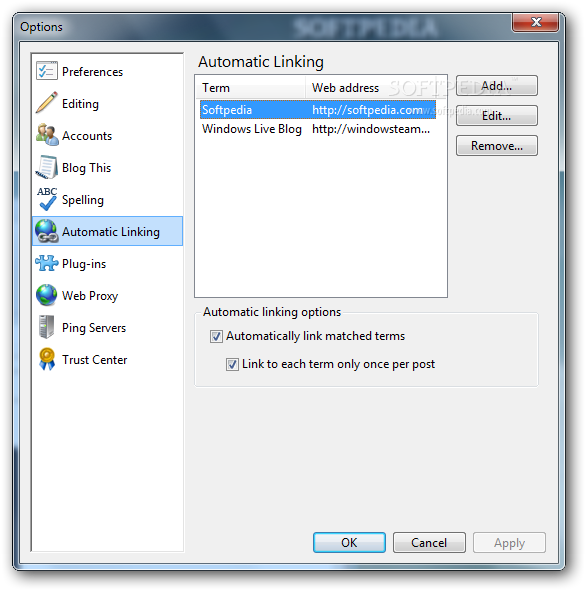
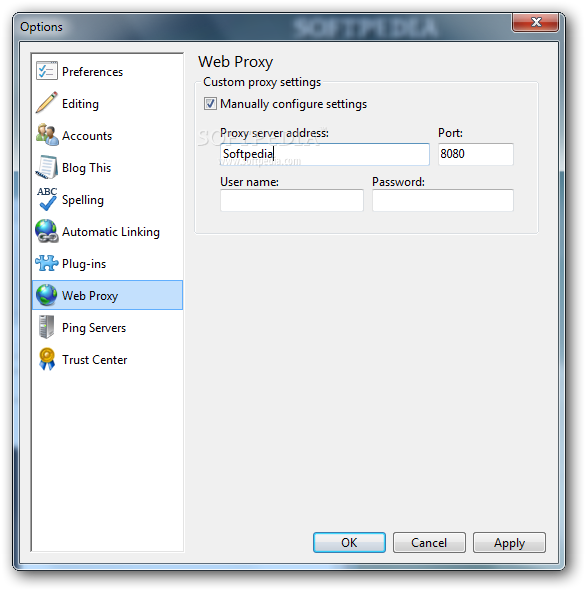
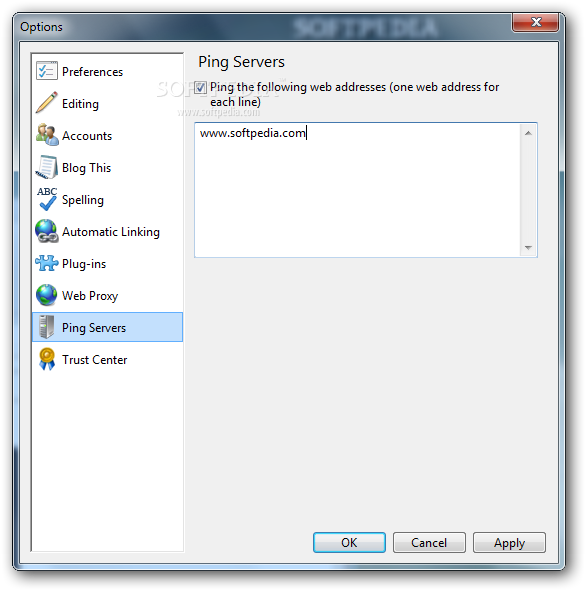
    The comprehensive settings menu has all the options you need regarding editing, accounts, spelling, automatic linking, plug-ins, web proxy, ping servers and Trust Center.

    Of course, you don't need a super computer to run Windows Live Writer, but older systems may need more time to load the application, while publishing certain file formats may slow down the computers.

    Overall however, Windows Live Writer is one of the best blogging tools on the market. It’s accessible, easy to use and addresses all user categories.

    Windows Live Writer description

    Here are some key features of "Windows Live Writer":

    Tell your story now:
    · Set up is simple using WordPress, Blogger, TypePad, and more. Because what you see is what you get, you can see what your blog post will look like as you create it.

    Easier to find and do:
    · Find what you want to do more easily using the ribbon. Add a photo or video, and then double-click it to see all of the tools you need to format it in the ribbon.

    Blog like a professional:
    · Create beautiful blog posts quickly using the simple tools in Writer to add and format text, photos, and videos.

    Requirements:

    · Processor: 1.6 GHz or higher
    · Memory: 1 GB of RAM or higher
    · Resolution: Minimum 1024 × 576
    · Internet connection: Internet functionality requires dial-up or broadband Internet access (provided separately). Local or long-distance charges may apply. High-speed Internet access is recommended for some features.
    · Graphics or video card: Windows Live Movie Maker requires a video card that supports DirectX 9 or higher and Shader Model 2 or higher.

    What's New in This Release: [ read full changelog ]

    You might receive a blocked account error when you try to sign in to Windows Essentials:
    · If you see the error message "The user account has been blocked," open a web browser, go to the Microsoft Account page and sign in with the same Microsoft account. After you sign in online, go back to Writer and try to sign in to Windows Essentials again with the same Microsoft account.

    Some pictures copied from Microsoft Word might not paste into a blog:
    · Because Writer doesn't support rendering of images using vector markup language (VML), pictures copied from Word into a blog in Writer might not appear if VML is turned on in Word.

    · To turn off rendering of images using VML
    · Open Microsoft Word.
    · Click the File tab or Microsoft Office Button, and then click Options or Word Options.
    · In the Word Options dialog box, click Advanced.
    · Under General, click Web Options.
    · Clear the check box next to Rely on VML for displaying graphics in browsers, and then click OK.

    · When lists are copied from...

     Softpedia guarantees that Windows Live Writer 2012 16.4.3508.0205 is 100% CLEAN, which means it does not contain any form of malware, including spyware, viruses, trojans and backdoors. [read more >]


    TAGS:

    Windows Live Suite | blog post | create blog | blogger | publisher | composer

    Go to top

    WindowsGamesDriversMacLinuxScriptsMobileHandheldNews

    SUBMIT PROGRAM   |   ADVERTISE   |   GET HELP   |   SEND US FEEDBACK   |   RSS FEEDS   |   UPDATE YOUR SOFTWARE   |   ROMANIAN FORUM