
Straightforward application that can be used in order to post on your personal blog with ease, and supports a long list of platforms #Blog tool #Blog publisher #Post editor #Blog #Post #Editor

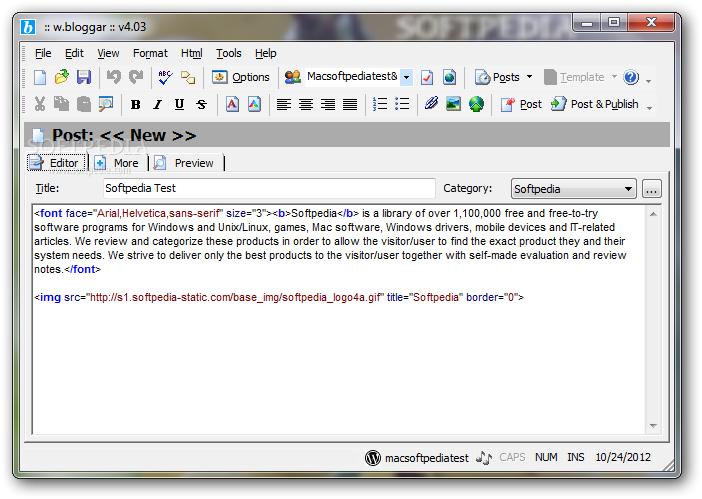
w.bloggar is a software utility whose main purpose is to aid people in writing and posting articles on their blogs, without actually having to open their web browser. It supports many features and a long list of blog communities.
The app’s interface is quite simple and familiar, closely resembling a normal text editor. It is comprised of a menu bar, several buttons and a few panes in which to display your work in progress and preview it as it would appear on your blog. Extensive Help contents are included, thus making it possible for both power and novice users to get around w.bloggar, without encountering any kind of issues.
First and foremost, you should know that this application supports a very large number of types of blogs, including Blogger, MovableType, BigBlogTool, Nucleus, Drupal, Blog-City, LiveJournal, UBlog, Squarespace, Dear Diary, Xaraya and Roller Weblogger.
By using an already-created account for one of the aforementioned blogs, you can easily start this tool, yet you can also create a new account directly from its main window.
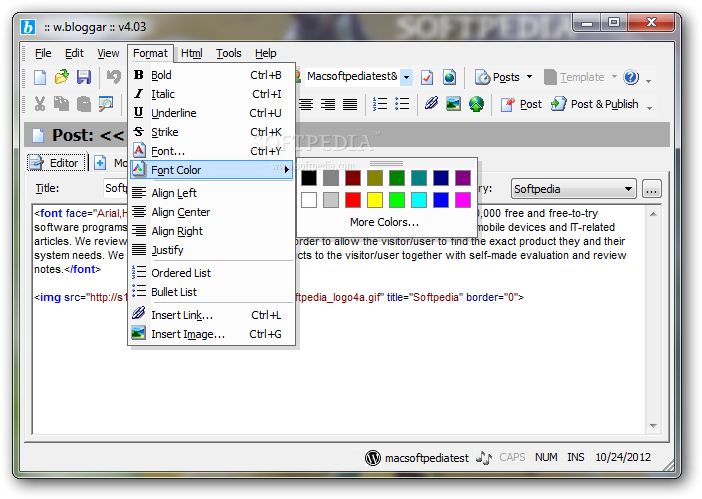
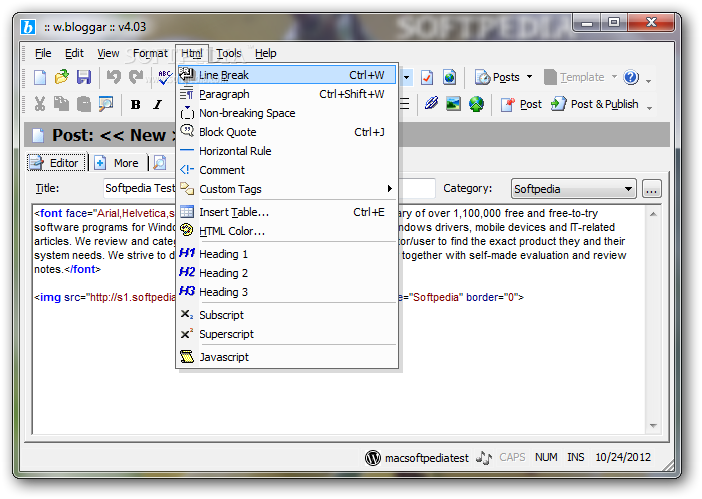
It is possible to create new posts with ease, and customize many options. For example, you can adjust font type, style, size and color, and alignment, insert bullet lists, links and images, line breaks, paragraphs, tables and headings.
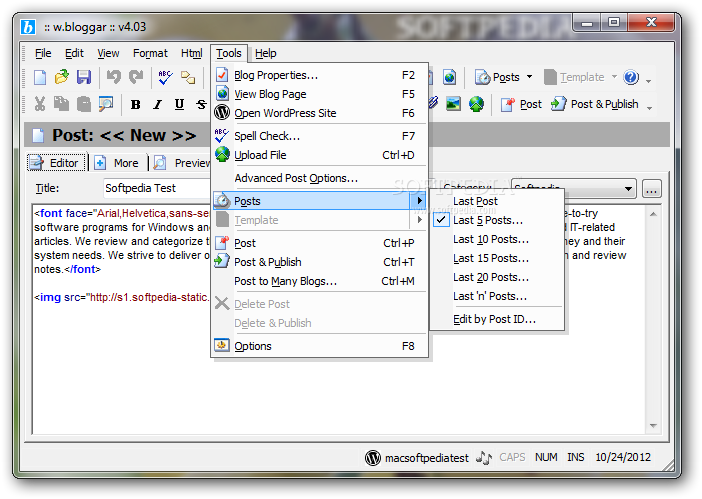
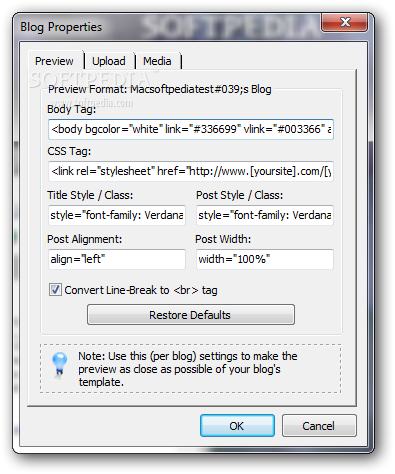
You can also use a spell checker feature, view blog properties, bring up some of your most recent posts, and publish your work on one or several blogs. It is also possible to save posts and export accounts and settings.
In conclusion, w.bloggar is a pretty efficient piece of software when it comes to posting your thoughts on your personal blog. It supports a huge list of platforms, the response time is good and the interface is friendly to all user categories. The computer’s performance is not going to be burdened and our tests did not reveal any hangs or errors.
w.bloggar 4.03.199
add to watchlist add to download basket send us an update REPORT- portable version
- This is the portable version of the application. An installable version is also available: w.bloggar Portable
- runs on:
- Windows All
- file size:
- 1.9 MB
- filename:
- wb400.exe




- main category:
- Internet
- developer:
- visit homepage
IrfanView

7-Zip

Context Menu Manager

4k Video Downloader

calibre

ShareX

Zoom Client

Bitdefender Antivirus Free

Windows Sandbox Launcher

Microsoft Teams

- Bitdefender Antivirus Free
- Windows Sandbox Launcher
- Microsoft Teams
- IrfanView
- 7-Zip
- Context Menu Manager
- 4k Video Downloader
- calibre
- ShareX
- Zoom Client