
Scrape information from websites by using crawlers that can be customized to extract the specified type of data and save the results on your local drive. #Website crawler #Scrape website #Website scraper #Scrape #Scraper #Crawler

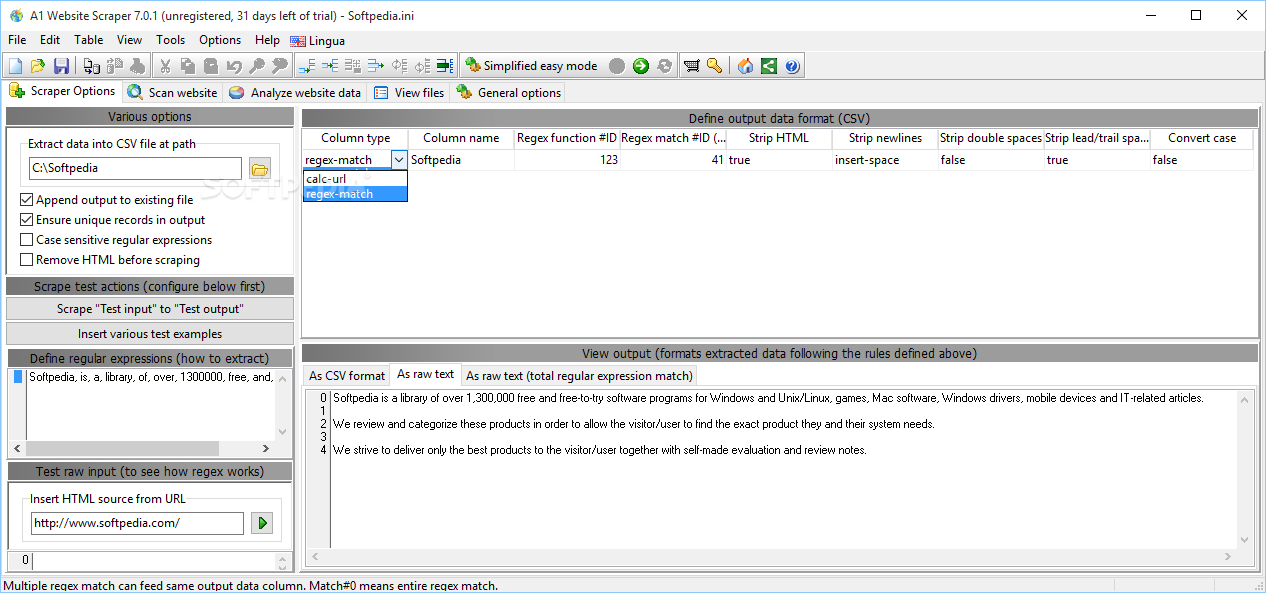
A1 Website Scraper is an advanced Windows application designed specifically for helping you scrape websites and extract data into customizable CSV files.
By default, the tool reveals a simplified view mode which hides several advanced configuration settings. Switching between the two modes requires a single click.
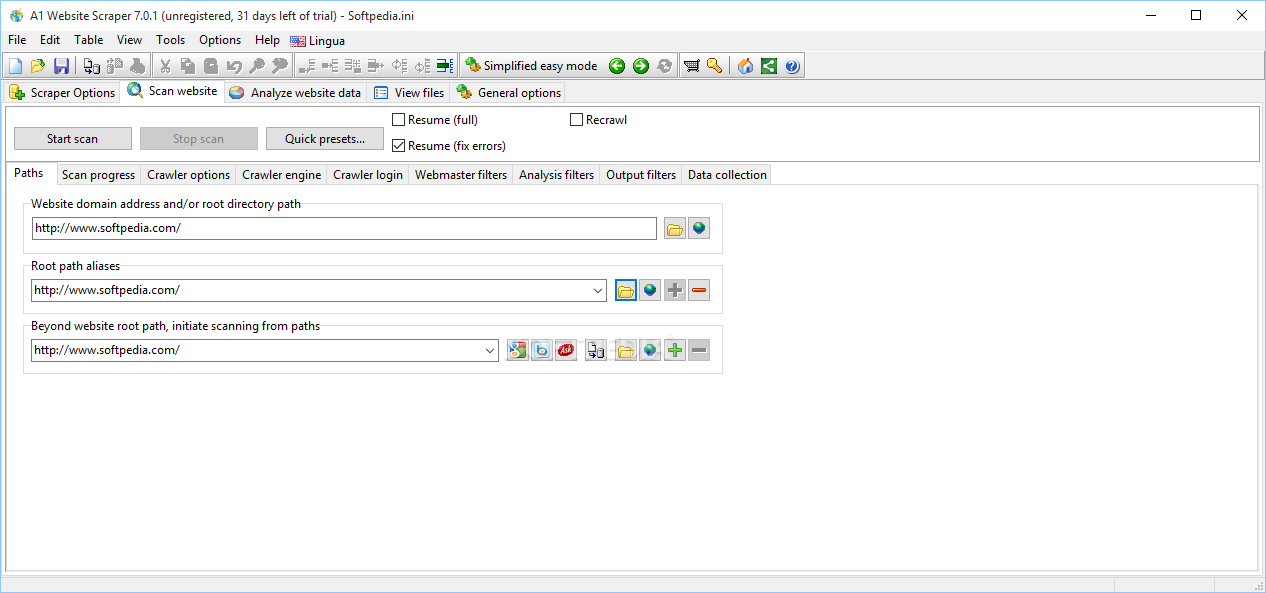
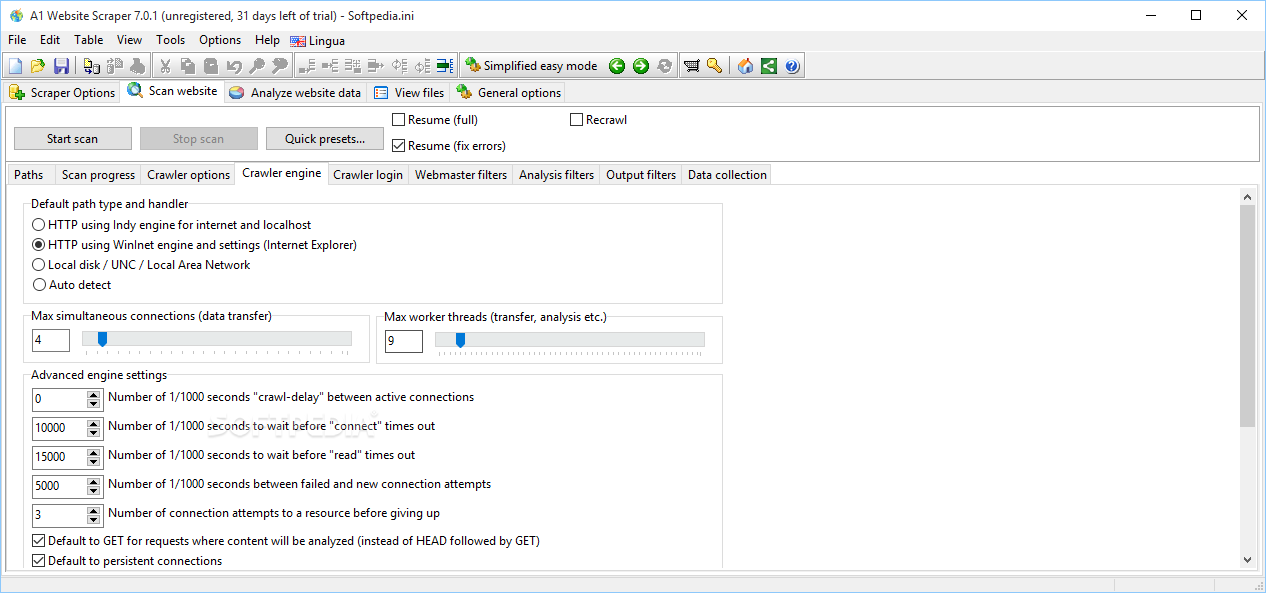
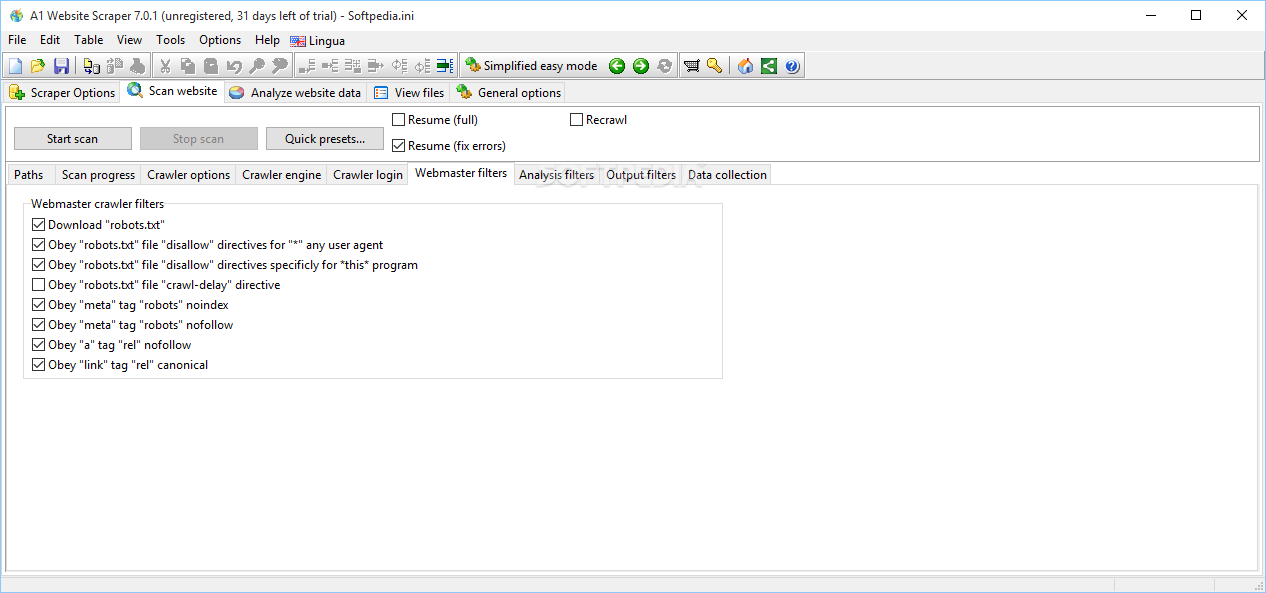
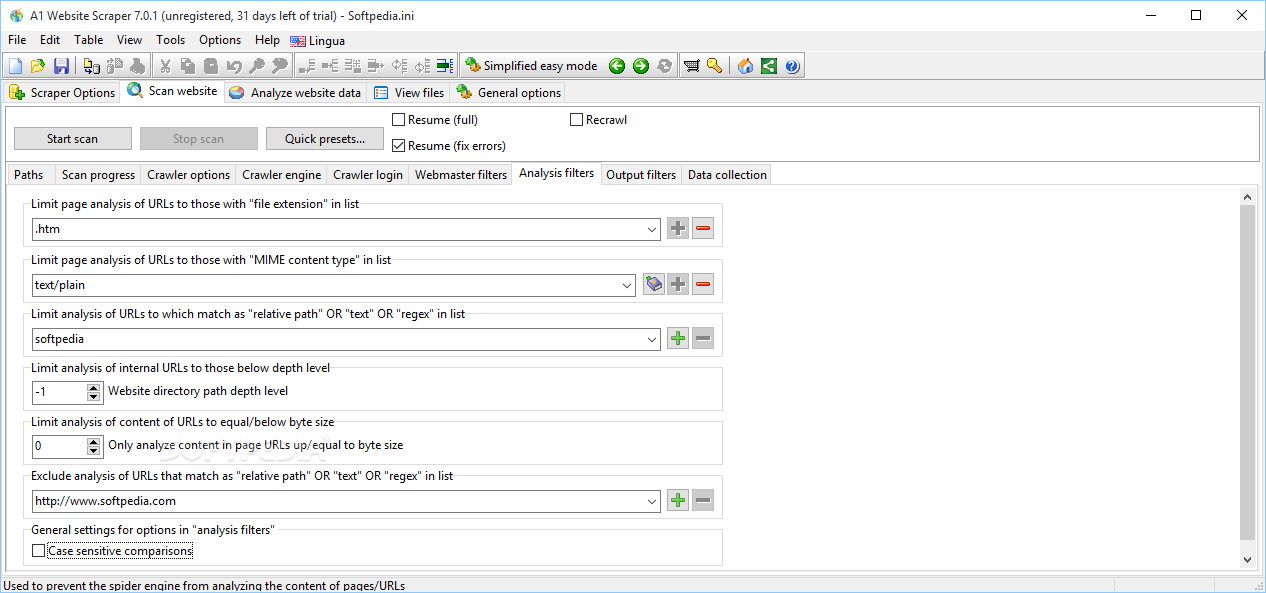
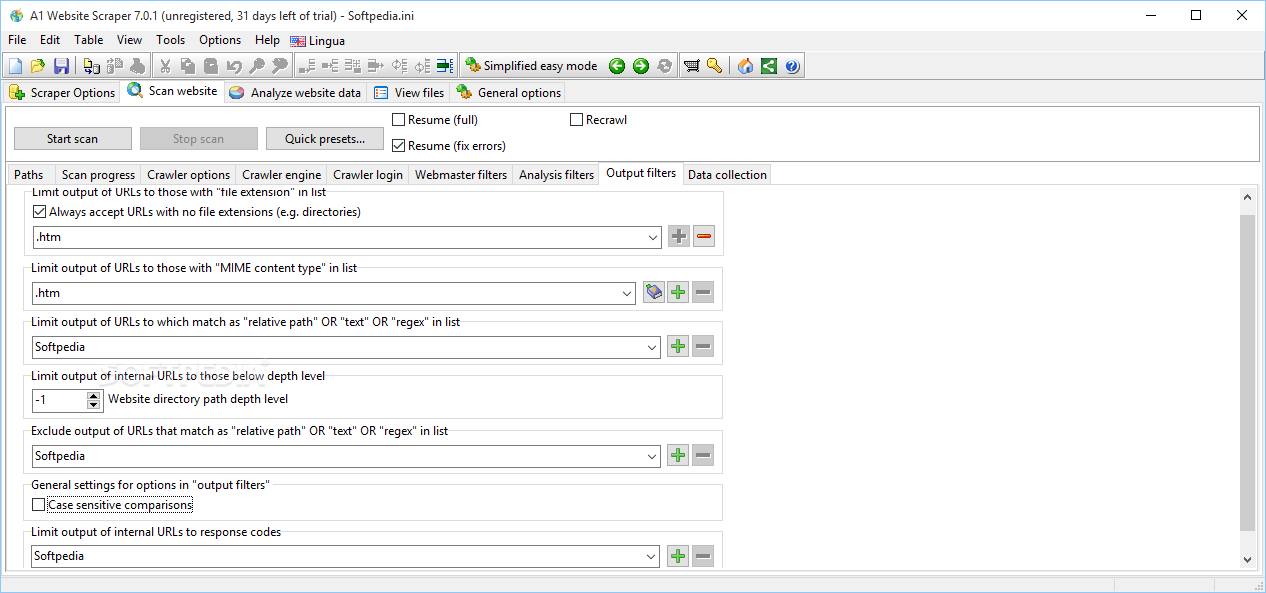
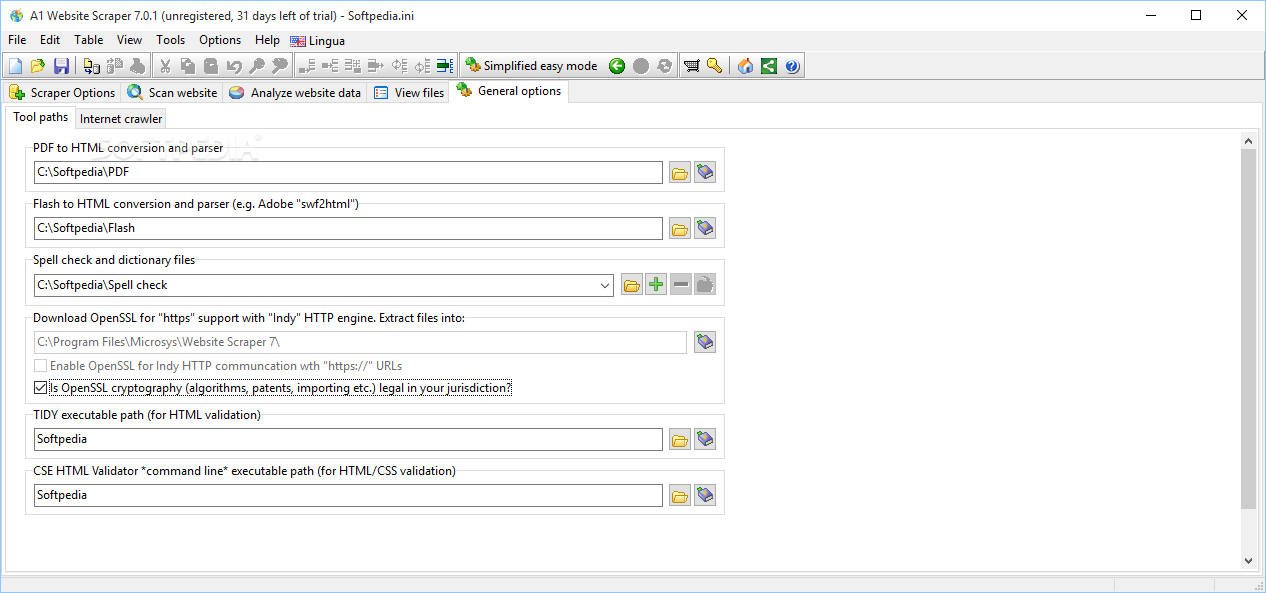
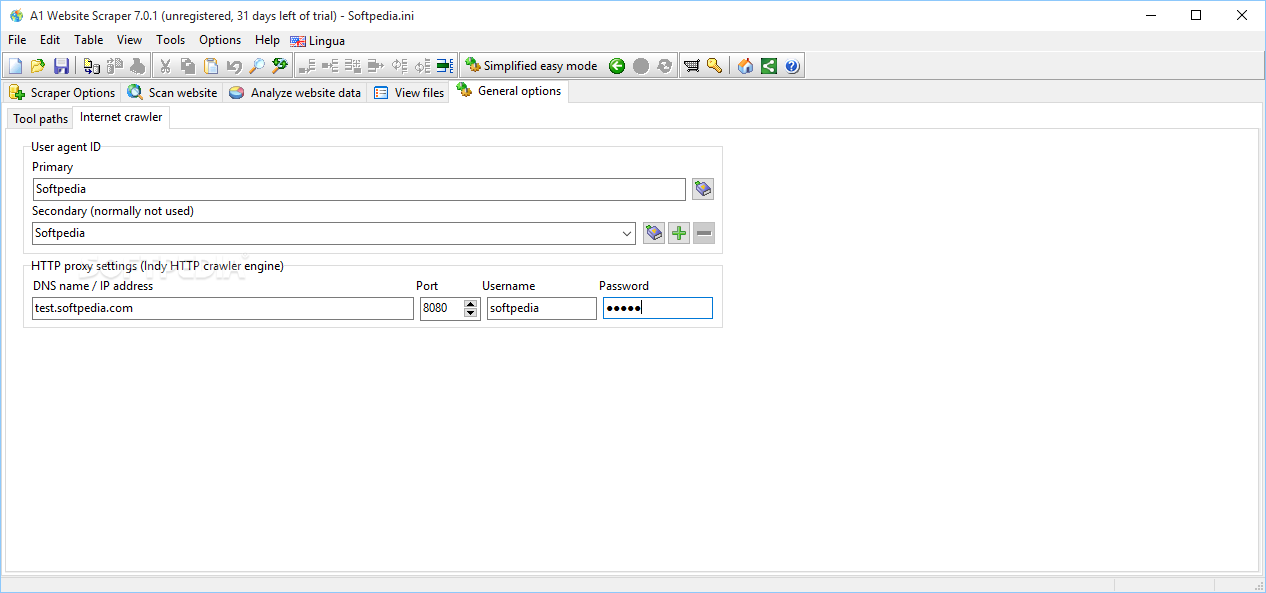
A1 Website Scraper employs a multi-tabbed layout that provides quick access to several key features of the program that allow you to set up scraper options, scan websites, analyze websites, and view files.
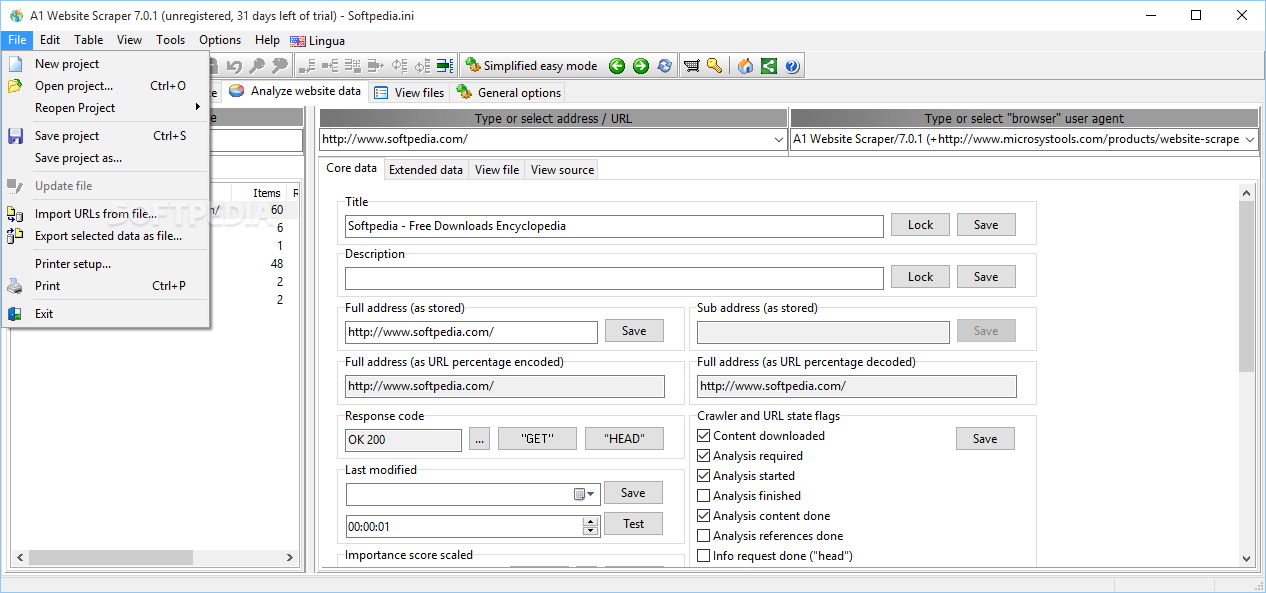
You can create projects that store all your configuration data and save them on your computer so as to be able to import and edit them in the future.
A1 Website Scraper comes with a multitude of dedicated parameters for helping you customize the way you scrape and extract data. You may use custom regular expressions for grabbing data from crawled pages and insert various test examples (e.g. extract product names and URLs, single column to extract, multiple regular expression functions).
You are allowed to define output data format (CSV file format), view CSV test output, display raw test output, scrape an entire website, control which URLs get content analyzed for links, as well as apply output filters in order to scrape data from certain URLs.
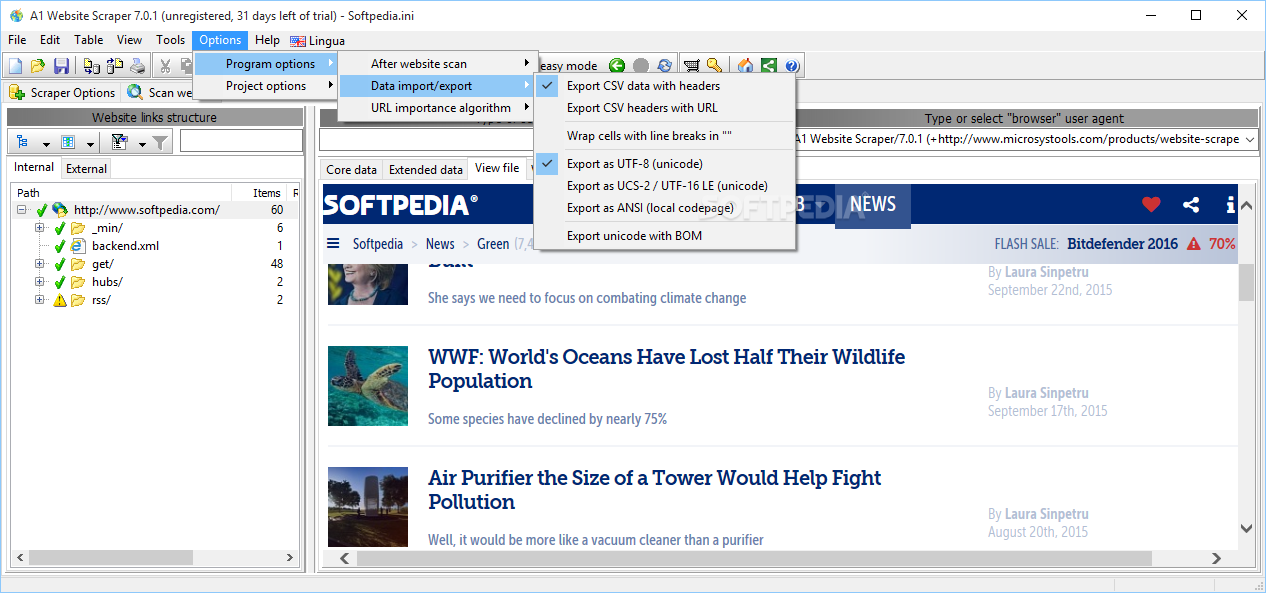
The application lets you import URLs from plain text files, tweak the encoding and character format of the generated CSV file, and export CSV data with headers or URLs.
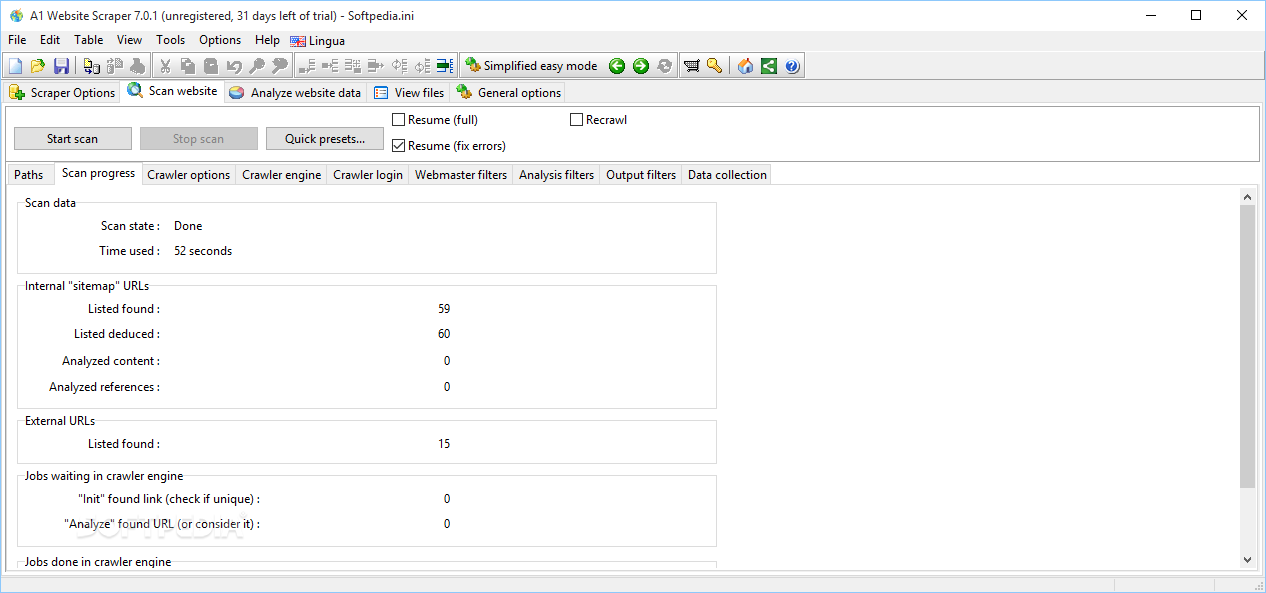
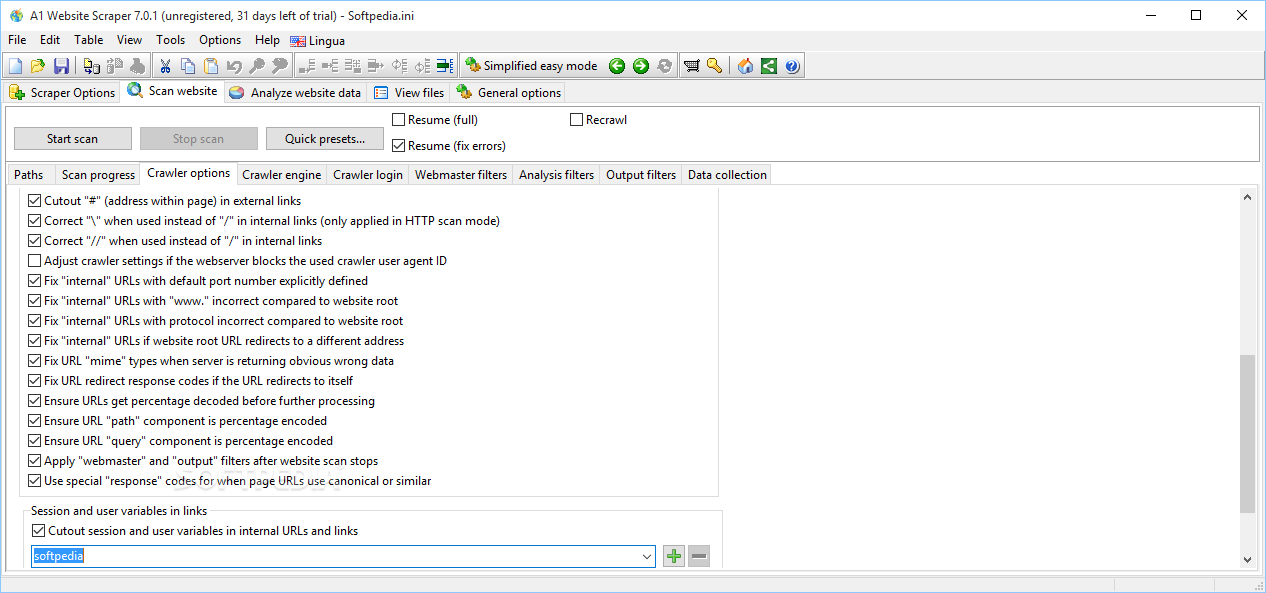
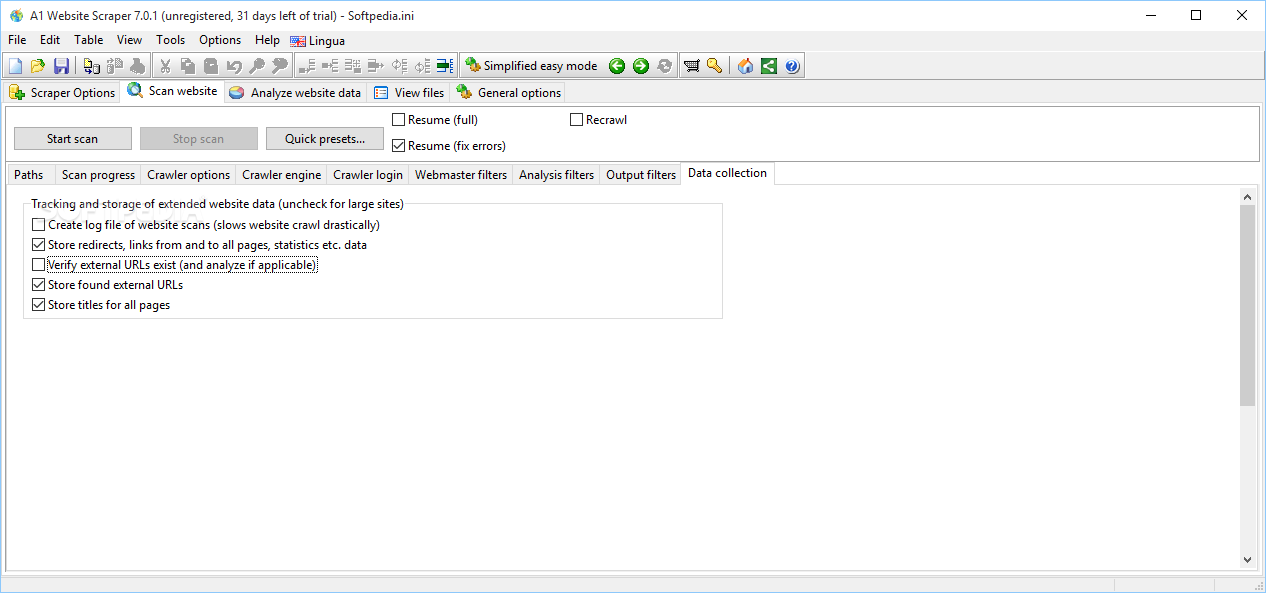
A1 Website Scraper lets you start or stop the scan process, chose between several quick presets, view information about scanned data (e.g. scan state, total time, number of internal and external URLs, jobs waiting in the crawler engine), as well as alter several data collection parameters, such as create log files of website scans, verify external URLs, store titles for all pages).
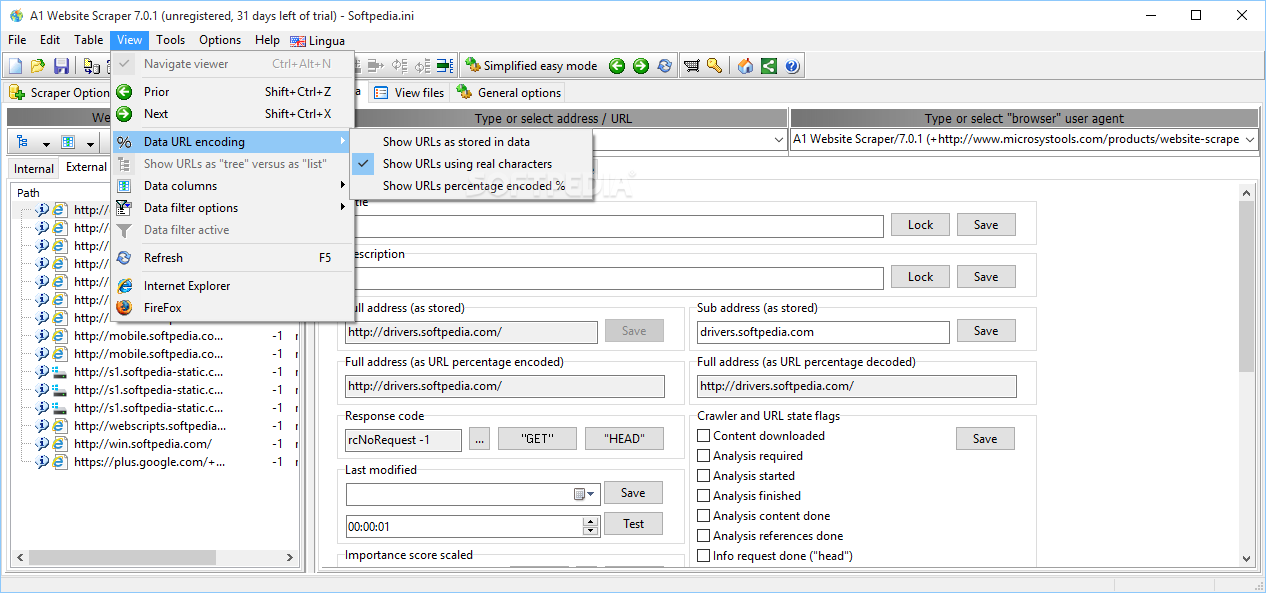
The analyzing mode creates the website structure with links and allows you to apply filters (e.g. show only URLs with duplicate titles, descriptions and keywords), and view information about each webpage, namely core data (e.g. title, description, full address, response code) and external data (e.g. external and internal links). You may preview the files and source data.
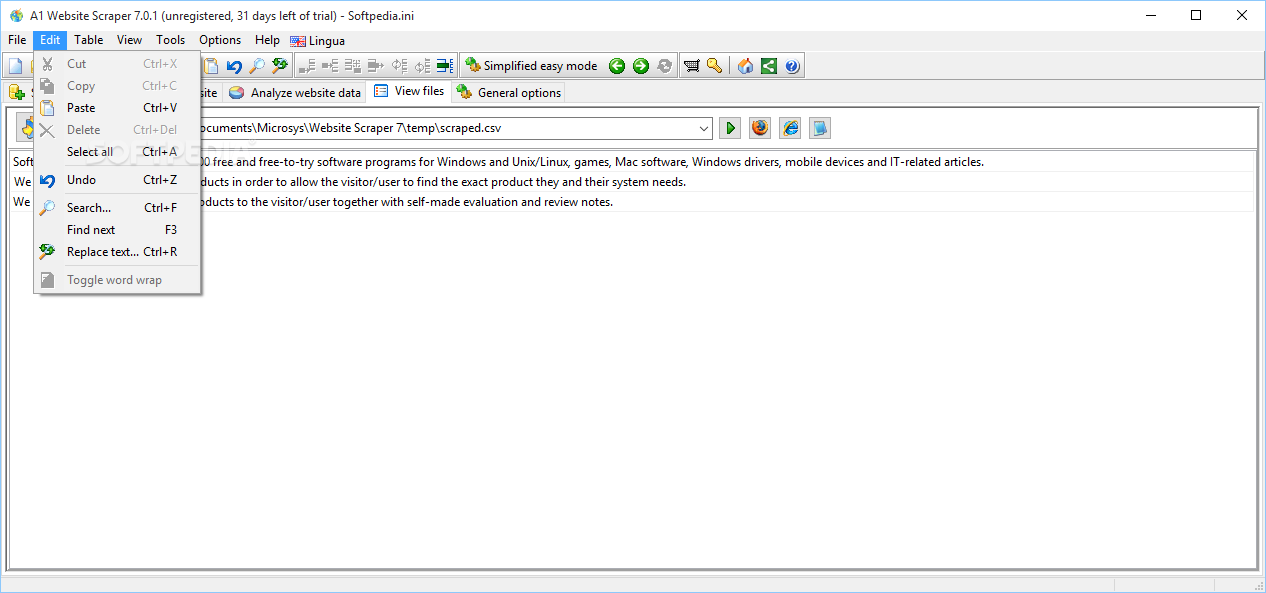
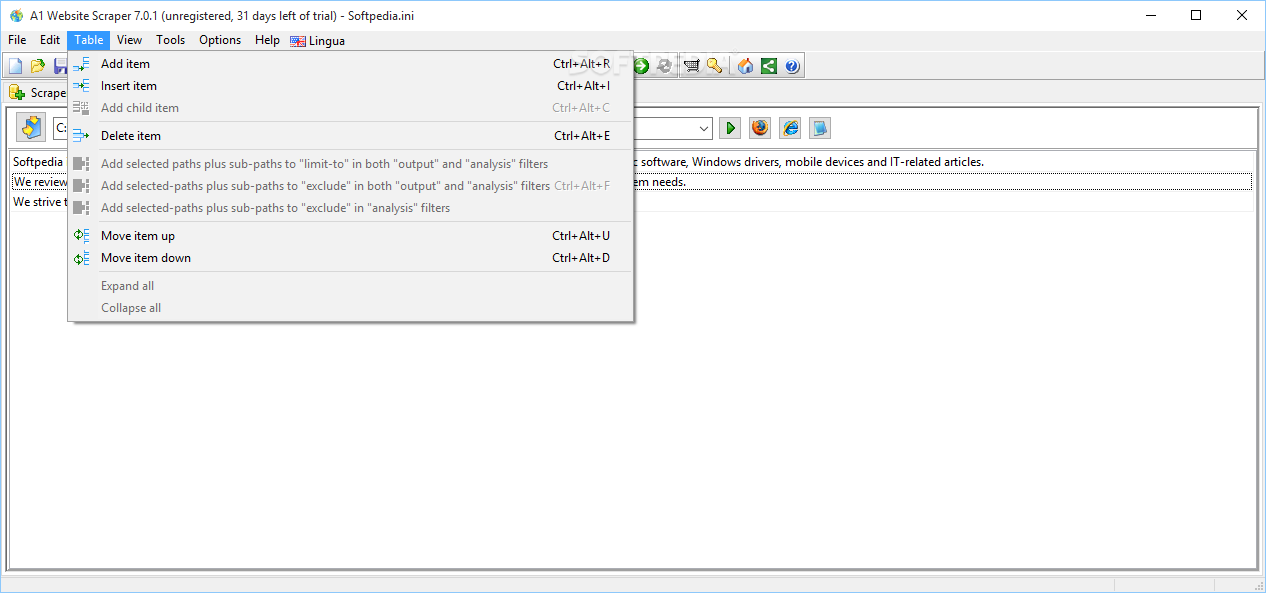
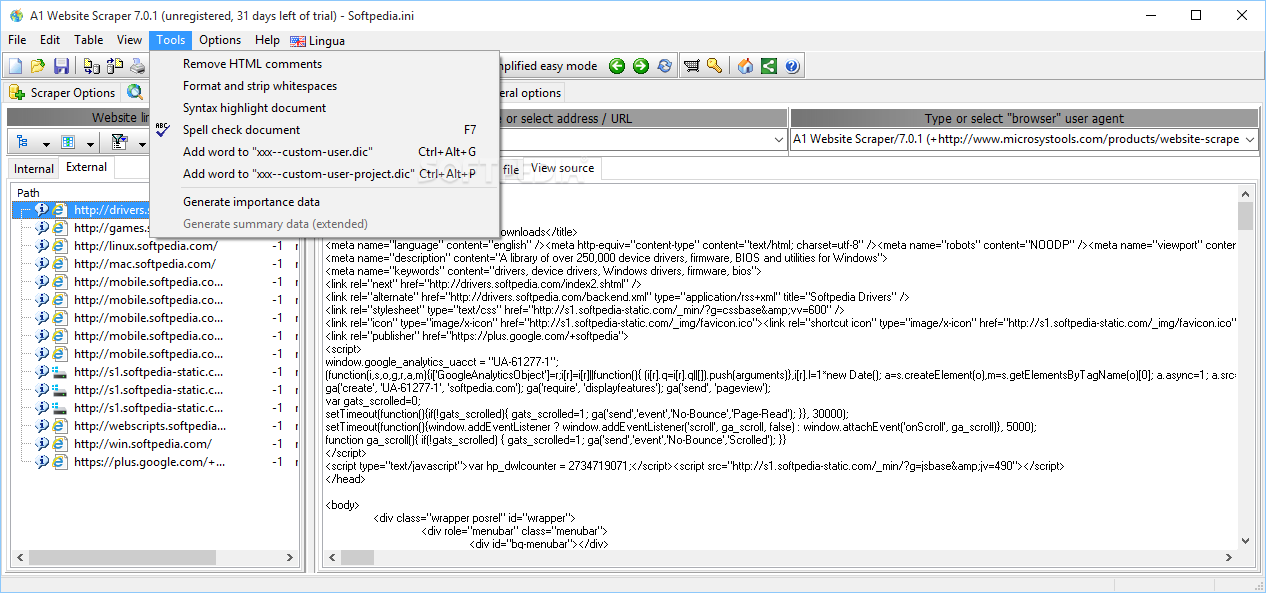
You can open the selected file in a text editor, Notepad, Internet Explorer or Firefox, add or delete items in the table, insert rows, move items up or down, remove HTML comments, format and strip whitespace, as well as enable the syntax highlighting and spell checking feature.
A1 Website Scraper comes with a multitude of customization features for scraping websites and extracting data into CSV files, and is suitable especially for professional users.
What's new in A1 Website Scraper 11.0.0 Update 16:
- Various fixes and improvements. (Mostly Windows version specific.)
A1 Website Scraper 11.0.0 Update 16
add to watchlist add to download basket send us an update REPORT- runs on:
-
Windows 11
Windows Server 2019
Windows 10 32/64 bit
Windows Server 2012
Windows 2008
Windows 2003
Windows 8 32/64 bit
Windows 7 32/64 bit
Windows Vista 32/64 bit
Windows XP 32/64 bit - file size:
- 8.5 MB
- filename:
- scraper-setup.exe


- main category:
- Internet
- developer:
- visit homepage
calibre

Context Menu Manager

Microsoft Teams

4k Video Downloader

ShareX

Windows Sandbox Launcher

7-Zip

IrfanView

Zoom Client

Bitdefender Antivirus Free

- IrfanView
- Zoom Client
- Bitdefender Antivirus Free
- calibre
- Context Menu Manager
- Microsoft Teams
- 4k Video Downloader
- ShareX
- Windows Sandbox Launcher
- 7-Zip