
A user-friendly program that helps you scan the cache and history files for IE, Opera, Chrome, and Firefox, and lets you export the results to CSV, XML, HTML, or plain text file format. #Cache Scanner #Scan History #History Scanner #IE History #IE Cache #Search

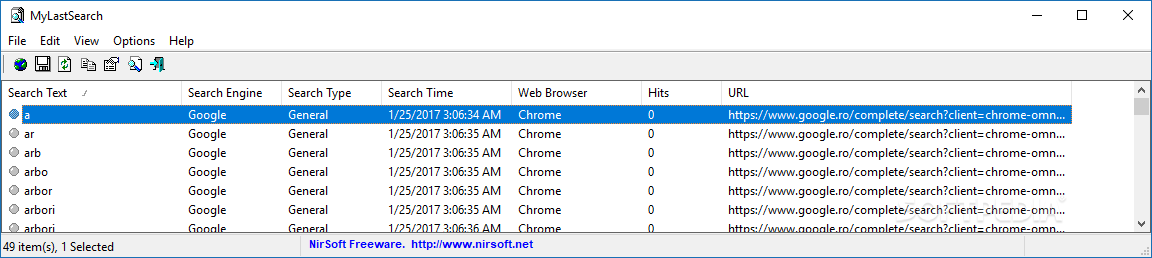
MyLastSearch is a lightweight Windows application whose purpose is to help you view and access the cache and history items stored by Internet Explorer, Opera, Chrome, and Firefox.
Since this is a portable program, it is important to mention that it doesn’t leave any traces in the Windows Registry.
You can copy it on any USB flash drive or other devices, and take it with you whenever you need to scan the cache and history data of your web browsers on the fly, without having to go through installation steps.
The layout is intuitive enough to be configured without having to consult a help manual or watch online tutorials.
Basically, it proves to be extremely easy to work with this tool, as it automatically scans the web browsers and displays the information in the primary panel. The time needed to carry out the scanning operation pretty much depends on the size of your cache and history files.
You are offered details about the searched text, search engine (e.g. YouTube, Google), type, date and time, web browser, and URL.
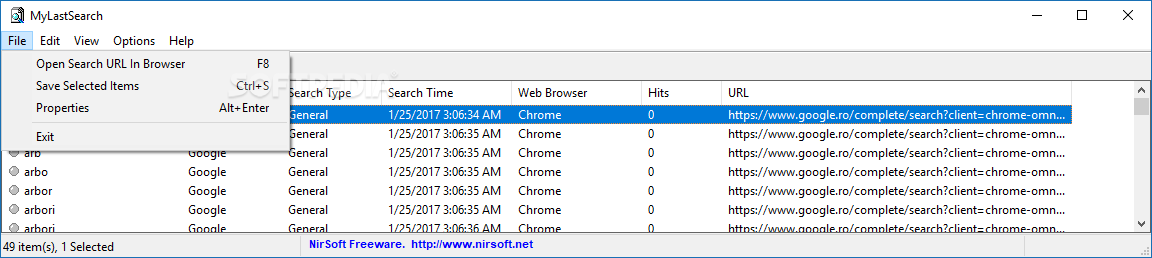
MyLastSearch gives you the possibility to open the selected URL in your web browser, save the selected items to CSV, XML, HTML, or plain text file format, copy the information to the clipboard for pasting it into other third-party utilities, and use hotkeys for a better control over the entire process.
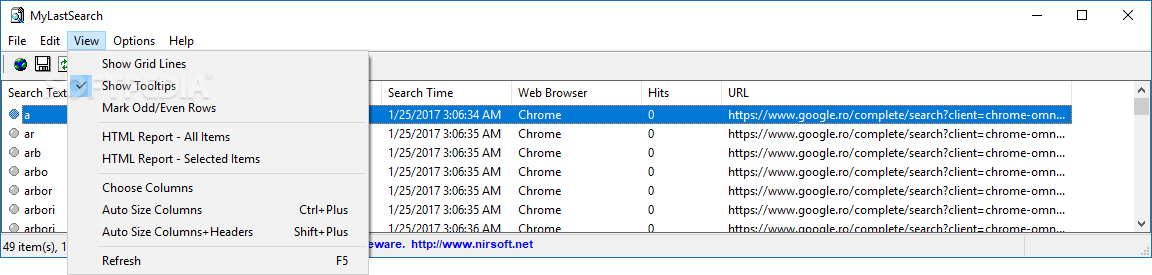
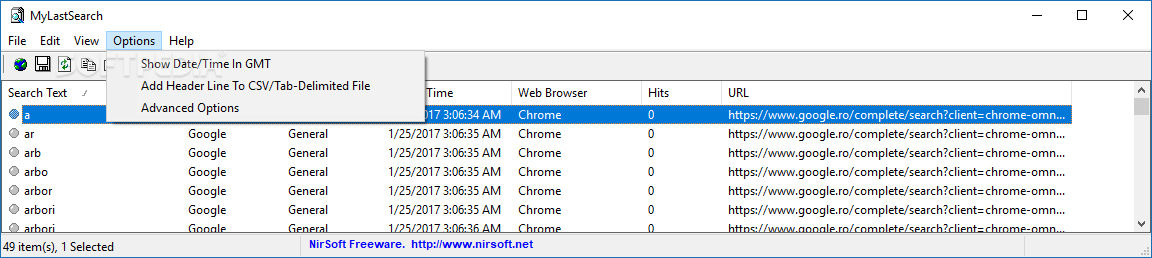
Last but not least, you are allowed to perform search operations, view the cache and history data only for the selected web browsers, refresh the information displayed in the primary panel with just one click, and tweak the columns.
During our testing we have noticed that MyLastSearch carries out a task very quickly and without errors. It leaves a minimal footprint on system resources, so the overall performance of the computer is not affected.
MyLastSearch proves to be an efficient tool that comes packed with a handy set of features, and is suitable for beginners and professionals alike.
What's new in MyLastSearch 1.65:
- Added support for Yandex and DuckDuckGo search engines.
MyLastSearch 1.65
add to watchlist add to download basket send us an update REPORT- runs on:
- Windows All
- file size:
- 71 KB
- filename:
- mylastsearch.zip
- main category:
- Internet
- developer:
- visit homepage
IrfanView

calibre

7-Zip

Windows Sandbox Launcher

Context Menu Manager

ShareX

Bitdefender Antivirus Free

Zoom Client

Microsoft Teams

4k Video Downloader

- Zoom Client
- Microsoft Teams
- 4k Video Downloader
- IrfanView
- calibre
- 7-Zip
- Windows Sandbox Launcher
- Context Menu Manager
- ShareX
- Bitdefender Antivirus Free