
Remote connections are going to be a lot easier with an application as organized as this one, only, of course, if you also have the knowledge to back this app's power up. #Remote Desktop #Remote Connection #Organize Connection #Remote #Connection #Connect

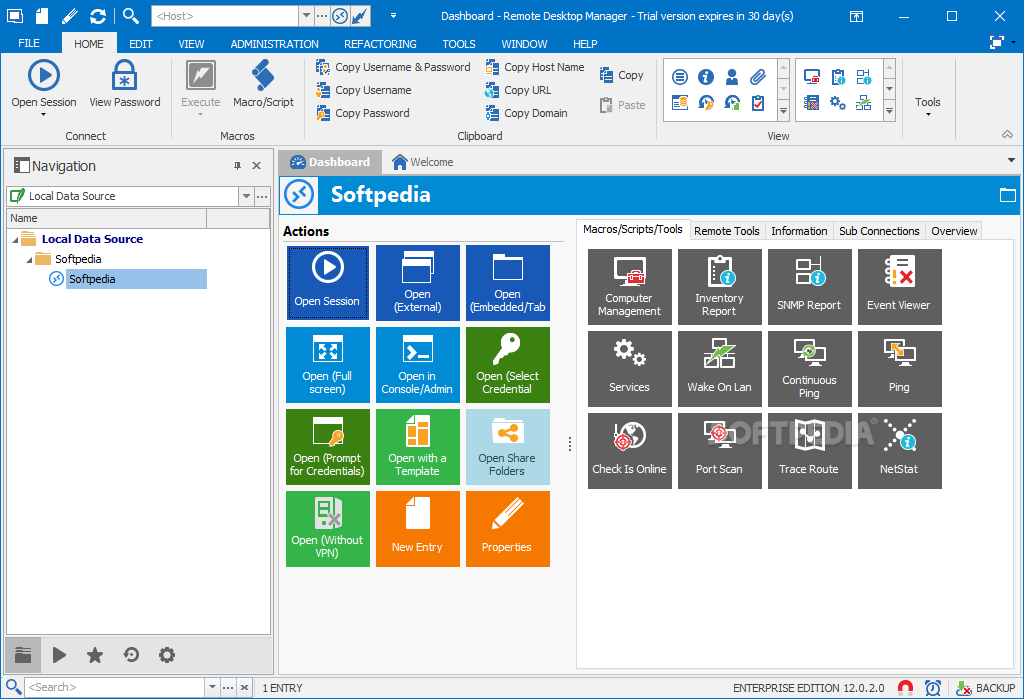
With Remote Desktop Manager Enterprise Edition, advanced users will get a network of apps and helpful add-ons for managing remote connections to one or more machines, all with the sole purpose of creating a tight nit system for a dependable network structure and overall easier communication lines.
It's not an application that all users will understand. I found it a tad challenging to manage at times, but its simple interface does manage to smooth things out.
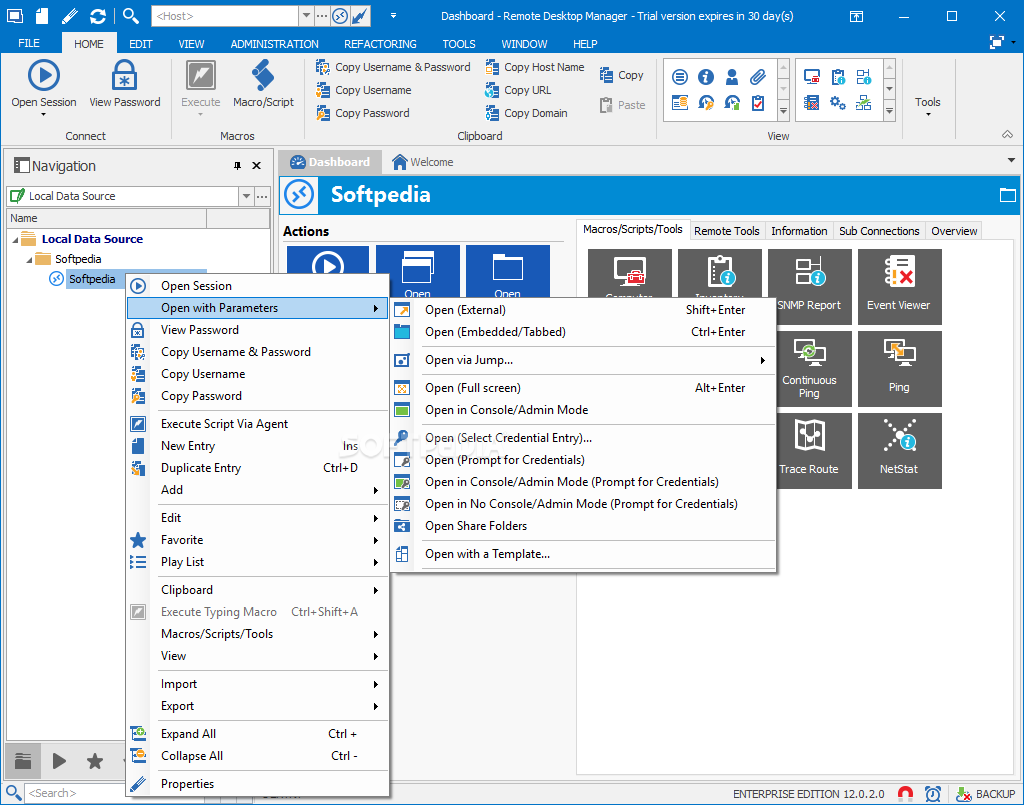
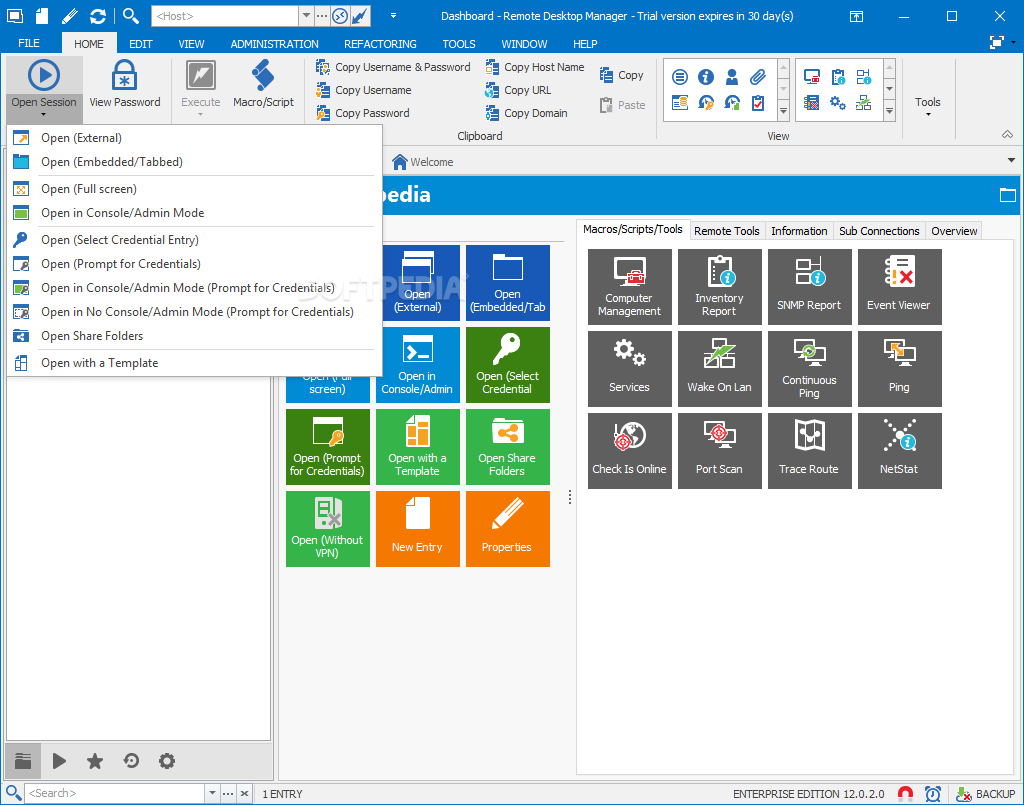
One mustn't jump into the action unknowingly with this sort of program. Try to open a session and input the appropriate username and password once you've established a strong connection to any client PC on your network.
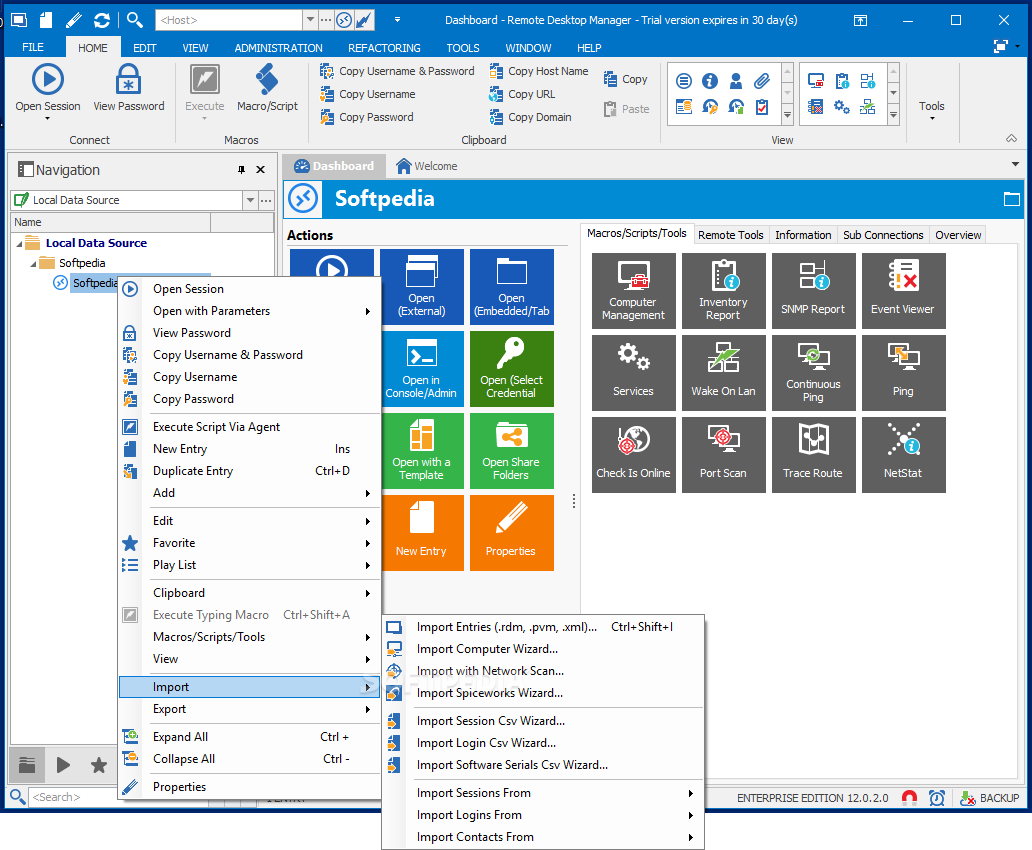
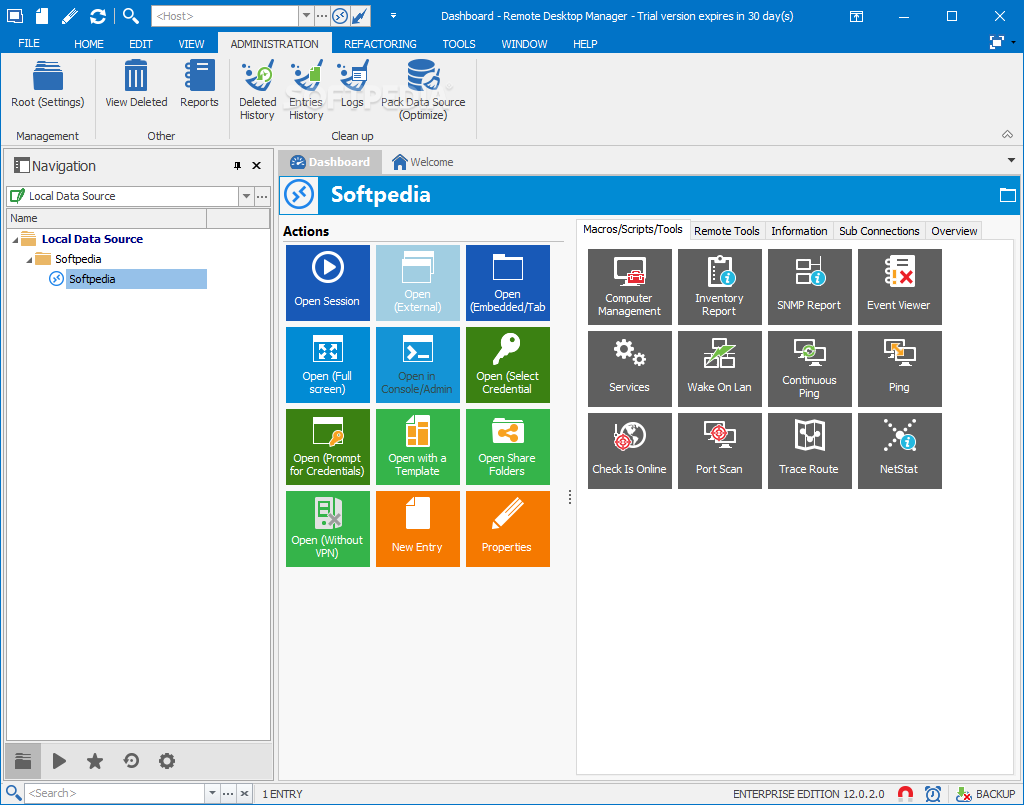
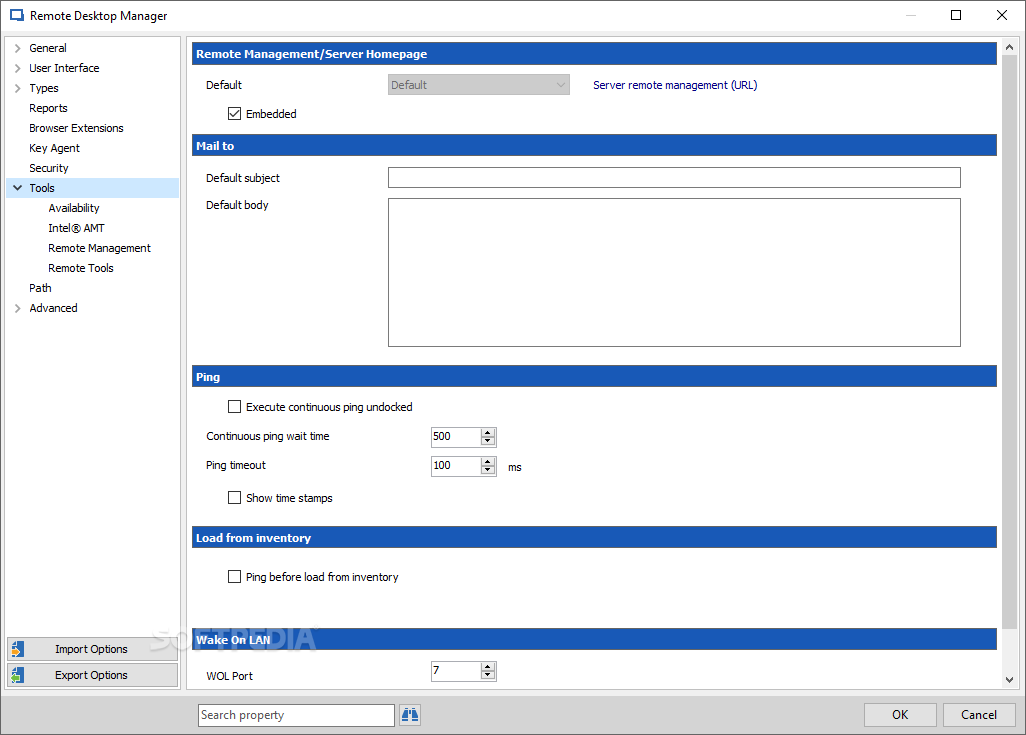
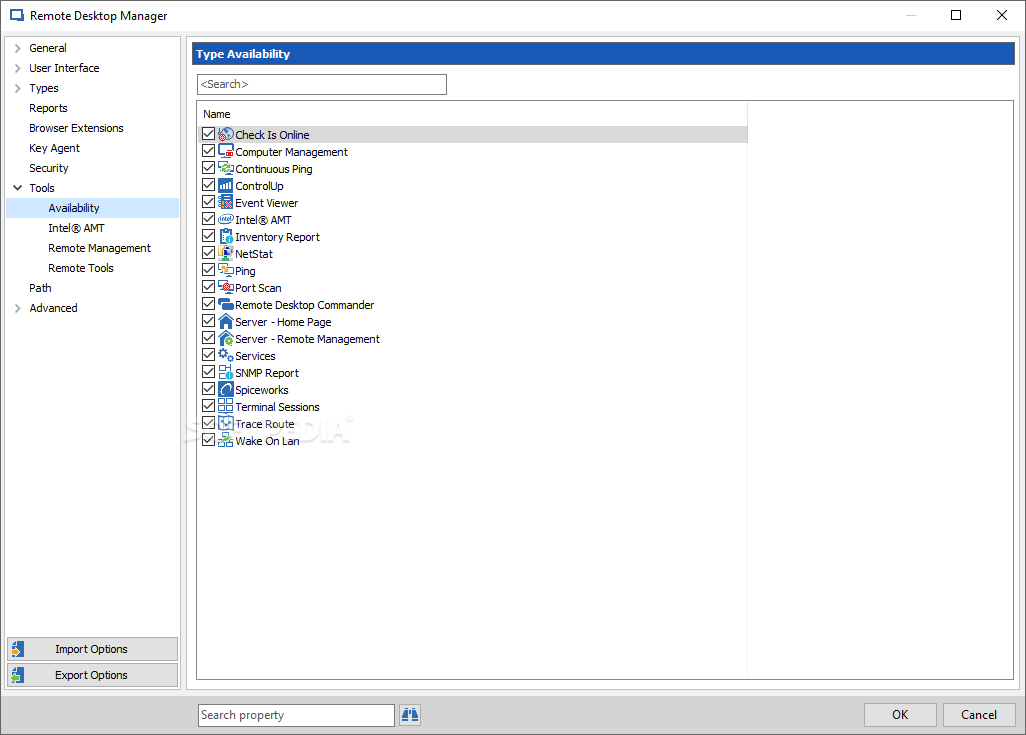
From there, a whole universe should be opened and allow the user to execute computer management actions, inventory reports, view events, send wake on LAN requests, check ping, and trace routes. These are just a few of the unlocked options.
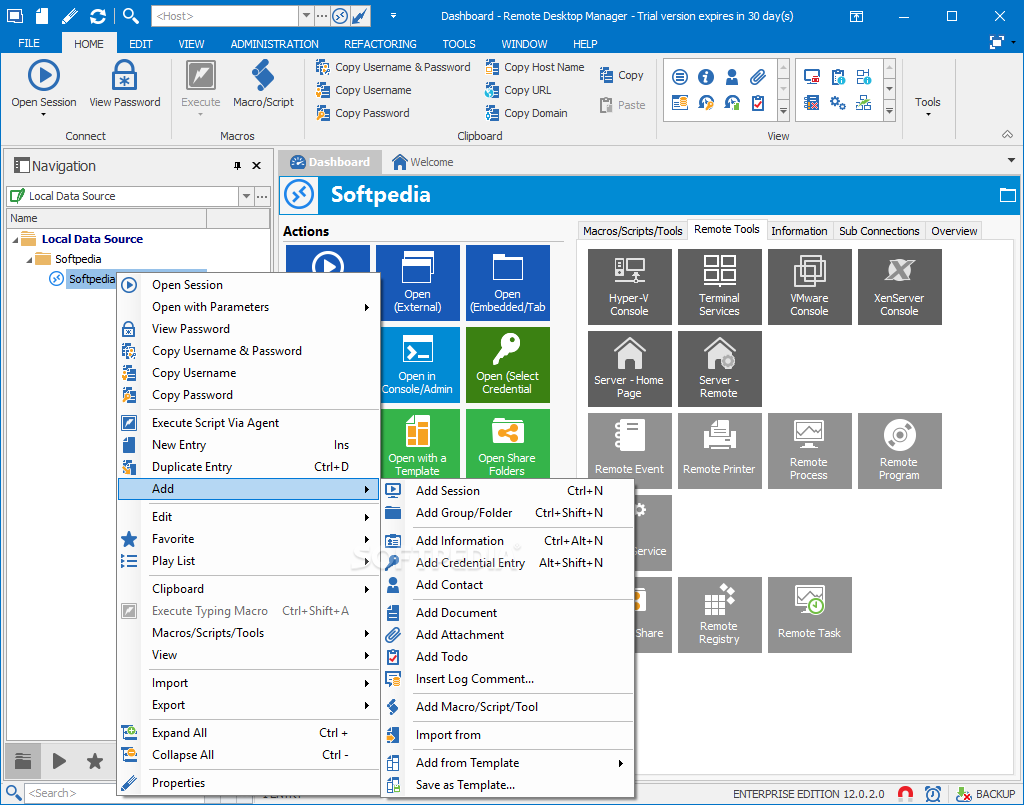
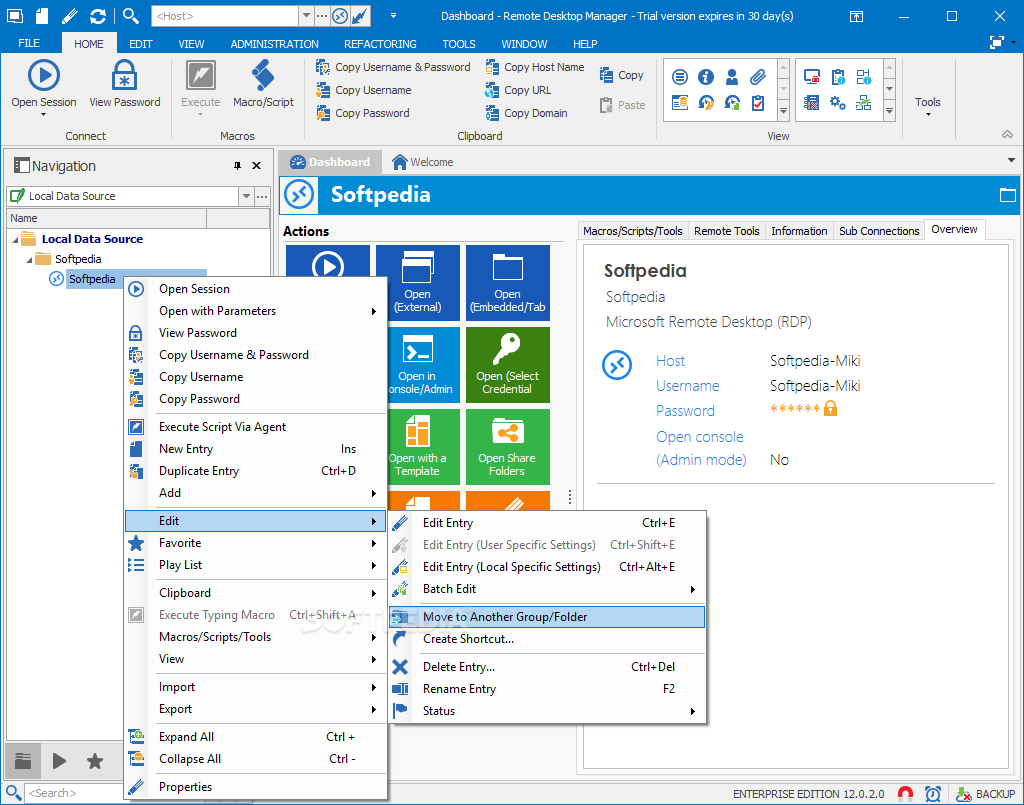
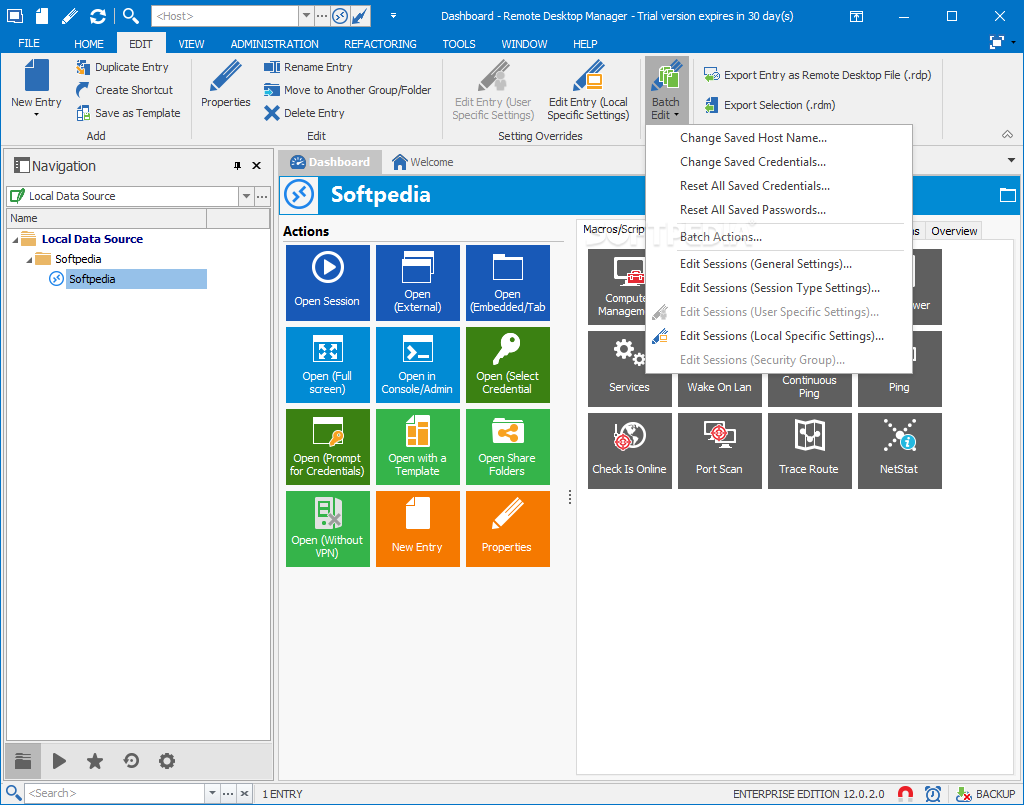
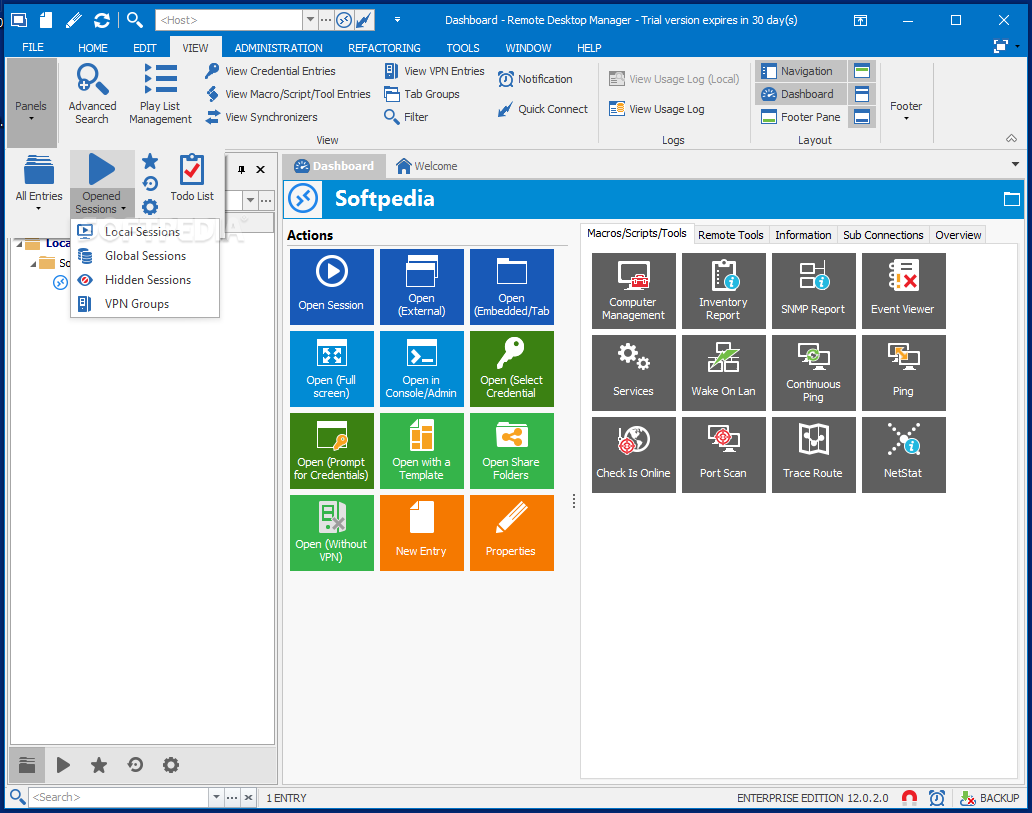
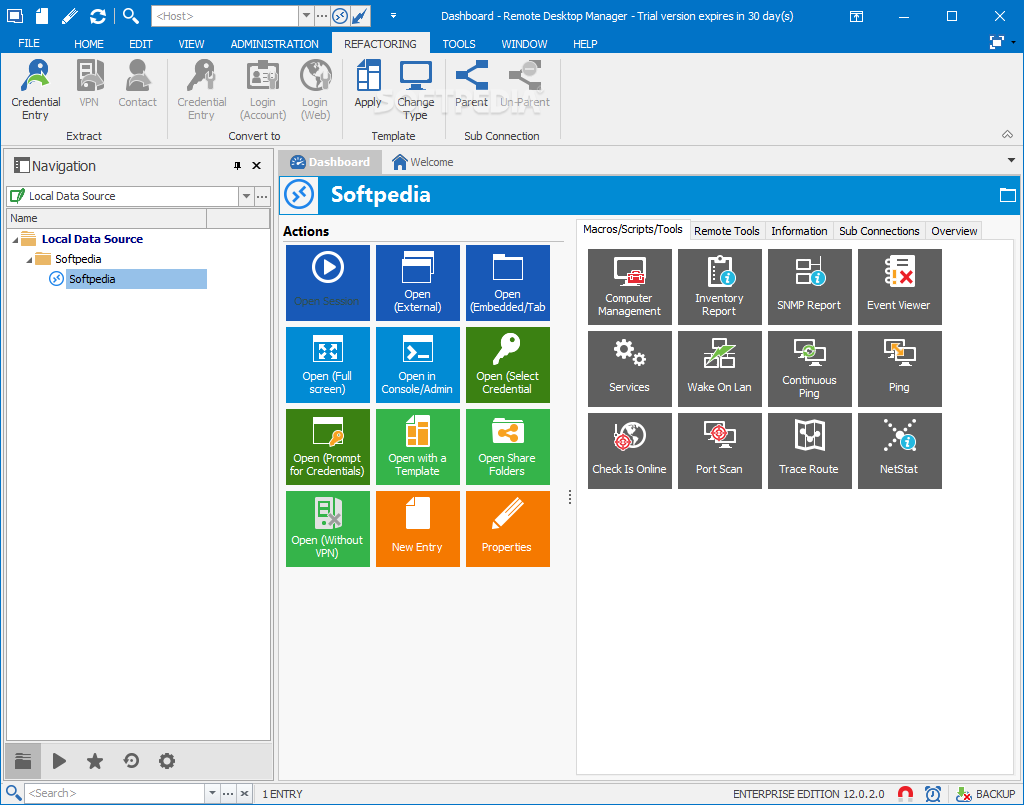
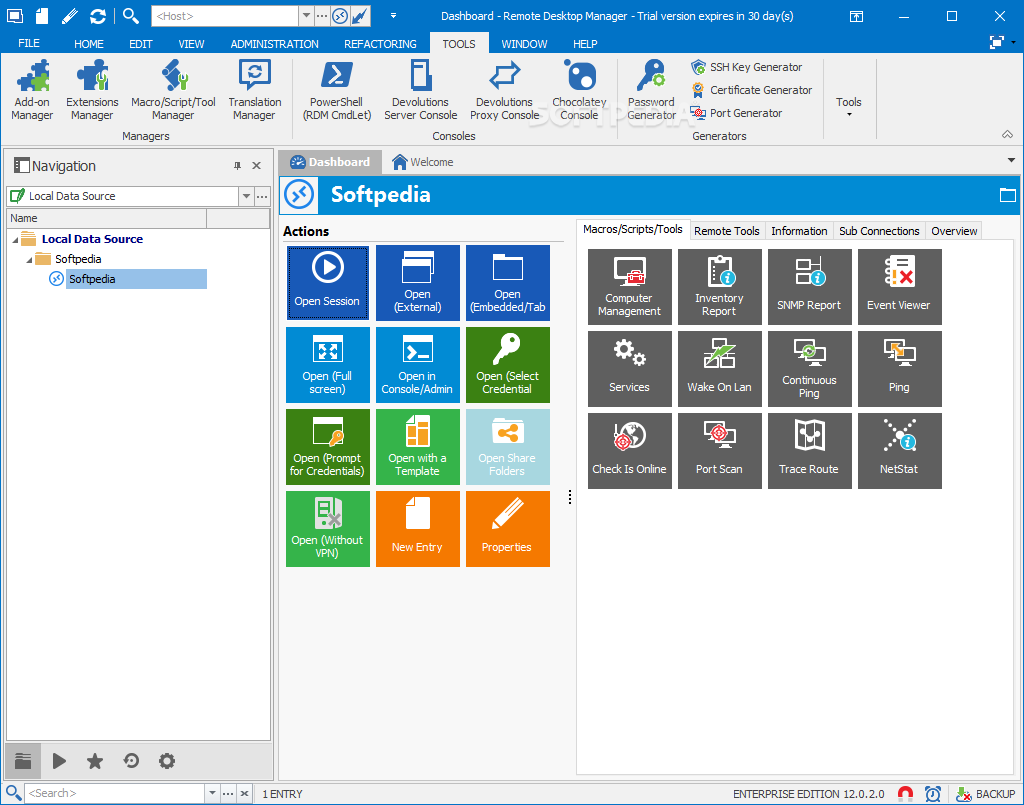
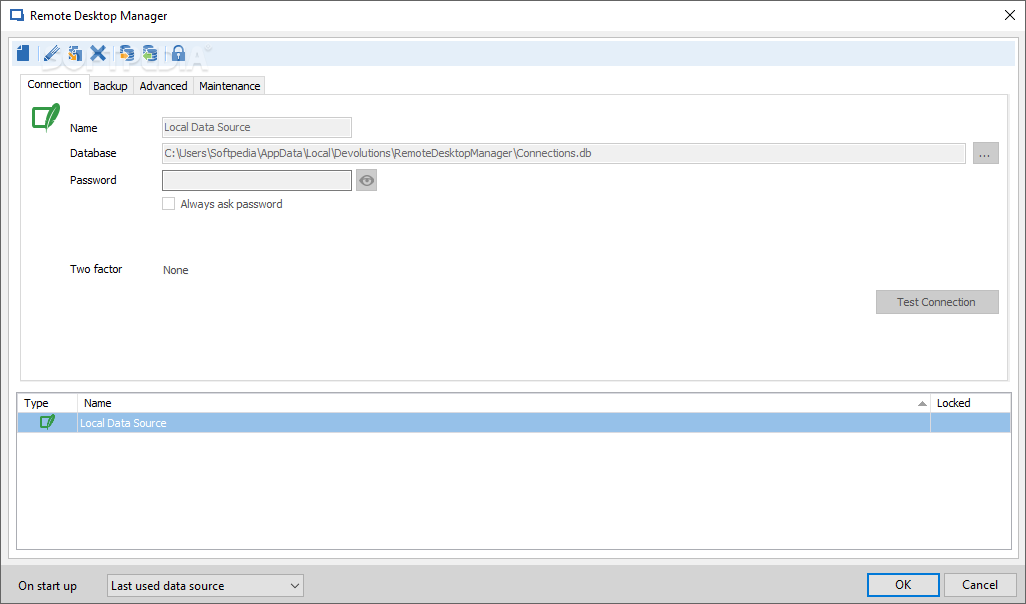
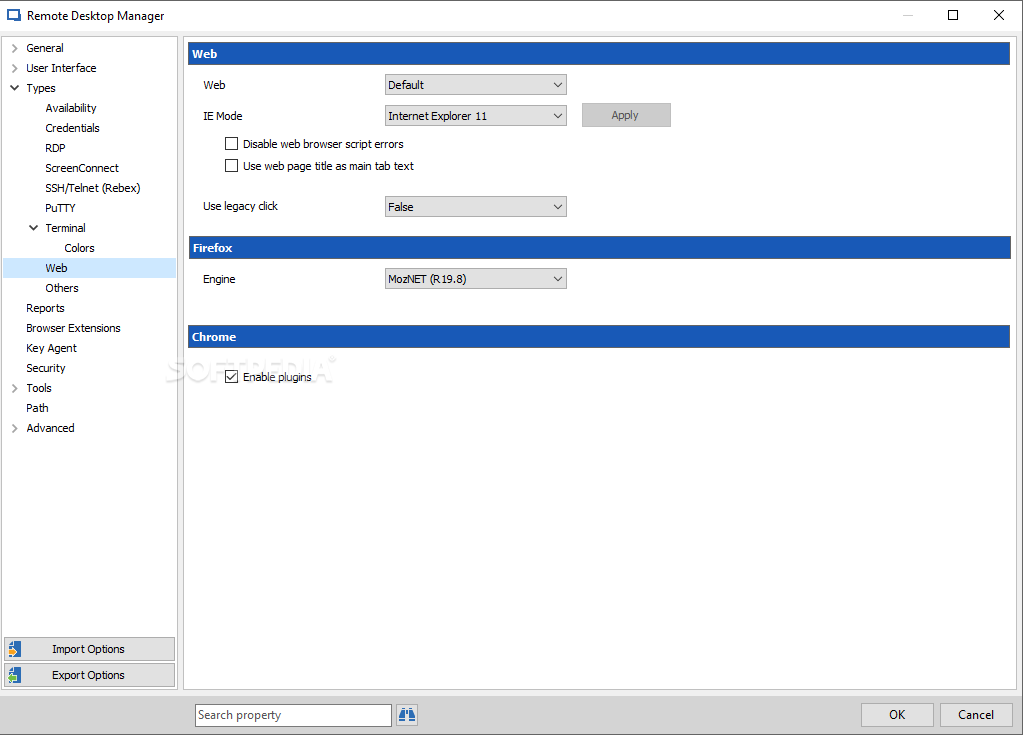
Share folders can be opened, new entries added and properties changed for various files. A tree structure will always be detailed on the left-hand side of the app window, and macro instructions and scripts are supported natively. Power users will feel like they've arrived in heaven.
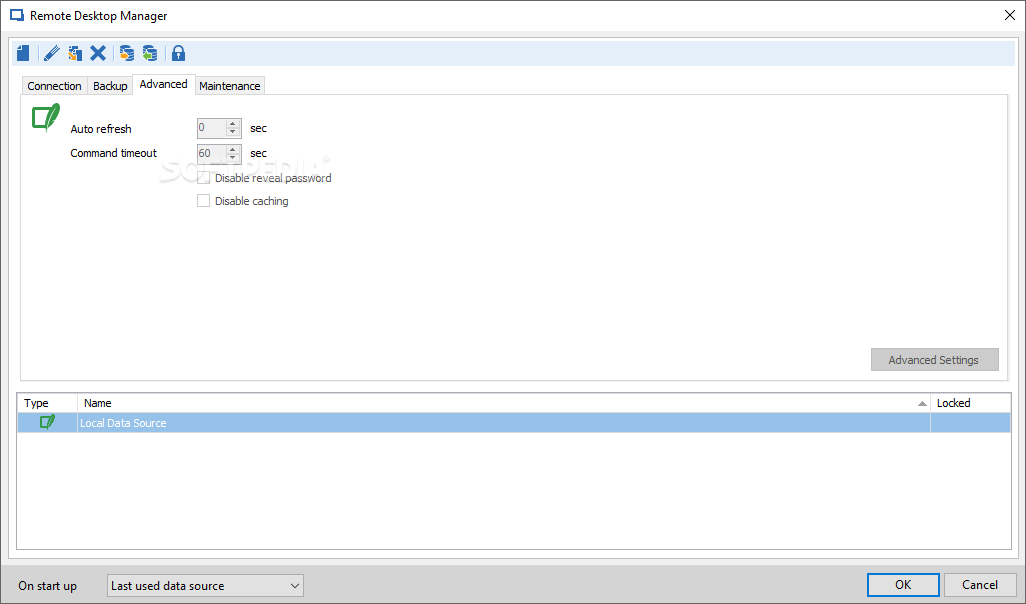
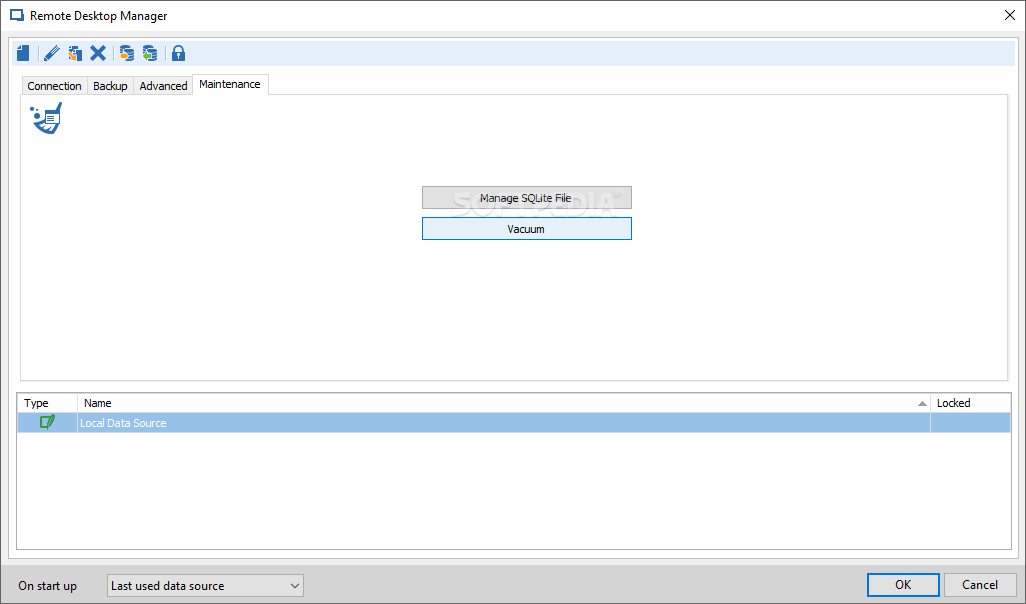
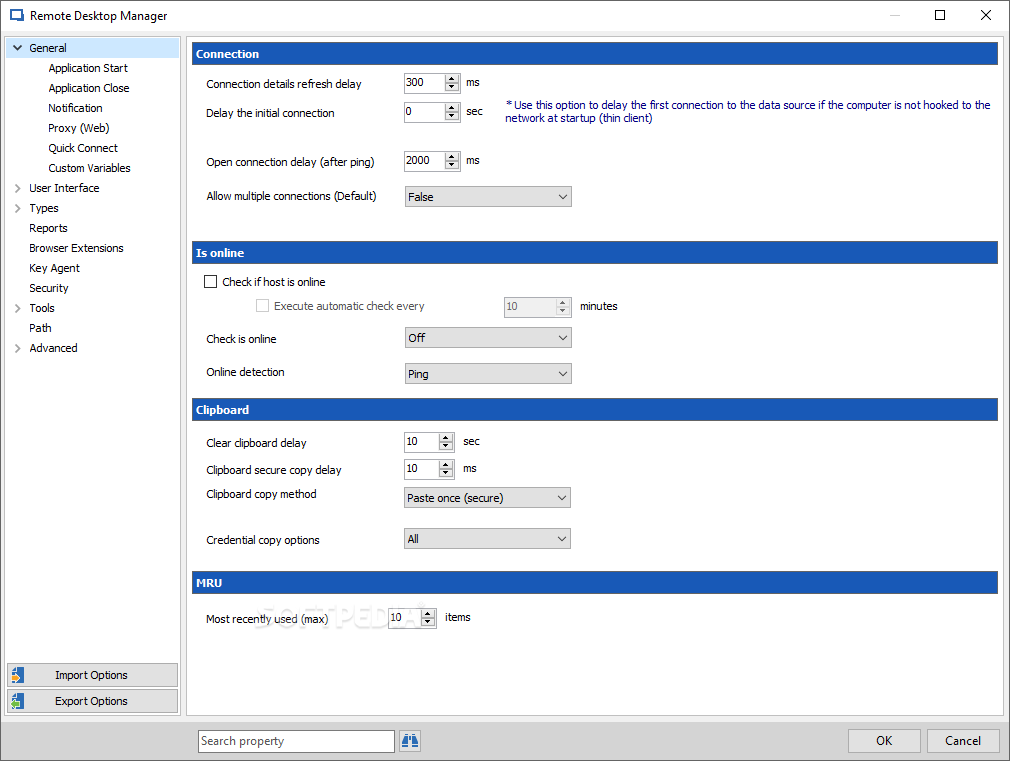
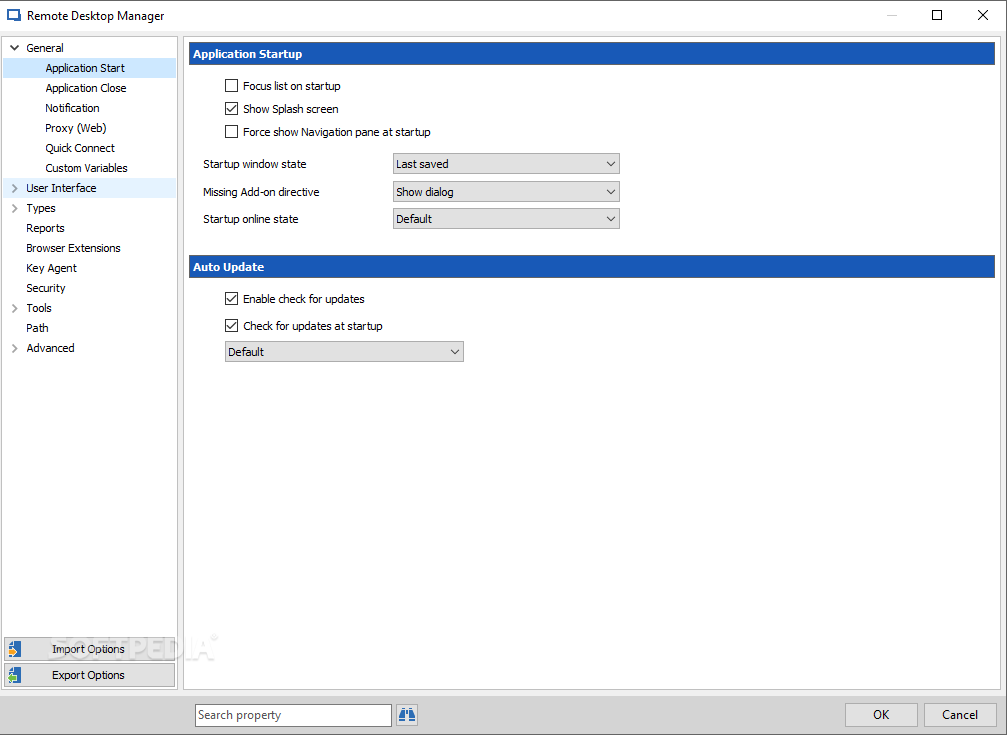
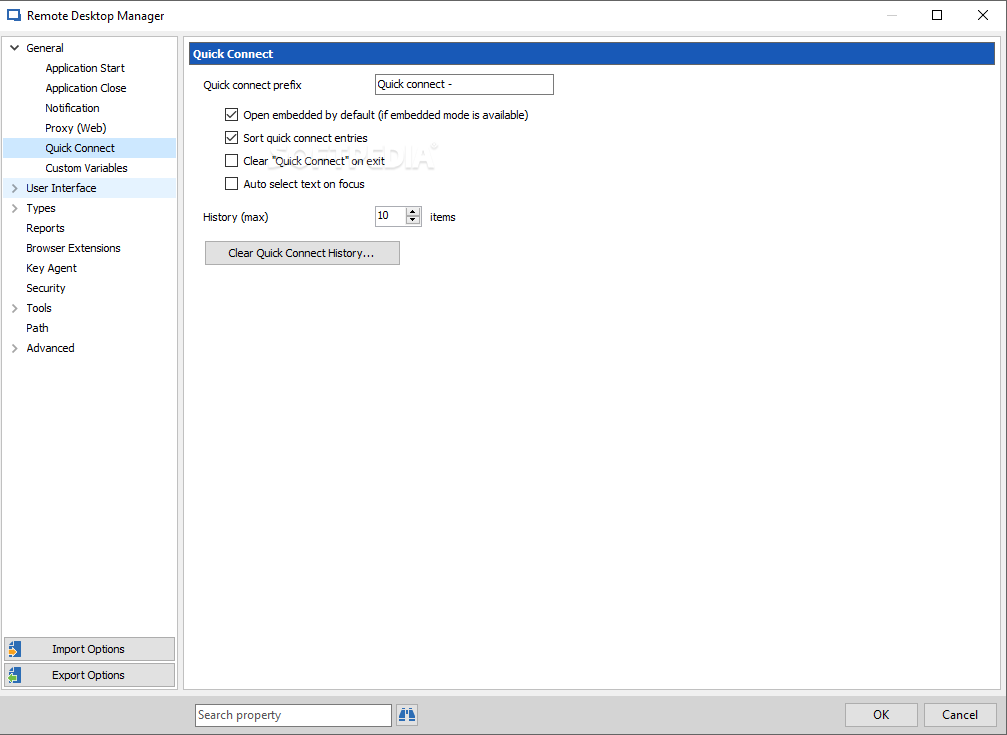
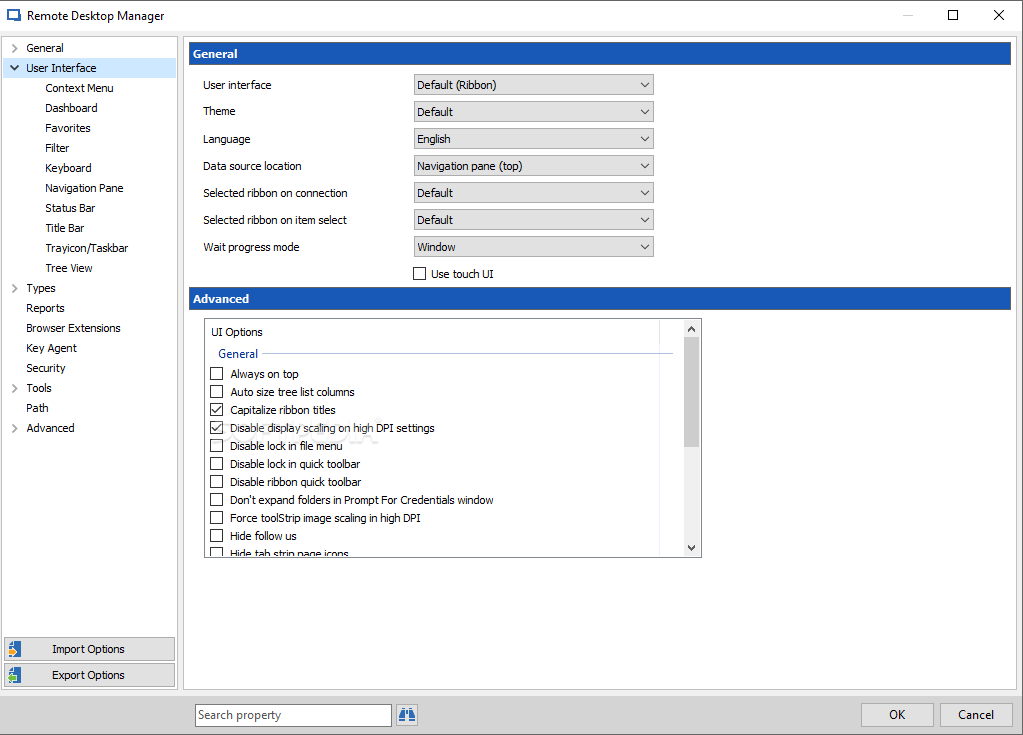
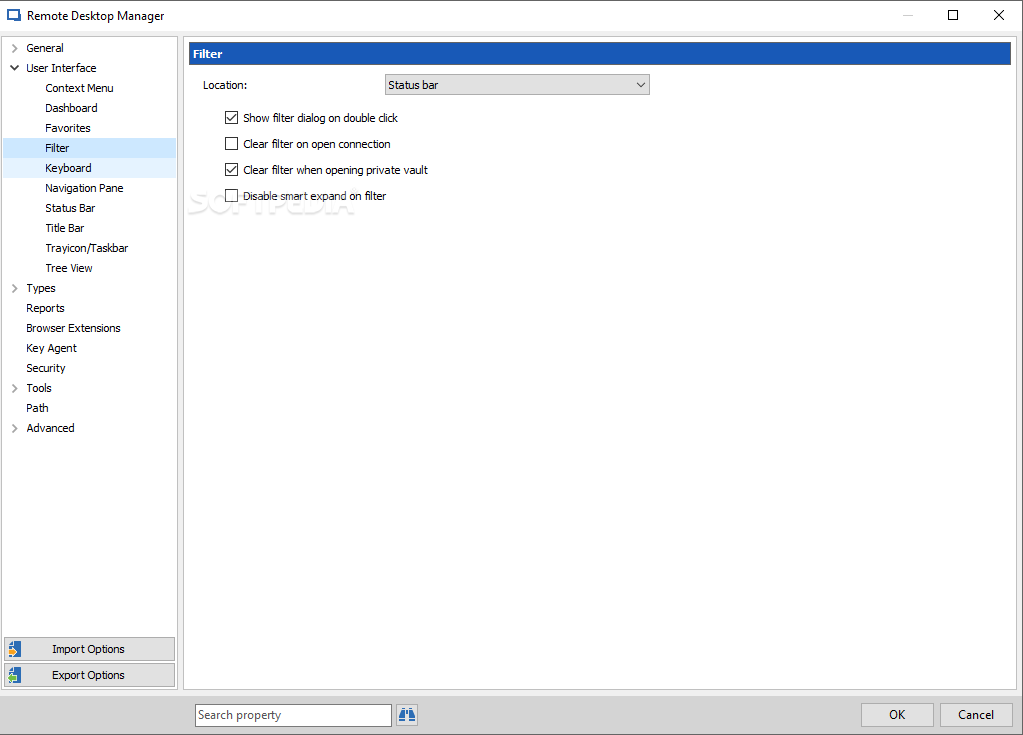
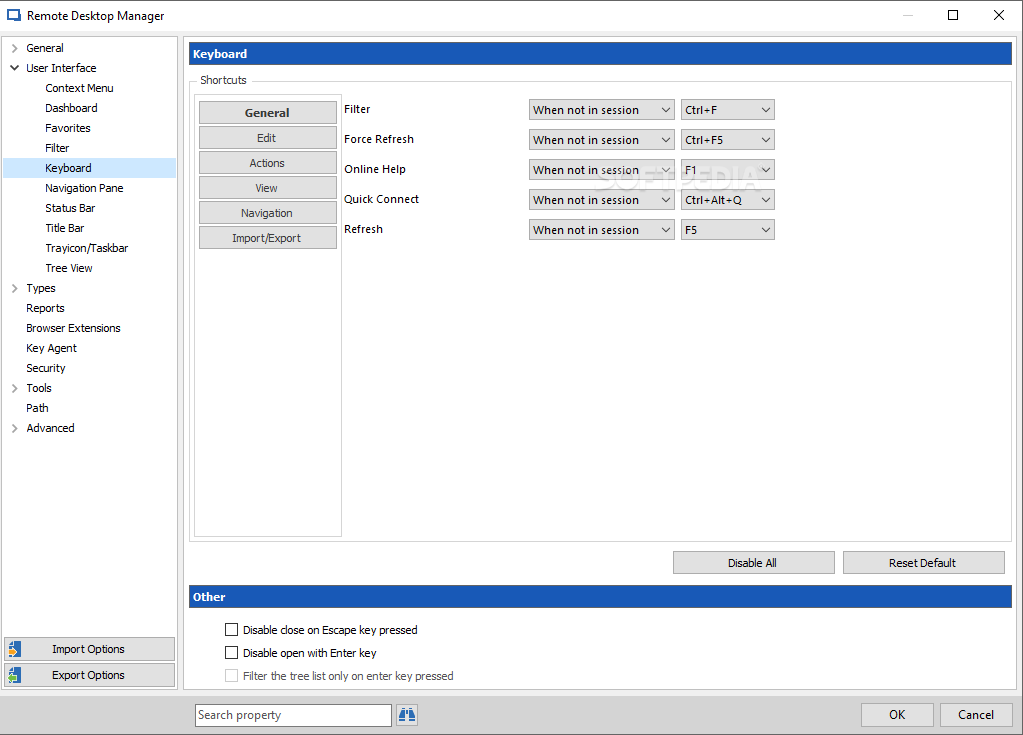
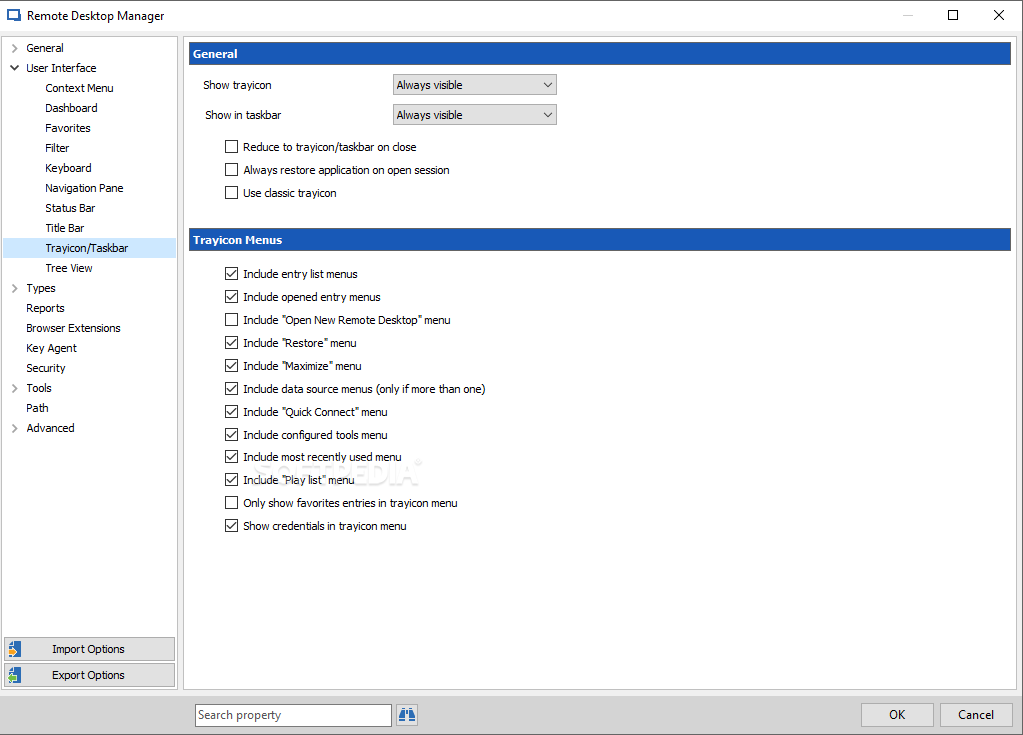
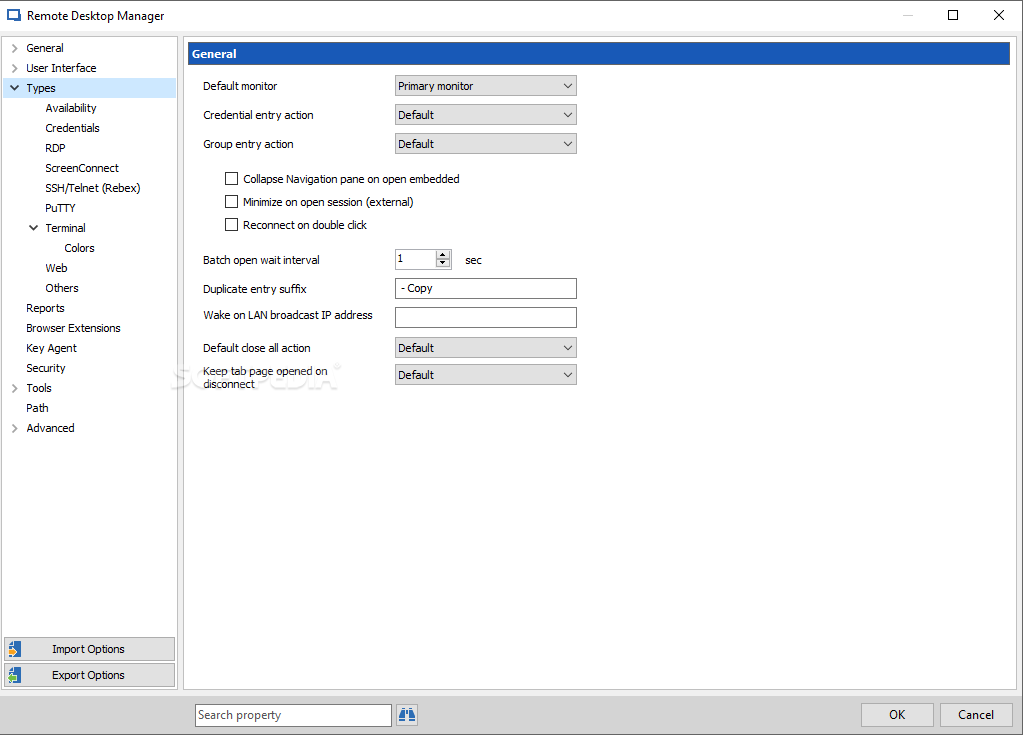
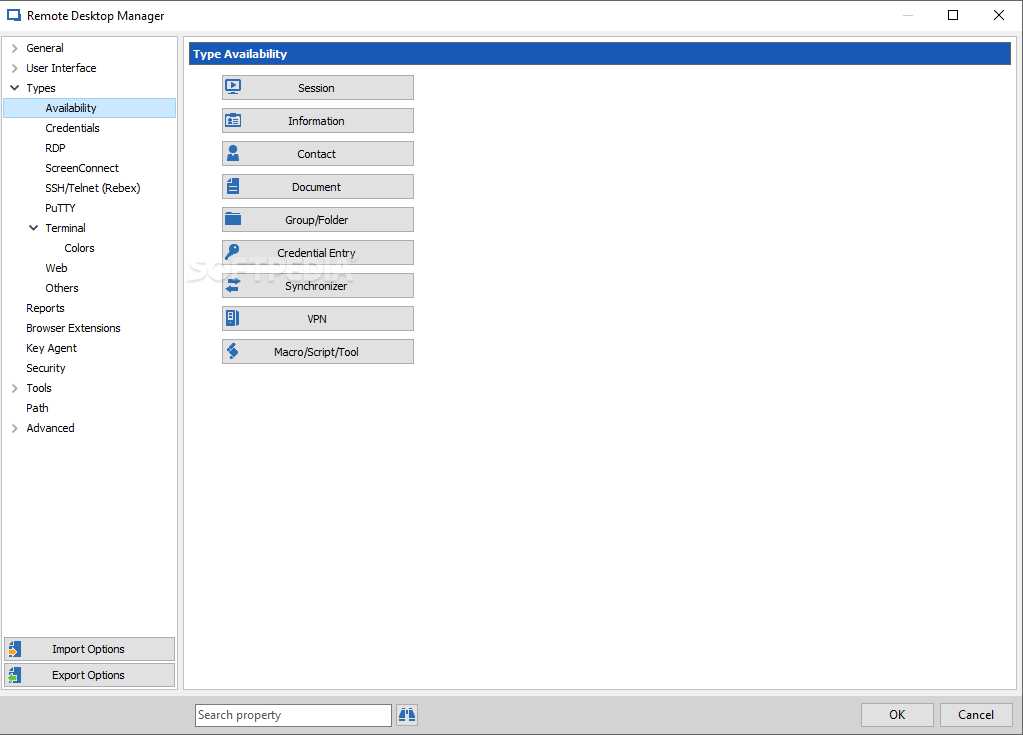
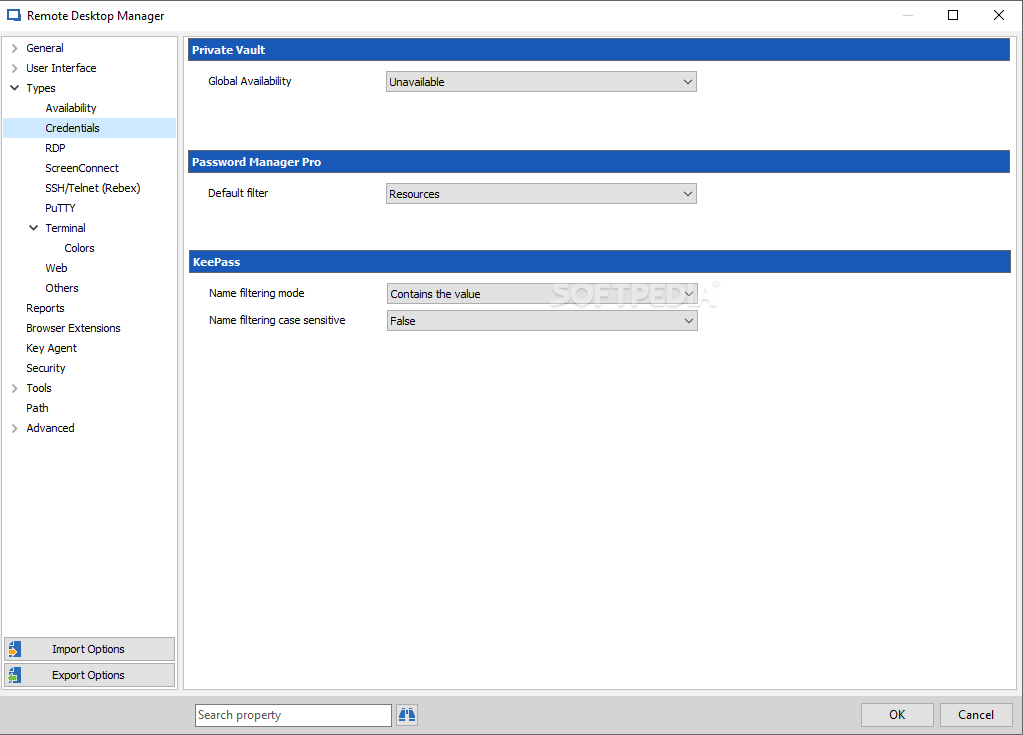
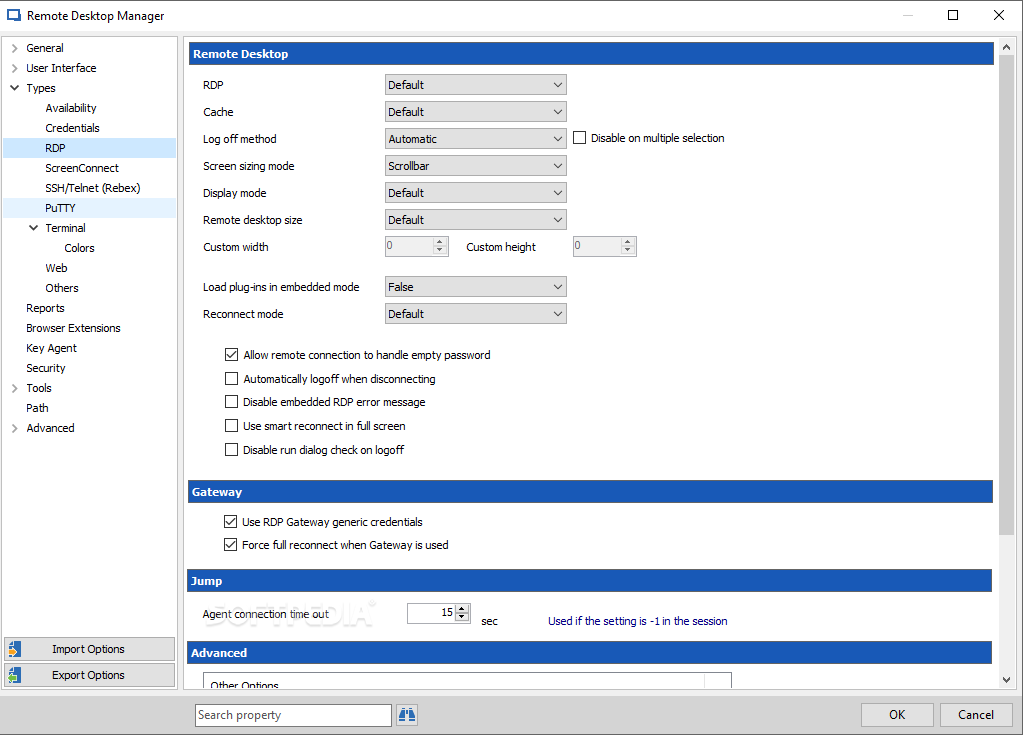
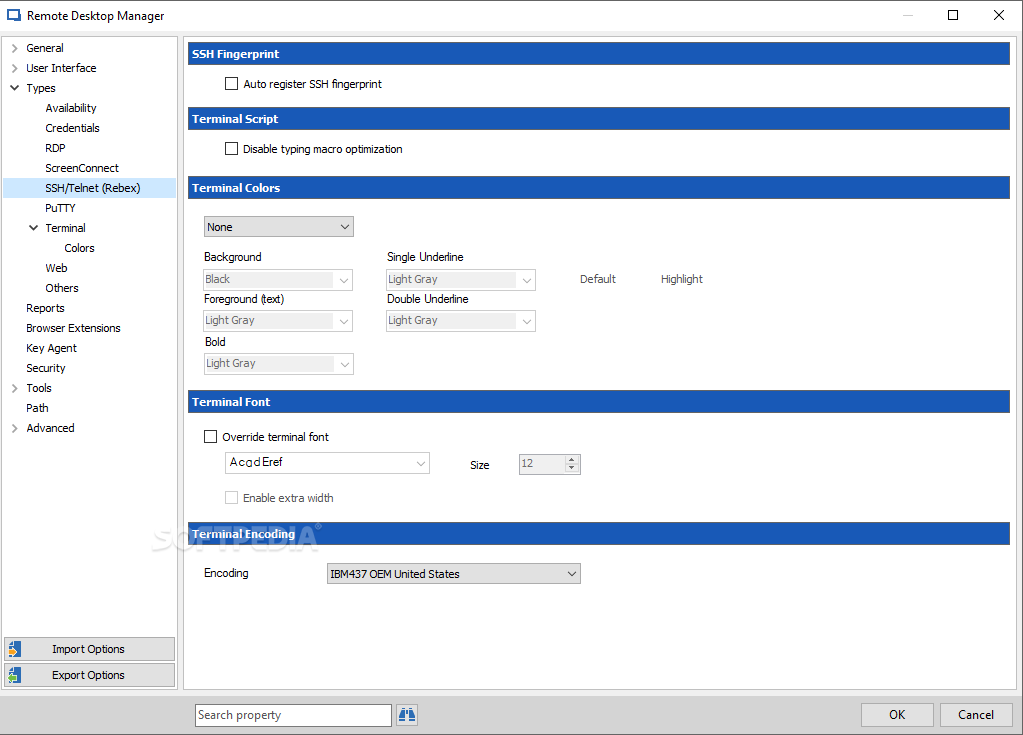
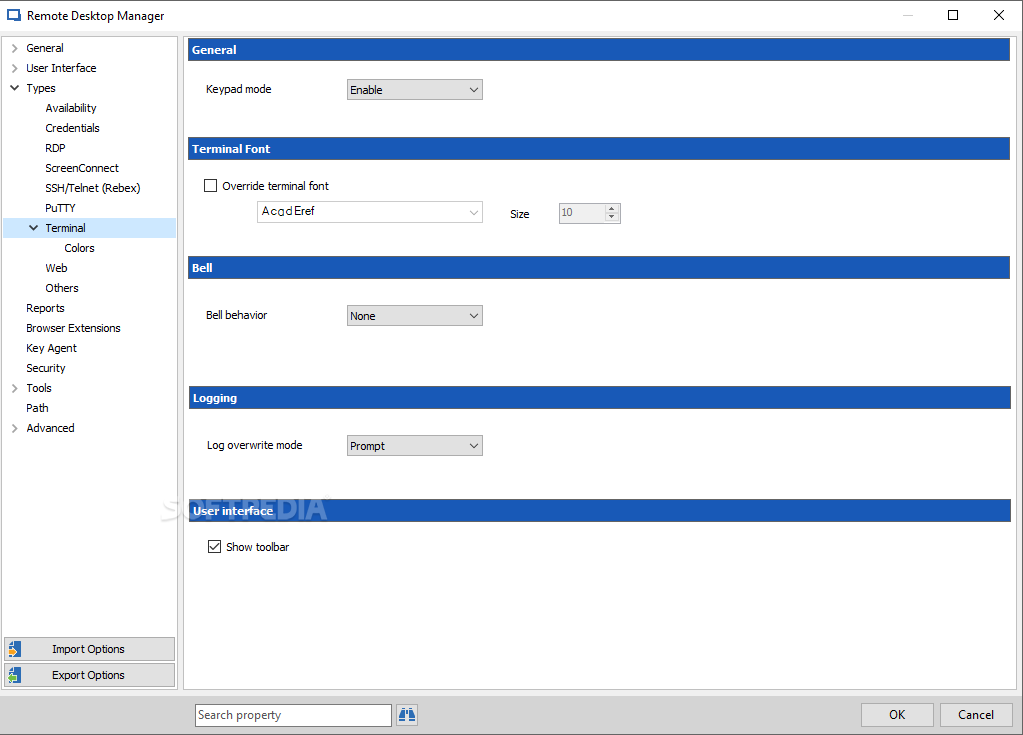
Although not 100% original, the Office-inspired interface is efficient and is an element that adds stability and friendliness to the mix. You will not have any issues working with this program if and only if you fully understand the capabilities it carries and all the network-related aspects of a LAN system.
Even so, it might take a little getting used to before mastering the whole interface and its offered options, but rest assured it will be worth it on account of the huge potential this app has.
Remote Desktop Manager Enterprise Edition is another application that users must take into account when working with LAN connections and networks in general.
What's new in Remote Desktop Manager Enterprise Edition 2024.1.25.0:
- Database upgrade required:
- DVLS 2024.1 is required with this version (only if you're already using DVLS)
- Improved:
Remote Desktop Manager Enterprise Edition 2024.1.25.0
add to watchlist add to download basket send us an update REPORT- runs on:
-
Windows 11
Windows Server 2016
Windows 10 32/64 bit
Windows Server 2012 R2
Windows Server 2012
Windows 2008 R2
Windows 2008 32/64 bit - file size:
- 258 MB
- filename:
- Setup.RemoteDesktopManager.2024.1.25.0.exe


- main category:
- Internet
- developer:
- visit homepage
ShareX

7-Zip

calibre

4k Video Downloader

Zoom Client

Microsoft Teams

Context Menu Manager

Bitdefender Antivirus Free

Windows Sandbox Launcher

IrfanView

- Bitdefender Antivirus Free
- Windows Sandbox Launcher
- IrfanView
- ShareX
- 7-Zip
- calibre
- 4k Video Downloader
- Zoom Client
- Microsoft Teams
- Context Menu Manager