
Parental control and Internet monitoring application that will help you protect your children against dangerous or inappropriate content. #Parental Control #Child Monitor #Computer Restriction #Restriction #Blocker #Monitor
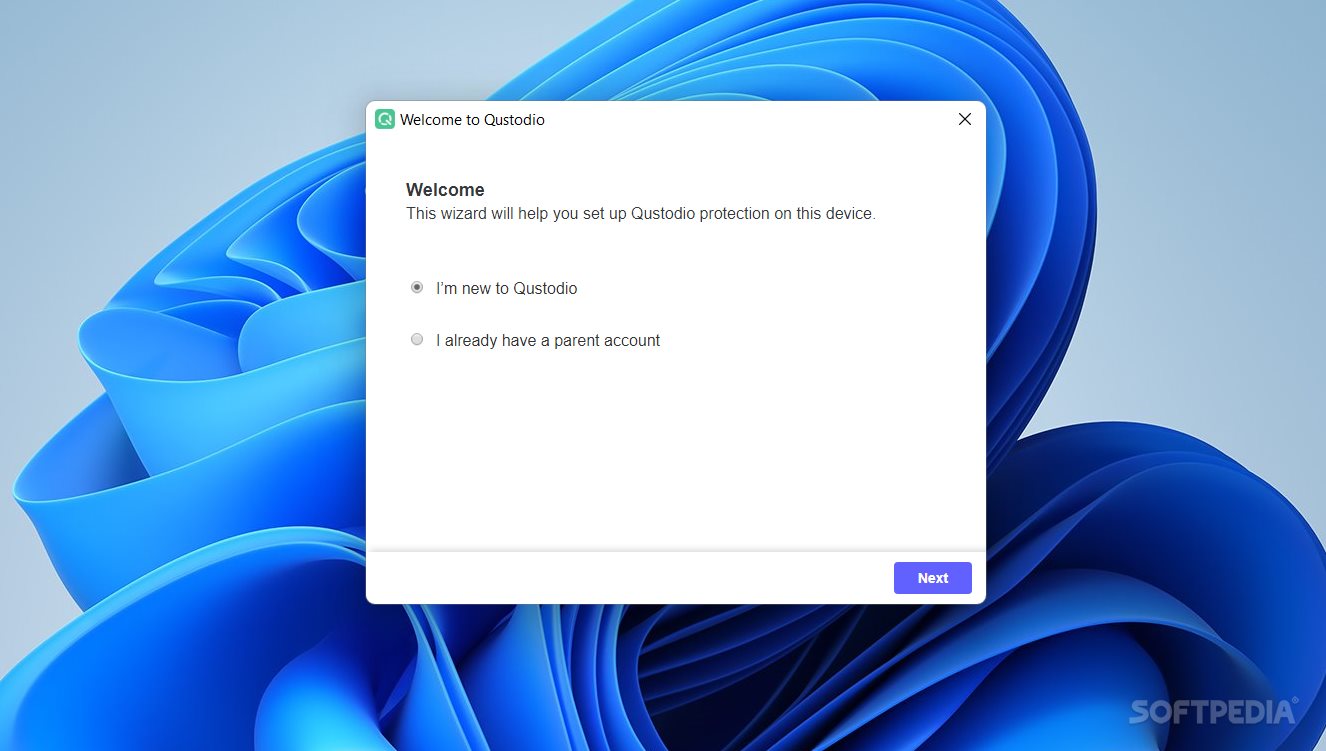
Qustodio is an application created for parents who want to offer their children extra protection while they are on the Internet while also being able you to view their online activity.
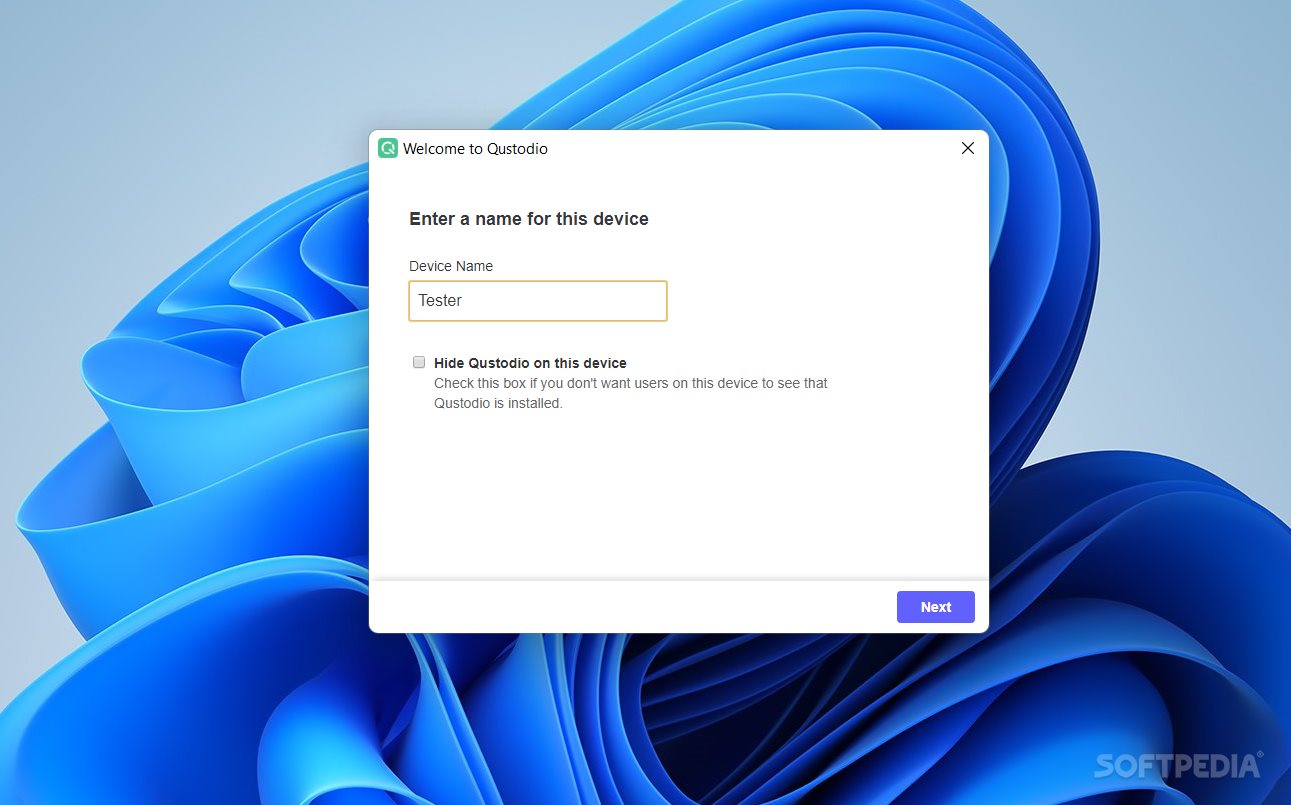
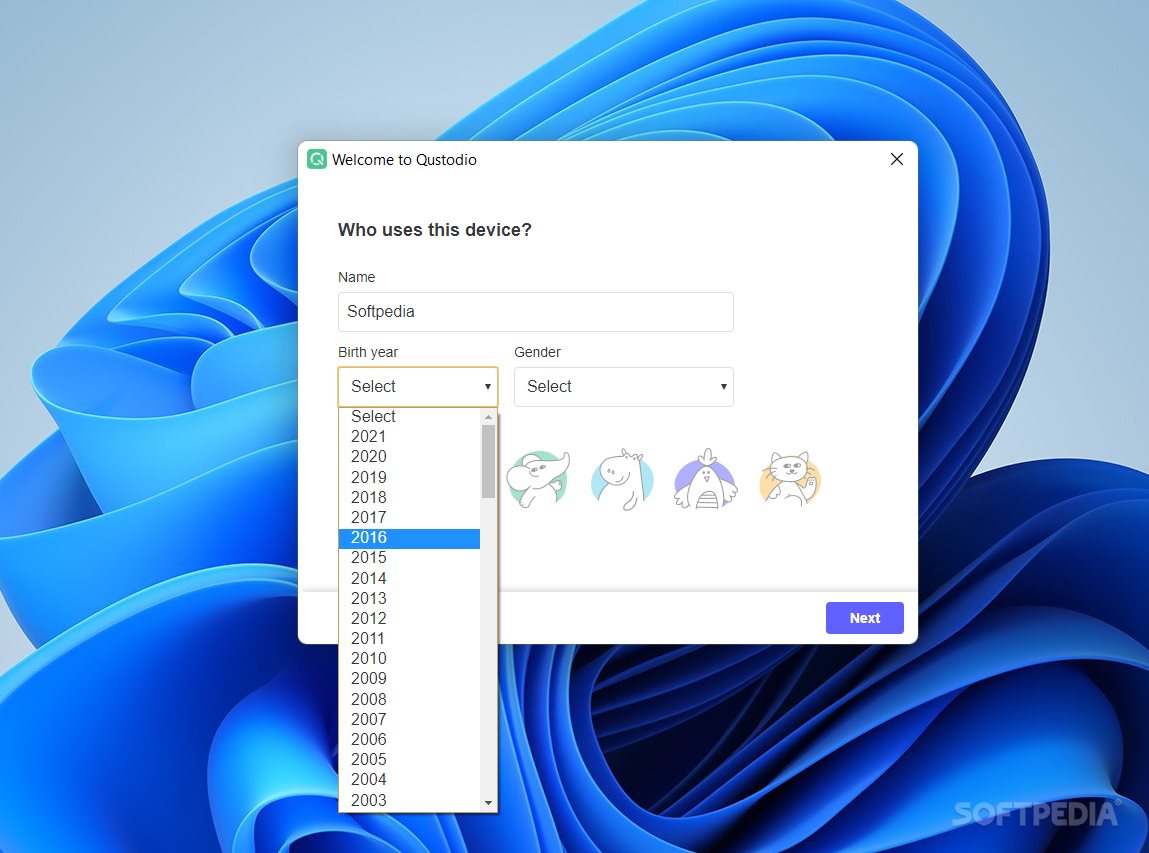
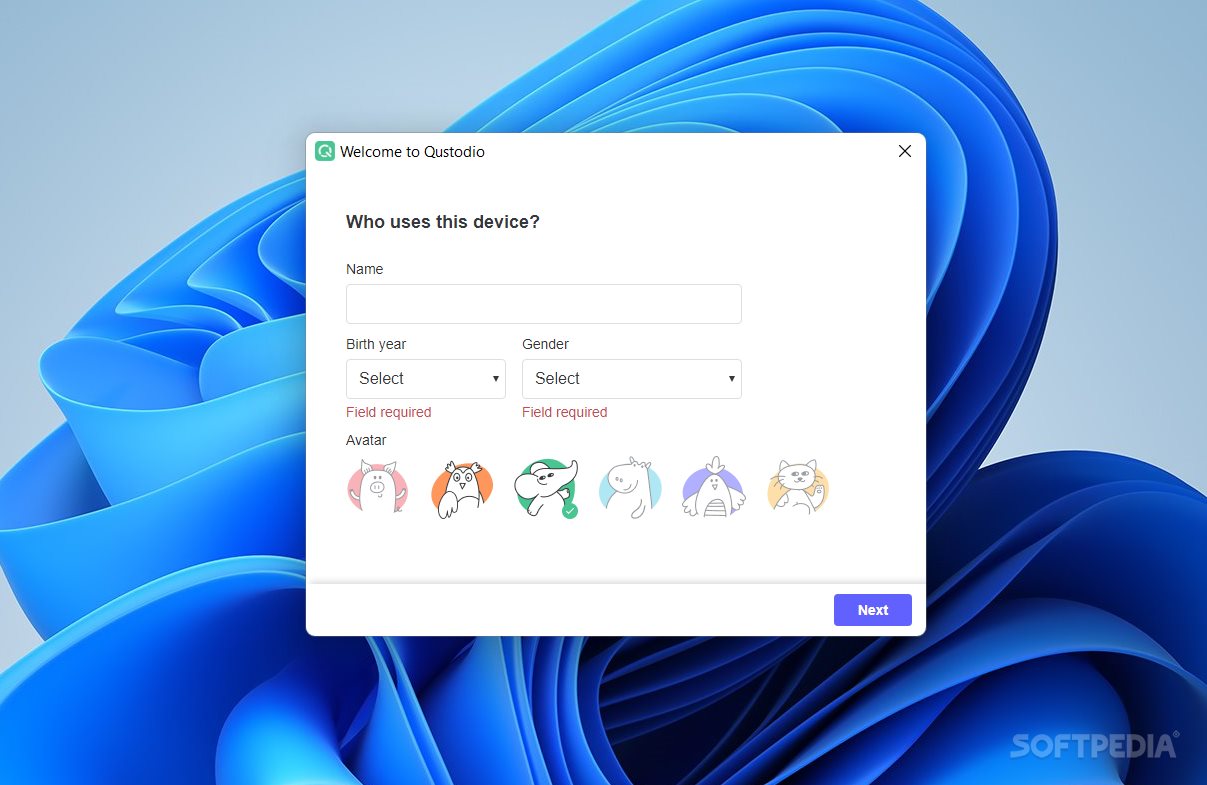
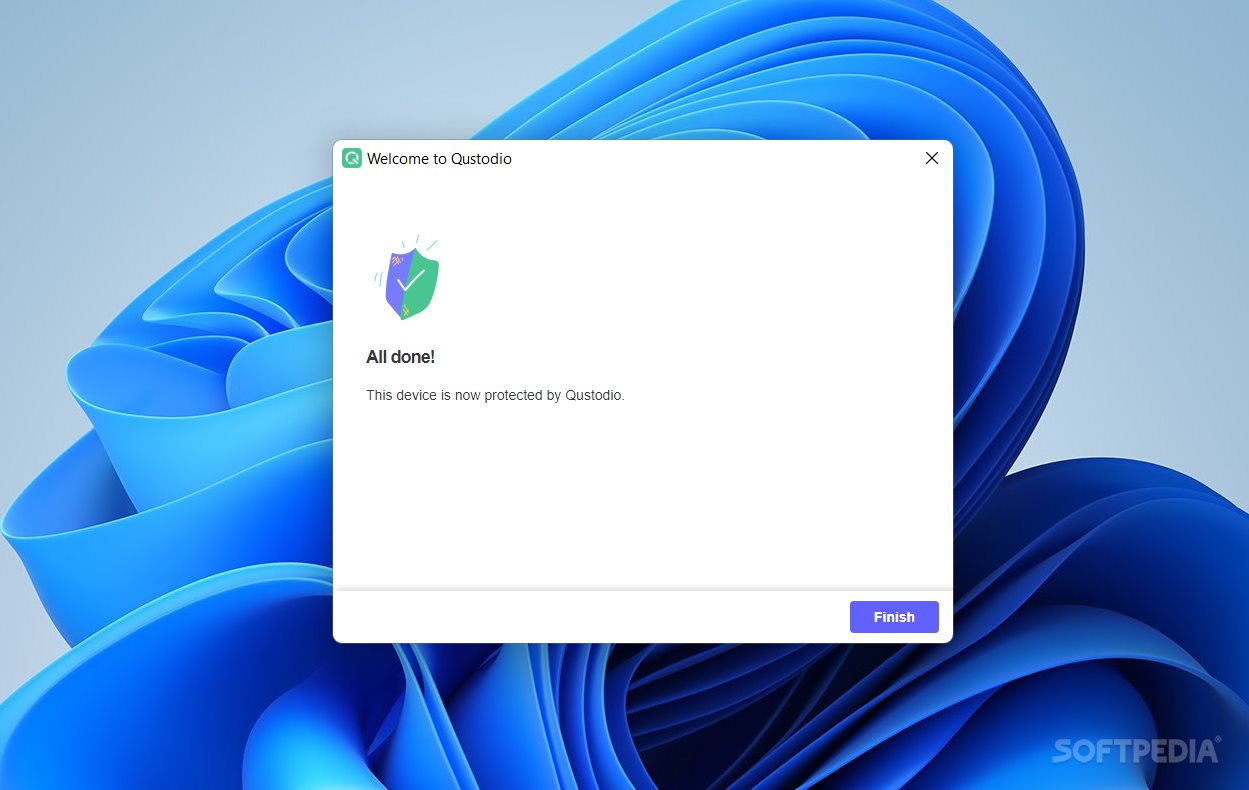
Installing the application is a breeze and so is to configure it. But to do so, you need a Qustodio account first.
Using the application you benefit from social monitoring, safesearch technology, application control, web filters and time control. With these features you can keep cyberbullies away, block harmful content, limit the time a child can spend on the computer any given day and view their activity from a separate computer, other than the one used for the application to run. And all of this, while running invisible.
As kids browse the Internet, the application records and displays a graph of the activity that undergoes. For a complete understanding of how your children spend time on the computer and what they access using the Internet, Qustodio displays the generated reports in the form of charts and graphs. This gives you a very clear view of the percentages involved. The timeline information can be viewed in minutes, hours and days.
The application already possess a well built filtering system that can differentiate between educational, entertainment, sports, games, social networking, gambling, violence and weapons websites and can automatically grant access or restrict them. Moreover, for each of the mentioned categories (and more that are not mentioned here) you can tell Qustodio to notify you when they are used. Also, you can enter the URL of a website and block it yourself.
Since you can’t always be at home but need to make sure that your kids aren’t using the computer, you can set time restrictions. You can have the application block computer use during certain specified hours of the day or grant them a number of hours per day which they can use anytime they want.
As far as protecting your kids from online dangers and exposure to harmful content, Qustodio is a very good solution to consider.
Download Hubs
Qustodio is part of these download collections: Parental Controls
Qustodio 192.0.3495.0
add to watchlist add to download basket send us an update REPORT- runs on:
-
Windows 11
Windows 10 32/64 bit
Windows 8 32/64 bit
Windows 7 32/64 bit - file size:
- 4.4 MB
- filename:
- QustodioInstaller.exe


- main category:
- Security
- developer:
- visit homepage
Context Menu Manager

Microsoft Teams

Bitdefender Antivirus Free

IrfanView

Zoom Client

4k Video Downloader

calibre

Windows Sandbox Launcher

ShareX

7-Zip

- Windows Sandbox Launcher
- ShareX
- 7-Zip
- Context Menu Manager
- Microsoft Teams
- Bitdefender Antivirus Free
- IrfanView
- Zoom Client
- 4k Video Downloader
- calibre