|
|
|
User Rating: Rated by: |
Good (3.5/5) 58 user(s) |
|
|
|
Zimbra Desktop description
|
Join the email & calendar revolution
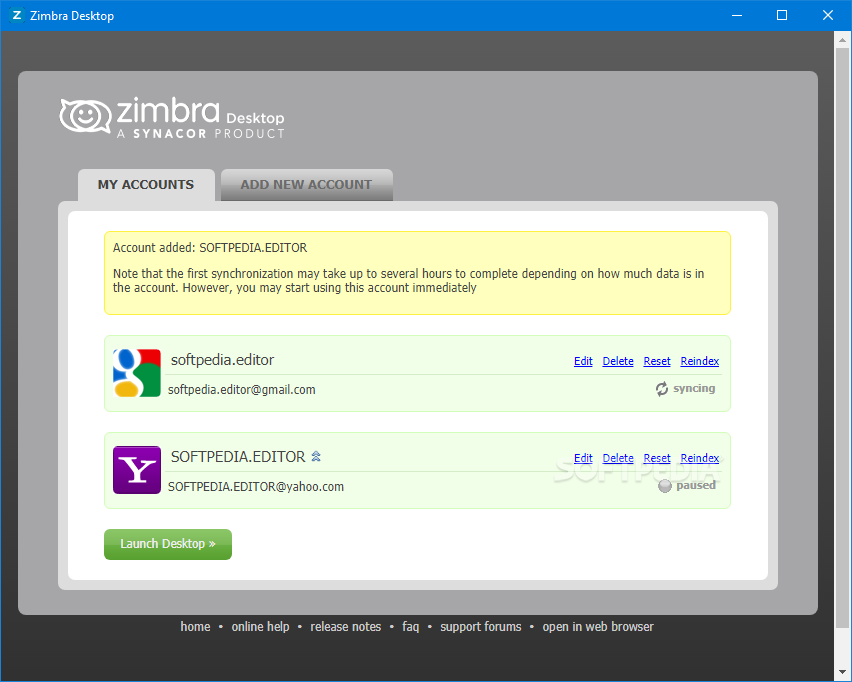
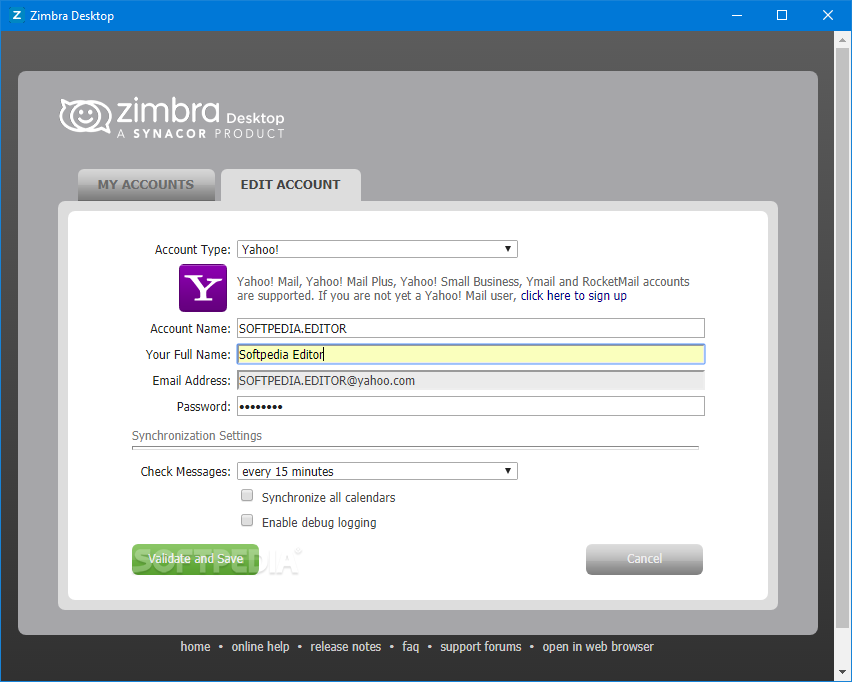
Zimbra Desktop is an offline client that lets you manage your various email accounts in one desktop tool. Zimbra mail, Yahoo! mail, Gmail, AOL, Outlook and any other work or personal email account using POP or IMAP is easy to set up in Zimbra Desktop. Each account is separately maintained.
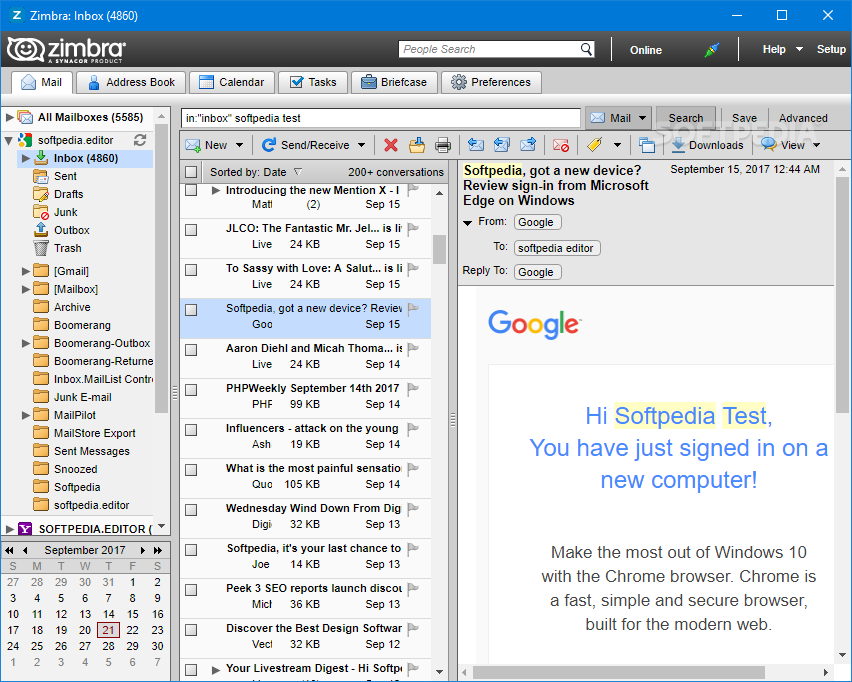
After you set up your accounts, your email messages are downloaded to your computer and can be accessed whether you are connected to the Internet or not. With Zimbra Desktop, you cand read, reply, forward or delete the mail messages in all your accounts. Mail storage is based on your computer's disk space, not on a pre-defined account quota.
Unlimited email storage is great but searching through thousands of emails is a hassle. Our Conversation Views and Message Tags automatically highlight important emails in all your email accounts so you can find anything in a hurry. Advanced Search makes finding important pictures, documents or messages from people you care about a snap. Here are some key features of "Zimbra Desktop":
Email:
· Easily compose, edit, delete, reply, or make drafts
· "Drag and Drop" messages into new folders or the Trash
· Supports plain text and html message formatting
· Add email signatures for each account and automatically reply with the correct "from" address
· Compose email even when you are not online-messages you send are saved in the "Outbox" and are sent when you connect again
· Supports any POP or IMAP email plus Zimbra, Yahoo! Mail, Gmail, AOL and Hotmail
Conversation Views, Tags, and Search:
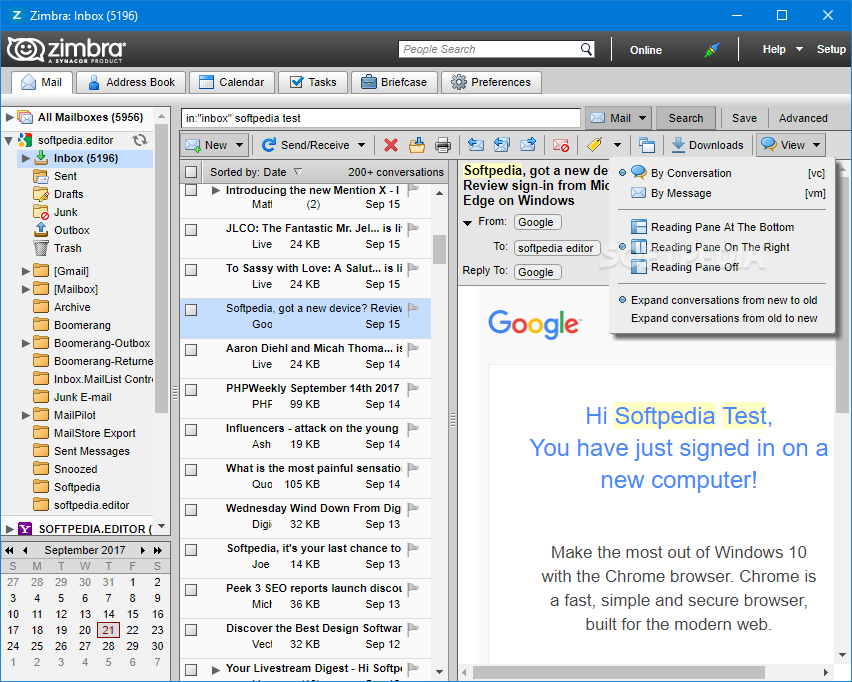
· Collapse email threads into a single Conversation View to simplify your inbox
· Tag messages as important from people you care about
· Quickly search your mailbox for pictures, documents or text-even with attachments
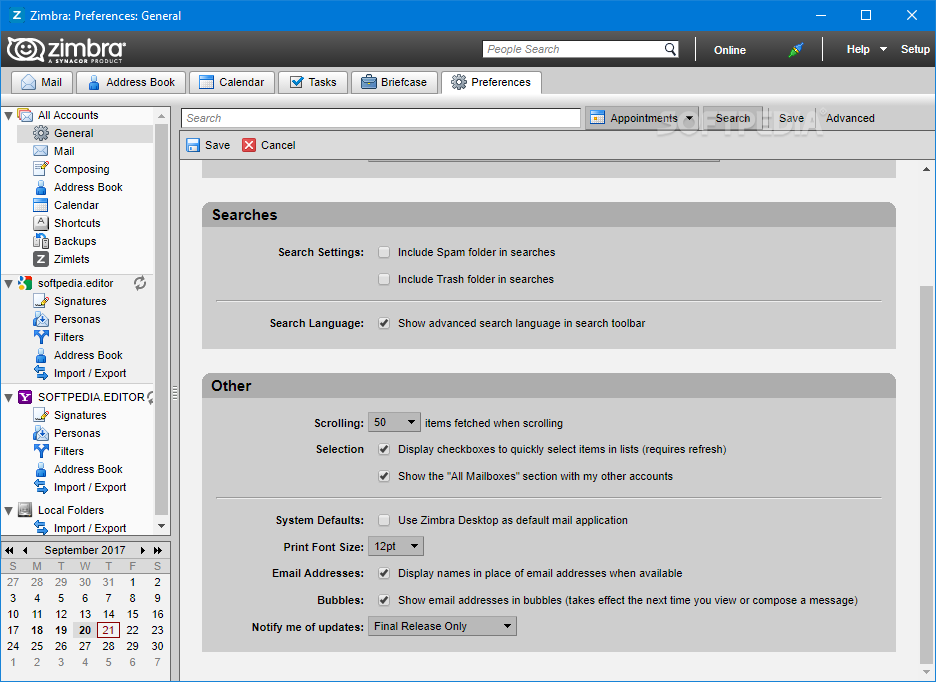
· Use Advanced Search to easily search by folder, date, person, subject or attachment
· Save searches as Virtual Folders- for example "All email with attachments from Joe"
· Now features built-in support for Yahoo! Inquisitor
Web mash-ups:
· View addresses as Yahoo! Maps
· Automatically detect your location and find points of interest with Yahoo! Local
· Preview web pages at thumbnails instead of opening a browser
· See your calendar schedule from within an email message if you hover over a date
· Web Search powered by Yahoo! is built directly into Zimbra Desktop
· Automatically save pictures to Flickr
Contacts:
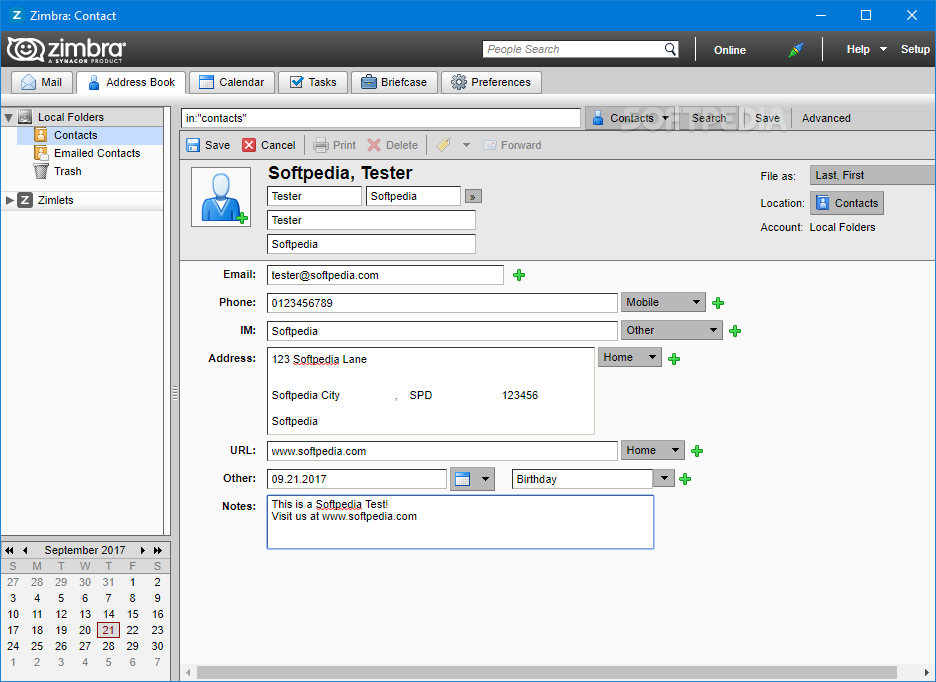
· Store all your contacts in one place for all your accounts
· Create groups and tags to organize them
· Add photos to contacts
· Auto complete email addresses when composing email
· Easily import new contacts from other applications as .csv files or export contacts as .csv files for backup
· Syncs Zimbra, Yahoo! and Gmail contacts
Calendar:
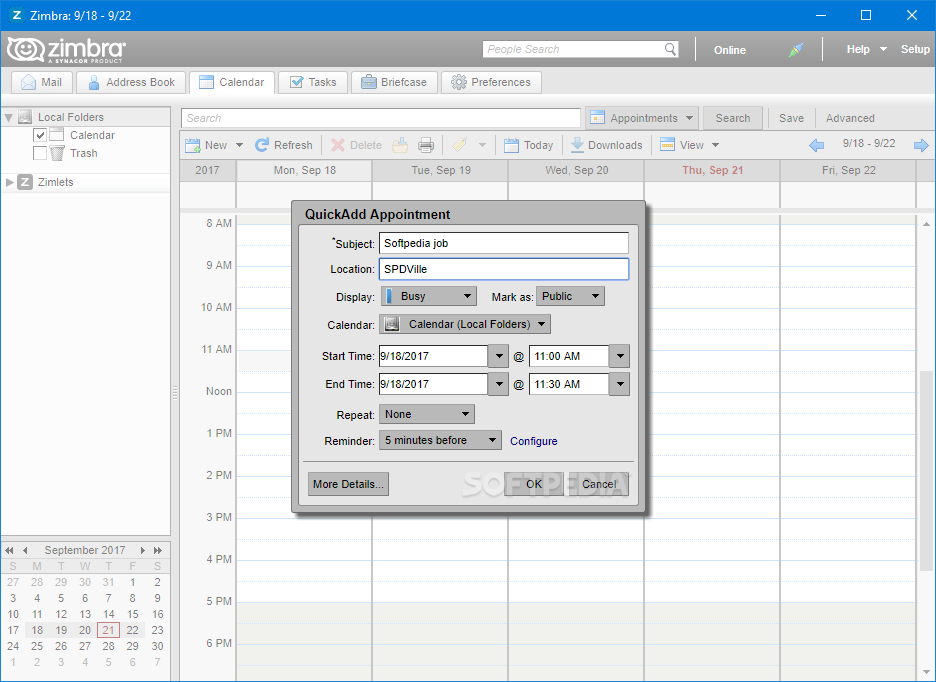
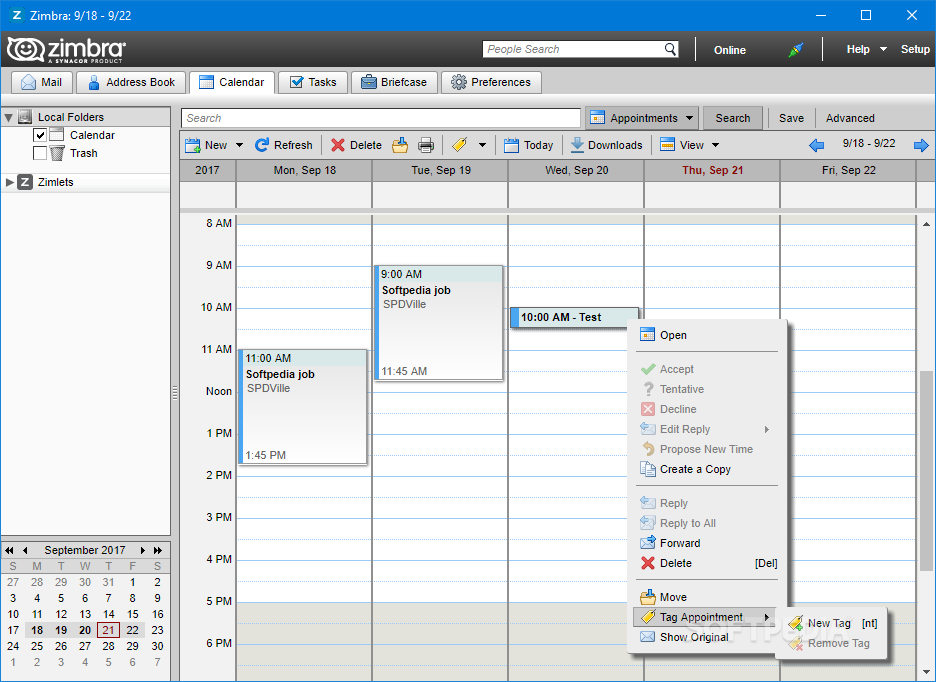
· Manage multiple color-coded calendars
· View calendars in Day, Week, Work Week, Month or List view
· "Fisheye" in the Month view let's you easily view and edit events
· Drag and drop' events to new days or to change times
· Import public web calendars (iCal format), such as sports schedules
· Invite others to meetings and view free/busy times
· Syncs Zimbra, Yahoo! and Gmail calendars
Documents, Tasks, Briefcase:
· Edit Documents including add images, tables and spreadsheets; share them in email
· Track your to do's including start and end dates, percent complete
· Save attachments in Briefcase rather than as message attachments
· Works with any account you set up
Extra features with Zimbra Collaboration Suite:
· Email, contacts, calendar, documents, tasks synchronize to the Zimbra Server
· Access to shared data from peers (email, contacts, calendars, etc)
· Works with both Open Source and Network Edition (ZCS 5.0+ servers)
· Existing user preferences (folders, signatures, settings, etc) are imported
· Access to mobile devices, the Zimbra online Web Client and much more
Requirements:
· Internet connection
· E-mail account
What's New in This Release: [ read full changelog ]
Major New Feature Enhancements:
· Users can move folders to “local folders” in Zimbra Desktop by dragging and dropping the folder to the desired location in “local folders”. The folder move might take some time before the move completes, in particular if the folder contains many messages, but also because the process of moving folders happens in the background. The move process copies the messages to the destination, and then deletes the messages from the source. (Bug 42542)
Major fixes:
· Ability to enable about:config in Mozilla Prism.
· Support moving folder from mailbox accounts to “local folders” account.
· Fixed possible MUST_RESYNC Error when performing SyncRequest.
· Share common GAL between accounts.
· Fixed error occurring when printing a contact.
· Recover deleted items is not longer available.
· User interface asks for consent to send heap dump to Zimbra.
· Ability to add appointments in local folders.
· Mark as spam "ms" keyboard shortcut works for moving messages to the spam f...
|
|
 | | Softpedia guarantees that Zimbra Desktop 7.1.4 Build 11273 is 100% CLEAN, which means it does not contain any form of malware, including spyware, viruses, trojans and backdoors. [read more >] |
|