
Lightweight, easy-to-use app that enables you to view EML files, export the messages to various formats and even extract attachments. #Open EML #View EML #Extract attachment #Mail #Viewer #Message

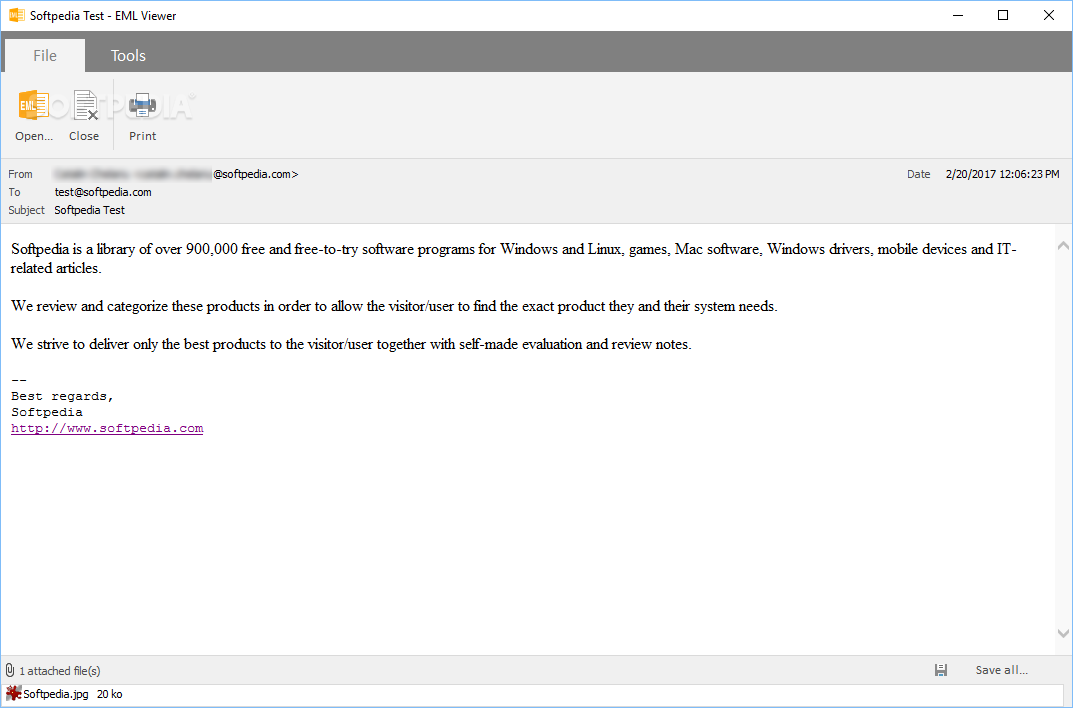
Microsoft Outlook, Thunderbird and various other applications allow you to export messages to the EML format. While great for archiving content and scanning suspicious items, these files cannot normally be opened without a specialized e-mail client.
EML Viewer is a small, novice-friendly application that allows you to open EML files and read the contained messages, export them to other formats or save attachments.
The program can be downloaded and installed in no time at all, thanks to its lightweight and minimalistic design. The modern, clean UI features an intuitive layout that first-time users should have no problems getting accustomed to.
EML Viewer even offers support for drag and drop actions, saving you valuable time and making it a lot easier to open EML files.
Once you have opened an EML file, the application displays the message text in the main panel, along with the e-mail’s sender, recipient, subject and date. You can export this information to an HTML or TXT file.
If they are available, attachments are displayed in the bottom panel, and you can open or extract them individually, as well as save all of them on your hard drive at once.
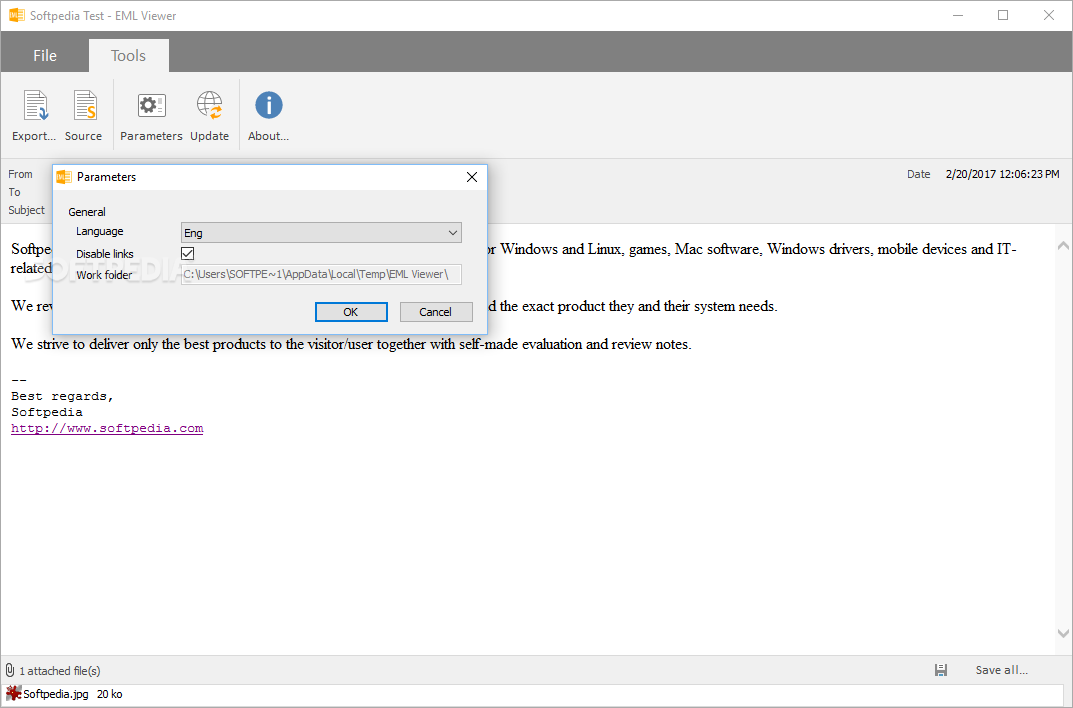
EML Viewer also gives you the option of disabling any links within the message, thus making it impossible for you from clicking them by accident.
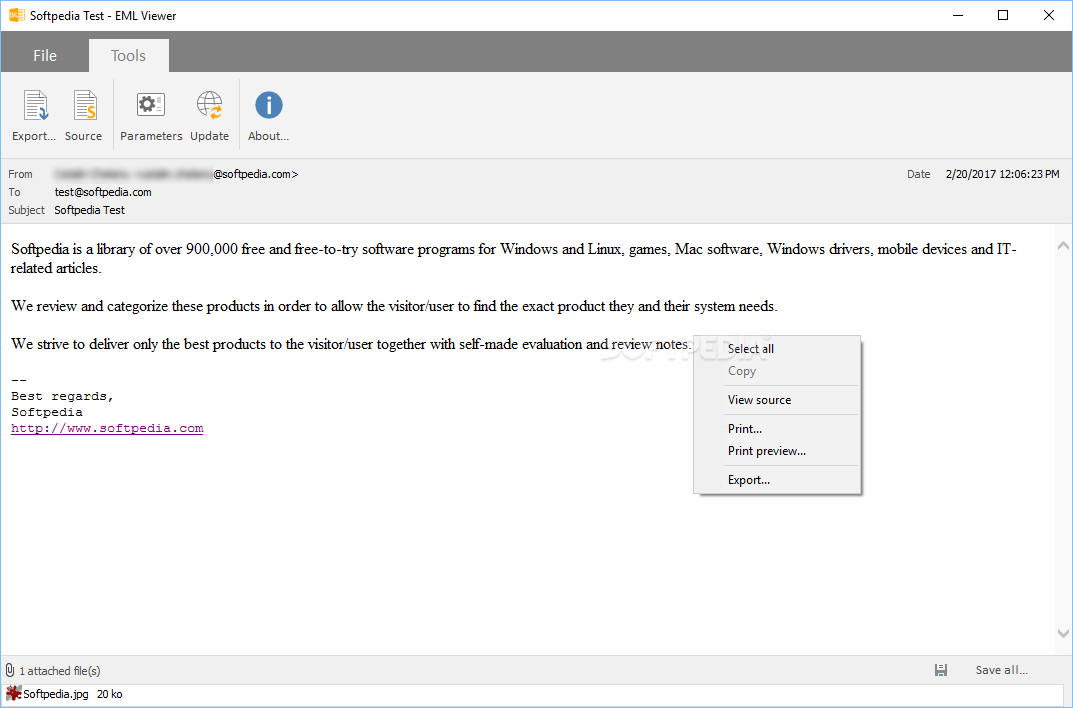
The program can also be used to export EML contents to a CSV file and attachments folder from the command line. The supported parameters are not very well documented, however, as only a single usage example is provided in the change log.
EML Viewer is a lightweight utility that lets you open EML files, extract their contents and save attachments. It sports a streamlined UI and is very easy to use.
EML Viewer 1.0.8.316
add to watchlist add to download basket send us an update REPORT- portable version
- Portable EML Viewer
- runs on:
-
Windows 11
Windows Server 2016
Windows 10 32/64 bit
Windows Server 2012
Windows 2008 R2
Windows 2008 32/64 bit
Windows 2003
Windows 8 32/64 bit
Windows 7 32/64 bit
Windows Vista 32/64 bit
Windows XP 32/64 bit - file size:
- 857 KB
- filename:
- EMLViewer_setup.exe
- main category:
- Internet
- developer:
- visit homepage
ShareX

4k Video Downloader

Microsoft Teams

Windows Sandbox Launcher

Zoom Client

Context Menu Manager

calibre

7-Zip

Bitdefender Antivirus Free

IrfanView

- 7-Zip
- Bitdefender Antivirus Free
- IrfanView
- ShareX
- 4k Video Downloader
- Microsoft Teams
- Windows Sandbox Launcher
- Zoom Client
- Context Menu Manager
- calibre