
Keep your local data safe and your online privacy untouched with the help of this top-tier, entry-level security solution from ESET that boasts a wide range of security features. #Antivirus scanner #Antivirus protection #Virus infection #Antivirus #Virus #Trojan

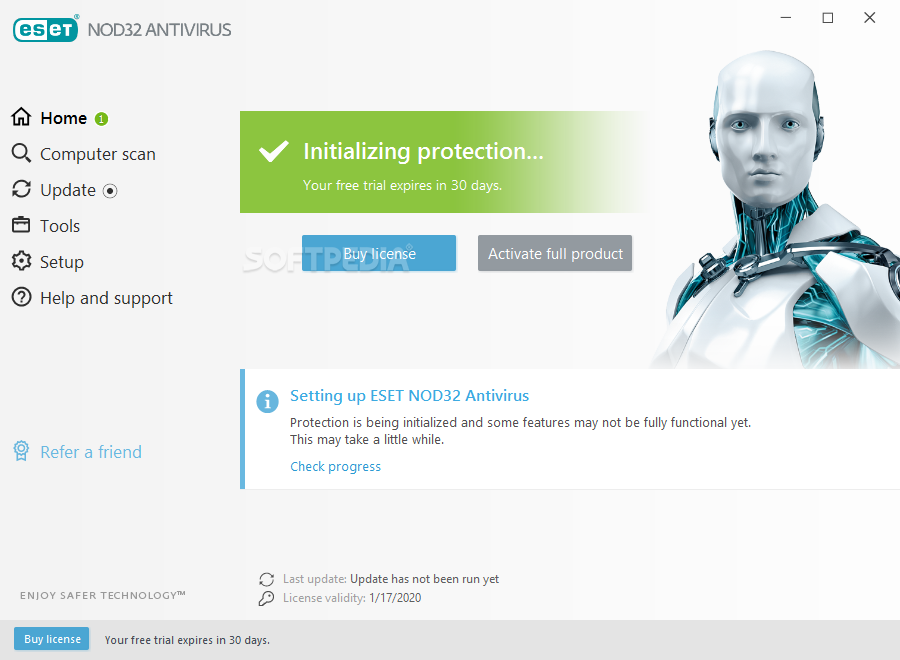
NOD32 is arguably the antivirus solution with the biggest history currently on the market. Launched in 1987 by two Slovak developers, the product has evolved a lot in its 30+ year lifespan and is currently known under the moniker of ESET NOD32 Antivirus.
ESET NOD32 Antivirus is the company’s entry-level version of its security services which also includes ESET Internet Security (offers advanced internet security features), and ESET Smart Security Premium (provides top-tier internet security features).
The setup procedure is fast, smooth, and requires little to no effort on the users’ part. At one point, users are prompted to either enable or disable the detection of potentially unwanted applications (PUA), as well as if they want to participate in the ESET LiveGrid feedback system (useful for helping ESET improve their products in the future).
As with all AV solutions, the biggest part of ESET NOD32 Antivirus’s success is thanks to its top-notch and very reliable security solutions (which we’ll go into very shortly). However, there are other aspects also worth considering.
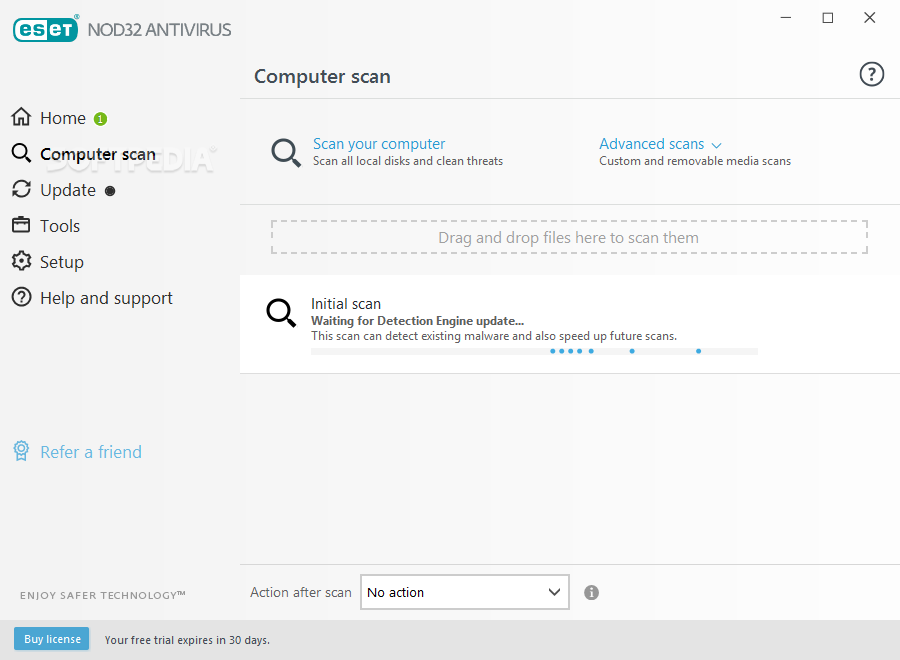
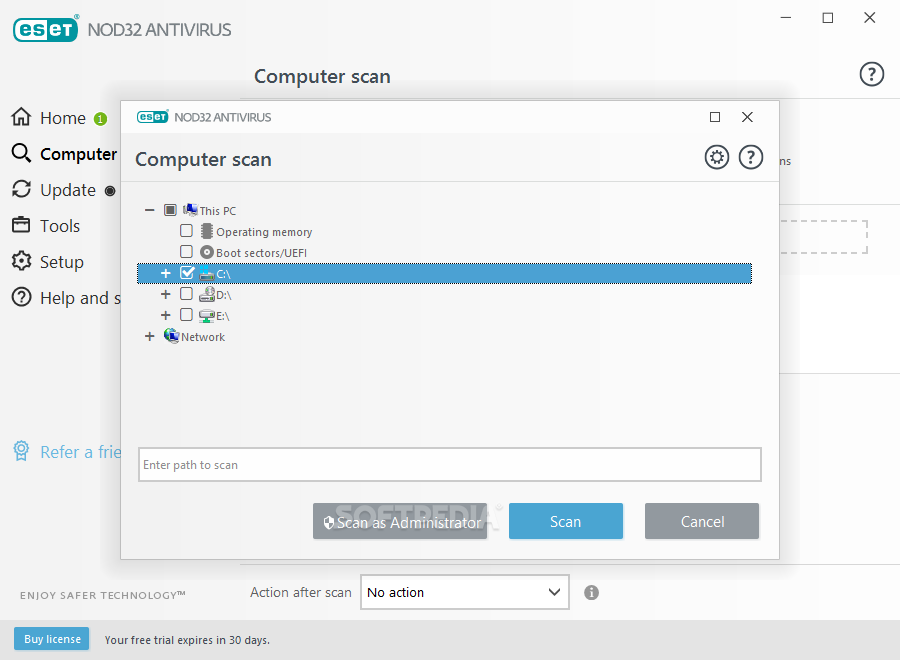
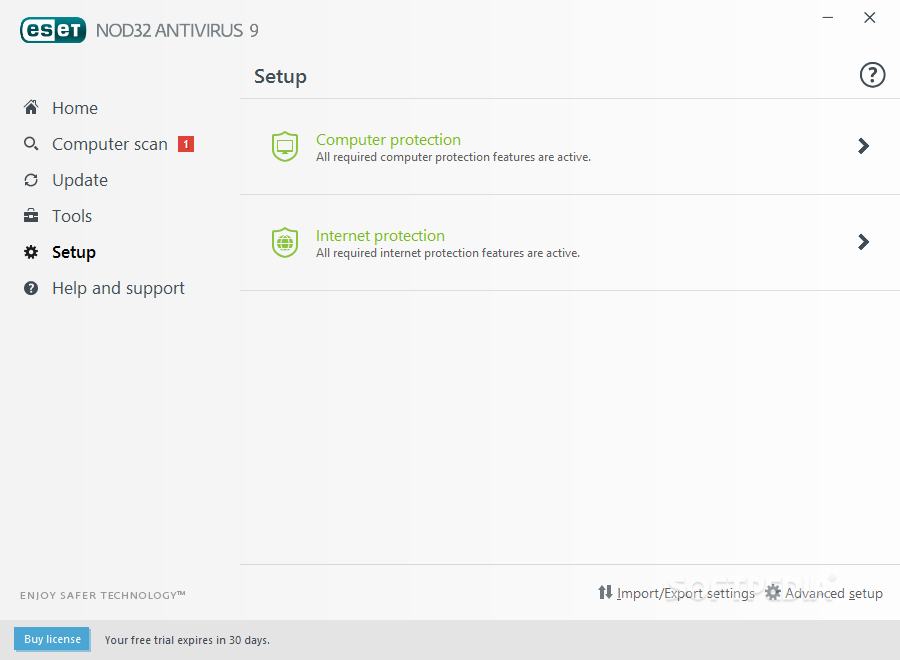
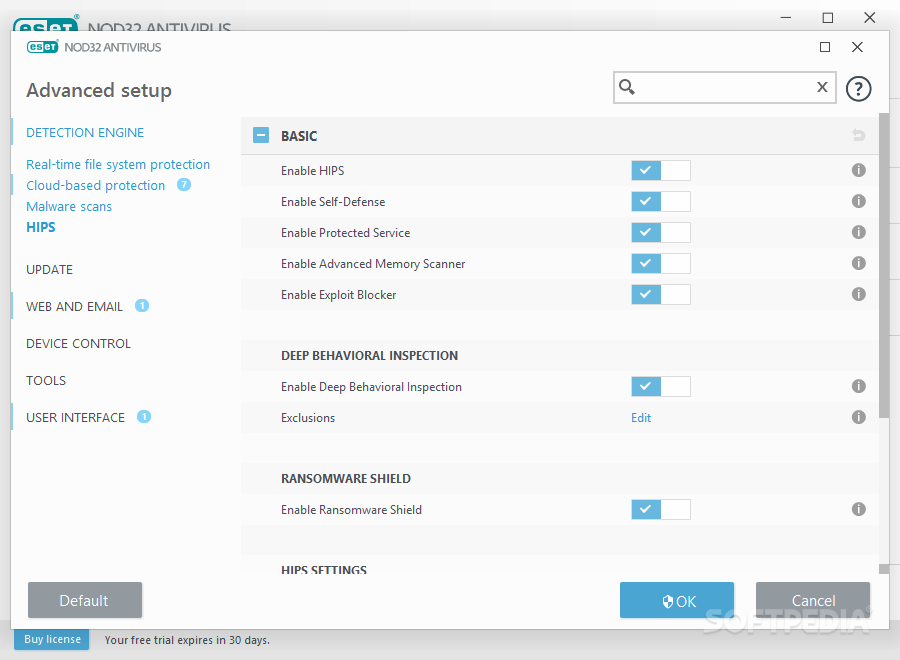
For example, ESET NOD32’s extremely user-friendly and not-at-all flashy GUI. While most other AV solutions out there offer modern GUIs with lots of gimmicks and all sorts of transparency effects, ESET has remained loyal to simplicity over throughout the years: clear organization, sleek-looking dashboards, and practically zero clutter. This means that the product is perfectly suited for all people, from the beginner to the power user with high standards in terms of usability.
Another aspect worth mentioning is just how resource-friendly the product really is. It’s not uncommon for modern-day AV solutions to bog down the processing speeds, especially in the case of medium-tier or older computers. ESET NOD32 Antivirus is without a doubt one of the fastest and resource-friendly solutions out there.
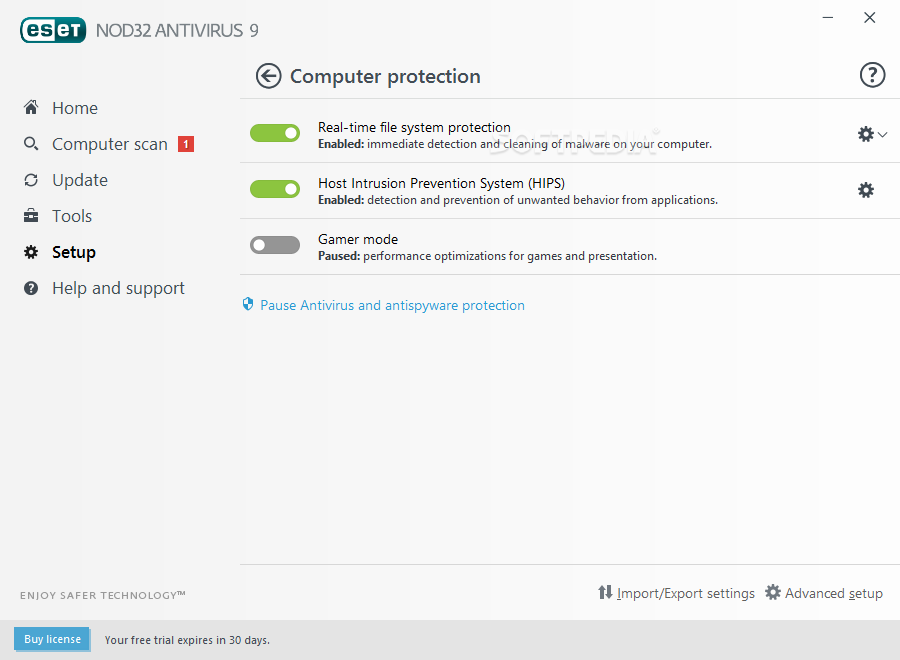
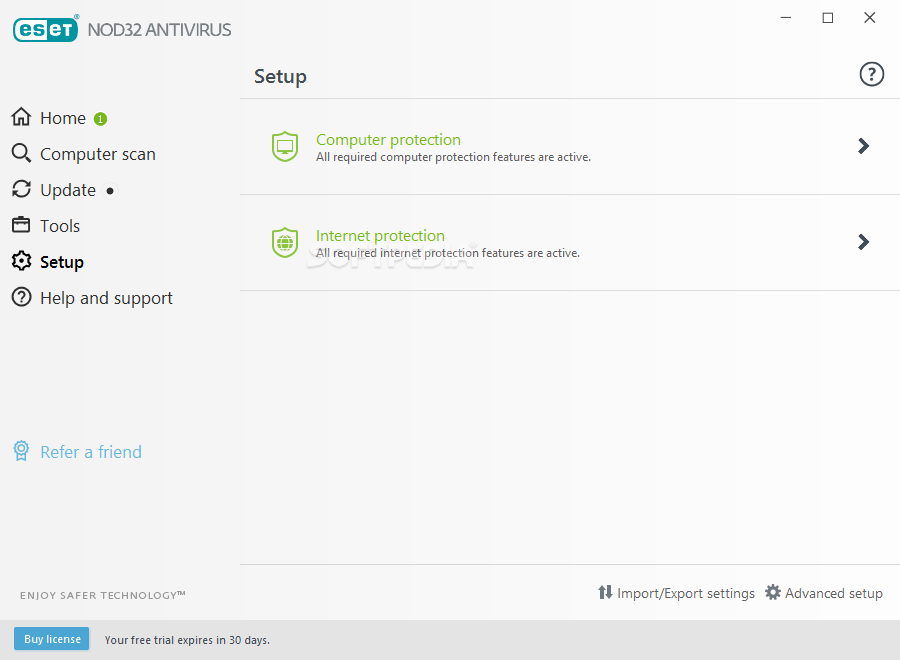
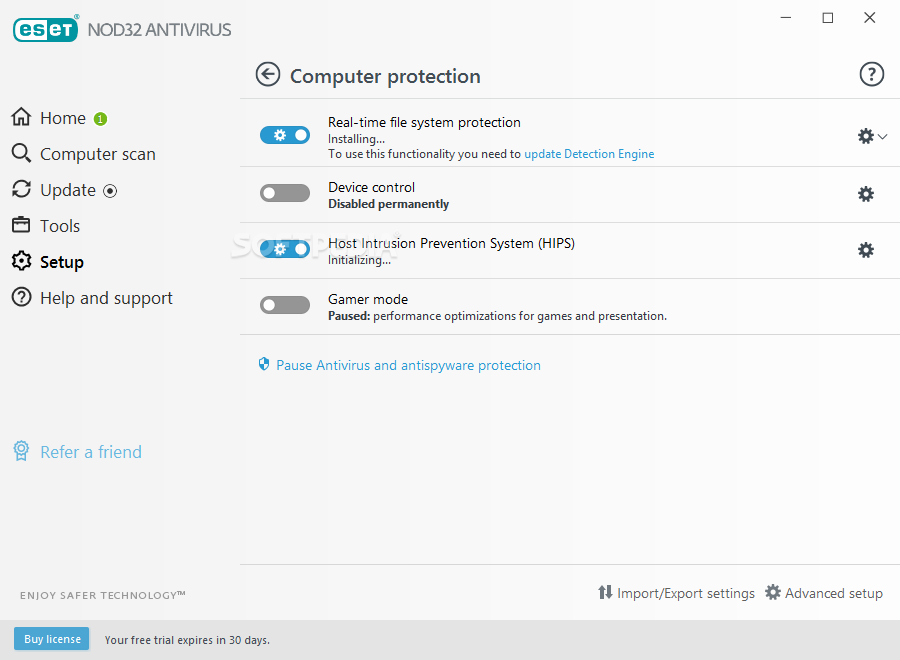
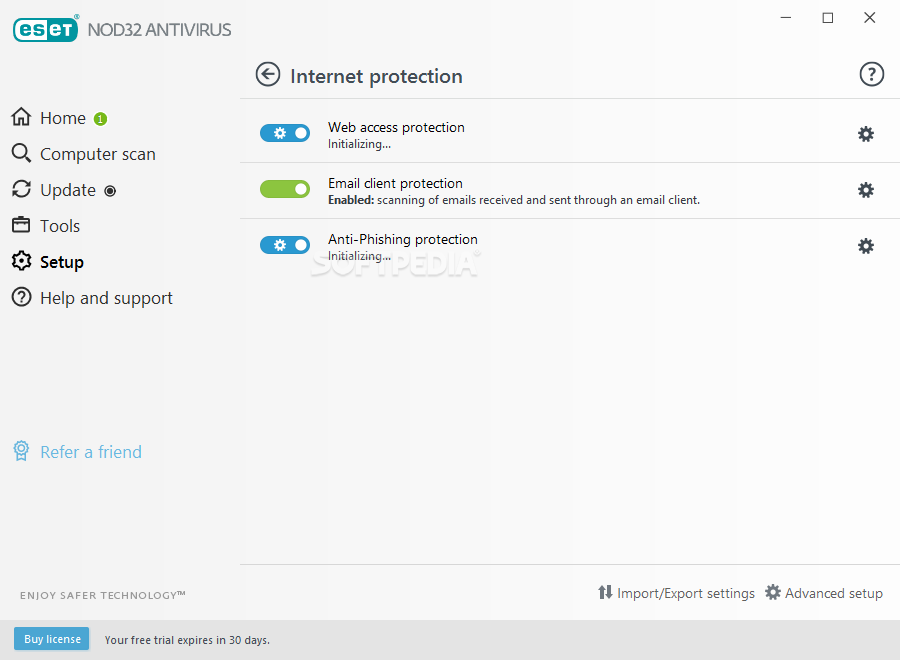
The protection package offered by ESET NOD32 Antivirus is split into two distinct sections. From the Setup menu, users can choose between Computer protection and Internet protection, as well as tweak and fiddle about with various settings.
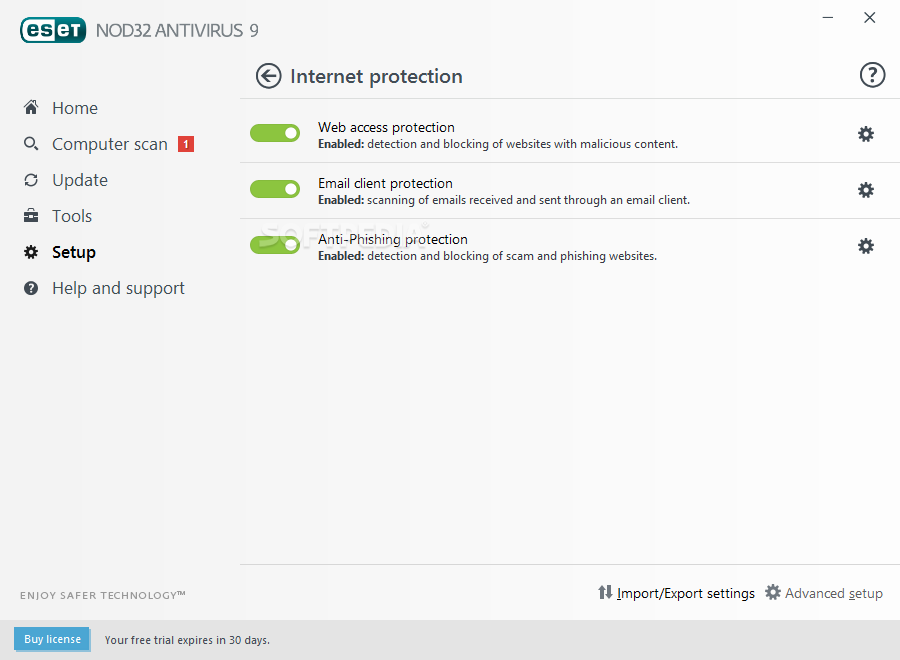
Despite its simplicity-focused GUI and well-organized menus, the product offers a great deal of security options. Some of the main ones are, of course, the real-time file protection module, a section dedicated to the web protection, the HIPS module (Host Intrusion Prevention System - detects unwanted behavior from already installed apps), an anti-phishing module, and basic email client protection.
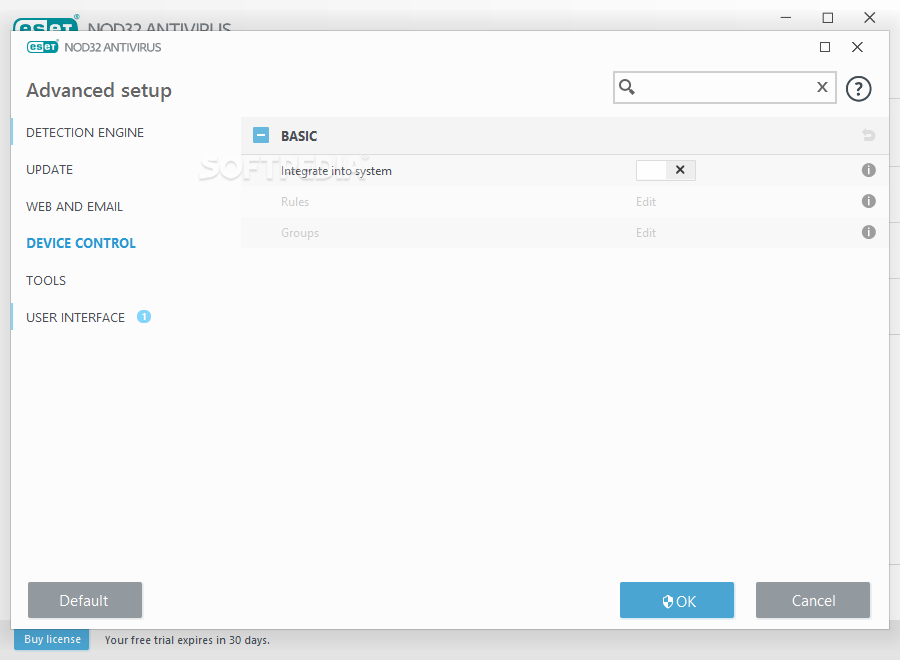
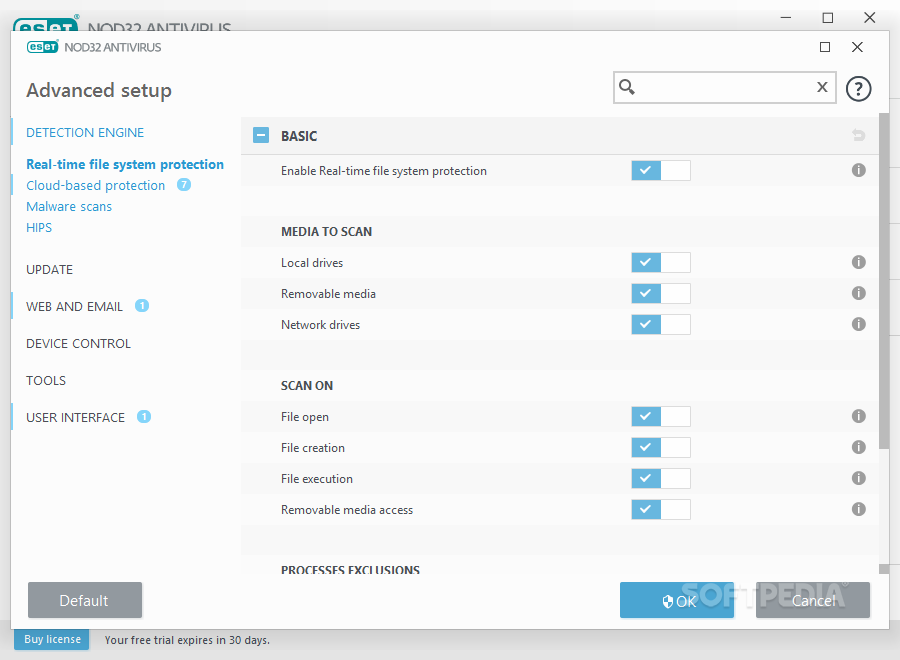
In short, the more users explore ESET’s menus, the more they will discover just how flexible and versatile this antivirus can be. Users are provided with the option of fully tweaking the scanning process by activating or deactivating the ways used to scan various types of files. The AV offers the latest in terms of anti-stealth technology that helps with rootkits detection.
When and if an infection is found, users are notified via a pop-up message window. If the threat cannot be removed, users will be prompted to restart the computer and the file put into quarantine. Of course, users have the last say, and can choose any of the three options when dealing with malicious (or potentially malicious) files: clean, delete, or take no action.
The Internet protection module is also a big part of NOD32 Antivirus’ kit, even though the general, day-to-day user will rely more on its automated features. The system all-round works great when it comes to detecting infected web pages and blocking them altogether before your computer or privacy is in harm’s way. In short, the module warns users about phishing pages and automatically blocks them.
Another highlight in the Internet protection module is the email protection scanner. It uses the latest NOD32 databases to check for incoming threats via email such as malware, viruses, trojans, and spyware. What’s more, it’s compatible with some of the most important clients such as Mozilla Thunderbird, Windows Live Mail, and even Outlook and Outlook Express.
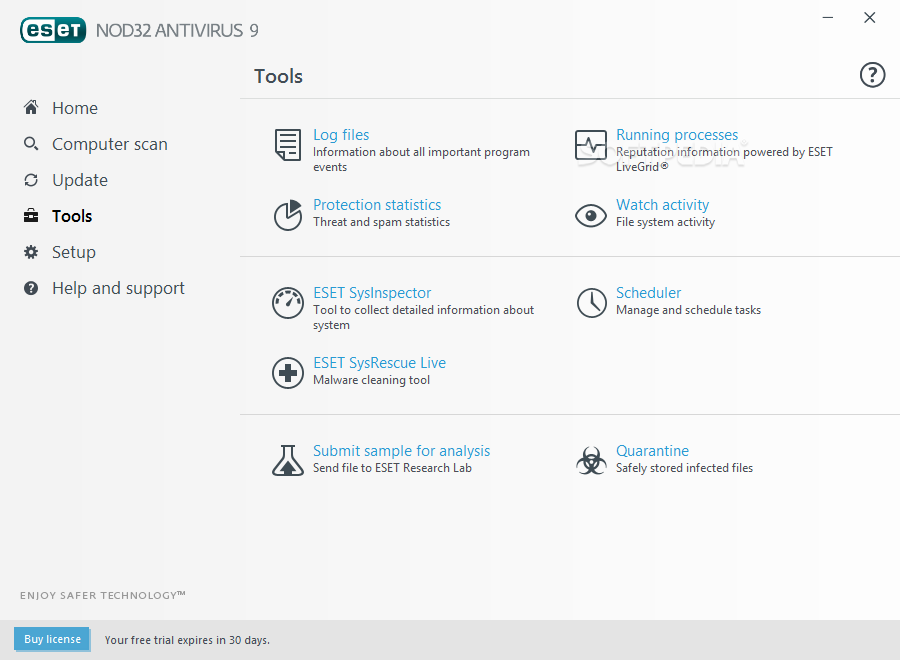
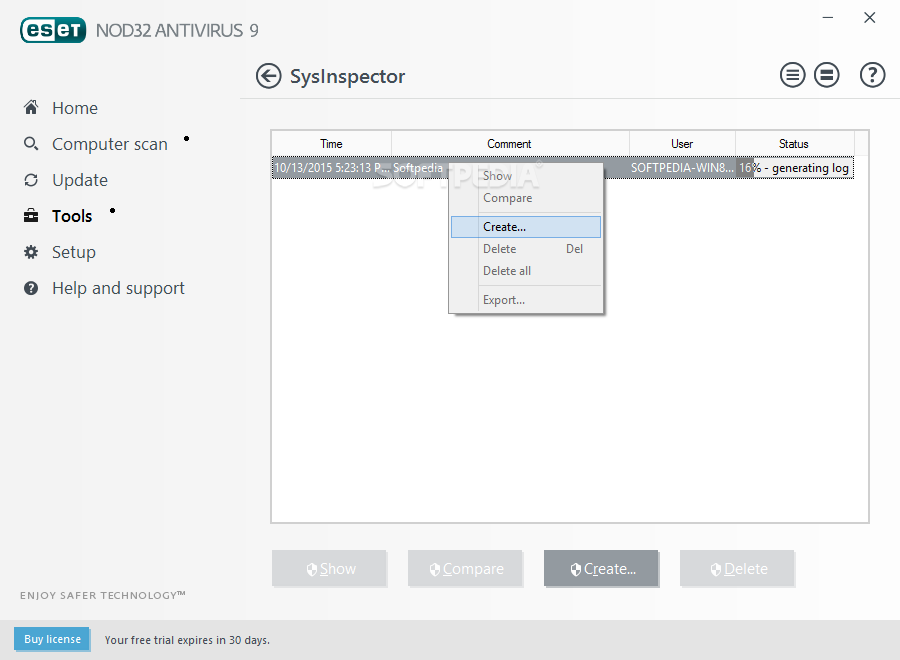
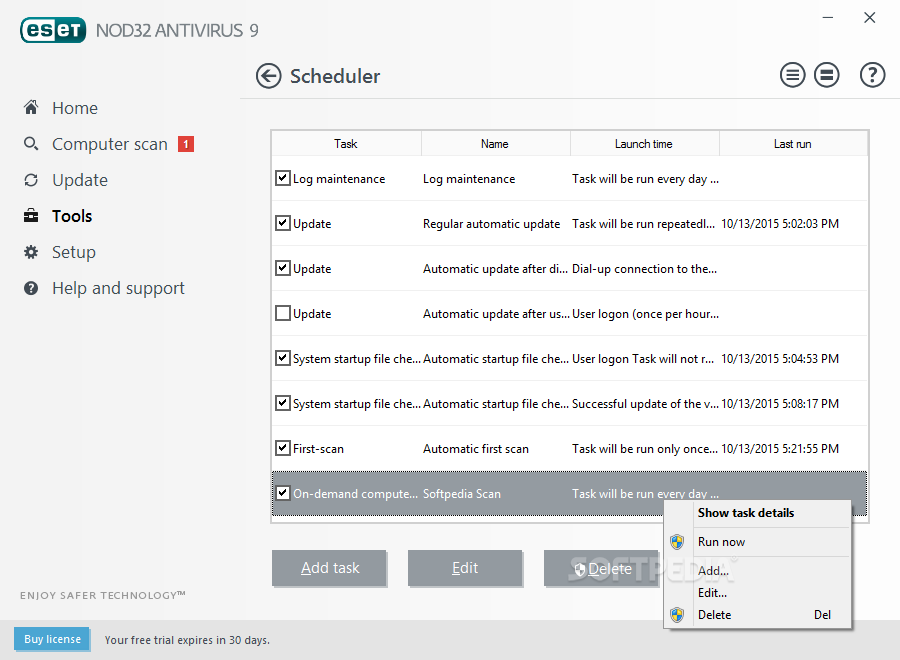
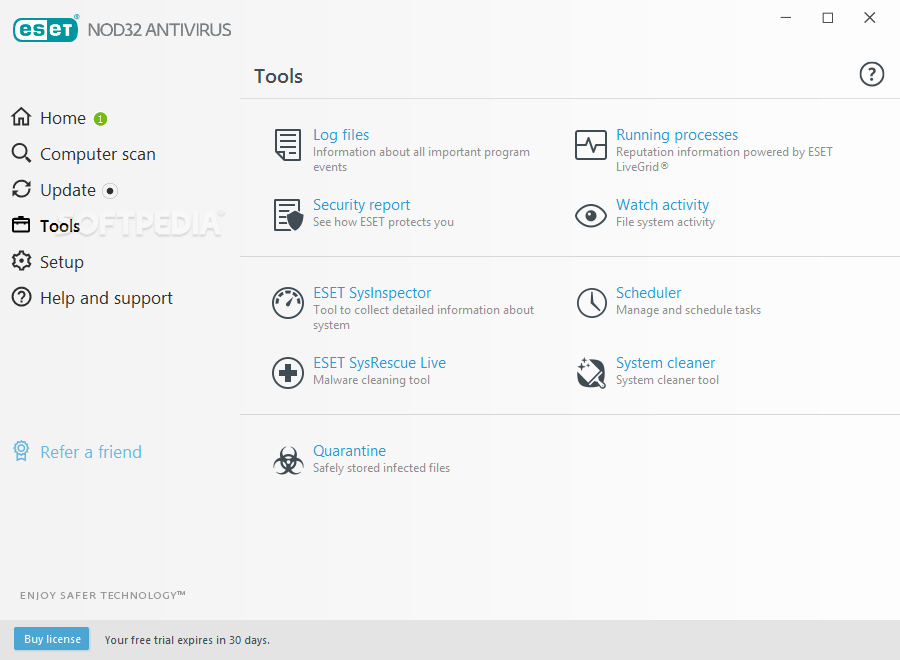
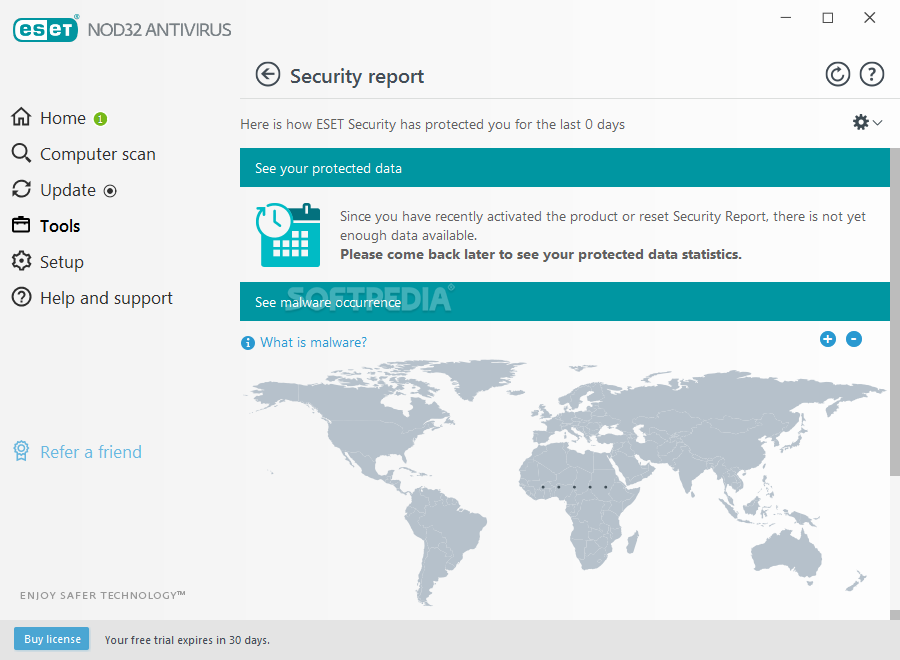
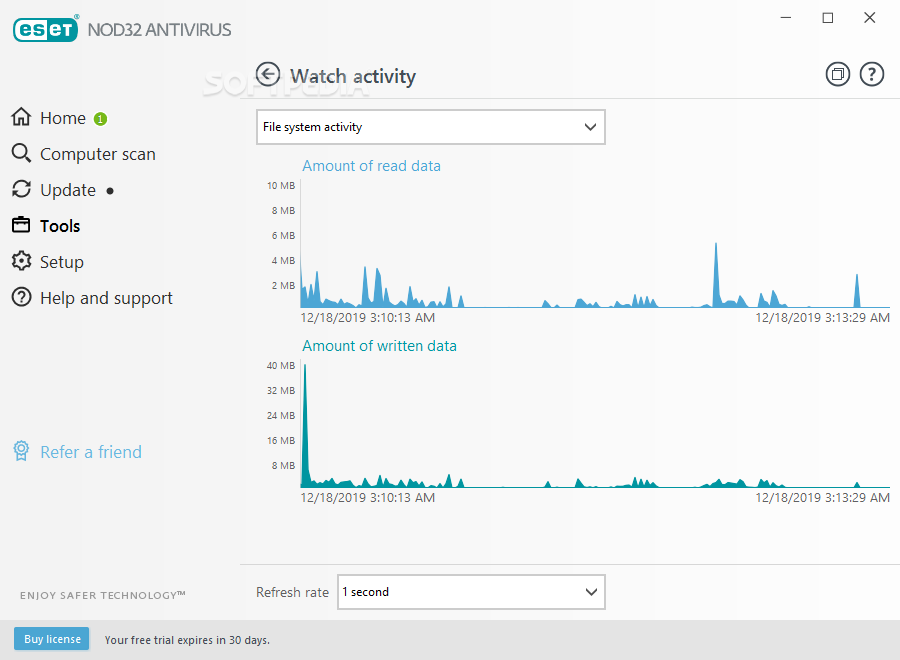
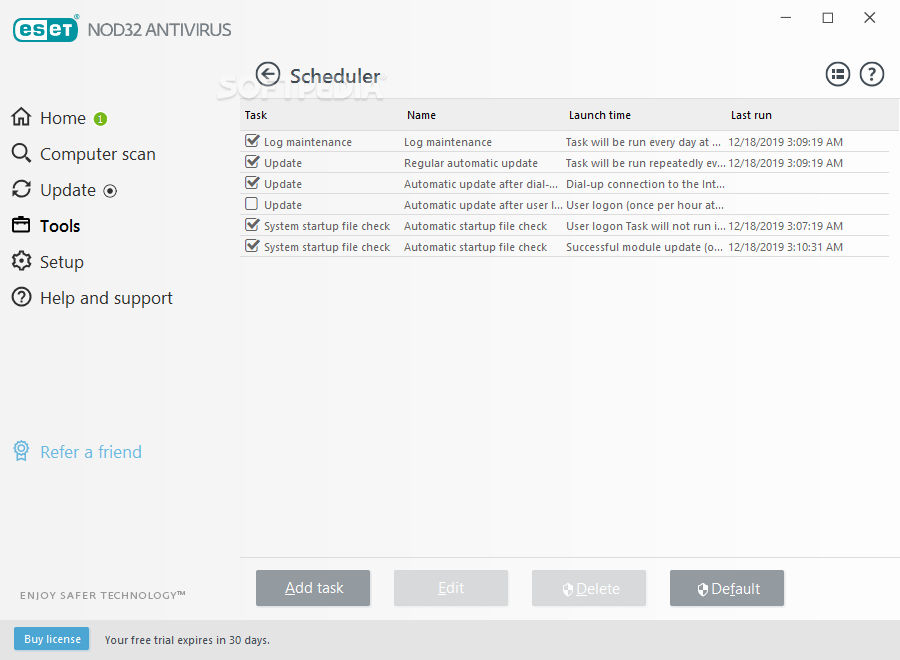
Other important features include an activity watcher, a handy scheduler, a reporting tool, a module for collecting advanced statistics about the computer (SysInspector), a processes monitor, and the ESET SysRescue Live.
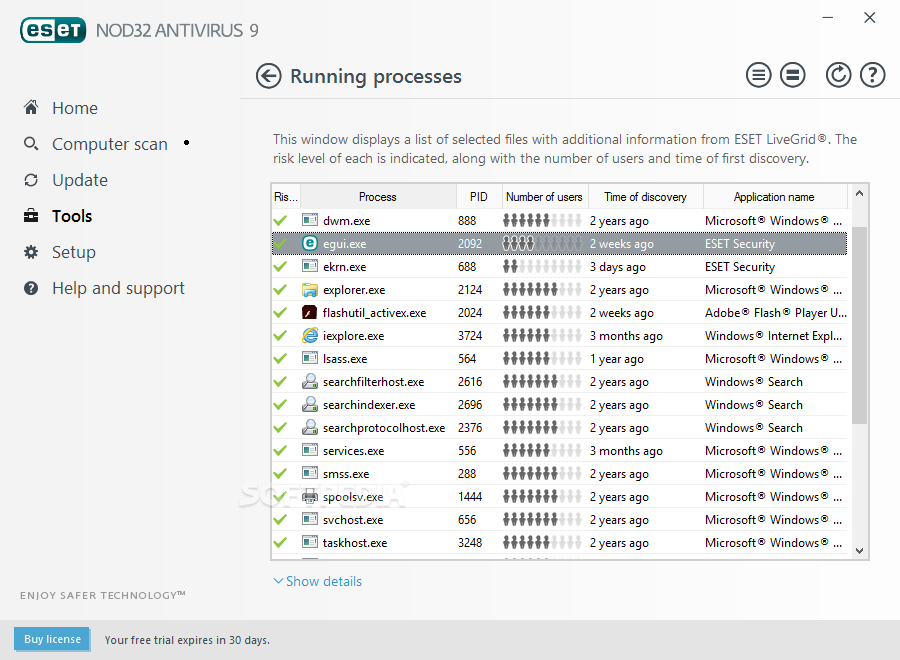
Besides its basic role (that of allowing users to see what resources are consumed by apps), the activity watcher is extremely good at helping discover if resources are wasted on potentially malicious apps running in the background. The Running processes module takes this step a bit higher, as it also displays the level of risk, the process ID, the number of users, and the app name for all the processes.
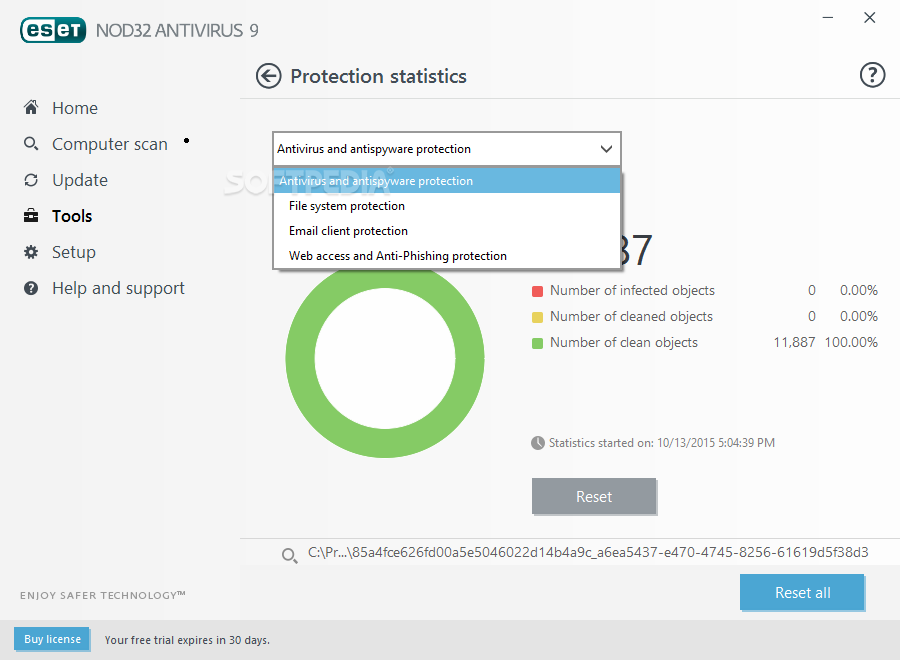
The Reporting tool is there to help users better understand what NOD32 actually does for them and their privacy. It displays various useful statistics such as the total number of scanned files, how many were dangerous, and how many were cleaned. Lastly, the ESET SysRescueLive is there in case the basic real-time scanner module doesn’t manage to remove a threat from your computer. This module runs on CDs, DVDs, or USB drives, and it doesn’t need installation.
The answer is: definitely yes! It’s very effective and easy to use, it’s competitively priced, it supports more than one OS, it’s one of the most resource-friendly AV solutions out there, and it comes with a plethora of both main and secondary features and modules that should ensure the absolute protection of your computer.
It’s also highly rated by various publications and has shown great performance in other independent tests, and, as users of the product for more than 10 years, we at Softpedia can attest to the product’s quality.
Download Hubs
ESET NOD32 Antivirus is part of these download collections: Scan For Viruses, Trojan Remover, Backdoor Detector, Detect Malware
ESET NOD32 Antivirus 17.1.11.0
 Softpedia Editor's Pick
add to watchlist
add to download basket
send us an update
REPORT
Softpedia Editor's Pick
add to watchlist
add to download basket
send us an update
REPORT
- runs on:
-
Windows 11
Windows 10 32/64 bit
Windows 8 32/64 bit
Windows 7 32/64 bit - file size:
- 68.2 MB
- filename:
- eav_nt32.exe
- main category:
- Antivirus
- developer:
- visit homepage
4k Video Downloader

7-Zip

Windows Sandbox Launcher

Context Menu Manager

IrfanView

ShareX

calibre

Zoom Client

Bitdefender Antivirus Free

Microsoft Teams

- Zoom Client
- Bitdefender Antivirus Free
- Microsoft Teams
- 4k Video Downloader
- 7-Zip
- Windows Sandbox Launcher
- Context Menu Manager
- IrfanView
- ShareX
- calibre