
Scan your computer for spyware and remove it, take preemptive protection measures, repair system inconsistencies and update virus definitions on a regular basis. #Anti spyware #Anti adware #Spyware cleaner #Spyware #Adware #Cleaner

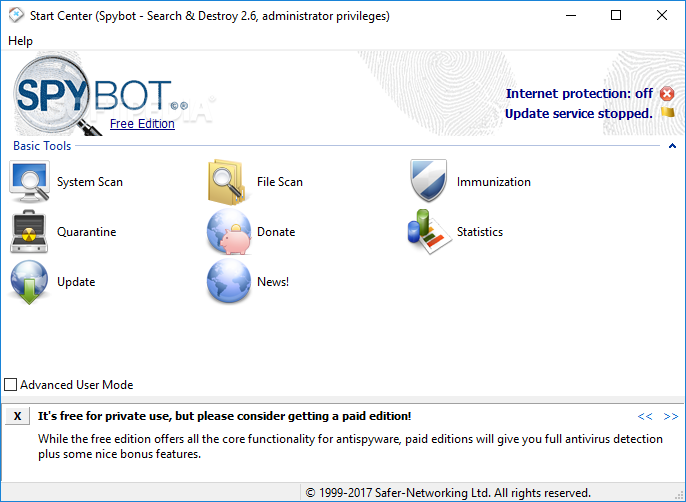
Protection against spyware is of utmost importance if you want to prevent others from exploiting your personal information and browsing habits. SpyBot - Search & Destroy is a full featured security solution designed to keep this kind of malware away from you, while also providing a suite of tools for file shredding, managing startup items and generating statistics.
The setup process runs quite smoothly, without taking too much, while the interface has a clean and professional look, with all the available options in the main window. In addition to that, Help contents are provided for each and every tool and thus, making sure that all types of users can learn how to handle SpyBot - Search & Destroy without putting a strain on the computer’s performance.
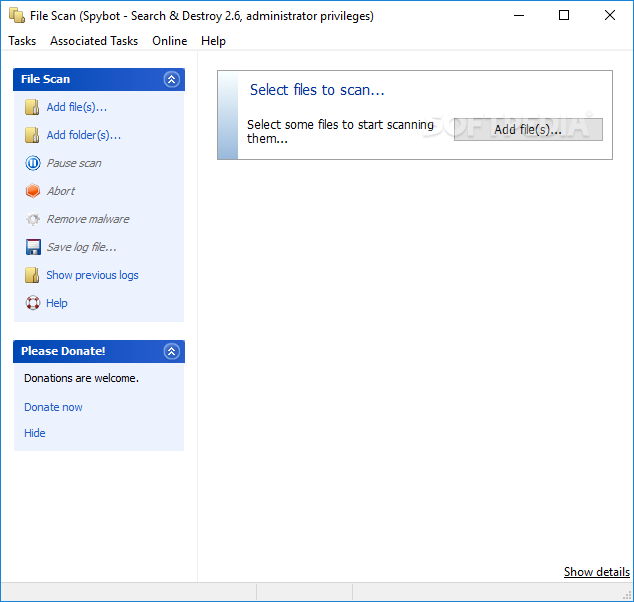
The main window provides direct access to the scanning modes, namely: a full system scan that thoroughly analyzes your computer for threats and a custom file and folder scan which allows you to manually select the locations to be processed.
The scanning speed is decent, yet you should know that a full scan can take quite a while. Results are displayed as a list along with information such as location, threat level, type, category, rule and short description, and it is possible to fix all the selected items with just a click of the button.
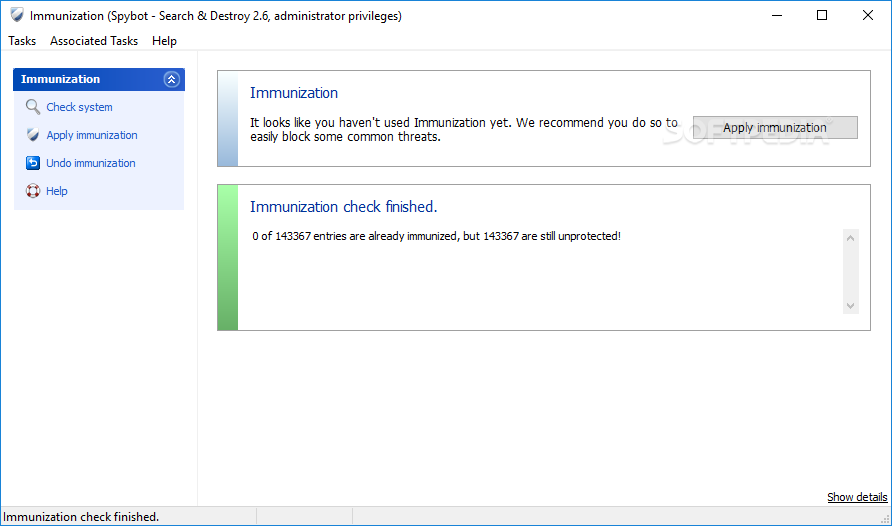
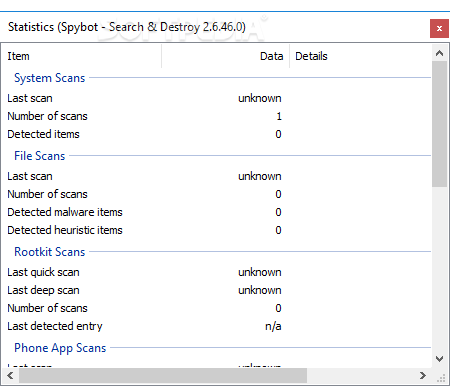
A system immunization feature is also available, aimed to apply preventive measures against spyware and blocking malware from infecting your computer, while statistics can be generated automatically, such as the date and time of the last system, file or rootkit scan, as well as the total number of detected items.
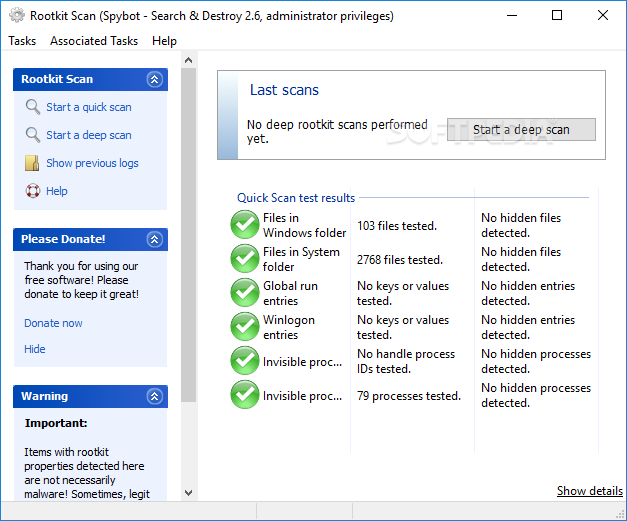
An Advanced User Mode can also be used, which triggers a set of complementary options that you can use to manage startup tools, shred files, repair system inconsistencies or perform a rootkit scan.
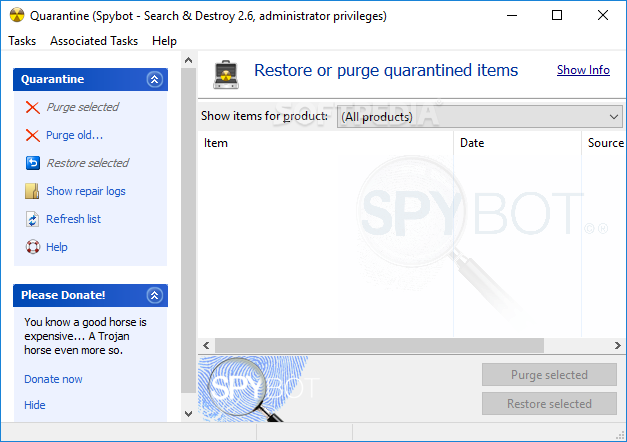
The application is not only able to remove spyware, but it also detects and deletes keyloggers, providing at the same time a fast update tool to download the latest virus definitions. To make sure you are on the safe side all the time, SpyBot - Search & Destroy automatically creates a backup of every single removed file.
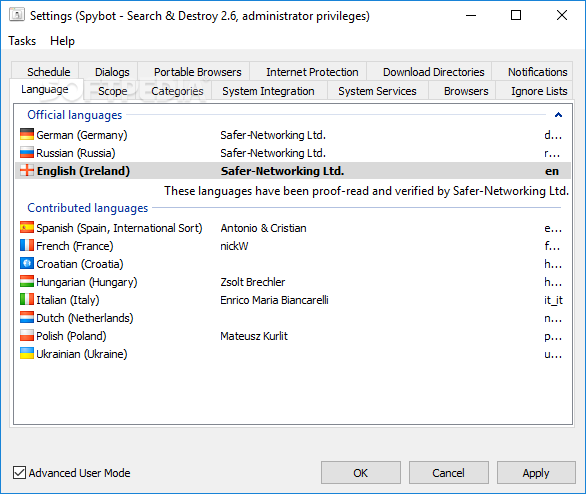
Other customizations can be performed from the Settings window. This section allows you to configure Windows explorer and browser integration, ignore lists and scheduled scans.
Taking all of this into consideration, SpyBot - Search & Destroy is a handy real-time protection solution against malware, with reliable spyware detection and disinfection capabilities. However, it is important to note here that the computer’s performance is going to be hampered, as CPU and memory usage is quite high during most processes.
Download Hubs
SpyBot - Search & Destroy is part of these download collections: Spyware Remover, Pop-up Blockers
SpyBot - Search & Destroy 2.9.85.5
add to watchlist add to download basket send us an update REPORT- portable version
- Spybot - Search & Destroy Portable
- runs on:
-
Windows 11
Windows 10 32/64 bit
Windows 8 32/64 bit
Windows 7 32/64 bit
Windows Vista 32/64 bit
Windows XP - file size:
- 62.1 MB
- filename:
- spybotsd-2.9.85.5.exe

- main category:
- Internet
- developer:
- visit homepage
7-Zip

IrfanView

Windows Sandbox Launcher

Bitdefender Antivirus Free

Zoom Client

Context Menu Manager

ShareX

calibre

Microsoft Teams

4k Video Downloader

- calibre
- Microsoft Teams
- 4k Video Downloader
- 7-Zip
- IrfanView
- Windows Sandbox Launcher
- Bitdefender Antivirus Free
- Zoom Client
- Context Menu Manager
- ShareX