
Quickly connect to a remote computer, via the Internet, by the means of a technical assistance request procedure from the client #Remote access computer #Connection encryption #Dynamic IP configuration #Connectivity #Troubleshoot #Technician

BeAnywhere is a straightforward piece of software which enables you to connect to a remote computer, even if it is not part of the local network. The program allows you to create a secure connection via the Internet to any computer, for the purpose of offering technical assistance.
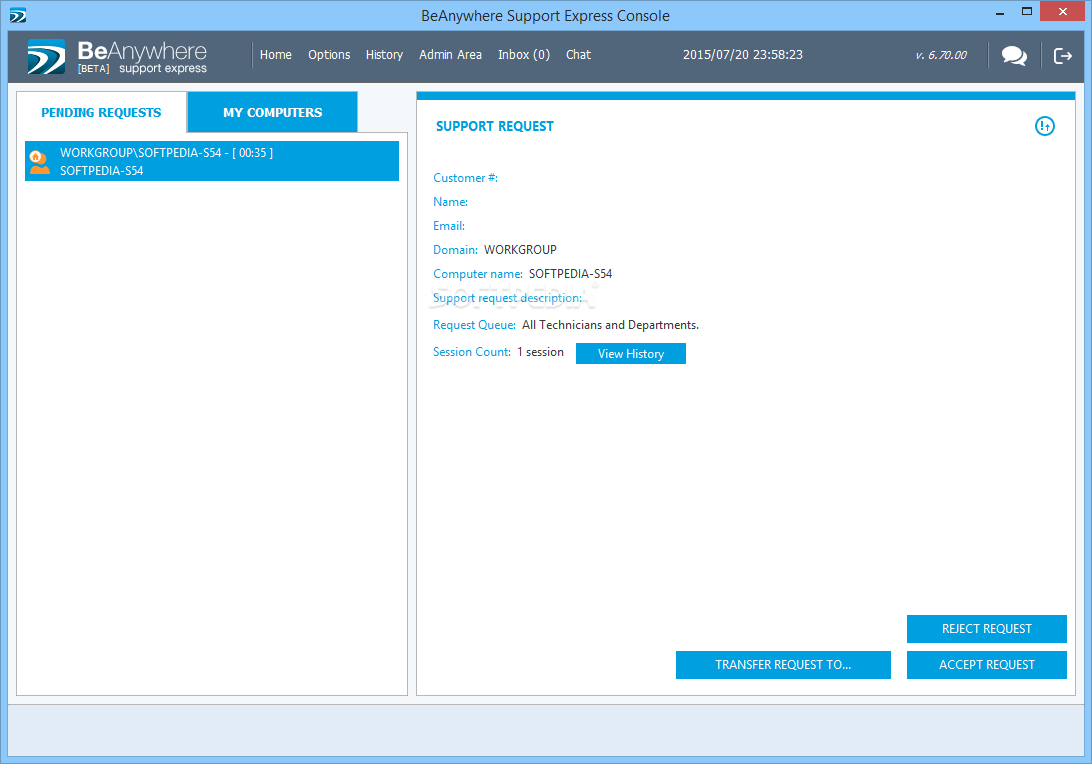
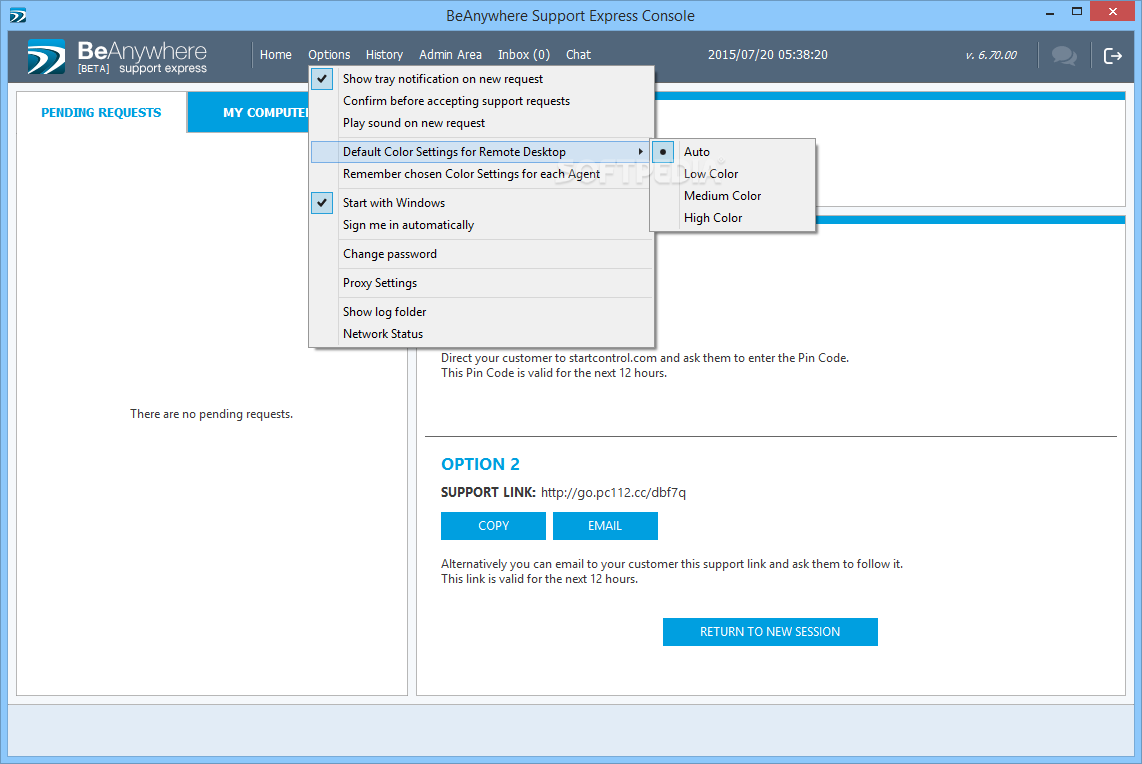
BeAnywhere ensures a secure connection to another station, via the Internet and through a specific procedure. Thus, should a customer require technical assistance, you can instantly start a session and obtain a unique PIN. Send this PIN to your customer so that they can download the portable desktop client and enable the remote connection.
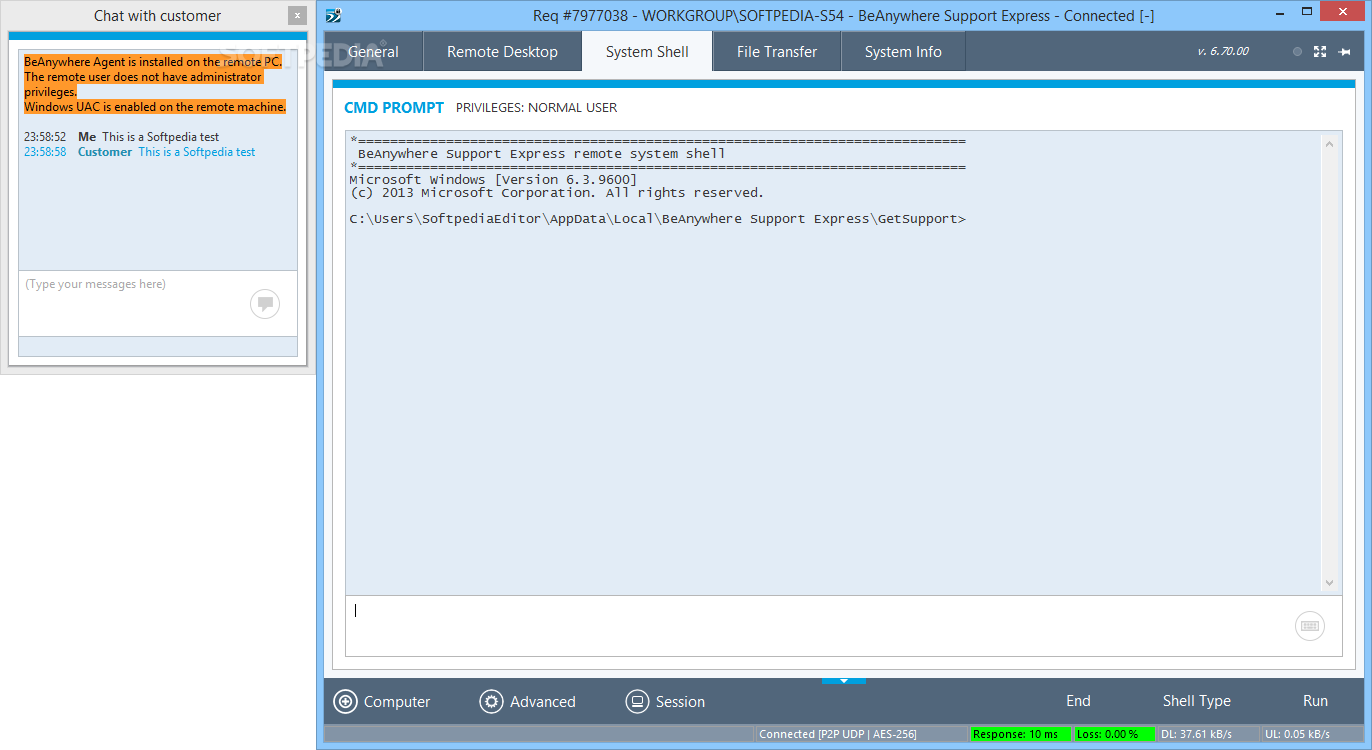
Once the link is established, you may view the available stations and select the one you wish to remotely control. Not only can you view system information, such as CPU, RAM or network connections, but you can also start a remote desktop session. Moreover, it features a simple chat function as a direct means of communication with the customer.
BeAnywhere enables you to view the desktop and operate the computer to which you have connected. You can also run Command Line functions, through the dedicated console, with the privileges of a normal user. A file transfer feature is also available, to facilitate quick system repairs, which works in both ways, between your computer and the customer.
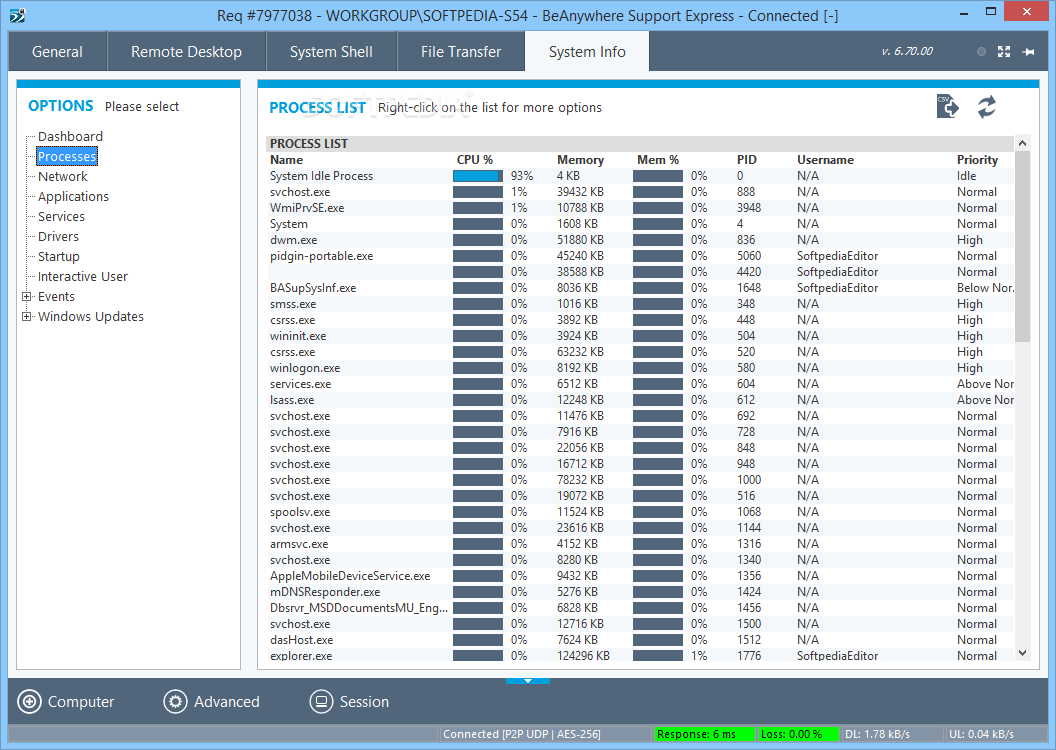
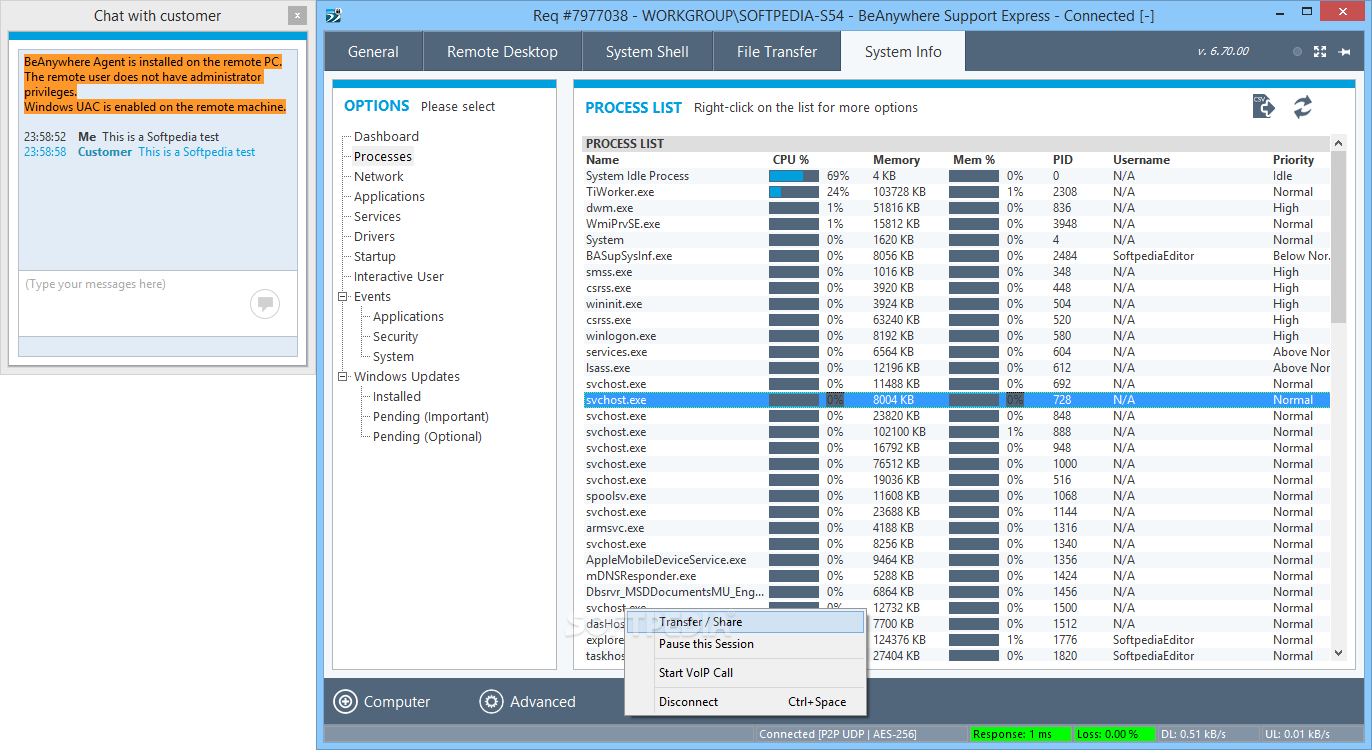
The System Info tab is where you can view all the processes that run on the computer, the network connections, applications, services or drivers. You may also check on startup programs, interactive user options, events or pending Windows updates.
BeAnywhere allows you to also start a VoIP call or save the current PC connection to a list of frequent connections. You may request administrative privileges, ask for remote user credentials or perform an emergency reboot. The details of the sessions, as well as the customization of the client interface can be easily made from the online admin area, which you may access from BeAnywhere’s interface.
BeAnywhere 3.01.000 / 6.70.00 Beta
add to watchlist add to download basket send us an update REPORT- runs on:
- Windows All
- file size:
- 9.4 MB
- filename:
- BASETechConsoleBeta.exe








- main category:
- Internet
- developer:
- visit homepage
calibre

4k Video Downloader

ShareX

Zoom Client

Context Menu Manager

7-Zip

Microsoft Teams

Bitdefender Antivirus Free

Windows Sandbox Launcher

IrfanView

- Bitdefender Antivirus Free
- Windows Sandbox Launcher
- IrfanView
- calibre
- 4k Video Downloader
- ShareX
- Zoom Client
- Context Menu Manager
- 7-Zip
- Microsoft Teams