
A lightweight, secure remote control program that enables you to work on a remote computer in real time without significant efforts #Remote admin #Remote viewer #Remote administrator #Remote #Admin #Administrator
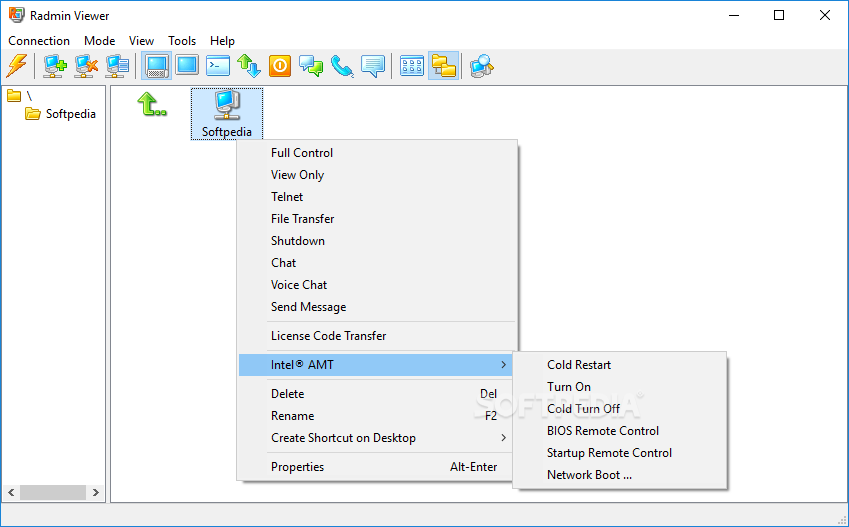
Radmin Remote Control provides system administrators with a vital tool to remotely connect to workstations across the entire network in no time at all. This way, you can quickly and easily perform maintenance tasks as well as troubleshooting operations in order to keep every PC in check.
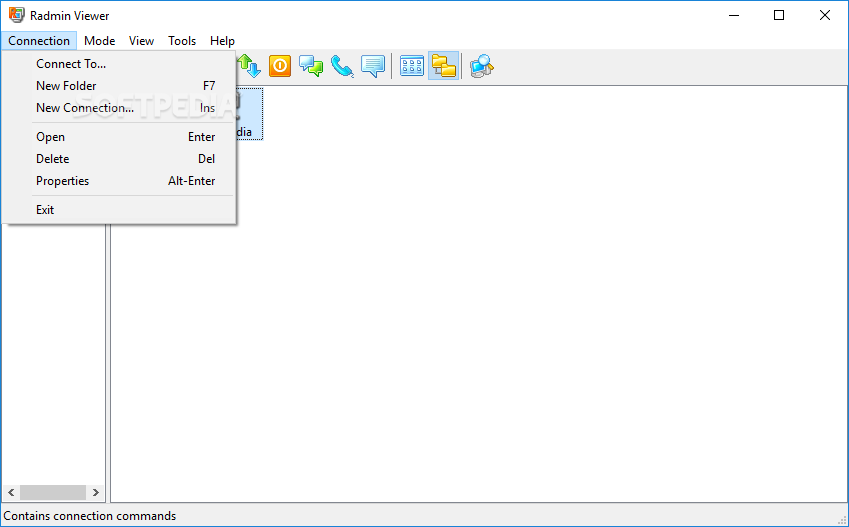
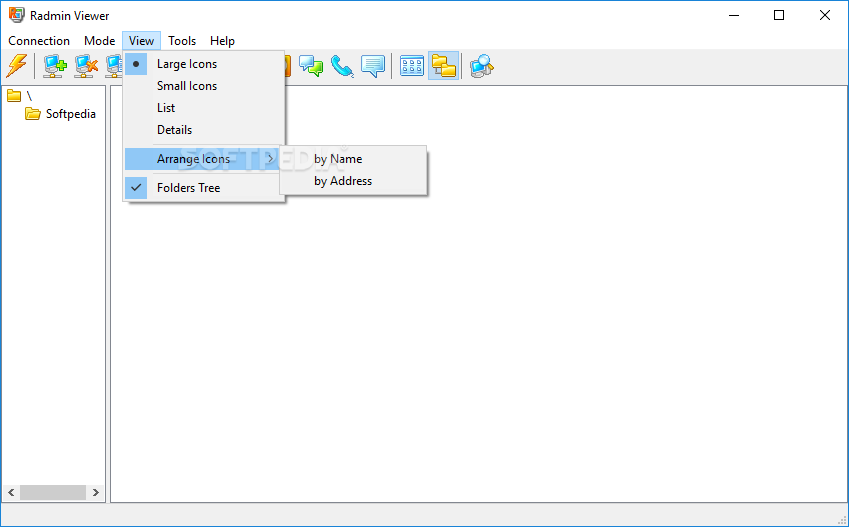
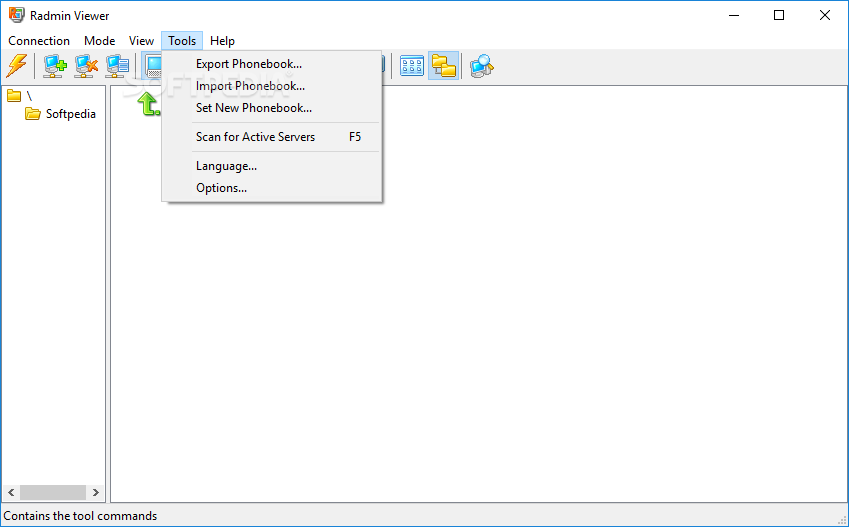
The Radmin Viewer window welcomes you as you fire up the application, allowing for rapid management of remote computers. Featuring a very intuitive interface, Radmin Remote Control does not require a high level of computer knowledge to take you from point A to point B in the fastest possible way.
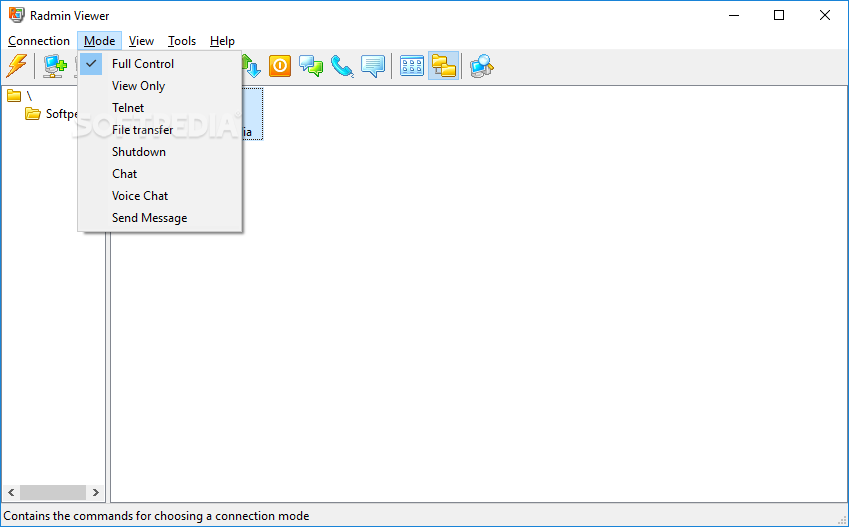
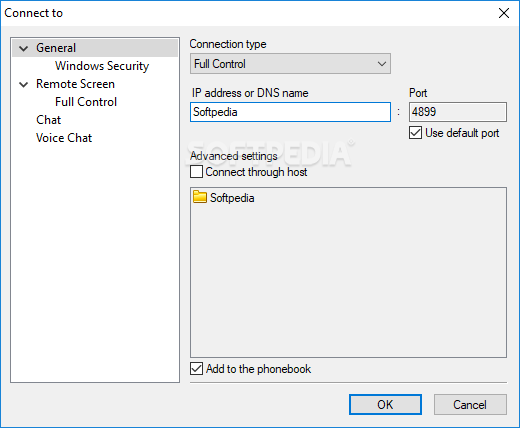
With Radmin Remote Control you can fully take control of network machines, take a sneak peek at their screens, initialize Telnet sessions or file transfers, chat or send shutdown signals. As soon as you connect to a computer, you can start using it right away.
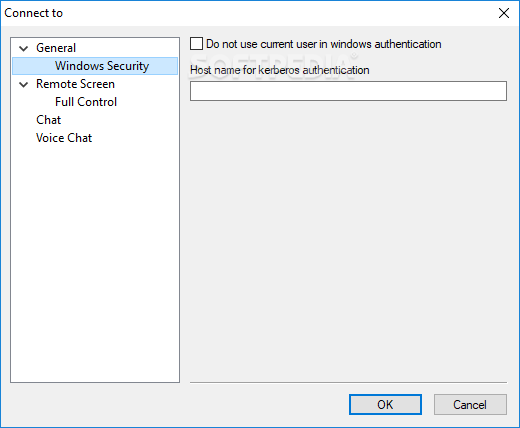
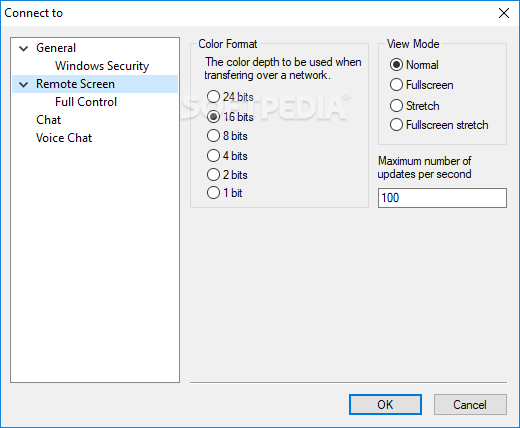
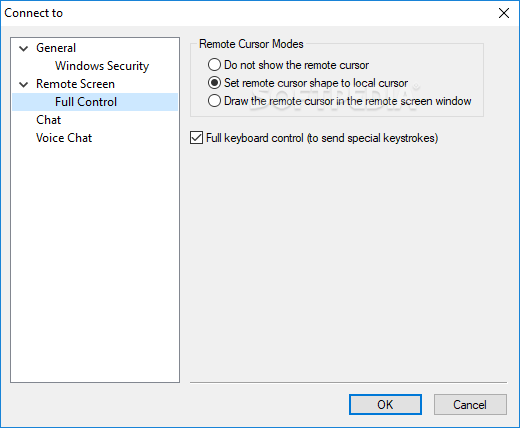
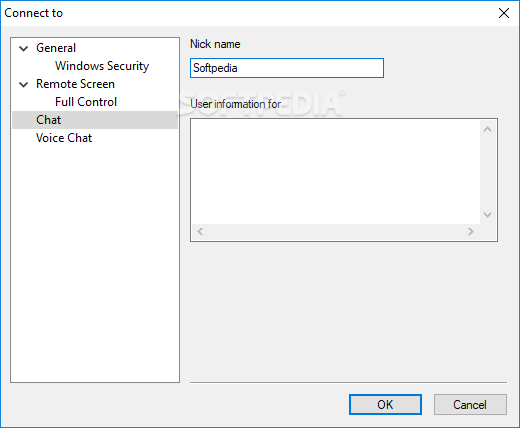
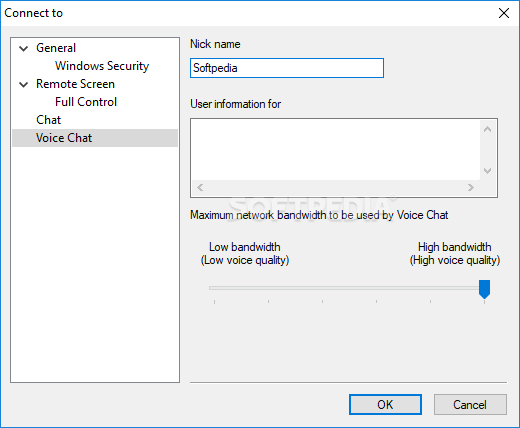
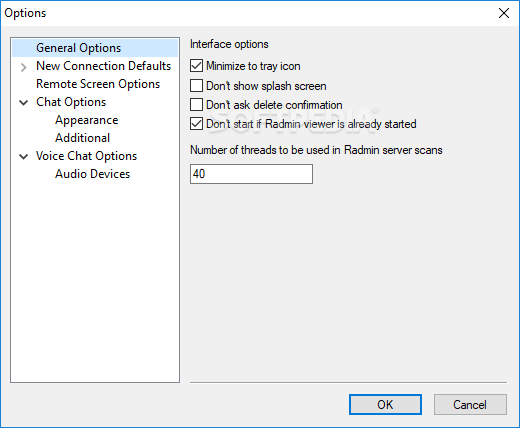
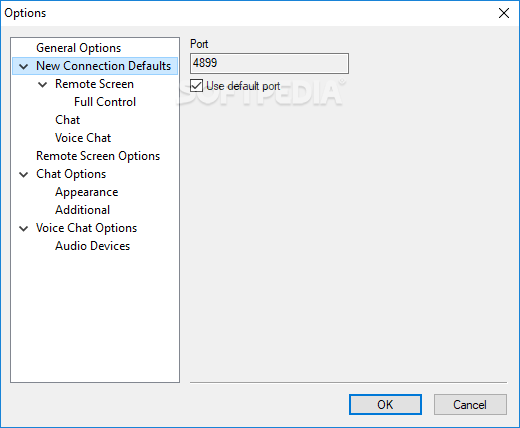
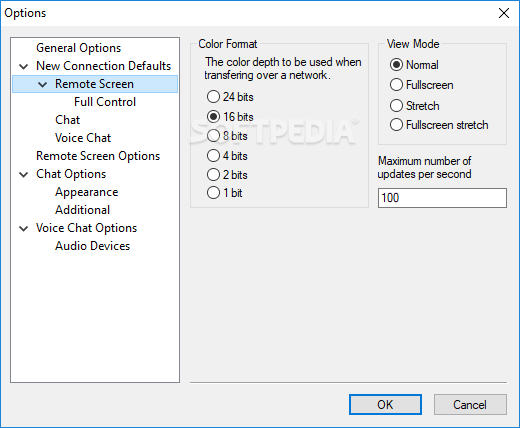
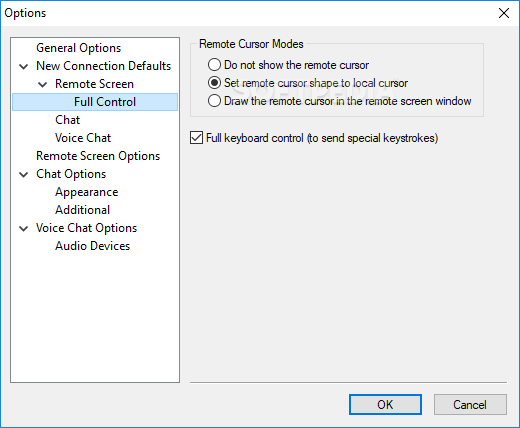
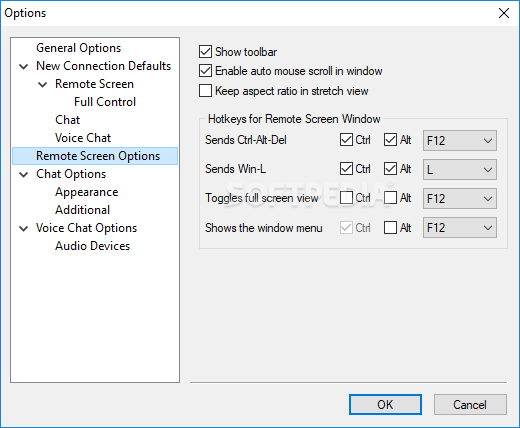
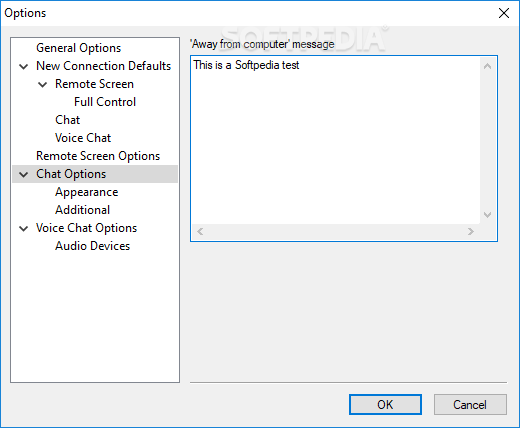
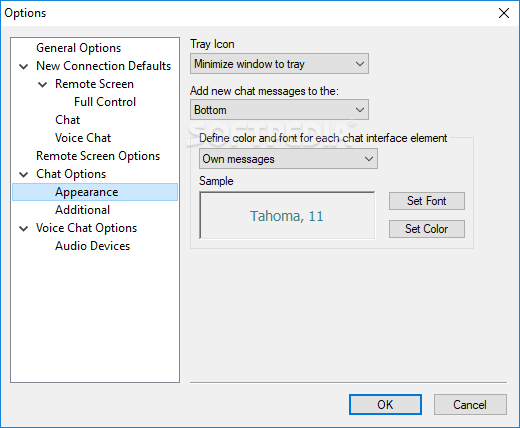
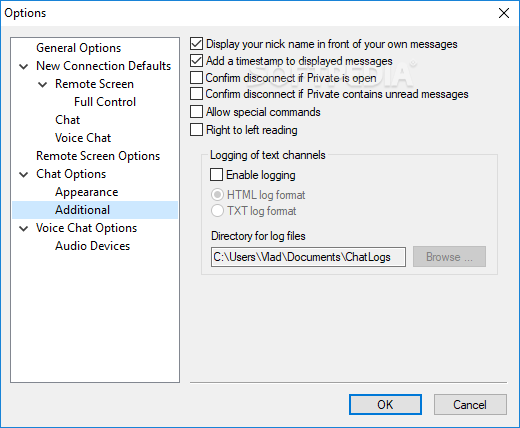
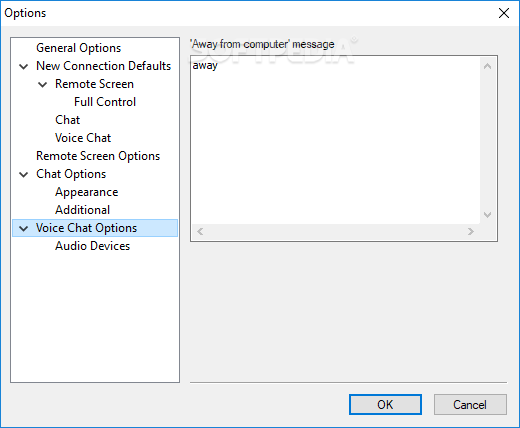
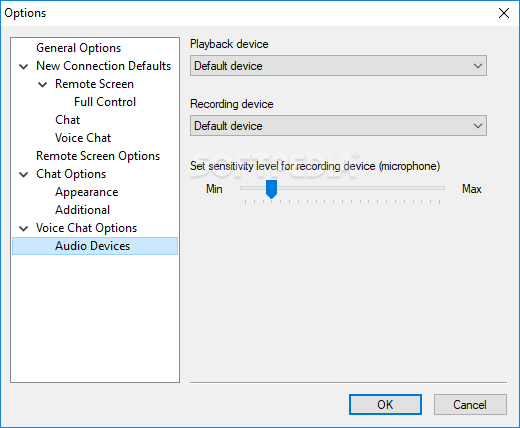
For the best results, you are offered a set of preferences to tweak and they encompass the general options, new connection defaults including remote screen, full control, voice chat or remote screen options. Other options comprise chat appearance or voice chat audio devices customization capabilities.
You must ensure that all the network computers run the Radmin service in order for the server to be able to connect to them at all time. Other than that, Radmin Remote Control comes packing top-notch encryption technology for safe connections, drag and drop support for easy file and folder sharing, phonebook storage or network server scanning.
Radmin Remote Control delivers one of the greatest remote controlling experience on the market emphasized on both looks and functionality. With this particular piece of software, administrators can accomplish more in less time, thus gaining the necessary time to concentrate on really important and burning issues that await fast yet thoughtful resolutions.
Download Hubs
Radmin Remote Control is part of these download collections: Remote Controller
What's new in Radmin Remote Control 3.5.2.1:
- In the latest release the work of program with Windows 8 and Windows
- 10 has been improved.
- Implementation of a new screen reading method removes display
- blink at the moment of connection by Radmin.
Radmin Remote Control 3.5.2.1
add to watchlist add to download basket send us an update REPORT- runs on:
-
Windows 10 32/64 bit
Windows Server 2012
Windows 2008 32/64 bit
Windows 2003
Windows 8 32/64 bit
Windows 7 32/64 bit
Windows Vista 32/64 bit
Windows XP 32/64 bit
Windows 2K - file size:
- 6.8 MB
- filename:
- Radmin_3.5.2.1_EN.zip
- main category:
- Internet
- developer:
- visit homepage
IrfanView

Microsoft Teams

ShareX

Bitdefender Antivirus Free

7-Zip

4k Video Downloader

Windows Sandbox Launcher

Zoom Client

Context Menu Manager

calibre

- Zoom Client
- Context Menu Manager
- calibre
- IrfanView
- Microsoft Teams
- ShareX
- Bitdefender Antivirus Free
- 7-Zip
- 4k Video Downloader
- Windows Sandbox Launcher