
Remotely connect to a computer through a VPC server or directly, using TCP/IP protocol, with support for multiple modes (e.g. full control, view only, file transfer etc.). #Administrator Control #Remote Administrator #Remote Control #Remote #Controller #Administrator

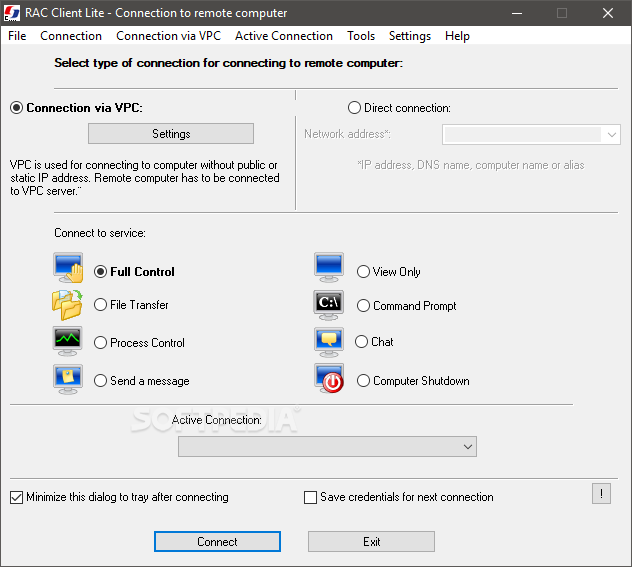
Remote Administrator Control Client Lite is a software application that provides users with a simple means of connecting to another PC in order to help another person perform an action, teach him something or transfer some files.
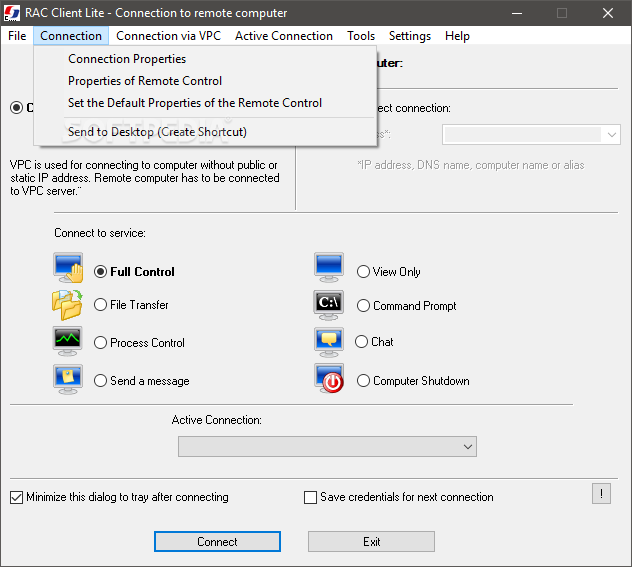
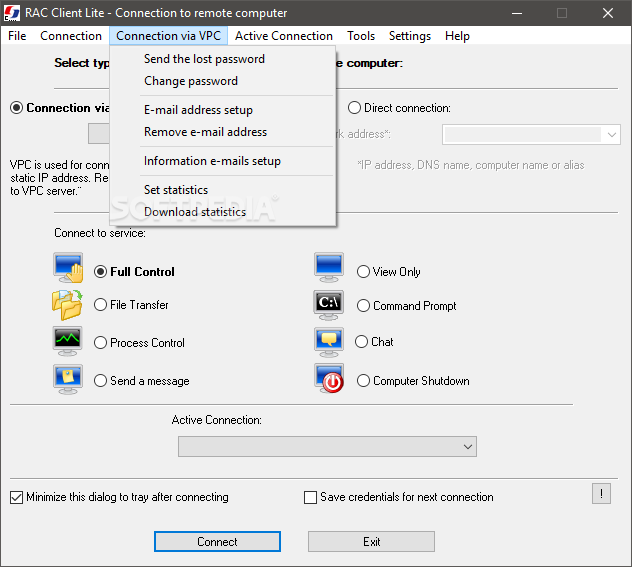
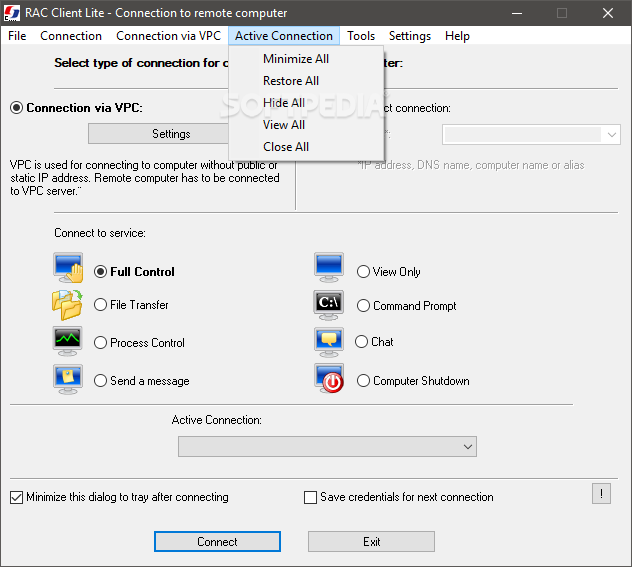
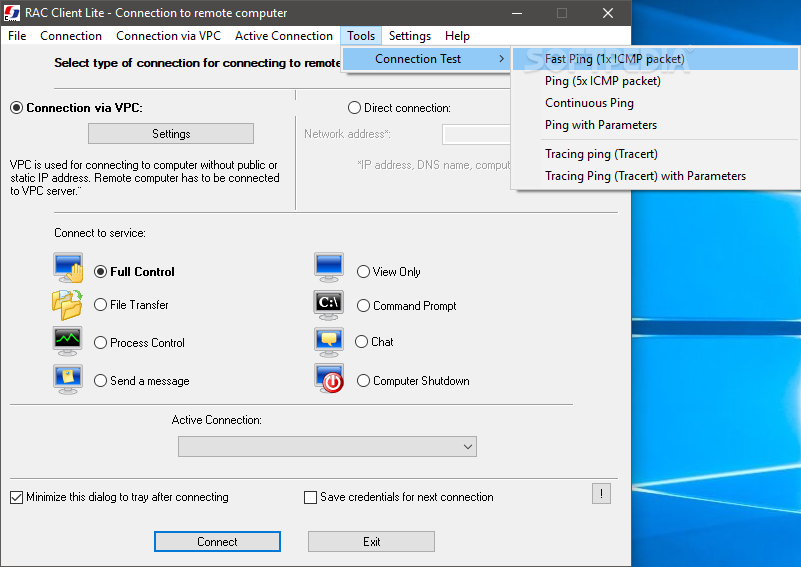
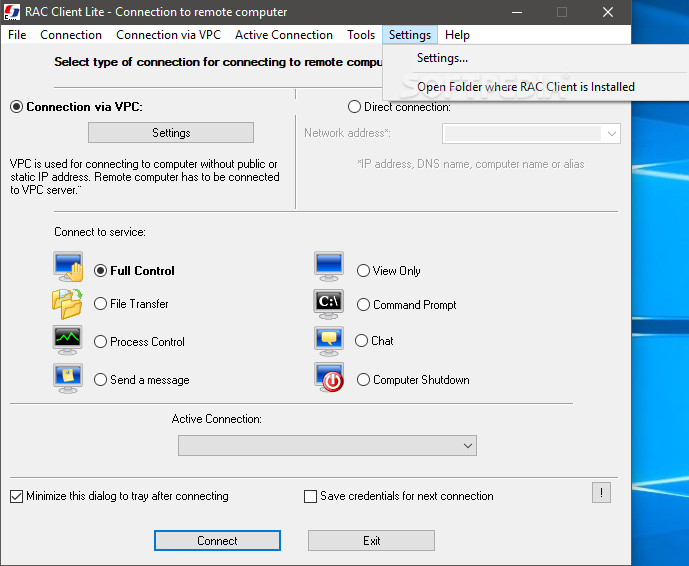
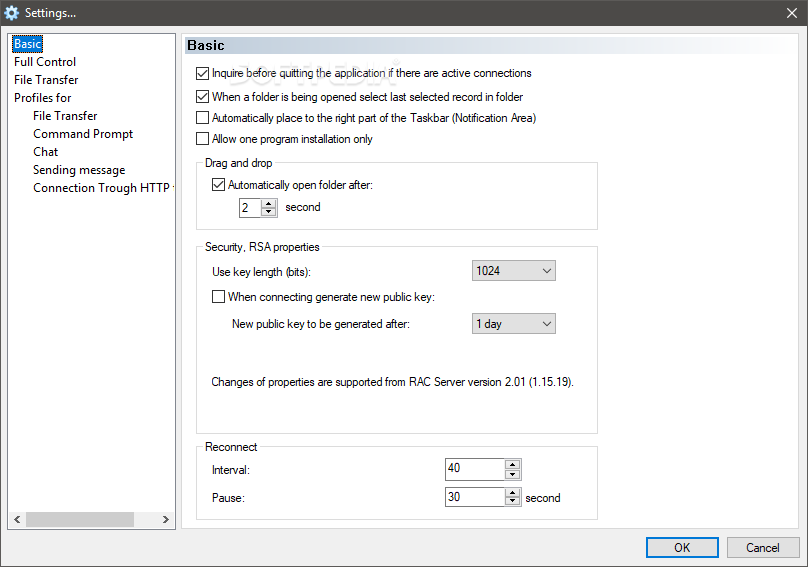
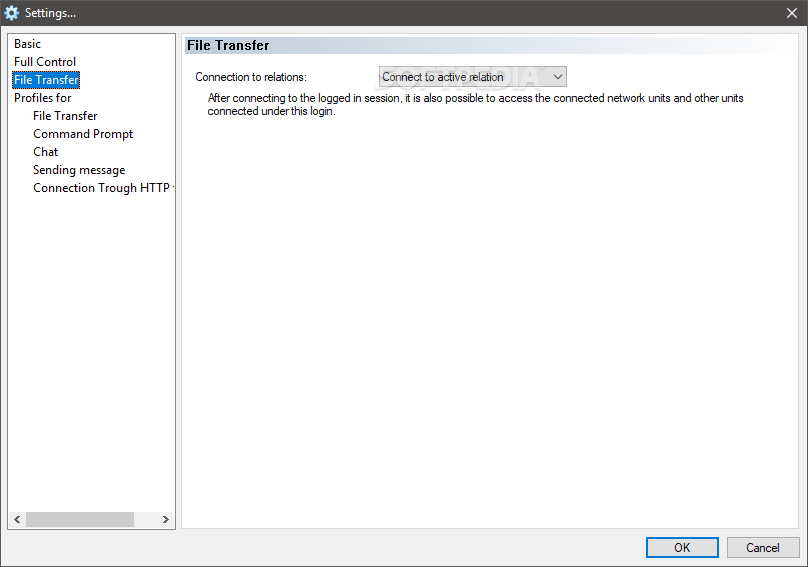
You are required to go through a simple and quick setup process, as it does not offer to download any third-party products. After completing it, you are met with a minimal and clear-cut interface. It is comprised of a menu bar, several buttons, check boxes and a few drop-down menus.
Some FAQs are provided online, thus ensuring that all user categories can find their way around it with ease, be they beginners or highly experienced people.
As stated above, there are two main methods of establishing a connection to another computer, namely through the TCP/IP protocol or a VPC server. While the first one requires you to input information such as IP address, DNS name or computer name in order to connect, the latter can do this without a public or static IP address.
In addition to that, it is possible to test a specific connection with some of the built-in tools, such as fast ping, continuous ping, ping with parameters and tracing ping.
Last but not least, you are required to specify how a connection should be made. To be more precise, you can gain full control over another PC, just transfer files, process control, send a message, view only, command prompt, chat and just shut down the PC.
To conclude, Remote Administrator Control Client Lite is a pretty efficient piece of software. It runs without popping up errors, crashing or freezing, and without burdening the computer’s performance. The interface is accessible to all and there are sufficient options to keep you glued to your computer for a while.
Remote Administrator Control Client Lite 5.0.12.0
add to watchlist add to download basket send us an update REPORT- PRICE: Free
- runs on:
- Windows All
- file size:
- 6.8 MB
- filename:
- RACClientLiteU.exe

- main category:
- Internet
- developer:
- visit homepage
calibre

Zoom Client

Windows Sandbox Launcher

7-Zip

Context Menu Manager

Bitdefender Antivirus Free

4k Video Downloader

Microsoft Teams

ShareX

IrfanView

- Microsoft Teams
- ShareX
- IrfanView
- calibre
- Zoom Client
- Windows Sandbox Launcher
- 7-Zip
- Context Menu Manager
- Bitdefender Antivirus Free
- 4k Video Downloader