
Allows remote connections over the Internet, offering you the possibility to provide assistance and control the remote PC as if you were in front of it. #Remote control #Remote connection #VNC client #VNC #Remote #Control
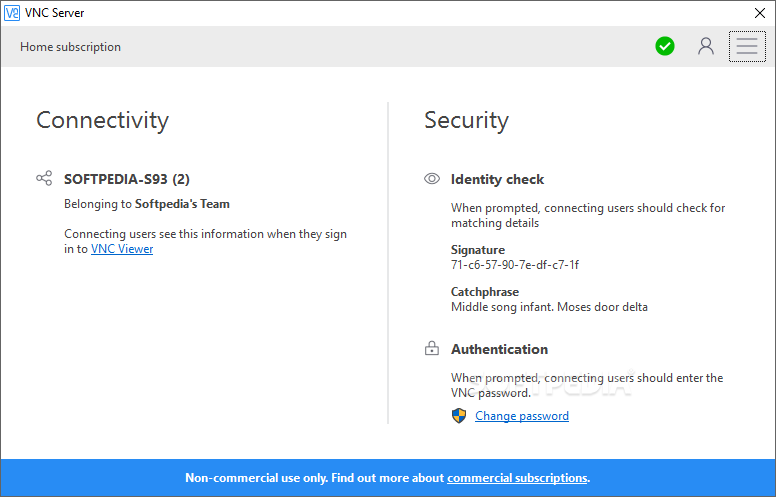
Computer evolution takes place at a fast pace and it is hard for some users to keep up with the progress. When something goes wrong with their PCs, they prefer to ask for help from their more tech savvy buddies.
To save time and to get accurate information, it is best if these friends can connect remotely to the computer they need to fix. They can use VNC Server, thus being able not only to view the connected PC’s desktop, but also to control it.
In order to use VNC Serverefficiently, the server and the viewer components need to be deployed on two different computers (this can be configured during early stages of the installation).
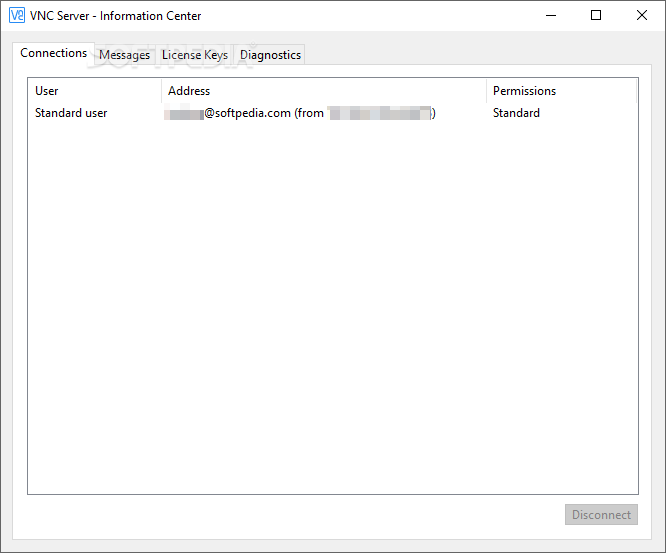
The viewer needs to connect to the server before starting any connection. Also, before actually using this application, a license key needs to be obtained online, depending on the type of features one prefers.
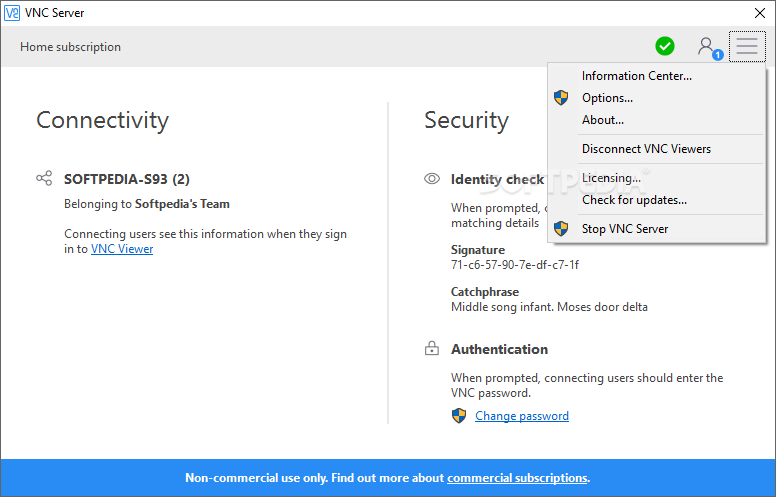
After a connection is successfully established, users can save its details for later use, thus creating a so-called VNC Address Book. They can also preview the connected PC in full screen mode, thus getting better visibility onto the broken or infected target computer.
With as much as simple mouse click, one can start a chat conversation or send the Ctrl+Alt+Del command, as well as find out the connection speed.
Experts can access the Options window of the Viewer component to enable or disable keyboard input and mouse input, activate Read-only Mode and modify the scaling method.
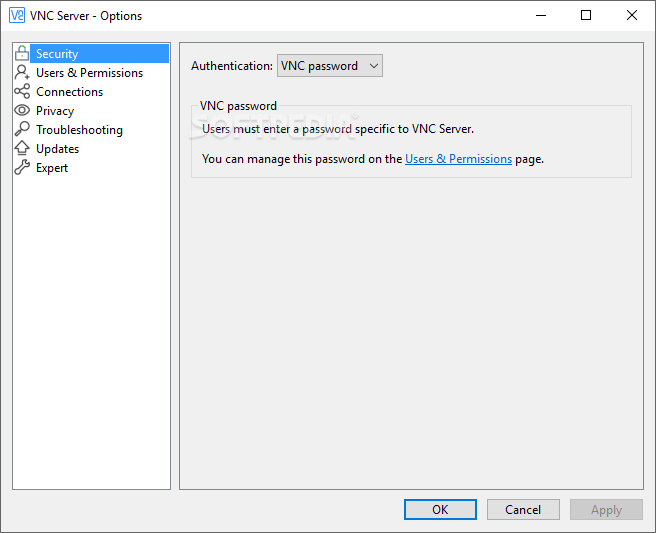
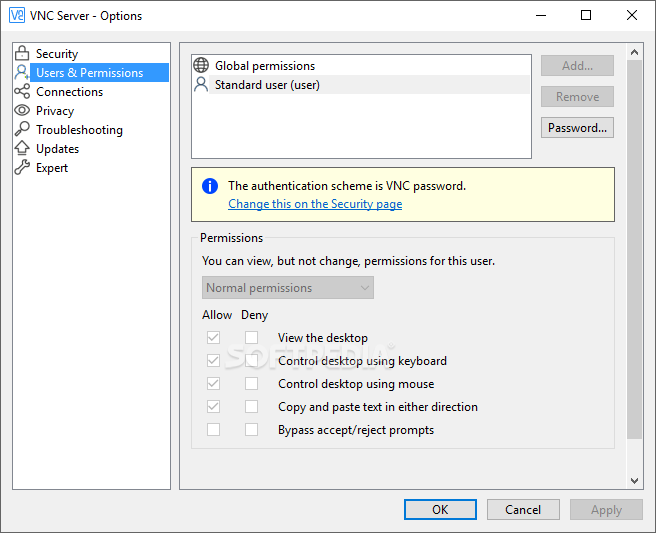
Whenever a user wants to make sure that no unauthorized personnel gets access to their apps and/or settings, they password protect them. The tool also provides this possibility, permitting each person to select a master password that will be requested before each connection.
VNC Server is a valuable tool when remote connections are necessary, or simply when users want to share printers, chat or transfer files. The software comes with a freeware license for private use, with restricted functions, so a paid license is required for business environments.
Download Hubs
VNC Server is part of these download collections: Remote Controller, VNC Clients
What's new in VNC Server 7.11.0 (r18):
- NEW: RealVNC Server for macOS now supports use of Apple’s ScreenCaptureKit API for desktop capture, on macOS 12.3 and later.
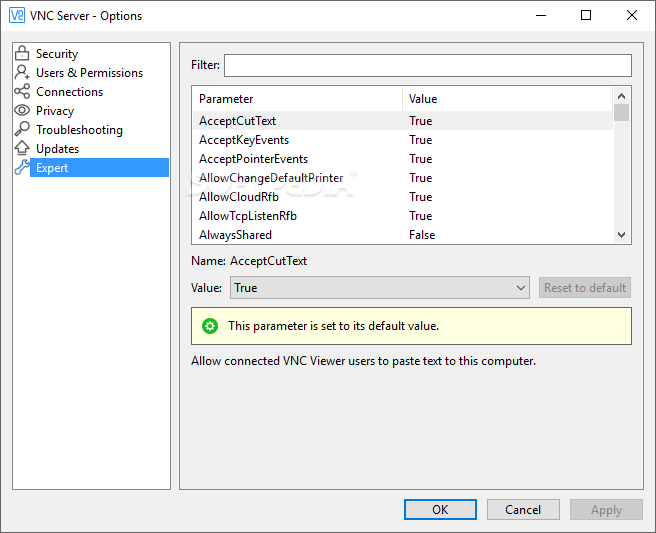
- NEW: RealVNC Server can now prevent the built-in Windows On-Screen Keyboard from being displayed to connected RealVNC Viewers. This can be enabled using the new Expert parameter HideOSKWindow.
VNC Server 7.11.0 (r18)
 Softpedia Editor's Pick
add to watchlist
add to download basket
send us an update
REPORT
Softpedia Editor's Pick
add to watchlist
add to download basket
send us an update
REPORT
- runs on:
-
Windows 11
Windows Server 2022
Windows Server 2019
Windows Server 2016
Windows 10 32/64 bit
Windows Server 2012
Windows 2008 R2
Windows 2003
Windows 8 32/64 bit
Windows 7 32/64 bit
Windows Vista 32/64 bit
Windows XP 32/64 bit
Windows 2K - file size:
- 18.6 MB
- filename:
- VNC-Server-7.11.0-Windows.exe
- main category:
- Internet
- developer:
- visit homepage
4k Video Downloader

Windows Sandbox Launcher

Context Menu Manager

7-Zip

Zoom Client

Microsoft Teams

ShareX

Bitdefender Antivirus Free

IrfanView

calibre

- Bitdefender Antivirus Free
- IrfanView
- calibre
- 4k Video Downloader
- Windows Sandbox Launcher
- Context Menu Manager
- 7-Zip
- Zoom Client
- Microsoft Teams
- ShareX